TL;DR
Here is an even shorter, bite-sized summary of the guide:
- The Problem: Manually answering comments and DMs takes too long, and slow replies cause you to lose leads and sales.
- The Solution: Use official DM automation tools to instantly send a private message to anyone who comments a specific keyword (like "LINK") on your posts.
- The Top Tool: InstantDM is the best overall choice for 2026 because it charges a flat $9.99/month for unlimited messages. ManyChat is great for big agencies, but its pricing increases as your audience grows.
- The Golden Rule: Never give an app your Instagram password or use unverified bots. Only use "Official Meta Business Partners" to protect your account from getting banned.
Why This Guide Exists
You posted a Reel yesterday. By this morning, 400 people had commented "link." You replied to 11 of them before your coffee went cold and your actual work piled up. The other 389 are gone. That moment — that exact, maddening moment — is why people start searching for the best Instagram DM automation tools in 2026.
Manual replies used to be manageable. When your audience was small, you could slide into every DM yourself. But the second your content starts gaining traction, the inbox becomes a liability instead of an opportunity. A comment that goes unanswered for three hours is a lead that warmed up and walked away.
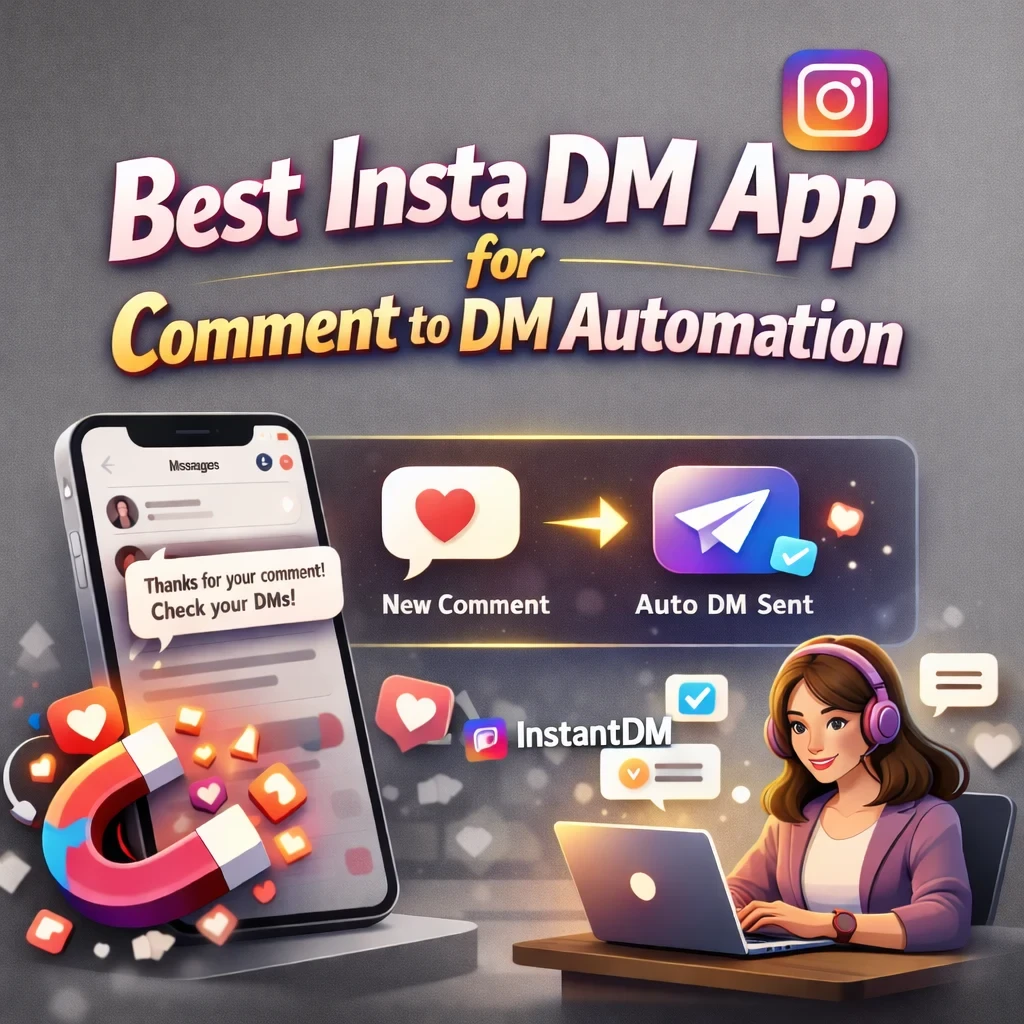
That's where a proper Insta DM app changes everything. Not the grey-zone bots from 2019 that would get your account flagged by Monday — real, Meta-verified automation that talks to Instagram's official API and sends replies the second someone engages with your post.
This guide compares the best Instagram DM automation tools available right now: what they cost, what they actually do, who they're built for, and which one earns your money. No fluff, no vague rankings — just an honest side-by-side so you can pick one and get moving.
| Pick | Tool | Price | Why |
|---|---|---|---|
| Best overall Insta DM app | InstantDM | $9.99/mo | Unlimited DMs, Meta-verified, flat rate, comment-to-DM |
| Best for agencies | ManyChat | $15–$65+/mo | Multi-platform, complex workflows, 1M+ businesses |
| Best established option | LinkDM | $19/mo | 25,000+ creators, Meta Business Partner, reliable |
| Best AI-powered | Inrō | €12.99/mo | GPT-powered responses, hands-off automation |
| Best for small business | MobileMonkey | ~$14/mo | Simple setup, low contact volumes |
| Best budget start | InstantDM free trial | Free | Test everything before paying a cent |

Why Instagram DM Automation Matters in 2026
Instagram is not a posting platform anymore. It is a sales channel, a support desk, and a lead funnel — all at once, all running through the DM inbox. And the expectations users have when they slide in or comment on your post have shifted dramatically.
A 2024 Sprout Social study found that 70% of Instagram users expect a response within 24 hours. In 2026, that window has gotten tighter. If someone comments "price?" on a product post at 11 PM and you respond at 9 AM the next day, your conversion odds have already dropped significantly. The lead went cold. They found someone else.
DMs also convert at a rate that makes email marketing look slow. When a person receives a direct message from a brand they already follow, open rates sit above 80%. That is not a misprint. Compare that to the typical 20–25% open rate for email campaigns and you understand why brands have started treating the DM inbox like a primary revenue channel rather than a customer service afterthought.
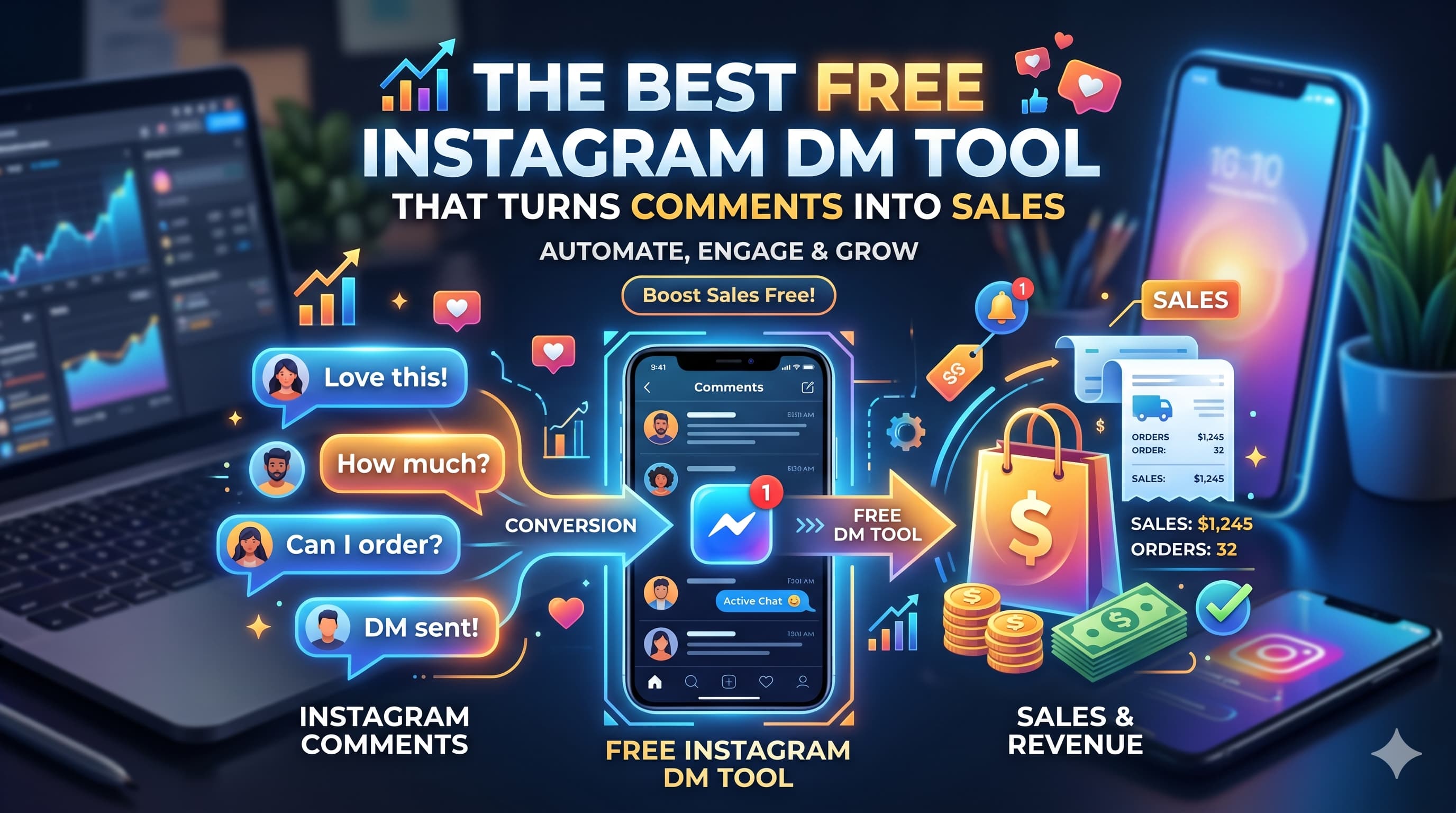
Comment-to-DM automation specifically has become one of the most effective lead capture mechanisms available on any platform. When someone comments a keyword on your post — something like "GUIDE" or "LINK" or "YES" — an automated DM reaches them within seconds. That comment is a signal of intent. Catching it instantly, before attention drifts, is the difference between a conversion and a missed opportunity. Tools doing this correctly report comment-to-DM conversion rates of 8–18%, which is extraordinary compared to most paid channels.
The safety question comes up every time automation is mentioned, and it matters. There are two categories of Instagram automation tools. The first uses Instagram's official Meta Graph API — the same pipeline Meta itself sanctions for business communication. These tools are compliant, stable, and safe. The second category uses browser emulation, session cookies, or password-login access to fake human behaviour. Meta has progressively gotten better at detecting these grey-zone approaches, and in 2026 the consequences are severe — temporary restrictions at best, permanent account deletion at worst. Any Insta DM app worth your money will be an official Meta Business Partner using the authorised API. Everything else is a gamble you should not take with an account you have spent months or years building.
What to Look for in an Insta DM App
Before comparing specific tools, here are the five things that separate a good Instagram DM automation tool from one that will waste your time or endanger your account.
1. Meta API Compliance
This is not optional. An Insta DM app that routes through Instagram's official API is permitted, monitored, and stable. One that bypasses it via browser automation will work — right up until it does not, and when Instagram patches that method, your automations go down and your account may go with them. Before paying for any tool, check that it explicitly states it is an Official Meta Business Partner. That badge is the minimum bar.
2. Pricing Model: Flat Rate vs Per-Contact
This is where a lot of creators get burned. Flat-rate pricing means you pay the same amount every month regardless of how many people interact with your automation. Per-contact pricing means your bill scales as your audience grows. For small accounts with 500 followers that model might seem cheap, but the moment a post goes viral or your follower count hits five figures, the monthly cost can quietly jump from $15 to $115 without any change in the features you are using. Flat-rate tools reward growth. Per-contact tools charge you for it.
3. Core Features
For most creators and brands, the non-negotiable features are: comment-to-DM triggers, story reply automation, keyword-based flows, and link delivery inside the DM. Beyond that, email collection inside the DM conversation, follow-gating (requiring a follow before sending a lead magnet), and personalisation tokens (using the recipient's first name) are the features that separate basic tools from ones that actually move revenue.
4. Ease of Setup
There is a real difference between tools you can configure in five minutes and tools that require you to watch three hours of YouTube tutorials before your first automation runs. For most solo creators, the simpler tool is the right tool. You need it working, not theoretically optimised. Multi-step workflow builders with conditional branching are useful for agencies — for everyone else, they are friction.
5. Support and Reliability
When your automation breaks during a product launch and 200 people are commenting "DEAL" with nothing being sent back, the quality of your support experience matters enormously. Check response times, availability hours, and whether there is a community or documentation library. Uptime records also matter — a tool down 2% of the time seems minor until that 2% lands on a post that's getting traction.
Flutebyte's article is a good, basic SEO post. However, because it focuses mostly on content schedulers rather than actual DM sales funnels, it leaves a massive gap in the market for a guide that specifically tackles Comment-to-DM lead generation.
Best Instagram DM Automation Tools Compared (2026)
Here is how the top tools stack up across the features that actually matter.
| Tool | Price | Multi-platform | Comment-to-DM | Email Capture | Follow-gating | Free Trial | Best For | |
|---|---|---|---|---|---|---|---|---|
| InstantDM | $9.99/mo | ✅ | ❌ | ✅ | ✅ | ✅ | ✅ | Solo creators, e-commerce, coaches |
| ManyChat | $15–$65+/mo | ✅ | ✅ | ✅ | ✅ | ✅ | ✅ (1K contacts) | Agencies, multi-platform businesses |
| LinkDM | $19/mo | ✅ | ❌ | ✅ | ✅ | ✅ | ✅ (7 days) | Established creators, reliability-first |
| Inrō | €12.99/mo | ✅ | ❌ | ✅ | ✅ | ✅ | ✅ (7 days) | AI-forward creators |
| MobileMonkey | ~$14/mo | ✅ | Partial | ✅ | ✅ | ❌ | ✅ | Small businesses, low volume |
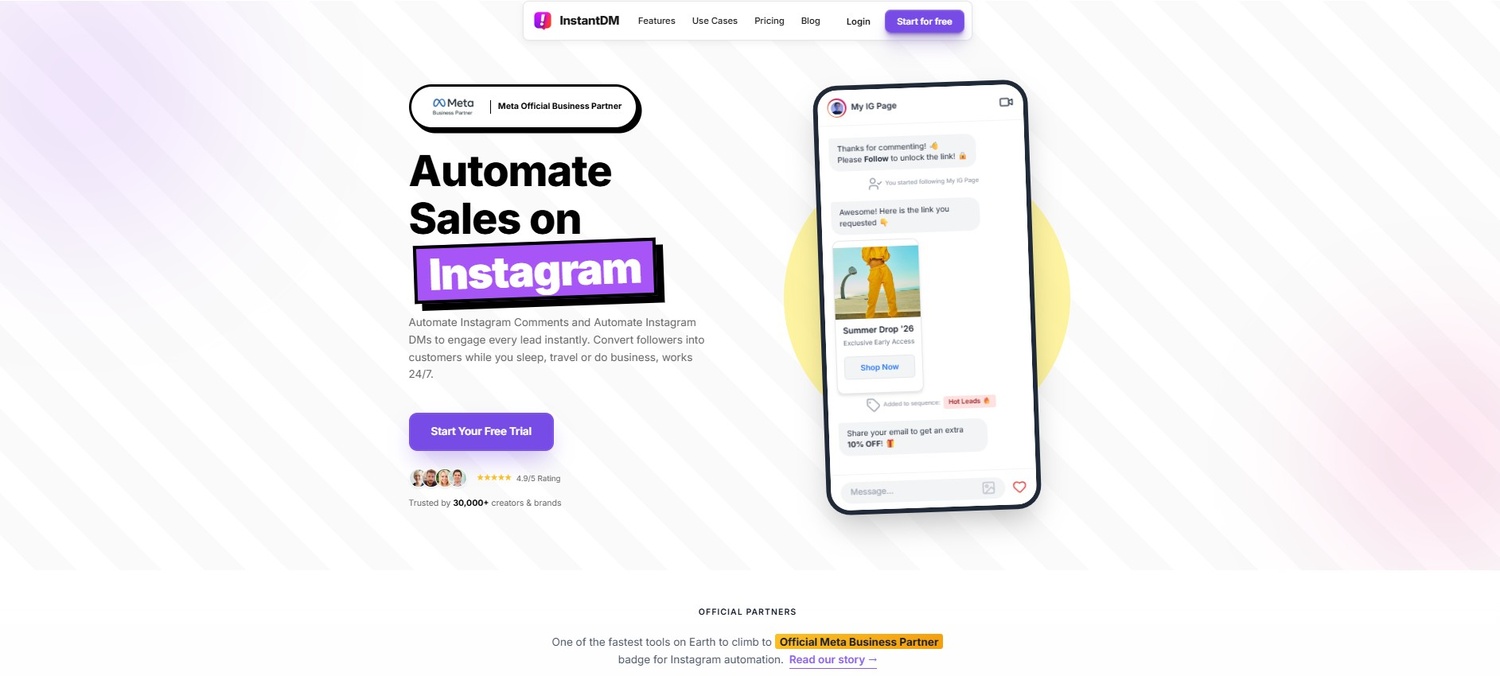
1. InstantDM — Best Overall Insta DM App
Price: $9.99/month flat rate, unlimited contacts
If you are looking for the best Insta DM app for everyday use in 2026 — one that does not punish you for growing, is safe to run at any scale, and takes less than 20 minutes to set up — InstantDM is the clear answer for the majority of creators, brands, and coaches.
It is an Official Meta Business Partner, meaning all automation routes through Instagram's sanctioned API. Your account is not at risk. The $9.99 flat rate covers unlimited DMs — whether you send 50 or 50,000 messages in a month, the price does not move.
Key features:
- Comment-to-DM automation — triggers an instant private DM the moment someone comments a keyword on your post or Reel
- Trendsetter Mode safety queue — spaces out outbound DMs at human-safe intervals during viral spikes so Instagram never flags your account for unusual activity
- Follow-gated content — checks whether a commenter follows your account before delivering a lead magnet or discount code, and nudges non-followers to follow first
- Collab post support — one of the few tools that handles automations correctly across Instagram Collab posts, where two accounts share the same content
- In-chat lead capture — collects email addresses, phone numbers, or custom inputs inside the DM conversation without redirecting anyone to an external landing page
What InstantDM does not do: there is no multi-platform support for Facebook Messenger, WhatsApp, or SMS. There are no AI-generated responses — you write the messages yourself. If you manage ten client accounts across multiple channels and need a single platform to handle all of them, this is not that tool.
But for the vast majority of creators and brand accounts that live primarily on Instagram, those limitations are not limitations at all. You want a reliable, affordable, well-supported Insta DM app that works — and this one does.
Best for: solo creators, e-commerce brands, fitness coaches, course creators, consultants, anyone doing Instagram marketing seriously on a single account.
Not for: agencies managing multiple platforms, businesses needing cross-channel automation.
Comment to Link DM - InstantDM App - App Store
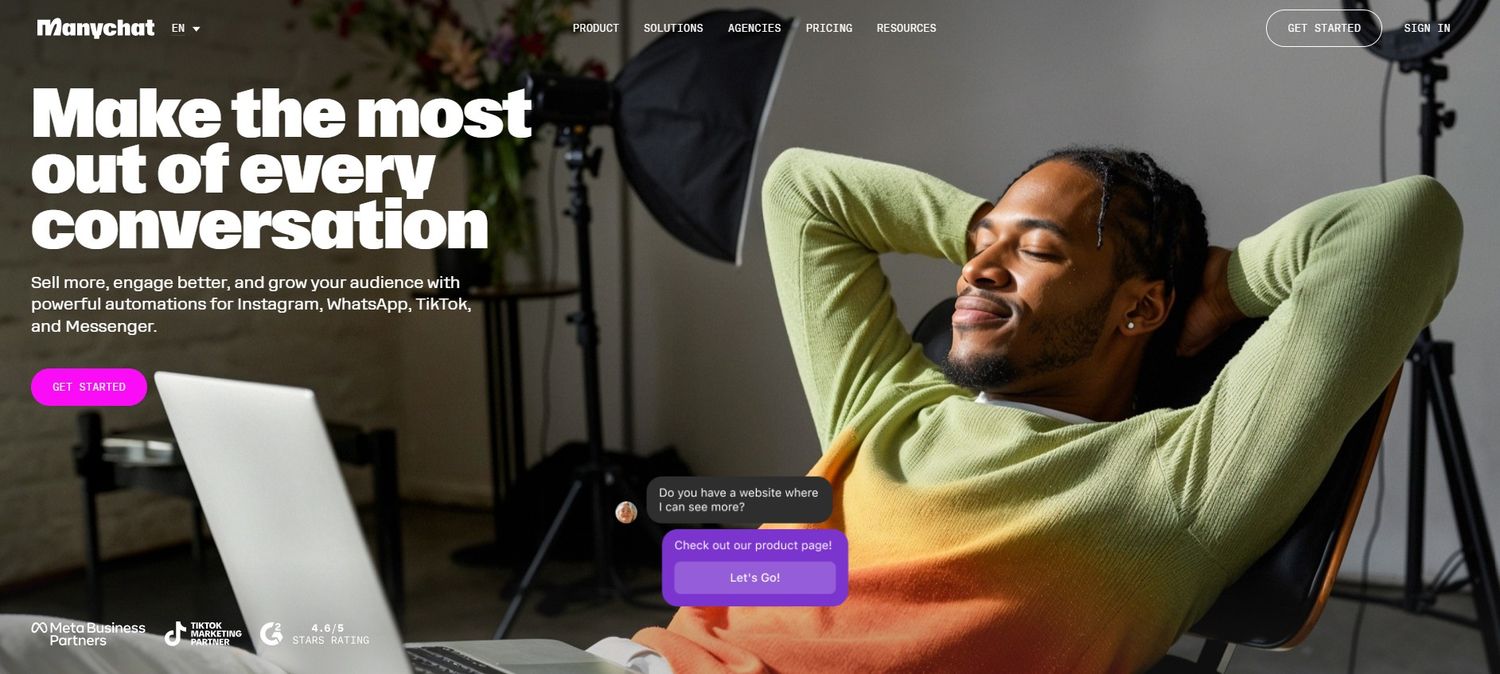
2. ManyChat — Best for Agencies
Price: $15–$65+/month, per-contact pricing
ManyChat has been in this space longer than almost anyone and has 1M+ businesses on its platform. For agencies managing complex, multi-channel campaigns across Instagram, Facebook Messenger, WhatsApp, and SMS simultaneously, it is still the tool with the deepest feature set.
The workflow builder is genuinely powerful. You can build conditional logic flows, A/B test message variants, create multi-step sequences with time delays, and run broadcasts to segmented audiences. It integrates with Shopify, Zapier, Google Sheets, Calendly, and hundreds of other platforms through native connections and the API.
The problems are real though. The learning curve is steep — most new users spend 5–10 hours in tutorials before their first automation runs correctly. And the per-contact pricing model becomes painful fast. A creator with 10,000 engaged followers can expect to pay $115/month. An agency managing multiple accounts at scale can easily hit $300–500/month before any add-ons.
If you are running campaigns across multiple Meta platforms and need enterprise-level workflow logic, ManyChat earns its price. If you just want Instagram automation to work cleanly, you are paying for features you will not use and getting a billing surprise as you grow.
Best for: agencies managing multiple clients; businesses running Instagram + Facebook and WhatsApp campaigns; and advanced users who need conditional multi-step flows.
Not for solo creators, budget-conscious operators, or anyone who wants simple Instagram-only automation.
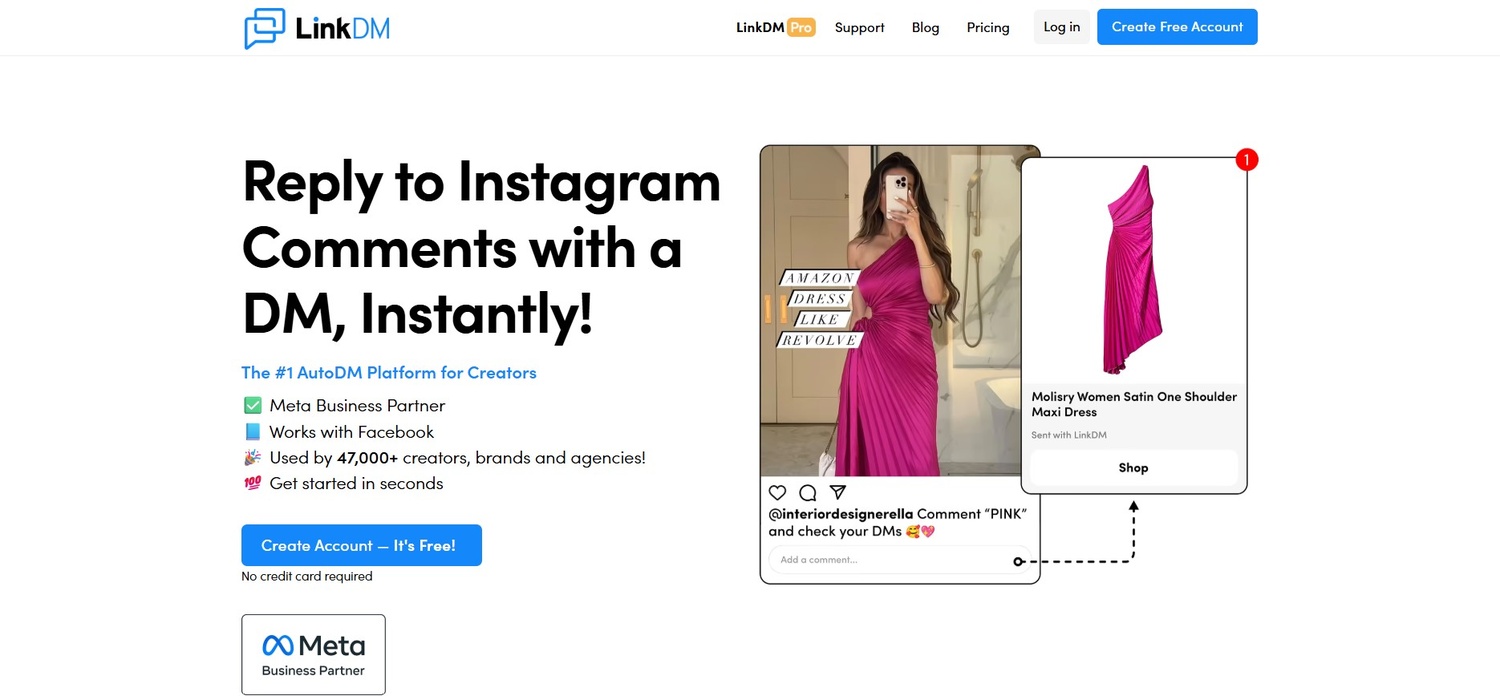
3. LinkDM — Best Established Option
Price: $19/month flat rate
LinkDM has over 25,000 creators on its platform and carries the Meta Business Partner badge. It has been a reliable presence in the comment-to-DM space for several years, and that track record is a genuine selling point for anyone who wants the "safe, established choice" over a newer entrant.
The feature set covers all the essentials: comment-to-DM, story reply triggers, keyword flows, email collection, and follow-gating. Setup is straightforward, comparable to other tools in terms of complexity. Support receives consistently positive reviews, particularly for response speed.
The two common criticisms are that the UI feels a generation behind the newer tools, and at $19/month it costs more than tools for broadly similar Instagram-only functionality. Neither is a dealbreaker, but they are worth knowing before you sign up.
If you want a tool with a proven record, an active user community you can tap for advice, and no surprises around compliance or uptime, LinkDM is a solid choice.
Best for: creators who want a well-established platform with a large community, risk-averse users who prefer longevity over novelty.
Not for: budget-first creators, anyone prioritising modern UI design.
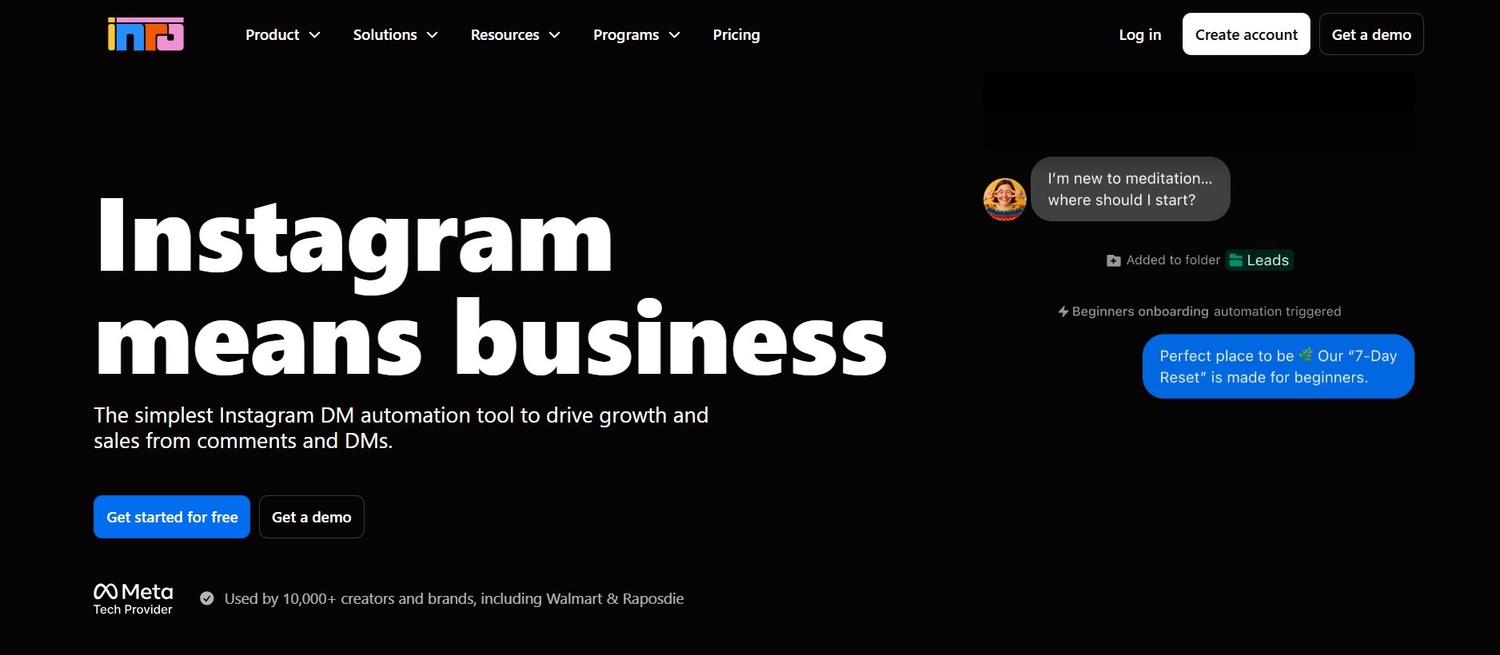
4. Inrō — Best for AI-Powered Responses
Price: €12.99/month (~$14)
Inrō takes a different approach from the rest of this list. Rather than having you write every message manually, it uses GPT-powered AI to generate contextual responses based on your content and guidelines. A user comments on your post, and instead of a pre-written DM you chose word for word, an AI-crafted message goes out that references the specific post, addresses the comment's intent, and continues the conversation naturally.
For creators who want genuinely hands-off automation and trust AI to stay on-brand, this is a compelling offer. Inrō handles multi-turn conversations, meaning if a user asks a follow-up question after the first DM, the AI responds rather than the conversation dying because the next step was not pre-programmed.
The downside is control. You set guidelines and tone preferences, but you are not approving every message before it sends. For brands with strict compliance requirements, specific offer language that cannot deviate, or a tightly managed voice, handing that to an AI introduces risk. Users have reported occasional off-brand responses when the AI misinterprets context.
Best for: creators comfortable with AI managing the conversation, accounts with high comment volume that would take significant time to manage manually, people who value hands-off operation over exact message control.
Not for: brands with strict messaging compliance, creators who need exact control over every word that reaches their audience.
5. MobileMonkey — Best for Small Business
Price: ~$14/month entry level
MobileMonkey, rebranded as Customers.ai in some markets, is positioned at smaller businesses running basic automation on Instagram. It supports comment-to-DM and keyword triggers through Meta's official API, and its interface is accessible enough that someone with no prior automation experience can get started without much friction.
The limitations show at scale. Contact caps on lower-tier plans constrain growing accounts, the flow builder is less refined than LinkDM, and detailed analytics are not a strong suit. For a local business running occasional promos with modest engagement, it works. For anyone expecting consistent high volume or wanting to build more sophisticated flows, most users end up migrating to a more capable tool within a few months.
Best for: local businesses, newer creators with very tight budgets, accounts with low monthly engagement volumes.
Not for: growing creators, anyone expecting viral-level comment spikes, or accounts needing robust analytics or flow logic.
How to Set Up Instagram Comment-to-DM Automation (Step by Step)
The complete guide to Instagram DM automation covers this in depth, but here is the practical setup walkthrough using InstantDM — the fastest path from zero to a live automation.
Step 1: Connect your Instagram account via Meta OAuth
InstantDM connects to Instagram through Meta's official OAuth flow — the same system you use to log into any legitimate Meta-integrated app. You will need an Instagram Business or Creator account linked to a Facebook Page. From the InstantDM dashboard, click "Connect Instagram," authorise the connection through Meta, and the integration is live within two minutes. You never hand over your Instagram password. Any tool that asks for it directly is not using the official API.
Step 2: Choose your trigger event
You can trigger automation from several entry points: a keyword comment on a post or Reel, a story reply, a story mention, or a direct keyword sent to your inbox. For most use cases, the comment keyword trigger is where you want to start. Navigate to "New Automation," choose "Comment Trigger," and define your keyword — something specific enough that it will not fire accidentally. "GUIDE," "LINK," "YES," "PRICE," or "FREE" all work well. You can also set "any comment" as the trigger if you want to respond to every person who engages.
Step 3: Build your message flow
This is where you write what actually gets sent. Keep the first DM short and direct — acknowledge the comment, deliver the value promised (a link, a discount code, a free resource), and include a soft question to keep the conversation open. Use the first-name personalisation token so every message opens with the recipient's name rather than a generic greeting. After the first message, you can add a follow-up DM that fires automatically if the person does not click within 24 hours — a gentle nudge that frequently doubles the conversion rate on that first message.
Step 4: Set up follow-gating (optional)
If your automation is delivering a lead magnet, a discount code, or exclusive content, enabling follow-gating is worth doing. When a non-follower triggers your automation, the system sends them a message asking them to follow your account first, then automatically delivers the promised content once they do. It is the cleanest way to turn comment-driven traffic into permanent followers rather than one-time interactions.
Step 5: Activate and test from a secondary account
Before going live, test the full flow. Have a secondary Instagram account (or ask a trusted contact) to comment the trigger keyword on your post. Walk through every step of the DM flow as a recipient. Check that the personalisation token resolves correctly, that all links work, that the follow-gating prompt fires for non-followers, and that the follow-up message is correctly delayed. A broken automation that goes live on a viral post will hit thousands of people before you notice it.
Step 6: Monitor analytics after launch
InstantDM's analytics dashboard shows you how many DMs were sent, how many were opened, the click-through rate on any links included, and conversion events if you have connected a downstream tool. Check these after the first 48–72 hours of a new automation and look for drop-off points. If open rates are high but click-through is low, your message copy or your link offer needs work. If trigger volume is low, your caption's call to action ("comment GUIDE below") is not compelling enough.
The entire setup — account connection, trigger configuration, message writing, testing — takes under 20 minutes the first time. The second automation you build takes five.
Example of Dealism's AI sales agent using natural dialogue to guide an Instagram user from a product inquiry to a completed checkout. How to Get Started With Instagram DM automation 2026
Real Results — What Creators Are Achieving
Numbers are the most honest way to set expectations, so here is what actual Instagram DM automation is producing in 2026.
A mid-size fitness apparel brand with 180,000 followers implemented comment-to-DM automation on their product launch posts in early 2026. The setup: any comment containing "SHOP" on a product post triggered an instant DM with a personalised discount code and direct product link. Over 90 days, the results were:
- 12,400 automated DMs sent
- 68% DM open rate
- 14.2% conversion rate to purchase
- 380% increase in Instagram-attributed revenue compared to the same quarter the previous year
- Total monthly cost: $9.99
That last number is not a typo. For less than the cost of a streaming subscription, the automation was running 24/7, catching every warm lead, and converting at a rate most paid ad campaigns never touch.
For context, here are the benchmark ranges across different automation types based on aggregated user data:
| Automation type | DM open rate | Conversion rate |
|---|---|---|
| Comment-to-DM (keyword trigger) | 65–80% | 8–18% |
| Story reply automation | 70–85% | High intent, varies by offer |
| Welcome DM (new follower) | 55–65% | 3–8% |
| Broadcast to opted-in list | 60–75% | 5–12% |
Email marketing averages a 20–25% open rate. Paid social clicks average 1–3% CTR. DM automation sits above both — by a significant margin — because the person receiving the message already chose to engage with your content. The intent was already there. The automation just closes the gap between their action and your response.
Pricing Comparison — Flat Rate vs Per-Contact
This is the part of the conversation most tool comparison articles skip, because the math makes some popular tools look expensive. Here it is clearly.
At 1,000 engaged followers per month:
| Tool | Monthly cost |
|---|---|
| InstantDM | $9.99 |
| MobileMonkey | ~$14 |
| ManyChat | $15 |
| LinkDM | $19 |
| Inrō | ~$14 |
At 5,000 engaged followers per month:
| Tool | Monthly cost |
|---|---|
| InstantDM | $9.99 |
| Inrō | ~$14 |
| LinkDM | $19 |
| ManyChat | $60 |
| MobileMonkey | Upgrade required |
At 10,000 engaged followers per month:
| Tool | Monthly cost |
|---|---|
| InstantDM | $9.99 |
| Inrō | ~$14 |
| LinkDM | $19 |
| ManyChat | $115 |
At 25,000 engaged followers per month:
| Tool | Monthly cost |
|---|---|
| InstantDM | $9.99 |
| Inrō | ~$14 |
| LinkDM | $19 |
| ManyChat | $260+ |
The pattern is clear. Every flat-rate tool stays fixed regardless of how large your audience gets. ManyChat's per-contact pricing climbs in direct proportion to your growth, which means the more successful your Instagram account becomes, the larger your monthly automation bill.
For growing creators — people who are actively working to build an audience — flat-rate pricing is almost always the smarter model. The money you would spend on a scaled ManyChat plan at 10,000 or 25,000 contacts is better spent on content, ads, or the product itself.
The one scenario where per-contact pricing makes sense is a large agency managing many client accounts simultaneously, where ManyChat's multi-platform features and workflow depth justify the cost. For everyone else, flat rate wins.
Common Mistakes to Avoid With Instagram DM Automation
Even with the right tool, it is easy to set up automation that underperforms or creates problems. These are the five mistakes that show up most often.
1. Using grey-zone or non-API tools
The cost difference between a cheap grey-zone bot and a legitimate API-based tool is usually $5–10 per month. The risk difference is your entire account. Grey-zone tools that bypass Meta's API — browser bots, session cookie scrapers, tools that require your Instagram password — are in a constant arms race with Meta's detection systems, and in 2026 Meta is winning. If you have spent two years building an audience, do not risk it to save ten dollars a month.
2. Over-automating and removing all human presence
Automation is excellent at handling high-volume, repetitive, top-of-funnel interactions — the "send me the link" comments, the "what's the price" DMs, the lead magnet requests. It is not good at replacing a real conversation when a potential customer has a nuanced question, a complaint, or is ready to Make a large purchase. Set up your automation to handle the routine volume and flag or hand off complex conversations to a real person. The hybrid approach converts better than full automation every time.
3. Not testing the full flow before going live
A broken link, a typo in a personalisation token, a follow-gating trigger that fires when it should not — these errors go out to every person who triggers your automation until you catch them. Test every new flow from a secondary account before activating it. Walk through the entire experience as a recipient. Check every message, every link, every conditional path. It takes ten minutes and saves you from a wave of broken first impressions.
4. Sending too many automated messages too quickly
Instagram's API enforces messaging frequency limits that vary by account type and history. As a practical rule, avoid sending more than one unsolicited broadcast per week to any given contact, and make sure your tool has rate-limiting built in for high-volume scenarios. Trendsetter Mode handles this automatically — during comment spikes it spaces out DMs at human-safe intervals — but if you are using a tool without that feature, monitor your send rates manually.
5. Writing generic, robotic-sounding messages
The purpose of automation is to give people a faster version of the personalised experience they would get if you were sitting at your phone replying manually. A message that opens with "Hello valued customer, your request has been received" does not accomplish that. Use first-name personalisation tokens. Reference the trigger context ("Thanks for commenting on my latest Reel"). Write the message the way you would actually speak if you were texting that person yourself. The technology disappears when the message sounds human.
Which Instagram DM Automation Tool Should You Choose?
Here is the shortest version of everything above.
If you are a solo creator, coach, e-commerce brand, or anyone running a single Instagram account and wanting automation that works cleanly without complexity or escalating costs, InstantDM is your tool. It is the best Insta DM app for that use case in 2026, and at $9.99/month with unlimited contacts it is genuinely hard to argue against.
If you are an agency managing multiple client accounts across Instagram, Facebook, WhatsApp, and potentially SMS — ManyChat is built for you. The learning curve and the per-contact pricing are real, but no other tool matches its multi-platform depth.
If you want the established, well-supported choice with a large user community and a proven track record — LinkDM at $19/month is the reliable alternative.
If you are comfortable handing message writing to AI and want the most hands-off operation possible — Inrō is worth the trial period.
If you are just starting out, have a tight budget, and want to test whether automation works for your account before committing — start with InstantDM's free trial. Get your first comment-to-DM flow live, run it for a week, and see the results before you pay anything.
The honest truth is that for the majority of people reading this, the tool choice matters far less than actually setting up the automation and letting it run. Pick one from this list, get it live on your next post, and the difference in how you manage Instagram will be immediately obvious.
If you're ready to turn those individual messages into a complete automated sales system, our guide to IG DM funnels shows how to build multi-step sequences that convert followers into paying customers 24/7.
Try It Yourself
The fastest way to know whether Instagram DM automation works for your account is to test it on a real post with a real audience. InstantDM's free trial gives you everything — comment-to-DM, story reply automation, follow-gating, email capture, analytics — with no credit card required at signup.
Set up your first automation before your next Reel goes live. The next time 400 people comment "link," every single one of them gets an instant DM. You do not touch the phone.
Start your free trial at InstantDM →
Next Steps and Related Content
Once your Instagram DM automated lead generation system is up and running, you can use these connected resources to maximise its effectiveness and enhance your results:
- The Complete Guide to Instagram Comment-to-DM Automation (2026)
- How to Set Up Auto DM on Instagram: A Step-by-Step Guide for 2026
- A Comparison of the Best Instagram DM Automation Tools (2026)
- How to Use Claude AI to Automate Your Instagram DMs
- Beyond Instagram: The Power of DM Automation in Marketing
- Best Instagram DM Apps in 2026: Complete Comparison
- Instagram DM Automation Setup Tutorial for Beginners
- How to Choose the Right DM Tool for Your Business
- DM Automation vs Manual Replies: What Works Better
Watch: Instagram DM Automation Tools Compared
See how top creators pick the right DM tools for their workflow:
Affordable Instagram DM Automation in 2026: What It Actually
Instagram Comment to DM Automation: The Complete Setup Guide
15 Best ManyChat Alternatives for Instagram Automation in 20
Best Instagram Automation Tools 2026 | InstantDM