Quick Summary
-
Auto DMs on Instagram help creators and businesses respond instantly without manually replying to every message.
-
Instagram DM automation is triggered by user actions like comments, story replies, or keywords, keeping interactions relevant.
-
Using an Instagram comment automation tool saves time, boosts engagement, and improves lead conversions.
-
Safe, rule-based automation tools protect your account while maintaining a personal, human tone.
-
When set up correctly, auto DMs scale your engagement without sacrificing authenticity or control.
Introduction
Let’s be real - Instagram is easily one of the best places for creators and brands to grow right now. But there’s a catch that no one tells you about: as your following grows, your inbox starts to explode. Trying to manually reply to every single comment, story mention, and message quickly turns into a grueling full-time job.
That constant pressure to “reply fast” can quietly drain your energy. Before you know it, you’re spending more time answering the same three questions than actually creating content or running your business.
That’s exactly why so many people are moving toward auto DMs. It’s not about being lazy or impersonal; it’s about responding while the interest is fresh and reclaiming your life without letting your engagement drop. When you use them the right way, auto DMs let you stay present for your audience without being glued to your phone 24/7.
What Exactly Is an Auto DM?
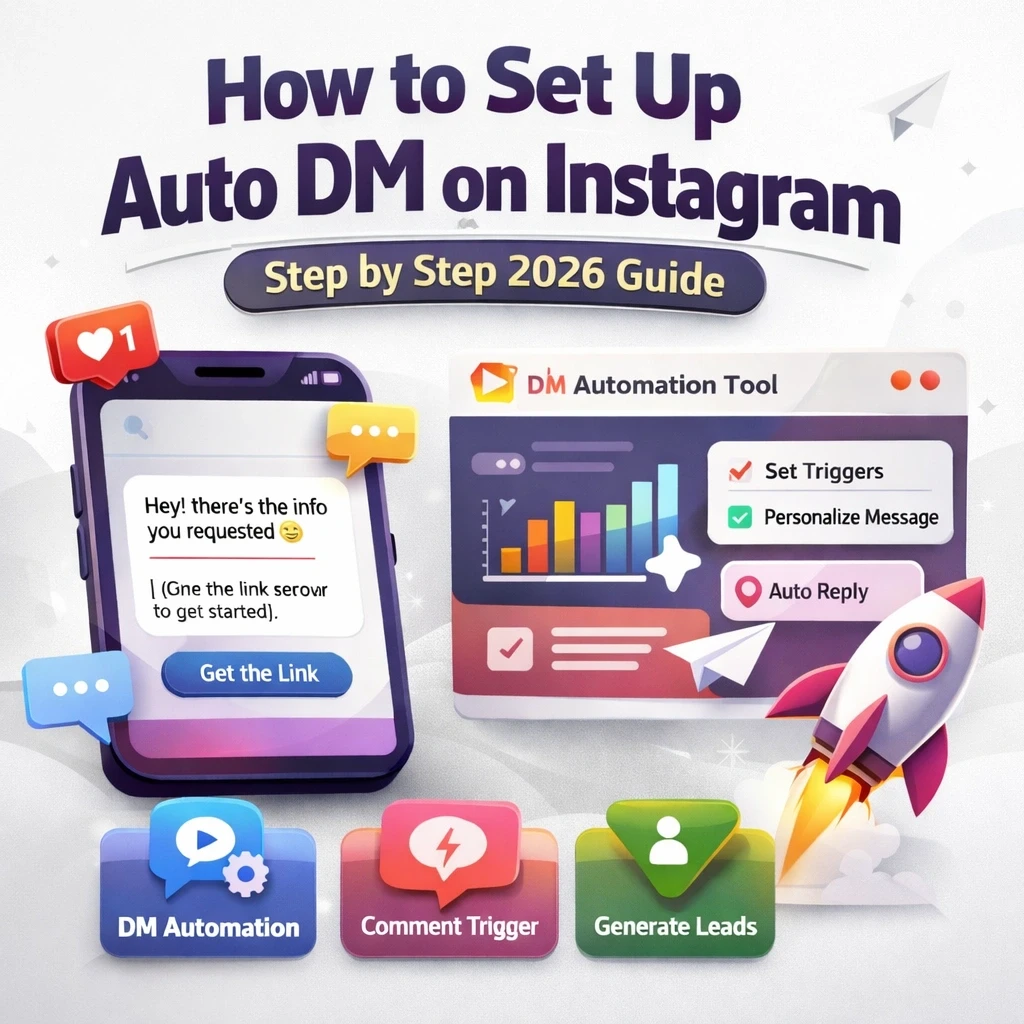
At its core, an auto DM (automated direct message) is a message triggered by a specific action. Instead of you hitting “send” a hundred times, a rule you’ve set up handles it based on how people interact with your profile.
The best part? These messages don’t just pop up out of nowhere. They only fire when a user does something intentional, which keeps the interaction feeling relevant rather than spammy.
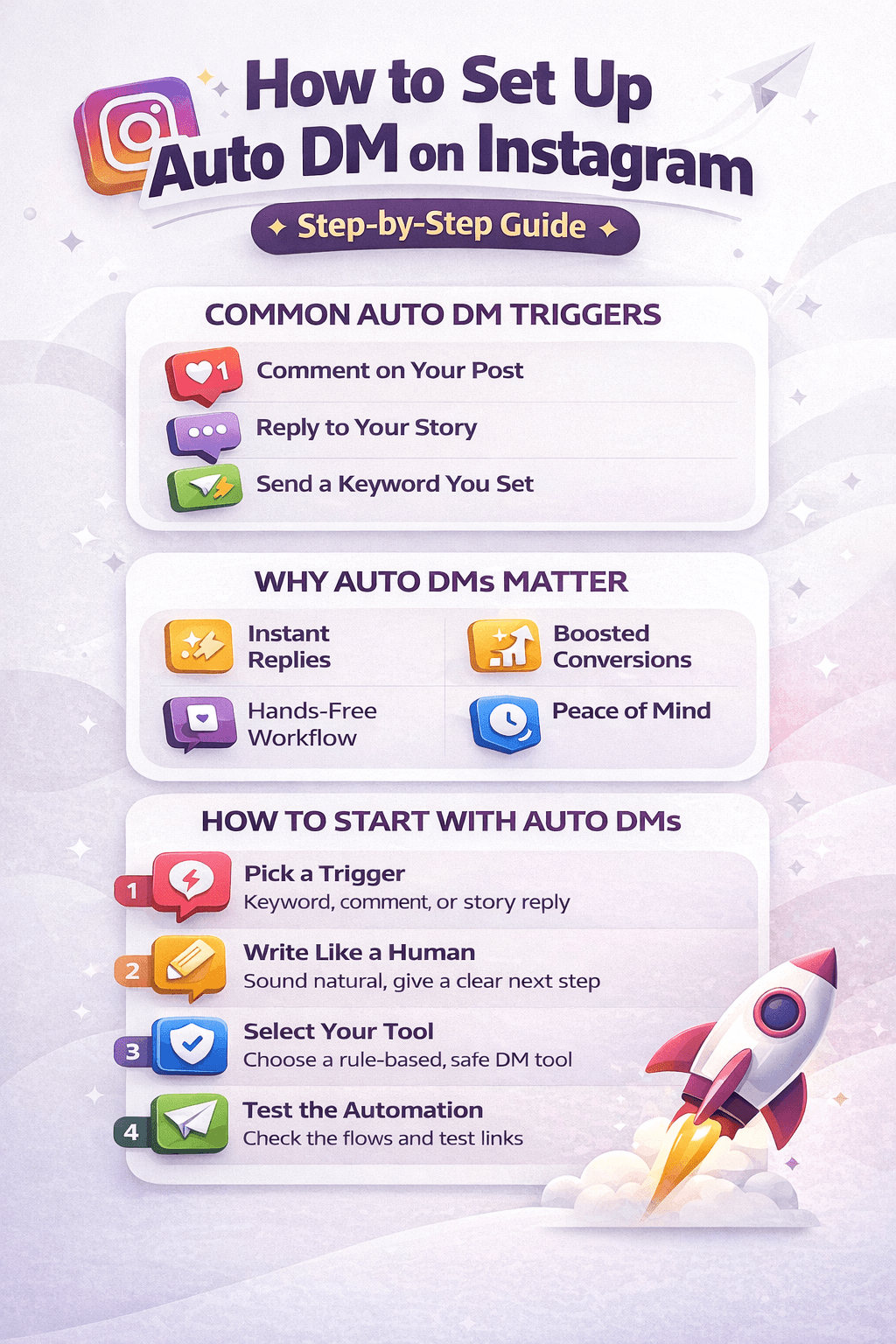
Common Auto DM Triggers
-
Someone leaves a specific comment on your latest post
-
A follower replies to your Instagram story
-
A user sends a keyword you’ve requested
-
A new follower reaches out for the first time
Most businesses use these messages to send welcome notes, capture leads, deliver digital downloads, or answer repetitive support questions. At scale, this creates consistency that feels timely and helpful.
Why Auto DMs Are Actually Worth Your Time
People on Instagram expect things to move fast. If you take six hours to reply to a simple question, that person has likely already moved on. Speed matters - especially when interest is high.
Key Benefits of Auto DMs
-
Instant Gratification: Followers get answers immediately
-
Better Flow: Links and sign-up forms arrive while interest is hot
-
Higher Conversions: Fast replies keep momentum alive
-
Peace of Mind: You can step away without inbox anxiety
When done right, automation doesn’t feel robotic - it feels like a professional system that respects your audience’s time.
What You’ll Need Before You Start
Before setting anything up, Make sure these basics are in place. Most frustration comes from skipping this step.
A Business or Creator Account
Personal accounts don’t support professional automation. Switching unlocks automation features and gives you access to better analytics so you can track what’s working.
A Clear Goal
Know exactly what your auto DM should accomplish - sharing a link, delivering a PDF, or sending a thank-you message. Clear goals make messages feel intentional, not random.
A Safe Automation Tool
Instagram is strict about automation. You need a rule-based tool that follows platform guidelines - not shady bots promising shortcuts. The right tool keeps your account safe and credible.
Step-by-Step: Setting Up Your Auto DMs
A little strategy upfront saves hours later. Here’s how to do it properly.
Step 1: Pick Your Trigger
Choose an action that aligns perfectly with your goal.
-
Comment-to-DM: Ideal for “Comment ‘INFO’ to get the link”
-
Story Reply: Great for polls, reactions, and engagement
-
Keyword Trigger: Useful for ads or “DM us ‘START’” campaigns
Step 2: Write Like a Real Person
This step makes or breaks your automation. Your message should sound human - not like a brochure.
-
Use the follower’s name if possible
Keep it short and friendly
-
Give one clear next step
Avoid aggressive sales language
Step 3: Choose Your Automation Tool
Instagram doesn’t offer advanced automation natively, so you’ll need a third-party tool. Platforms like InstantDM focus on rule-based actions (comments and replies), not mass messaging - which keeps you clear of spam filters.
Why InstantDM is the Best Choice
Simple, Safe, and Scalable Automation
InstantDM really hits the sweet spot because it offers professional-grade automation without the massive price tag or the typical tech headaches. Unlike some over-complicated platforms that feel like they require a degree to navigate, you can honestly get this one up and running in about five minutes. It’s a Meta-verified tool, which is a huge relief because it means you aren’t risking your account’s safety while using its powerful comment-to-DM and story reply features. I love that it includes extras like lead magnet delivery and even Shopify integration, essentially turning your profile into a sales engine that stays active even when you’re offline. It’s reliable, incredibly budget-friendly, and specifically designed to help solo creators and small businesses grow their presence without losing that personal touch.
Step 4: Test Everything
Never skip testing. Use a friend’s account to trigger the automation, check links, and confirm formatting. Small fixes can massively improve results.
Comment-to-DM vs. Story Replies
Both are powerful, but they serve different purposes.
Comment-to-DM
Best for promotions, lead generation, and product launches. This is your primary conversion engine.
Story Replies
More personal and conversational. Ideal for relationship-building and casual engagement.
Is Auto DM Automation Actually Safe?
Yes - when used correctly. Instagram allows automation when users initiate the interaction. Problems only arise from cold DMs, scraping data, or mass messaging. Stick to triggers and you’re safe.
Common Mistakes to Avoid
The Robot Vibe
If your message sounds like an instruction manual, people will disengage instantly.
Set It and Forget It
Automation can’t handle everything. Be ready to step in when a real conversation is needed.
Over-Automating
Not every interaction should be automated. Sometimes, a personal reply creates the strongest connection.
Conclusion
Setting up auto DMs on Instagram is a true meaningful upgrade. It saves time, boosts engagement, and helps you scale without losing authenticity. When your triggers are intentional and your messages sound human, automation doesn’t replace connection - it strengthens it.