TL;DR — Quick Answer
To auto-send a DM when someone comments on your Instagram post, you need a Meta-verified comment-to-DM tool (InstantDM, ManyChat, or Chatfuel) connected via the official Instagram Graph API. Set a trigger keyword, write your DM, attach it to a post — when anyone comments that keyword, they receive the DM in 5-10 seconds. Setup takes about 5 minutes per automation.
- Setup time: ~5 minutes for the first automation
- Send speed: 5-10 seconds after the comment fires
- Rate limit: most tools pace at ~200 DMs/hour to stay safe under Meta's per-second cap
- CTR: 15-25% on comment-triggered DM links vs 2-4% on bio links
- Pricing (as of May 2026): InstantDM from $8/mo flat, ManyChat from $15/mo (per-contact), Chatfuel from $15/mo
What does "auto-DM when someone comments" actually mean?
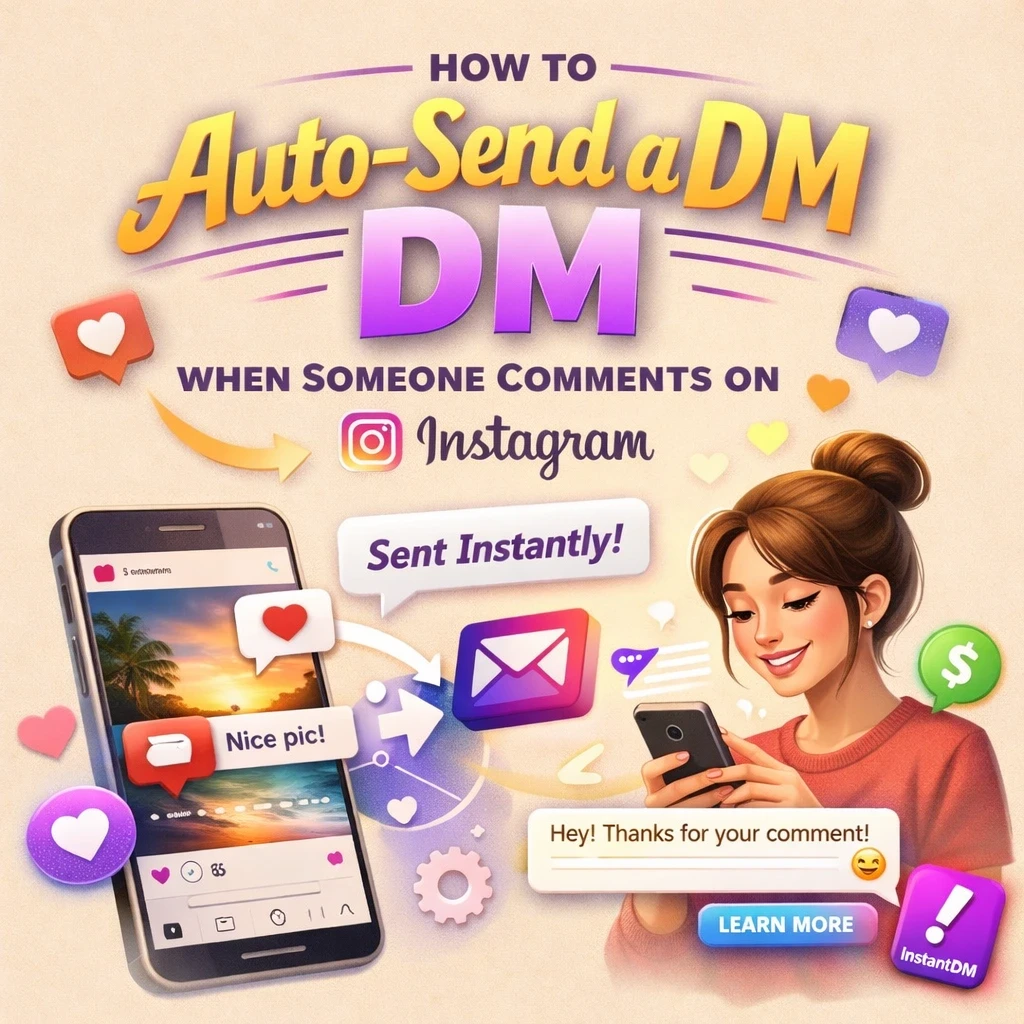
It means: someone leaves a specific word or phrase in the comments of your Instagram post or Reel — say "LINK" or "SHOP" — and they automatically receive a private DM from your account within seconds.
Instead of telling people "check the link in my bio" (which loses 70%+ of clickers across navigation steps), the link arrives directly in their inbox. From the user's perspective, the experience feels instant and personal. From your side, the tool handles thousands of these conversations while you sleep.
This is the highest-converting Instagram pattern in 2026 — comment-triggered DMs deliver 5-10× the CTR of traditional "link in bio" funnels.
Why is comment-to-DM automation worth setting up?
Three concrete reasons:
- Speed matters. Instagram's algorithm rewards accounts that respond fast. A reply within 5 seconds keeps the interest hot; a reply 4 hours later misses the window entirely.
- Volume crushes manual replies. If a Reel takes off and you get 200 "LINK" comments in an hour, manual replies are impossible. Automation handles the same volume without breaking a sweat.
- It's a sales loop, not a content loop. Comment-to-DM turns the comment section into a lead capture funnel — every commenter is automatically logged, replied to, and tagged in your CRM.
Is comment-to-DM automation safe for my Instagram account?
Yes, when you use a Meta-verified tool that connects through the official Instagram Graph API. Meta explicitly allows automated responses to user-initiated actions (comments, story replies, keyword DMs).
What's NOT safe: browser extensions, scrapers, or any tool that requires your Instagram password. These violate Meta's Terms of Service and have a high risk of permanent suspension as of 2026.
How to verify a tool is safe: check Meta's official Business Partner directory, look for OAuth-based signup (the tool redirects you to Meta's login screen), and confirm the tool never asks for your password directly.
Step-by-step: how to set up comment-to-DM in 5 minutes
Step 1: Pick a Meta-verified tool (1 minute)
Three solid options as of 2026: InstantDM (best for Instagram-only, $8/mo flat with unlimited contacts), ManyChat (best for multi-channel teams, $15/mo+), Chatfuel (best for Shopify ecommerce, $15/mo+). For the full comparison see our best Instagram auto-responder tools guide.
Step 2: Connect your Instagram Business or Creator account (1 minute)
Sign up for the tool and click "Connect Instagram". You'll see Meta's official OAuth screen — log in there, never share your password directly with the tool. If your account is Personal, switch to Business or Creator first (Instagram Settings → Account → Switch to Professional Account).
Step 3: Pick a trigger keyword (30 seconds)
Short and easy: LINK, SHOP, INFO, GUIDE, FREE, RECIPE. Avoid long phrases and avoid generic words like "YES" that could fire on unrelated comments. Most tools let you set 2-3 variations per automation to catch misspellings.
Step 4: Write your DM (1.5 minutes)
Keep it under 100 words. Open with the user's first name (most tools support [[first_name]] variable). Deliver the link immediately — don't make them read 3 paragraphs to get to it. End with one clear next step.
Template that works:
"Hey [[first_name]]! Here's the link you asked about: [your-link]
Let me know if you have any questions!"
Step 5: Attach to a post and activate (30 seconds)
Choose which post triggers the automation — either an existing high-engagement post or your next one. Toggle the automation on.
Step 6: Test from a secondary account (1 minute)
Comment your trigger keyword from a friend's account (or a secondary). The DM should arrive in 5-10 seconds. Click the link to confirm it works. If nothing arrives, verify: the automation is toggled on, your account is Business/Creator, and the keyword is spelled the way you set it.
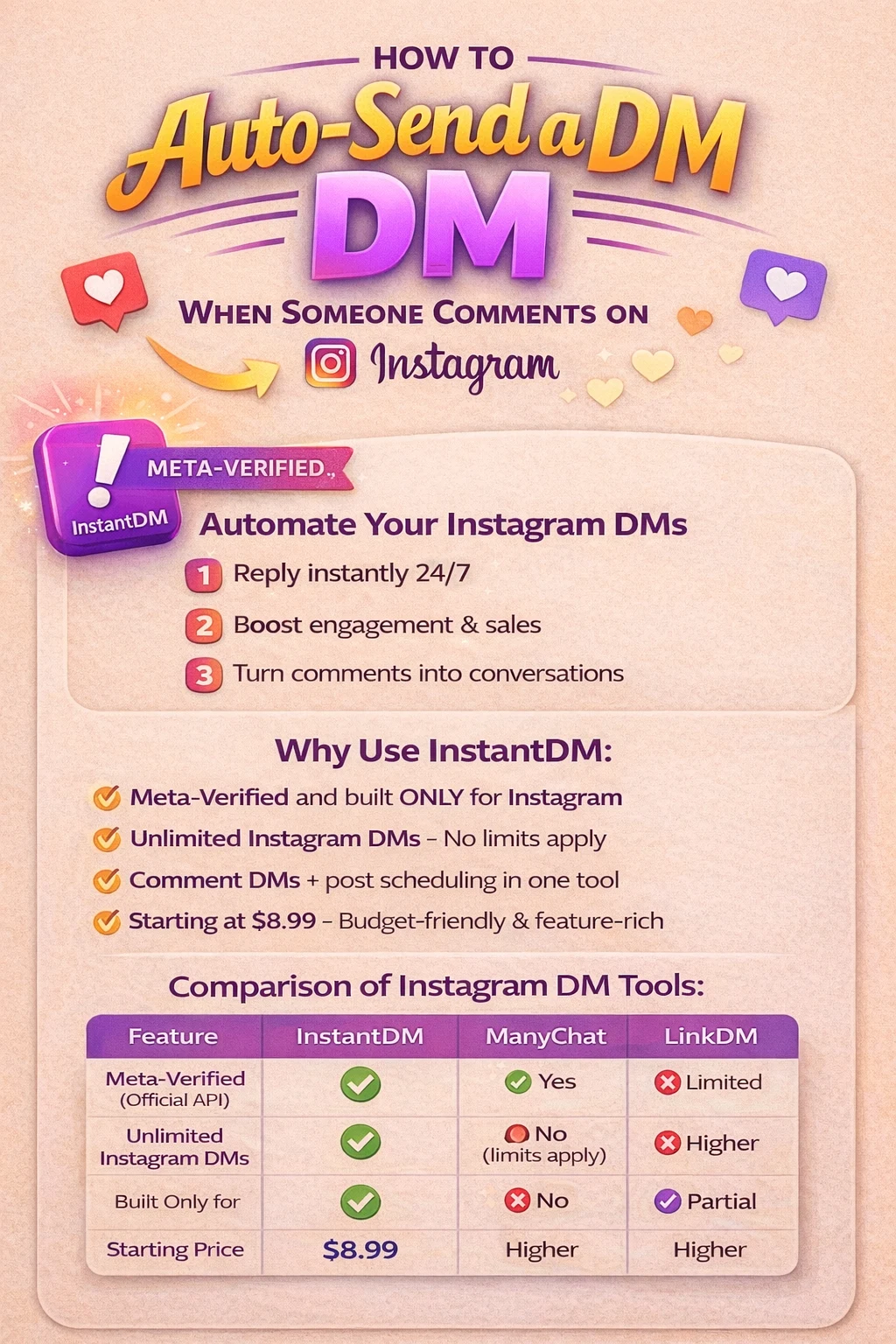
InstantDM vs ManyChat vs LinkDM: which to pick for comment-to-DM
Honest read on each tool's strengths:
- Winner: ManyChat — for multi-channel teams. If you also need WhatsApp, SMS, and email automation alongside Instagram, ManyChat is the most mature option.
- Winner: ManyChat — for advanced branching flows. Visual flow builder with conditional logic is more powerful than Instagram-only tools.
- Winner: Chatfuel — for Shopify ecommerce integration. Native catalog browsing, abandoned-cart DMs, and product templates.
- Winner: InstantDM — for Instagram-only creators on flat pricing. $8/mo flat-rate with unlimited contacts beats every per-contact alternative once you exceed 1,000 active users.
Best use cases for comment-to-DM automation
The patterns that consistently convert in 2026:
- Lead magnets: "Comment GUIDE for the free PDF" — automation sends the download link instantly
- Discount codes: "Comment SHOP for 20% off" — DM with code and product link
- Webinar / event signups: "Comment LIVE to get the join link"
- Affiliate / LTK links: "Comment LINK for the product I mentioned" — DM with affiliate URL
- Coaching call bookings: "Comment COACH for the calendar" — DM with Calendly link
- Newsletter signups: "Comment SUBSCRIBE to join the list" — DM asks for email
How to scale comment-to-DM automation
Once your first automation is live, the playbook for scaling:
- Run different keywords on different posts. Each Reel can have its own automation tied to a topic-specific trigger.
- Add CRM sync. Push every commenter into HubSpot, Klaviyo, or a Google Sheet for follow-up sequences.
- Layer welcome sequences. Use a multi-step flow that asks for the user's email before sending the main link, building your list while you deliver value.
- Watch the rate limit. If a post goes viral and triggers 1,000+ DMs in an hour, most tools queue overflow safely. But if you're consistently hitting the cap, that's a sign to spread your CTAs across more posts.
Common troubleshooting
- DM didn't arrive: check automation is toggled on, trigger word is spelled correctly, Instagram account is Business/Creator
- DM is delayed by minutes: the tool may be rate-limited; usually self-resolves within 30 minutes
- Public reply posts but DM doesn't: the user may have you blocked or have message requests off — Instagram won't deliver in that case
- Wrong content sent: if you have multiple automations on the same post, check which keyword fired (most tools log this)
Related guides
- Best Instagram Auto-Responder Tools (2026) — full tool comparison
- 15 Best ManyChat Alternatives for Instagram Automation (2026)
- How to Send a Link When Someone Comments on Instagram — quick setup
- How to Set Up Auto DM on Instagram — Step-by-Step
- How to Use Instagram Auto DM Replies That Reply 24/7
- DM Marketing: Turn Instagram Comments Into Customers
- How to Post a Hyperlink on Instagram (2026)