Start writing your blog post content here...
How to Reply to Instagram DMs Faster (Manual + Auto-Reply Setup)
Summarize with:
Frequently Asked Questions
1. How do I auto reply DMs on Instagram?
Use Saved replies for a one-tap paste, or connect an official API tool that sends the first DM after they message you. Do not auto-DM people who never contacted you. Public comment auto-reply is a different setup.
2. What is DM reply?
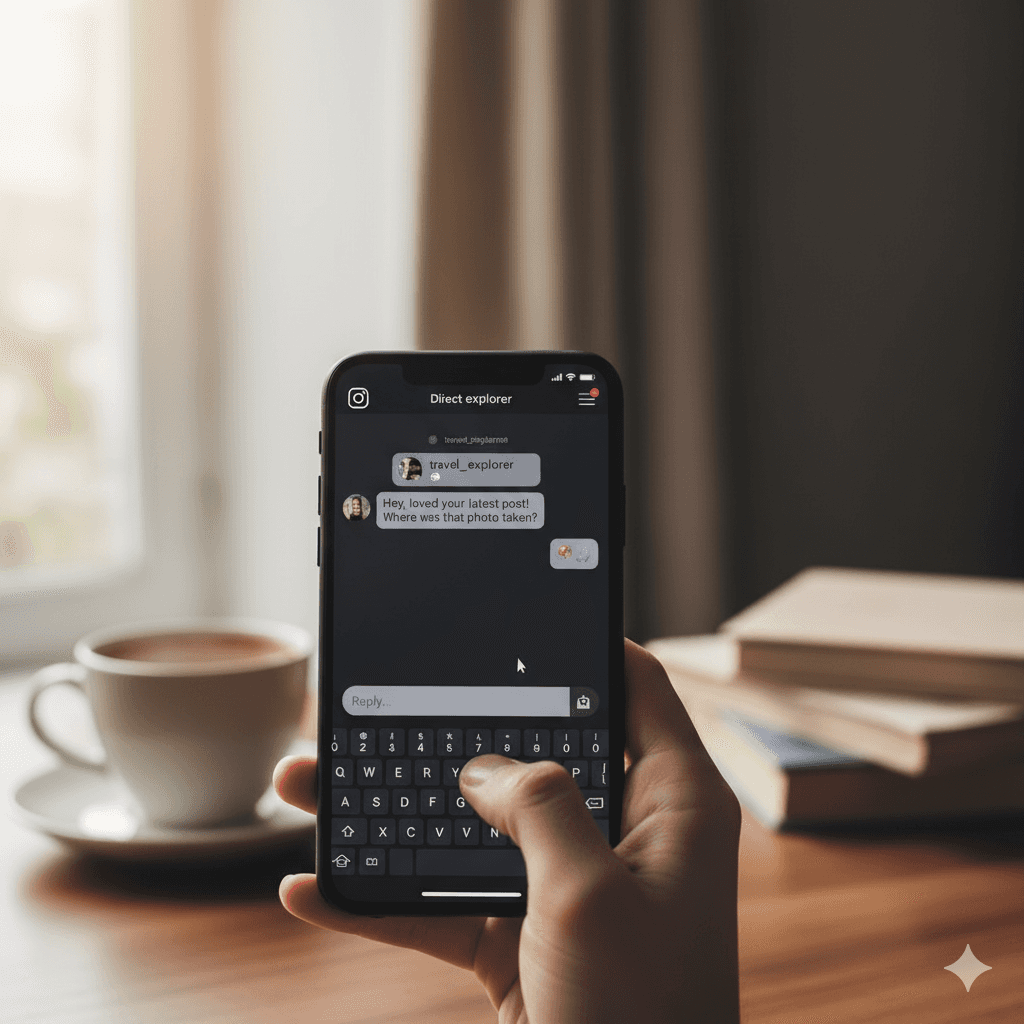
A DM reply is simply your private answer to a message someone has sent you on a social platform like Instagram. DM stands for Direct Message, and it's basically a one-on-one chat the digital equivalent of a whispered conversation between two people. When the messages pile up, tools like InstantDM become essential. They help you instantly and personally respond to common questions or comment keywords, delivering info without you having to type everything out manually.
3. How do I reply privately to an Instagram comment?
Since Instagram doesn't have a direct Reply Privately button in the app, the classic way is to manually go to your Direct Messages (DMs), search for that person, and start a new chat referencing their public comment. However, for anyone handling a lot of comments, that's a huge time-waster! That's where smart tools come in. For example, a feature like what InstantDM provides can be a meaningful upgrade.