last updated: 07.10.2026
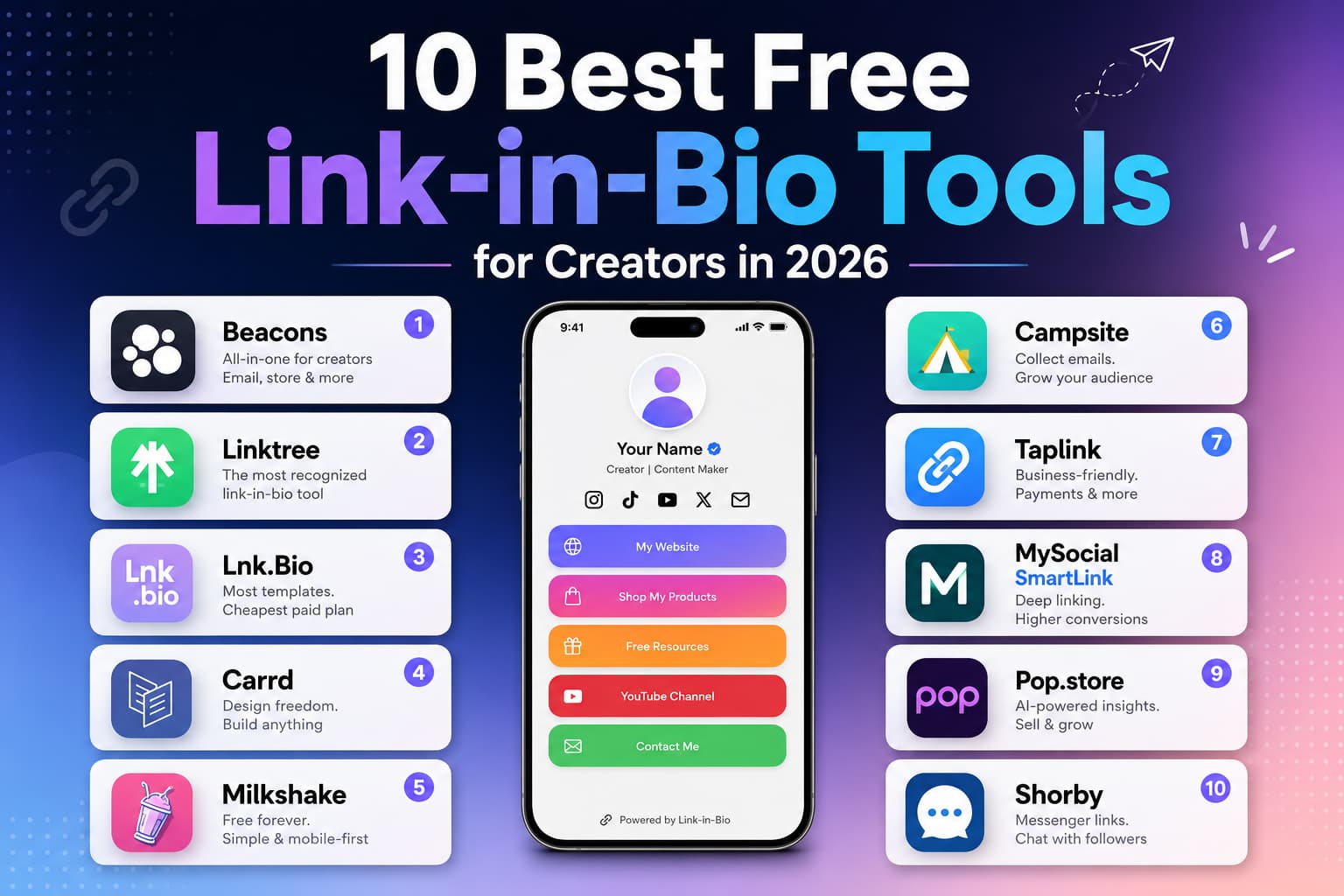
Quick Verdict : The best free link-in-bio tools in 2026 are Beacons, Linktree, Lnk.Bio, Carrd, and Milkshake. Beacons, Linktree, and Milkshake have real free plans with unlimited links. Lnk.Bio’s cheapest paid plan is $1.49/mo. Carrd’s paid plan starts at $19/year. Verified October 2026.
If you post content on Instagram, TikTok, YouTube Shorts or Pinterest you know the pain point: each platform wants to keep your audience captive within its own walled garden leaving you with just one lonely URL slot in your bio to run your entire business.
That bottleneck was solved by tools such as link-in-bio. They give you a simple, mobile-optimized place to house your store, newsletter, latest videos, affiliate picks, and brand deals all in one place.
Much has happened in the past couple of years. A simple list of coloured buttons in vertical order just doesn't cut it anymore.
Four Realities To Consider Today When Deciding Where To Send Your Followers:
A free link-in-bio tool is a mobile page behind the one URL in your Instagram, TikTok, or YouTube bio. Use it when profile visitors need several destinations. Skip a paid plan until the free tier is missing email capture, speed, or a shop.
- Monetisation Out Of The Box: You shouldn’t need a $30/month subscription or an external shopfront just to take payment for a $10 digital download or preset pack.
- Owning Your Audience: Social media algorithms change without warning. If your tool doesn’t allow you to collect emails on its free plan, you’re building a whole business on rented land.
- Mobile speed: In-app social browsers are infamously slow. If it takes four seconds for your page to load heavy graphics, half your visitors will bounce before they get to your top link.
What are the Best Free Link-in-Bio Tools for Creators in 2026?
A Quick Look at Free Link in Bio Tools
Tool | Best For | Free Plan Highlights | Paid Plans Start At | Sell Digital Products | Built In Email Capture |
Beacons | All-in-one creator business | Unlimited links, 1 product, media kit | $30/mo | Yes (9% fee on free) | Yes |
Linktree | Easy to set up & brand recognition | Unlimited links, basic analytics, tips | $5/mo | Limited (tips/links) | Only paid plans |
Lnk.Bio | Lifetime access | Unlimited links, IG grid layout | $1.49/mo or $9.99 one-time | Via links | Paid plans only |
Carrd | Full custom design | 3 core sites, clean builder | $19/year | Through embeds (Stripe) | Paid plans only |
Milkshake | Quick phone-only setup | Full app access, swipe cards | Free ($2.99/mo to hide badge) | External links | External links |
Campsite.bio | Clean typography & styling | Unlimited links, colours | $7/mo | External links / tips | Yes (CSV export) |
Taplink | Service providers & leads | Text blocks, basic links, FAQs | $3/month | Business plan | Business plan |
MySocial | App to app deep linking | Smart link routing, media kit | $9/month | External links | Yes |
Pop.store | AI product matching | Smart link order, shopfront | $9/month | Yes (8% fee on free) | Yes |
Shorby | Direct chat routing | 5-day trial only | $15/mo | Chat triggers | Dynamic forms |
Tool | Best For | Free Plan Highlights | Paid Plans Start At | Sell Digital Products | Built-in Email Capture |
|---|---|---|---|---|---|
Hopp | Free bio link page with selling features | Free plan with email, bookings, and store features | Not listed on Hopp | Yes | Yes |
Bio Sites | Free, customizable bio page | Free to launch with no Squarespace subscription required | Not stated | Yes — via Stripe or PayPal | Yes |
Bio.link | Simple, fully free bio link hub | Free bio page | See Bio.link pricing | No built-in store | Depends on plan |
Zaap | Website, store, and email in one link | Free signup with website, store, and email features | See Zaap pricing | Yes | Yes — newsletter feature |
Beacons offers the most features on its free plan — email collection, a store, and an AI media kit. Linktree is the most recognized. Lnk.Bio is the cheapest paid option at $1.49/mo.
10 Best Tools In-Depth Reviews
1. Beacons – Best All-in-One Monetisation Platform
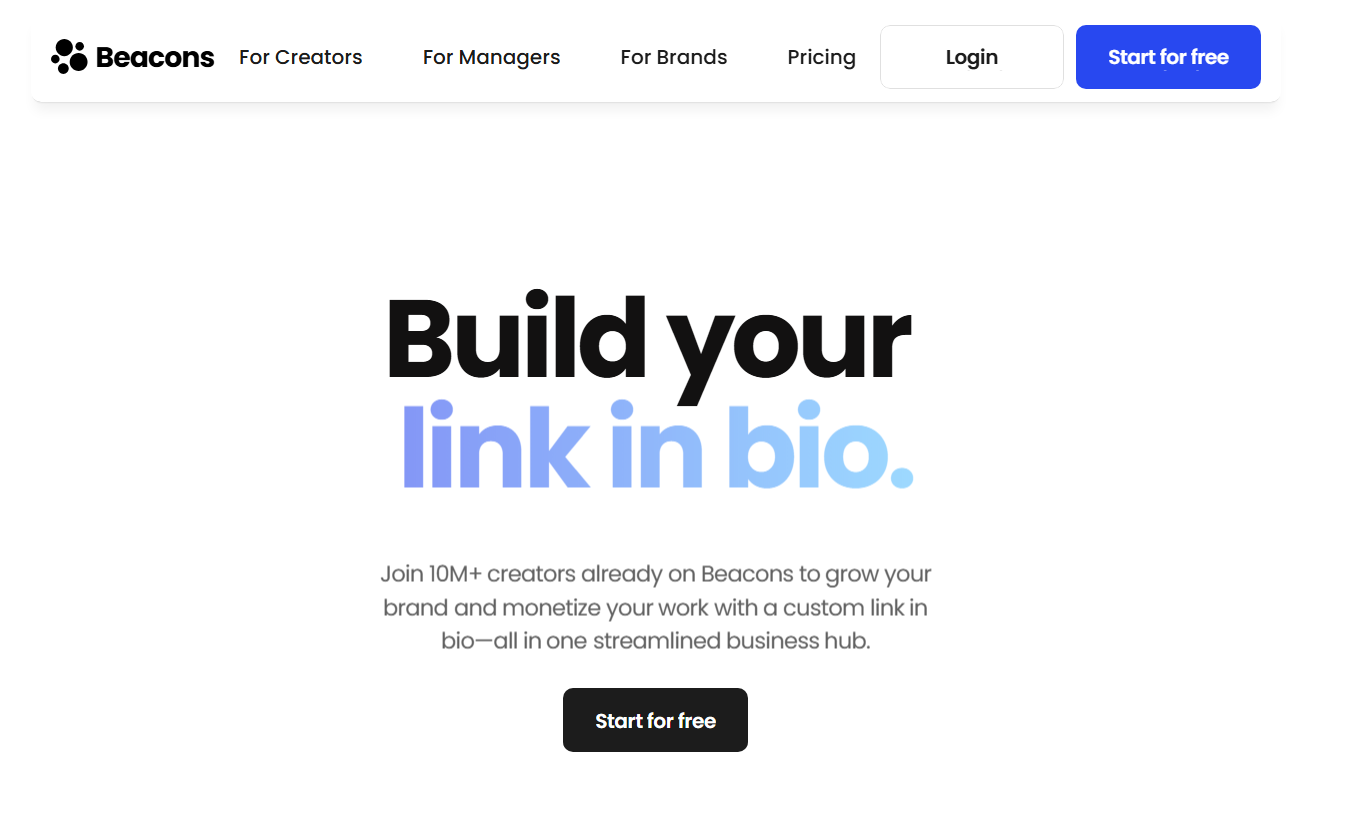
If you’re serious about your content and not treating it as a hobby, Beacons is arguably the most practical free option on the market right now. With Beacons, you don’t have to go looking for separate tools for downloads, tips, emails, and brand pitches — it brings your entire operational toolkit into one dashboard.
What’s Special About It
- A Shopfront That Just Works: Upload a PDF guide, preset or coaching call directly to your page without needing to set up Gumroad or Shopify. The free plan allows you to sell one product immediately.
- Native Email Capture – Don’t need to link out to a separate landing page to build your list. Visitors can drop their email directly into your bio page and it syncs right to your email marketing provider.
- Auto-Updating Media Kit: Pitching brands means pulling new screenshots every month. Beacons hooks up with your social accounts directly, pulling your live follower counts and engagement rates into a polished, shareable media kit link.
- Simple Modular Dashboard: Moving your page is as simple as stacking blocks. Add playable videos, affiliate carousels or simple buttons in seconds.
Cost Breakdown
- Free Plan ($0/per month): Unlimited links, custom blocks, email capture, your live media kit, and one digital product listing (9% transaction fee on sales)
- Pro Plan ($30/month or $240/year): Zero transaction fees on digital sales, your own custom domain, unlimited product listings, and automated email marketing sequences.
The bottom line
- The Good: Unmatched feature set on free tier, frictionless mobile checkouts, automated media kits that save hours of sponsor prep.
- The Catch: The 9% fee on free product sales adds up fast as your volume grows, and a jump to Pro is a big leap in your monthly costs.
2. Linktree – The household name we all know
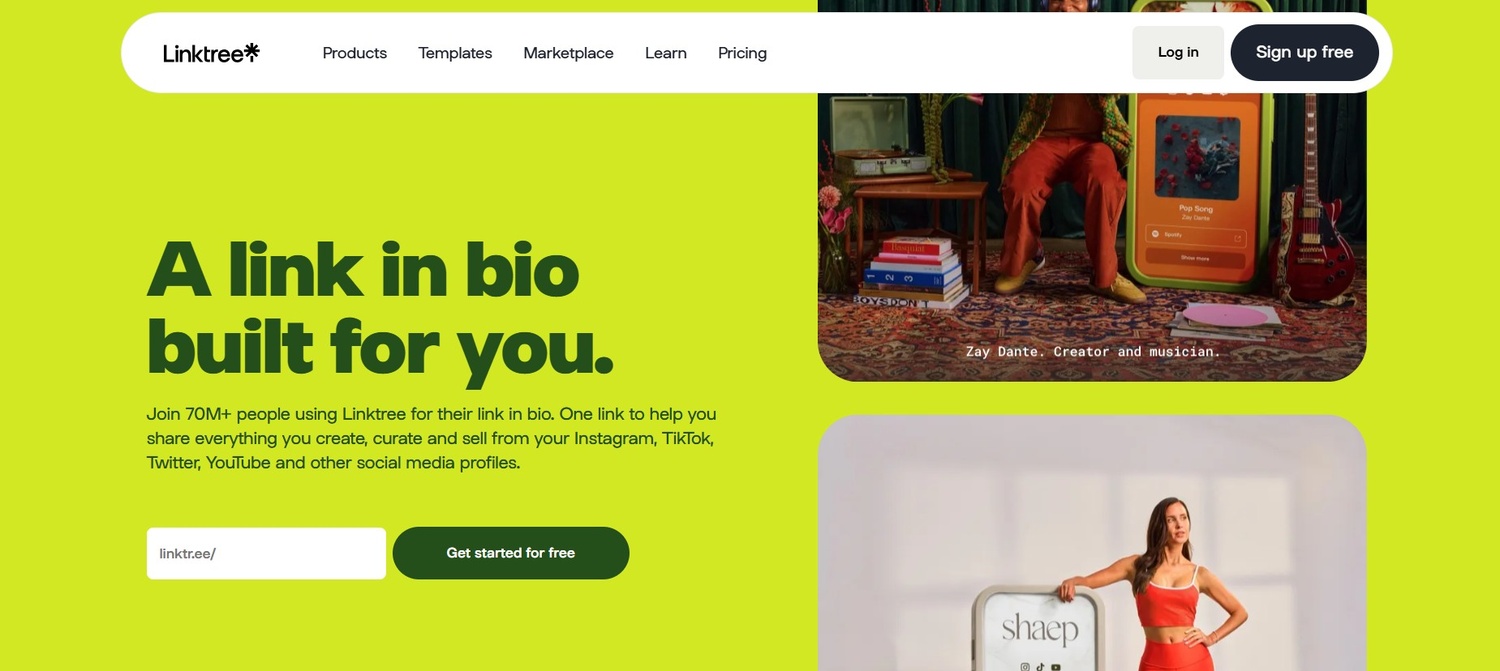
Linktree was the first one to do it back in 2016. That’s the default for a reason: with tens of millions of users around the world, followers immediately recognise the layout and it almost never goes down during viral spikes.
What Makes It Different
- Instant Familiarity: Followers know exactly what they are looking at and where to tap when they click on a linktr.ee link.
- Universal Embeds – Just drop in a link from Spotify, YouTube, Apple Podcasts or Twitch and Linktree automatically creates a clean, playable media card right inside your list.
- Link Scheduling: Got a 48-hour merch drop or weekend promotion? You can schedule links to activate and deactivate so you don’t have to remember to update your bio at midnight.
- Rock Solid Reliability: If your Reel or TikTok blows up and sends 100,000 visitors to your link in an hour, Linktree can handle it, no problem.
The Cost Breakdown
- Free Plan ($0/month): Unlimited links, standard themes, 28-day analytics, tip collection, native media embeds.
- Starter Plan ($5/month): Custom colours, background images, custom button styles, and link scheduling.
- Pro Plan ($9/month): Custom domains, full analytics (conversion rates, referrers, locations), removes the Linktree logo, unlocks native email capture.
- Premium Plan ($24/month): Dedicated customer support & real-time raw data export for high volume creator businesses.
The Decision
- The Good: Unrivalled brand trust, idiot-proof interface, effortless media embeds.
- The Catch: Native email signup is behind the $9/month plan, and free aesthetic customisation is pretty basic.
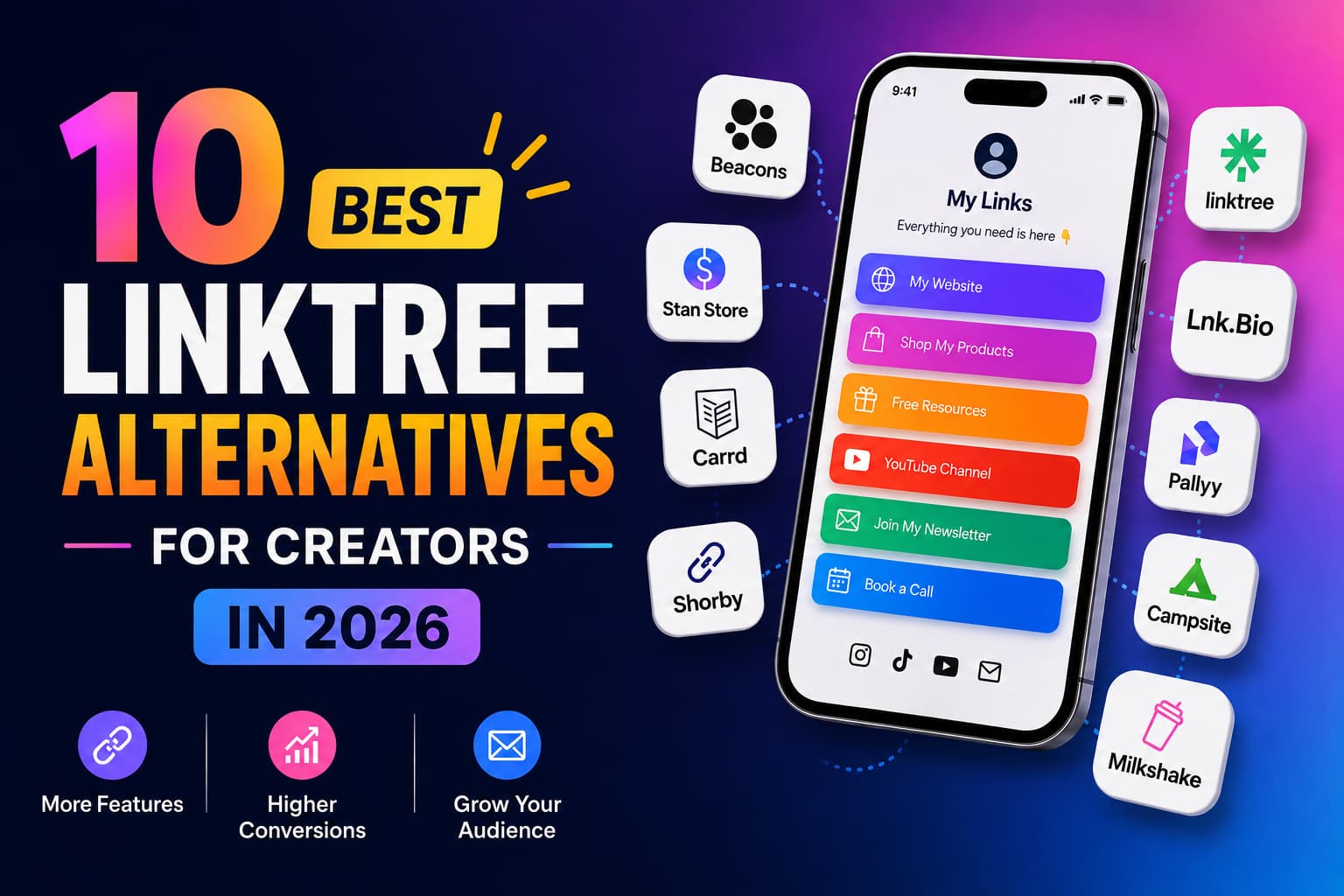
- Linktree is the name most people know. Other free and cheap hubs are in 10 Best Linktree Alternatives for Creators in 2026.
3. Lnk.Bio – Best Low Cost, One-Time Payment Option
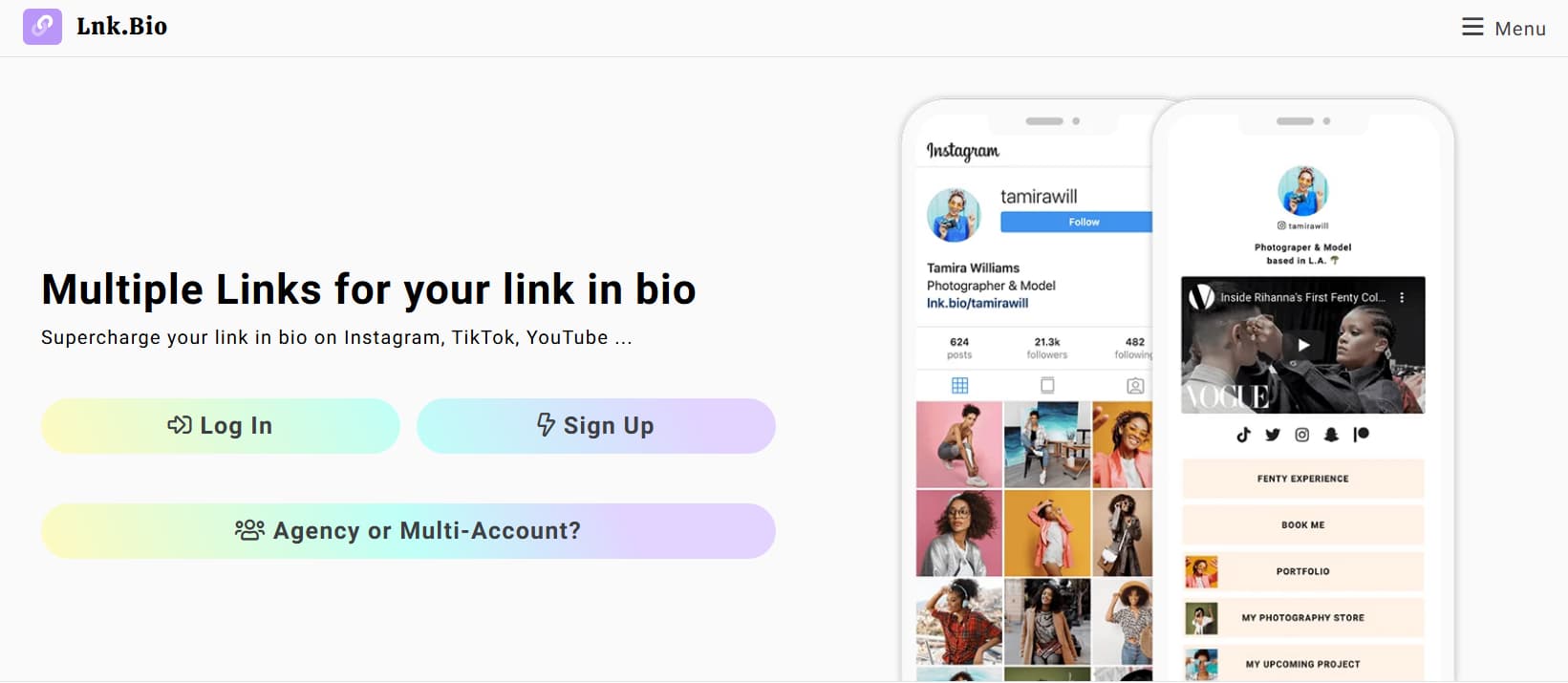
If you’re tired of monthly software subscriptions eating into your creator income, Lnk.Bio is worth a serious look. It’s been running quietly, with simple, rock-solid pricing since 2016, and for a tiny one-time fee you get full-featured lifetime access.
What Differentiates It
- Instagram Grid Mirroring: You can make a copy of your Instagram photo grid to organise your links. You tell followers “click the link in my bio for the outfit” and they just click on the photo that matches.
- Huge Theme & Font Selection: With hundreds of pre-made layouts, and tens of thousands of fonts, it’s easy to find a look that fits your brand style.
- Media Integrations Galore: Supports over 140 types of embeds, including music tracks, podcast feeds, interactive maps, and contact cards.
- Fast, Lightweight Pages: Since the platform doesn’t use bloated design frameworks, pages load almost instantly even on weak cellular connections.
Price Summary
- Free Plan ($0/month): Unlimited links, lnk.bio/username standard link, basic click tracking, and all standard embeds.
- Mini Monthly ($0.99 to $1.49/month): Removes Lnk.Bio branding, unlocks custom colours, and allows you to use the Instagram grid layout.
- Unlock Mini Lifetime ($9.99 one-time payment) – Unlock all Mini features forever. No recurring charges.
- Unique Lifetime ($24.99 one-time payment): Support for custom domains, newsletter forms, scheduled links, and advanced analytics are included for a single payment.
The Decision
- The Good: One of the few platforms that offers lifetime pricing. Great grid layout for fashion and lifestyle creators. Fast loading speeds.
- The Catch: The dashboard is a little utilitarian compared to modern SaaS tools, and the free version has prominent branding.
- For a head-to-head with Linktree, see Lnk.bio vs Linktree: Which Link-in-Bio Tool Is Better for Creators? (2026).
4. Carrd – Best for Complete Creative Freedom
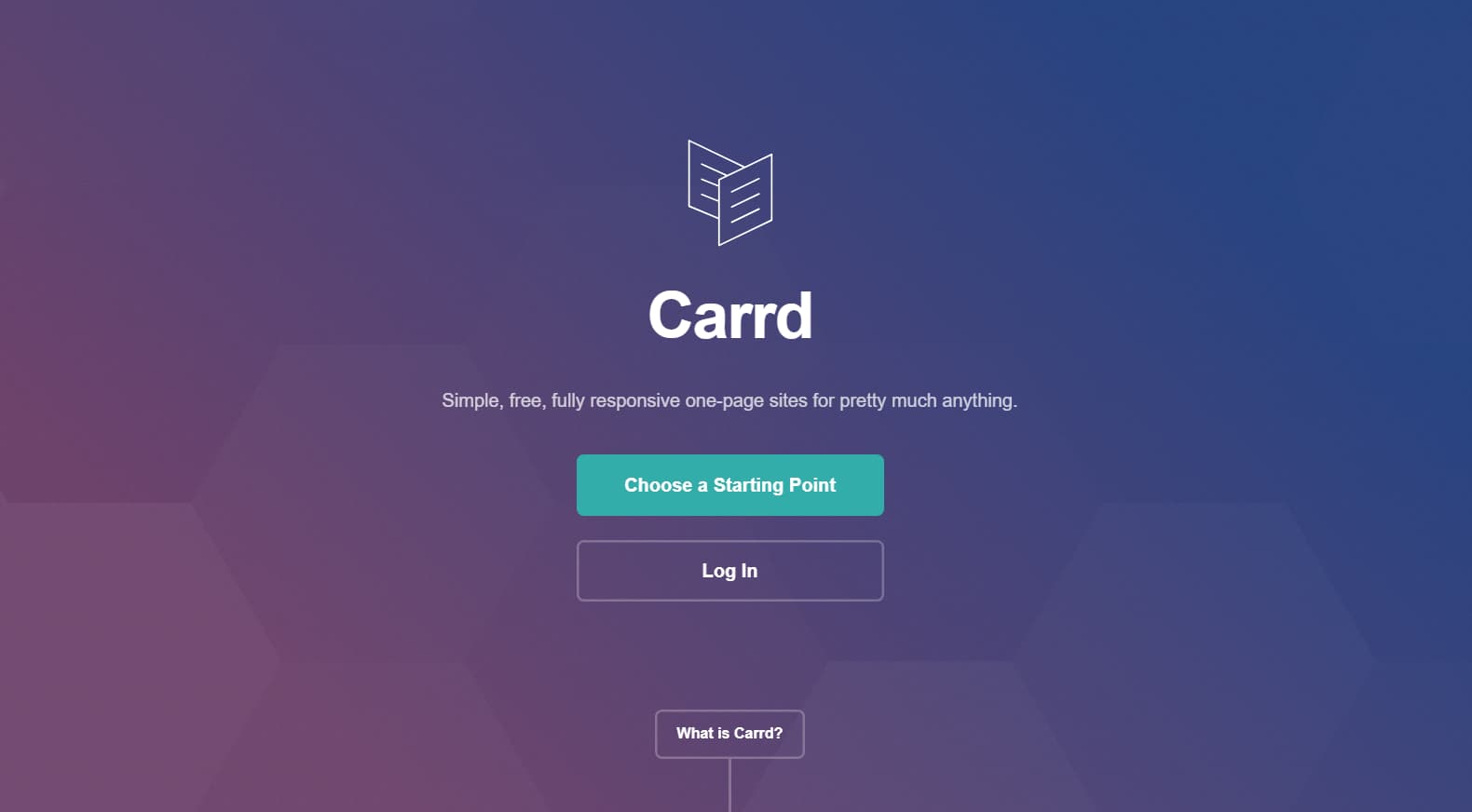
Technically, Carrd is a full one-page website builder. But creators love to use it for link-in-bio pages because it removes all the creative guardrails. If you want a real micro-site and something other than the same old link stacks, Carrd is your best bet.
What makes it special
- Pixel perfect canvas: Control over margins, column structures, mobile responsive breakpoints, animations and custom fonts. Your page looks like it is your own custom website and not a template.
- Independent Mobile Controls: You can control how things look on desktop vs mobile screens so everything fits well on phone displays.
- Clean Code & Form Integrations: On paid plans, Carrd integrates directly with ConvertKit, Mailchimp, Brevo and Stripe via API – no clunky third party popups.
- Custom Code Flexibility: Want to add a custom tracking script, embed a Calendly booking, or add custom CSS? Carrd lets you add custom code anywhere you want.
Breakdown of pricing
- Free Plan ($0/year): Build up to 3 single-page sites on .carrd.co subdomains with basic design features.
- Pro Lite ($9/yr): Custom domains, premium templates, high-res images, and removes Carrd branding on 3 sites.
- Pro Standard ($19/year): Custom forms (signups, contact forms, Stripe checkouts), custom code embeds, Google Analytics, and 10 unique sites.
- Pro Plus ($49/year): Advanced URL parameters, password protection, host up to 25 sites.
The Sentence
- The Good: Unbeatable value at $19 per year, unmatched visual customisation, and seamless direct integrations with leading email platforms.
- The Catch: It takes a little longer to set up than traditional button-stack tools, and you have to manually configure mobile link stacks.
Link-in-bio pages convert at 5-10%. DM automation converts at 15-30%. Pair your link-in-bio with DM automation for maximum results.
5. Milkshake - The Best Mobile First Card-Based App
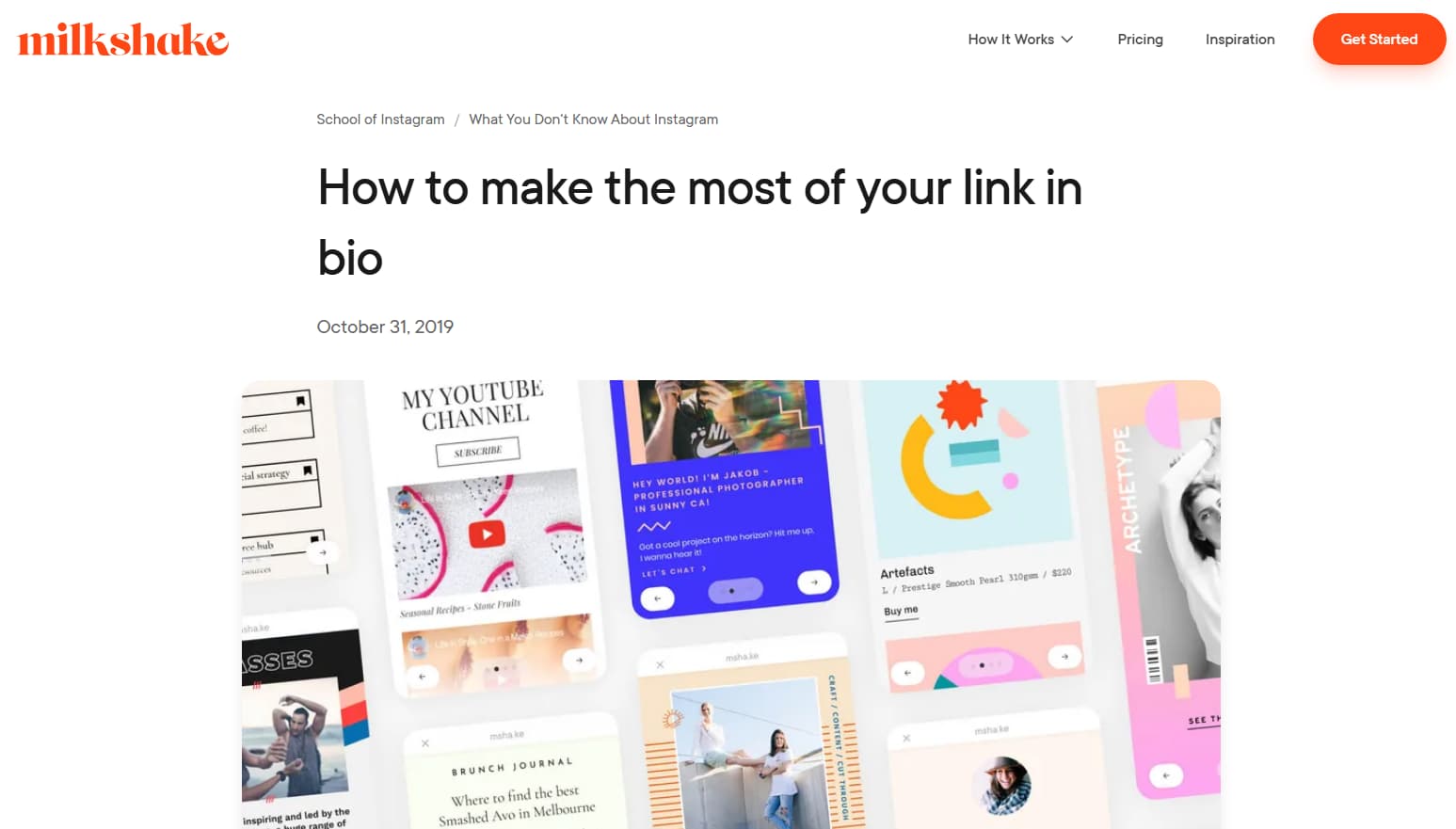
Milkshake replaces the old vertical list of buttons with swipeable cards in a story-like format. If your audience is on Instagram and TikTok, it’s like swiping through social stories to get around a Milkshake page.
What sets it apart
- Swipeable Deck Layout: Followers can swipe sideways through your content cards, a card for your bio, a card for your favourite products, a card for your latest YouTube upload.
- 100% Mobile Setup: No computer required at all. Download the app on your phone, select a look, add your links, and publish your page in five minutes.
- Curated Design Bundles: The app includes pre-styled visual kits that automatically match typography, spacing and colours so you don’t have to worry about graphic design.
- Purpose-Built Cards: Pick from specific card types made for blog posts, product roundups, YouTube videos, and personal bios.
Price Summary
- Free Plan ($0/month): Full access to mobile builder, five cards to customise, hosting and basic view analytics.
- Pro Add-on ($2.99/month): Eliminates the small “Made with Milkshake” branding tag at the bottom of your cards.
The Conclusion
- The Good: Very intuitive swipe interface feels just like a native mobile user, no learning curve, easy phone-only management.
- The Catch: It’s shown inside a simulated phone frame on desktop browsers and lacks native checkout or direct email-capture integrations.
6. Campsite.bio – Best for Sleek Aesthetic Control & Typography
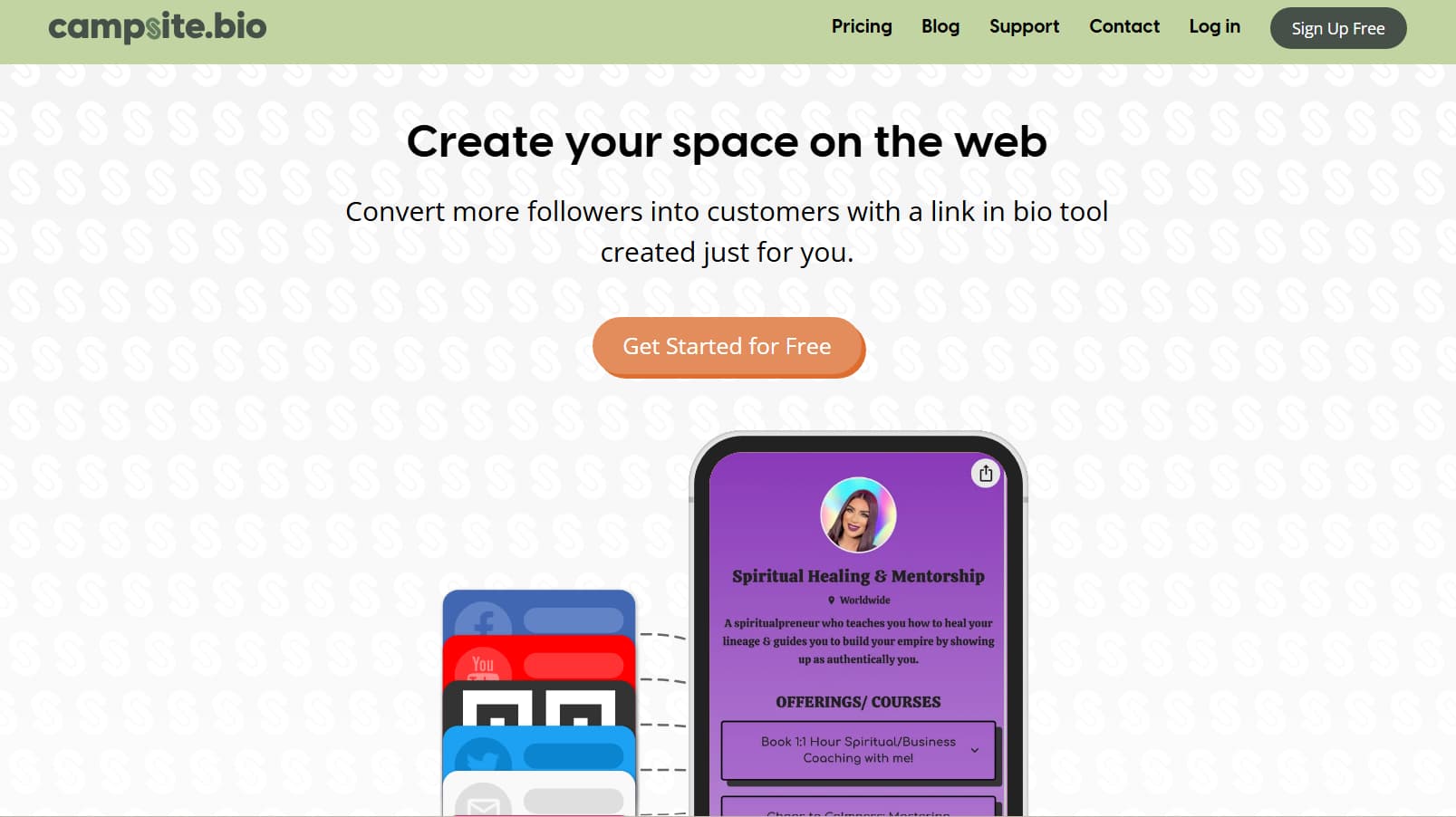
campsite.bio takes the familiar, easy to use button layout and adds a professional design touch. Visual artists, agencies and minimalist creators love it for giving their link hub an editorial portfolio look.
How it’s different
- Polished visual styling: Tweak button shapes, drop shadows, hover states, line spacing and brand colours with easy to use sliders.
- Free Built-in Email Capture: Unlike many competitors, Campsite allows you to capture emails on their free plan and export them as a CSV.
- Swipeable Image Carousels: Embedding horizontal carousels It’s an easy way to show off multiple products or affiliate suggestions without making your visitors scroll forever.
- Collapsable Link Folders: Organise your page by hiding related links under nice, expandable category headers.
Pricing Summary
- Free Plan ($0/month): Unlimited links, email capture with CSV export, custom fonts, colour controls and link folders.
- Pro Plan ($7/month, billed annually): Removes Campsite branding, allows link scheduling, supports custom domains, enables direct email sync (Mailchimp/Klaviyo), and offers retargeting pixel tracking.
THE FINAL VERDICT
- The Good: Clean design tools and carousel embeds that help keep pages organised, email capture included in the free tier.
- The Catch: There is only the paid tier for automatic email marketing sync and tracking pixels, and it has fewer integrations than Linktree.
7. Taplink - Best for Lead Generation & Direct Sales
Taplink is created for creators who run coaching programs, local services, consulting, or direct response businesses. Rather than just a directory of links, it acts like a mini sales landing page.
What Makes It Different
- One-Tap Chat Routing: Add direct-action buttons that open private chats in WhatsApp, Telegram or Facebook Messenger with pre-written starter messages.
- Collapsable FAQ Blocks: Clean accordion dropdowns to answer questions about pricing, scheduling and onboarding, saving valuable vertical screen space.
- Built-In Urgency Timers: Add countdown clocks for a limited time coaching spot, webinar signups, or flash promotions.
- Direct Booking & Payments: Accept appointments and credit card payments directly on the page with Stripe and PayPal.
The Price Summary
- Basic Plan ($0/month): Unlimited text blocks, basic links, standard colour themes, FAQ modules, basic view analytics.
- Pro Plan ($3/month billed annually): Advanced visual styles, click tracking, scheduled links and direct messaging buttons.
- Business Plan ($6/month billed annually): Complete checkout forms, CRM lead management, custom domain linking, and automatic abandoned cart recovery.
The Bottom Line
- The Good: Inexpensive paid tiers, best-in-class messaging-app tools, and high-converting sales features like timers and FAQs.
- The Catch: There’s a learning curve to the interface because there are so many options and messaging buttons are part of a paid plan.
8. MySocial SmartLink – Best for Deep Linking Within Your App
If a person clicks on a normal YouTube or Spotify link in Instagram or TikTok, it usually pops up in a clunky in-app browser where they’re signed out. So they can’t easily subscribe, like or buy. MySocial solves this by routing clicks directly into the native app automatically.
What makes it different
- Smart App Routing - detects the visitor’s phone OS and opens the destination link directly inside the native YouTube, Spotify, Amazon or Twitch app they are already signed in to.
- Higher Conversion Rates: Users arrive in their native apps already logged in, meaning much less drop-off on subscriptions and purchases.
- Automated Media Kits: Generates instant media kit reports with verified stats pulled directly from your social channels.
- Affiliate-Friendly Routing : Routes Amazon and retail shoppers to the Amazon app, helping to ensure that your affiliate tags and purchases register properly.
Calculation of the Price
- Free Plan ($0/month): Simple link routing, simple deep-linking credits (up to 1,000 clicks/month), and simple page styling.
- Pro Plan ($9/month): Unlimited deep-link routing, custom domain support, full analytics, audience demographics and automated media kits.
The Last Word
- The Good: Deep linking removes a lot of the friction of logging in and helps drive channel subscriptions and affiliate sales.
- The Catch: Free tier deep links have monthly click caps, and page customisation is very basic.
9. Pop.store - Best AI-Driven Merchandising
pop.store makes it easier for creators to sell products with smart optimisation. It analyses how visitors are navigating your page and automatically reorders your links and products to promote what is converting best.
What makes it different
- Automated Smart Sorting: The system automatically sorts your most popular links and products to the top of the list based on user clicks.
- Integrated Shopfront: Sell digital items, video shoutouts or physical merch with a built-in checkout that keeps customers on your page.
- Dynamic Promo Codes: Automatically apply campaign discounts to visitors who come through specific referral links or social campaigns.
- Clear Revenue Tracking: Manage order value, traffic source and conversion rates with a simple financial dashboard.
Cost Explanation
- Free Plan ($0/month): Smart link sorting, standard button styles, built-in digital shopfront (with 8% transaction fee on sales), basic analytics.
- Creator Plan ($9/month): Reduces transaction fees to 3% and enables custom domains, advanced audience segmentation, and email marketing integrations.
The Judgement
- The Good: Automated link sorting is a time saver, native shopfront setup is quick, and built-in sales analytics are clear.
- The Catch: The sorting is smart, but you need consistent traffic to make it work well. Plus, there’s a transaction fee on the free plan.
10. Shorby – Best for Agencies & Direct Chat
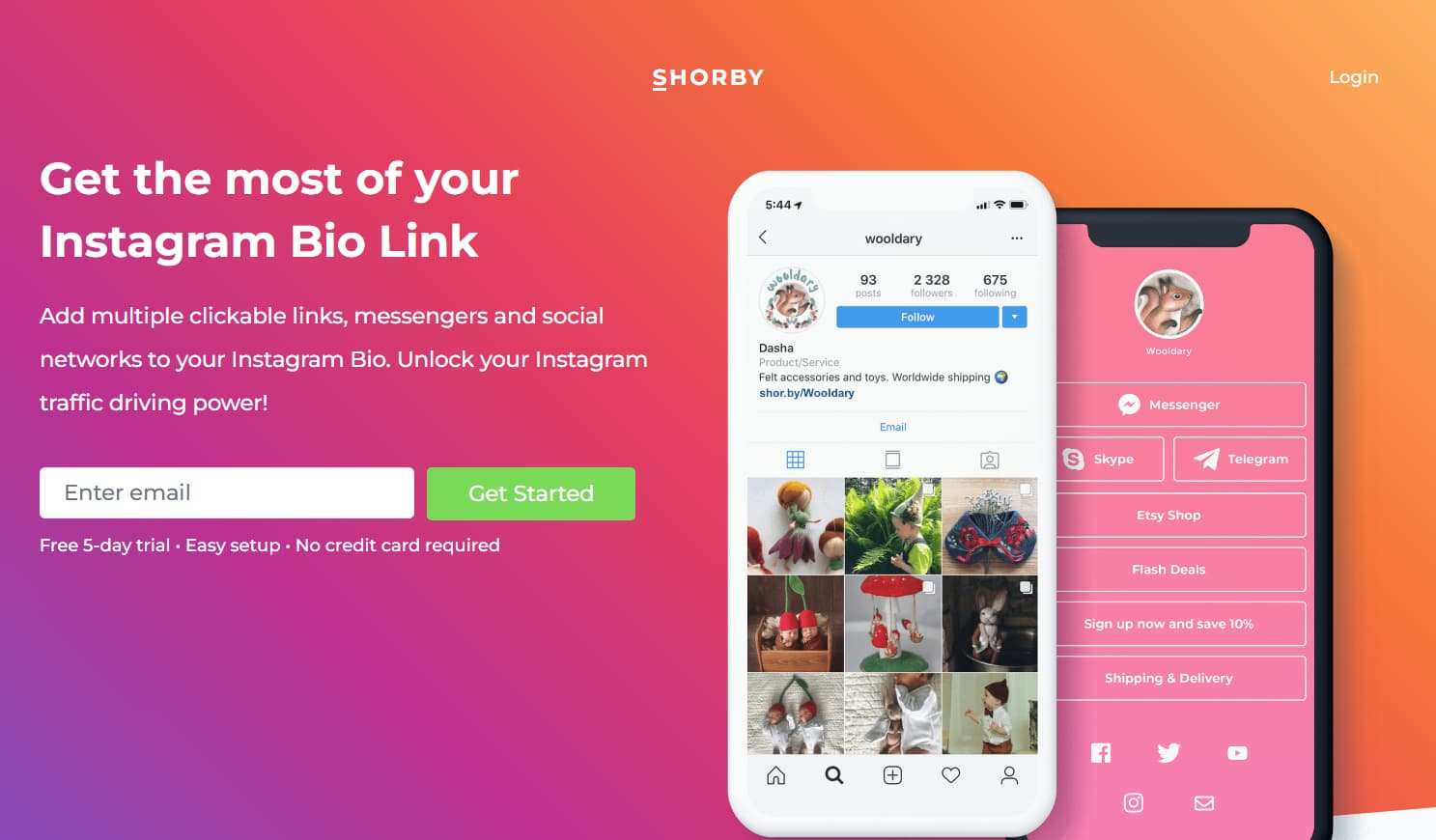
Shorby is built for business, real estate, agencies and consultants that close deals through direct personal messaging instead of traditional web checkouts.
What makes it different
- Unified Messenger Hub: A powerful contact section that brings together WhatsApp, Telegram, Messenger, phone lines and email.
- Built-In Ad Pixels: Paste tracking pixels for Meta, Google Ads, TikTok and LinkedIn onto your page so you can retarget every profile visitor later.
- Dynamic RSS Feeds: Automatically pull in your latest blog posts, podcast episodes or YouTube uploads into your linklist without ever having to update it yourself.
- Fast Micro-Pages: Simple, lightweight pages that load instantly on any mobile network.
How much will it cost?
- Free Trial: 5 day trial (no permanent free tier).
- Rocket Plan ($15/month billed annually): Up to 5 SmartPages, direct chat buttons, retargeting pixels and click analytics.
- Pro Plan ($29/month billed annually): Up to 50 SmartPages RSS auto-updates Custom domains Team analytics
- Agency Plan (billed annually at $99/month): Up to 250 SmartPages, multi-user access and dedicated support.
The Verdict
- The Good: Easy direct communication with clients, great support for retargeting pixel, automated rss feed updates.
- The Catch: The absence of a permanent free tier and higher starting prices make it less than ideal for casual hobby creators.
11. Bio.link – Best fully free page
Bio.link is a dedicated bio page meant as a free hub, not a trial store. Use it when you want a simple $0 page and no built-in shop. Email, custom domain, and selling fees are on bio.link/pricing.
Best for: a free page with no store.
Free / paid: see bio.link/pricing.
12. Hopp by Wix – Best free plan with 0% selling fees
Hopp is Wix’s link-in-bio product. The site advertises Start For Free, 0% transaction fees, email, bookings, and a store on one page (hopp.co, October 2026). Card processor fees still apply. Use Hopp when you want a free plan that does not add its own cut on sales.
Best for: selling or booking without a bio-tool fee.
Free plan: Start For Free on hopp.co.
Fees: 0% Hopp fee on the homepage; processor fees still apply.
13. Zaap – Best for website, store, and email on one link
Zaap is an all-in-one creator page: website, store, and email newsletters on one bio link. They list 150k+ creators. Use it when a button list is not enough and you want the shop and the list on the same URL. Sign up is at app.zaap.ai/register. Product home: zaap.bio.
Best for: site + store + newsletter in one bio.
Free / paid: not listed on the public homepage. Check zaap.ai before you treat email or selling as free.
The Conversion Gap: Link-in-Bio vs. DM Automation
Link-in-bio pages are a great way to give profile visitors a central home base. But if you rely on them as your only means to convert followers during active content campaigns, you're leaving a lot of revenue on the table.
Link-in-Bio Pages Lose Audience Traditionally
A bio link is for people who already opened your profile. Asking them to leave a Reel, open the profile, tap the bio, and pick from eight buttons is a long path. That is a profile job, not a post job.
Why Comment-to-DM Automation Converts Better
On a post, a comment-to-DM flow sends one link in the inbox instead of sending the viewer to the bio page. Use the bio tool for the profile. Use comment-to-DM when the post has one offer.
Tools for DM automation
DM automation tools send a payment link or resource link when someone comments a keyword. InstantDM ($9.99/mo) is one option: Stripe or PayPal still takes the payment. It is not a link-in-bio page.
Building a Basic Hybrid Strategy
Keep 3–5 standing links on the bio page (Beacons or Carrd). On a specific Reel or carousel, send people to one link in DMs instead of “link in bio.”
15 Minute Setup: Make Your Bio Link Live
- Choose Your Main Tool: If you want to sell products or collect emails on a free plan, start with Beacons. If you want complete design control go with Carrd. Linktree is a good option for a simple, reliable button list.
- Declutter Your Links: Don’t throw every link you ever created onto the page. 3-5 high priority buttons to let visitors know what to do.
- Incorporate a clear free resource - a checklist, mini-guide, or template - and collect email addresses directly on the page.
- Test on your phone – Open the finished link in your social apps (not just your desktop editor). Make sure buttons are easy to tap, the page loads quickly and all tracking links work smoothly.
- Update Your Profiles: Complete the link in your bios on Instagram, TikTok, YouTube, Pinterest, and X.
- Step-by-step for Lnk.bio is in How to Set Up Lnk.bio for Your Instagram or TikTok Bio (Step-by-Step) - 2026.
How We Evaluated These Link-in-Bio Tools
We didn’t just skim feature lists or take marketing claims at face value. We actually set up and tested 10 popular link-in-bio platforms using the same five practical criteria that matter to real creators:
1. Free plan value What do you actually get without paying? We looked at the number of links, design flexibility, email capture, and basic analytics. Beacons currently gives you the most usable features on its free plan. Linktree wins on pure brand recognition.
2. Pricing model We checked every pricing page ourselves. Lnk.Bio stands out with genuine one-time payments ($9.99–$24.99). Carrd is refreshingly cheap at $19/year. Linktree starts at $5/month.
3. Feature depth Beyond basic buttons, we counted the extras that actually move the needle: native email collection, shopfronts, media embeds, analytics quality, and custom domain support.
4. Mobile performance Since almost everyone hits these pages from Instagram or TikTok, we tested load speed on real mobile devices. Lnk.Bio and Carrd felt the snappiest. Beacons and Linktree performed well but carried more visual weight.
5. Creator fit We matched each tool to the type of creator it actually serves best:
- Beginners: Linktree
- Design-focused creators: Carrd
- Monetization-first creators: Beacons
- Budget-conscious creators: Lnk.Bio
We don’t rank tools by how many features they claim to have. We rank them by what works when you sit down and build the page.
Last reviewed: August 2026
Which tool is right for you?
Digital products and email: Beacons free plan.
Design control: Carrd.
WhatsApp or Telegram buttons: Taplink.
Beginner button list: Linktree.
Phone-only setup: Milkshake.
About the Author
Aravindh Kumar is an ecommerce and Instagram growth expert with 8+ years of experience in online selling. He has worked with 500+ brands - including Forbes-listed companies - helping them build profitable Instagram sales channels. He has helped 200+ Instagram businesses grow their online presence.