






Ready to Automate Your Growth?
Join 30,000+ creators and brands using InstantDM today.
Get Started NowAny support required, we're just one click away.
Meta Business Partner
100% Official API
Upload once. See exactly how your content looks on mobile, desktop, and your profile grid.
Photo, video, or carousel
Drag cards or use the arrow buttons to change the carousel order.
Everything is processed locally in your browser. Nothing is uploaded to the cloud or any server.
Upload an image or video to see all three Instagram views.
InstantDM
Instagram tools for creators and brands ✨
See how each post will look and make adjustments before it goes live.
See how your post will appear on Instagram, including image cropping, caption placement, and layout.
Avoid posting, deleting, and reposting. Catch problems before your content goes live.
Maintain a cohesive Instagram aesthetic by checking each post against a realistic preview.
Compare posts, carousels, Reels, mobile, desktop, and grid views before choosing a format.
Useful for planning, reviewing, presenting, and optimizing Instagram content.
Plan Instagram content in advance and keep every visual aligned with your brand identity.
Compare creative formats, crops, and assets before launching a marketing campaign.
Show clients exactly how their content will appear and collect approval before publishing.
Compare a standard post, carousel, Reel, desktop post, or profile-grid placement.
Check how the caption sits beside the creative and whether the first line supports the visual.
Make sure faces, products, text, and other important elements remain inside the visible frame.
From solo creators to teams managing content for multiple brands.
Keep every post aligned with brand guidelines and campaign standards.
Preview and approve content for multiple clients before scheduling or publishing.
Protect your visual style and compare formats before sharing with your audience.
Test creative ideas and find the layout that tells each story most clearly.
Check product crops and supporting content before a sales post goes live.
Preview how Instagram crops visual work in the feed and profile grid.
Images that look correct in a camera roll can crop differently in the feed or profile grid. Previewing brings the creative and Instagram interface together, making it easier to spot cut-off text, awkward framing, and inconsistencies before your audience sees them.
Each Instagram format has different dimensions and display behavior. Use the format and view selectors above to compare the layouts that matter to your post.
Check a standard feed post on mobile, desktop, and as a square profile-grid thumbnail.
Upload up to 10 files, change their order, remove slides, and browse the carousel before publishing.
Review vertical 9:16 media and see how the same Reel will crop inside the profile grid.
See whether the square crop works beside surrounding posts and keeps important content visible.
Select Post, Carousel, or Reel before adding media.
For a carousel, add up to 10 images or videos and reorder the individual cards.
Switch between Mobile, Desktop, and Grid, then browse each carousel slide.
Pay close attention to edge cropping, on-image text, and the first carousel slide. Check both the full post and square grid view, and swipe through every carousel item in order. For Reels, keep important information away from areas typically occupied by Instagram controls.
Use the tool as often as you need with no sign-up, watermark, or usage cap. Media is processed entirely in your browser and is never uploaded to InstantDM or another server.
Everything you need to know about previewing Instagram posts, carousels, Reels, and profile-grid crops.
An Instagram post preview tool shows how posts, carousels, Reels, and profile-grid thumbnails may appear before you publish. It helps you check image cropping, format, and overall presentation.
Select Post, Carousel, or Reel, upload your media, and choose Mobile, Desktop, or Grid. The preview updates instantly. Carousel files can be reordered, removed individually, and browsed with arrows, dots, or swipe gestures.
Yes. Choose Reel to preview an image or video in a vertical 9:16 mobile layout, a contained desktop view, and its square profile-grid crop.
Yes. It is completely free with no sign-up, usage limit, watermark, or hidden charge.
No. Your files are processed locally in your browser using temporary device-only URLs. Nothing is uploaded to InstantDM, the cloud, or any server.
Yes. Select up to 10 images or videos. Each item appears as an editable card that you can preview, remove, drag to reorder, or move with the arrow controls.
Use the previous and next buttons, select a pagination dot, click a media card, or swipe left and right on a touch screen.
Yes. Mobile and desktop previews show the feed crop, while Grid shows the square thumbnail crop used on an Instagram profile.
Yes. The preview works for personal, creator, and business account content because the core post, carousel, Reel, and grid layouts are shared.
No. This is a private preview tool only. You still publish through Instagram or your preferred scheduling platform.
The tool recreates the major mobile, desktop, and grid layout behavior, including common crops and interface controls. Instagram may occasionally make small design changes.
Yes. The tool is responsive and supports touch gestures, including swiping through carousel slides.
The uploader supports JPG, PNG, WebP, and GIF images plus MP4 and WebM video files.
InstantDM can automate Instagram comment replies, DMs, story replies, and more through Meta’s official API. Explore InstantDM when you are ready to automate engagement after publishing.
Official Partners
One of the fastest tools on Earth to climb to Official Meta Business Partner badge for Instagram automation. Read our story →




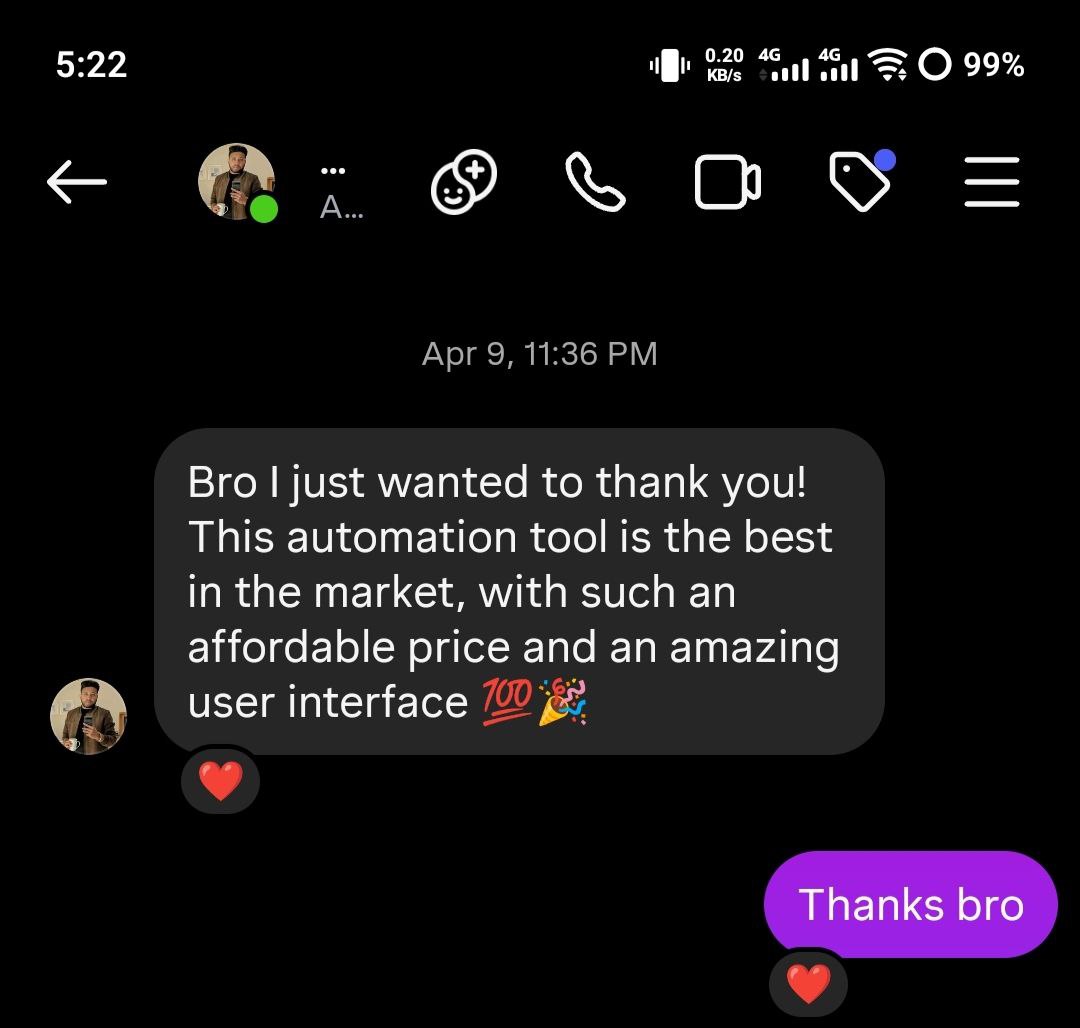
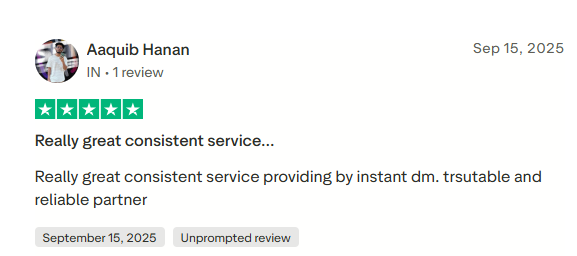
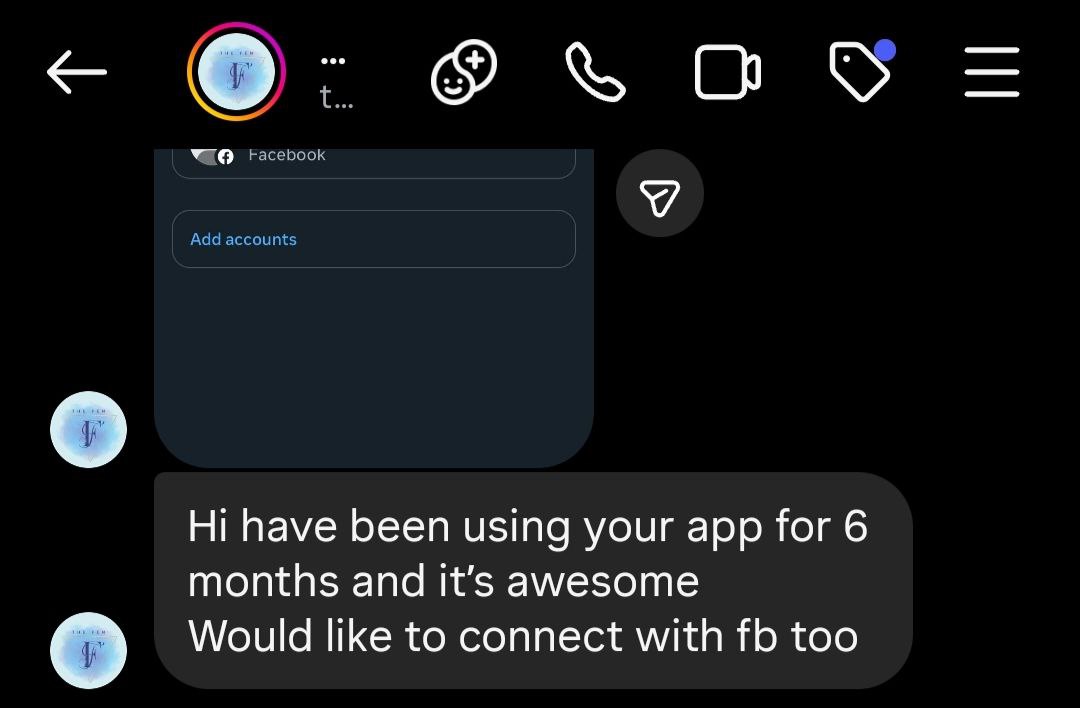
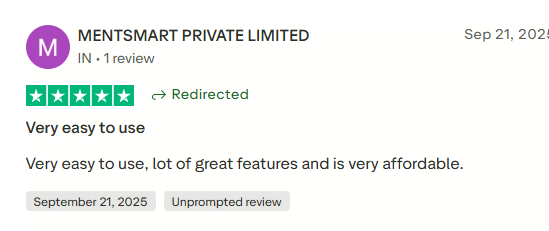
Big or small. 30 followers or 3 million. Creators, brands, and agencies trust InstantDM.



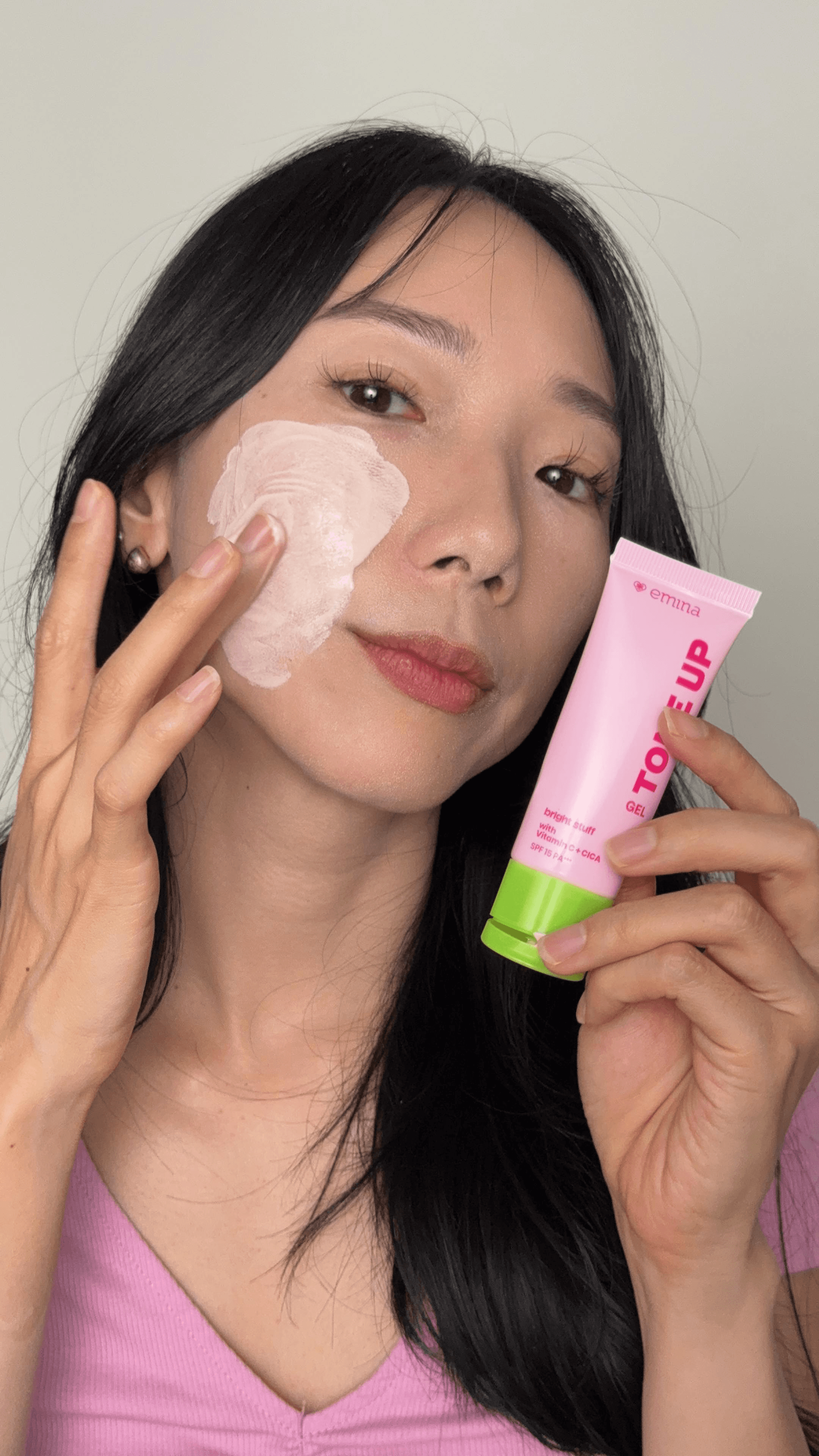



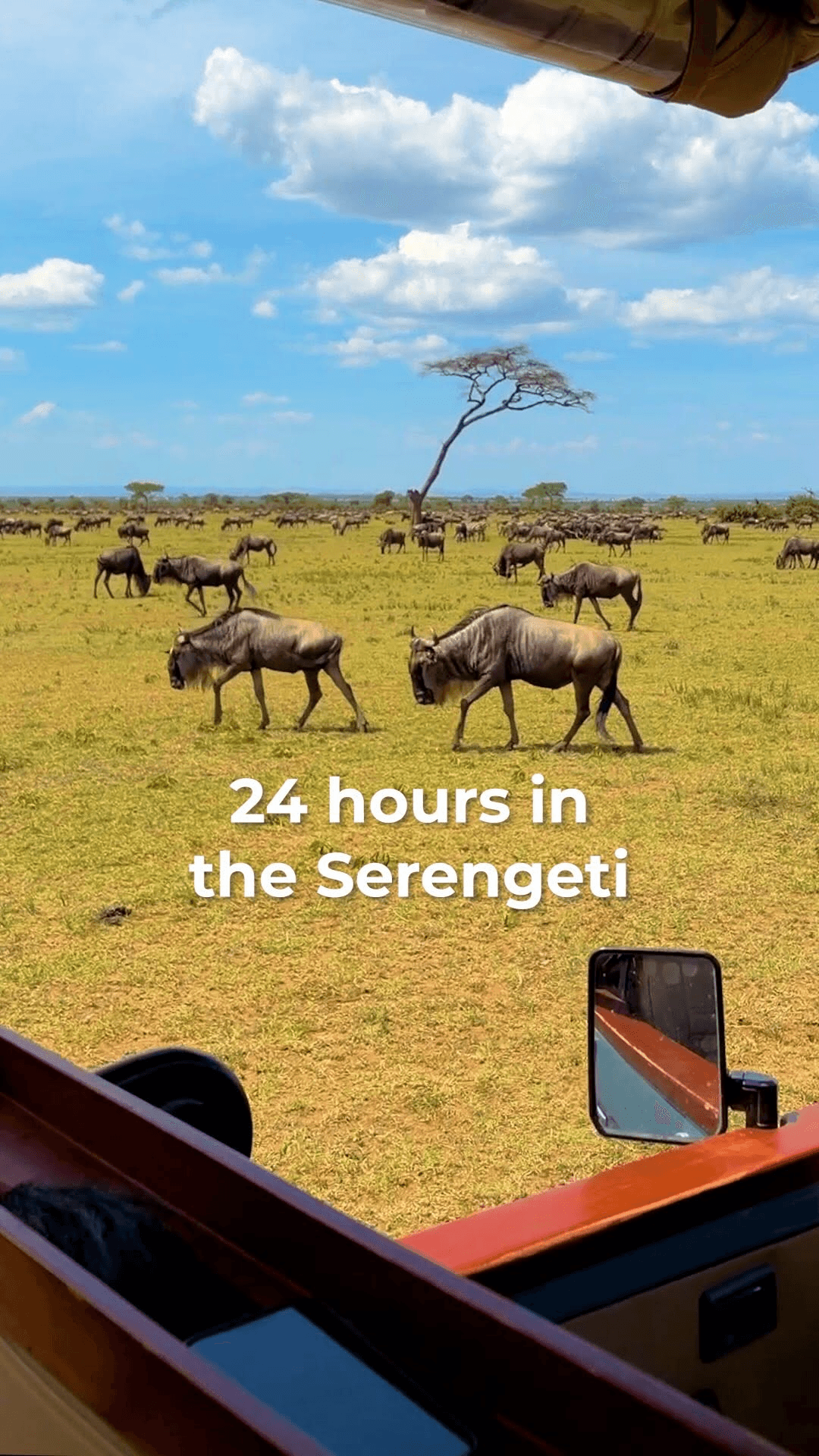


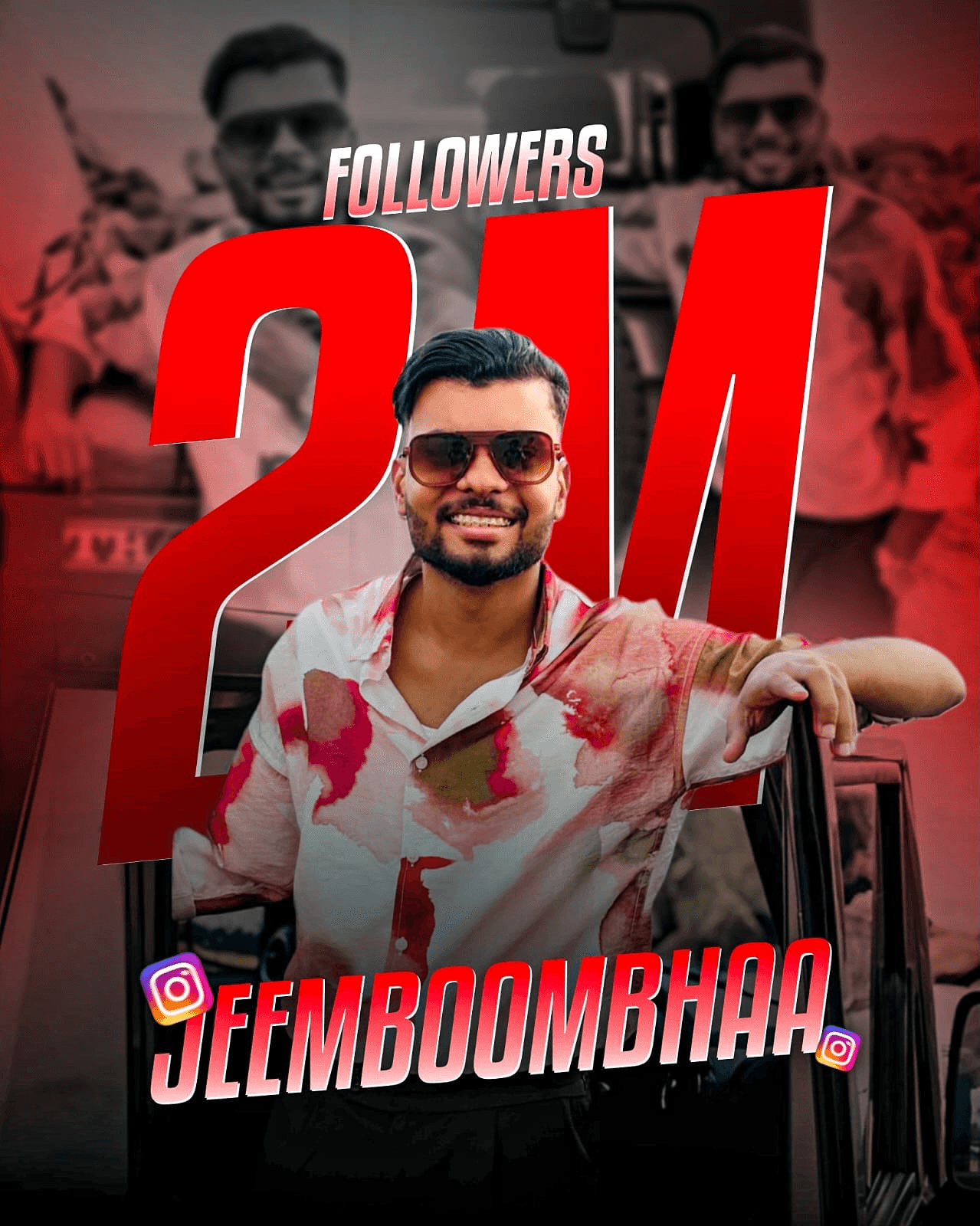







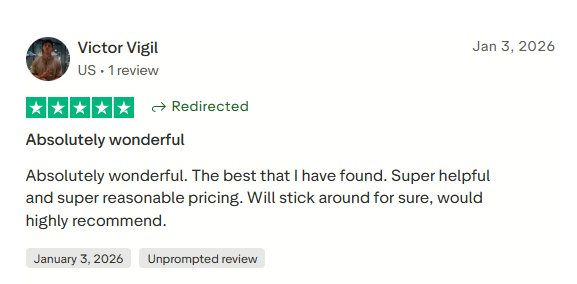
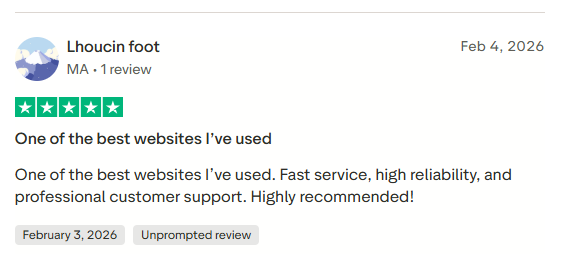
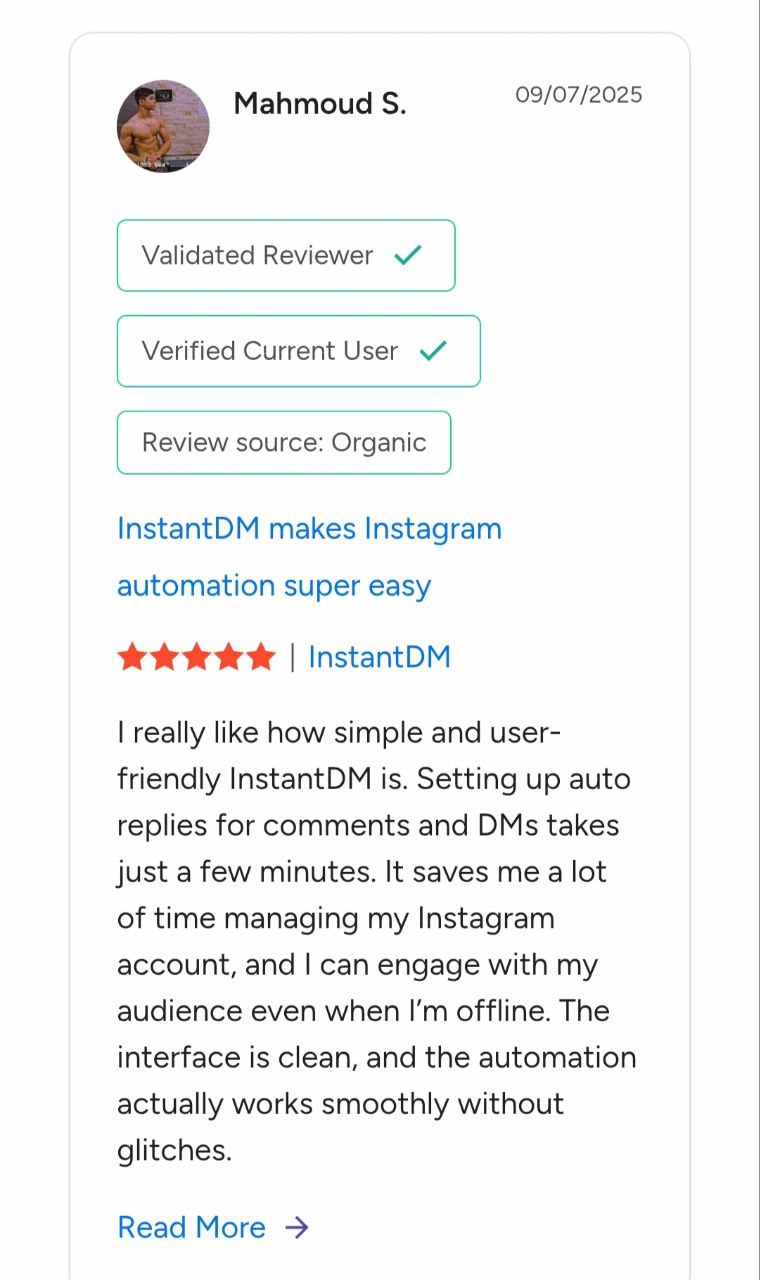
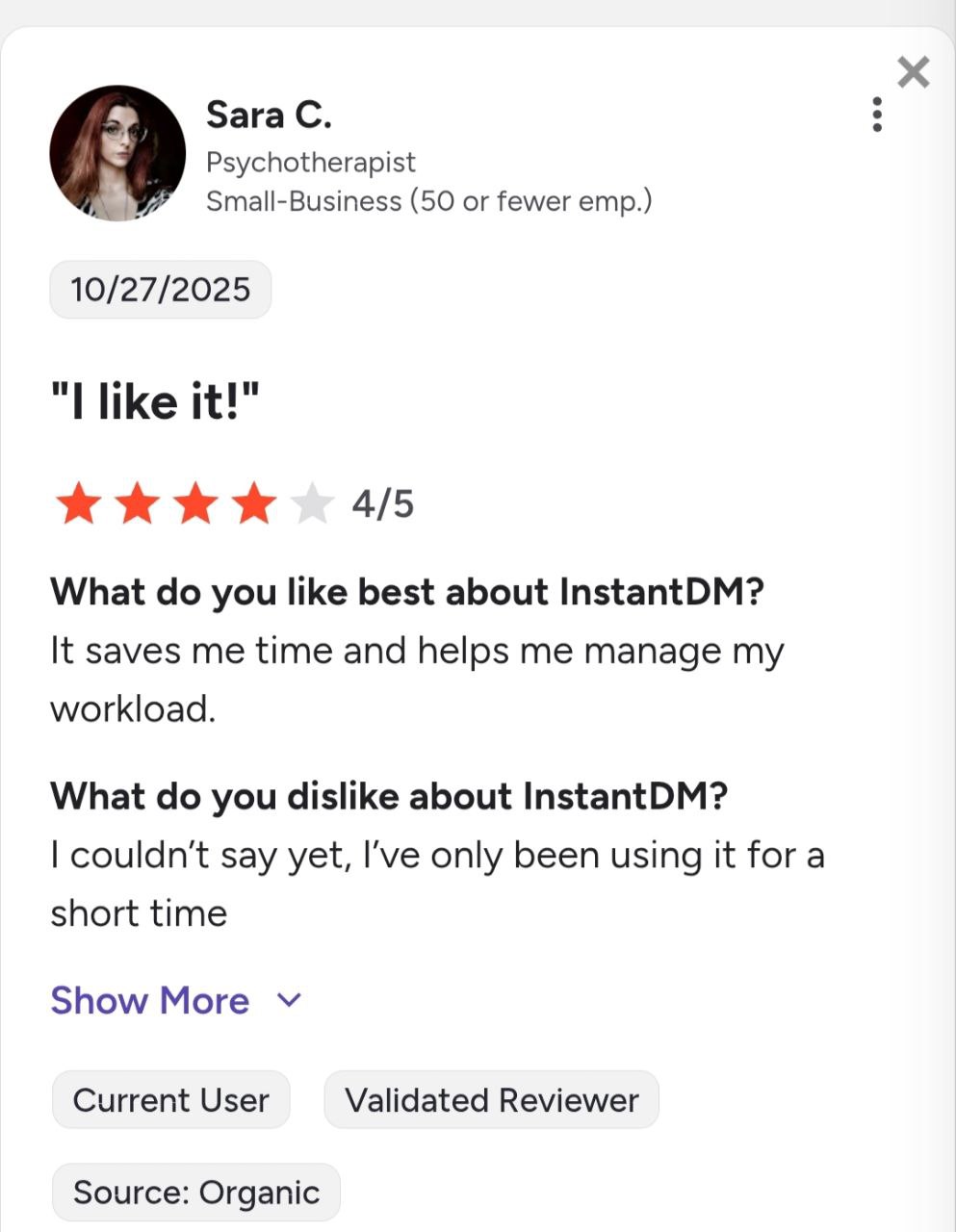
See what creators and brands are saying about InstantDM
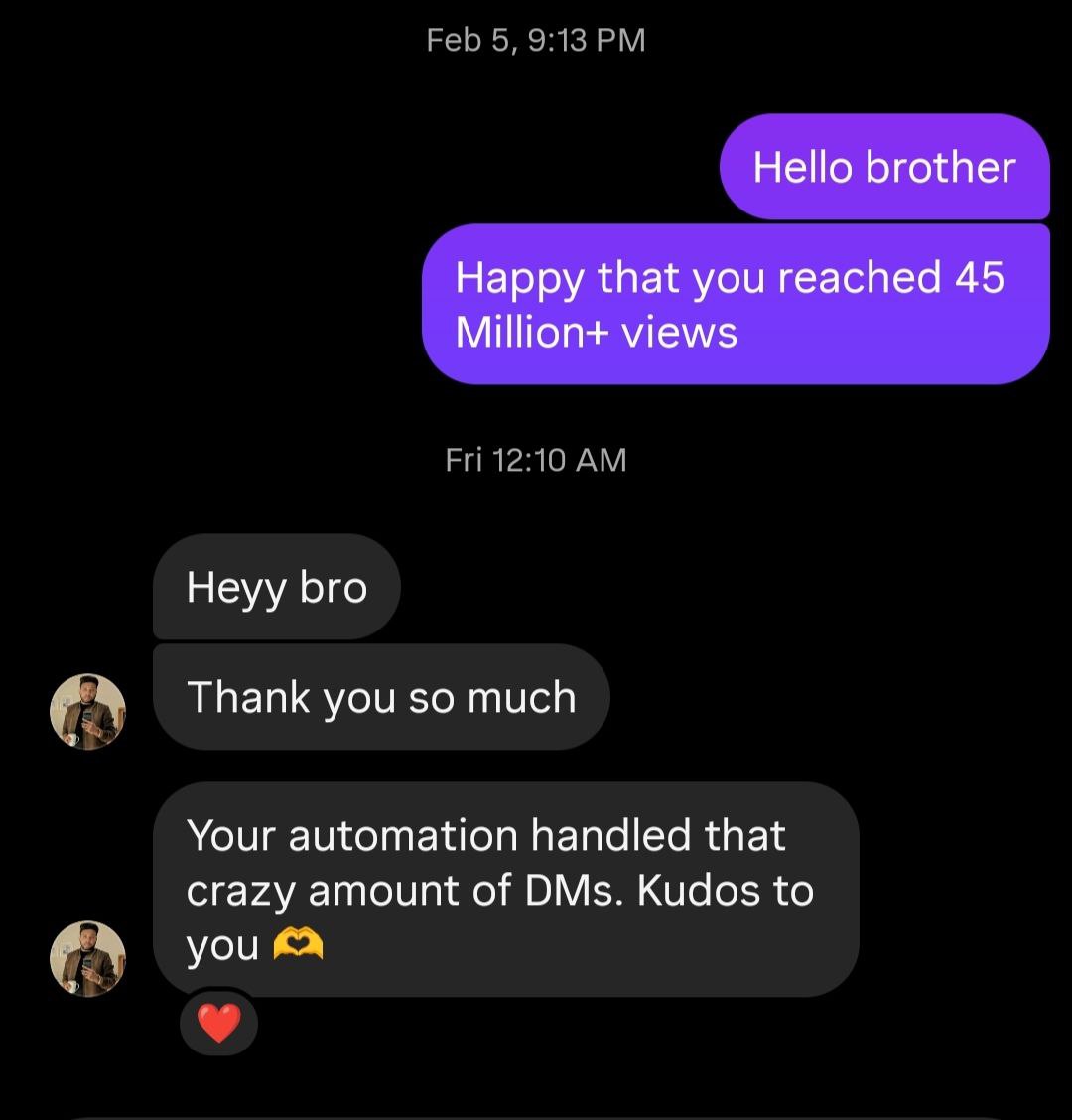
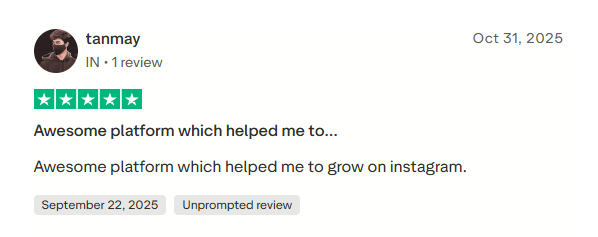
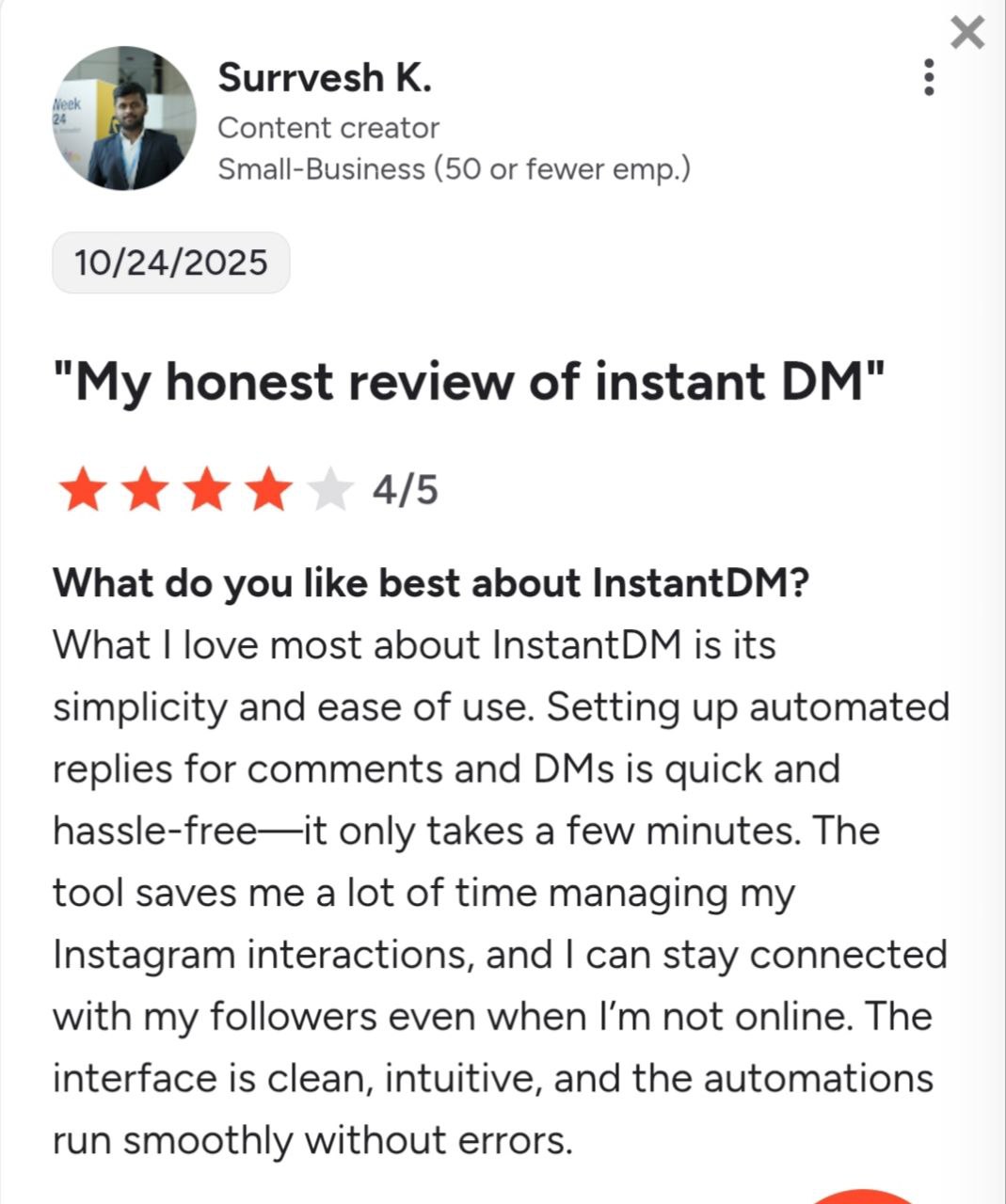
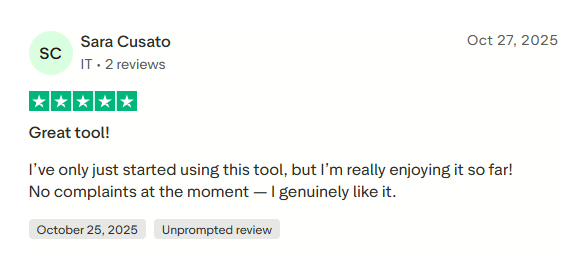
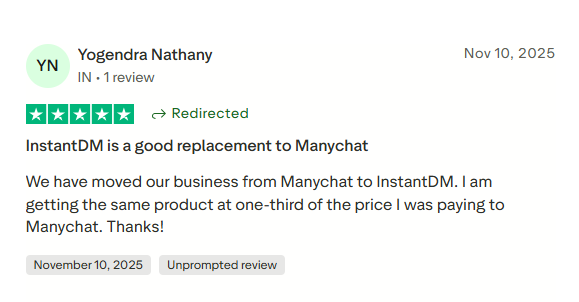
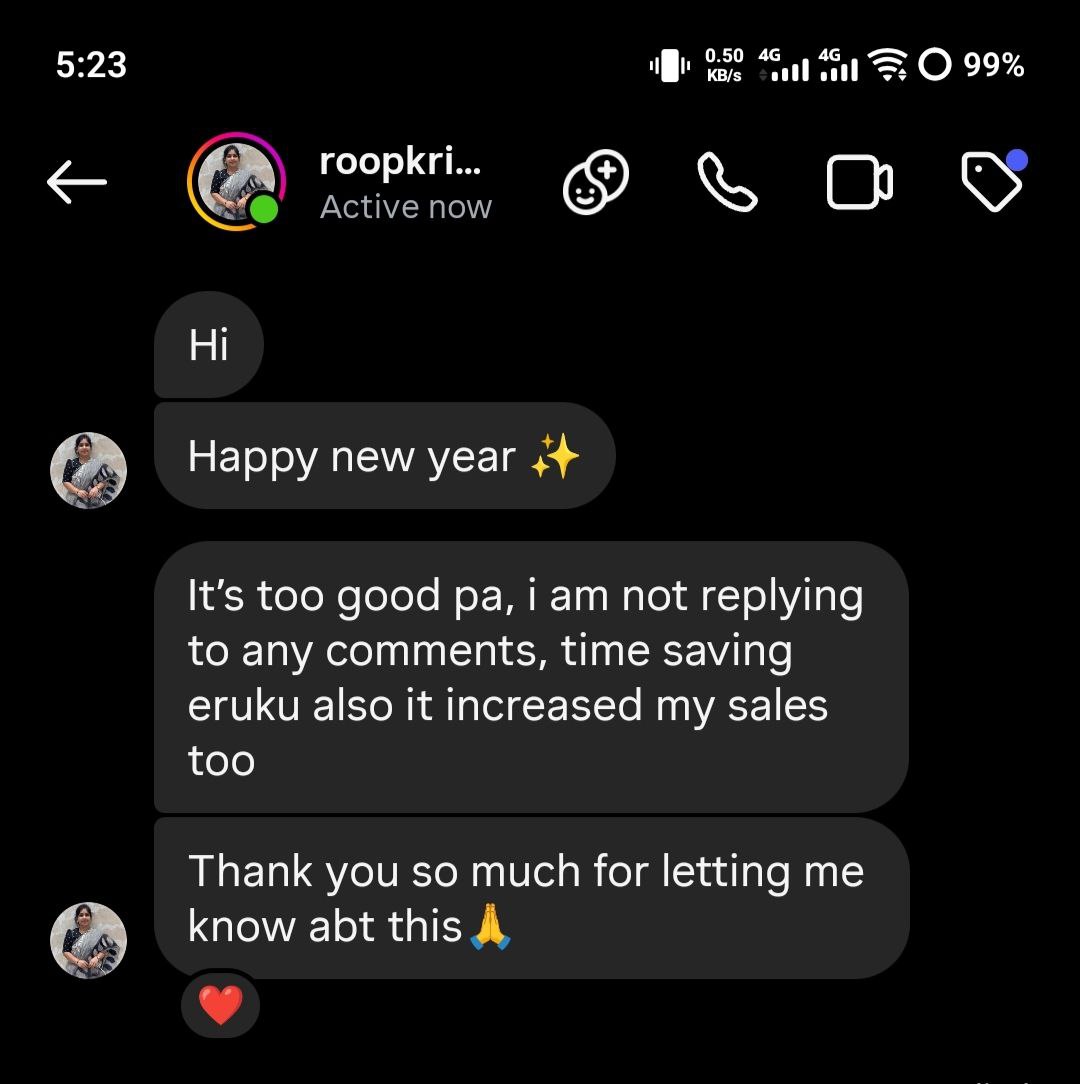
Join 30,000+ creators and brands using InstantDM today.
Get Started NowAny support required, we're just one click away.
