

Ready to Automate Your Growth?
Join 30,000+ creators and brands using InstantDM today.
Get Started NowAny support required, we're just one click away.
Meta Business Partner
100% Official API
Stand out in the feed. Type your text below, instantly see how it looks on Instagram, and click to copy dozens of unique fonts to your clipboard.
With our Instagram Font Generator, you can instantly transform standard text into eye-catching, unique fonts. While social media platforms typically restrict your ability to format bios, captions, or comments natively, this tool bypasses those limits—giving you the freedom to craft fancy text and cool typography that stands out in the feed.
If you've ever admired a creator's perfectly curated cursive bio or bold captions and wondered how they did it without a rich-text editor, the answer is Unicode. You aren't actually copying a "font file," but rather a specialized library of mathematical and structural characters that resemble the standard alphabet.
Social networks strip all styling metadata from your clipboard when you paste. To get around this, we use a "hack." By mapping each standard letter on your keyboard to a visually distinct Unicode character, we essentially create a "font changer" that the platform is forced to display exactly as intended.
Begin by typing your desired caption, name, or bio into the text input box at the top of the page. It doesn't need to be perfect right away—just get your ideas down!
As you type, our generator instantly updates the dozens of font styles below. Scroll through the list to discover elegant scripts, bold gothic, and quirky bubble fonts.
Click on any font card to see it applied directly to the simulated Instagram visual preview. This ensures the characters look aesthetically pleasing and fit well within a profile structure.
Once you've found the perfect style, simply hit the "Copy" button. You can then paste it directly into your Instagram app. Mix and match different fonts by generating one word at a time if you want to get truly creative! ρℓαу 🄰🄽🄳 ᕼᗩᐯE ᖴᑌᑎ!
Create click-to-DM links (ig.me) for your bio and stories.
Preview and visually organize your upcoming 9-grid posts.
Deliver your PDFs and templates directly in Instagram chat.
Discover the full suite of Instagram marketing tools.
Instagram fonts use Unicode characters that look like different font styles. Since Instagram strips formatting, these special Unicode characters are the only way to display custom typography in bios, captions, and comments. You simply copy and paste them.
Yes! Unicode fonts work in Instagram bios, captions, comments, DMs, and your display name. They're supported across all platforms because they use standard Unicode characters, not custom font files.
Absolutely. These are standard Unicode characters recognized by all modern devices and platforms. Instagram won't flag or penalize your account for using them. They're the same characters used in mathematical and linguistic notation.
Yes, you can paste fancy fonts into Instagram DMs and they'll display correctly for the recipient. This works for both regular DMs and group chats on Instagram.
Some Unicode characters may not render on older devices or operating systems that haven't updated their character sets. Most modern smartphones and computers support the full range, but very obscure characters may show as empty boxes on outdated systems.
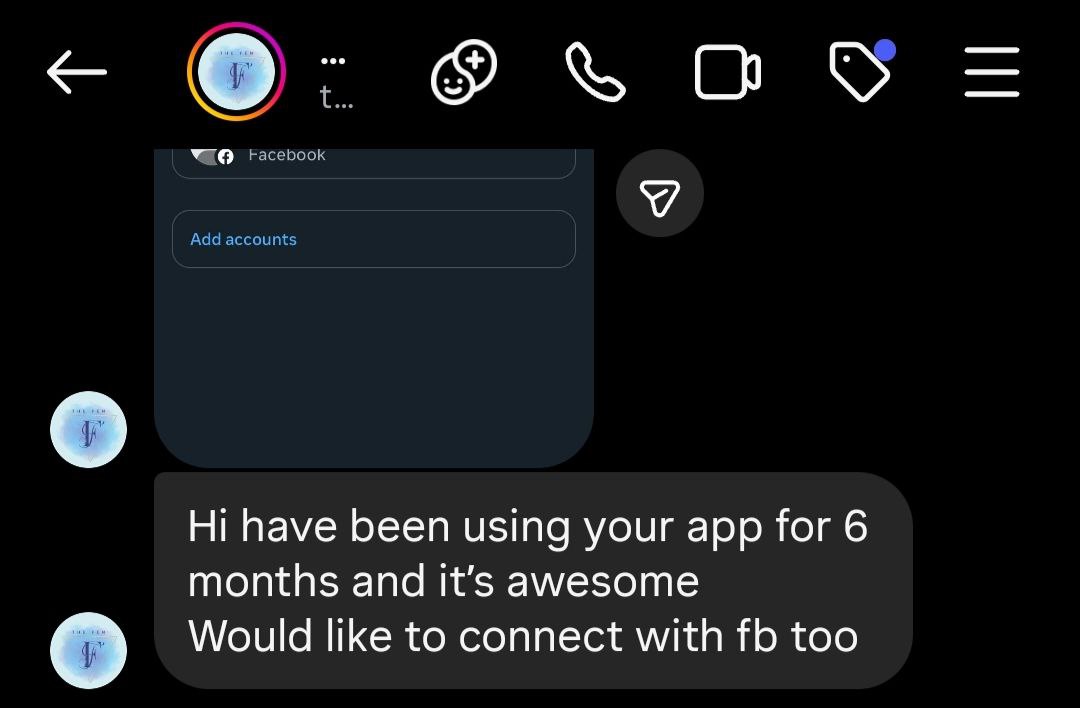
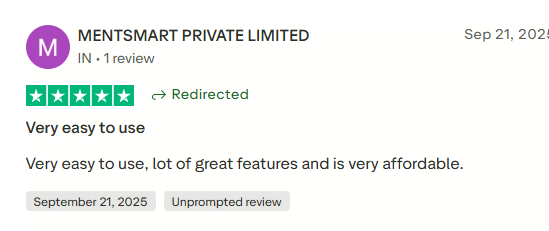
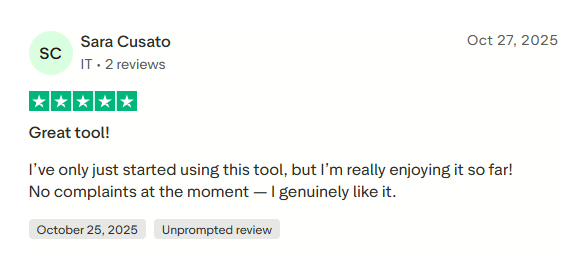
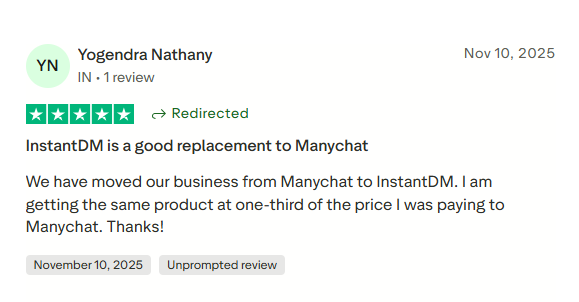
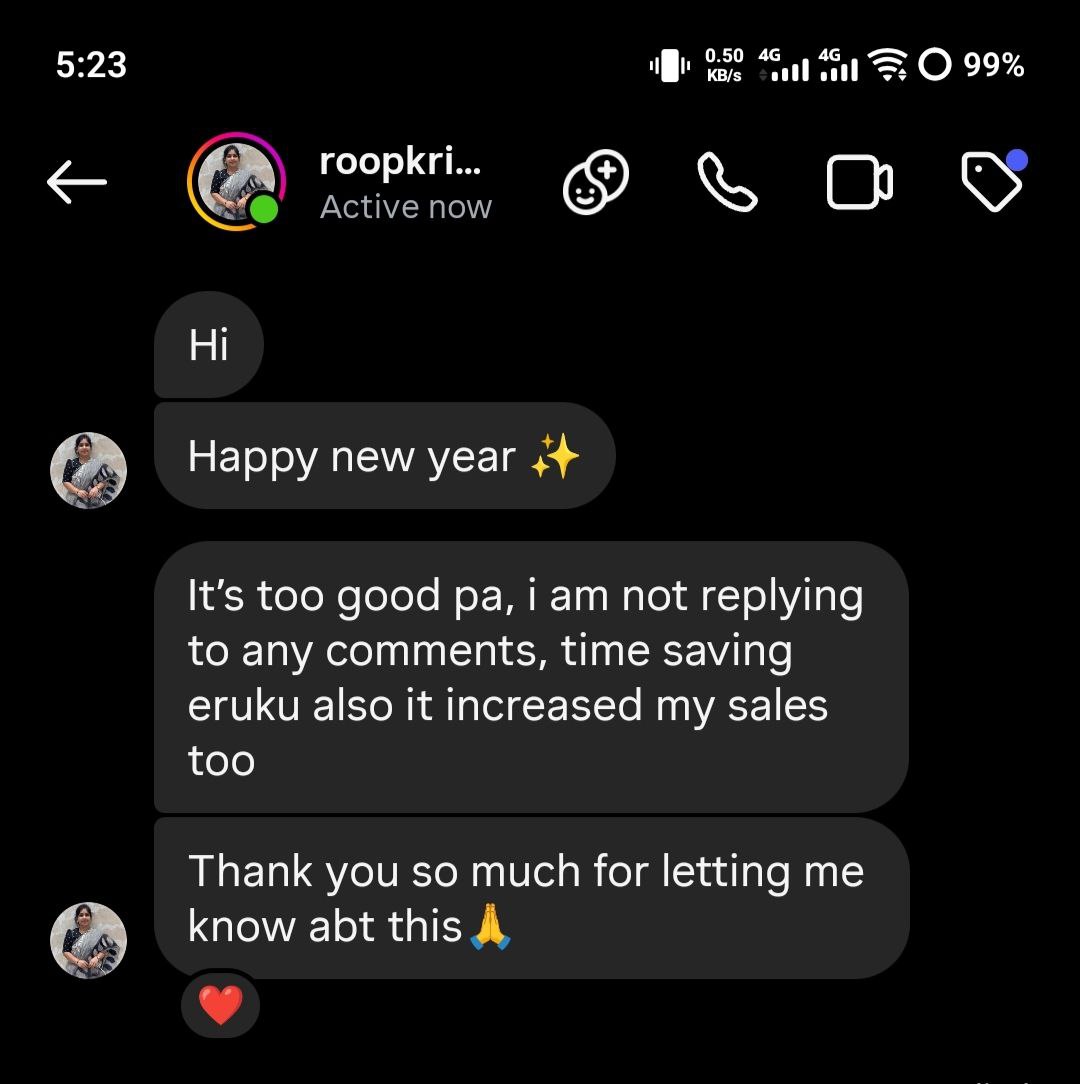
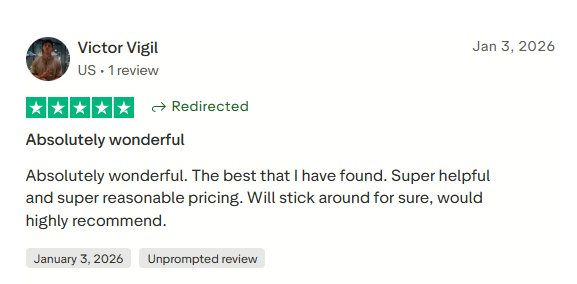
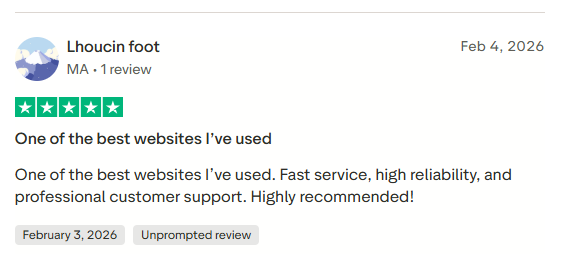
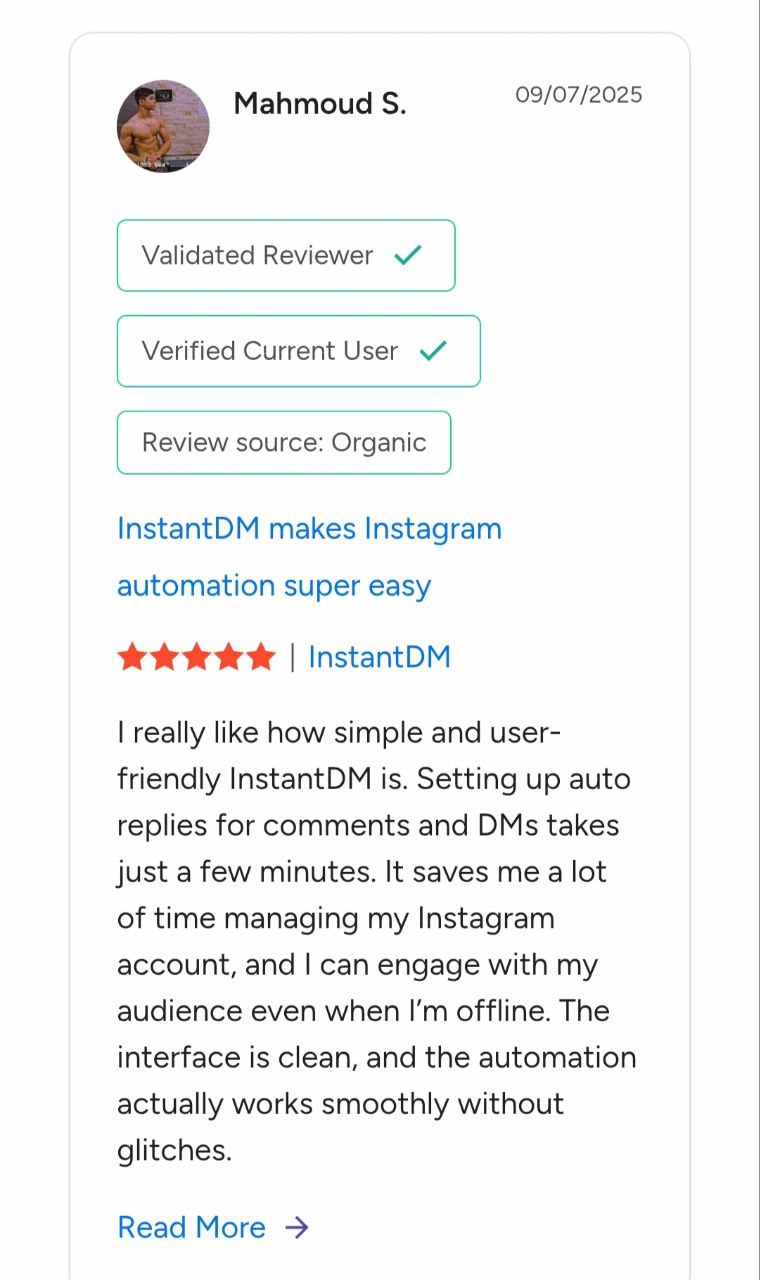
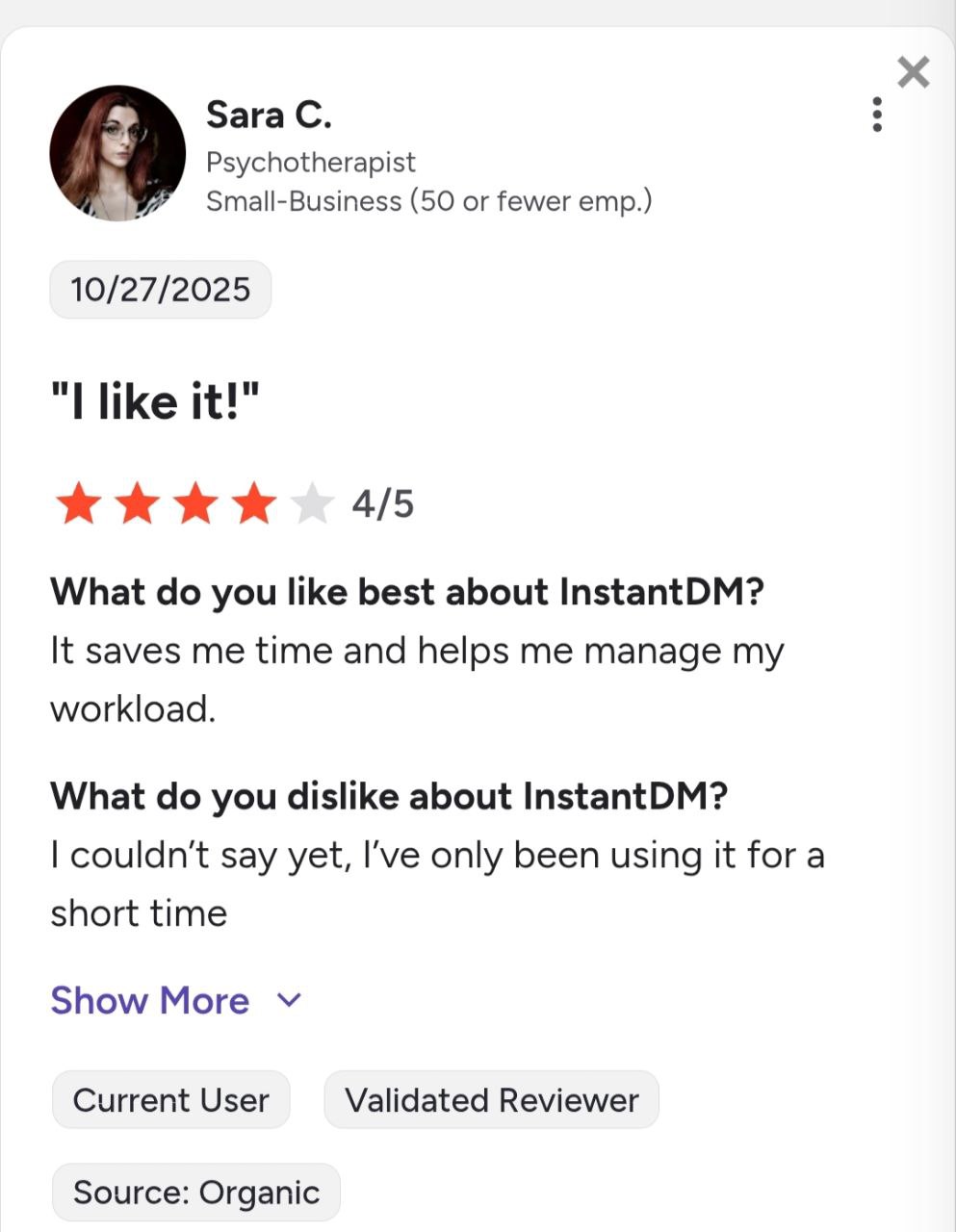
See what creators and brands are saying about InstantDM
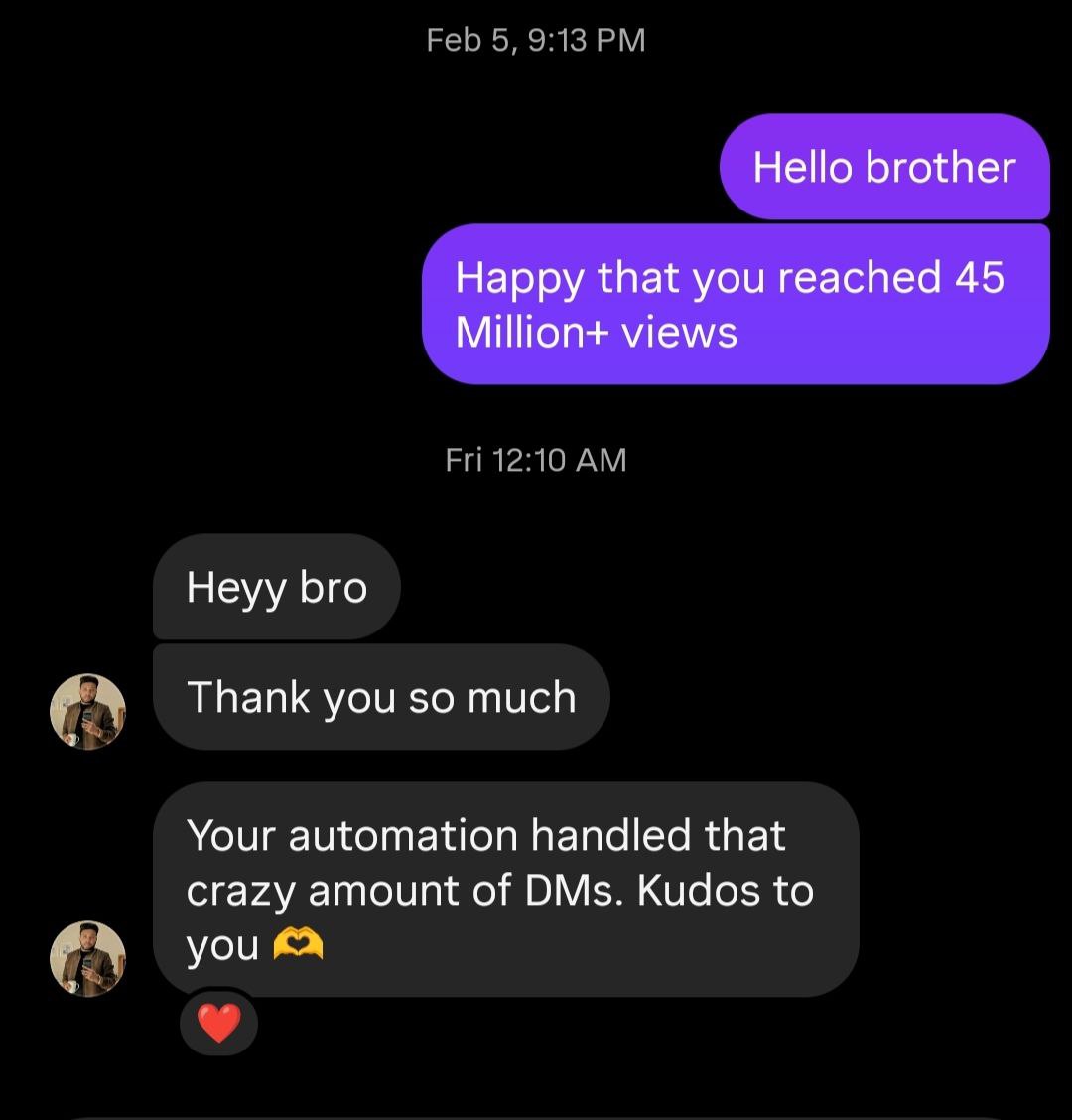
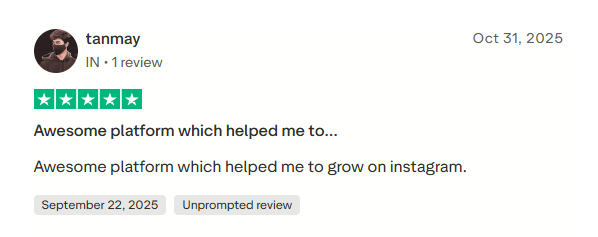
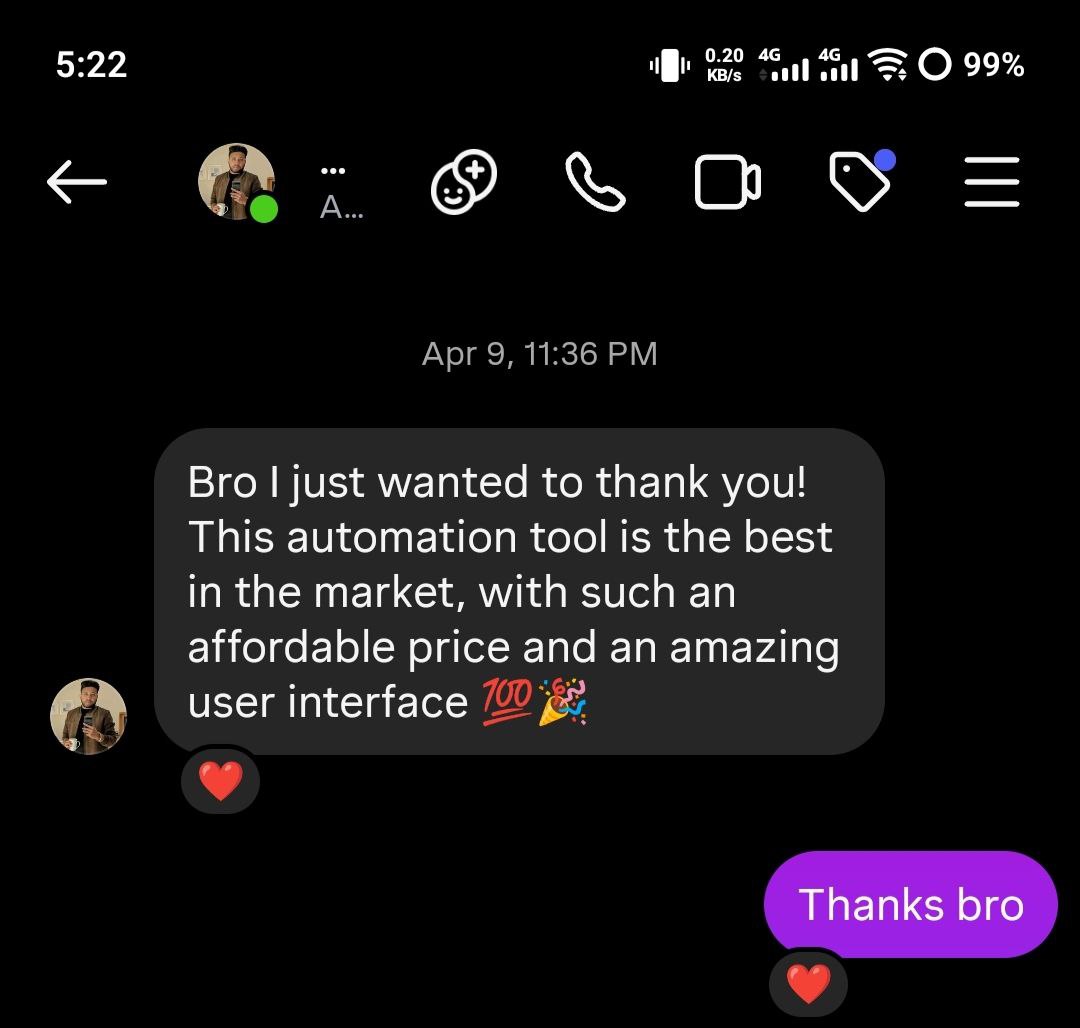
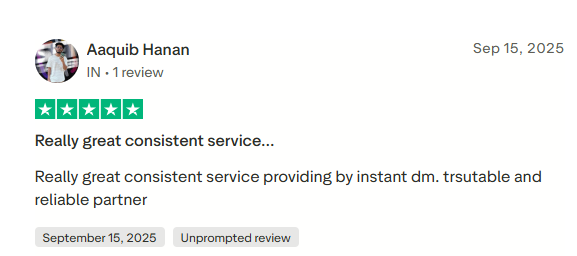

Join 30,000+ creators and brands using InstantDM today.
Get Started NowAny support required, we're just one click away.
