

Ready to Automate Your Growth?
Join 30,000+ creators and brands using InstantDM today.
Get Started NowAny support required, we're just one click away.
Meta Business Partner
100% Official API
InstantDM processes 5 to 6 million+ automation events every single day through the official Meta Graph API. At that volume we see every error Instagram can throw, including plenty that Meta's docs barely mention.
The codes are identical no matter which tool you use. ManyChat, a custom Graph API build, InstantDM itself: same API, same errors. So here is the full list. The exact messages, including the non-English variants Instagram sends. What each one actually means, who can fix it, and how. Where the fix is a setting, there's a video.
Every error we observe, most common first. The percentage is each error's share of all the errors we see.
| Code | Subcode | Meta's error message | Share of errors | Fix |
|---|---|---|---|---|
| 100 | 2534025 | The comment is invalid for a private reply | 32.6% | fix steps ↓ |
| 368 | 1404169 | Based on previous use of this feature, your account has been temporarily blocked from taking this action. | 16.4% | fix steps ↓ |
| 190 | Error validating access token: The session has been invalidated because the user changed their password or Facebook has | 11.6% | fix steps ↓ | |
| 508 | 2534122 | Invalid message id | 7.9% | fix steps ↓ |
| 10 | 2534022 | This message is sent outside of allowed window. | 7.1% | fix steps ↓ |
| 613 | Calls to this api have exceeded the rate limit. | 4.5% | fix steps ↓ | |
| 100 | Invalid keys "untrack_url" were found in param "name_placeholder[elements][0][buttons][0]". | 2.5% | — | |
| 2 | 1545133 | Service temporarily unavailable | 2.3% | fix steps ↓ |
| 100 | 2534001 | The thread owner has archived or deleted this conversation, or the thread does not exist. | 1.8% | fix steps ↓ |
| 10903 | 1893049 | This user cant reply to this activity | 1.5% | fix steps ↓ |
| 200 | 2534041 | The account owner has disabled access to instagram direct messages. | 1.3% | fix steps ↓ |
| 100 | 2018001 | No matching user found | 1.1% | fix steps ↓ |
| 2 | An unexpected error has occurred. Please retry your request later. | 1.1% | fix steps ↓ | |
| 200 | The account owner has disabled access to Instagram Direct Messaging. | 1.0% | fix steps ↓ | |
| 100 | 1893060 | Invalid parameter | 1.0% | — |
| 100 | 2534014 | The requested user cannot be found. | 0.9% | fix steps ↓ |
| 100 | 2018047 | Upload attachment failure. | 0.8% | fix steps ↓ |
| 613 | 2534040 | Calls to this api have exceeded the rate limit. (localized) | 0.8% | fix steps ↓ |
| 10900 | Activity already replied to | 0.6% | fix steps ↓ | |
| 100 | 2534015 | Invalid message data | 0.5% | — |
| 190 | 460 | Error validating access token: The session has been invalidated because the user changed their password or Facebook has | 0.5% | fix steps ↓ |
| 551 | 1545041 | This person isn't available right now. | 0.5% | fix steps ↓ |
| 100 | 2534052 | Empty text | 0.3% | — |
| 1 | Please reduce the amount of data you're asking for, then retry your request | 0.3% | fix steps ↓ | |
| 10903 | 1893062 | This user cant reply to this activity | 0.3% | fix steps ↓ |
| 100 | 2534037 | The action is invalid since it's not the thread owner. | 0.2% | fix steps ↓ |
| 10 | 2018300 | Message failed to send because another app is controlling this thread now. | 0.1% | fix steps ↓ |
| 100 | 2018034 | Message cannot be empty, must provide valid attachment or text | 0.1% | — |
| 10 | 2018278 | This message is sent outside of allowed window. Learn more about the new policy here: https://developers.facebook.com/do | <0.1% | fix steps ↓ |
| 1 | 1545120 | An unknown error occurred | <0.1% | fix steps ↓ |
| 1 | 1545121 | An unknown error occurred | <0.1% | fix steps ↓ |
| 10904 | 1893050 | The page has messages disabled in the settings | <0.1% | fix steps ↓ |
| 200 | 2534066 | Please check if access token has enough IG permissions granular scopes for IG private reply. Or verify if the comment id | <0.1% | fix steps ↓ |
| 100 | 2018032 | Virheelliset tiedot | <0.1% | — |
| 551 | 1893047 | This person isn't available right now. | <0.1% | fix steps ↓ |
| 100 | 2534076 | The provided Url is invalid. Please check the format and validity of the url. | <0.1% | — |
| 10 | Application does not have permission for this action | <0.1% | — | |
| 1 | 99 | An unknown error occurred | <0.1% | fix steps ↓ |
| 100 | 2018397 | The button template is missing the buttons field. Please add buttons or use another message type. | <0.1% | — |
| 100 | 2534038 | The length of the message sent is over 1000 characters | <0.1% | — |
| 100 | 2018007 | Upload failed | <0.1% | fix steps ↓ |
| 24 | 1545137 | The requested resource does not exist | <0.1% | — |
| 100 | 2018098 | Title is required for this quick reply content type | <0.1% | — |
Share of the errors we see: 16.4%
Instagram's anti-spam system has rate limited the account itself, not the API app. It happens when DMs or comment replies go out faster than Instagram thinks a human could plausibly manage for an account of that size and age.
Who can fix it: The account owner must wait; your platform should slow down sending.
{
  "error": {
    "message": "Based on previous use of this feature, your account has been temporarily blocked from taking this action.",
    "type": "OAuthException",
    "code": 368,
    "error_subcode": 1404169,
    "fbtrace_id": "AXxxxxxxxxxxxxxxx"
  }
}Based on previous use of this feature, your account has been temporarily blocked from taking this action.Com base no uso anterior deste recurso, sua conta foi impedida temporariamente de executar essa ação.Share of the errors we see: 12.1%
The connection between the tool and the Instagram account is dead. Variants of this error tell you exactly why: password changed, session invalidated, app deauthorized, or an Instagram security checkpoint.
Who can fix it: Only the account owner can fix it — by reconnecting.
{
  "error": {
    "message": "Error validating access token: The session has been invalidated because the user changed their password or Facebook has changed the session for security reasons.",
    "type": "OAuthException",
    "code": 190,
    "fbtrace_id": "AXxxxxxxxxxxxxxxx"
  }
}Error validating access token: The session has been invalidated because the user changed their password or Facebook has changed the session for security reasons.Error validating access token: Session has expired on {date}. The current time is {date}.Error validating access token: The user has not authorized application {your-app-id}.Error validating access token: This Instagram account needs to complete a checkpoint before it can access this app. To recover access, log in to www.instagram.com and follow the instructions.Error validating access token: You cannot access the app till you log in to www.instagram.com and follow the instructions given.Error validating access token: Session key is malformed because of invalid user id.Invalid OAuth access token - Cannot parse access tokenThis Page access token belongs to a Page that is not accessible.Share of the errors we see: 7.9%
The message says 'Invalid message id', which tells you nothing. What code 508 actually means in DM context: Instagram is blocking this account from sending links in DMs, usually a temporary restriction after Community Standards flags or too many link DMs.
Who can fix it: Account owner + automation settings.
{
  "error": {
    "message": "Invalid message id",
    "type": "IGApiException",
    "code": 508,
    "error_subcode": 2534122,
    "fbtrace_id": "AXxxxxxxxxxxxxxxx"
  }
}Share of the errors we see: 7.2%
Instagram's Messaging API only allows business-initiated DMs within 24 hours of the user's last message (the '24-hour window'; comment private replies get 7 days). Outside it, sends are refused. That's policy, not a bug, and no tool can get around it.
Who can fix it: Automation logic. The send should never have been attempted.
{
  "error": {
    "message": "This message is sent outside of allowed window.",
    "type": "IGApiException",
    "code": 10,
    "error_subcode": 2534022,
    "fbtrace_id": "AXxxxxxxxxxxxxxxx"
  }
}This message is sent outside of allowed window.This message is sent outside of allowed window. Learn more about the new policy here: https://developers.facebook.com/docs/messenger-platform/policy-overviewThis message is being sent outside the allowed window. Learn more about the new policy here: https://developers.facebook.com/docs/messenger-platform/policy-overviewBu mesaj izin verilen zaman aralığının dışında gönderilir.Essa mensagem foi enviada fora do período permitido.Este mensaje se envía fuera de la ventana permitida.Share of the errors we see: 5.2%
The Graph API messaging rate limit was hit. Instagram enforces per-account conversation-based limits (roughly proportional to your conversations in the last 24h; commonly discussed as ~200 calls/hour baseline for messaging). Bursts of comment activity — a viral post — are the classic trigger.
Who can fix it: Your platform should pace and retry; the account owner just needs a tool that does.
{
  "error": {
    "message": "Calls to this api have exceeded the rate limit.",
    "type": "IGApiException",
    "code": 613,
    "fbtrace_id": "AXxxxxxxxxxxxxxxx"
  }
}Calls to this api have exceeded the rate limit.Calls to this api have exceeded the rate limit. (localized)Share of the errors we see: 3.8%
Meta-side transient failures. Nothing is wrong with the account or the message. The API just hiccuped.
Who can fix it: Your platform: retry with backoff. If your tool drops these, the DM is lost for no reason.
{
  "error": {
    "message": "Service temporarily unavailable",
    "type": "IGApiException",
    "code": 2,
    "error_subcode": 1545133,
    "fbtrace_id": "AXxxxxxxxxxxxxxxx"
  }
}Service temporarily unavailableAn unexpected error has occurred. Please retry your request later.Please reduce the amount of data you're asking for, then retry your requestAn unknown error occurredAn unknown error has occurred.Share of the errors we see: 1.8%
The DM thread no longer exists from the recipient's side. They archived it, deleted it, or never accepted the conversation. A reply into it can't be delivered.
Who can fix it: Fixable — see the video walkthrough.
{
  "error": {
    "message": "The thread owner has archived or deleted this conversation, or the thread does not exist.",
    "type": "IGApiException",
    "code": 100,
    "error_subcode": 2534001,
    "fbtrace_id": "AXxxxxxxxxxxxxxxx"
  }
}The thread owner has archived or deleted this conversation, or the thread does not exist.O dono do tópico arquivou ou excluiu esta conversa ou o tópico não existe.El propietario del hilo ha archivado o eliminado esta conversación, o el hilo no existe.El propietario del hilo archivó o eliminó la conversación, o el hilo ya no existe.Владелец цепочки архивировал или удалил эту переписку, либо такой цепочки не существует.대화 소유자가 이 대화를 보관했거나 삭제했습니다. 또는 대화가 존재하지 않습니다.Vlastník vlákna konverzaci archivoval nebo odstranil, nebo vlákno neexistuje.Der Thread-Eigentümer hat diese Unterhaltung archiviert oder gelöscht oder der Thread existiert nicht.Share of the errors we see: 0.2%
The reply came from an account that doesn't own the conversation thread. Typical with linked Facebook Pages and multi-account setups, where the wrong identity ends up answering.
Who can fix it: Account configuration — see the video fix.
{
  "error": {
    "message": "The action is invalid since it's not the thread owner.",
    "type": "IGApiException",
    "code": 100,
    "error_subcode": 2534037,
    "fbtrace_id": "AXxxxxxxxxxxxxxxx"
  }
}Share of the errors we see: 2.4%
Message access for connected apps is switched off on the Instagram account, so no tool can send DMs on its behalf.
Who can fix it: Account owner — 30-second settings fix (video below).
{
  "error": {
    "message": "The account owner has disabled access to instagram direct messages.",
    "type": "IGApiException",
    "code": 200,
    "error_subcode": 2534041,
    "fbtrace_id": "AXxxxxxxxxxxxxxxx"
  }
}The account owner has disabled access to instagram direct messages.The account owner has disabled access to Instagram Direct Messaging.Permissions errorShare of the errors we see: <0.1%
The account is connected, but during authorization some permissions (typically instagram_business_manage_messages) were declined or dropped.
Who can fix it: Account owner: reconnect and approve everything.
{
  "error": {
    "message": "Please check if access token has enough IG permissions granular scopes for IG private reply. Or verify if the comment id is valid",
    "type": "IGApiException",
    "code": 200,
    "error_subcode": 2534066,
    "fbtrace_id": "AXxxxxxxxxxxxxxxx"
  }
}Please check if access token has enough IG permissions granular scopes for IG private reply. Or verify if the comment id is validPlease check if access token has enough IG permissions granular scopes for IG private reply. Or, verify if the comment ID is validVerifique se o token de acesse tem escopos de permissões granulares do Instagram suficientes para a resposta privada do Instagram ou se a identificação do comentário é válidaVérifiez si le token d’accès a assez d’étendues granulaires pour les autorisations Instagram pour les réponses privées Instagram. Sinon, vérifiez si l’ID du commentaire est valideShare of the errors we see: 2.0%
The recipient account is gone: deleted, deactivated, or it blocked your account. People search this as 'Instagram user not found but not blocked', and the confusion makes sense, because through the API a deactivated account looks exactly like a deleted one.
Who can fix it: Nobody. The recipient doesn't exist, at least as far as you can tell.
{
  "error": {
    "message": "No matching user found",
    "type": "IGApiException",
    "code": 100,
    "error_subcode": 2018001,
    "fbtrace_id": "AXxxxxxxxxxxxxxxx"
  }
}No matching user foundThe requested user cannot be found.Share of the errors we see: 0.1%
Meta's handover protocol has assigned this conversation to a different connected app (e.g., two automation tools connected at once).
Who can fix it: Account owner: pick one tool.
{
  "error": {
    "message": "Message failed to send because another app is controlling this thread now.",
    "type": "IGApiException",
    "code": 10,
    "error_subcode": 2018300,
    "fbtrace_id": "AXxxxxxxxxxxxxxxx"
  }
}Share of the errors we see: 0.6%
A private reply was already sent to this comment/story. Instagram allows exactly one.
Who can fix it: Your platform's dedupe logic.
{
  "error": {
    "message": "Activity already replied to",
    "type": "IGApiException",
    "code": 10900,
    "fbtrace_id": "AXxxxxxxxxxxxxxxx"
  }
}Share of the errors we see: 1.8%
The commenter can't receive the reply — account restrictions or the activity no longer accepts replies.
Who can fix it: Nobody — recipient-side.
{
  "error": {
    "message": "This user cant reply to this activity",
    "type": "IGApiException",
    "code": 10903,
    "error_subcode": 1893049,
    "fbtrace_id": "AXxxxxxxxxxxxxxxx"
  }
}Share of the errors we see: <0.1%
For Facebook Pages: messaging is turned off at Page level, so connected tools can't DM.
Who can fix it: Page admin.
{
  "error": {
    "message": "The page has messages disabled in the settings",
    "type": "IGApiException",
    "code": 10904,
    "error_subcode": 1893050,
    "fbtrace_id": "AXxxxxxxxxxxxxxxx"
  }
}Share of the errors we see: 0.8%
The image/file in the DM couldn't be fetched or processed by Instagram (dead URL, too large, wrong format, slow host).
Who can fix it: Automation content — fixable in your templates.
{
  "error": {
    "message": "Upload attachment failure.",
    "type": "IGApiException",
    "code": 100,
    "error_subcode": 2018047,
    "fbtrace_id": "AXxxxxxxxxxxxxxxx"
  }
}Upload attachment failure.Upload failedNahrávání selhaloInstantDM watches for every error on this page and emails you the exact fix the moment one shows up. Anything retryable gets retried on its own. See how it works
The five most common causes, in order: the comment can't receive a private reply (older than 7 days or privacy settings), Instagram temporarily blocked the account for sending too fast (code 368), the access token expired and the account must be reconnected (code 190), link sharing is restricted on the account (code 508), or the message was attempted outside the 24-hour messaging window (code 10).
Code 190 means the access token is invalid — the connection between the automation tool and the Instagram account is dead. It happens after password changes, security checkpoints, or removing the app. The only fix is reconnecting the account.
Error 100 with subcode 2534025. Instagram refuses a private reply to that comment: it is older than 7 days, already received a private reply, was deleted, or the commenter's privacy settings block message requests.
Messaging rate limits are per Instagram account and scale with recent conversation volume; hitting them returns error code 613. Viral posts trigger this constantly. A good automation platform queues and retries instead of dropping DMs.
Businesses can send DMs via the API only within 24 hours of the user's last message (7 days for comment private replies). Outside the window Instagram returns error code 10 and the message cannot be delivered by any tool.
Error code 368: Instagram's anti-spam system rate-limited the account for sending faster than expected. Pause automation for 24–48 hours, check Account Status in the Instagram app, and resume at a slower pace.
See what creators and brands are saying about InstantDM
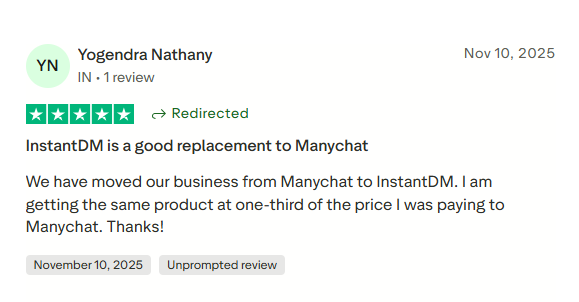
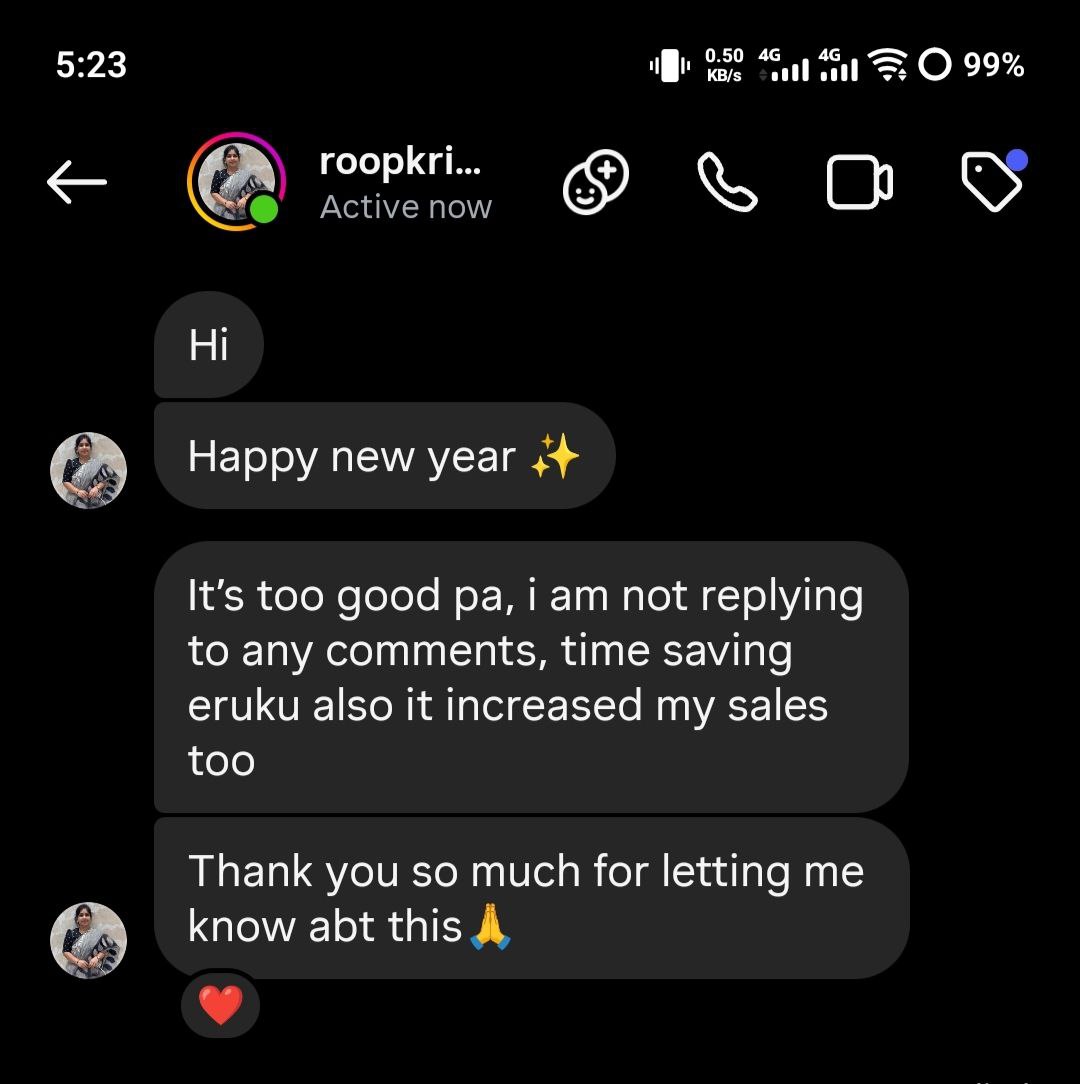
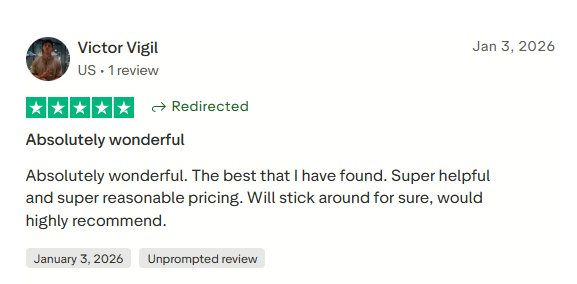
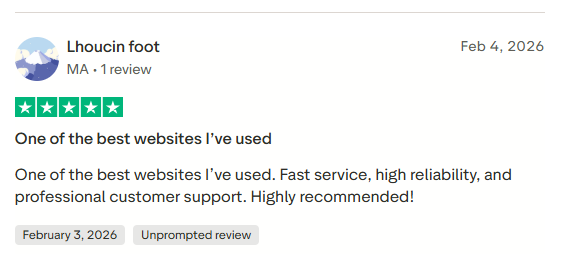
Join 30,000+ creators and brands using InstantDM today.
Get Started NowAny support required, we're just one click away.

"The comment is invalid for a private reply" — code 100 / 2534025
Share of the errors we see: 32.6%
Instagram refuses to send a private reply to this specific comment. Causes: the comment is older than 7 days, the commenter's privacy settings block message requests, the comment was deleted, or a private reply was already sent to it.
Who can fix it: Mostly unavoidable per-comment; partially fixable in your automation setup.
How to fix
All wordings & translations of this error (10)
The comment is invalid for a private replyEl comentario no es válido para una respuesta privadaO comentário para uma resposta privada não é válidoTen komentarz jest nieprawidłowy do odpowiedzi prywatnejDer Kommentar ist für private Antworten ungültigTähän kommenttiin ei voi vastata yksityisellä vastauksellaIl commento non è valido per una risposta privataLe commentaire n’est pas valide pour une réponse privéeKomentar tidak valid untuk balasan privatKomentář nejde použít v soukromé odpovědi