







Ready to Automate Your Growth?
Join 30,000+ creators and brands using InstantDM today.
Get Started NowAny support required, we're just one click away.
Meta Business Partner
100% Official API
Every DM, comment and story reply becomes a contact — with tags, emails and custom fields collected while they chat. No imports. No per-contact pricing.




Official Partners
One of the fastest tools on Earth to climb to Official Meta Business Partner badge for Instagram automation. Read our story →




Contacts & CRM
The same tool that answers your comments and DMs also remembers every person it talked to.
Every DM, comment and story reply becomes a contact the moment your automation answers. Nothing to import, nothing to type — the conversation is the data entry.
Tag by hand, from any automation step, or let the AI apply qualification tags as it chats. Filter the whole list by any tag in one click.
Email, phone, city, order number — any field you like. Question steps in your flows fill them in as people answer, and you can edit everything by hand.
By username, Instagram ID or tag — or open any automation and see everyone who entered it, most recent first, with their answers.
Pause the AI for one contact and take over the chat yourself. A per-contact timeline shows every AI reply, tag, and captured answer.
The whole list or just the current filter, custom fields included. Your contacts are yours — take them to your email tool anytime.
Lead capture
The classic Instagram funnel leaks at the same place every time: you got the DM, but you never got the email. Here, lead capture is just a step in the conversation.
A question step asks inside the DM. People answer questions in chat at rates a landing-page form never sees — they're already talking to you.
The answer files itself to that contact's custom fields. No zap, no export-import loop.
"Ask only if unknown." Returning contacts skip the question — the automation already knows them, so it just carries on.
InstantDM is an official Make.com partner. Every lead your automations capture can flow straight into HubSpot, Zoho CRM, Google Sheets, Slack — or any of the 2,000+ apps on Make — the moment it lands. One by one as they arrive, or in bulk.

Use InstantDM's official Make app: a new lead triggers your scenario, and Make drops it into HubSpot, Zoho CRM, a sheet or a Slack channel. Point, click, done — no developer required.
Need something custom? An HTTP step inside any automation posts the contact's ID, username, email and fields to your own endpoint mid-conversation — and can read the response back into the contact's fields.
Create and update contacts, tags and fields from your own system through the REST API — or let your AI tools manage the CRM through the Instagram MCP server. Bulk CSV export is always one click away.
Every contact carries a stable Instagram-scoped ID, so records stay matched to the same person in every downstream tool — no de-duping usernames people change weekly.
Why built-in wins
| InstantDM Instagram CRM | Traditional CRM + Instagram plug-in | |
|---|---|---|
| Setup | Connect Instagram once — about 30 seconds | Install an integration, map fields, train the team |
| How contacts get in | Automatically, from every DM, comment and story reply | Someone copies conversations over, or a sync runs |
| Lead capture | A question asked naturally inside the DM | A form on your website, linked from bio |
| Tagging | Manual, from automations, or applied by the AI | Manual, after the fact |
| AI in the conversation | Built in — with per-contact pause and a timeline | Separate product, separate bill |
| Pricing as your list grows | Flat monthly price — a viral post doesn't raise your bill | Per seat, per integration — or per contact (ManyChat-style) |
| On your phone | Full iOS & Android apps | Depends on the CRM |
Fair is fair: if you run multi-channel sales pipelines with deal stages, use a full CRM — and let InstantDM feed it leads through the HTTP step. If Instagram is the pipeline, you don't need the second tool.
Big or small. 30 followers or 3 million. Creators, brands, and agencies trust InstantDM.




















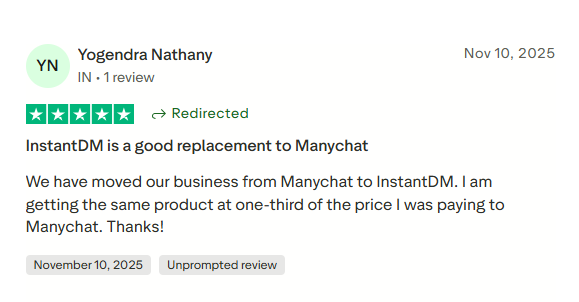
We have moved our business from Manychat to InstantDM. I am getting the same product at one-third of the price I was paying to Manychat.
We need to email and contact manychat, and wait for month for the support. But in InstantDM, We're getting support even if it's at 2AM in the morning over WhatsApp and web chat.

Choose the plan that fits your needs.
★★★★★ “Excellent service that costs significantly less than its competitors. … The support team is fast and responsive, even during weekends. I highly recommend it!”Unlimited Automation with Email, Phone number collection
Our Primary focus for this plan is account safety
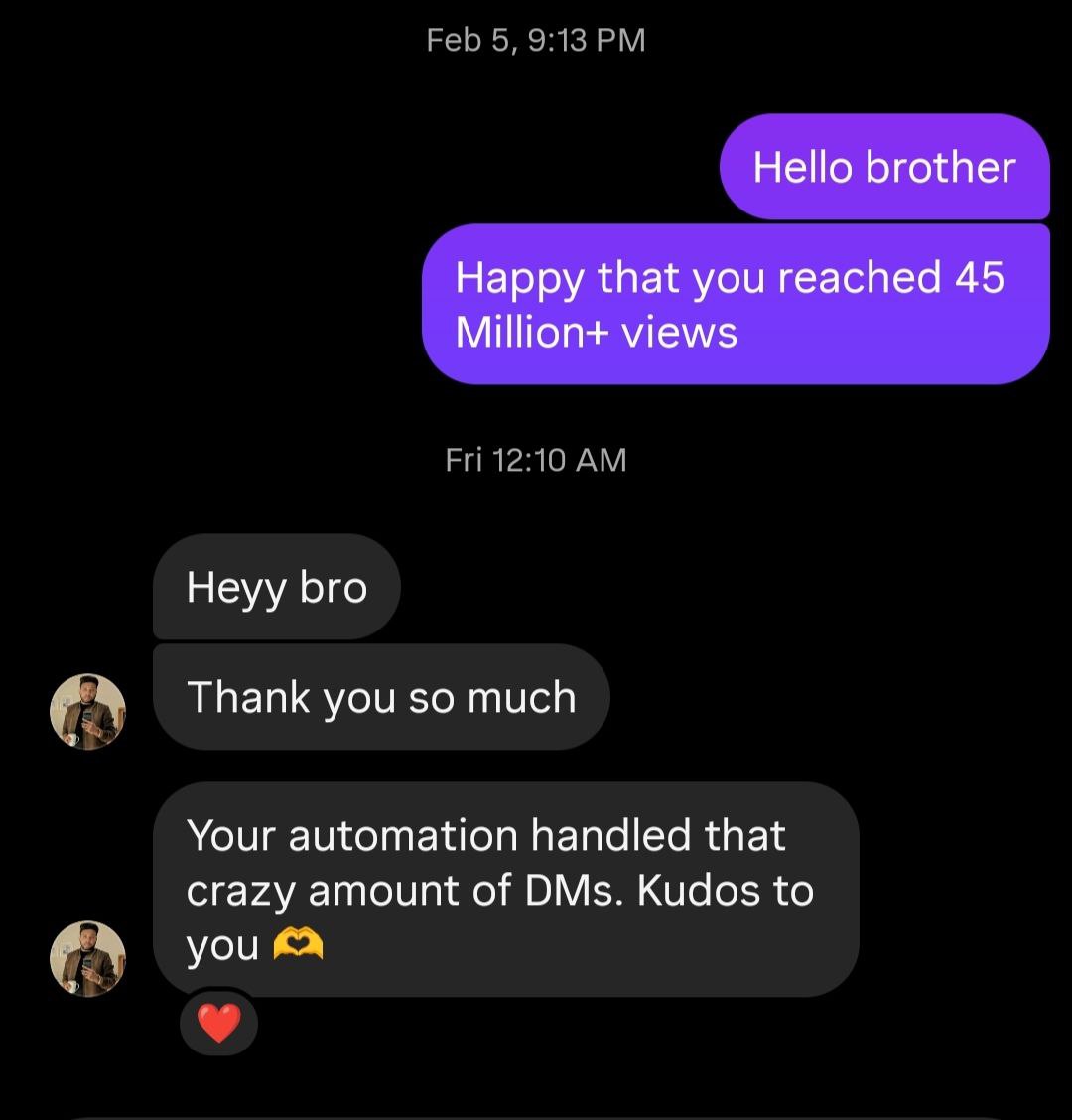
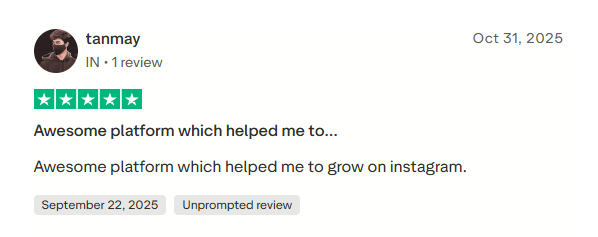
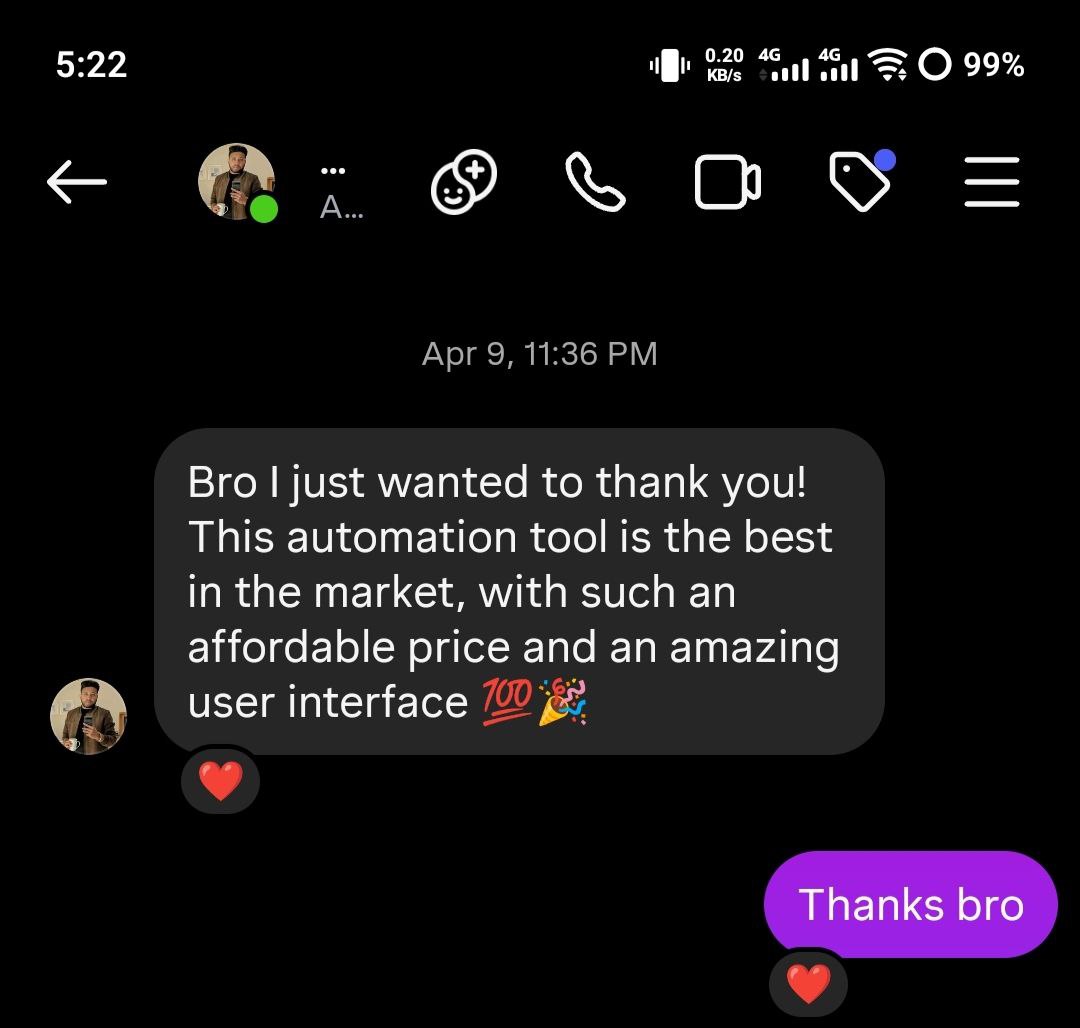
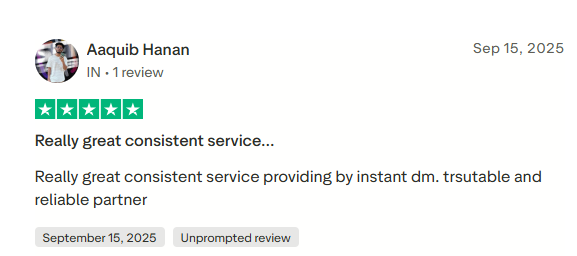
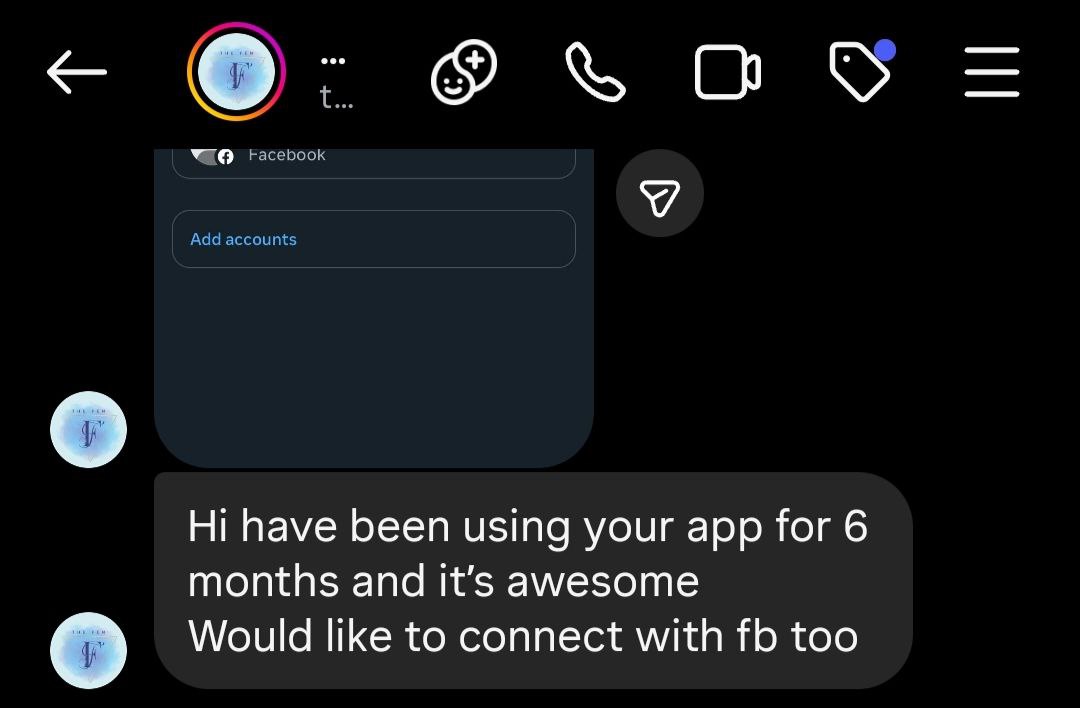
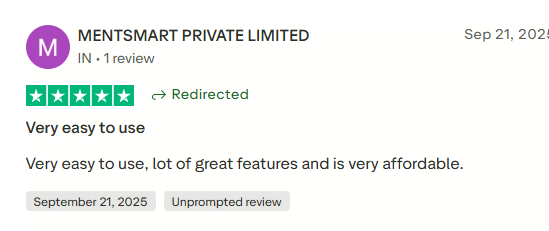
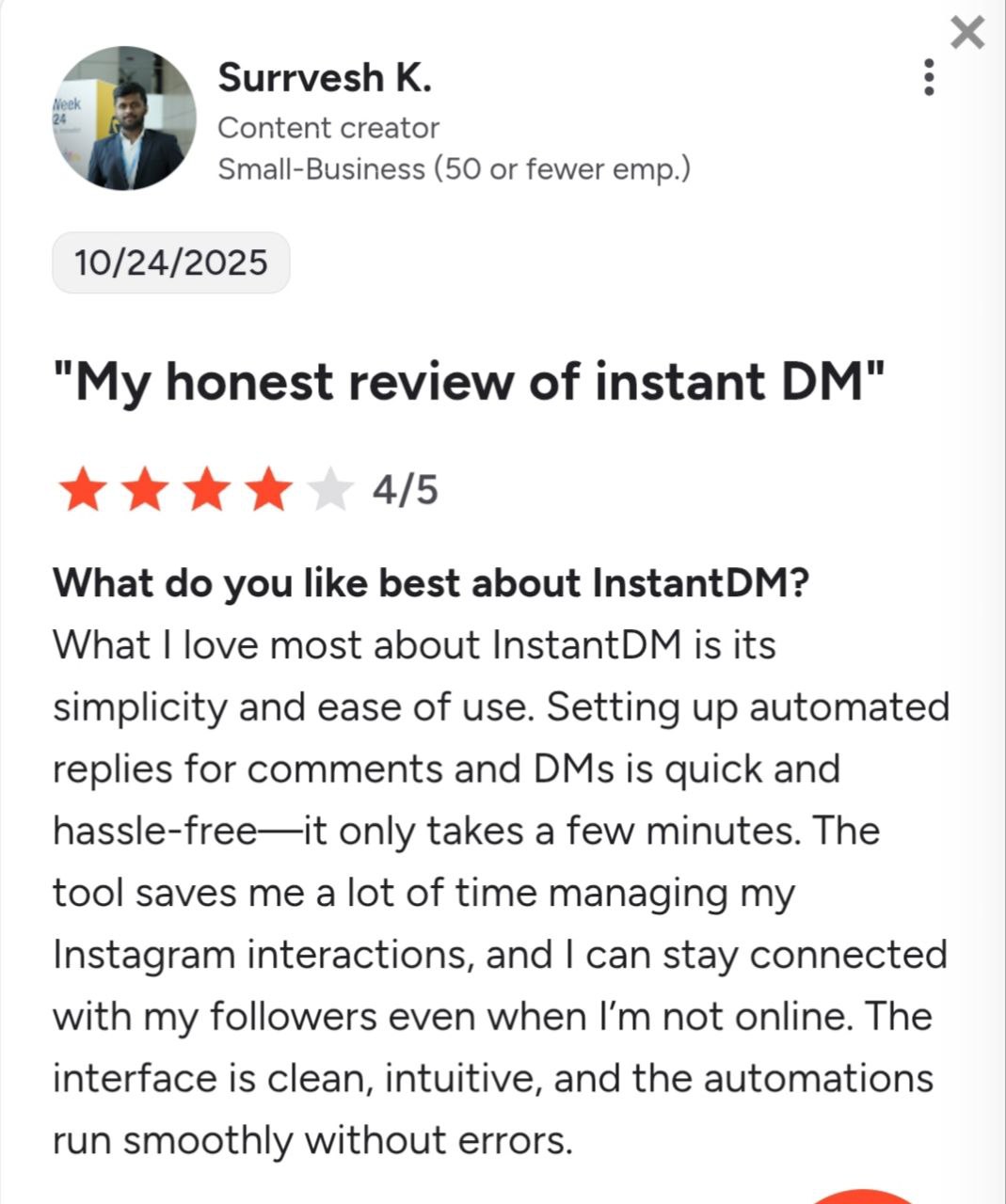
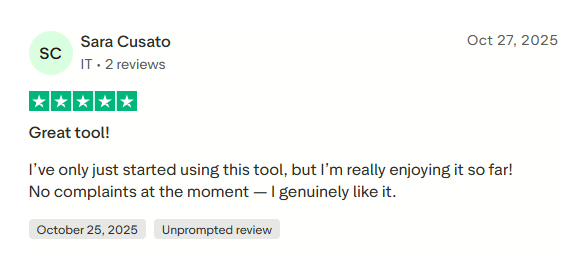
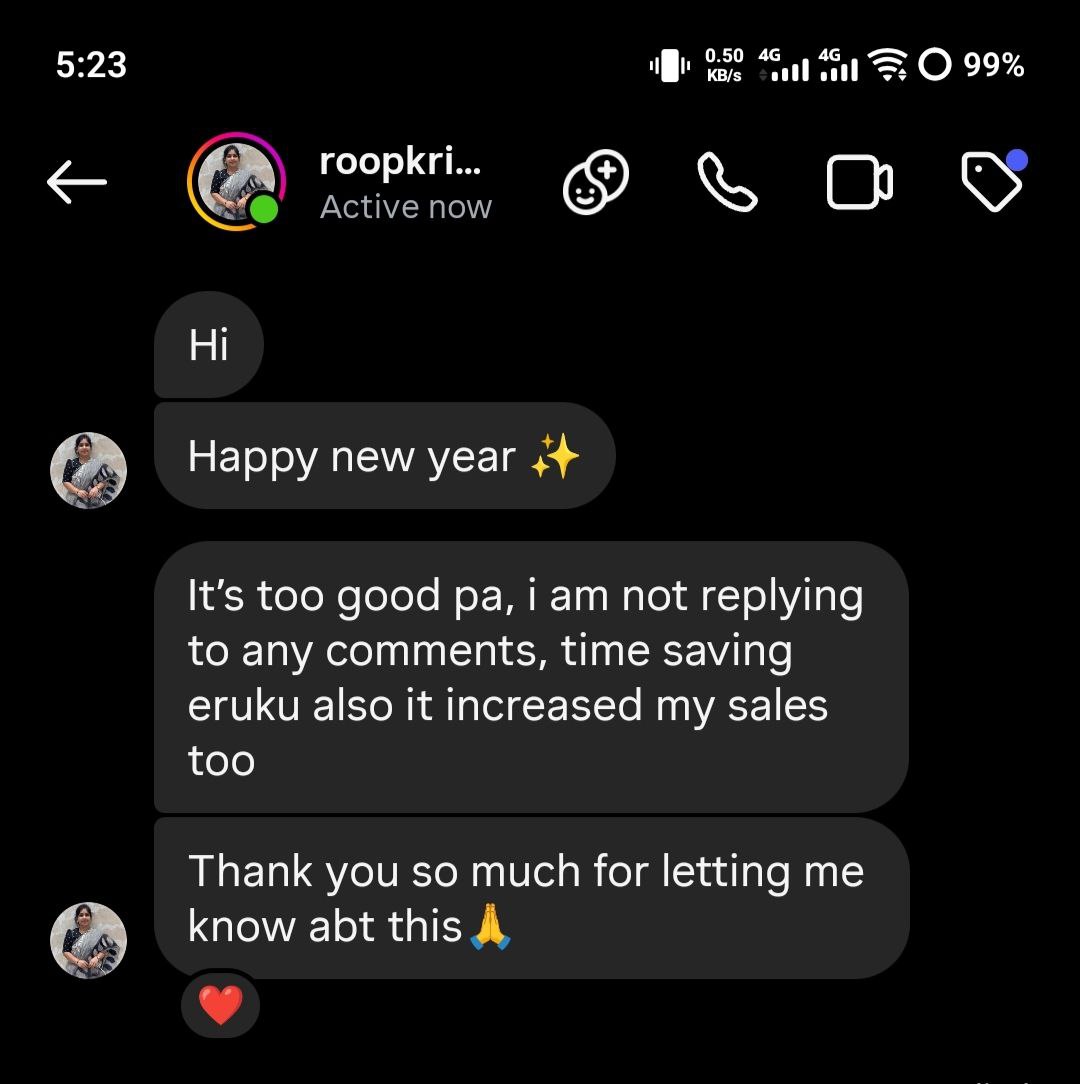
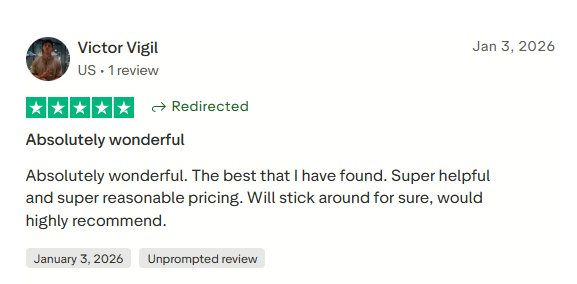
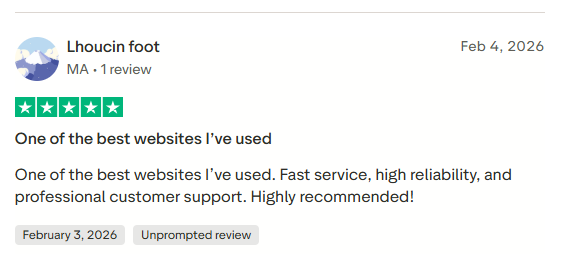
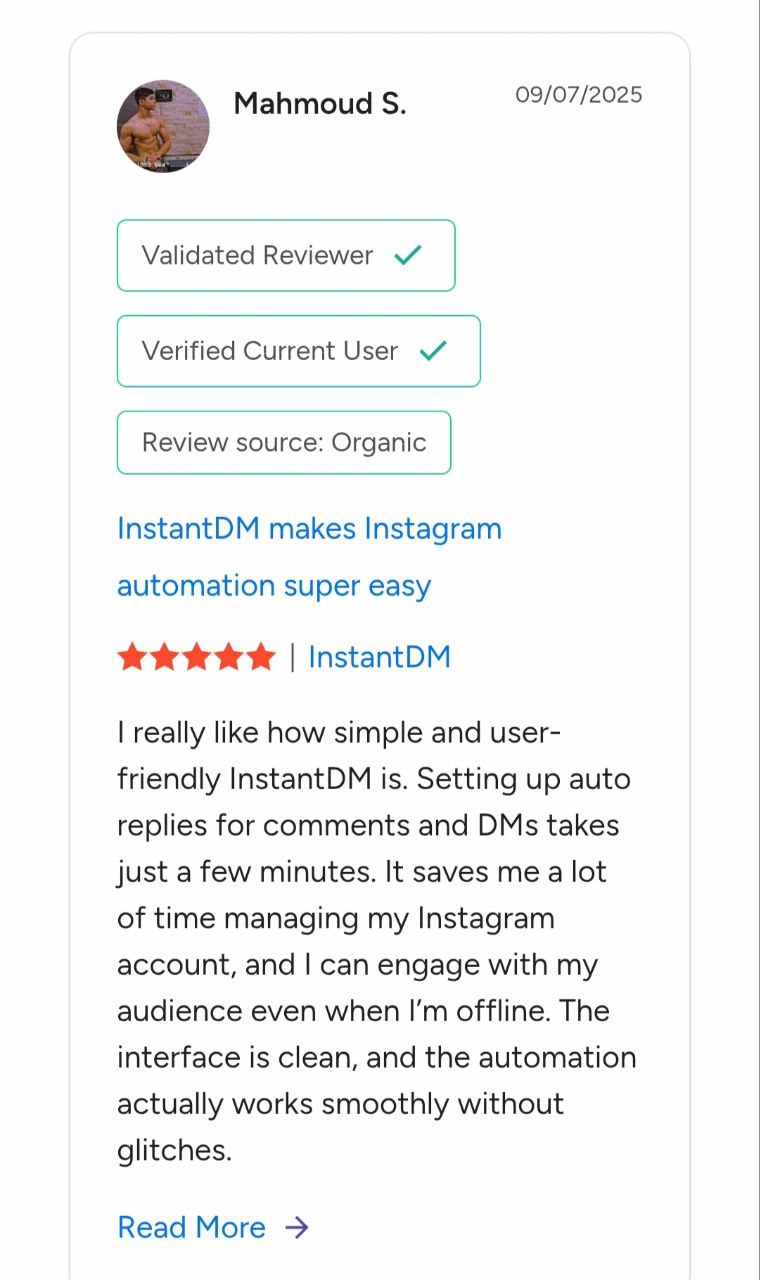
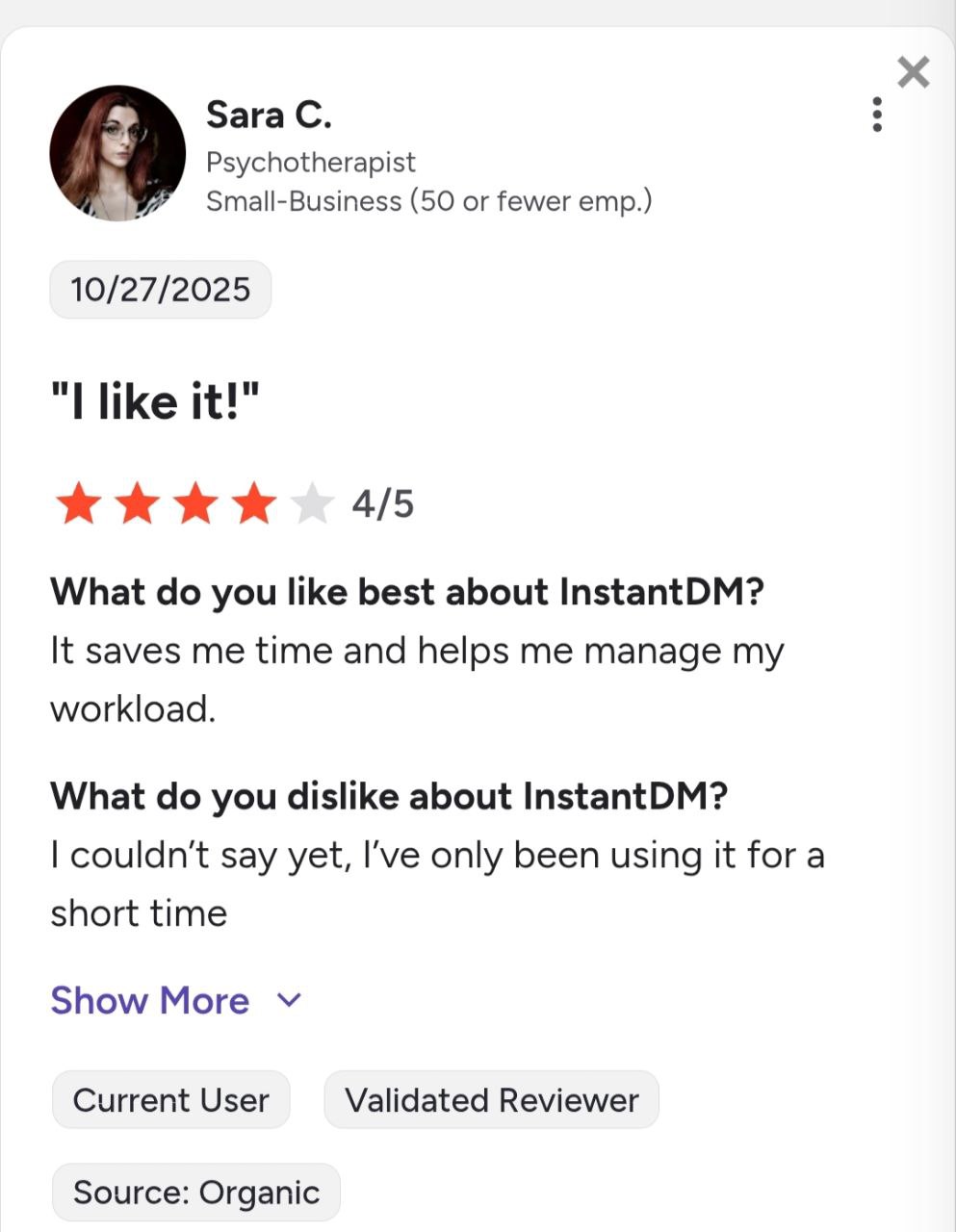
See what creators and brands are saying about InstantDM
An Instagram CRM is a contact database connected to your Instagram conversations. Instagram's professional inbox is a chat app, not a database — it has folders and quick replies, but no tags you can filter by, no fields, no export. Once a conversation scrolls away, the lead in it is effectively gone. A CRM for Instagram keeps a record per person instead: who they are, what they asked, what you know about them, and what should happen next.
There are two ways to get one. You can bolt an Instagram integration onto a traditional CRM — the right shape if your team works deals across email, phone and WhatsApp. Or you can use a tool that lives in the Instagram inbox and grows a CRM out of the conversations themselves. InstantDM is the second kind: the same tool that runs your Instagram automation and AI lead qualification also files every person it talks to — and captures their email first when that's the play.
Questions
What is an Instagram CRM?
An Instagram CRM is a contact database connected to your Instagram conversations. Instead of leads living and dying in your DM scroll, every person who messages, comments or replies to a story becomes a record with tags, custom fields like email, and a history — so you can filter, follow up and export them like any other customer list.
Does Instagram have a built-in CRM?
No. The professional inbox gives you folders and a few quick replies, but no tags you can filter by, no custom fields, no export, and no record once the conversation scrolls away. That gap is exactly what InstantDM's Contacts tab fills.
How do I collect emails from Instagram DMs?
Add a question step to any InstantDM automation — 'What's your email? I'll send the guide there.' The answer is saved to that contact's email field automatically. Turn on 'Ask only if unknown' and returning contacts skip the question, because you already have their answer.
Can I export my Instagram contacts?
Yes. One click exports your contacts to CSV, custom fields included, and the export respects whatever tag or automation filter is active. Export just your 'hot-lead' tag before a launch, or the whole list for your email tool.
Can I connect Instagram to HubSpot, Zoho CRM or the CRM I already use?
Yes, three ways. InstantDM is an official Make.com partner, so a new lead can trigger a Make scenario that drops it into HubSpot, Zoho CRM, Google Sheets, Slack or any of Make's 2,000+ apps — no code. For custom setups, an HTTP request step inside any automation posts the contact's ID, username, email and fields to your own webhook the moment they're captured. And the InstantDM API lets your own system create or update contacts directly.
Is using an Instagram CRM allowed by Instagram?
It is when it runs on the official Instagram messaging API, which is how InstantDM works. We are a Meta Business Partner: you connect through Instagram's own login, we never see your password, and there is no scraping or unofficial automation involved.
How is this different from ManyChat's contact list?
The biggest difference is what happens as your list grows. ManyChat prices by contact — the entry plan covers 250 contacts and then charges for each one above that, so a viral post that fills your CRM also raises your bill. InstantDM's plans are flat monthly prices, so a good month costs the same as a quiet one.
Do I have to import my contacts to get started?
No. The CRM starts filling itself from your very first automated conversation. If you have an existing list you want alongside it, the API's create-or-update-contact endpoint can bring contacts in with their tags and fields.
Join 30,000+ creators and brands using InstantDM today.
Get Started NowAny support required, we're just one click away.
