

Ready to Automate Your Growth?
Join 30,000+ creators and brands using InstantDM today.
Get Started NowAny support required, we're just one click away.
Meta Business Partner
100% Official API
Category guide · 2026
Comments, DMs, stories, scheduling, analytics, ads, Live, AI. Here's the map of the category, with real product screenshots and what I'd stack for different jobs. No growth-bot nonsense. No single-product pitch dressed up as a guide.

People say Instagram automation and mean totally different jobs. One person wants a content calendar. Another wants comment-to-DM. A third wants a weekly report for a client. Those barely share software. Buy the wrong category and you'll hate "automation" even if the product itself is fine. Running a Facebook Page as well? The Facebook twin of this page is the Facebook automation guide.
Below is every major job Instagram can run through official Meta APIs in 2026, which tool types own each job, and homepage screenshots so you know what you're looking at. InstantDM shows up where it actually competes: comments, DMs, stories, a small IG scheduler, ads, Live, AI. Pure multi-network schedulers and analytics suites show up where InstantDM is not trying to replace them.
Most people searching "Instagram automation" have one of four problems. Name the problem first. Pick the software second.
Comments go cold
Messaging: InstantDM, ManyChat, LinkDM, ReplyRush
Inconsistent posting
Meta Business Suite, Later, Buffer, Hootsuite, Sprout, Metricool, InstantDM mini scheduler
No proof for clients
Insights + Sprout / Hootsuite / Metricool-class analytics
Account risk
Meta OAuth only. Never password bots or auto-follow farms
Jump to the section that matches the job you need done.
01 · Engagement
Comment automation watches public comments on posts, reels, carousels, collab posts, and often ads. It can reply in public, hide spam, or open a private DM when someone types a keyword. That last one is the "comment LINK" flow everyone talks about.
The DM path is where money shows up. The public thread is the showroom. The inbox is checkout. Tools that only "boost engagement" without a private offer usually leave you with a busy comments tab and not much else.
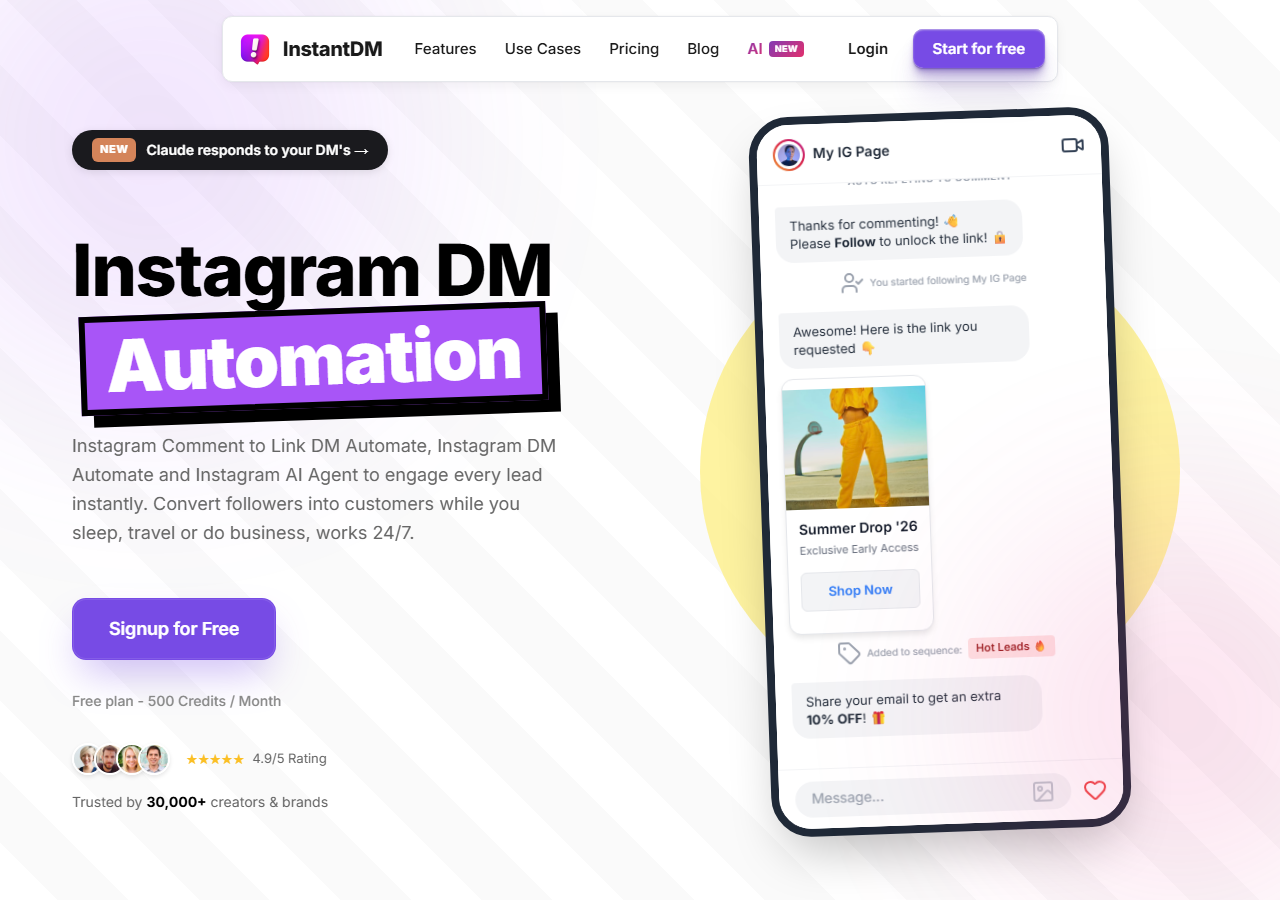
Best for Instagram-first conversion
Comment-to-DM, story replies, and keyword flows on Meta's official API. Free plan is 500 DMs a month. Paid starts at $9.99 flat, so a viral reel doesn't blow up your bill. Safety queues pace sends when volume spikes.
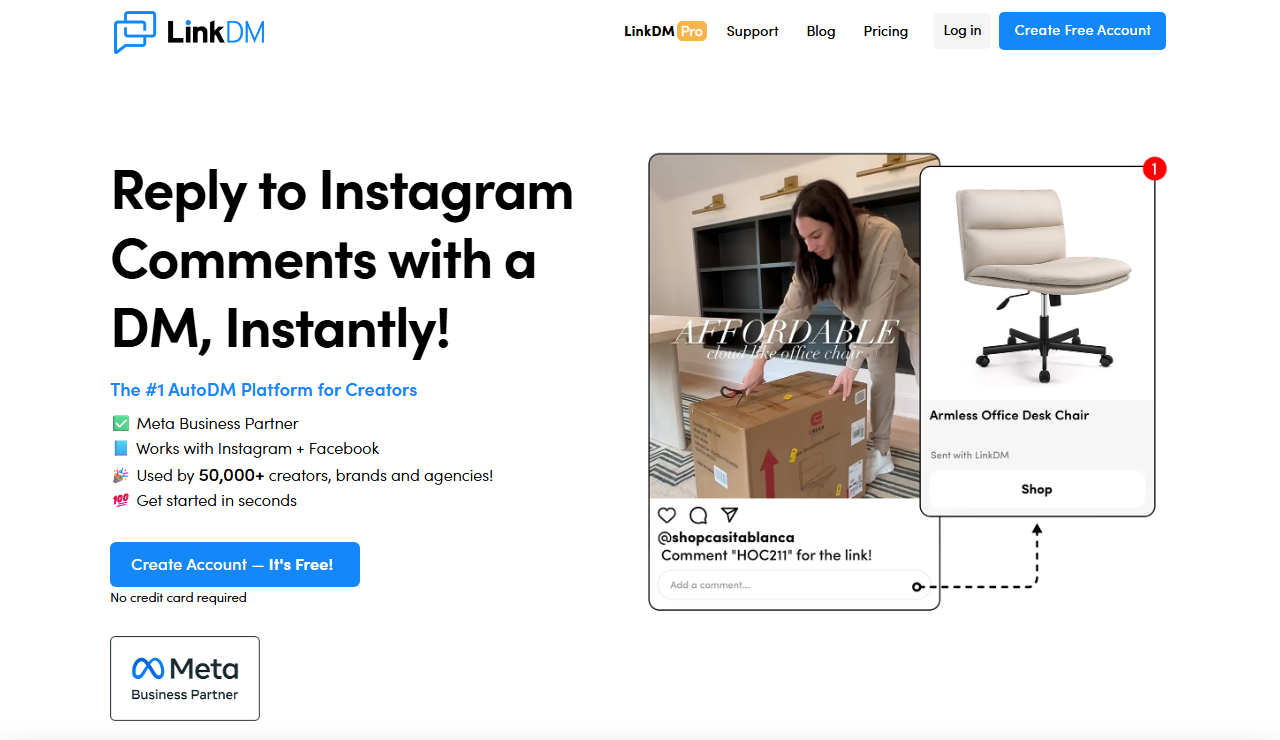
Best for simple link delivery at volume
Comment-to-DM link workflows with fixed monthly DM caps. Fine when the only job is "send the URL" and you don't need CRM, AI, or other channels.
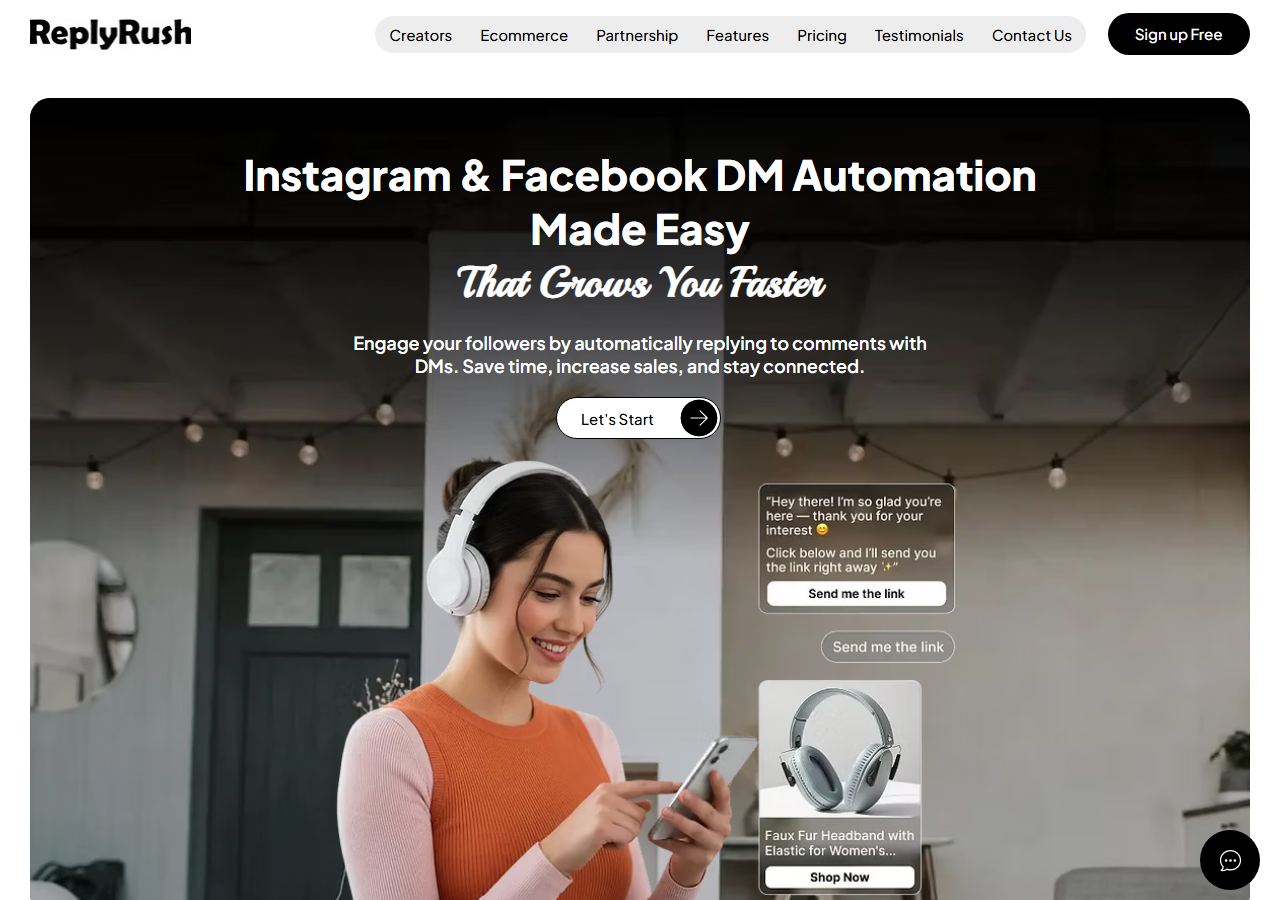
Budget IG + Facebook messaging
Lower-cost flat plans covering Instagram and Facebook comment/DM style automation. Check caps carefully if you expect viral volume.
02 · Conversion
DM automation lives in the inbox. Someone DMs a keyword from your bio, continues a thread after comment-to-DM, or lands on a list for a launch broadcast. Sequences matter here. Most people don't buy on the first message.
Compared with comment tools, inbox automation needs cleaner lists, real pacing, and usually lead capture (email or phone in the thread) so you still own the relationship when the feed algorithm has a bad week.

Flat unlimited · Meta Business Partner
IG-first DMs: sequences, lead capture, follow gate, safety queue, mobile apps. Bill stays flat when volume spikes. That's the opposite of per-contact CRM pricing.
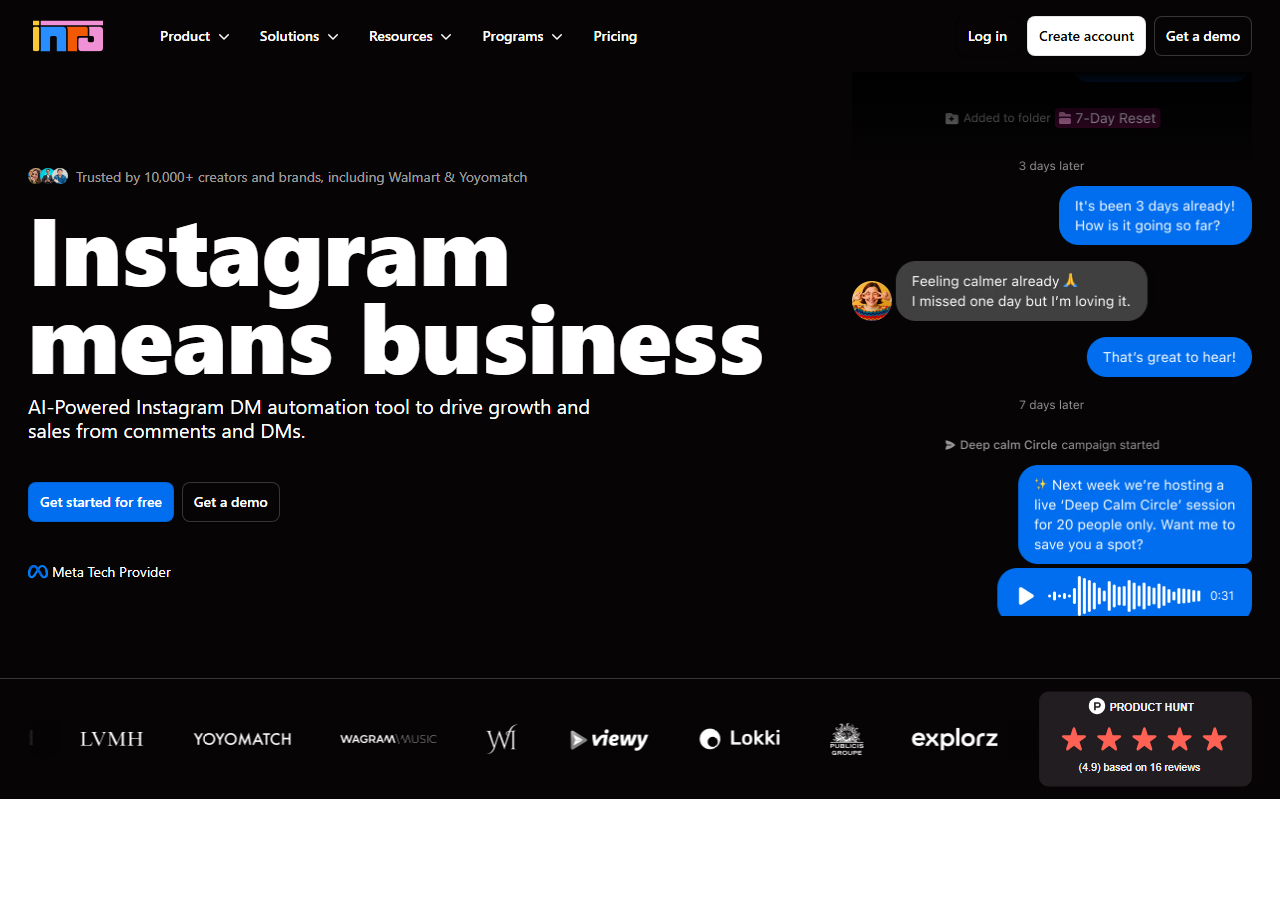
AI-leaning DM conversations
Built around AI-assisted Instagram messaging and lead qualification. Check contact-based pricing, and be honest about whether you need freeform AI or just solid keyword flows.
03 · Stories
Stories die in 24 hours. If someone replies "PRICE" at 11pm and you answer at noon, that intent is gone. Story automation sends a DM when they reply, drop a keyword, or hit a sticker your tool can actually read.
Story replies often convert better than feed comments, just at lower volume. People are already one tap from the inbox. Put a clear CTA on the frame itself.
.png)
Story reply triggers sit next to comment-to-DM. Good for drops, waitlists, and "reply GUIDE for the PDF" frames.
ManyChat and other messaging platforms also support story reply entry points; native Instagram has no full third-party-free automation for this beyond manual reply.
04 · Publishing
Schedulers plan reels, feed posts, carousels, and sometimes stories so you keep posting without living in the app. That's the visibility job. It fills the top of the funnel so comment and DM tools have something to catch. Scheduling alone doesn't turn comments into sales. It just creates more of them.
Use Meta's own tools if you want zero third parties. Use Later if the visual calendar is the product. Use Hootsuite or Sprout when you need approvals and multi-brand roles. Use InstantDM's mini scheduler when the post and the auto-DM should go live as one Instagram-only move.
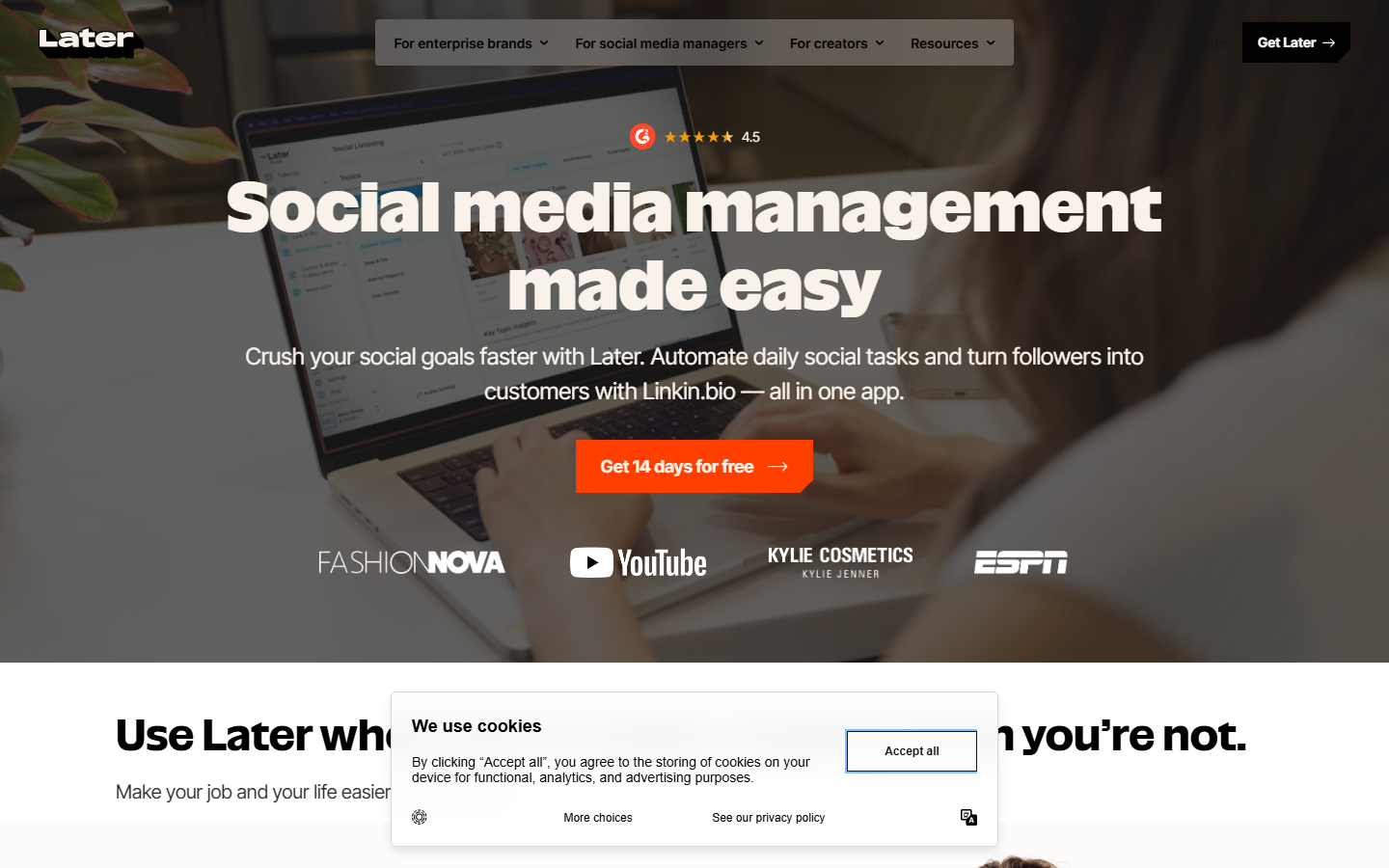
Visual IG-heavy planner
Drag-and-drop visual calendars, very Instagram-first. Works well if your team thinks in grids and preview layouts.
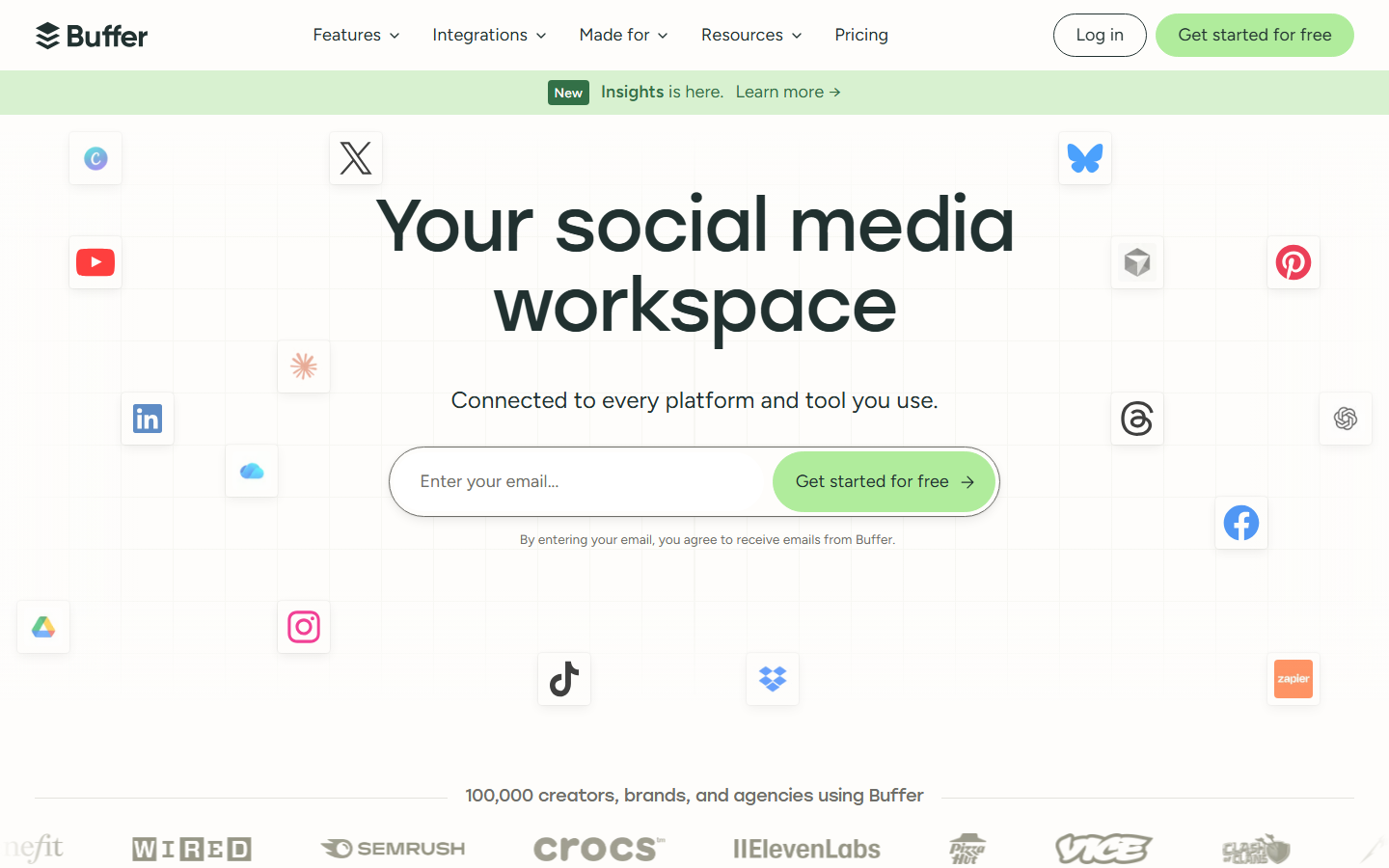
Simple multi-network queues
Light scheduling across Instagram and other networks. Good for small teams that want queues without an enterprise contract.
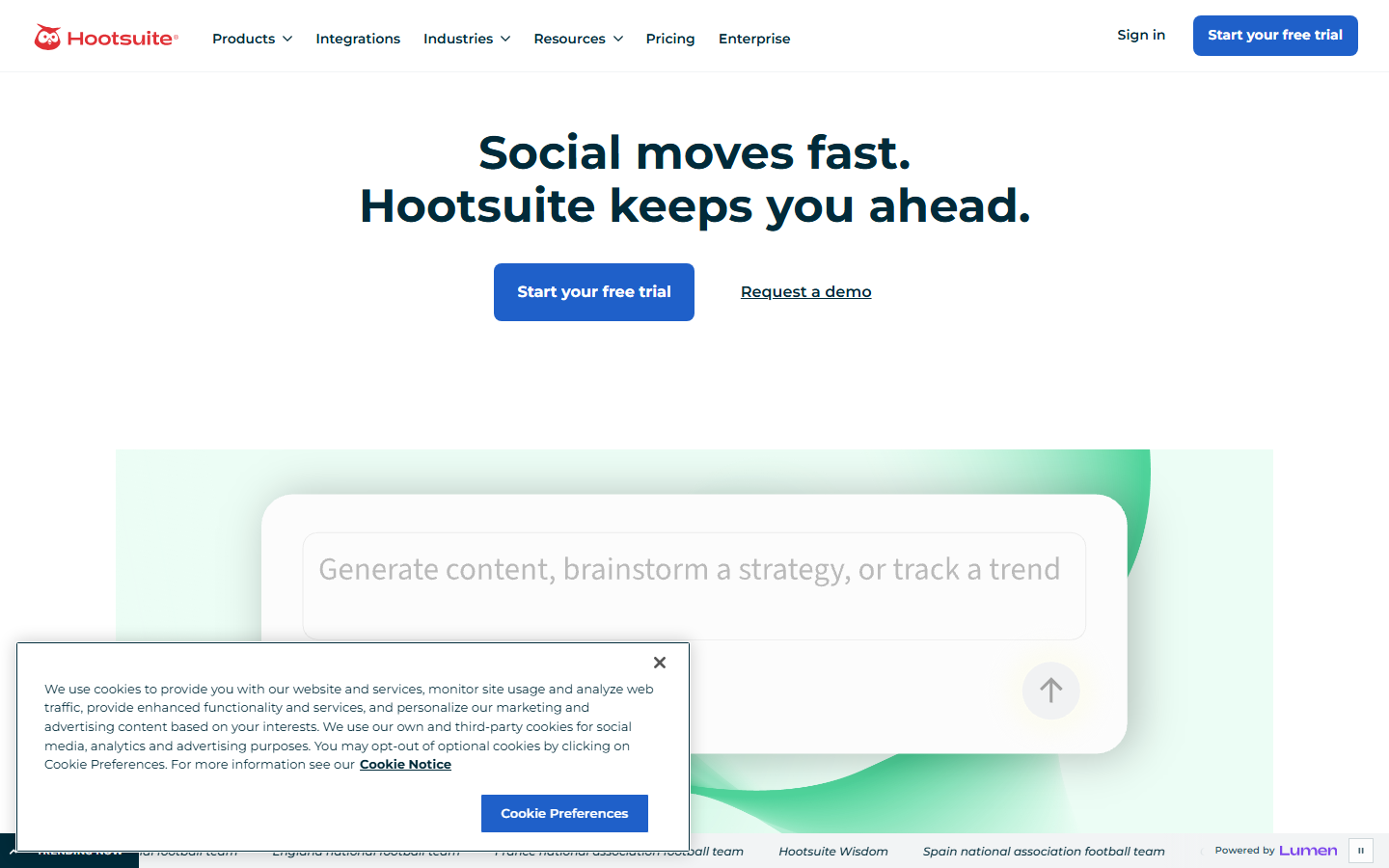
Enterprise publishing + listening
Old-school suite for large teams: publish, monitor, and report across a pile of accounts. Overkill for a solo creator. Normal for agencies.
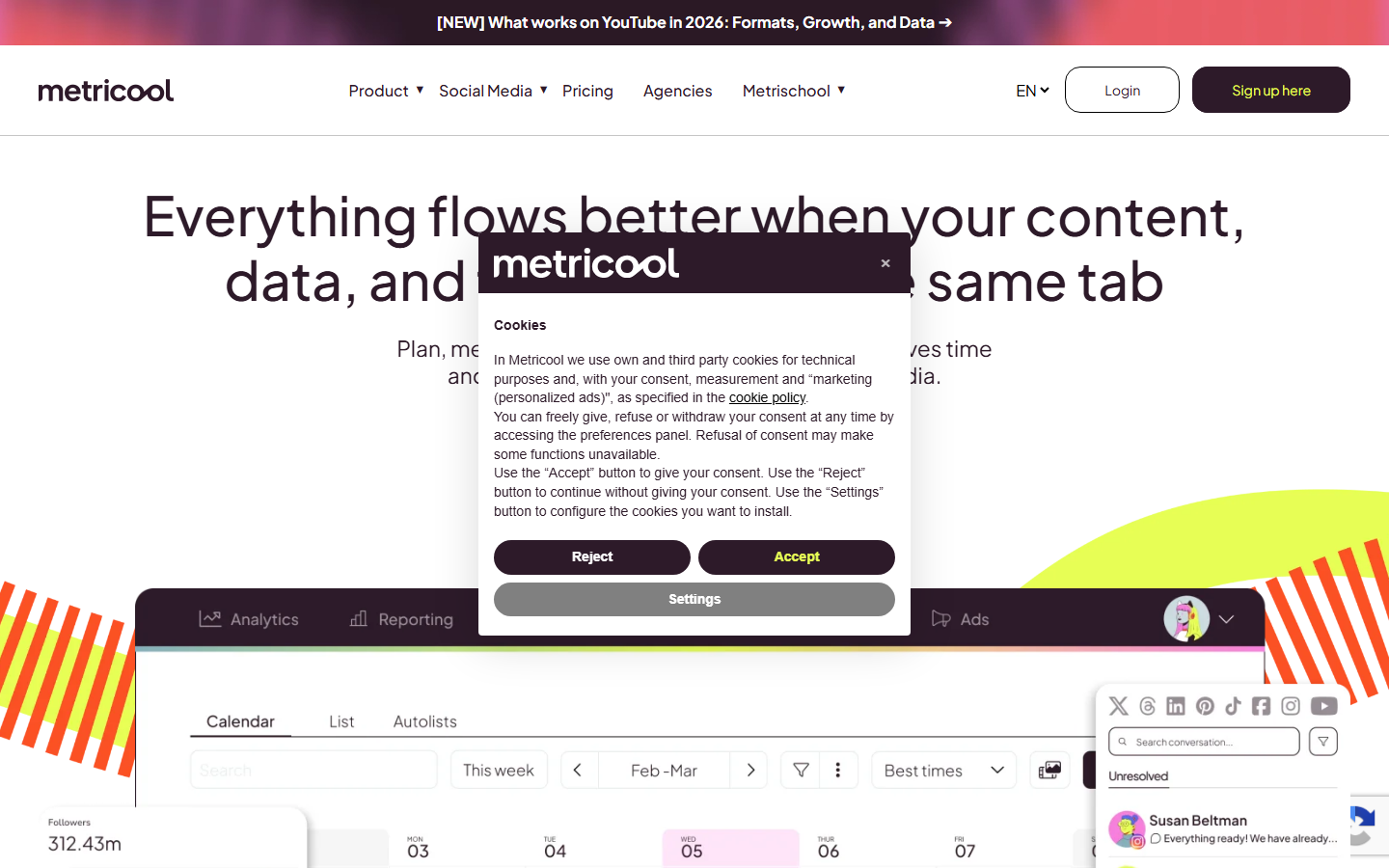
Planning + analytics hybrid
Calendar plus competitive and performance analytics in one login. Handy when you don't want a separate reporting tool yet.
Instagram-only publish + automation
Not a full multi-network suite. It schedules Instagram content and can attach comment-to-DM so the post and the conversion flow go live together. That's the gap pure calendars leave open.
05 · Measurement
Analytics automation is just reporting that runs without you rebuilding a spreadsheet every Monday: dashboards, exports, alerts. It answers different questions than DM tools. Insights says which reel reached people. Messaging analytics says which keyword made money.
You usually want both. Content teams live in Insights or a social suite. Growth and sales live in send/click/lead reports from the automation tool.
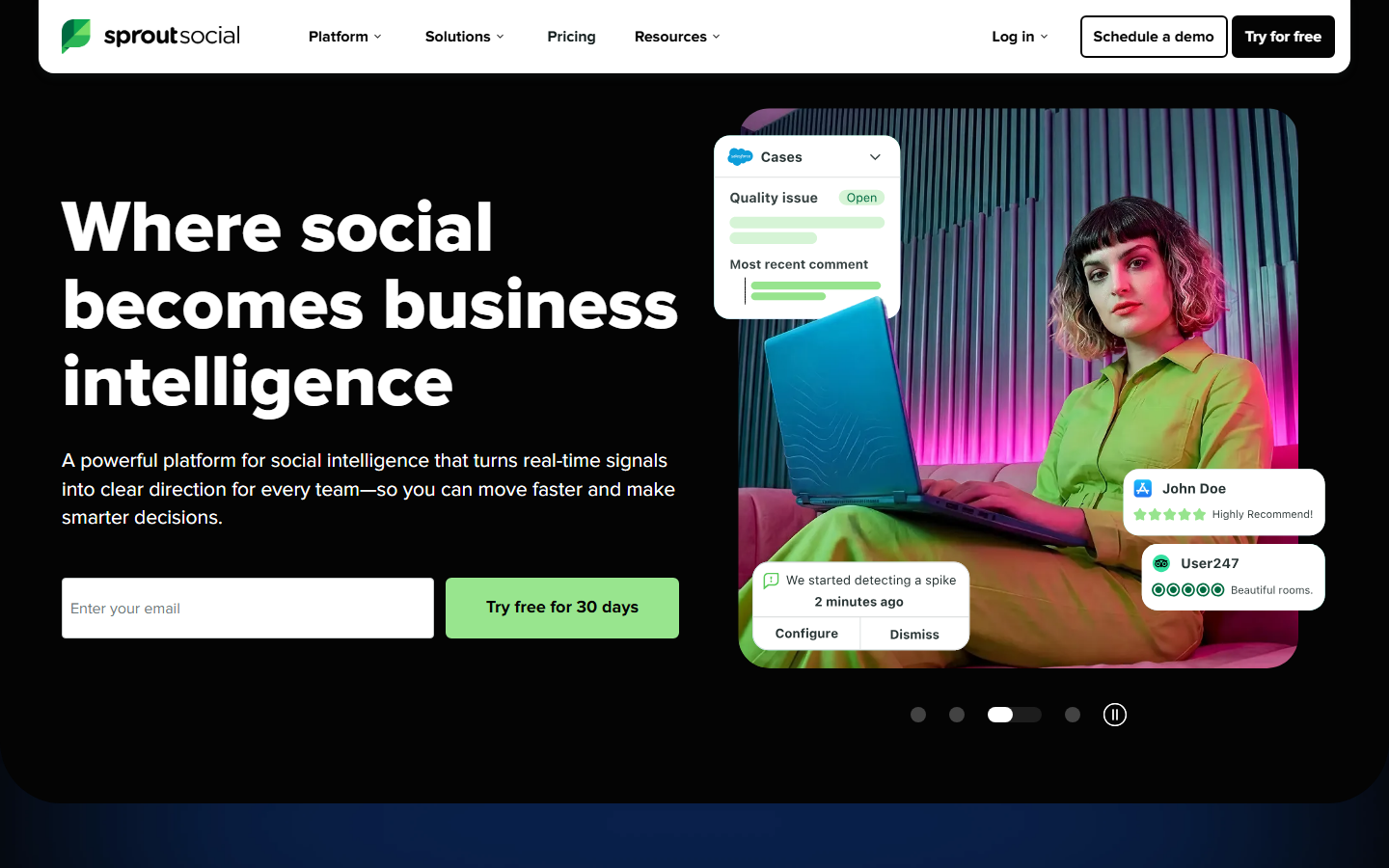
Team reporting & benchmarks
Built for agencies and mid-market brands that need client-ready reports, tags, and multi-network numbers. More than a creator opening Insights once a week.
Enterprise multi-account dashboards
Makes sense if you're already publishing in Hootsuite. Pulls reporting across a lot of brands and networks into one place.
SMB analytics + competitor views
Lighter analytics with competitor views and some research features depending on plan. Often used with its own planner.
DM funnel metrics
Sends, clicks, leads, queue health. Complements Instagram Insights. It does not replace content reach charts.
06 · Ads and Live
Ads and Live dump comments faster than anyone can type. Automation here means: reply to ad comments, catch click-to-message entry points, and DM Live commenters on a keyword while you're still on camera.
Campaign build still happens in Meta Ads Manager. The messaging layer is InstantDM or a multi-channel tool after the click or comment lands.
ManyChat still makes sense if paid traffic continues into WhatsApp or SMS. If the path is Instagram ad to Instagram DM, InstantDM is usually simpler on pricing.
07 · AI
AI agents sit on top of comment and DM triggers. Instead of only static templates, a model can answer product questions, qualify budget, and route angry customers to a human. AI is a layer, not a strategy. If the offer and keyword CTA are unclear, the model just fails faster with nicer wording.
Claude, GPT, or Gemini with your own API keys for in-DM conversations after a trigger fires. Keep disclosure where required, and a human path for complaints and refunds.
AI-forward messengers and ManyChat's AI features fit teams that want model replies inside a bigger CRM or multi-channel stack. Watch the pricing unit: per contact vs flat.
08 · Stack glue
Instagram automation doesn't always end in the DM. The useful half of serious stacks is the glue layer: when someone comments LINK or leaves an email in chat, that event should land in Sheets, HubSpot, Slack, a warehouse, or a custom backend without you copy-pasting.
That's what Make.com, Zapier, n8n, and raw webhooks / API are for. They are not Instagram comment tools. They're the pipes between your IG automation product and the rest of the business.
IG events out · actions in
InstantDM is the Instagram surface. Make, Zapier, and n8n sit next to it. Higher plans expose API / webhook access so comment and DM events can leave InstantDM and hit whatever you already run. Some email tools also connect natively without a middle layer.
| Do | Don’t |
|---|---|
| Connect via Meta OAuth | Give any tool your IG password |
| Message people who engaged first | Cold DM scraped accounts |
| Use queues / rate limits on spikes | Blast thousands of DMs instantly |
| Prefer Meta Business Partners / API apps | Browser bots and growth panels |
One-screen view of who usually owns which job. "Primary" means the product is built for that job. "Partial" means it helps but isn't the full suite.
| Job | InstantDM | ManyChat | LinkDM / ReplyRush | Later / Buffer | Hootsuite / Sprout / Metricool |
|---|---|---|---|---|---|
| Comment → DM | Primary | Primary | Primary | — | Partial* |
| DM sequences | Primary | Primary | Partial | — | — |
| Story replies | Primary | Primary | Varies | — | — |
| Content scheduling | Partial (IG mini) | — | — | Primary | Primary |
| Content analytics | Partial (funnel) | Partial | — | Partial | Primary |
| Ads / Live replies | Primary | Primary | Varies | — | Partial* |
| AI conversations | Primary | Primary | Limited | — | Limited |
| Make / Zapier / n8n / webhooks | API / webhooks | Native + Zapier-class | Limited | — | Partial (suite APIs) |
*Some suites bolt on engagement or inbox modules. Depth varies by plan. Check the vendor site. This matrix is a planning aid, not a lab certificate.
InstantDM for comments, DMs, stories, mini schedule · Instagram Insights for content truth · optional Later if you want a visual grid
ManyChat for IG + WhatsApp/SMS · Buffer or Later for calendar · Meta Suite + suite analytics for reporting
Hootsuite or Sprout for publish/report · InstantDM or ManyChat per client for conversion · shared Insights exports for decks
InstantDM for comment-to-DM + product links · Meta Suite for free scheduling · shop analytics + Insights for merchandising decisions
InstantDM (or ManyChat) for the Instagram surface · Make, Zapier, or n8n for routing · Sheets/HubSpot/Slack as destinations · keep Insights for content truth
Any software that runs Instagram work without you tapping through every step: scheduling posts, handling comments, sending DMs on keywords or story replies, reporting, ads or Live comments, and sometimes AI agents. It's a category of jobs, not one product type.
Comments, DMs, story replies, content scheduling, analytics/reporting, Meta ads and Live comments, AI agents, and integrations (Make, Zapier, n8n, webhooks) that push Instagram events into CRM, Sheets, Slack, and the rest of your stack. Auto-follow / scrape bots are a separate high-risk category. Skip those.
They're the glue layer. Your IG tool fires a webhook or API event (new lead, keyword DM, comment trigger), then Make/Zapier/n8n routes it to Google Sheets, HubSpot, Slack, email tools, and custom backends. InstantDM exposes webhooks and API access on higher plans so you can wire those stacks without living only inside one inbox.
Yes if the tool uses Meta's official Graph / Messaging APIs and you connect with Meta login on a Business or Creator account. InstantDM is a Meta Business Partner on that path. Password bots, browser automation, and mass follow/unfollow tools are what get accounts restricted.
Comment automation reacts in public (reply, hide spam, or catch a keyword). DM automation runs in the inbox (keyword replies, sequences, bulk, lead capture). Comment-to-DM bridges them: public keyword, private offer.
For Instagram-first conversion and flat pricing, InstantDM is a solid default (free 500 DMs/month, then $9.99 unlimited). ManyChat fits teams that also need WhatsApp, Messenger, or SMS. LinkDM and ReplyRush cover simpler or budget link delivery. Re-check each vendor's pricing page before you pay.
Native: Instagram drafts and Meta Business Suite. Third party: Later, Buffer, Hootsuite, Sprout Social, Metricool. InstantDM has a mini IG scheduler so publish and auto-DM can go live together.
Start free with Instagram Insights and Meta Business Suite. For multi-account client reporting, people often use Sprout Social, Hootsuite Analytics, Metricool, Later analytics, and similar suites. Messaging tools add DM sends, clicks, and leads, which Insights doesn't fully cover.
Strongest on comments, DMs, stories, ads, Live, and AI. It also has a mini Instagram scheduler that pairs publish with automation. Analytics cover funnel metrics (sends, clicks, leads). For full content research across many brands, pair it with Insights or a social suite.
Solo creators often run InstantDM plus Insights. Multi-channel brands pair ManyChat or InstantDM with Later/Buffer and a reporting suite. Agencies usually want a publish/report suite plus a DM tool per client. Don't stack five apps that all want the same Meta permissions.
Yes. InstantDM free includes 500 DMs/month. ManyChat has a limited free tier. Meta Business Suite and Insights are free. Paid plans buy volume, multi-account, safety features, multi-channel, or deeper reporting.
Official-API tools with pacing are widely used. Risk goes up with cold spam, scrapers, password tools, and ignoring rate limits on a viral spike. Use a professional account, OAuth apps, and tools that queue delivery.
Pick by bottleneck. Comments dying cold: InstantDM or ManyChat. Inconsistent posting: Meta Suite, Later, or Buffer. Client reporting: Sprout, Hootsuite, or Metricool. Add AI only after keyword and comment-to-DM already convert.
InstantDM covers comment-to-DM, stories, mini Instagram scheduling, ads, Live, and AI on Meta's official API. Free plan: 500 DMs a month.
Start freeJoin 30,000+ creators and brands using InstantDM today.
Get Started NowAny support required, we're just one click away.
