

Ready to Automate Your Growth?
Join 30,000+ creators and brands using InstantDM today.
Get Started NowAny support required, we're just one click away.
Meta Business Partner
100% Official API
Category guide · 2026
Comment replies, private Messenger replies, inbox keywords, Reels, scheduling, click-to-Messenger ads, AI, integrations. Here is the map of the category on a Facebook Page, the Meta numbers that gate each job (7 days, one message, 24 hours, 30 seconds), and what I would stack for different situations. No auto-liker nonsense. No single-product pitch dressed up as a guide.
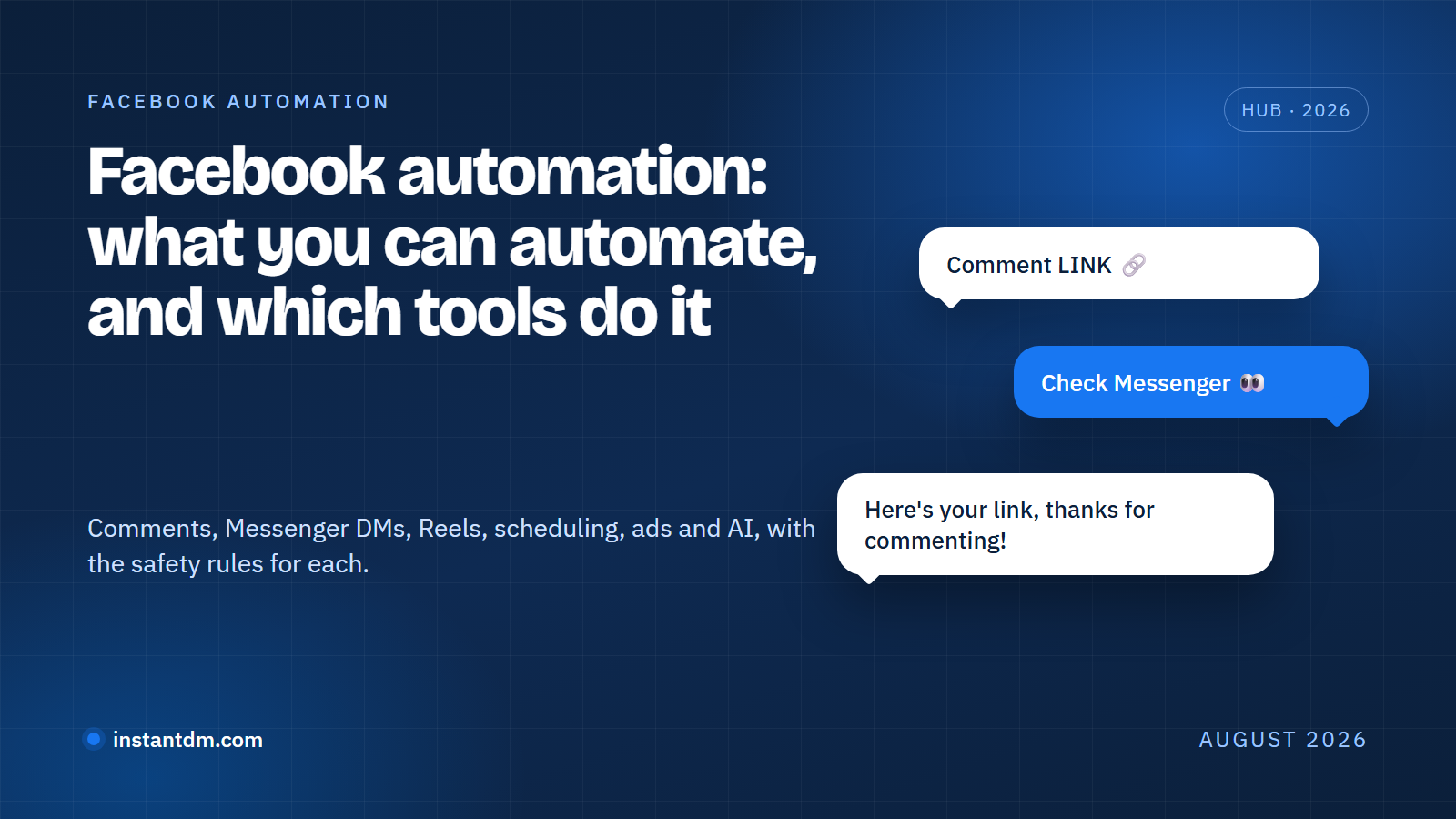
Facebook automation is any software that does Page work for you through Meta's official APIs: replying to comments, sending a private Messenger message after a comment, answering keyword messages in the inbox, publishing on a schedule, handling the comments an ad generates, and pushing leads into whatever you run behind the Page. Seven different jobs. Almost nobody sells all seven.
The word gets stretched in two directions and I want to separate them early. The legitimate kind runs on a Facebook Page, connects through Meta login, and reacts to something a person did first (a comment, a message, an ad click). The other kind, the "auto liker", "auto follower", "auto commenter" bots that post canned comments on strangers' posts or farm reactions, works by driving a browser with your password. Meta's terms ban that category outright, and it is the reason "Facebook automation" still sounds shady to some people. Nothing on this page is that.
Below is each job Facebook can run through the API in 2026, the Meta rule that limits it, which tool types own it, and homepage screenshots so you know what you are looking at. InstantDM shows up where it competes: comment replies, comment-to-Messenger, inbox keywords, Reels, the Flow Editor, integrations. It does not schedule Facebook, moderate ad comments on Facebook, or touch WhatsApp, and I say so in every section where that matters. This is the Facebook twin of our Instagram automation hub; the two platforms share a dashboard but not a rulebook.
Most people searching "Facebook automation" have one of four problems. Name the problem first. Pick the software second.
Comments go cold, links get buried
Comment-to-Messenger: InstantDM, ManyChat, Chatfuel, ReplyRush
Same questions at 11pm
Meta Business Suite templates, InstantDM keyword replies, ManyChat, Chatfuel, SleekFlow
Page goes quiet for weeks
Meta Business Suite Planner, Social by InstantDM, NapoleonCat (not InstantDM)
Page or ad account risk
Pages only, Meta login only, reply to people who engaged first. Never auto-like or auto-comment bots
Jump to the section that matches the job you need done.
01 · Engagement
Comment automation watches the comments on your Page's posts and Reels and does two things when a keyword shows up: posts a public reply under the comment ("Sent you a message") and sends the commenter a private message in Messenger with the link, price, or file they asked for. The private half runs on a Meta feature called Private Replies, and Private Replies has hard limits you need to design around.
Meta's Private Replies documentation states it plainly: a business can send a single message to a person who commented on a Page post, the message must be sent within 7 days of the comment, and only one message can be sent to that commenter. If the person replies to your private message, the conversation continues inside the normal 24-hour window. If they do not reply, that is the end of it. You cannot follow up on a comment three times. Every comment tool on the market, including ours, lives inside that rule.
So the private message has to carry the whole offer on the first try. Link, one line of context, one reason to reply. The public reply is the showroom, the Messenger thread is the checkout, and you get exactly one shot at moving someone from the first to the second. I have watched people burn that single message on "Thanks for commenting!" with no link in it. Please do not.
Two paths exist. Meta Business Suite has a free, desktop-only Comment to message template that replies to comments containing specific hashtags, per Meta's Inbox automations help page. It is fine for one Page with one offer. It has no per-post rules, no buttons, no flow after the first message. Third-party tools add per-post keywords, richer messages, and a way to continue the conversation once the person replies. Our step-by-step walkthrough of both paths is in Facebook comment automation: auto-reply to comments and send a Messenger DM.
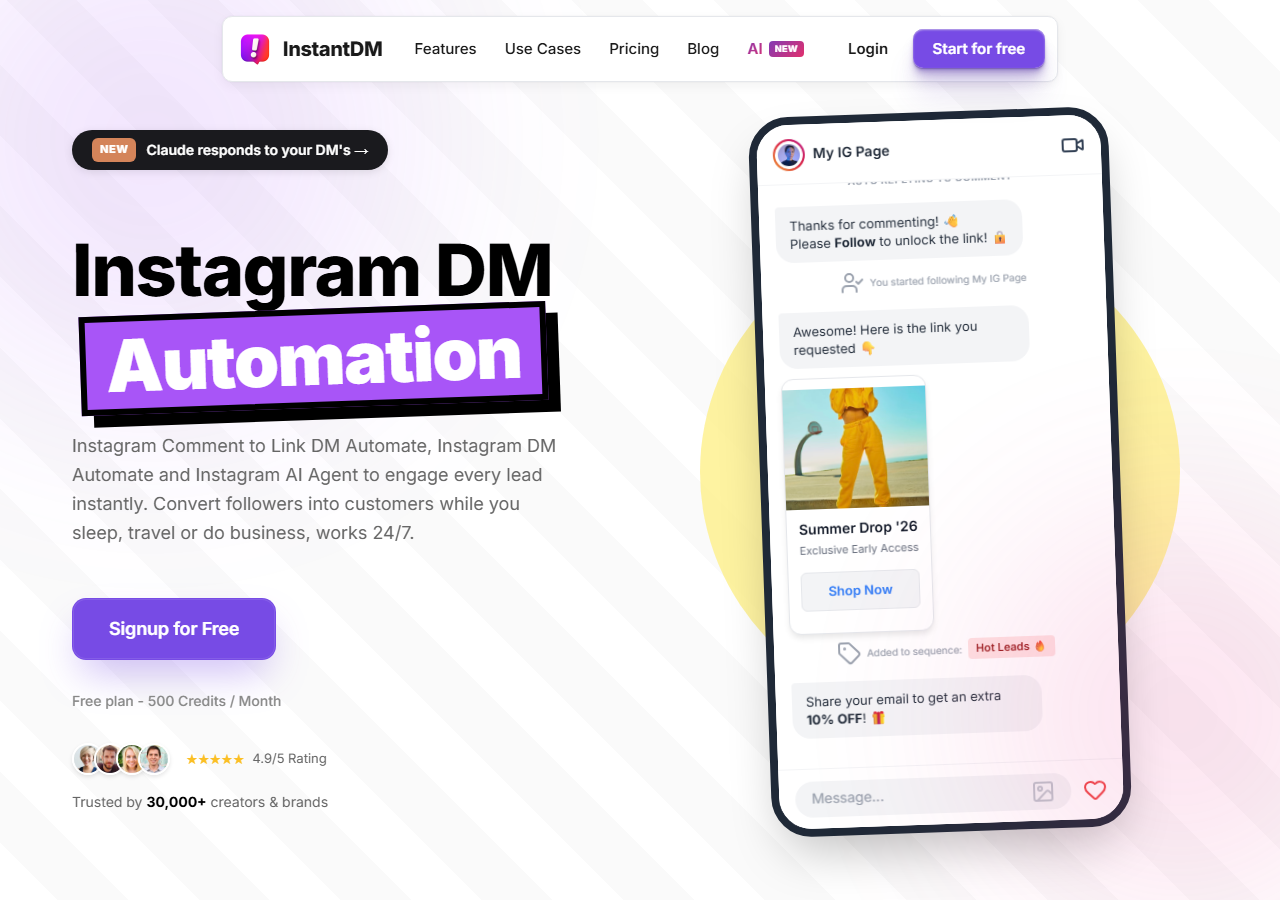
Best for creators already running it on Instagram
Comment-to-Messenger on Facebook Page posts and Reels, with the public reply and the private reply set together per post. The part I like most is the Copy from Instagram button: if you already cross-post a Reel and have a keyword automation on the Instagram side, one click copies it to the Facebook post, and you can edit the Facebook message afterwards. Pages only, no Groups, no personal profiles. Facebook automation is included with InstantDM plans; there is no separate add-on. Free plan is 500 automations a month, Legend Pro $9.99 a month, Trendsetter $24.99 a month, as of August 2026. InstantDM is an official Meta Business Partner.
Facebook comment auto-DM feature · Connect your Facebook Page
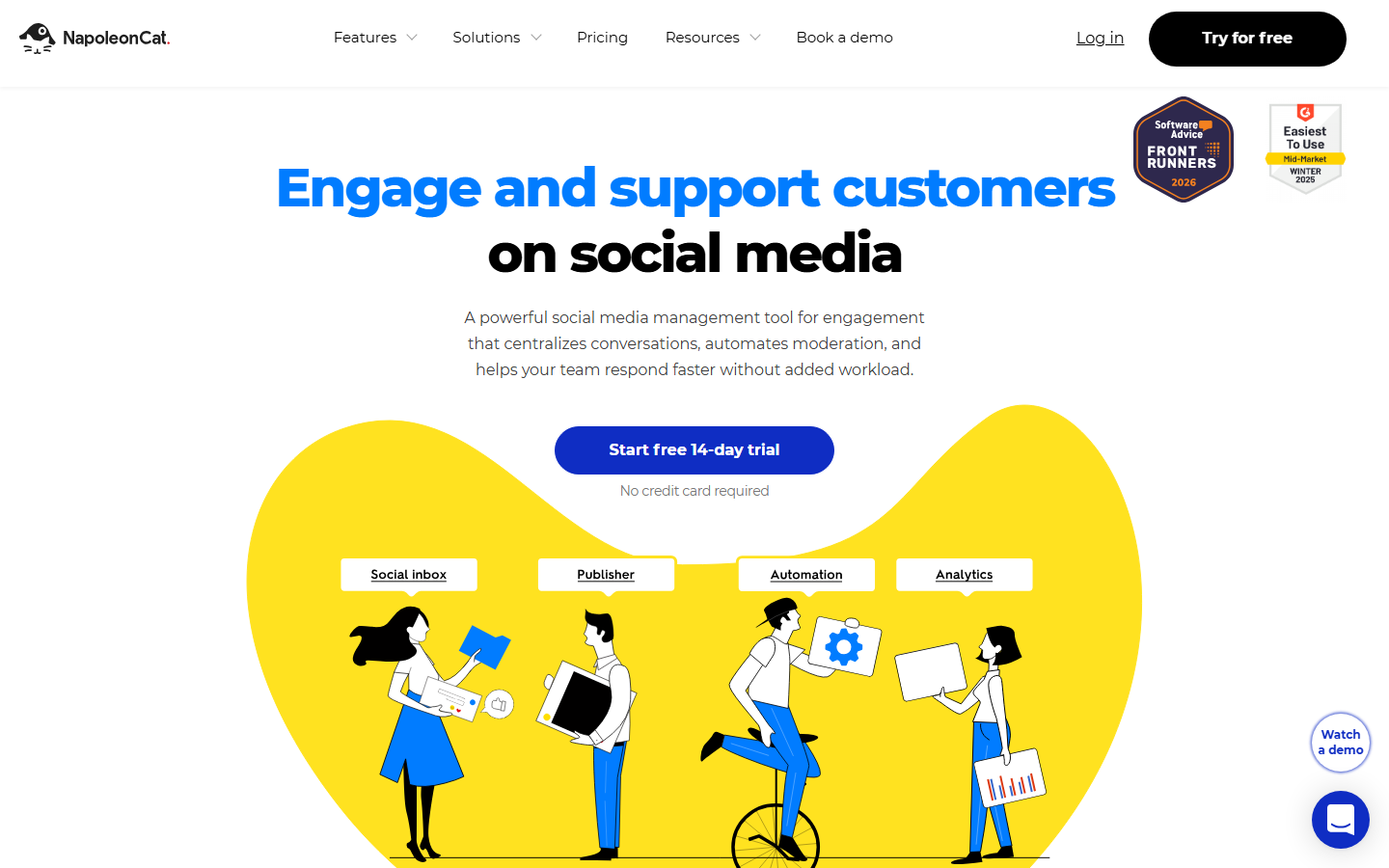
Moderation-first, multi-Page teams
A social inbox and moderation suite where Facebook comment rules (auto-reply, hide, delete, assign) sit next to publishing and reporting. Strongest when the job is keeping a busy Page or an ad account clean rather than selling from the comments. Priced per social profile and per user with a 14-day free trial; check napoleoncat.com/pricing for the current numbers because the table did not load for me when I checked in August 2026.
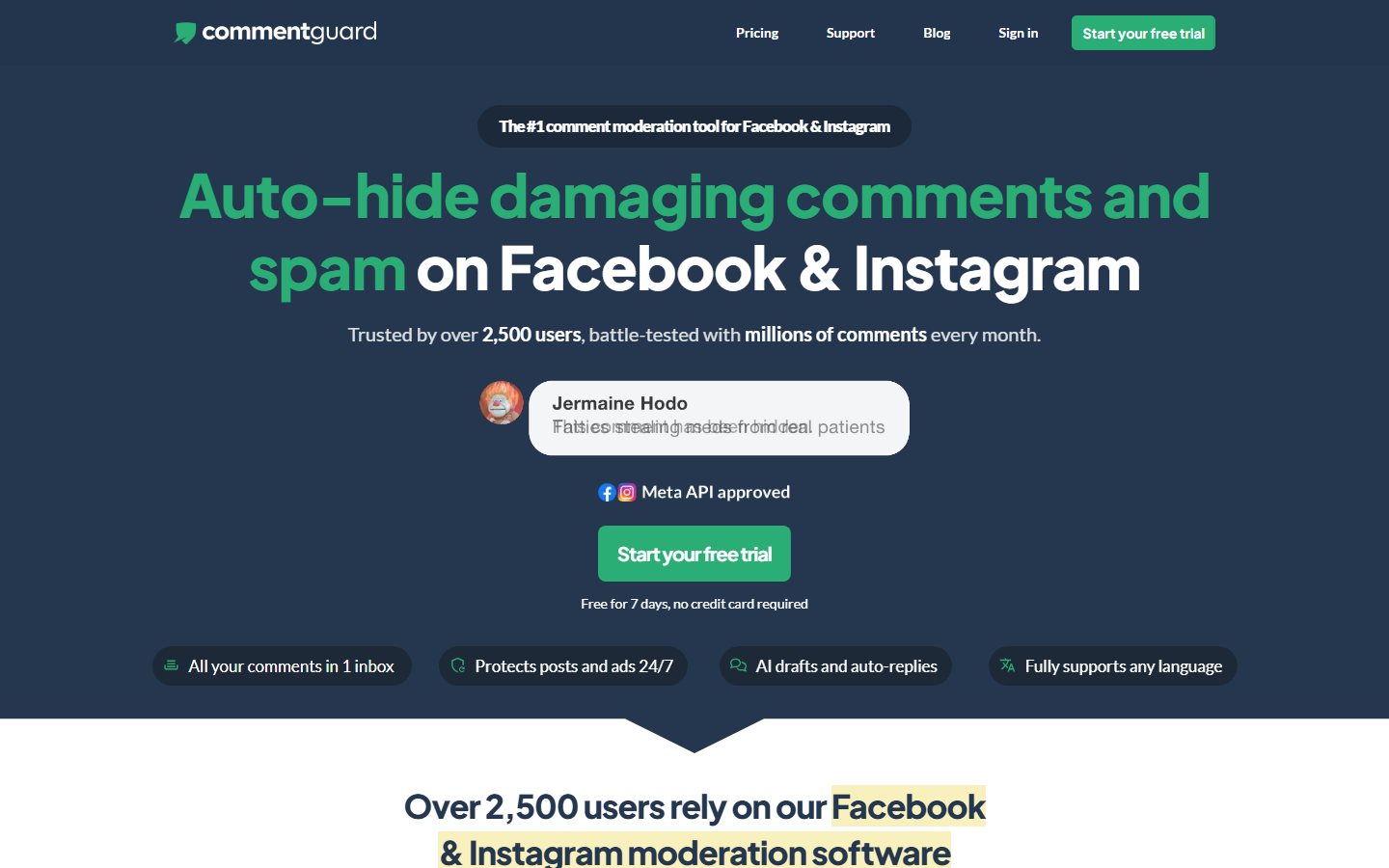
Comment moderation, including ads
Narrow tool: hide, delete, and auto-reply to comments on Facebook and Instagram, with attention on the comments under paid posts. If your problem is spam and trolls on ads, this lane is where to look. It is not a Messenger or flow product.
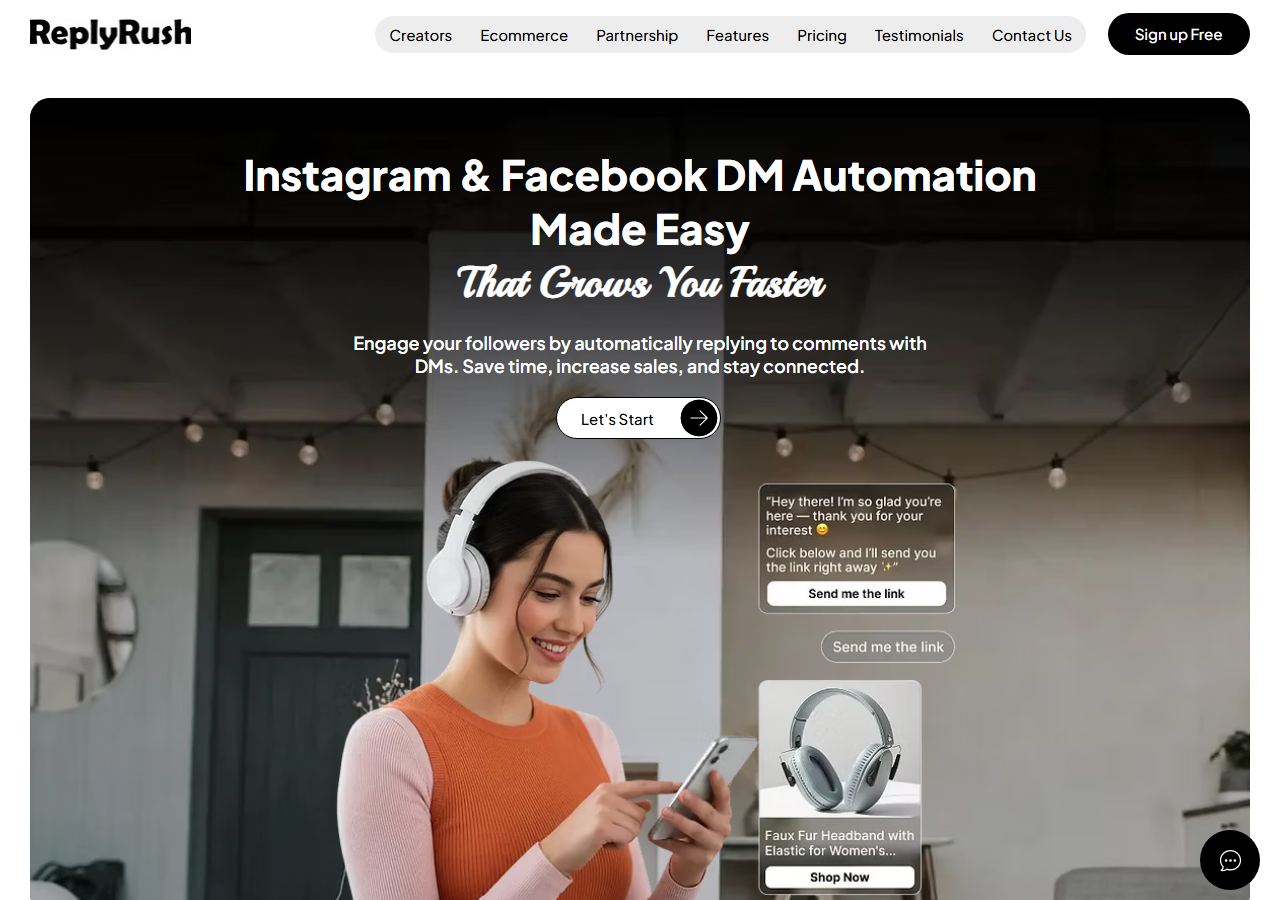
Budget Instagram + Facebook messaging
Lower-cost flat plans that cover Instagram and Facebook comment and DM automation. Check the monthly caps carefully before a post you expect to run hot.
02 · Inbox
Messenger automation answers messages that arrive in your Page inbox without a human typing: a welcome message when a new conversation starts, keyword replies ("hours", "price", "book"), away messages, and multi-step flows that ask a question and branch on the answer. It is the job most local businesses mean when they say "Facebook automation", and the rules here come from the Messenger Platform policy overview, which every tool has to obey.
Four numbers matter. A business has 24 hours after a person messages to respond, and messages inside that window may contain promotional content. Outside the window, only specific message tags are allowed, for non-promotional updates like order or appointment changes, and the Human Agent tag lets a real person reply manually within 7 days. Automated bots must respond to user input within 30 seconds. And private replies to comments are allowed within 7 days, once, as covered above. Anyone who tells you their tool can "broadcast to everyone who ever messaged you" is either using message tags in a way Meta will eventually notice, or not telling you about the window.
The other thing people miss is that Messenger automation is reactive by design. There is no API for a Page to start a conversation with someone who never messaged it. The person has to comment, message, or click an ad first. That is the line between automation and spam, and it is enforced by the platform, not by the vendor's good intentions.
Before paying anyone, open Inbox in Meta Business Suite and look at Automations. Per Meta's help pages, the templates are Instant reply, Away message, Frequently asked questions, Location, Contact information, Hours, Custom keywords, and Comment to message, plus Identify unanswered messages and conversation assignment. Custom keywords and Comment to message are desktop only.
Custom keyword automations have rules that surprise people: each response can hold up to five keywords or phrases, the keywords are case-sensitive and must match exactly, the same keyword can only be used in one automated response, and the reply goes out after 15 minutes unless you answer personally before then. Template automations take priority over custom keyword ones. And turning on Meta Business Agent pauses your existing automations. For a Page with a handful of fixed questions this is enough. For a Page that wants a reply in seconds, with buttons and a branch, it is not.

Keyword replies · welcome message · Flow Editor
Auto-replies to messages sent to your Page's Messenger inbox with keyword triggers and reply messages (text, buttons, images), a welcome message, and the same Flow Editor you get on Instagram for multi-step conversations. It lives under Facebook DM in the sidebar of the same dashboard, and it needs a Facebook Page linked to your Instagram account. No WhatsApp, and I will keep saying that because it is the most common reason someone should pick a different tool.
Facebook Messenger automation setup guide · Free m.me link generator
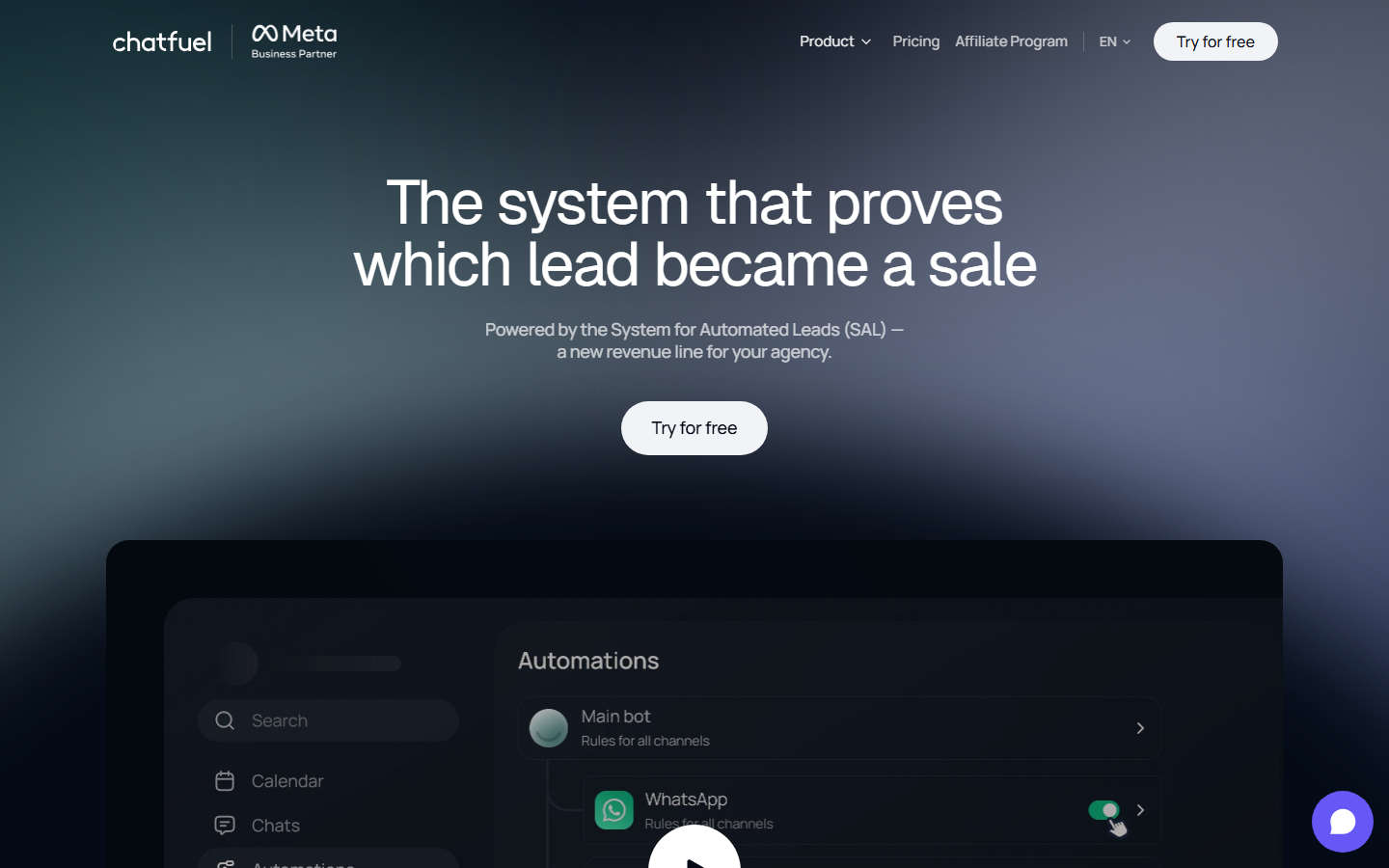
Messenger veteran, now AI-first, adds WhatsApp
One of the original Messenger bot builders, now sold around AI agents across Facebook, Instagram, and WhatsApp. A free Chatfuel Light plan exists; the AI PRO plan is listed at $49 a month with a discount for annual billing (chatfuel.com, August 2026). Pick it when you want WhatsApp in the same builder or a model answering open questions from day one.
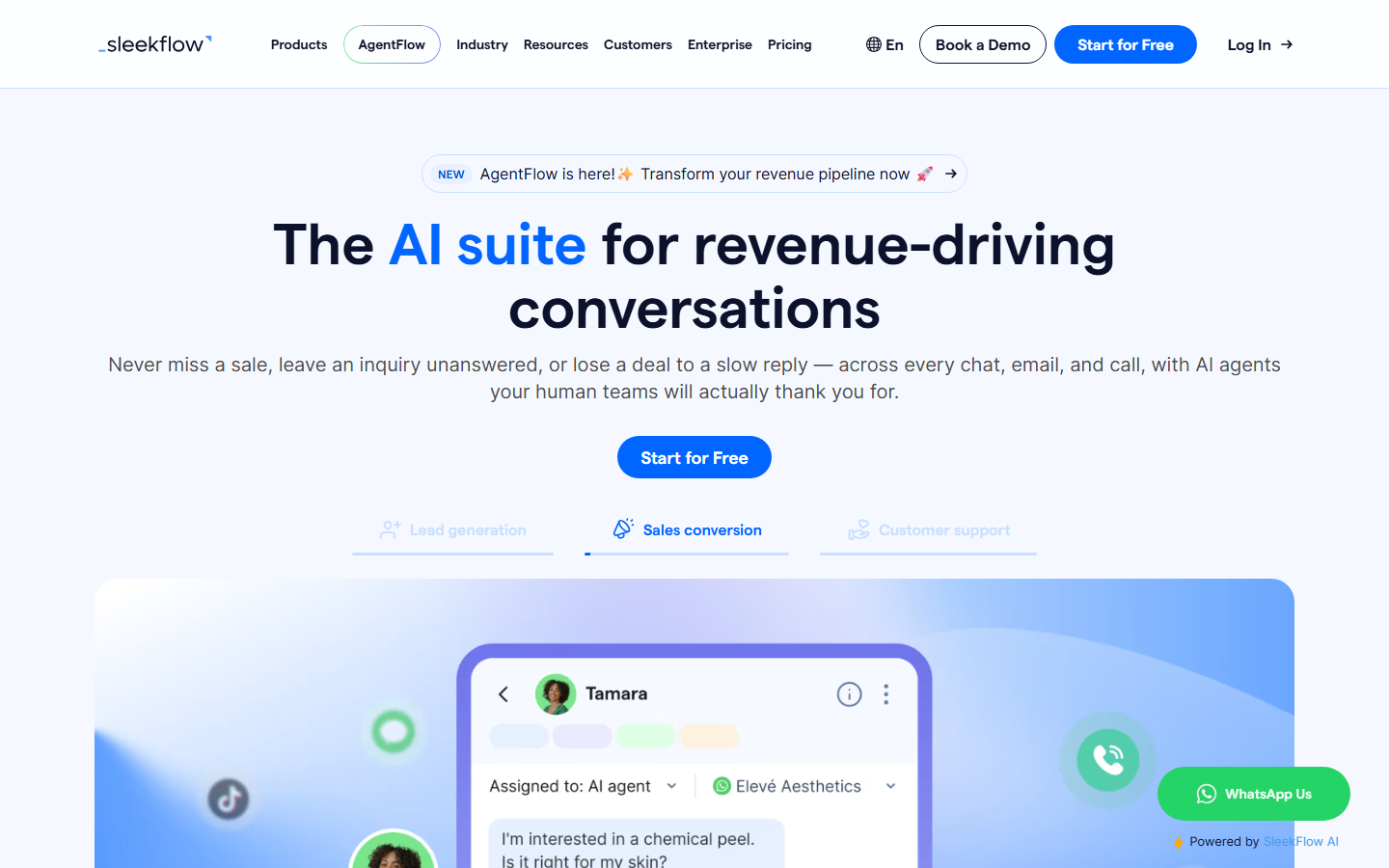
Shared omnichannel inbox for teams
A team inbox that pulls Messenger, WhatsApp, Instagram, and web chat into one queue with assignment and reporting. The right shape for a support team of five, the wrong shape for a creator answering "link?" on a Reel. Priced by plan tier with seat limits; check sleekflow.io for current numbers before comparing.
The long version of this section, with the IG-versus-Facebook differences table and the message tag list, is Facebook DM automation: how Messenger automation works and what Meta allows.
03 · Reels
Yes, on a Page. Facebook Reels expose their comments through the same Page API as feed posts, so a keyword comment on a Reel can trigger the same public reply and private Messenger reply as a post. For anyone cross-posting Reels from Instagram, this is the whole reason to bother with Facebook automation: the Reel already exists, the Facebook copy often reaches an older audience that Instagram does not, and the "comment LINK" call to action in the video works on both.
The 7-day, one-message Private Replies rule applies to Reel comments exactly as it applies to post comments. Reels also tend to keep collecting comments for weeks after publishing, so a comment that arrives on day 9 is still eligible: the clock starts from the comment, not from the Reel.
.png)
Facebook Reels and Page posts are both supported. The Copy from Instagram button is built for the cross-posting case: set the keyword and messages once on the Instagram Reel, copy to the Facebook Reel, adjust the message if you want a different link. There is a short video tutorial on the feature page.
04 · Publishing
Scheduling is the job of publishing posts, Reels, and photos to the Page on a calendar you set in advance. InstantDM does not do it for Facebook. It has a small Instagram-only scheduler and nothing on the Facebook side, so if you came here for a Facebook calendar you need one of two other things.
The free option is the Planner inside Meta Business Suite, which schedules posts, Reels, and Stories to a Page and its linked Instagram account with no third party involved. For most single Pages it is enough, and it never asks for another permission. The paid option, when you want more networks in one calendar, is Social by InstantDM, our sister scheduler, which covers eight networks including Facebook. NapoleonCat and the usual suites (Buffer, Hootsuite, Later, Metricool) also schedule to Facebook Pages if you already pay for one.
The pairing that works: schedule the Facebook post or Reel with the Planner or Social by InstantDM, then open it in InstantDM once it is live and attach the comment automation. Publishing fills the top of the funnel. Comment and Messenger automation is what turns the resulting comments into conversations. Neither replaces the other.
Calendar + inbox + reports in one suite
If you are already paying NapoleonCat for moderation, its publisher handles the Facebook calendar too, with approval steps for agencies. It is the suite answer, not the creator answer.
05 · Paid
Click-to-Messenger ads are Facebook ads whose call to action opens a Messenger thread with your Page instead of a landing page. The ad is built in Meta Ads Manager. What happens after the click is Messenger automation: a welcome message, a qualifying question, a keyword flow, a human handoff. Because the person started the conversation by clicking, the 24-hour window opens, and your Page can send promotional content inside it.
This is where Messenger automation and paid media meet, and it is also where the Europe and Japan caveat bites: Meta's help pages note that some organic messaging features are unavailable for businesses and ads delivered to and from Europe and Japan. If your audience is there, test the entry point before you scale the spend.
Comments under the ad itself are a separate job from the click. InstantDM does not automate Facebook ad comments; its boosted-content automation is for Instagram Reels only. Moderation tools such as NapoleonCat and CommentGuard cover ad comments, and Meta Business Suite lets you moderate them by hand. We wrote up the ad side, including chat tools built for paid entry points, in Facebook Messenger advertising and chat tools.
After a click-to-Messenger ad lands someone in your Page inbox, InstantDM's welcome message and keyword replies can take the first turn, and the Flow Editor can run the qualifying questions. The ad build stays in Ads Manager. Ad comment moderation stays with a moderation tool or Meta Business Suite.
06 · AI
In two places, and they are worth separating. Meta's own AI is Meta Business Agent, a setting in Business Suite that answers customers using your Page information. Meta's help page notes that turning it on pauses your existing automations, so it is an either-or choice, not a layer on top of your keyword replies. Third-party AI is a model (Claude, GPT, Gemini) wired into a chat tool so it can answer an open question the way a keyword rule cannot, subject to the same 24-hour window and 30-second response rule as any other bot.
My view is the same as on the Instagram hub: AI is a layer, not a strategy. If the offer and the keyword call to action are unclear, a model fails faster with nicer wording. Get comment-to-Messenger and the welcome message converting first. Then let a model handle the "does this come in blue?" questions that were falling through the keyword rules.
InstantDM's AI agent, with your own model API keys, is documented for Instagram comment and DM conversations. The product pages do not currently state Messenger support for the AI agent, so I will not claim it here: AI comment replies on Instagram; check the feature page for Messenger. Keyword replies, the welcome message, and the Flow Editor are the confirmed Facebook automation set.
Both sell AI replies on Messenger today, Chatfuel in its AI PRO plan and ManyChat as AI features on top of its contact-based plans. If a model answering Messenger on day one is the requirement, these are the candidates, and you should price the contact or conversation unit before deciding.
07 · Stack glue
Facebook automation rarely ends in the Messenger thread. When someone comments LINK on a Reel or leaves a phone number in chat, that event should land in a sheet, a CRM, or a Slack channel without anyone copying it. That is the glue layer, and it is platform-neutral: the same Make.com scenarios, webhooks, and API calls that carry Instagram events carry Facebook events.
I want to be precise here. InstantDM's integrations are the ones on the Instagram hub: a native Make.com partner app, webhooks, and API access on higher plans. There are no Facebook-specific integrations beyond that, and I am not going to invent any. What you get is the same pipe with Facebook Page events flowing through it.
Events out · actions in
InstantDM is the Meta surface. Make.com, Zapier, and n8n sit next to it, with Make.com as the native partner integration. Higher plans expose API and webhook access so comment and Messenger events can leave InstantDM and hit whatever you already run.
Integration details on the Instagram hub · Plans and API access
08 · Rules
Every job on this page runs inside the same handful of Meta rules, and every ban story I have heard about "Facebook automation" traces back to breaking one of them. The numbers are Meta's, from the Private Replies and Messenger policy pages linked above, not ours.
| Do | Don't |
|---|---|
| Automate a Facebook Page you admin, through Meta login | Give any tool your personal profile password |
| Send one private reply per comment, within 7 days | Expect to follow up on a comment that never got a reply |
| Promote only inside the 24-hour window after the person messages | Use message tags to push offers outside the window |
| Respond to user input within 30 seconds when a bot is on | Leave a bot that times out or loops |
| Reply to people who commented, messaged, or clicked first | Cold-message scraped profiles or Group members |
| Queue sends when a Reel takes off | Blast thousands of Messenger sends in a minute |
| Test entry points for audiences in Europe and Japan | Assume every organic messaging feature works there |
| Prefer official Meta Business Partners and API apps | Run auto-like, auto-follow, auto-comment browser bots |
Groups and personal profiles are not a grey area. The API does not expose them, so no compliant tool works there. A tool that claims otherwise is automating a browser session, and that is the behaviour Meta's terms prohibit.
One-screen view of who covers which Facebook job. "Yes" means the vendor documents it. "Partial" comes with the gate that limits it. "No" means it is not offered, and for InstantDM I have marked every gap I know of rather than leaving the cell blank.
| Category | Meta Business Suite (free) | InstantDM | ManyChat | Chatfuel | NapoleonCat |
|---|---|---|---|---|---|
| Public auto-reply to Page post comments | Partial (hashtag trigger, desktop only) | Yes | Yes | Yes | Yes (moderation rules) |
| Comment to private Messenger reply | Partial (Comment to message template, one message) | Yes (posts and Reels) | Yes | Yes | Partial (via moderation rules; check plan) |
| Keyword replies in the Messenger inbox | Partial (five keywords, case-sensitive, 15-minute delay) | Yes | Yes | Yes | Partial (inbox auto-replies; check plan) |
| Welcome or instant reply | Yes (Instant reply template) | Yes | Yes | Yes | Partial (check plan) |
| Multi-step flows with branching | No | Yes (Flow Editor) | Yes | Yes | No |
| Comment triggers on Facebook Reels | Partial (post comments; verify Reels) | Yes | Yes | Partial (verify with vendor) | Partial (verify with vendor) |
| Copy an Instagram automation to Facebook | No | Yes (one click) | Partial (rebuild per channel) | Partial (rebuild per channel) | No |
| Facebook Stories | No | No | Partial (verify with vendor) | No | No |
| Comments on Facebook ads | Partial (manual moderation in Inbox) | Not listed on the feature page (the pricing FAQ says ad campaigns are covered; confirm with support) | Partial (check plan) | Partial (check plan) | Yes (ad comment moderation) |
| Facebook Groups | No | No | No | No | No |
| Personal profiles | No | No | No | No | No |
| Content scheduling to a Page | Yes (Planner) | No (use Social by InstantDM) | No | No | Yes |
| WhatsApp in the same tool | Partial (WhatsApp in the Business Suite inbox) | No | Yes | Yes | No |
| AI replies on Messenger | Partial (Meta Business Agent; pauses other automations) | Partial (AI on Instagram; check feature page for Messenger) | Yes (AI features; check plan) | Yes (AI PRO) | Partial (verify with vendor) |
| Make.com / webhooks / API | No | Yes (Make partner, webhooks, API on higher plans) | Yes | Yes | Partial (suite API) |
| Price as of August 2026 | Free | Free (500 automations/mo); $9.99/mo; $24.99/mo; Facebook included | Free tier, then per contact (re-verify on vendor site) | Free Light plan; AI PRO $49/mo (chatfuel.com) | Per profile and user; 14-day trial (see vendor site) |
Vendor cells other than InstantDM come from public vendor pages checked in August 2026 and can change with plan tiers. This matrix is a planning aid, not a lab certificate. Re-check the vendor before paying. The InstantDM Free, Legend Pro, and Trendsetter prices are on the pricing page.
InstantDM on both platforms, with Copy from Instagram for each Reel · Meta Business Suite Planner if you want the Facebook copy scheduled · one m.me link in the Facebook bio from the free link generator
Meta Business Suite Instant reply, Away message, and Hours templates first, free · InstantDM keyword replies and Flow Editor when the five-keyword and 15-minute limits start to hurt · a human on the phone for anything the flow cannot answer
NapoleonCat (or CommentGuard for ad comments) for hide, delete, assign, and reporting · InstantDM or ManyChat per client Page for comment-to-Messenger conversion · shared Business Suite exports for the monthly deck
InstantDM for comment-to-Messenger with product links on posts and Reels · Social by InstantDM or the Planner for the calendar · Make.com to push leads into Klaviyo or the CRM · ManyChat or Chatfuel instead if WhatsApp order updates are part of the funnel
Software that runs Facebook Page work through Meta's official APIs without you tapping every step: replying to comments, sending a private Messenger reply after a comment, answering keyword messages in the inbox, scheduling posts, and routing leads to other apps. It is a set of separate jobs, and most tools only cover some of them.
Yes, on a Facebook Page, through apps that connect with Meta login and follow the Messenger Platform policy: one private reply per comment within 7 days, a 24-hour window for promotional replies, and bots that answer within 30 seconds. Auto-liking, auto-following, and mass commenting bots are the part Meta bans.
No. Meta's APIs only expose Page posts and Page inboxes, so every legitimate tool, InstantDM included, works on Facebook Pages only. Anything that promises automation on a personal profile is running a browser bot or using your password, and that is the kind of tool that gets accounts restricted.
No. There is no API path for third-party tools to reply to comments inside a Facebook Group, even one your Page administers. InstantDM's own feature page says so directly. If your community lives in a Group, automation has to start from a Page post that the Group shares.
Seven days. Meta's Private Replies documentation says the message must be sent within 7 days of the comment, and only one message can be sent per comment. The conversation only continues if the person replies to that first message, which opens the normal 24-hour Messenger window.
After a person messages your Page, or replies to a private reply, you have 24 hours to send anything you like, including promotional content. Outside that window, Meta only allows specific message tags for non-promotional updates, plus the Human Agent tag for manual replies within 7 days.
Partly. The free Inbox automations include Instant reply, Away message, FAQs, and a desktop-only Comment to message template that replies to comments containing specific hashtags. Custom keyword replies are capped at five keywords each, are case-sensitive, and send after 15 minutes unless you answer first.
Yes. InstantDM's Facebook comment automation works on Page posts and Facebook Reels: a keyword in the comment triggers a public reply and a private Messenger message. It does not cover Facebook Stories, Groups, or personal profiles, it does not do WhatsApp, and ad-comment automation on Facebook is not listed on its feature page (the pricing page FAQ says ad campaigns are covered; confirm with support before planning a paid campaign around it).
No. InstantDM has a small Instagram-only scheduler but nothing for Facebook. For Facebook scheduling use Social by InstantDM, the sister product at socialbyidm.com that covers eight networks including Facebook, or the free Planner inside Meta Business Suite. Then run comment and Messenger automation on the published post with InstantDM.
Facebook comment and Messenger automation is included with InstantDM plans; there is no separate Facebook add-on. The Free plan covers 500 automations a month, Legend Pro is $9.99 a month and Trendsetter is $24.99 a month as of August 2026. A Facebook Page linked to your Instagram account is required.
InstantDM runs comment-to-Messenger on Facebook Page posts and Reels, keyword replies in the inbox, a welcome message, and the Flow Editor, on Meta's official API. Facebook automation is included with InstantDM plans, with no separate add-on. Free plan: 500 automations a month.
Start freeJoin 30,000+ creators and brands using InstantDM today.
Get Started NowAny support required, we're just one click away.
