





Ready to Automate Your Growth?
Join 30,000+ creators and brands using InstantDM today.
Get Started NowAny support required, we're just one click away.
Meta Business Partner
100% Official API
Add UTM parameters to your Calendly links.
Track campaign performance and know where your bookings come from.
Enter your Calendly scheduling link
Which website sent the traffic? (e.g., facebook, instagram, linkedin)
How people found the link? (e.g., social, email, cpc)
Name your campaign (e.g., summer, black-friday)
Which part of page? (e.g., header, footer, sidebar)
Track keywords for paid ads (e.g., atlanta+realty)
 Meta Official Business Partner
 Learn what each UTM parameter does and how to use them effectively
Identifies which website sent the traffic
Tells you how people found the link
Name your campaign to group your links
Track which part of a page user clicked
Track keywords for paid ads
& to separate each UTM parameter%20 or + for spaces in valuesCombine UTM parameters with hidden fields for powerful lead tracking
Hidden fields allow you to pass additional data to Calendly without showing it to your visitors. When combined with UTM parameters, you can automatically capture campaign information, traffic sources, and custom data directly in your Calendly bookings.
Use hidden fields to automatically capture UTM parameters from your URL and pass them to Calendly. This means every booking will include the campaign source, medium, and campaign name.
?a1=utm_source&a1_value={utm_source} Pass custom information like user IDs, referral codes, or product interests directly to your Calendly bookings without cluttering your scheduling page.
?a2=user_id&a2_value=12345 Hidden fields data flows into your CRM through Calendly integrations, giving your sales team context about where each lead came from before the call even starts.
?a3=campaign&a3_value=webinar Your Calendly link with UTM parameters:
https://calendly.com/yourname/meeting?utm_source=facebook&utm_medium=social&utm_campaign=summer
Add hidden fields to capture UTM data:
https://calendly.com/yourname/meeting?utm_source=facebook&utm_medium=social&utm_campaign=summer&a1=utm_source&a1_value=facebook&a2=utm_medium&a2_value=social&a3=utm_campaign&a3_value=summer
Now your Calendly booking will include the UTM data in the event details!
Calendly's hidden fields feature is powerful for advanced tracking. Learn how to set up and use hidden fields effectively in your booking pages.
Read Calendly's Hidden Fields GuideKnow exactly which campaign, ad, or post generated each booking
Your sales team sees the lead source before the call starts
No manual data entry - everything is captured automatically
Calculate which marketing channels drive the most valuable bookings
Understanding the difference between standard and custom UTM parameters
| Parameter | Type | Required | Purpose | Example |
|---|---|---|---|---|
utm_source | Standard | Yes | Identify traffic source | facebook, instagram, linkedin |
utm_medium | Standard | Yes | Identify marketing medium | social, email, cpc, referral |
utm_campaign | Standard | Yes | Identify campaign name | summer-sale, webinar-2024 |
utm_content | Standard | No | Differentiate similar content | header-cta, footer-link |
utm_term | Standard | No | Track paid search keywords | marketing+automation |
custom_param | Custom | No | Track custom data points | user_id, referral_code |
Note: While custom parameters can be added to URLs, only standard UTM parameters (utm_source, utm_medium, utm_campaign, utm_content, utm_term) are recognized by Google Analytics and most analytics platforms.
See what you can track with UTM links vs InstantDM's Instagram automation
$9.99/month • Unlimited automation • No contact limits
UTM links track where your traffic comes from, but InstantDM tracks what happens after they engage with your Instagram content. Combine both to get the complete picture: track clicks with UTM links and automate conversations with InstantDM to turn engagement into sales.
UTM parameters are tags you add to URLs to track where your traffic comes from. They help you measure the effectiveness of your marketing campaigns in Google Analytics and other analytics tools.
Simply paste your Calendly link into our generator, fill in the UTM parameters (source, medium, campaign), and we'll create a trackable link for you. Copy the generated link and use it in your marketing campaigns.
utm_source identifies which website sent the traffic (e.g., facebook, instagram), while utm_medium tells you how people found the link (e.g., social, email, cpc). Source is WHERE, medium is HOW.
Yes, UTM parameters are case-sensitive. 'Facebook' and 'facebook' will be tracked as different sources. We recommend using lowercase consistently to avoid tracking issues.
No, UTM links only track clicks and page visits. To track Instagram DM conversations, replies, and engagement, you need InstantDM's automation platform which provides detailed conversation analytics and automated responses.
You can add up to 5 standard UTM parameters: utm_source, utm_medium, utm_campaign (required), and utm_content and utm_term (optional). You can also add custom parameters for advanced tracking.
No, UTM parameters are invisible to your visitors and don't affect the booking experience. They only add tracking data that you can see in your analytics dashboard.
Spaces should be replaced with %20 or + in URLs. Our tool automatically handles this encoding for you, so you can type normally and we'll format it correctly.
Official Partners
One of the fastest tools on Earth to climb to Official Meta Business Partner badge for Instagram automation. Read our story →



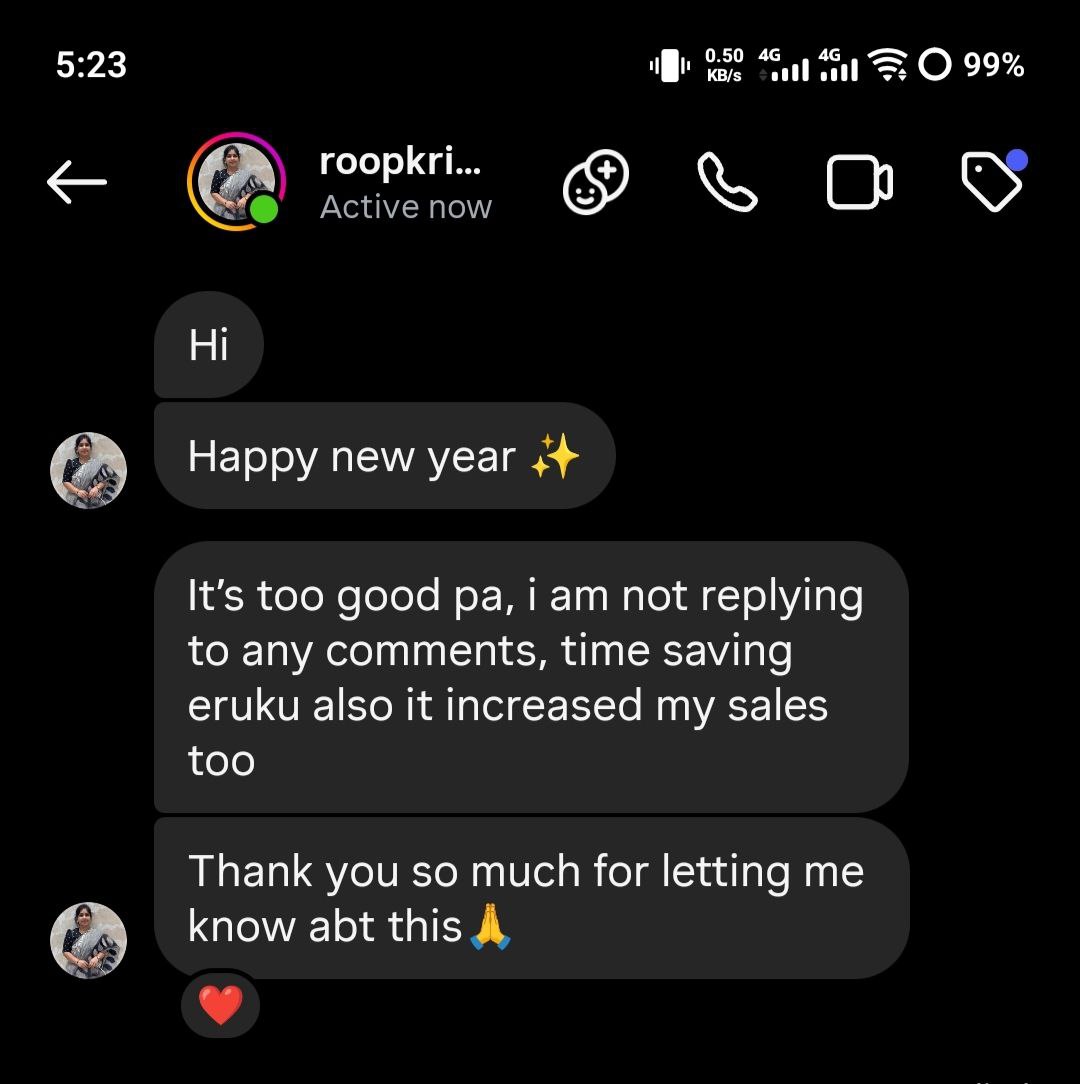
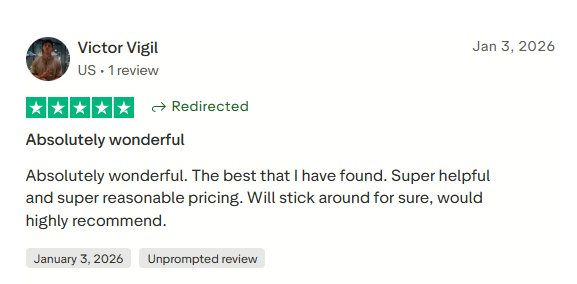
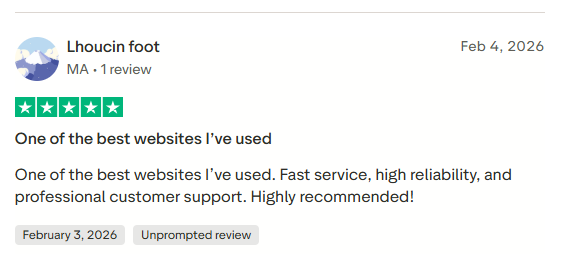
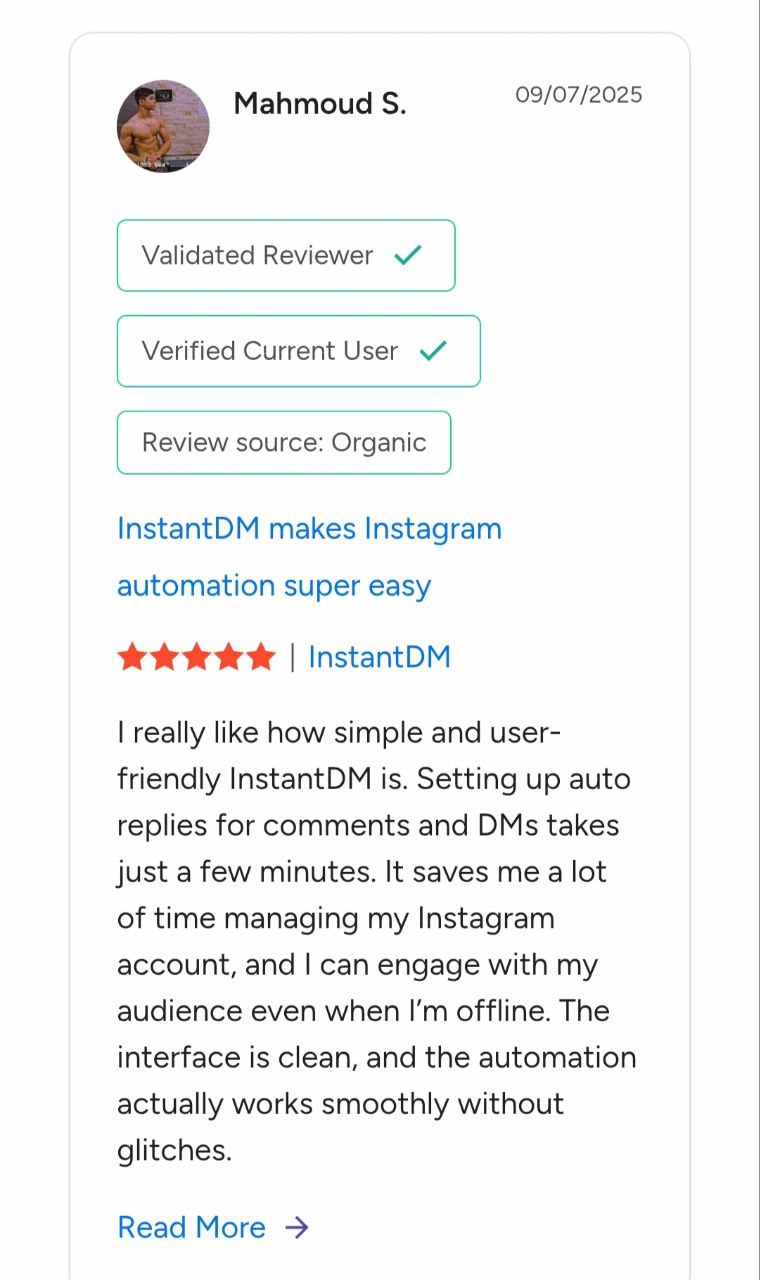
Big or small. 30 followers or 3 million. Creators, brands, and agencies trust InstantDM.



















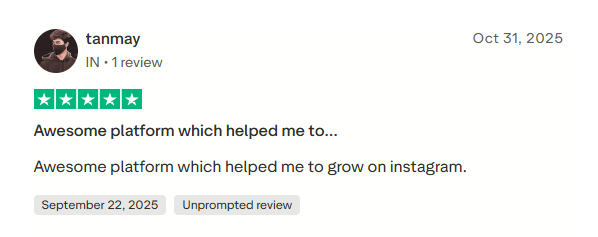
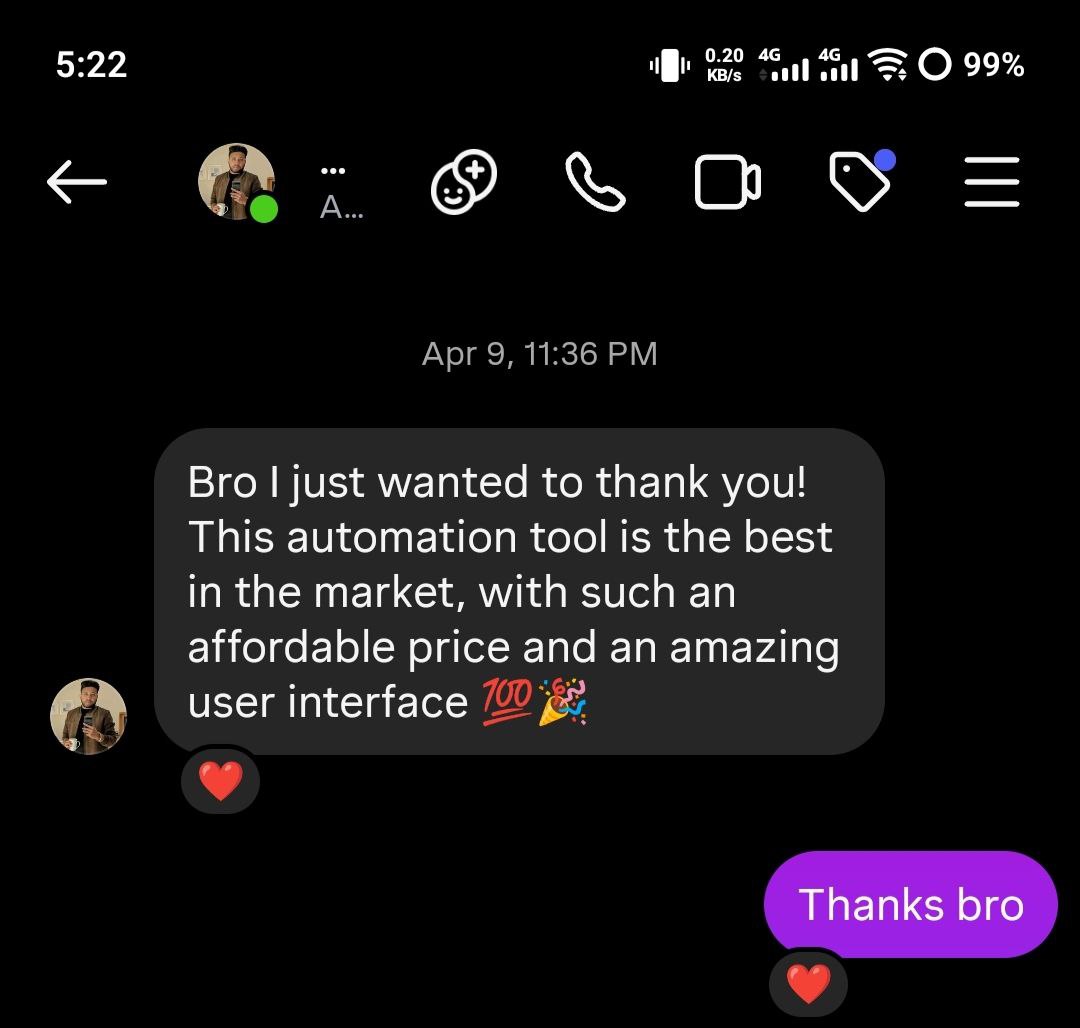
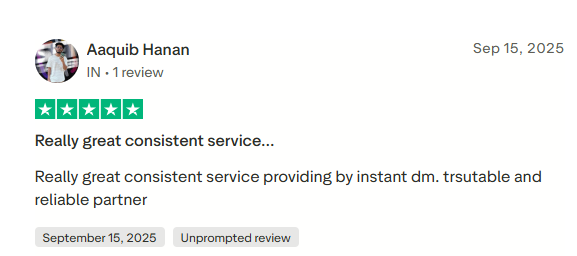
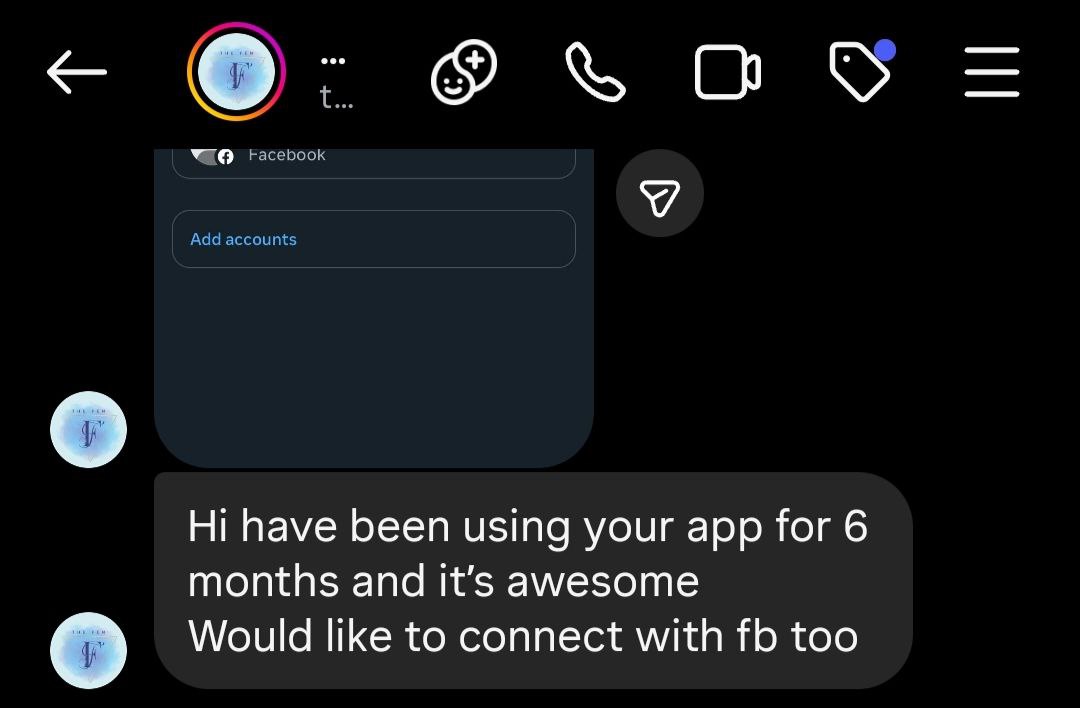
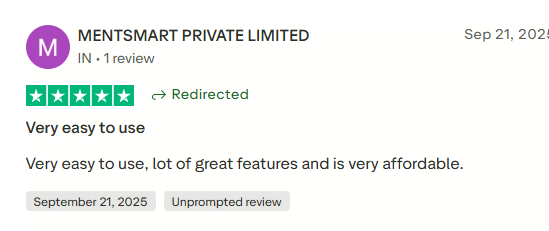
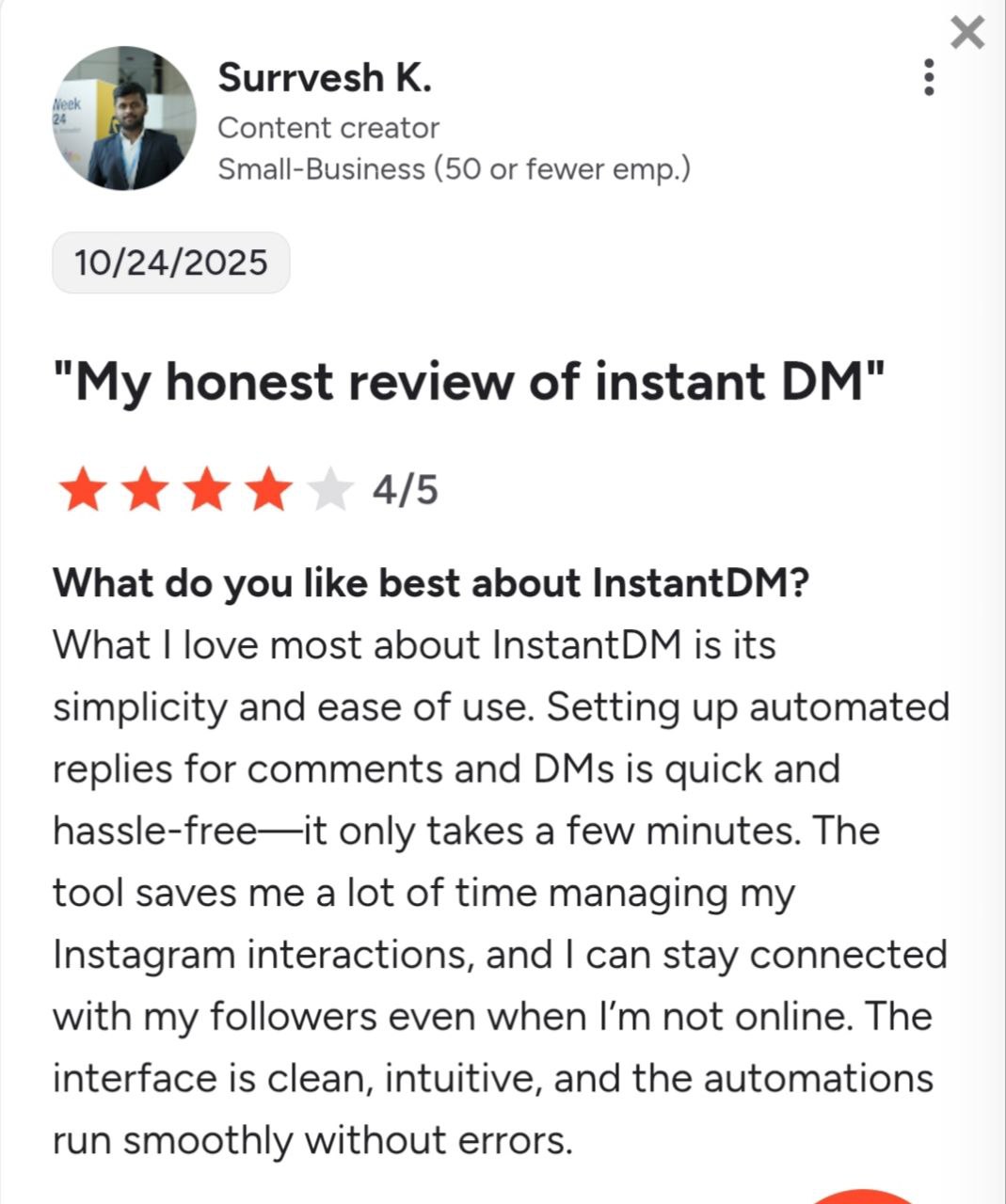
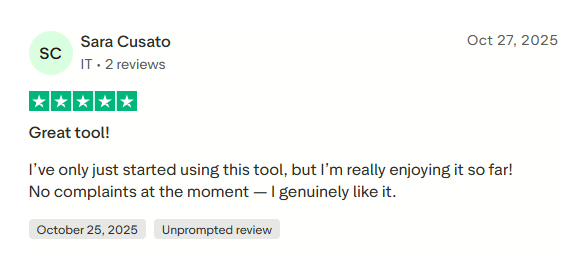
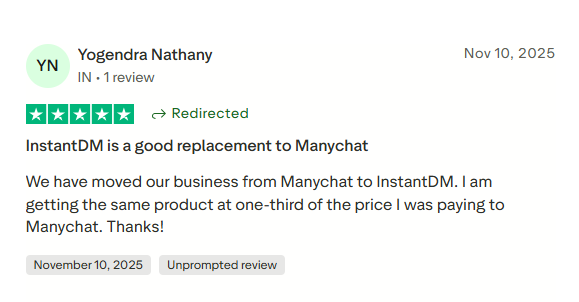
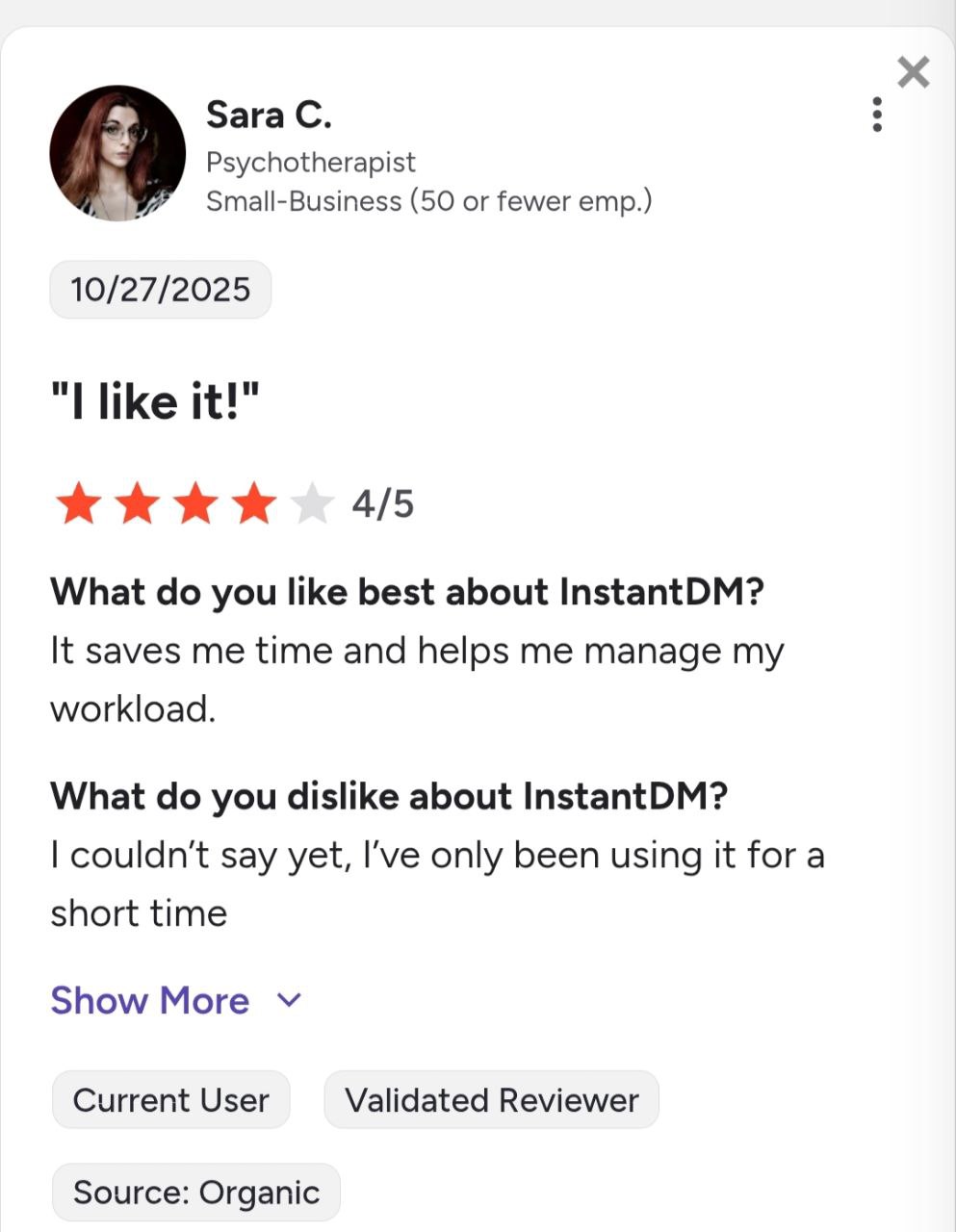
See what creators and brands are saying about InstantDM
Join 30,000+ creators and brands using InstantDM today.
Get Started NowAny support required, we're just one click away.
