Why Do Most Instagram Carousels Fail?
Most creators do not have a content problem. They have a structure problem.
Weak hooks. No retention. No save worthy slides. No clear call to action. That is why their carousels disappear after 2 hours.
The truth is that good carousels are engineered. Every slide should do one specific job:
- Stop the scroll
- Create curiosity
- Increase retention
- Deliver value
- Trigger saves
- Drive action
This is the exact system that has generated millions of views through carousel content. And no, you do not need to "design better." You need better thinking behind the design.
If you are serious about growing through Instagram carousels in 2026, study psychology more than aesthetics.
What Is the 6 Rule Carousel System?
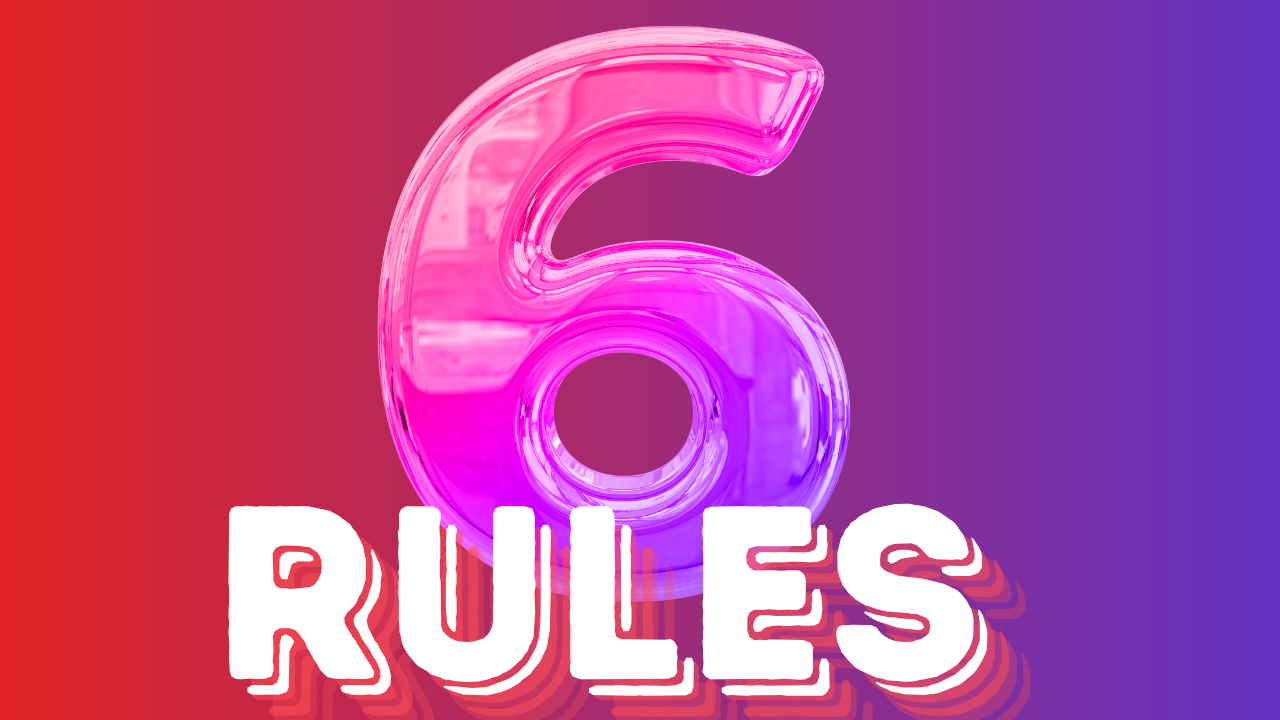
This system breaks down the anatomy of a high performing carousel into 6 rules. Each rule targets a specific moment in the viewer's journey, from the first glance to the final save.
Rule 1: The cover stops the scroll.
Rule 2: Slide 2 earns the read.
Rule 3: Every slide works as a standalone screenshot.
Rule 4: One slide must be save worthy.
Rule 5: Use AI to draft the structure.
Rule 6: The caption is the second post.
Let's break down each rule and show you exactly how to apply it.
How Do You Design a Cover That Stops the Scroll?
The cover has one job: stop the scroll. Not explain the topic. Not introduce yourself. Stop the thumb.
Big font. High contrast. A recognizable element. If your cover needs more than 10 words, you have already lost them.
The cover is a pattern interrupt. It exists in a sea of competing content. A user scrolls through dozens of posts per second. Your cover needs to break that rhythm.
Think of it like a billboard on a highway. You have 2 seconds to make someone care. The best covers use one of these techniques:
- A bold claim with numbers ("2M+ Views")
- A curiosity gap ("Steal my system")
- A contrarian take ("Stop doing this")
- A visual pattern break (high contrast colors, unexpected layout)
For a deeper dive on scroll stopping hooks, check out our guide on how to write Instagram hooks that stop the scroll.
What Should Slide 2 Do?
The cover gets the swipe. Slide 2 earns the read.
Set up the problem. Create the stakes. If someone swipes to slide 2 and does not immediately think "this is worth my time," they are gone.
Slide 2 is the confirmation slide. The viewer swiped because the cover intrigued them. Now slide 2 needs to deliver on that promise. It should either:
- State the problem clearly ("Most creators waste months on manual work")
- Present the benefit upfront ("Here are the 6 rules that got me 2M+ views")
- Create a knowledge gap ("What I'm about to show you changed everything")
If slide 2 is weak, the rest of your carousel does not matter. Nobody will see it.
Why Should Every Slide Work as a Standalone Screenshot?
If a slide is sent without context and still lands, your carousel is effective.
Keep visuals consistent: max two fonts, high contrast, one idea per slide. Clutter kills engagement.
This is the test that separates good carousels from great ones. When someone screenshots a slide and sends it to a friend, that slide becomes a mini advertisement for your entire carousel. It drives new viewers back to your profile.
To make slides screenshot worthy:
- One idea per slide. Never combine two concepts.
- Large, readable text. If someone has to zoom in, the text is too small.
- High contrast. Dark text on light background or vice versa.
- Minimal elements. No more than 3 visual elements per slide.
The carousel that gets screenshotted is the carousel that goes viral.
How Do You Create a Slide Worth Saving?
Every carousel needs one slide worth saving on its own. A framework. A prompt. A fill in the blank. A line so sharp they will quote it in their Stories.
This is the slide that turns reach into saves. If no single slide is save worthy, the whole carousel will not be either.
Saves are the most powerful engagement signal on Instagram. The algorithm treats a save as a vote of confidence. A saved post gets pushed to more people, appears in more Explore feeds, and has a longer shelf life.
Types of save worthy slides:
- Frameworks: "The 3 step process to X"
- Checklists: "5 things to do before you post"
- Templates: "Fill in the blank caption formula"
- Data points: "We analyzed 10,000 posts. Here's what works."
- Contrarian quotes: Lines sharp enough to screenshot and share
If you want to boost your save rates systematically, read our guide on how to automate Instagram save rates to explode reach.
How Can AI Help You Write Carousel Copy Faster?
Never write carousel copy from scratch. Give AI your topic, your angle, and your brand context. It gives you a slide by slide structure in 2 minutes. Edit from there.
The first draft is not the hard part. Knowing what to say on each slide is. Let AI handle the architecture. You handle the taste.
Here is a practical workflow:
- Define your topic and angle. What are you teaching? What is your unique perspective?
- Give AI the structure. Ask for 8 to 10 slides with specific jobs (hook slide, problem slide, solution slides, CTA slide).
- Edit for brand voice. AI gives you the skeleton. You add the personality, the examples, the stories.
- Design and publish. Take the edited text and put it into your design tool.
AI does not replace your creative judgment. It removes the blank page problem. The difference between a creator who posts daily and one who posts weekly is often just the time spent staring at an empty document.
For more on using AI for content creation, see our guide on AI tools for social media content creation.
What Should the Caption and CTA Do?
The caption is the second post. The CTA is the engine.
Most creators rush captions with "follow for more," missing the chance to add value. Restate the idea, add context, and include a comment trigger. One carousel, three wins: DMs, shares, and list growth.
A strong carousel caption does three things:
- Restates the main idea in different words (reinforces the carousel message)
- Adds depth that did not fit in the slides (bonus value)
- Includes a CTA that drives a specific action
The best CTAs for carousels:
- "Comment [WORD] and I'll send you the full framework" (triggers DM automation)
- "Save this for later" (direct save prompt)
- "Share this with someone who needs it" (share prompt)
- "Link in bio for the free template" (traffic driver)
The caption CTA combo turns a single carousel into a lead generation machine. One post, multiple conversion paths.
How Do Carousels Fit Into Your Overall Funnel?
Carousels are not just posts. They are the thing that builds your brand on your profile, delivers value your audience saves, and feeds every other part of your funnel.
Think about it this way:
- Top of funnel: Carousel reaches new people through shares and saves
- Middle of funnel: Profile visitors see a grid full of valuable carousels
- Bottom of funnel: CTA in captions and bio drives DMs, signups, and sales
A profile with 30 high quality carousels is a library. Every new visitor sees weeks of proof that you know your stuff. That is how you convert followers into customers.
The creators earning serious money on Instagram are not just posting. They are engineering every carousel to serve a specific role in their funnel.
How Do You Start Building Your Carousel System Today?
You now have the 6 rules. Here is how to apply them this week:
- Write 3 covers using bold claims or curiosity gaps. Test which one gets the most engagement.
- Draft Slide 2 for each cover. State the problem and the stakes.
- Create one save worthy slide per carousel. A framework, checklist, or template.
- Use AI to draft the middle slides. Give it your topic and angle.
- Write a caption with a CTA. Include a comment trigger for DM automation.
- Post and measure. Track saves, shares, and profile visits.
The carousel system is not about design. It is about structure. Get the structure right and the design becomes secondary.
Stop thinking about carousels as posts. Start thinking about them as engineered assets that work for you 24/7.
Source: https://www.instagram.com/p/DYjiZ9RFBbL/