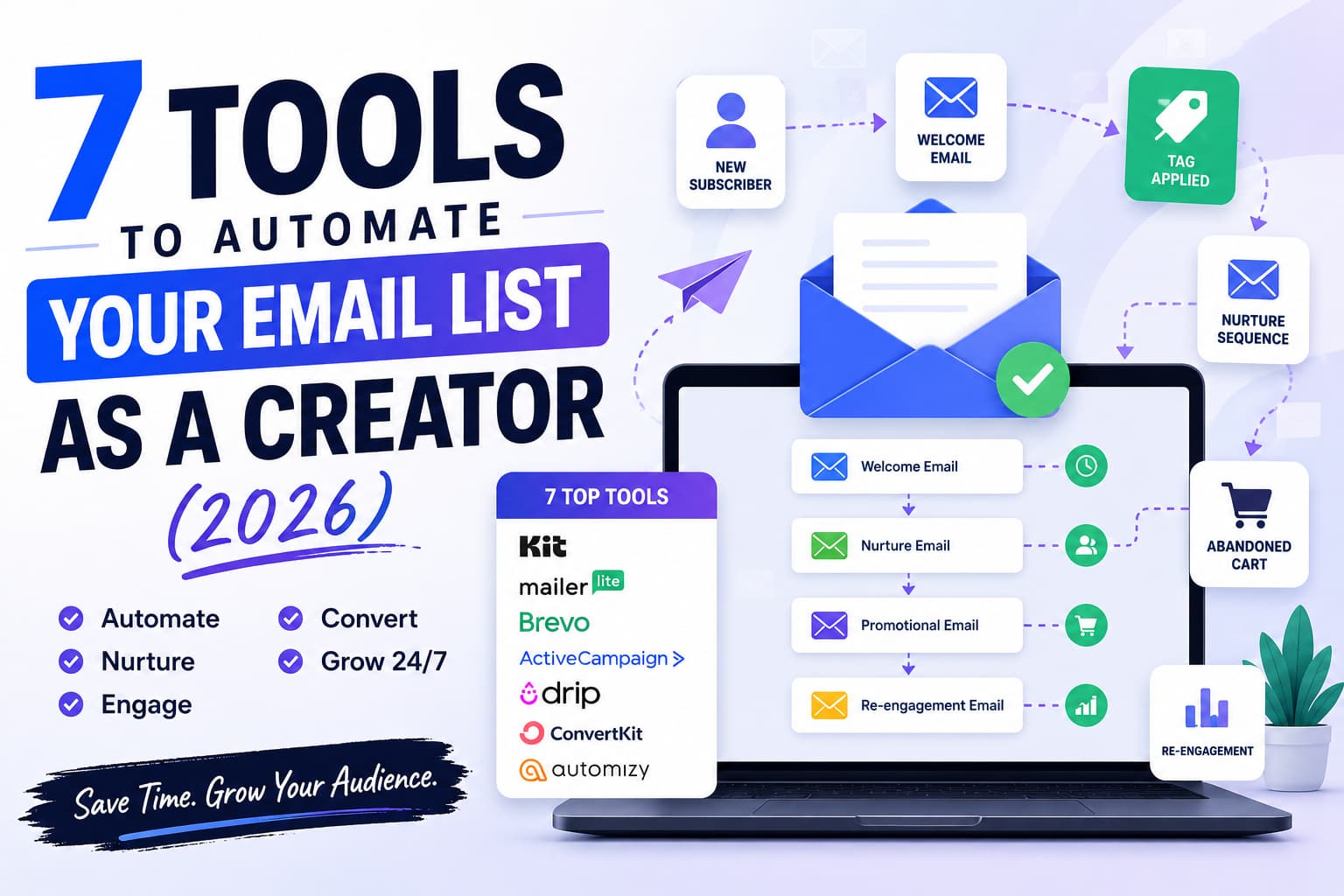
Most creators are growing slower than they should because they’re using email only as a manual weekly broadcast channel. Of course broadcast newsletters build rapport, but automated visual sequences drive predictable conversions, customer retention and backend revenue.
Tool Comparison for Creators Side-by-Side
Pick the wrong automation platform and you’ll end up with painful technical debt you’ll have to migrate away from later. Here’s a table of the 7 top options, compared by pricing structures, sequence limits and ideal creator archetypes.
Platform | Free Plan Limit | Entry Paid Plan | Automation Levels | CRM Included | Good For |
Kit (ConvertKit) | 10,000 subs | $29/mo (1k subs) | Advanced Visual | Lite | Digital Product Creators & Writers |
MailerLite | 1,000 subscribers | $10/mo (1k subs) | Intermediate | Basic | Budget-Friendly & Solo Creators |
Brevo | Unlimited contacts | $25/mo (20k sends) | Intermediate Multi-Channel | Full CRM | Multi-Channel (Email/SMS/WhatsApp) |
ActiveCampaign | No free plan (14d trial) | $29/mo (1k contacts) | Enterprise-Grade | Advanced Sales CRM | Power Users & Funnel Engineers |
Drip | No free plan (14d trial) | $39/mo (2.5k subs) | Advanced E-comm | E-commerce Profiles | Physical/Digital Store Operators |
Beehiiv | 2,500 subscribers | $39/mo (1k subs) | Newsletter Focused | Basic Audience Hub | Ad-Supported Newsletters |
Moosend | No free plan (30d trial) | $9/mo (500 subs) | Intermediate | Basic Lead Engine | Beginners Needing Cheap Sequences |
1. Kit (formerly ConvertKit) – Best All-in-One Engine for Creators
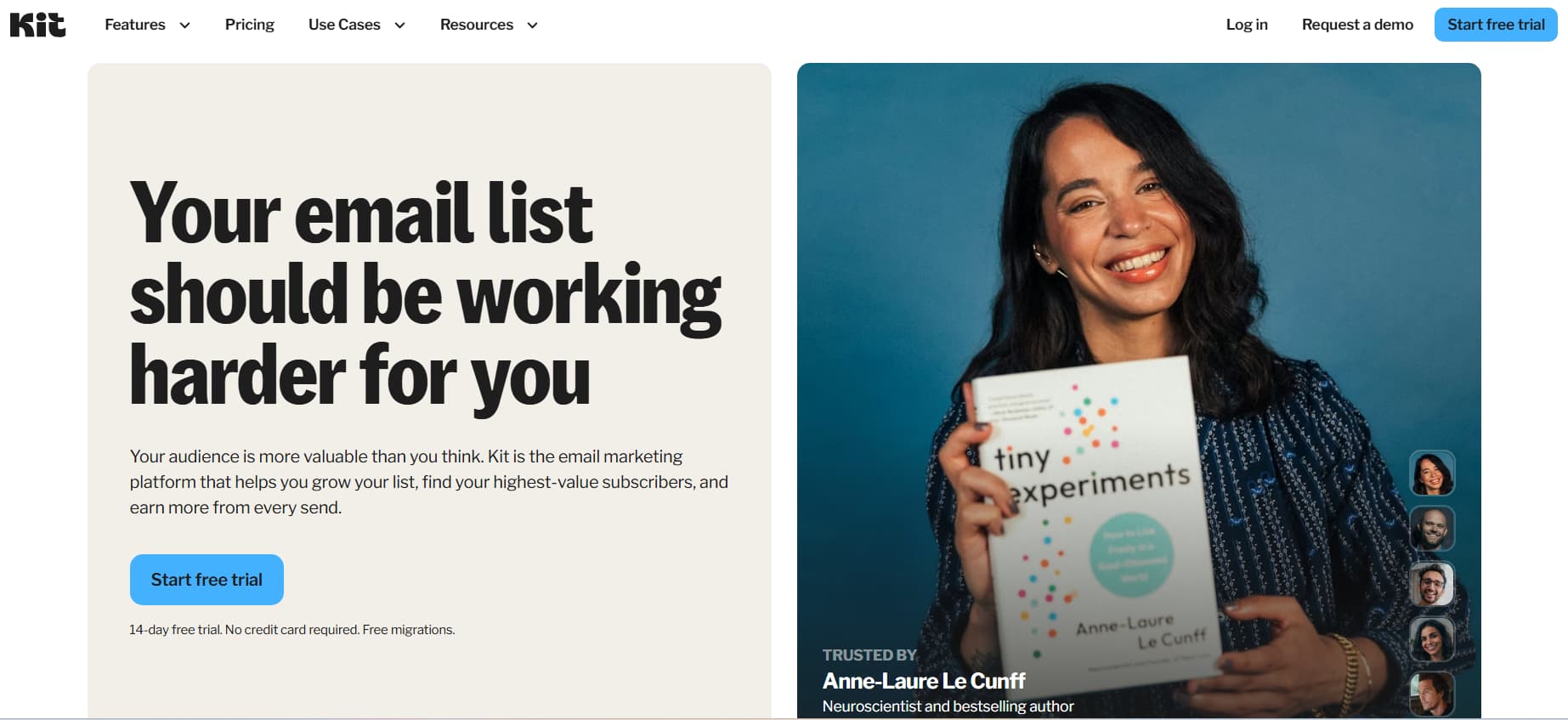
Creator-centric email marketing still has Kit as the gold standard. Kit is built around flexible, subscriber-focused data structures, not the old list-based models. Kit is built for bloggers, YouTubers, podcasters, course creators and authors.
Key automation features
- Visual Automation Canvas: Kit’s visual workflow builder lets you create a range of subscriber journeys with triggers, actions and conditional logic. Link multiple opt-in forms to a single master sequence so you can dynamically pause subscribers during product launches and build conditional paths without breaking existing funnels.
- Liquid Tag Dynamic Personalisation: Kit supports custom conditional merge tags (using Shopify's Liquid syntax). You can replace entire paragraphs, product recommendations, or calls to action within one broadcast or sequence based on custom field values or purchase history.
- Native digital product engine. Kit Commerce: Sell ebooks, coaching packages, paid newsletters and downloadables as a native seller Automated Post-Purchase Delivery Sequences are sequences that are triggered right after a purchase, auto-tagging buyers, removing prospects from promotional sequences, and issuing download tokens.
- Cross-promotion for creators on Kit: Kit allows for native cross-promotion within subscriber confirmation flows. You can also partner with other creators and recommend each other's newsletters at opt-in, which will help accelerate list growth passively without having to spend on paid ads.
Automation Opportunities
- Welcome Sequences: Full support, instant asset delivery, multi-step triggers and dynamic entry points.
- Nurture Sequences: Multi-branch conditional logic based on tag assignments, clicks on links and purchases of products.
- Re-Engagement Automation: Automated filters and cold subscriber tags to identify and prune inactive contacts.
- Abandoned Cart Workflows: Native integration with Kit Commerce and 3rd-party checkouts like ThriveCart, SamCart.
- Visual Workflow Builder: Drag and drop builder, with branching logic, event goals and sequence pauses
Pricing Structure
- Free Plan ($0/mo): Up to 10,000 subscribers, basic broadcast sending, landing pages creation and single step autoresponders. Visual Automations Paid Tier (Multi-Branch)
- Creator Plan ($29/mo for 1,000 subscribers; scales with list size): The full visual automation builder, automated email sequences, free migrations from other tools, another team seat.
- Creator Pro Plan ($59/mo for 1,000 subscribers): Adds advanced subscriber scoring, built-in referral programs via SparkLoop, deliverability reporting dashboards, and dynamic link redirection inside sent emails.
Tradeoffs in Operations
- Pros: Clean, subscriber-centric database (no duplicate billing for contacts on multiple lists), seamless visual workflow engine, built-in creator network suggestions.
- Cons: The email templates are very basic styling-wise and for deep layout customisations you will need to use custom HTML/CSS. There is also no native SMS automation workflow.
2. MailerLite – The Best Low Cost, Feature Rich Solution
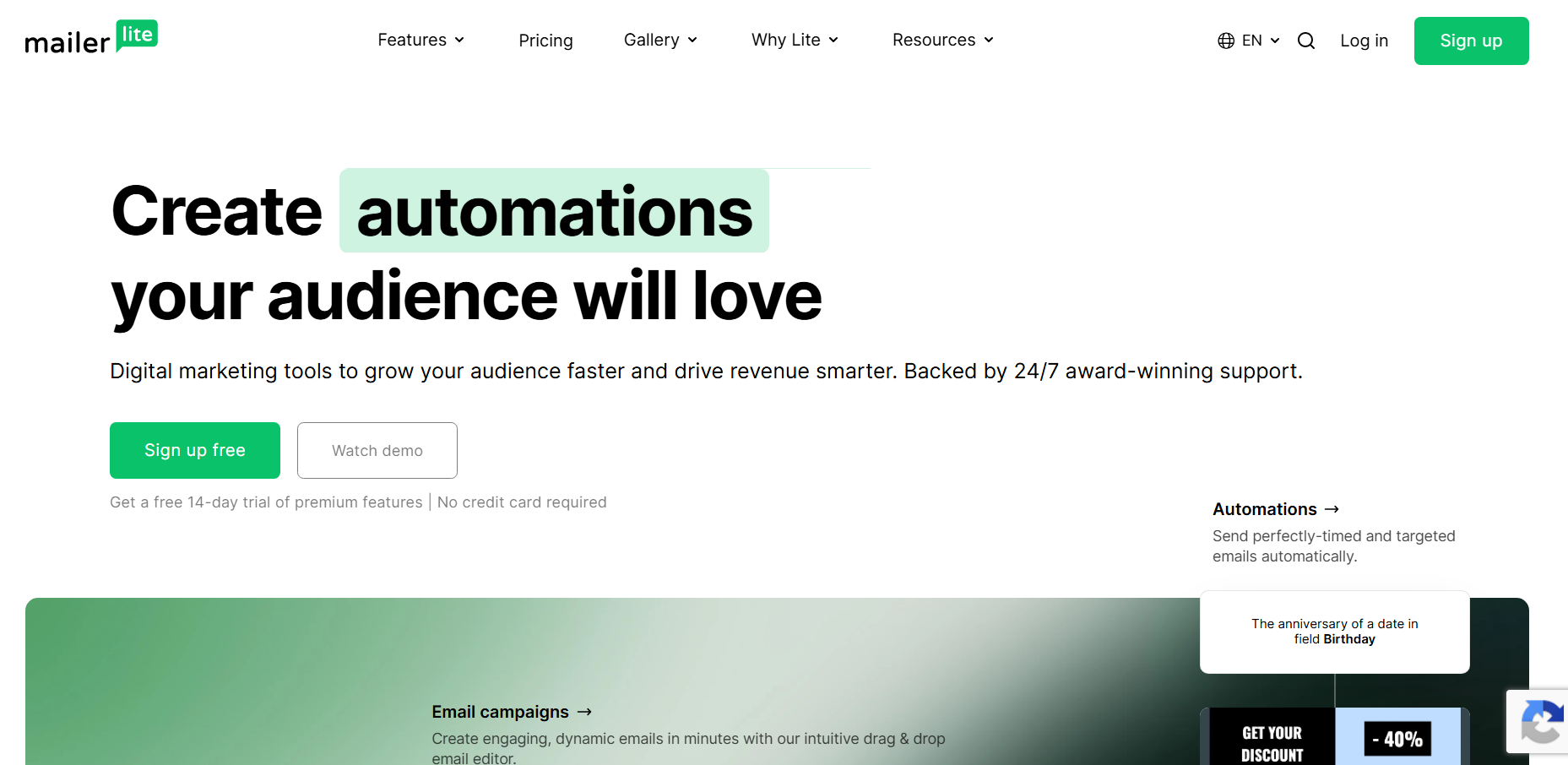
MailerLite’s design and UI is clean. The price is good. It provides bootstrapped creators with visual drag-and-drop automation workflows, landing page builders and pop-up forms at a fraction of the cost of enterprise competitors.
Important Automation Features
- Multi-Trigger Automations: MailerLite supports multiple subscriber actions to trigger one automated workflow simultaneously, like filling out a form, getting a tag, or clicking on a specific link within an unrelated campaign.
- Visual Drag-and-Drop Editor: The drag-and-drop email builder includes dynamic content blocks you can show or hide based on subscriber segment data, interactive surveys, RSVP buttons, and auto-updating RSS feeds.
- Native Landing Pages and Mini-Websites: MailerLite offers a full website and landing page builder as well as standard forms, with custom domain support, SEO metadata fields and Stripe integration to sell digital products natively.
- Auto-Resend Capabilities: Schedule campaign resends to non-openers with altered subject lines or personal notes from the broadcast setup window.
Automation Capabilities
- Welcome Sequences: on free and paid plans, with toggle-able delay timers.
- Nurture Sequences: Automated sequence paths based on custom tags, interest groups and click triggers.
- Re-Engagement Automation: Automated workflows that are launched when subscribers hit certain inactivity milestones.
- Abandoned Cart Flows: Native integrations with Shopify and WooCommerce. Available on paid plans.
- Visual Workflow Builder: Simple sequence builder that allows up to 3 entry triggers simultaneously for each automation.
Price Structure
- The free plan is $0/month with the ability to send 12,000 emails/month to 1,000 subscribers. It has visual automations, multi-step landing pages and single user access.
- Growing Business ($10/mo for 1,000 subscribers): Unlimited monthly email sends, dynamic email content blocks, unbranded footers, 3 user seats, automated resend campaigns.
- Advanced Plan ($19/mo for 1,000 subscribers): Includes custom HTML editors, complex multi-trigger automated workflows, smart AI subject line generation, and dedicated live chat support.
Operations: Trade-Offs
- Pros: The Entry Level has the best price to feature ratio, intuitive user interface and full free plan features.
3. Brevo (ex Sendinblue) – Best Multi-Channel & Volume Email Sender
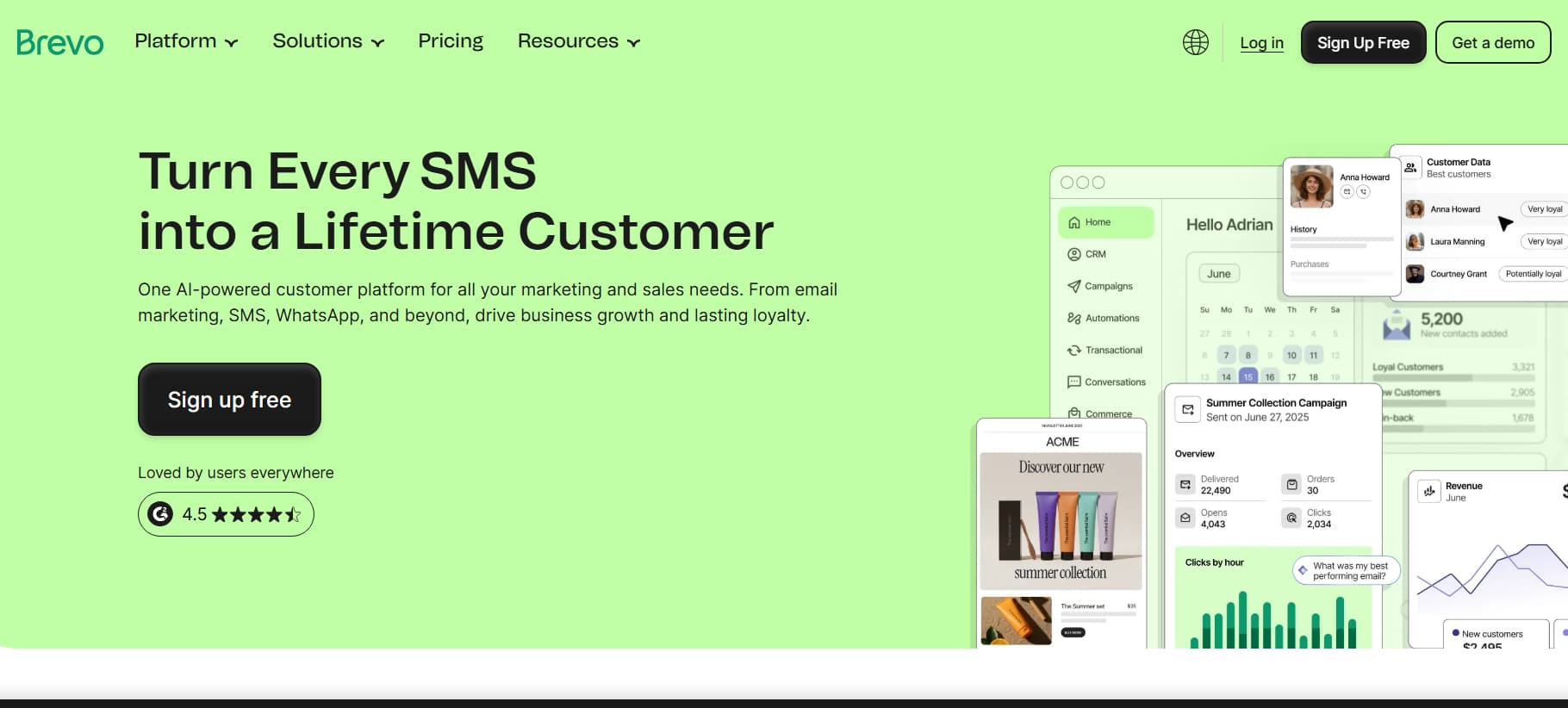
Brevo is built on an email automation integrated multi-channel communications architecture. Brevo’s core pricing is based on the monthly volume of outbound emails sent, unlike Brevo’s “per stored contact” charge model, which makes it uniquely suited to creators who manage massive contact databases but have modest send frequencies.
Automation Features at a Glance
- Multi-Channel Messaging All In One Place: With Brevo, you can create unified workflows in one single timeline by combining transactional email, automated SMS text sequences, direct WhatsApp messaging and on-site push notifications.
- Integrated Lead Management CRM: Full interaction timelines on every contact record, custom deal pipelines and automated task-assignment triggers for creators offering high-ticket client consulting or agency services.
- Real-timeTransactional Webhooks: Brevo’s API infrastructure provides real-time purchase confirmations, magic login links, password resets and account alert sequences with enterprise deliverability rates.
- Dynamic behavioural tracking: Track user page visits, scroll depth and file downloads on your WordPress or custom site with the Brevo JavaScript tracker and trigger nurture paths according to specific URL visits.
Automation Options
- Welcome Sequences: These are multi-step drip sequences that get triggered when a contact is created or added to a list.
- Nurture Sequences: Branching automations based on contact property, website page visits and custom event data.
- Multiple-Channel Workflows: Combine automated emails and SMS or WhatsApp reminders in the same execution branch.
- Transactional Automations: Real-time triggers to deliver receipts, account information, API-driven alerts.
- Visual Workflow Builder: Step-based conditional canvas with time delays, contact property filters and event webhooks.
Price Structure
- Free Plan ($0/month): Unlimited contacts and send up to 300 emails per day. It features a visual automation workflow builder and built-in CRM capabilities.
- Starter Plan ($25/month for 20,000 monthly emails): No daily sending limits, no Brevo branding, advanced delivery analytics.
- Business Plan ($65/mo for 20k monthly emails): Multi-user sub-accounts, automated workflow A/B split testing, predictive send-time optimisation and real-time phone support.
Operational Trade-offs
- Pros: Unlimited contact storage on all plans Native multi-channel reach (WhatsApp/SMS) Strong transactional delivery infrastructure.
- The Bad: You’re limited to 300 emails per day on the free tier, so you’ll need to pace yourself, and the workflow builder interface is more utilitarian than creator-centric.
4. Funnel Engineering with ActiveCampaign – Enterprise
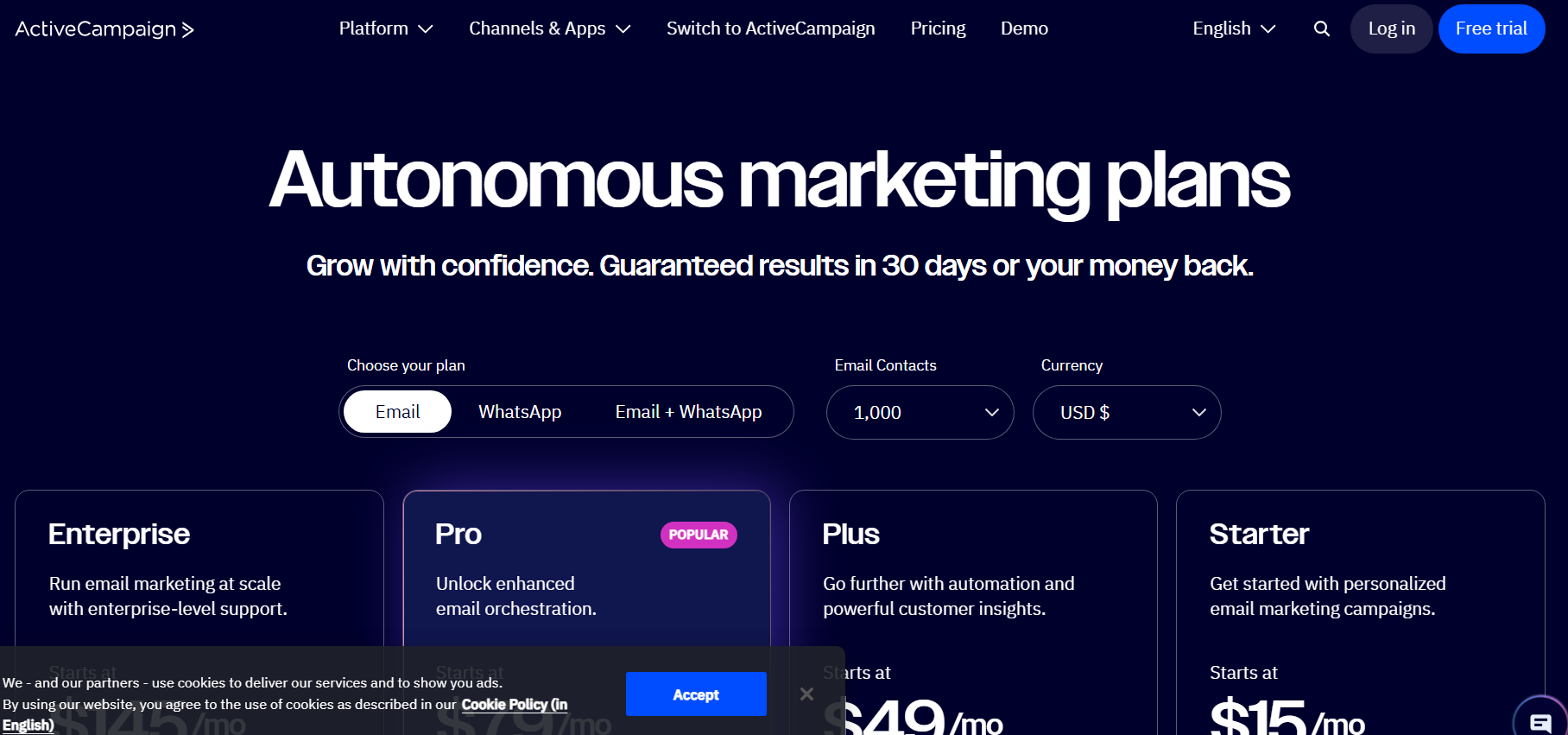
ActiveCampaign is a beast for automation platform. ActiveCampaign also provides unmatched logic control, lead scoring and conditional branching for content creators building complex multi-product digital ecosystems, high ticket coaching programs or SaaS products.
Major Automation Features
- Multi-Branch Conditional Matrix: Create automations with nested if/then conditions, wait conditions based on external events, automated goal milestones to move users forward through a workflow and split-testing branches of active sequences.
- Behavioural Lead Scoring: Score your leads by how they interact with your product. Trigger targeted sales pitch when a lead meets a pre-set engagement threshold.
- Predictive Content & Send-Time AI: Machine-learning algorithms analyse the past engagement behaviour of individual contacts to send emails at the best open time for each subscriber.
- Bi-Directional Automation Links: Transition subscribers between master workflows and specific sub-routines with no need for manual data exports or complex webhook configurations.
Automation Features
- Welcome Sequences: Highly personalised onboarding with branching based on first survey responses or lead magnet selection.
- Real-time Lead Scoring: Automated, point-based triggers that move engaged subscribers into high-converting sales pipelines
- Goal-Oriented Workflows: Push subscribers through sequences when they take target actions (such as buying a product) automatically
- Split-Testing Automations: Test at the sequence level for subject lines, wait timers, email copy and branching logic.
- Site & Event Tracking: Instant triggers based on specific user actions on other websites and apps.
Pricing
- Starter Plan ($29/month, billed annually) for 1,000 contacts: Basic visual marketing automation, email broadcast engine and standard support.
- Plus Plan ( $49/mo for 1,000 contacts ): Visual sales CRM, contact lead scoring, conditional email content blocks, modal forms, and native Stripe + Shopify integration.
- Professional Plan ($79/mo for 1,000 contacts): Predictive sending engines, split automation branches, site messaging, and custom attribution models.
Operations Trade-offs
- Pros: Best in class automation logic, full CRM and lead scoring, accurate web tracking and attribution analytics.
- Cons: No permanent free tier; difficult learning curve for non-technical users; pricing scales aggressively as your contact list grows.
5. Drip – Behavioural Marketing Automation for E-Commerce & Product Shops
Drip is focused on behavioural e-commerce automations. Whether you’re selling product lines on Shopify, dropshipping products, or large quantities of digital downloads, Drip has the data models you need to track customer lifetime value (LTV) and automate inventory-based marketing.
Automation at a glance:
- Deep E-Commerce Store Integrations: Deep data sync with Shopify, WooCommerce, BigCommerce and custom shopfronts to track cart states, product page views and total order histories in real time.
- Dynamic Cart Recovery & Browse Abandonment: Auto-trigger personalised browse abandonment notes and multi-stage cart recovery sequences with dynamic product imagery and direct checkout links with pre-built workflow templates.
- Revenue Attribution Reporting – Associate gross revenue with the individual automation email, broadcast segment and workflow branch.
- Customer Lifetime Value Segmentation: Toggle automations on/off based on past purchase frequency, Average Order Value (AOV), refund status, or months since last transaction.
Automation Capabilities
- Browse Abandonment Flows: Engage visitors who view product pages but leave without adding anything to their cart with automated messages.
- Cart Recovery Sequences: Multi-step checkout recovery with custom coupon insertions and inventory urgency notifications
- Post-Purchase Onboarding: Automated cross-sell and up-sell workflows based on specific product purchases or spend tiers.
- Dynamic Product Recommendations: Embed algorithmic product blocks in automated broadcast & sequence emails
- Visual Workflow Canvas: Create purchase events and checkout actions with a drag-and-drop workflow builder.
Price Model
- Standard Tier ($39/mo, 2,500 contacts): Full access to visual workflow builder, dynamic segmentation, pre-built e-commerce playbooks, and unlimited email sends.
- Scaling Tiers (Dynamic pricing based on list volume): Cost scales up (e.g. $89/mo for 10,000 contacts; $159/mo for 25,000 contacts) with full platform feature parity across all database tiers.
Trade-Offs of Operation
- Pros: sophisticated segmentation based on transactional data, clean revenue attribution reporting, deep integrations with e-commerce platforms.
- Cons: Higher initial cost than some of the others; no built-in landing page builders; not the best choice for content-only creators without a product catalogue.
6. Beehiiv for Modern Newsletter Media Brands
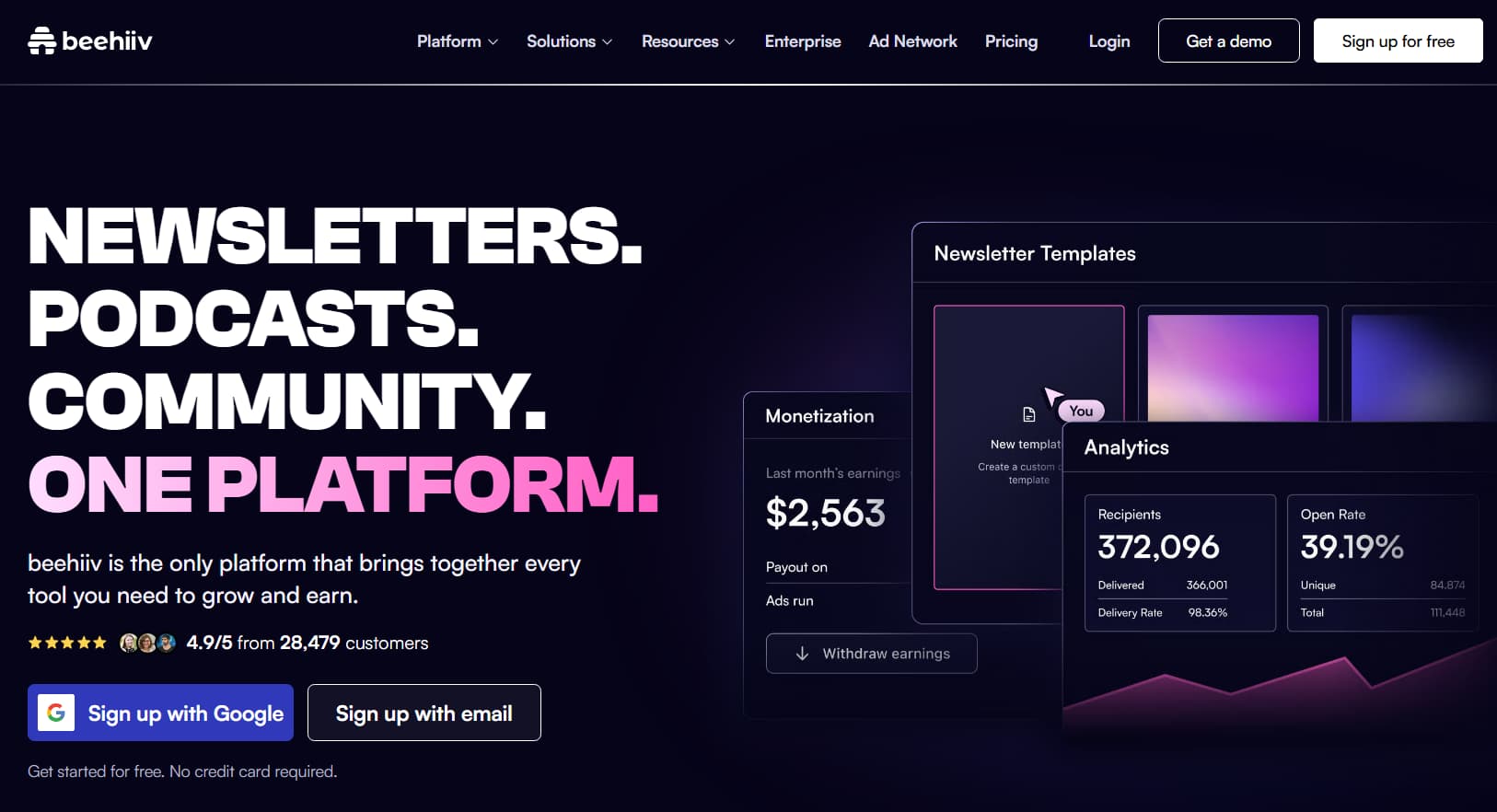
Beehiiv was built to serve editorial creators, digital publishing networks and content curators who rely on email newsletters as their primary product. Beehiiv is not about complex funnel workflows. It’s about list growth, ad network monetisation and premium subscriber communities.
Key Automation Features
- Audience Monetisation Workflows: Native programmatic ad networks, dynamic sponsor slot management and native paid subscription paywalls with Stripe integration.
- 1-Click Recommendation Engine: Drive Subscriber Acquisition with an integrated cross-recommendation network, pay or earn per acquisition (CPA) on a performance basis
- Multi-Tier Content Access Rules: Deliver content on demand – send free previews, members-only deep dives or cohort-specific newsletters all from one dashboard.
- Automated Web Publishing: Every email broadcast is automatically formatted and published as an SEO optimised web publication on a custom domain.
Automation Capabilities
- Automated Welcome Drips: Linear onboarding sequences to get new readers up to speed on your best historical content.
- Paid Subscription Upgrades: Automated trial sequences and upgrade prompts to convert free readers to paid tiers.
- Referral Engine Tracking: Native subscriber milestone automations that reward readers for sharing your newsletter.
- Dynamic Content Insertion – Customisable blocks that dynamically lock or unlock content based on the reader's subscription level.
Pricing Model
- Launch Plan ($0/mo): Up to 2,500 subscribers Unlimited sends Unlimited web publishing (Only a few automations on this plan).
- Scale Plan ( $39/mo for up to 1,000 subscribers ): Automated drip sequences, built-in Beehiiv Ad Network, referral programs, custom web domain routing.
- Max Plan (10,000+ subscribers, $99/mo): Manage multiple publications, dynamically segment your subscribers with custom rules, priority access to API.
Operational Trade Offs
- Pros: Powerful native monetisation systems; Built for digital publications and editorial media; Generous free-tier contact limits.
- Cons: Visual branching logic is not as sophisticated as Kit or ActiveCampaign, and is not great for complex product sales funnels.
7. Moosend Email Automation - Easy & Affordable
Moosend offers the essential email automation features in a simple, easy-to-use interface. It provides lean content operations with simple behavioural triggers, responsive design templates and workflow automation at a very competitive price point.
Key Automation Features
- Pre-Built Automation Templates: Quick-start libraries for onboarding sequences, cart abandonment reminders, subscriber birthday greetings, and VIP loyalty triggers.
- AI-Driven Subject Line Testing: Predictive analysis built-in to test subject lines in real time, projecting open rates against industry baselines prior to sending the broadcast.
- Visual Data Selectors: Easy to use contact tag management and conditional filtering using standard click, read and subscription milestones.
- Integrated Form Builders: Inline forms and modal popups with flexible display rules, exit-intent triggers and device-level targeting parameters.
Automation Functions
- Automated Welcome Series: Ready-made drip series with delay timers & content placeholders.
- Engagement-Based Tagging: Automatically segment contacts by link engagement and open behaviours.
- Cart Recovery Workflows: Basic e-commerce recovery triggers via WooCommerce, Shopify and API connectors
- Visual Automation Canvas: Node based workflow interface with triggers, conditional control steps and actions.
Price architecture
- Free Trial: 30 days Sandbox trial with core automation features and standard visual editors.
- Pro Plan ($9/month for 500 subscribers; $16/month for 1,000 subscribers): Visual workflow builders, unlimited email sends, landing page hosting, and multi-step forms.
- Enterprise Plan (Custom Quoting): Dedicated IP provisioning, custom service level agreements and priority account management.
Tradeoff Operations
- Pros: Very cheap pricing for entry level, easy and clean automation setup, decent live chat customer support.
- Con: No free tier with permanent access; options for template design could appear basic; fewer native third-party software integrations.
Strategic Architecture: The Sequences Every Creator Must Convert
The efficiency of the automation tool is directly proportional to the quality of the sequence design it is based on. Perform the following 4 core workflows to build a robust automated system.
Sequence 1: Indoctrination & Welcome Sequence (Days 1-7)
Your welcome series is your chance to set the tone of your relationship with your subscriber, and it always has your highest open rates, often well above 60%.
- Email 1 (0:00) - Instant Asset Delivery: Here is the resource, just as I promised. Body Copy – Max 150 words. Ask them to add your sending domain to their whitelist and move your email to their primary inbox folder.
- Email 2 (Day 1): The Beginning & Problem Statement: What is your background? Tell them about the specific problems you had that are similar to the problems they are having now. So they feel like you get them.
- Email 3 (Day 3): The Counterintuitive Belief: Challenge one of the long-held assumptions in the industry. Why the old tactics don’t work and share the proprietary framework/mindset I use instead.
- Email 4 (Day 5): The Transformational Case Study: Tell me a detailed story of how your methodology has worked in the real world (student, client, or personal breakthrough).
- Email 5 (Day 7) The Core Invite: This is your best resource, digital product, or community tier. The acquisition is the logical next step to accelerate the results we discussed during the week.
Sequence 2: The Continuous Value Cycle (Ongoing)
Once the subscriber has gone through the initial welcome series, tag them automatically for inclusion in your regular broadcast engine.
- The 80/20 Value Baseline: Make sure 80% of your weekly communications are useful, curated market breakdowns or original perspectives. Allocate the remaining 20% for specific commercial offers.
- Behavioural segmentation – using trigger links in educational emails (eg “Click here if you are managing a remote team”). You click on it and the automation platform will silently add the right interest tags and customise future content for that particular interest area.
Sequence 3: The 5 Day Converion Sprint
Use this promotional workflow to target warm segments that engaged with specific content topics or visited your sales landing pages.
- Day 1 What is the Opportunity: Explain what your product does and why other products failed before.
- Day 2: The Mechanism: Explain exactly what your solution consists of (i.e. your curriculum, framework or proprietary toolkit, step-by-step) and why it consistently delivers results.
- Day 3: Social Proof & Evidence: Use student testimonials, performance indicators, customer reviews to overcome the natural scepticism.
- Day 4: The Overcoming-Objections FAQ: Prepare a well-organised Q&A to answer questions about pricing, time commitments, prerequisites, and compatibility issues.
- Day 5: Urgency and Deadline: 2 emails on last day: Morning Value Recap and Evening Reminder (4 hours before Deadline) that a Bonus/Promo Window is Expiring.
Sequence 4: List Cleansing & Re-Engagement (Days 60-90)
Inactive subscribers hurt your domain sender reputation, which ultimately leads to your emails getting filtered into Gmail and Outlook spam folders.
- Trigger Filter: Target those who haven’t opened an email or clicked on a link in the last 60-90 days.
- Step 1 (“Permission to Clean the List”): Send an email in plain text asking if they want to stay on your list and provide a simple single-click confirmation link.
- Step 2 (The Ultimatum): Follow up 5 days later and tell them they will be removed automatically if they don’t confirm interest.
- Step 3 (The Automated Purge): When the contact has not clicked a link in 7 days, you should automate the action of deleting the contact or unsubscribing the contact permanently. This helps keep your list clean and your deliverability high.
Top of Funnel Conversion: List building through automated DMs
A standard website opt-in form converts regular web traffic at about 2% to 5% on average. Conversational social DM automations typically see opt-in conversion rates of 15% to 35%, reaching prospects where they already hang out.
Social DM Capture Systems Deployment
- The Keyword Trigger Hook: Post a social media piece like an Instagram Reel, Carousel, or YouTube Short that promotes a specific resource and ask users to comment a simple keyword (e.g. “Comment BLUEPRINT below and I’ll DM you the template).
- Automated conversation capture: Tools like ManyChat or InstantDM crawl your content for the keyword and automatically send an interactive direct message to the user within seconds.
- Chat Email Collection: The automated DM asks for the user’s email preference, validates the input and then sends the download link directly in the conversation thread.
- Automated Webhook Integration: DM’s automation tool can push the email address collected to your marketing tool (such as Kit or MailerLite) via a native integration or Webhook, assigning the correct interest tag and starting your welcome sequence right away.
Technical Deliverability Engineering: Best Practices
You’ve got the most sophisticated automation workflows but they’re useless if you’re going to be in spam boxes. Modern inbox providers have strict technical and operational sending standards :
Configure DNS Authentication Protocols
- SPF (Sender Policy Framework): Defines the mail servers and IP addresses that are authorised to send messages for your domain name.
- DKIM (DomainKeys Identified Mail) - Adds a digital signature to emails to prove that the content of your email has not been modified in transit.
- DMARC ( Domain-based Message Authentication, Reporting and Conformance ): A simple policy for receiving servers to implement to determine how to handle messages that fail SPF or DKIM checks. This prevents malicious spoofing of the domain.
Performance standards
- Implement Native One-Click List-Unsubscribe: Today’s inbox rules demand functional, one-click unsubscribe links in message headers. By hiding or disabling unsubscribe options, users will click spam report buttons instead, which can hurt your sender reputation.
- Keep Complaint Rates Low: Keep spam complaint rate below 0.10% (that’s less than 1 spam mark per 1,000 delivered messages). High complaint rates (>0.30%) If you have a high complaint rate all major providers will throttle or outright filter your inbox.
- Keep Sending Schedules Consistent: Spam filters are suspicious of sudden increases in sending volume. if you are doing a big promo, keep sending patterns with ongoing automated sequences or increasing broadcast volumes.
How We Evaluated These Email Automation Tools
We tested seven email automation platforms against six practical criteria that matter when you are actually sending emails, not just reading feature lists.
What criteria did we use?
1.Free plan value
Can you start without paying? Kit offers 10,000 free subscribers. MailerLite offers 1,000. Brevo offers unlimited contacts. ActiveCampaign and Drip have no free plan.
2.Automation depth
How complex can your workflows get? Kit and ActiveCampaign offer multi-branch conditional logic. MailerLite and Brevo offer intermediate automation. Moosend offers basic sequences.
3.Pricing model
How does the cost scale? Kit charges per subscriber. MailerLite charges per subscriber. Brevo charges per email sent. Moosend charges per subscriber.
4.Creator fit
Does the platform match what you are actually building? Digital product creators need Kit. Newsletter publishers need Beehiiv. E-commerce operators need Drip. Budget creators need MailerLite.
5.Ease of setup
How long until you can send your first automated email? MailerLite takes about 10 minutes. Kit takes about 15 minutes. ActiveCampaign takes about 30 minutes.
6.CRM and segmentation
Does the platform track subscriber behavior and segment automatically? ActiveCampaign leads here. Kit and Brevo offer basic CRM. MailerLite offers intermediate segmentation.
Community-approved playbooks
When you talk to creators in communities like r/emailmarketing, r/creators and r/newsletters, a few things consistently come up:
- Keep It Simple at First: Newbies often create sprawling sequences with multiple branches that fail because of misused tags. Have a clean, reliable 5-email welcome series in place before you start worrying about complex multi-variable logic.
- Audience architecture will dictate platform choice: Native monetisation tools in Beehiiv or Substack will be most useful for newsletter-first publishers. And if you’re a creator building diversified product ecosystems around courses, digital downloads and coaching, Kit or ActiveCampaign will do better.
- Small, responsive list trumps large list: 2,500 engaged subscribers who read your emails and always buy your products will trump 25,000 unresponsive contacts that end up in the spam folder. Maintain your list healthy and responsive. Remove subscribers who are not opening your emails regularly.
Pick the right tools for your current business model, build your core welcome and nurture sequences and use automation to turn your audience into a long term, predictable digital asset.