For a long time, it seemed like Stan Store was the no-brainer option for anyone wanting to monetise an Instagram following. If you’re selling Lightroom presets, fitness PDFs, Canva templates or calendar slots for 1:1 coaching it made total sense. The real hook was simple: It loaded fast right in Instagram’s built-in browser, and followers could buy without jumping through ten different hoops.
Reality hit home for a lot of people.
Pricing for Stan Store begins at $29/month, with the Pro plan at $99/month and no free-forever options. And it puts you in a pretty narrow box – mostly basic downloads and booking calendars. If you’re just starting out, testing whether anyone actually wants your offer or hoping to expand into community memberships, video courses or custom merch, burning $350+ a year before making a single sale is a tough pill to swallow.
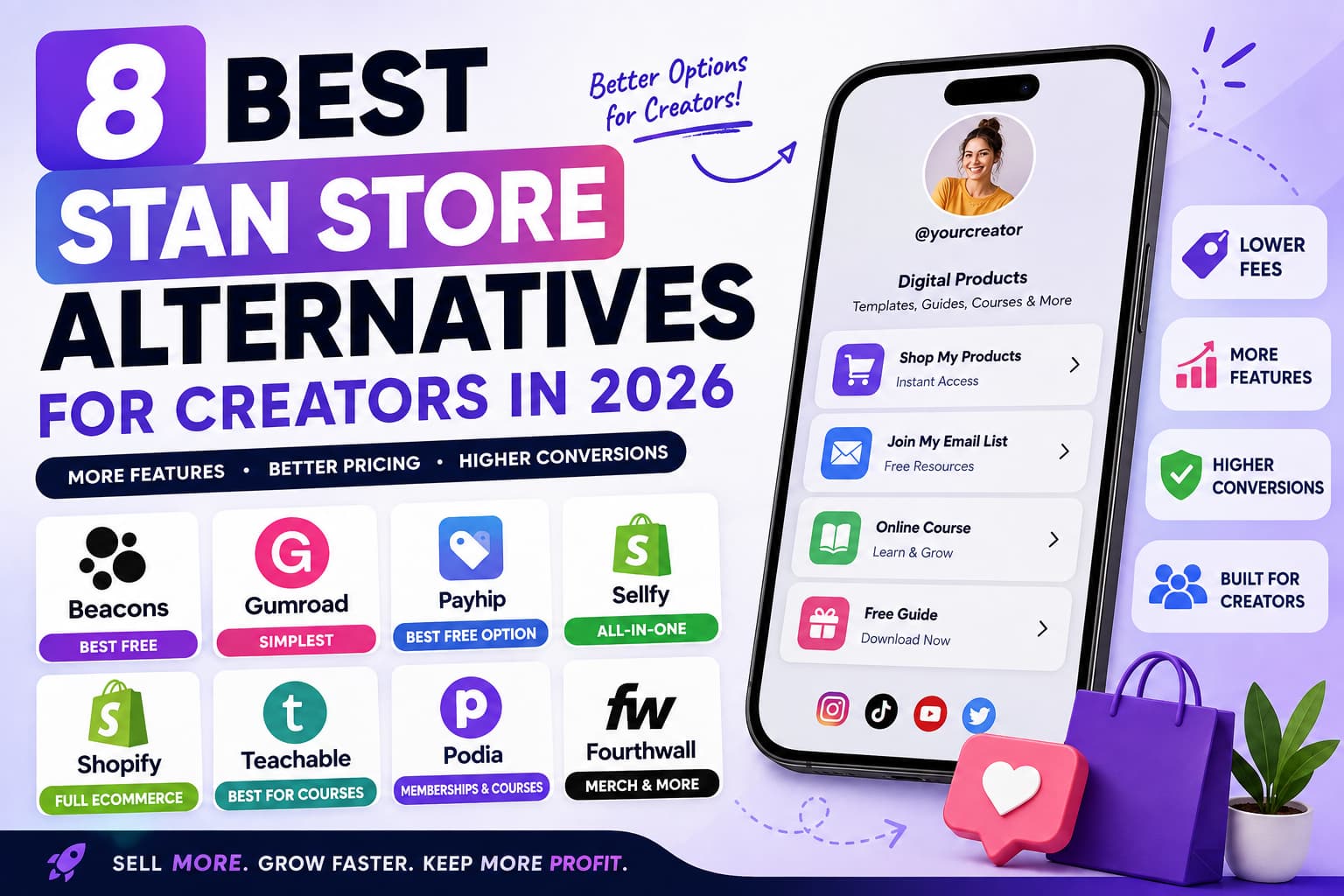
Quick Breakdown: What Alternative Is Right For You?
- Beacons: The best free alternative to Stan Store. You get a mobile shopfront, email capture and a live updating media kit without monthly software fees.
- Gumroad: The old school zero-fuss option. Easy to set up, takes about five minutes, and handles global sales tax and EU/UK VAT automatically, taking a flat 10% cut per sale.
- Payhip: The secret weapon for bootstrappers. The free plan takes a 5% transaction fee and allows you to sell downloads, full courses, memberships and coaching calls.
- Sellfy: The simplest way to sell digital files and print-on-demand merch side by side under one clean roof for a flat monthly fee.
- Shopify: The industry standard for when you get into serious physical inventory, multi-location warehouses and high-volume sales.
The link-in-bio shopfront truth is pretty simple: every extra second a page takes to load and every menu button someone has to click through tanks your conversions. It’s about what you’re making right now, what you’re delivering, and picking the right setup. Less than $ 500 a month ? If you can, stick with a free platform that has a small transaction fee so you never pay out of pocket. When you’re consistently clearing four figures a month then go for a flat monthly plan to keep more of your earnings.
Platform | Monthly Base | Free Plan | Platform Cut? | Best Fit |
Stan Store | $29/month | No | 0% (+ payment gateway) | Pure Instagram creators looking for the in-app bio feel |
Beacons | $30/mo | Yes | Free / 0% on store | All-in-one link hub + live brand pitch kits |
Gumroad | Free | Yes | 10% on sales | Instant set up and fully automated global taxes |
Payhip | Free / $29/mo | Yes | 5% (Free) / 0% (Paid) | Low budget creators selling files, courses and calls |
Sellfy | $22/mo | No | 0% | Digital goods + automated print-on-demand merchandise |
Shopify | $39/mo | No | 2.9% + $0.30 | Big scale physical retail and custom store builds |
Teachable | Free / $39/mo | Yes | 5% + $1 per sale | Courses and academies with multiple modules |
Podia | Free / $39/mo | Yes | 10% (Free) / 0% (Paid) | All-in-one community feeds, courses and downloads |
Fourthwall | Free | Yes | 0% (part of item cost) | Custom merch for creators, social shop sync |
1. Stan Store Swap – Beacons for free
If you love the mobile look of Stan Store but hate the monthly subscription, Beacons is the most seamless switch. It’s a modular micro-site, where you can stack social links, build an email list, sell digital downloads, take appointments and pitch brand sponsors.
Where Beacons Function
- No Upfront Costs: Open your shopfront and try out products without tapping into your personal bank account.
- Zero Platform Fees on Sales: Beacons takes 0% of your Store Revenue on all tiers (you only pay standard Stripe or PayPal processing).
- Live AI Media Kit: Stop refreshing your Canva PDF follower numbers every few weeks. Beacons syncs directly into your TikTok, Instagram, and YouTube accounts to share real-time numbers with brands.
- Flexible Styling: Select from over a hundred themes, change typography or add custom CSS to fit your brand.
The price
- Free Plan ($0/mo): Unlimited link buttons, Email collection, 1 active store product, Live media kit, Basic analytics
- Pro Plan ($30/mo): Unlimited store products, custom domain routing (like links.yourbrand.com), no Beacons branding, email broadcast automation, and priority support.
Stan Store & Beacons
Feature | Stan Store ($29/mo) | Beacons (Free Plan) |
Base Price | $29/month | $0/month |
Platform Take | 0% | 0% |
Store Products | Unlimited | 1 Active Product |
Email Collection | Native | Native |
Mobile Checkout | Native in-app appearance | Fast mobile landing page |
Media Kit | None | Live Dynamic Sync |
Custom Styling | Basic pre-made styles | 100+ Themes & Custom CSS |
- The Good: A genuinely useful free plan, no cut from product sales and an automated media kit for brand deals.
- The Bad: Free tier allows you to list only one product. Going Pro ($30/mo) is a tad more expensive than Stan Store.
2. Gumroad – The Easiest Way to Sell Files Quickly
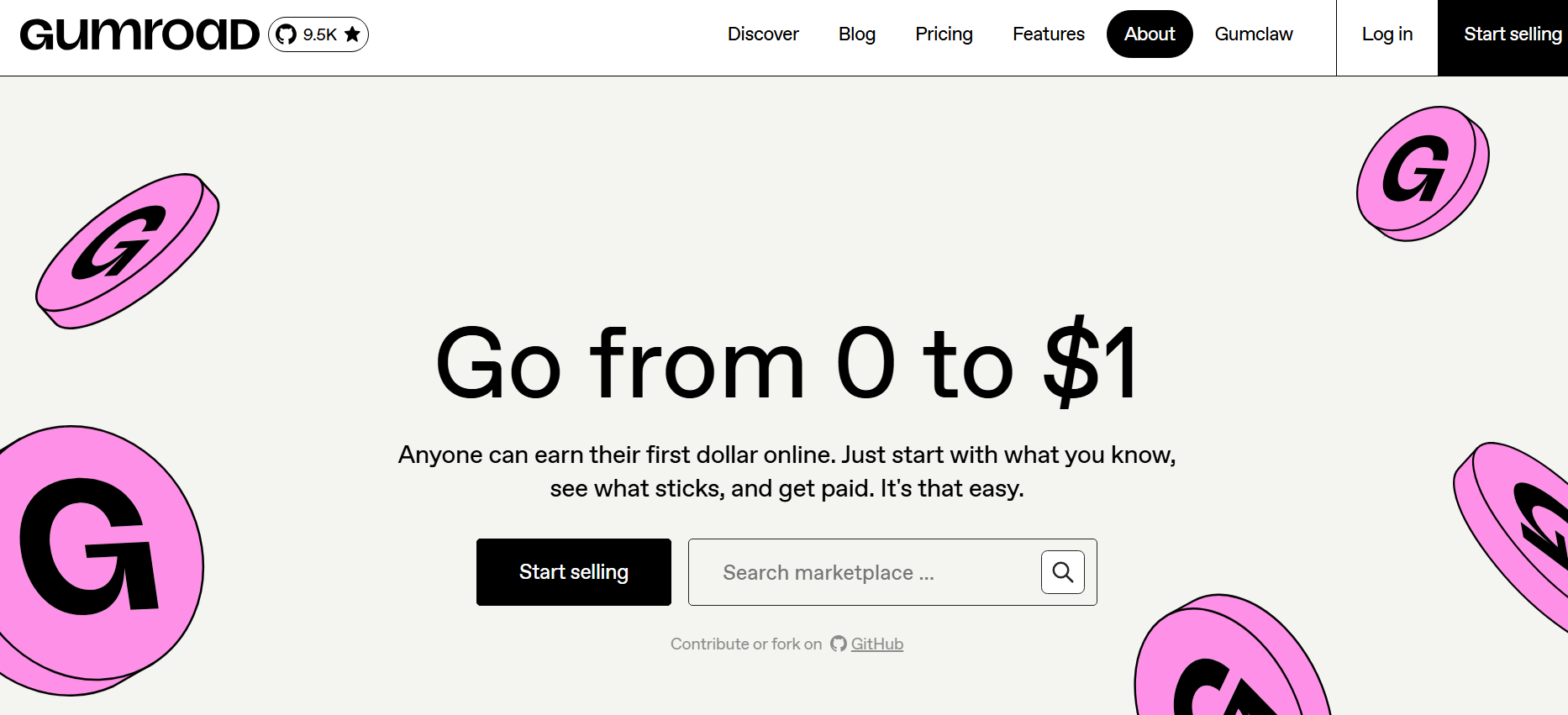
For a decade plus, Gumroad has been the workhorse of the creator economy. It was made for digital artists, writers, developers, and educators who want zero tech headaches. You receive clean, hosted product pages where buyers can download PDFs, audio files, brush packs, code templates, or video files.
Why Gumroad is better
- Zero Overhead: No monthly charges. If you don't sell anything this month, you don't pay anything.
- Automatic Global Tax Filing: Gumroad is the Merchant of Record (MoR). This means they take on the nightmare of calculating, collecting, and remitting EU/UK VAT and regional sales taxes for you.
- Built-in File Security: PDF watermarking (stamping the customer’s email directly on the pages to prevent file leaks), unique license key generation for digital tools.
- Product Landing Pages: Clean, focused product pages with built in customer communication and email broadcasts.
Gumroad vs Stan Store
Feature | Stan Store ($29/mo) | Gumroad (Free) |
Monthly Fee | $29/month | $0/month |
Platform Fee | 0% | 10% of each sale |
Global Tax / VAT | It's set up in Stripe | It's handled automatically globally |
Watermarking / Keys | No | Integrated |
Checkout Flow | Bio-card overlay | Standalone page / modal window |
Setup Time | ~15–20 min | ~5 min |
- The Good: It takes minutes to setup, no monthly fixed bills, automatic global tax compliance and useful digital file protections.
- The Bad: That flat 10% fee bites harder on more expensive items (giving up $100 on a $1,000 package is rough), and buyers are directed to a separate page instead of directly to checkout on a bio card.
3. Payhip – The Most Flexible Budgeting Tool
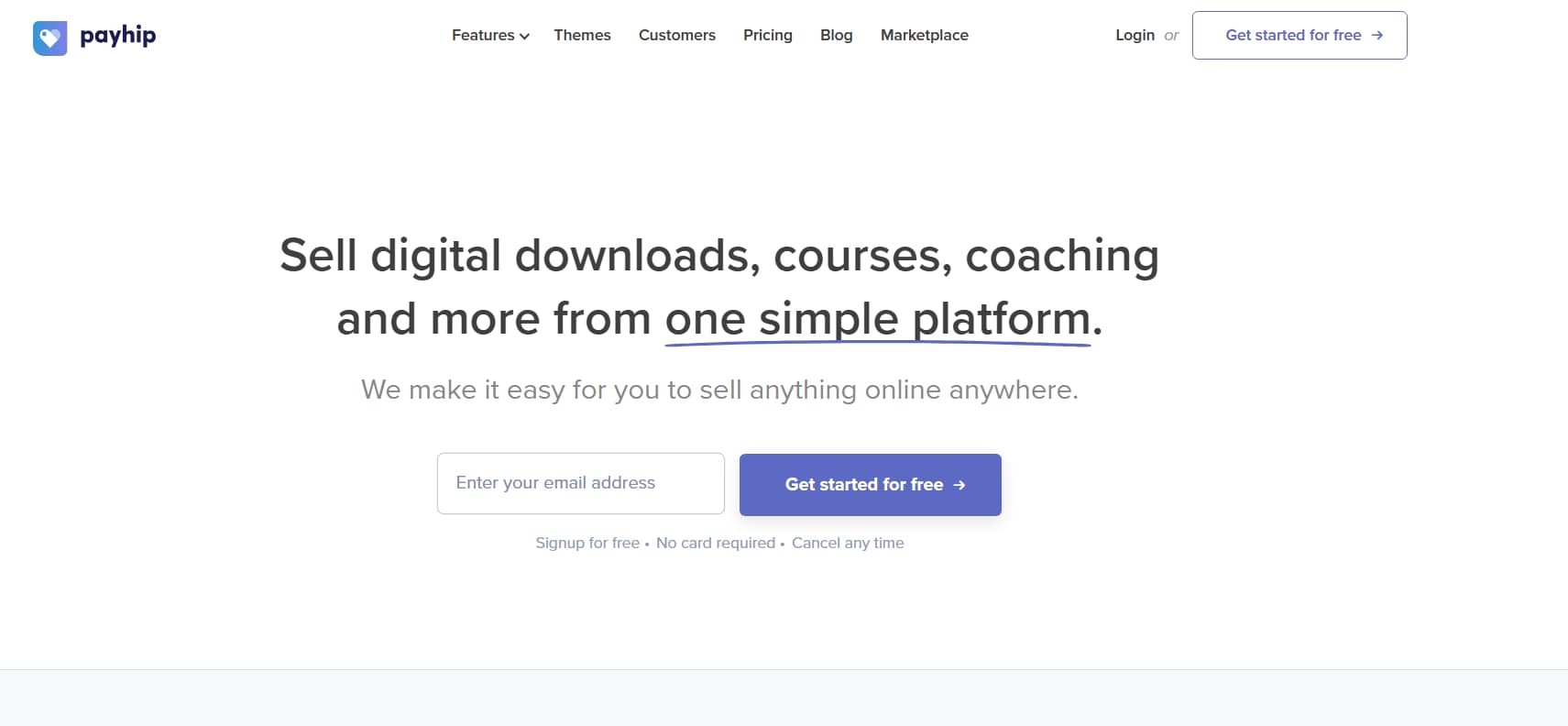
Payhip doesn’t get the hype it deserves, but it’s one of the most generous platforms out there. A single free Payhip account can handle digital files, monthly memberships, video courses, physical goods, and calendar bookings, unlike other tools where you have to select a lane (only downloads or only courses).
Where Payhip Shines
- Low 5% Cut Free: Half the take rate of Gumroad, the perfect middle-ground while you're growing to consistent monthly revenue.
- No Locked Features: You can access their course builder, affiliate management dashboard, and discount engines fully without paying for a higher plan.
- Integrated Calendars: No need for extra webhook setup, sync directly to Calendly or native calendars to sell coaching sessions.
- Automatic VAT Handling: Automatically handles and calculates digital EU/UK VAT obligations.
The Pricing
- Free Forever ($0/mo): 5% transaction fee, unlimited products, unlimited revenue, all features unlocked.
- Plus Plan ($29 monthly): All features included, 2% transaction fee.
- Pro Plan ($99/mo): 0% transaction fee (makes total financial sense once you get over $3,000/mo in sales).
Stan Store vs Payhip
Feature | Stan Store ($29 per month) | Payhip (Free Forever) |
Monthly Cost | $29/mo | $0/mo |
Transaction Fee | 0% | 5% |
Course Player | Basic module cards | Complete video LMS interface |
Memberships | Basic (Pro plan only) | Complete recurring membership engine |
Affiliate System | Pro plan only ($99/month) | Included in free tier |
VAT automation | Stripe manual configuration | Full automation |
- The Good: Only 5% cut on free tier, unlimited product listings, built-in affiliate engine, automated VAT handling.
- The Bad: The default shopfront layout resembles a traditional digital store, and requires some tweaking to feel like a mobile bio card.
4. Sellfy – Best for All Your Digital Files & Merch in One Place
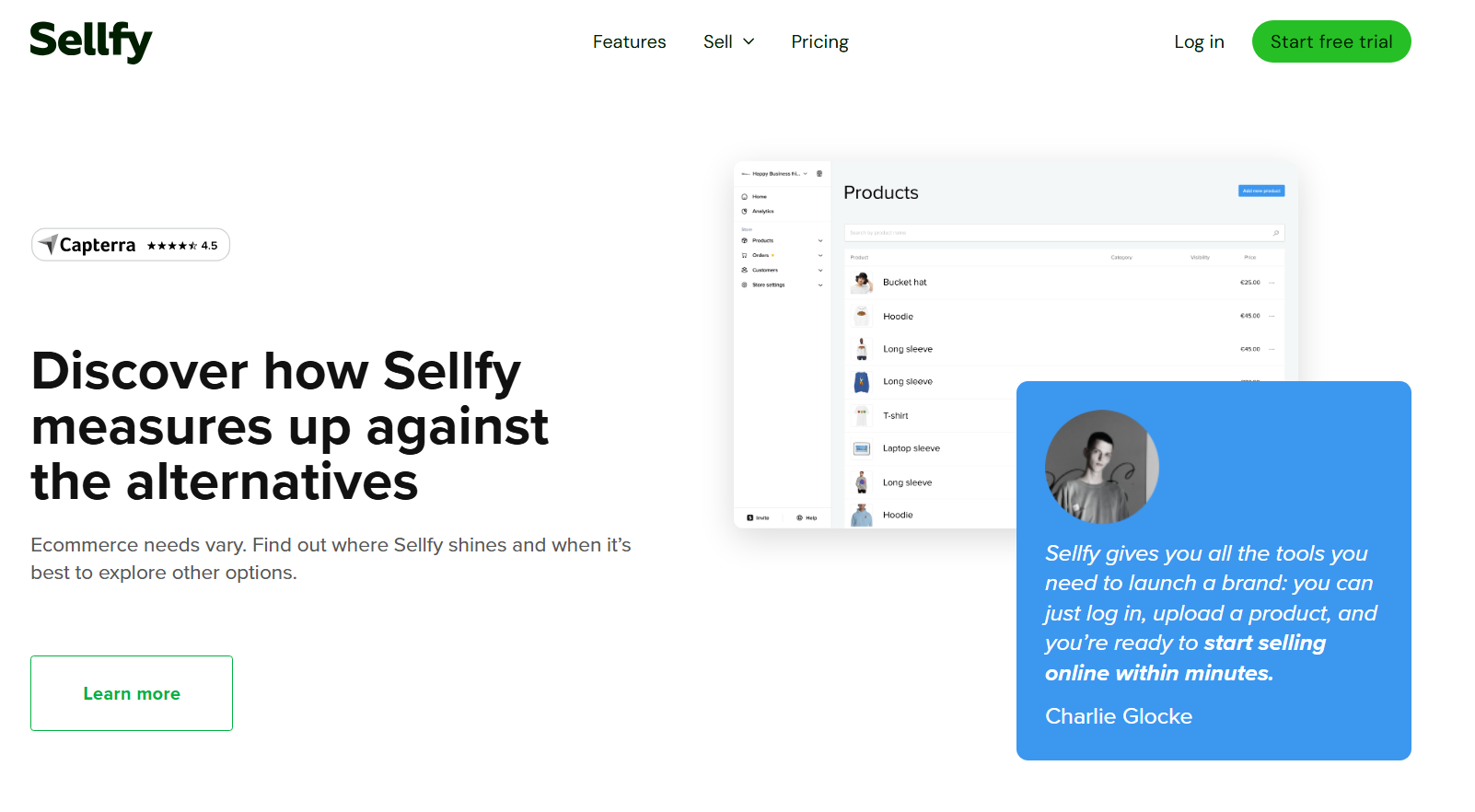
Sellfy is the perfect solution for creators who want to sell digital goods (guides, video tutorials, presets) and custom physical merchandise without third-party printers, warehousing, or complex inventory logistics.
Where Sellfy Shines
- Native Print on Demand: Upload your designs directly. When an audience member buys a hoodie, hat, tote bag or phone case, Sellfy automatically prints, packs and ships it out.
- Predictable Flat Pricing: $22/month (paid annually). Less than Stan Store and physical fulfilment with no added transaction cuts.
- All-in-one marketing tools: Automated abandoned cart emails, countdown timers for limited-time sales, and post-purchase upsells.
- Secure Video Hosting: Video courses play in a secure player that prevents buyers from downloading your raw source files.
Pricing.
- Starter ($22/mo billed annually / $29 monthly): Sales up to $10k/year, unlimited products, digital downloads, print-on-demand, custom domain.
- Business ($59 per year / $79 per month): Up to $50k in annual sales, no Sellfy branding, cart recovery, product upsells.
- Premium ($119/mo billed annually / $149/mo): Up to $200k in annual sales, dedicated email marketing limits, priority support.
Sellfy versus Stan Store
Feature | Stan Store ($29/mo) | Sellfy ($22/mo) |
Base Pricing | $29/mo | $22/mo (Annual) |
Platform Cut | 0% | 0% |
Print-on-Demand | No | built-in, hands-off |
Physical Stock | No | Yes (SKU, variants, stock tracking) |
Upsells | Standard order bumps | Post purchase popup modals |
Cart Recovery | Limited | Automated email triggers |
- Pros: Integrated print-on-demand, no platform transaction fees (0%), helpful built-in sales tools, protected video streaming.
- The Bad: No free tier, and plans have annual sales caps that force you to upgrade as your volume grows.
5. Shopify – Best for Building a Real Ecommerce Brand
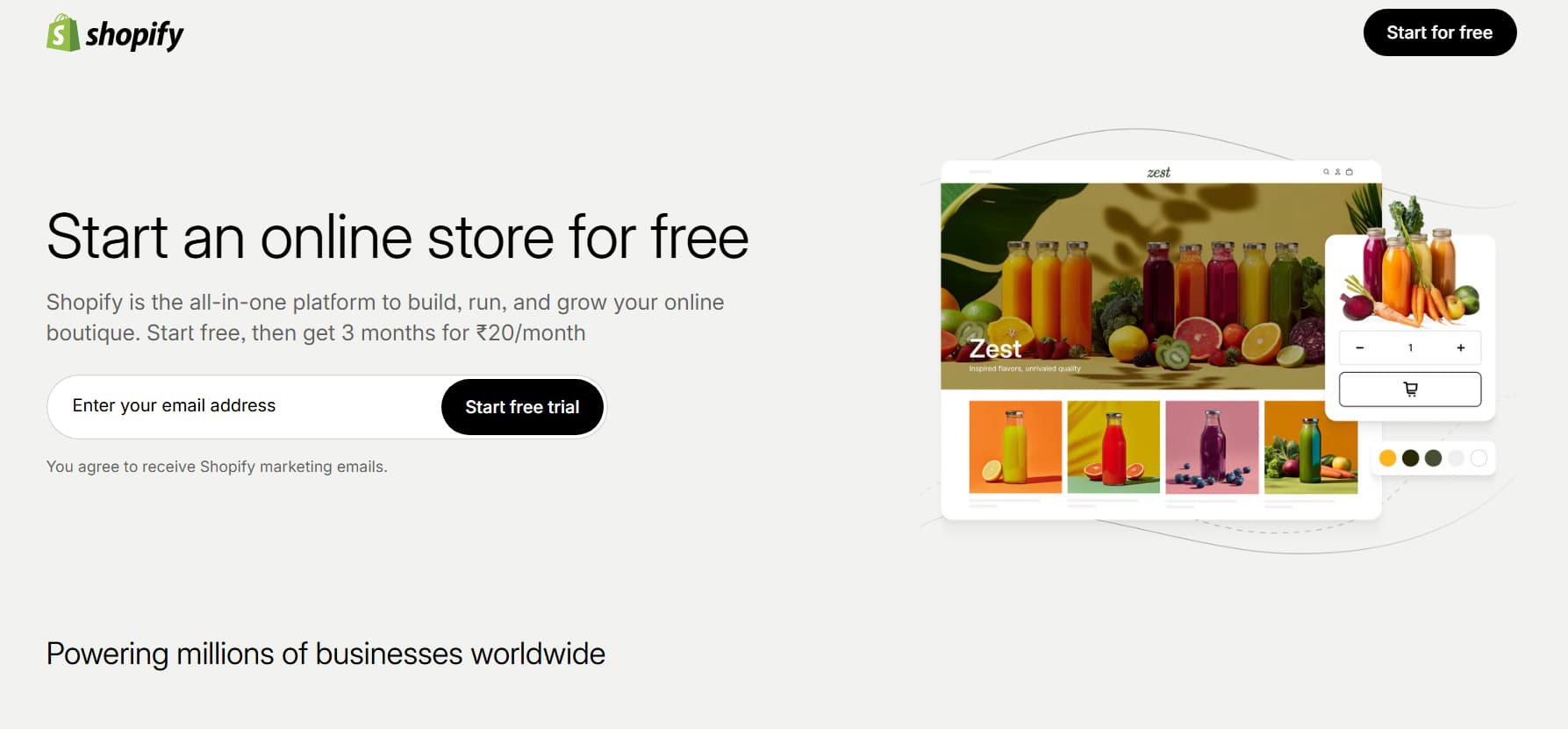
Stan Store was made to make link in bio sales fast and easy. Shopify is for full-blown direct-to-consumer companies. If you are serious about long term physical product lines, custom warehousing or multiple marketplace expansion, this is the industry benchmark.
Where Shopify Excels
- Unmatched Scale: Control thousands of product variants, synchronise inventory across your physical locations, print bulk shipping labels and process returns with ease.
- Huge App Marketplace: Access 8,000+ integrations for complex subscription billing, deep Klaviyo email automations, customer loyalty points and wholesale portals.
- Multi-Channel Selling: Keep your catalogue in sync on TikTok Shop, Instagram Shopping, Pinterest, Facebook Marketplace and Google Merchant Center.
- Shop Pay Conversions: One of the best one-click checkout systems online, cutting mobile checkout abandonment drastically.
The Cost
- Basic ($39/month): A fully-featured online store, 2 staff accounts, 24/7 support, access to POS, plus standard card processing fees.
- Shopify ($105/mo): Better transaction rates, more in-depth analytics, 5 staff seats.
- Advanced ($399/mo): Custom reporting, best transaction fees, 15 staff accounts, automated import duties and tax calculations.
Stan Store vs Shopify
Feature | Stan Store ($29/month) | Shopify ($39/month) |
Core Focus | Digital Micro-Products | Large Scale Physical & Digital Retail |
Payment Options | Direct Stripe connect | Shop Pay, Stripe, PayPal, Local methods |
Inventory Tracking | None | Track inventory in multiple warehouses |
App Ecosystem | Closed | 8,000+ third-party apps |
Design Flexibility | Basic link cards | Full custom Liquid themes & pages |
- The Good: Established infrastructure, one-tap Shop Pay conversions, huge app ecosystem, true multi-channel retail sync.
- The Bad: Higher fixed costs monthly, payment gateway fees, and a steep learning curve to build and manage.
6. Teachable – Best For Detailed Courses & Academies
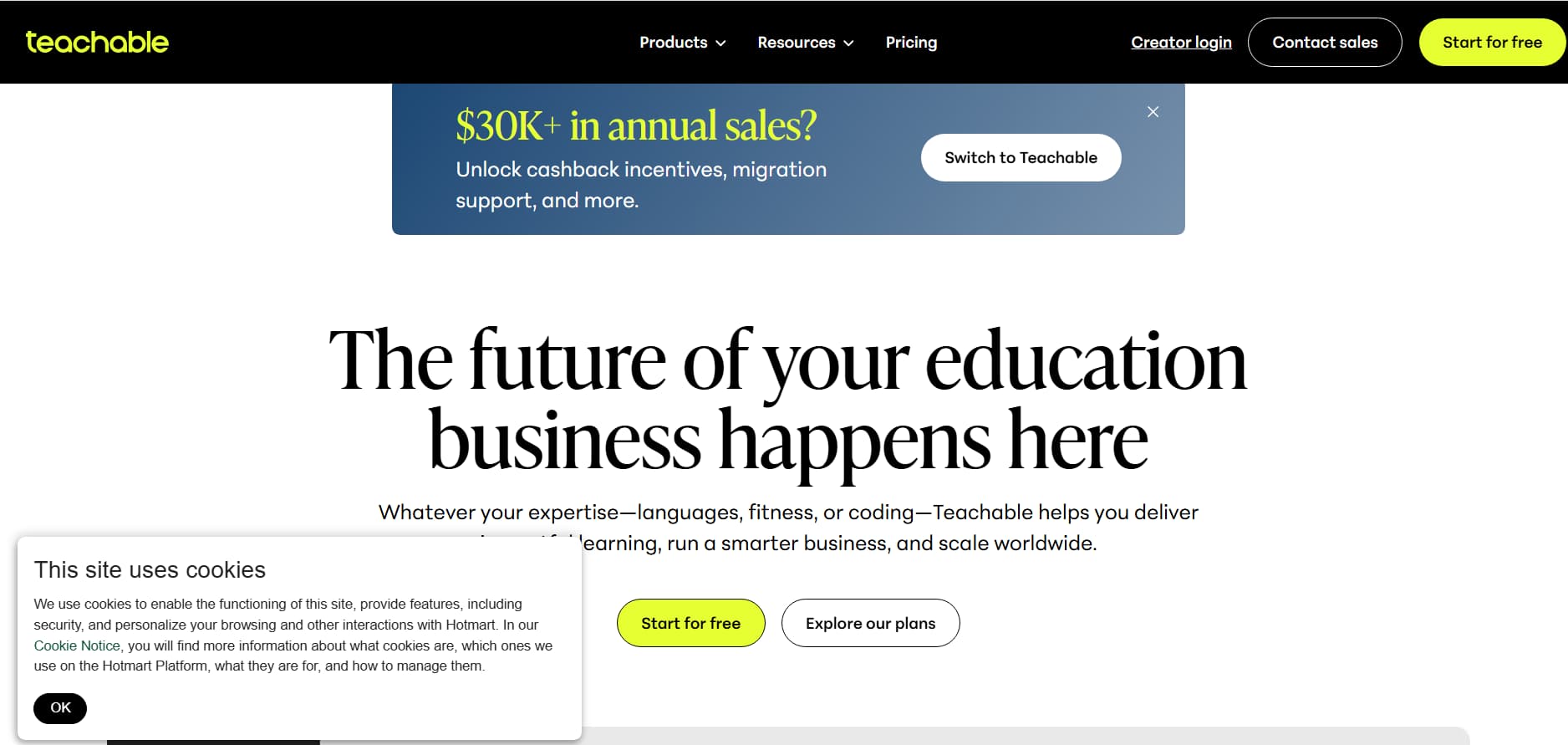
Stan Store allows you to link to video lessons and it just piles them into simple scroll-able link cards. Teachable is a real Learning Management System (LMS) for structured learning, with student dashboards, quizzes and certificates.
Where Teachable Shines
- Real Course Layouts: Organise the content into separate modules, chapters and lessons with video streaming, downloadable files and discussion of comments.
- Student Retention Features: Set video watch times, set lesson prerequisites, conduct multiple choice tests, and award branded certificates on completion.
- Hands-Off Affiliates and Taxes: Automatically tracks affiliate referrals, makes payouts and handles digital sales tax reporting.
- Payment flexibility: Invoice one-time charges, payment plans, recurring subscriptions, or product bundles.
Expenses
- Free Plan ($0/mo): 1 published product of each type (Course, Coaching, Download), $1 + 5% transaction fee, unlimited students.
- Basic ($39/mo billed annually): 5% transaction fee, Custom domain, Coupons engine, Affiliate dashboard.
- Pro ($99 billed annually): 0% transaction fee, unlimited courses, graded quizzes, completion certificates.
Teachable vs Stan Store
Feature | Stan Store ($29/mo) | Teachable (Free Plan) |
Monthly Fee | $29/mo | $0/mo |
Transaction Cut | 0% | $1 + 5% per transaction |
Student Dashboard | Simple link list | Dedicated learning portal |
Quizzes / Tests | None | Native test builder |
Certificates | No | Yes (Included with Pro plan) |
Payment Options | One-time / Basic sub | Installments, Bundles, Subscription |
- The Good: Smooth student experience, Automated affiliate payouts, Structured learning tools, Free tier to test ideas.
- The Bad: Transaction cuts on Free and Basic plans. Unnecessary if you just sell quick PDF guides.
7. Podia – Best for Community Memberships & Email Campaigns

Podia helps you avoid cobbling together multiple software tools (like Stan Store + Skool + Mailchimp). It handles digital products, video courses, private community groups, and email broadcasts all from a single login.
Podia's Advantages
- Built-in Community Hub: Set up private feeds for members only, where followers can ask questions, comment, and access locked resources.
- Built-in Email Sequences: Send newsletters, automate email drips and segment buyers based on what they bought without the extra cost of ConvertKit or MailerLite.
- 0% Transaction Cut on Paid Plans: Keep 100% of your revenue from sales, less the normal credit card processing fees.
- Full Website Builder: Create entire multi-page websites including sales letters, blog posts and customer login pages.
The Pricing
- Free Plan ($0/mo): 10% transaction fee, 1 download, 1 coaching offer, community features, draft course builder.
- Mover ($39 per month): Unlimited courses, unlimited downloads, 0% transaction fees, full website builder.
- Shaker ($89/mo): No transaction fees, all Mover features plus community access tiers, course certificates, and affiliate tools.
Podia vs Stan Store
Feature | Stan Store ($29/mo) | Podia (Free vs Mover) |
Monthly Cost | $29/mo | $0 (Free) or $39 (Mover) |
Transaction Fee | 0% | 10% Free / 0% Mover |
Community Feed | No | Integrated discussion forums |
Email Tools | Basic broadcasts | Automated drip sequences & tags |
Site Builder | Bio card only | Full multi-page website builder |
- The Good: • Cleans up your tool stack • No platform fees on paid tiers • Simple interface to manage courses and community
- The Bad: Free tier takes a hefty 10% cut, no hyper-focused single tap bio store interface.
8. Fourthwall – Best For Premium Creator Apparel & Merch
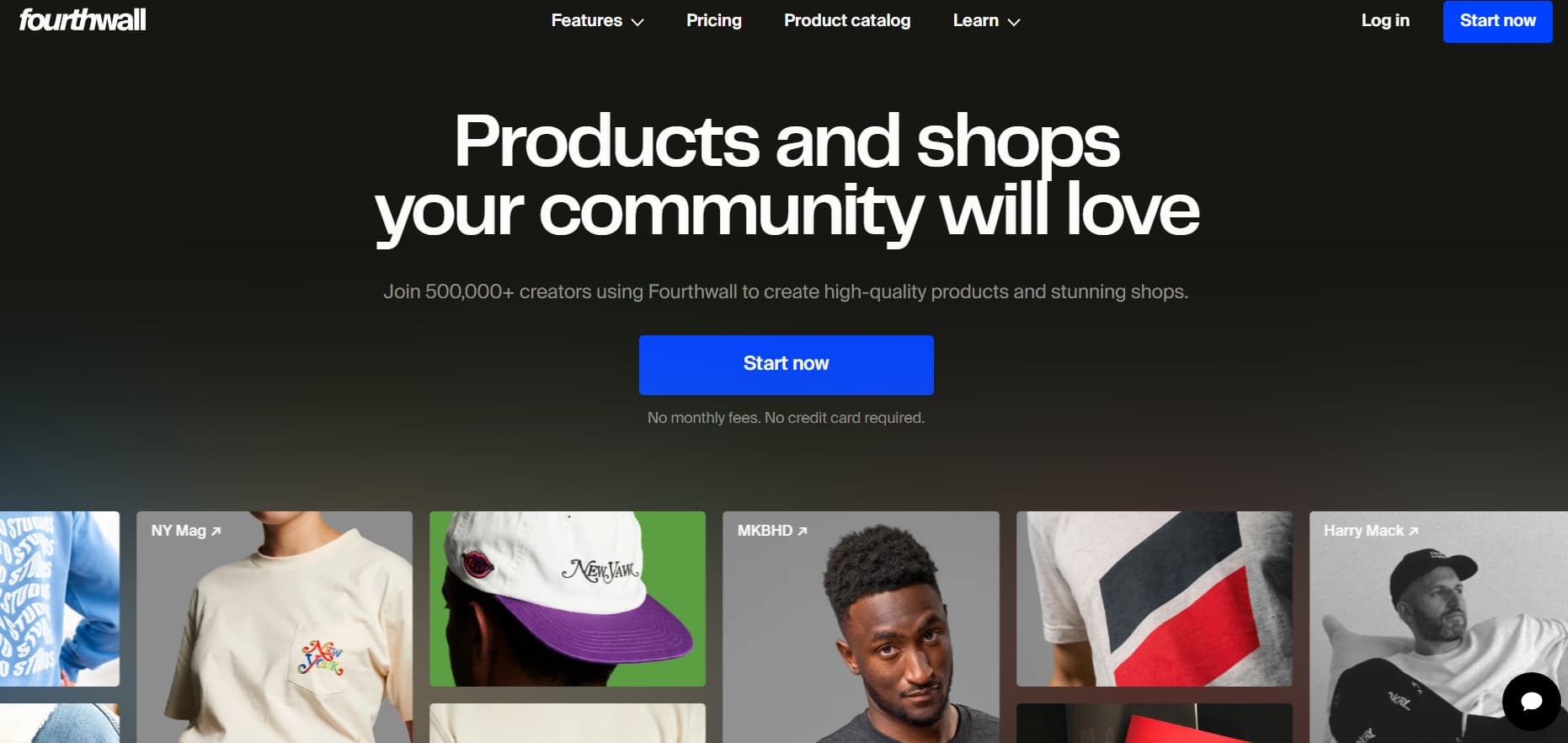
Fourthwall is built for YouTube, TikTok and Instagram creators who want to launch custom merchandise and apparel lines, digital products and fan memberships, without paying up front for manufacturing costs or buying bulk boxes of inventory.
What Fourthwall Does Well
- High-End Merch Blanks: Find high-end apparel blanks, custom embroidery, bespoke cuts, lifestyle products and ceramics, topped off with custom neck tags and branded package inserts.
- Direct Social Shop Integrations: Directly syncs to your YouTube Product Shelf, TikTok Shop and Instagram Shopping tabs so your followers can buy directly under your videos.
- Personalised Thank You Videos: Capture personalised video clips on your phone, that automatically deliver to buyers right after they checkout.
- No Monthly Software Bills: There are no monthly platform fees. Their profit is baked into the base production cost of physical goods.
The Price
- Free to Launch ($0/mo): No monthly fees for the software.
- Fees: 0% on physical merchandise (you keep the retail price minus the base product manufacturing costs), flat 5% fee on digital files and memberships.
Fourthwall vs Stan Store
Feature | Stan Store ($29/mo) | Fourthwall (Free) |
Monthly Cost | $29 per month | $0 per month |
Product Quality | No physical delivery | Premium Custom Merchandise & Apparel |
Social Shop Sync | Bio link only | Youtube Shelf and TikTok Shop sync |
Custom Packaging | None | Custom poly mailers and notes |
Digital Sales | Yes | Yes (5% fee) |
- The Good: No recurring software subscriptions, premium physical apparel, direct YouTok/YouTube shop sync, personalised post-purchase video messages
- The Bad: Takes a 5% cut on digital files. Mostly set up for physical goods instead of 1:1 coaching calls.
Quick Comparison: Which Platform is Right for Your Stage?
Platform | Strength | Weakness |
Stan Store | High-converting in-app Instagram bio experience | $29/mo minimum No free plan |
Beacons | Free tier with 0% platform cuts and live media kits | Free plan limits you to 1 product; Pro is $30/mo |
Gumroad | 5-minute setup with automatic global tax handling | 10% flat transaction fee |
Payhip | 5% fee on free plan, full digital and course support | Bio page layout needs styling manually |
Sellfy | Direct print on demand fulfilment with 0% fees | $22/mo Starting price with annual revenue limits |
Shopify | Industry standard ecommerce with Shop Pay | More expensive $39/mo cost and steep learning curve |
Teachable | Professional LMS, student progress tracking, quizzes | 5% fee on free tier, overkill for simple downloads |
Podia | One place for courses, community & email marketing | Free plan takes a 10% cut |
Fourthwall | Native social shop sync for premium physical merch | 5% fee on digital files Built for physical goods |
How to Sell on Instagram Without Stan Store (The Better Funnel)
Stan Store has no checkout magic on its own. It opens a fast, mobile-friendly landing page in Instagram’s in-app browser. You don’t have to pay $29 a month to build a much more effective, higher converting funnel yourself.
The tried-and-true link-in-bio route creates friction: someone sees your reel, clicks on your profile, types in your bio link, waits for the page to load, scrolls through a bunch of options, and tries to find what they wanted. Most people get a diversion and a lift.
Step 1: Choose Your Checkout Setup
- Single download, low overhead: Payhip (5% fee) or Beacons (0% fee, 1 product).
- Gumroad: Automated Tax Compliance for the Globe.
- Products you print on demand: Sellfy or Fourthwall
Step 2: upload your product and set up delivery
Upload your PDF guide, preset ZIP folder, or video tutorial. Write a clean, benefit-driven product description and upload a crisp 1:1 mobile mockup image. Make sure instant automated file delivery is turned ON so buyers receive their download immediately after purchase.
Step 3: Obtain a Direct Checkout Link
Instead of directing followers to a cluttered link hub, use a direct link to the product:
- Payhip / Gumroad: Copy product direct single product checkout link.
- Stripe: Generate a hosted Stripe Payment Link that sends buyers directly to your download file after purchase.
Step 4: Send the Link in the DM’s Directly
Skip the link in bio and send the payment link directly to their inbox:
- End your Reel or Carousel with a direct Call to Action (CTA): “Comment BLUEPRINT below and I’ll send you the link to access it directly.”
- Link an Instagram-approved DM automation tool (e.g. InstantDM for $9.99/mo).
- Automated rule: When a user comments with your keyword, the tool sends them a personalised DM with your direct checkout link, instantly.
Performance Metric | Link-in-Bio Standard | DM with Keywords |
Time to access link | 20-40 seconds (Profile manually navigated) | < 15 seconds (Automatically delivered to inbox) |
Conversion Rate | 5% - 10% | 15% - 30% |
Direct link? | No (Passive website visitor) | Yes (Active 1:1 chat conversation) |
Follow-Up Opportunity | Lost forever if they bounce | Open DM thread for future check-ins |
5 Practical Ways To Boost Your Sales
1. Switch to DM Automation to boost conversions
Link-in-bio pages convert at about 5% to 10% on average. That’s because people get distracted by other links or slow loading times. Automated DMs can increase conversion rates by 15% to 30% as you’re connecting with buyers at their peak interest, within a distraction-free 1:1 chat thread.
2. Collect Emails Directly in Chat
You don’t need to wait for someone to hit a checkout page on a website to start building your email list. Configure your DM automation to request their email address right inside Instagram before sending a free resource or lead magnet.
3. Auto-sync makes your email tool
Integrate your DM automation tool with your email platform (like Kit, MailerLite or Brevo) so new subscribers automatically enter your welcome sequences and promotional emails.
4. Add Post Purchase Upsells
The best time to make another sale is when someone has their wallet out.
- Order Bumps: Add a simple checkbox at checkout (like a companion workbook or audio version for $9 extra).
- One-Click Post-Purchase Upsells: Send buyers to a quick, exclusive offer immediately after they complete their payment (for example, a $47 video review to accompany a $17 ebook).
5. Show social proof where decisions are made
Include actual screenshots of customer reviews, client results and DMs into your carousel slides, checkout pages and automated DM replies. Providing actual feedback just prior to purchase can eliminate hesitance and increase conversions by 20 to 30%.
6. 3x/Week Value Framework
Consistent top of funnel reach is directly tied to store sales. Leverage this simple weekly posting rhythm to engage audience and drive revenue:
- Day 1 (Value/Education): Explain a particular problem that your audience faces without selling any products.
- Day 2 (Proof / Case Study): Share a customer transformation, screenshot review or personal milestone that proves your method works.
- Day 3 (Direct Pitch): Use a keyword-triggered CTA (“Comment TEMPLATE to begin”) to send direct checkout links right into their DMs.
How We Evaluated These Stan Store Alternatives
We tested eight platforms against six practical criteria that matter when you are actually selling, not just reading feature lists.
What criteria did we use?
1.Cost to start
Can you launch without paying monthly fees? Beacons, Gumroad, and Payhip let you start for free. Stan Store and Shopify require upfront investment.
2.Transaction fees
What percentage does the platform take from each sale? Stan Store takes 0% (plus Stripe fees). Gumroad takes 10%. Payhip takes 5%. Sellfy takes 0% but charges monthly.
3.Time to first sale
How long until you can accept a payment? Gumroad takes about 5 minutes. Shopify takes 30+ minutes. Stan Store takes 15 minutes.
4.Mobile experience
Most Instagram and TikTok traffic comes from phones. Stan Store's mobile-first checkout loads faster inside social apps than traditional websites.
5.Product type support
Can the platform handle digital downloads, courses, memberships, and physical products? Sellfy and Shopify handle everything. Gumroad focuses on digital.
6.Instagram integration
Does the platform work well with Instagram DMs and link-in-bio? Stan Store is built for this. Others require workarounds.
The Perspective of Reddit Creators
A quick scan of creator communities like r/InstagramMarketing, r/creators, and r/ecommerce points to a couple of obvious trends:
- Beacons is often advertized as the best free upgrade from basic link tools, particularly for its clean layout and automated media kits.
- For bootstrappers looking for a low 5% cut, great support and the ability to sell files and courses on one account, Payhip is one of the community favourites.
- If you’re a creator selling digital products or design assets internationally and want sales taxes and VAT handled for you Gumroad is the default recommendation.
- Sellfy is the best option for creators who want to sell print-on-demand merch and digital products in one place without the hassle of creating a full-blown Shopify store.
The Bottom Line
No need to shell out $29 a month to sell digital products on Instagram. Investing in ongoing software before you've validated audience demand just eats into your early profits.
- Choose the right tool for your level: Beacons for a free shopfront, Payhip for low-fee courses and files, or Gumroad for hands-off international tax compliance.
- Create a direct checkout link: Generate a hosted checkout URL from Stripe, Payhip or Gumroad.
- Turn on DM automation: Create a simple keyword trigger that sends your direct link out when a follower comments on your content.