Instagram carousels are outperforming every other content format in 2026. One creator shared analytics showing a single carousel hitting 17.5 million views, 10,000 likes, and 1,840 new followers from one post.
That is not an outlier. Carousels get the highest engagement rate of any Instagram post type because they keep people swiping, which signals the algorithm to push the content further.
But not all carousels are equal. Some formats consistently go viral while others barely get saved. After analyzing thousands of high performing carousels, these are the 7 types that actually work.
What Makes Instagram Carousels So Powerful in 2026?

Carousels work because of one thing: dwell time. Every swipe tells Instagram that someone is engaged with your content. The algorithm reads that as a quality signal and shows it to more people.
Here is what the data shows about carousel performance:
- Carousels get 1.4x more reach and 3.1x more engagement than single image posts
- Posts with 10 slides get the highest average engagement rate
- Carousels generate 2x more comments than reels
- The save rate on carousels is consistently higher than any other format
If you are only posting reels or single images, you are leaving reach on the table. Carousels are the format that turns followers into fans because they require commitment from the viewer.
For a deeper look at how the algorithm evaluates different formats, check out our guide on the Instagram algorithm.
Why Do Most Instagram Carousels Fail?
Most carousels fail because people treat them like a single post split into parts. A viral carousel is not a long caption chopped into slides. It is a story with a hook, a structure, and a payoff.
The common mistakes:
- No clear hook on slide 1 (people scroll past)
- Too much text per slide (people lose interest)
- No visual hierarchy (everything looks the same)
- No reason to swipe to the end (no cliffhanger or payoff)
The difference between a carousel that gets 500 views and one that gets 500,000 is usually the first slide. If that does not stop the scroll, nothing else matters.
What Are the 7 Carousel Types That Go Viral?

These are the proven frameworks that consistently generate millions of views, saves, and shares.
Type 1: The Stats and Proof Carousel
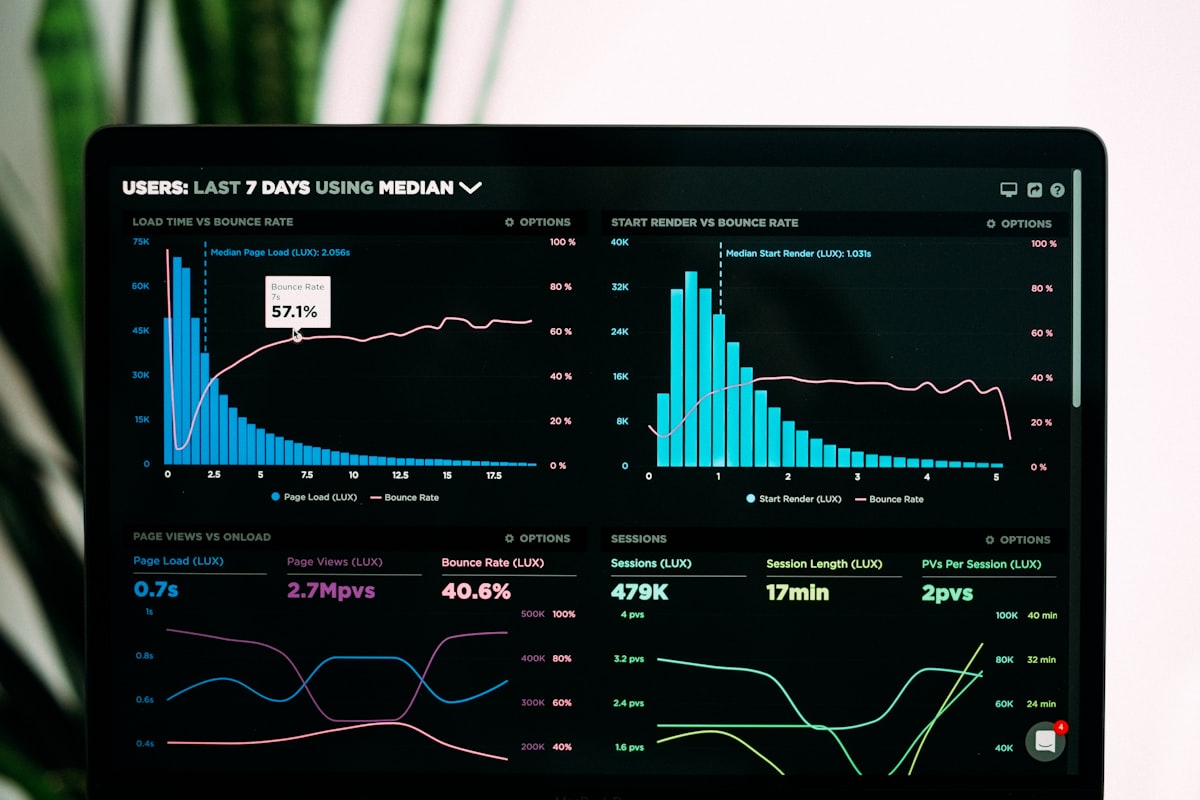
This carousel leads with real numbers. Think analytics screenshots, before and after metrics, or data visualizations that show results.
Why it works: Numbers are inherently believable. When someone sees a screenshot showing 17 million views on a single post, they stop scrolling. It is proof, not promises.
How to build it:
- Slide 1: A bold claim backed by a number ("How I got 1M views from one carousel")
- Slides 2 to 4: Show the actual analytics or data
- Slides 5 to 7: Break down what you did
- Final slide: The one thing to remember
This format works especially well if you are sharing Instagram engagement data that people can verify.
Type 2: The Contrarian Hot Take Carousel
This format challenges what people believe. "Posting is not a strategy" is a perfect example. It takes something everyone thinks they know and flips it.
Why it works: Contrarian content triggers an emotional response. People either agree strongly or disagree strongly. Both reactions drive engagement.
How to build it:
- Slide 1: A bold, slightly controversial statement
- Slide 2: Why most people believe the opposite
- Slides 3 to 6: Your argument with evidence
- Final slide: What to do instead
The key is being contrarian with substance. Do not just say "everything you know is wrong" and leave it at that. Back it up.
Type 3: The Before and After Carousel
This format compares two things side by side. Old Instagram vs New Instagram. Before AI vs After AI. Manual posting vs automated scheduling.
Why it works: Comparisons are easy to understand and highly shareable. People love seeing how things have changed, especially when it validates their own experience.
How to build it:
- Slide 1: "X vs Y" or "Before vs After" as the hook
- Slides 2 to 5: Side by side comparisons
- Slide 6: Your recommendation
- Final slide: A summary or call to action
This format is perfect for showing the evolution of Instagram marketing strategies. If you are building a content strategy, comparison carousels are a great way to establish expertise.
Type 4: The Framework or System Carousel
This is the "copy this system" format. It lays out a step by step process that people can follow immediately.
Why it works: Frameworks are the most saved type of carousel. People bookmark them to reference later. High save rates tell the algorithm this content is valuable.
How to build it:
- Slide 1: Name the system ("The 7 Step Instagram Growth Machine")
- Slides 2 to 8: One step per slide with clear actions
- Final slide: A summary of the full system
A strong framework carousel can generate thousands of saves. One example shared by a creator showed a growth system carousel with steps covering profile optimization, reels strategy, carousel posting, story engagement, DM outreach, freebie creation, and weekly reviews.
Type 5: The Meme or Relatable Carousel
This format uses humor to connect. It takes a shared frustration and turns it into something funny and relatable.
Why it works: People share things that make them laugh. Memes and relatable content get the highest share rates of any carousel type. Shares are the most powerful engagement signal.
How to build it:
- Slide 1: Set up the premise ("Instagram before AI vs after AI")
- Slides 2 to 8: Side by side comparisons that are funny because they are true
- Final slide: A punchline or a "share this" prompt
The "Instagram before AI vs after AI" format is a great example: "Running out of content ideas" becomes "Running out of credits." "Must know Canva" becomes "Must know Canva, ChatGPT, Claude, Higgsfield, Replit."
Type 6: The News or Update Carousel
This format breaks down a new feature, algorithm change, or industry update.
Why it works: People want to be first. News carousels get high engagement because followers look to you as a source of timely information.
How to build it:
- Slide 1: A "breaking news" style hook
- Slides 2 to 4: What changed
- Slides 5 to 7: What it means for you
- Final slide: What to do about it
This format works best when you react quickly. If Instagram rolls out a new feature, being one of the first to break it down in a carousel gets you in front of the conversation.
Type 7: The Motivational Carousel
This format uses a short, punchy message to inspire action. It is usually the simplest design with the most impact.
Why it works: Motivational carousels get shared to stories. When someone shares your carousel to their story, it exposes your content to their entire audience.
How to build it:
- Slide 1: A single powerful sentence
- Slides 2 to 3: Context or a visual metaphor
- Final slide: The takeaway
Keep the design minimal. The message should hit on the first slide without needing to swipe. The swipe is just reinforcement.
How Do You Choose the Right Carousel Type for Your Content?
Not every topic fits every format. Here is how to match your content to the right carousel type:
- Teaching a skill: Use the Framework carousel
- Sharing results: Use the Stats and Proof carousel
- Challenging assumptions: Use the Contrarian carousel
- Explaining changes: Use the Before and After carousel
- Breaking news: Use the News carousel
- Building connection: Use the Meme carousel
- Inspiring action: Use the Motivational carousel
The best creators rotate between these formats. If every post is a framework, your audience gets bored. If every post is a meme, you do not build authority. Mix it up.
What Posting Schedule Works Best for Carousels?
Posting frequency matters as much as content quality. Here is a proven schedule:
Beginner: 1 carousel per week, 1 reel, 1 single image, 1 to 3 stories daily
Intermediate: 2 carousels per week, 3 reels, 1 single image, 1 to 3 stories daily
Advanced: 2 to 3 carousels per week, 3 to 5 reels, 2 single images, 3 to 7 stories daily
The sweet spot for most creators is 2 carousels per week. That is enough to stay visible without burning out.
If you are managing multiple content formats, Instagram DM automation can help you handle the increased engagement that comes with viral carousels.
How Do You Measure if Your Carousel Actually Went Viral?
Viral is relative. For an account with 1,000 followers, 10,000 views is viral. For an account with 100,000 followers, 1,000,000 views is viral.
The metrics that matter most:
- Reach: How many unique accounts saw your post
- Saves: How many people bookmarked it (this is the #1 signal)
- Shares: How many people sent it to someone or added it to their story
- Profile visits: How many people clicked through to your profile
- Follows: How many new followers you gained from the post
A carousel that gets 1,000 saves but only 5,000 views is performing better than one that gets 50,000 views but only 50 saves. Saves predict long term reach.
Track your Instagram growth over time to see which carousel types drive the most meaningful results for your account.
Key Takeaways
The 7 carousel types that go viral in 2026 are:
- Stats and Proof carousels build credibility with real numbers
- Contrarian carousels trigger strong reactions and debate
- Before and After carousels show transformation clearly
- Framework carousels get the most saves and bookmarks
- Meme carousels get the most shares
- News carousels position you as an authority
- Motivational carousels get shared to stories
The common thread across all of them is a strong first slide. If slide 1 does not stop the scroll, the rest does not matter. Spend 80% of your effort on the hook and the rest on the content.
Start with the format that matches your strongest content angle. Master one type before mixing in others. Consistency beats variety when you are building an audience.