Quick Answer
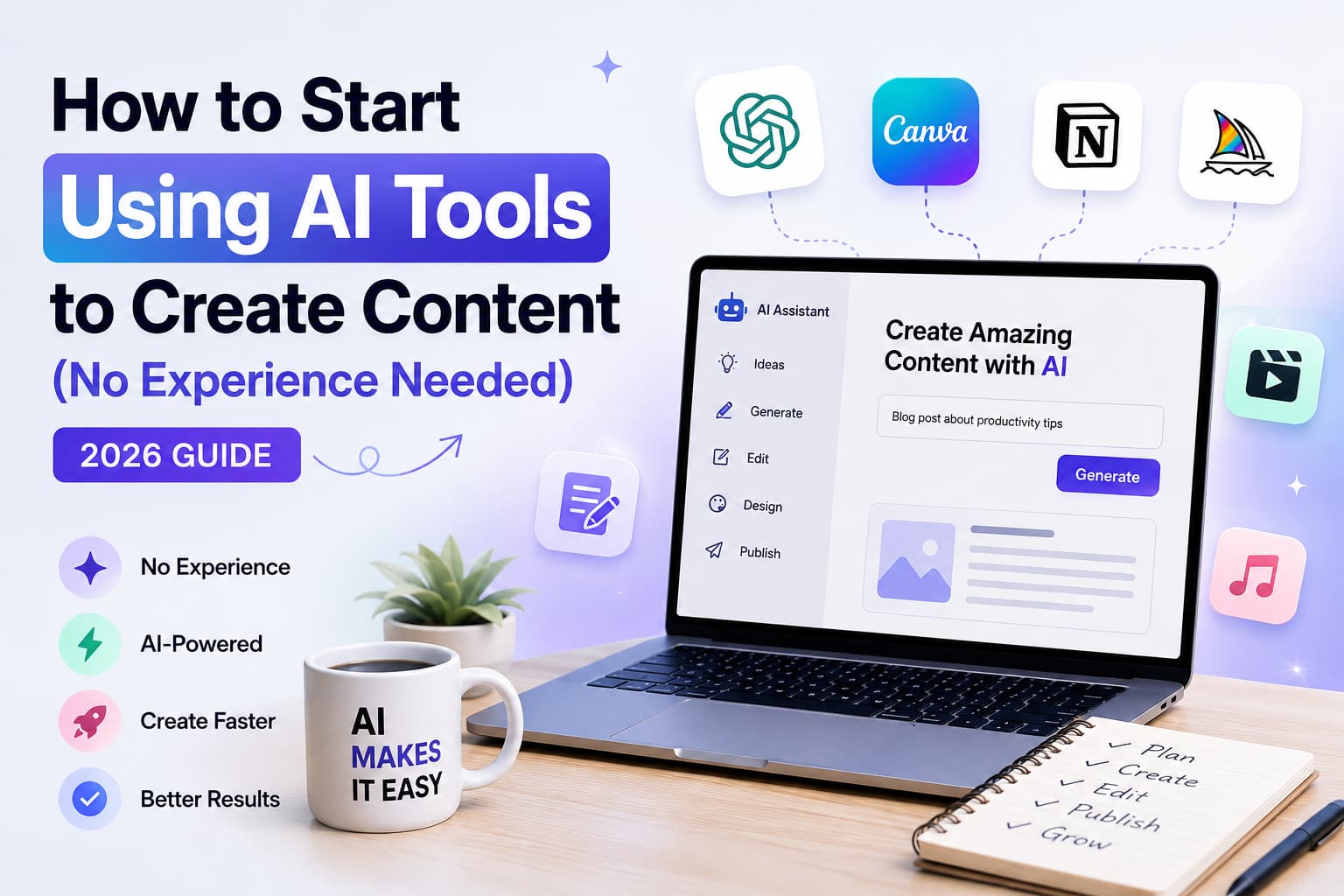
How to start using AI tools to create content in 2026: Use ChatGPT for writing ($0-$20/mo), Canva for design ($0-$13/mo), CapCut for video ($0), Perplexity for research ($0), Grammarly for editing ($0), Opus Clip for short-form video ($0), and Surfer SEO for optimization ($89/mo). No experience needed. Start free today. Verified July 2026.
How to Start Using AI Tools to Create Content as a beginner?
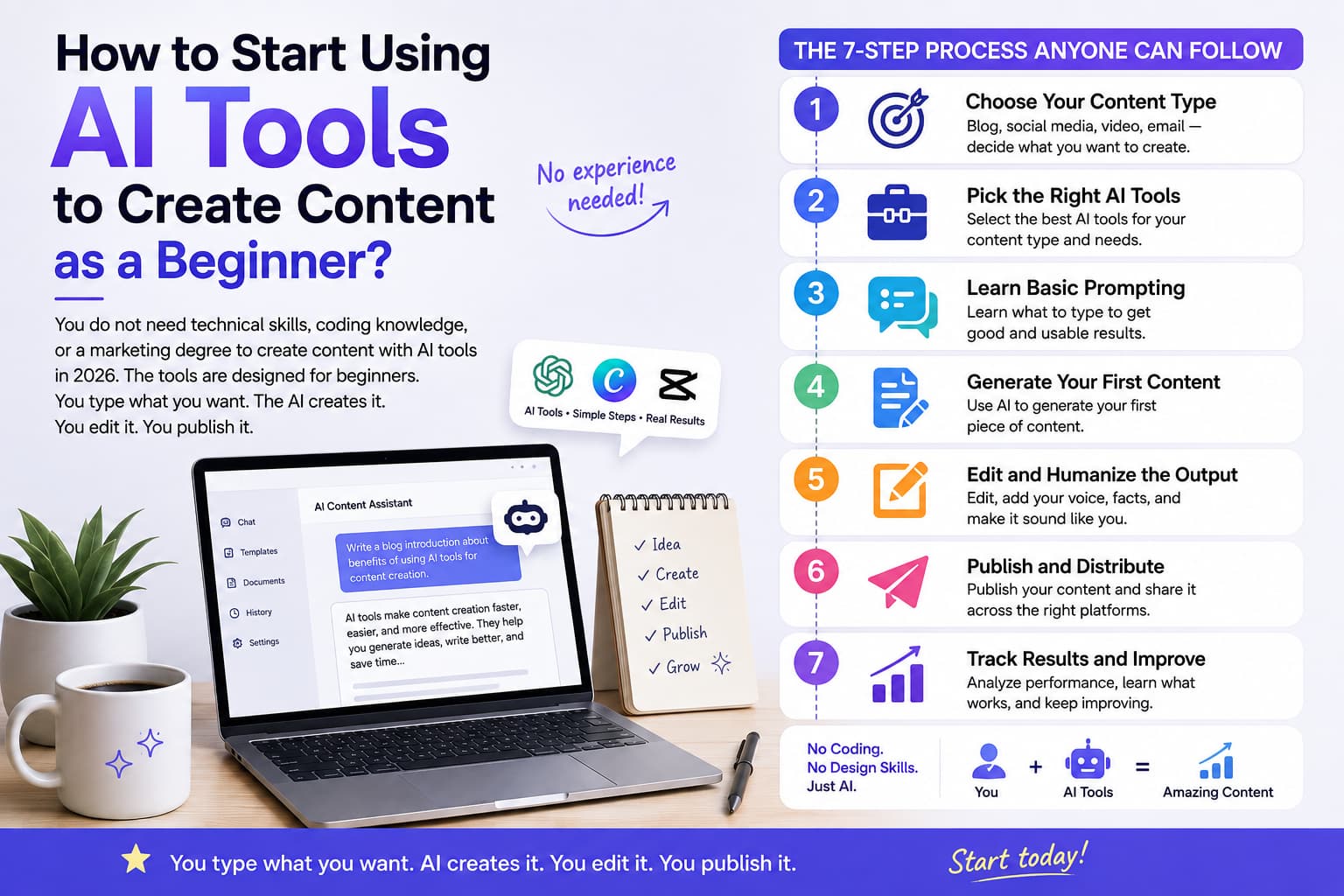
You do not need technical skills, coding knowledge, or a marketing degree to create content with AI tools in 2026. The tools are designed for beginners. You type what you want. The AI creates it. You edit it. You publish it.
Here is the 7-step process anyone can follow:
- Choose your content type (blog, social media, video, email)
- Pick the right AI tools for that content type
- Learn basic prompting (what to type to get good results)
- Generate your first piece of content
- Edit and humanize the output
- Publish and distribute
- Track results and improve
That is it. No experience needed. No coding. No design skills. Just you, your computer, and AI tools that do the heavy lifting.
In this comparison, we will walk you through each step — with specific tools, exact prompts, and real examples you can copy today.
What Are the Best AI Tools for Content Creation in 2026?
Tool | What It Does | Free Plan | Paid Plan | Best For |
ChatGPT | Writing, brainstorming, editing | ✅ Free | $20/mo (Plus) | Blog posts, captions, emails |
Canva | Design, graphics, thumbnails | ✅ Free | $13/mo (Pro) | Social media graphics, presentations |
CapCut | Video editing, short-form video | ✅ Free | $7.99/mo (Pro) | Reels, TikToks, YouTube Shorts |
Perplexity | Research, fact-checking | ✅ Free | $20/mo (Pro) | Research, source gathering |
Grammarly | Grammar, tone, clarity | ✅ Free | $12/mo (Premium) | Editing, proofreading |
Opus Clip | Long-to-short video repurposing | ✅ Free | $19/mo | Turning long videos into Reels |
Surfer SEO | Content optimization, keyword research | ❌ | $89/mo | SEO blog posts |
Verified July 2026. ChatGPT, Canva, CapCut, Perplexity, and Grammarly all have free plans — you can start today for $0.
Step 1: Choose Your Content Type
Before picking tools, decide what kind of content you want to create.
Blog Posts
- Goal: Drive traffic, establish expertise
- Best AI Tools: ChatGPT + Surfer SEO + Grammarly
Social Media Posts
- Goal: Grow audience, build brand
- Best AI Tools: ChatGPT + Canva + CapCut
YouTube Videos
- Goal: Educate, entertain
- Best AI Tools: ChatGPT + CapCut + Opus Clip
Email Newsletters
- Goal: Nurture leads, drive sales
- Best AI Tools: ChatGPT + Grammarly
Instagram Reels
- Goal: Short-form engagement
- Best AI Tools: CapCut + Canva
Presentations
- Goal: Pitch, teach, present
- Best AI Tools: ChatGPT + Canva
For beginners, start with social media posts. They are short, easy to create, and you get immediate feedback from likes and comments.
Step 2: Pick the Right AI Tools
Based on your content type, here are the exact tools to use.
For Writing (Blog Posts, Captions, Emails)
ChatGPT
**ChatGPT is the best AI writing tool for beginners.** It generates blog posts, social media captions, email sequences, product descriptions, and more.
How to use ChatGPT as a beginner
- Go to chat.openai.com and sign up (free)
- Type a prompt describing what you want
- ChatGPT generates content in seconds
- Edit the output to match your voice
- Copy and paste into your blog, social media, or email
Beginner prompt examples
Blog post
"Write a 500-word blog post about [topic] for [audience]. Use a conversational tone. Include a hook in the first sentence."
Instagram captions
"Write 10 Instagram captions about [topic]. Each caption should have a hook, value, and call-to-action. Use emojis."
Email sequence
"Write a welcome email sequence for new subscribers to [product/service]. 3 emails over 5 days."
ChatGPT pricing
- Free: $0 (GPT-4o mini, limited usage)
- Plus: $20/mo (GPT-4o, advanced features)
- Pro: $200/mo (unlimited usage, advanced models)
For Design (Graphics, Thumbnails, Presentations)
Canva
Canva is the best AI design tool for beginners.** It has templates for everything — social media posts, thumbnails, presentations, logos, and more. No design skills needed.
How to use Canva as a beginner
- Go to canva.com and sign up (free)
- Choose a template (Instagram post, YouTube thumbnail, etc.)
- Customize text, colors, and images
- Use AI features: Magic Write (text), Magic Design (layouts), Background Remover
- Download and publish
Canva AI features for beginners
- Magic Write: Generate text for your designs
- Magic Design: Create designs from a text description
- Background Remover: Remove backgrounds from photos instantly
- Text to Image: Generate custom images from text prompts
- Magic Resize: Resize one design for all platforms
Canva pricing
- Free: $0 (templates, basic features)
- Pro: $13/mo (premium templates, AI features, brand kit)
For Video Editing (Reels, TikToks, YouTube Shorts)
CapCut
CapCut is the best free video editing tool for beginners. It has AI-powered features that make editing easy — auto-captions, templates, effects, and transitions.
How to use CapCut as a beginner
- Download CapCut (free on mobile and desktop)
- Import your video clips
- Use AI features: Auto Captions, Templates, Effects
- Add text, music, and transitions
- Export and upload to Instagram, TikTok, or YouTube
CapCut AI features for beginners
- Auto Captions: Automatically generate subtitles for your videos
- Templates: Pre-made video templates for Reels and TikToks
- AI Effects: One-click video effects and filters
- Text to Speech: Convert text to voiceover
- Background Remover: Remove backgrounds from video clips
CapCut pricing
- Free: $0 (all basic features)
- Pro: $7.99/mo (premium effects, no watermark)
For Research (Finding Facts, Sources, Ideas)
Perplexity
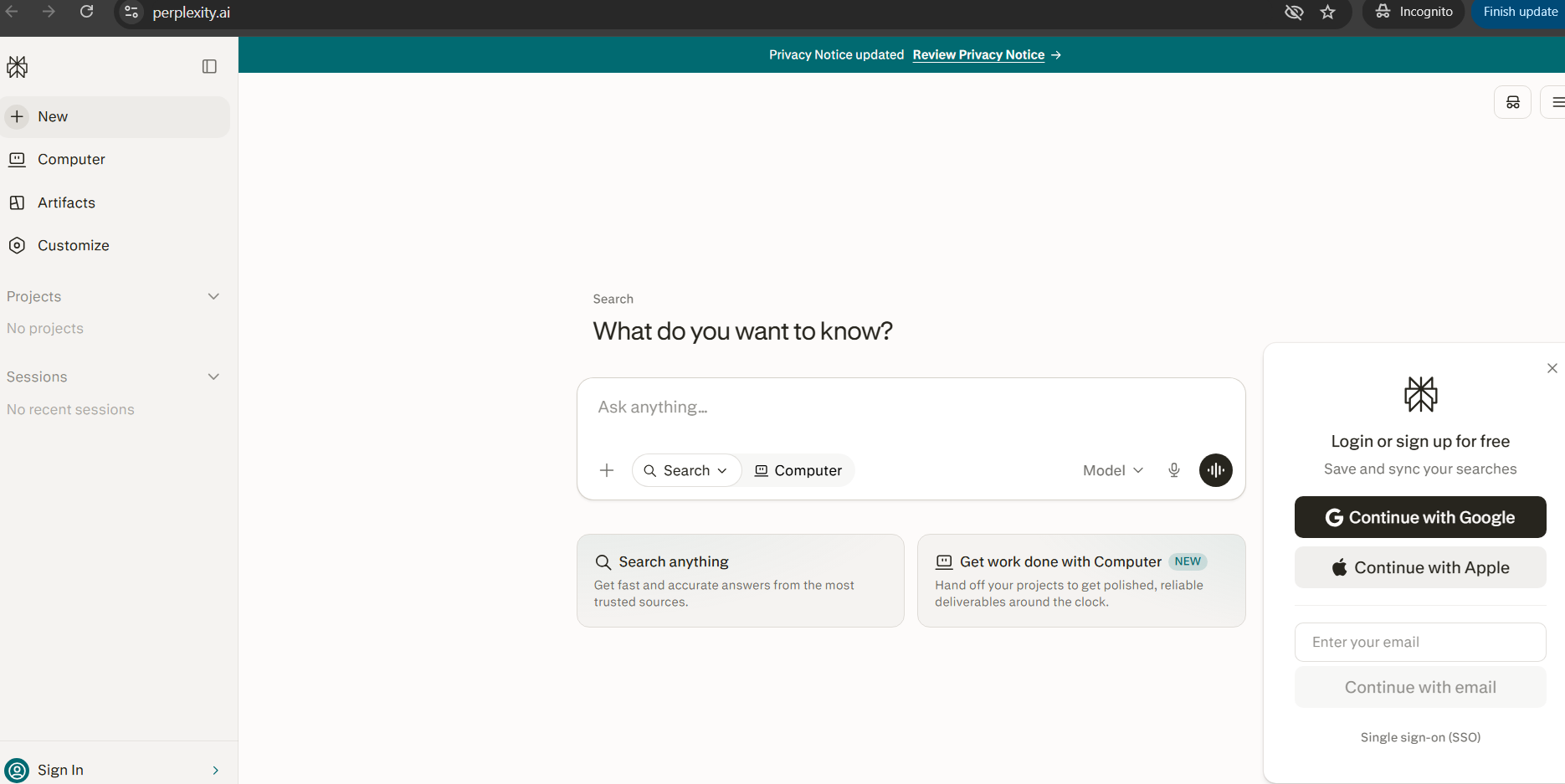
**Perplexity is the best AI research tool for beginners.** It answers questions with sources — like having a research assistant that cites its work.
How to use Perplexity as a beginner
- Go to perplexity.ai and sign up (free)
- Type a question
- Perplexity answers with citations and sources
- Use the sources to verify facts
- Copy relevant information for your content
Perplexity pricing
- Free: $0 (basic usage)
- Pro: $20/mo (unlimited usage, advanced models)
For Editing (Grammar, Tone, Clarity)
Grammarly
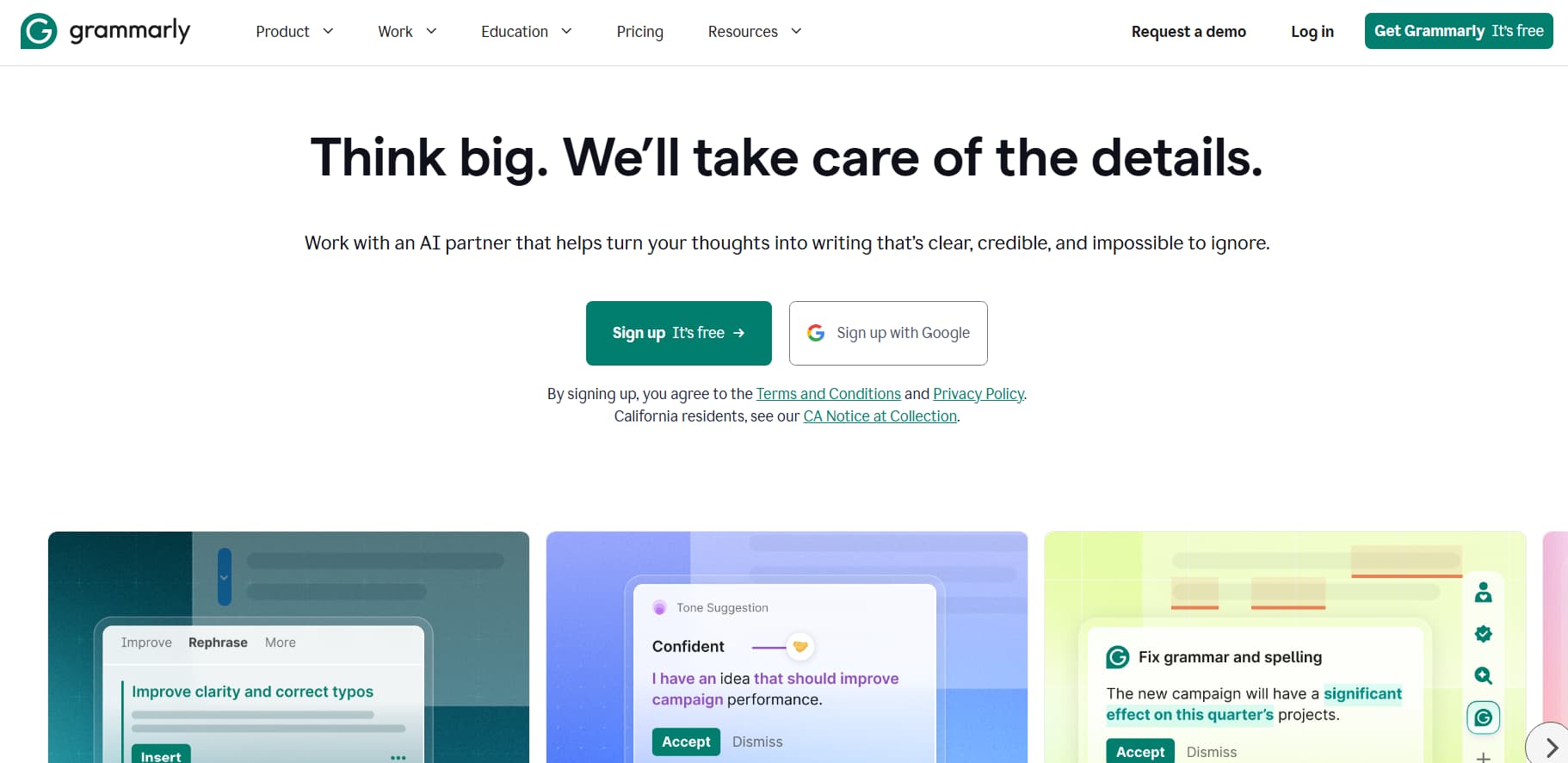
**Grammarly is the best AI editing tool for beginners.** It checks grammar, spelling, tone, and clarity — like having an editor review your work.
How to use Grammarly as a beginner
- Install the Grammarly browser extension (free)
- Write your content in any text editor
- Grammarly highlights errors and suggestions
- Click to accept corrections
- Check the tone score (confident, friendly, formal)
Grammarly pricing
- Free: $0 (basic grammar and spelling)
- Premium: $12/mo (advanced tone, clarity, plagiarism check)
For Video Repurposing (Long to Short)
Opus Clip
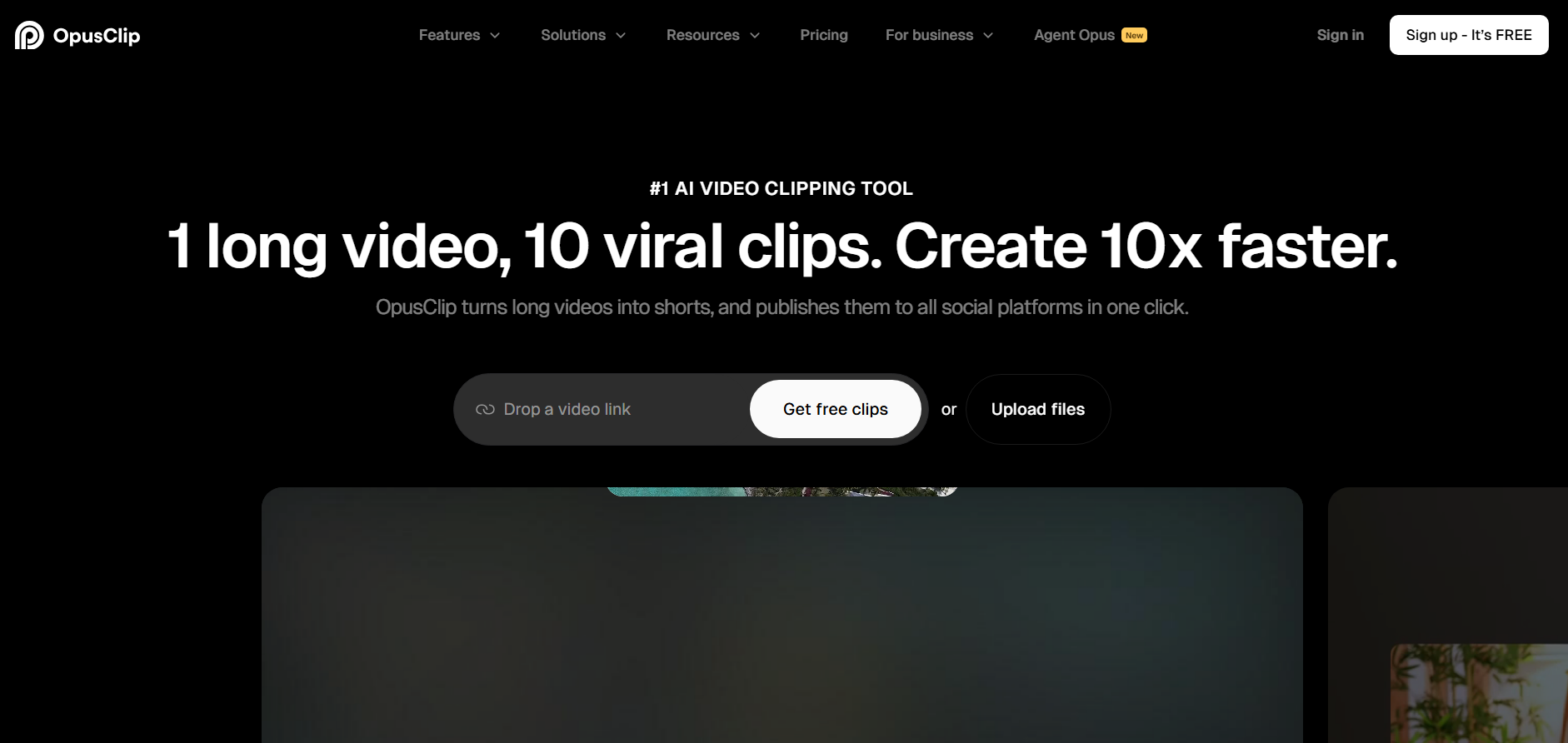
**Opus Clip is the best AI tool for repurposing long videos into short-form content.** Upload a long video, and it automatically clips the best moments into Reels, TikToks, and Shorts.
How to use Opus Clip as a beginner
- Go to opus.pro and sign up (free)
- Upload a long video (YouTube, podcast, webinar)
- Opus Clip analyzes and clips the best moments
- Review and edit the clips
- Export and upload to Instagram, TikTok, or YouTube
Opus Clip pricing
- Free: $0 (limited clips per month)
- Starter: $19/mo (more clips, longer videos)
How Do I Write Good Prompts for AI?
Prompting is the skill of telling AI what you want. The better your prompt, the better the output.
The 5-Part Prompt Formula
Every good prompt has 5 parts:
- Role: Who should the AI be? ("You are a social media manager")
- Task: What should it do? ("Write 10 Instagram captions")
- Context: What is the background? ("For a fitness coach targeting women 25-35")
- Format: How should it look? ("Each caption: hook + value + CTA, use emojis")
- Constraints: What to avoid? ("No clichés, no 'in this world', keep under 150 characters")
Example Prompts for Beginners
Blog post prompt
"You are a content writer for a fitness brand. Write a 1,000-word blog post about '5 Beginner Workout Routines for Busy Moms'. Use a conversational tone. Include an introduction with a hook, 5 sections with subheadings, and a conclusion with a call-to-action. Target keyword: beginner workout routines."
Social media prompt
"You are a social media manager for a coffee shop. Write 7 Instagram captions for this week. Each caption should have: a hook in the first line, value or story in the middle, and a call-to-action at the end. Use 2-3 emojis per caption. Keep each under 150 characters."
Email prompt
"You are an email marketing specialist. Write a 3-email welcome sequence for new subscribers to a productivity app. Email 1: Welcome + what to expect. Email 2: Top 3 features + use case. Email 3: Special offer + urgency. Each email should be under 200 words. Tone: friendly, not salesy."
Prompt Mistakes to Avoid
Why It Fails | Better Approach | |
"Write a blog post" | Too vague, generic output | "Write a 1,000-word blog post about X for Y audience" |
"Make it good" | No direction, random results | "Use conversational tone, include examples, keep under 1,000 words" |
"Be creative" | AI doesn't know what you mean | "Use unexpected angles, include a surprising statistic" |
"Write like a human" | AI doesn't know your voice | "Write like a friend explaining over coffee" |
Step 4: Generate Your First Piece of Content
Here is exactly how to create your first piece of content today.
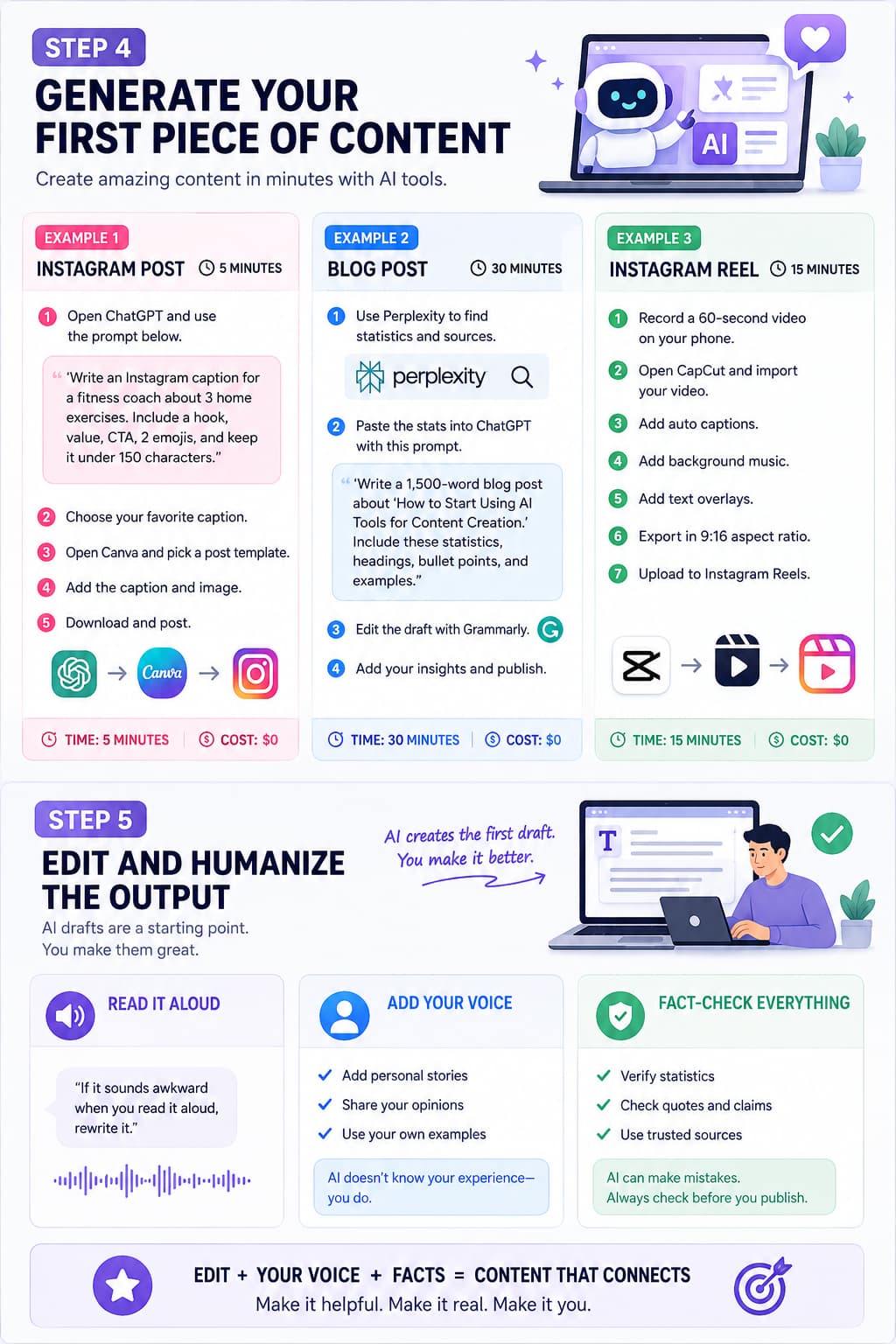
Example 1: Instagram Post (5 Minutes)
- Open ChatGPT (free)
- Paste this prompt:
"Write an Instagram caption for a fitness coach. Topic: 3 simple exercises you can do at home. Hook in first line, value in middle, CTA at end. Use 2 emojis. Under 150 characters."
- ChatGPT generates 3 options
- Pick the best one
- Open Canva (free)
- Choose an Instagram post template
- Add your text and image
- Download and post
Total time: 5 minutes
Cost: $0
Example 2: Blog Post (30 Minutes)
- Open Perplexity (free)
- Search:
"How many people use AI tools for content creation in 2026?"
- Note the statistics and sources
- Open ChatGPT (free)
- Paste this prompt:
"Write a 1,500-word blog post about 'How to Start Using AI Tools for Content Creation'. Include the statistics I found: [paste stats]. Use subheadings, bullet points, and examples. Conversational tone."
- ChatGPT generates the draft
- Open Grammarly (free)
- Paste the draft and fix errors
- Add your personal experience and examples
- Publish on your blog
Total time: 30 minutes
Cost: $0
Example 3: Instagram Reel (15 Minutes)
- Record a 60-second video on your phone (talk to camera about a tip).
- Open CapCut (free).
- Import your video.
- Use Auto Captions to add subtitles.
- Add background music from CapCut's library.
- Add text overlays for key points.
- Export in 9:16 aspect ratio.
- Upload to Instagram Reels.
Total time: 15 minutes
Cost: $0
Step 5: Edit and Humanize the Output
AI generates good drafts, but you need to edit them. Here is how:
The 3-Step Editing Process
Step 1: Read it out loud
If it sounds awkward when you read it aloud, rewrite it. AI sometimes writes in ways people don't speak.
Step 2: Add your voice
Add personal stories, opinions, and examples. AI doesn't know your experience — you do.
Step 3: Fact-check everything
Verify statistics, quotes, and claims. AI can make mistakes. Always check sources.
What to Edit in AI Content
Area | What to Check | How to Fix |
Tone | Does it sound like you? | Rewrite sentences in your voice. |
Facts | Are statistics accurate? | Verify with Perplexity or Google. |
Examples | Are they relevant? | Add your own examples and stories. |
CTA | Is there a clear next step? | Add a specific call-to-action. |
Formatting | Is it easy to scan? | Add subheadings, bullets, and bold text. |
Humanizing Tips
- Add personal anecdotes: "When I started creating content, I spent 3 hours on one Instagram post..."
- Use contractions: "don't" instead of "do not", "you're" instead of "you are"
- Vary sentence length: Mix short and long sentences.
- Add questions: "Have you ever tried this?"
- Include opinions: "I think the best approach is..."
Step 6: Publish and Distribute
Creating content is only half the job. You also need to publish and distribute it.
Publishing Platforms by Content Type
Content Type | Platform | How to Publish |
Blog post | WordPress, Ghost, Substack | Write in editor, add images, publish. |
Instagram post | Instagram app | Create in Canva, upload, add caption. |
Instagram Reel | Instagram app | Edit in CapCut, upload, add caption. |
YouTube video | YouTube Studio | Edit in CapCut, upload, add title/description. |
Email newsletter | ConvertKit, Mailchimp | Write in editor, add subscribers, send. |
TikTok | TikTok app | Edit in CapCut, upload, add caption. |
Distribution Checklist
After publishing, share your content:
- Post to your primary platform (Instagram, YouTube, blog).
- Share to Stories (Instagram, Facebook).
- Cross-post to other platforms (TikTok, Twitter, LinkedIn).
- Share in relevant communities (Reddit, Facebook Groups, Discord).
- Email to your subscriber list.
- Add to your link-in-bio.
Step 7: Track Results and Improve
After publishing, track what works and improve.
Metrics to Track
Metric | What It Tells You | Tool to Use |
Views/Impressions | How many people saw it | Instagram Insights, YouTube Analytics |
Engagement Rate | How many people interacted | Instagram Insights, Google Analytics |
Click-Through Rate | How many clicked your link | Google Analytics, Bitly |
Follower Growth | How many new followers | Instagram Insights |
Conversions | How many took action | Google Analytics, your CRM |
How to Improve
- If views are low: Improve your hooks and thumbnails.
- If engagement is low: Add more value and interaction prompts.
- If clicks are low: Strengthen your call-to-action.
- If conversions are low: Improve your offer or landing page.
What Are the Common Mistakes in AI Content Creation?
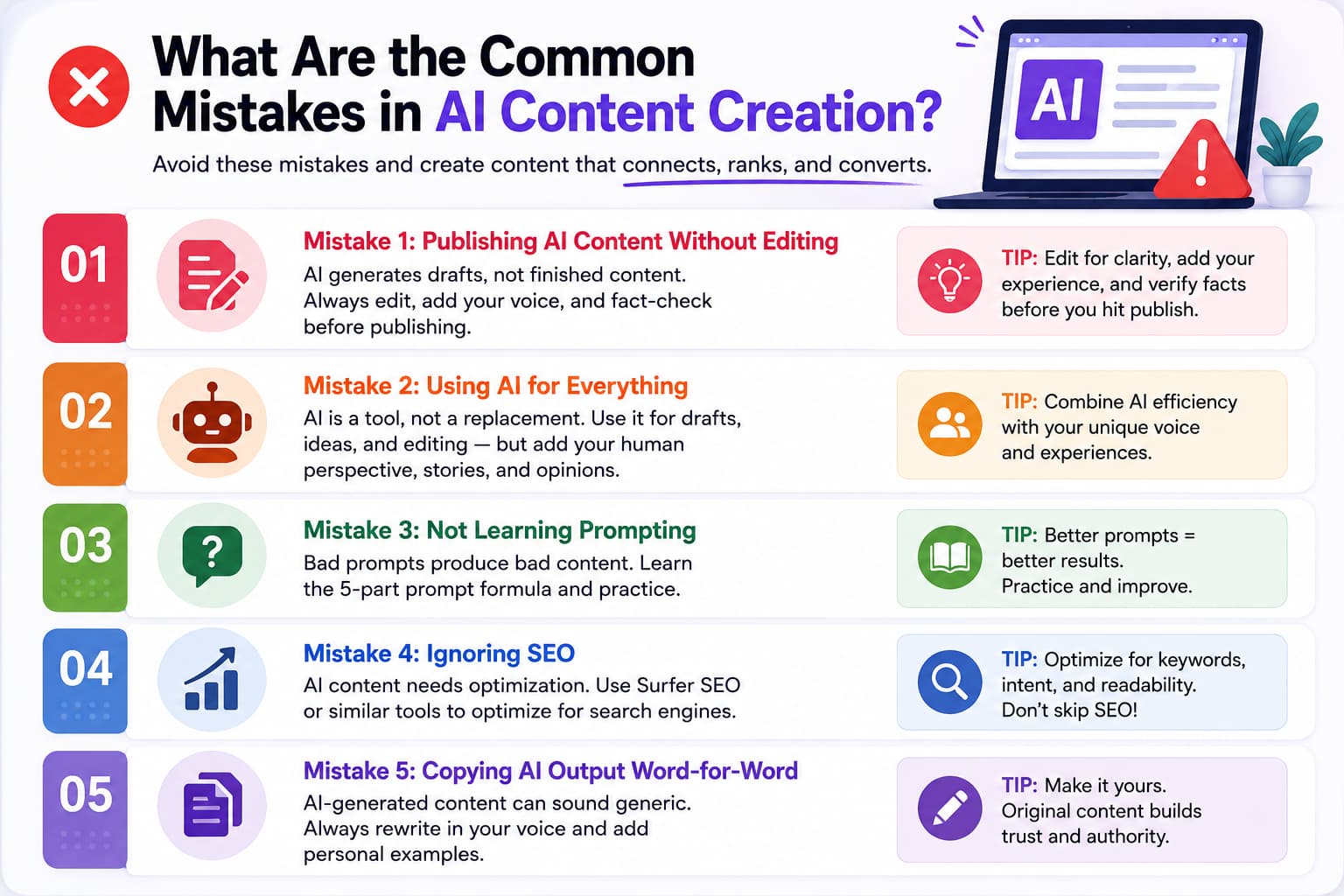
Mistake 1: Publishing AI Content Without Editing
AI generates drafts, not finished content. Always edit, add your voice, and fact-check before publishing.
Mistake 2: Using AI for Everything
AI is a tool, not a replacement. Use it for drafts, ideas, and editing — but add your human perspective, stories, and opinions.
Mistake 3: Not Learning Prompting
Bad prompts produce bad content. Learn the 5-part prompt formula and practice.
Mistake 4: Ignoring SEO
AI content needs optimization. Use Surfer SEO or similar tools to optimize for search engines.
Mistake 5: Copying AI Output Word-for-Word
AI-generated content can sound generic. Always rewrite in your voice and add personal examples.
What Do Redditors Recommend for AI Content Creation?
Reddit discussions on r/contentcreation, r/socialmedia, and r/entrepreneur consistently recommend this beginner stack:
- ChatGPT: Most recommended for writing. Reddit users love the free plan and prompt flexibility.
- Canva: Most recommended for design. Reddit users love the templates and AI features.
- CapCut: Most recommended for video. Reddit users love the free plan and auto-captions.
- Perplexity: Most recommended for research. Reddit users love the source citations.
- Grammarly: Most recommended for editing. Reddit users love the browser extension.
The Reddit consensus: Start with ChatGPT + Canva + CapCut (all free). Add Perplexity and Grammarly when you need them. Don't pay for tools until you know you need them.
About the Author
Aravindh Kumar is an ecommerce and Instagram growth expert with 8+ years of experience in online selling. He has worked with 500+ brands — including Forbes-listed companies — helping them build more than 200 profitable Instagram sales channels.
Start Creating Content Today
You now have everything you need to start creating content with AI tools. Here is your action plan:
Today (15 minutes)
- Sign up for ChatGPT (free): chat.openai.com
- Sign up for Canva (free): canva.com
- Download CapCut (free): capcut.com
- Create your first Instagram post using the prompts above.
This Week (1 hour)
- Create 3–5 Instagram posts using AI.
- Write your first blog post draft with ChatGPT.
- Edit with Grammarly and publish.
This Month (4 hours)
- Build a content calendar for 30 days.
- Create 12–15 pieces of content.
- Track what works and improve.
The best time to start was yesterday. The second best time is today. Open ChatGPT, type a prompt, and create your first piece of AI content right now.