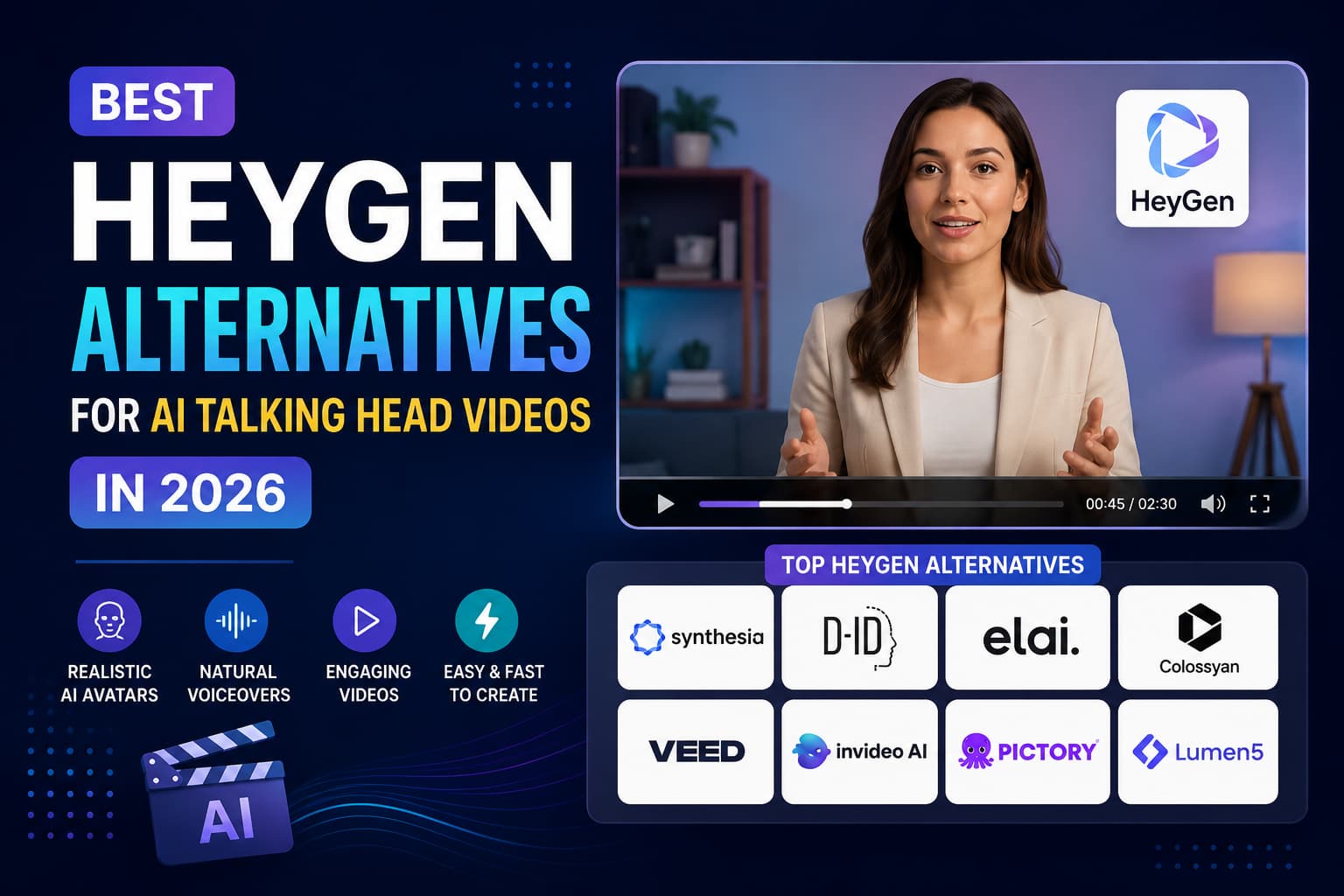
HeyGen is usually the first name that pops up when people think about AI talking-head videos, but it’s far from the only game in town. Between steep monthly credit limits, no rollover for unused time, and extra fees for its top-tier realism engine (Avatar IV), many teams and solo creators are looking for tools that offer better value, higher language variety, or actual video editing features.
Depending on what you're making—whether that's employee training modules, high-volume TikTok ads, or YouTube explainers—another tool might serve you much better.
The Real Problem with HeyGen in 2026
HeyGen delivers sharp avatars, but its subscription model creates headaches for everyday workflows.
The biggest bottleneck is the credit system. If you spot a typo in your script after rendering, fixing that 5-second mistake burns another full credit. On top of that, unused credits vanish at the end of the billing cycle, and accessing top-tier avatar fidelity requires pricier add-ons or custom plans.
Beyond pricing, HeyGen is built primarily around slide-based generation. It doesn't give you a proper timeline editor, multi-track audio controls, or a seamless mobile capture app.
Depending on your actual goals, specialized alternatives often fit the job better:
- For corporate training and global onboarding: Synthesia and Colossyan lead the pack with interactive quizzes, LMS compatibility, and wide language support.
- For quick, low-cost photo animation: D-ID lets you turn static headshots into speaking characters without breaking the bank.
- For all-in-one editing: VEED puts AI avatars right inside a full video editing timeline with auto-captions and stock media.
- For paid social and e-commerce ads: Creatify turns product links into ready-to-run short-form ads with direct social ad manager exports.
- For turning slides into video fast: Elai.io converts PDFs and PowerPoints into structured presentations in minutes.
- For enterprise broadcast setups: AI Studios offers studio-scanned digital presenters with reliable uptime and dedicated SLAs.
- For shooting on your phone: Captions builds your digital twin from a quick mobile recording and handles eye contact correction automatically.
- For complex cinematic shots: Luma Dream Machine generates fluid, full-body motion and camera sweeps where standard static avatars fall short.
Pricing Comparison: HeyGen Alternatives at a Glance
Here is a side-by-side breakdown of the leading alternatives, including baseline paid plans, trial access, avatar quality, and ideal use cases.
| Platform | Free Access / Trial | Starting Price | Avatar Realism | Languages | Best For |
| HeyGen | 3 videos (watermarked) | $29/mo ($24/mo annual) | Top-tier | 40+ | Hyper-realistic avatars & voice cloning |
| Synthesia | 10 mins (watermarked) | $29/mo ($18–$22/mo annual) | Top-tier | 140+ | Team onboarding, training, translation |
| D-ID | 14-day trial (3 mins) | $5.90/mo ($4.70/mo annual) | Solid (Photo-based) | 30+ | Low-cost projects & interactive web bots |
| VEED | Unlimited watermarked exports | $18/mo (Lite plan) | Moderate | 100+ | YouTubers, social creators, quick edits |
| Colossyan | 14-day trial (3 mins) | $27/mo ($19/mo annual) | High | 80+ | Workplace training & multi-person scenes |
| Creatify | 3 video exports | $19/mo (Starter) | High | 30+ | Direct-response ads & e-commerce testing |
| Elai.io | 1-minute trial | $23/mo (Basic) | Moderate | 80+ | Slide decks & article-to-video workflows |
| AI Studios | Demo available on request | $24/mo (Starter) / Custom | Top-tier | 100+ | Corporate communications & news broadcasts |
| Captions | 3 exports on mobile | $16/mo (Pro) | High (Personal Twin) | 20+ | Vertical Reels/Shorts & mobile editing |
| Luma Dream Machine | 8 renders/mo | $9.99/mo (Standard) | High (Full Scene) | N/A (Visual prompts) | Cinematic physical motion & camera control |
1. Synthesia — Best for Corporate Teams and Training
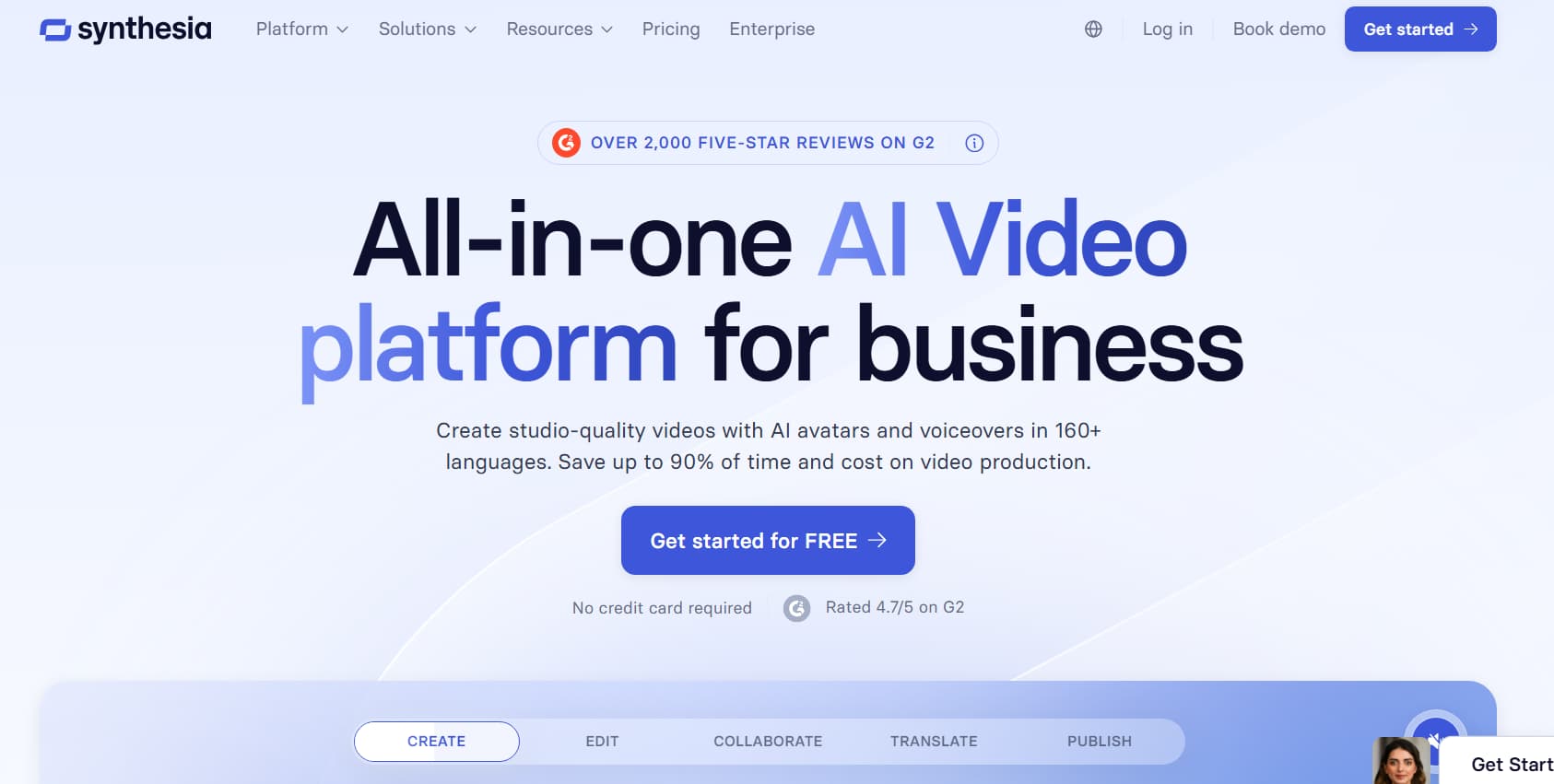
If you work in Learning & Development (L&D), HR, or global compliance, Synthesia is the most direct challenger to HeyGen. While HeyGen caters heavily to social marketers and creative agencies, Synthesia is built from the ground up for structured corporate learning.
How It Works
Synthesia gives you access to over 180 stock avatars and supports 140+ languages with regional accents and natural lip-syncing. Instead of dealing with confusing credit conversions, you get a clean monthly minute allowance that makes team budgeting much easier.
Its standout feature is interactive video. You can embed clickable buttons, branching decision points, and knowledge-check quizzes directly into the video player. It also exports SCORM and xAPI packages, meaning you can drop your modules straight into your LMS and track employee completion rates natively.
Synthesia vs. HeyGen
| Feature | HeyGen | Synthesia |
| Starting Price | $29/mo ($24/mo annual) | $29/mo ($18–$22/mo annual) |
| Billing Model | Usage credits (costs extra for top models) | Straightforward monthly minutes |
| Languages | 40+ | 140+ |
| Templates | 100+ (focus on social/marketing) | 200+ (focus on corporate training) |
| Interactivity | Simple link clicks | Branching paths, quizzes, LMS exports |
| Enterprise Security | Standard SaaS protections | SAML SSO, SOC2 Type II compliance |
What We Like:
- Unmatched language coverage (140+ dialects with realistic accents).
- Clean monthly minute tracking instead of variable credit burns.
- Built-in quizzes and interactive branching for corporate training.
- Enterprise security standards like SOC2 compliance and single sign-on.
- High-end custom avatars with natural eye contact and micro-movements.
What Could Be Better:
- Starter plans are capped at just 10 minutes of video per month.
- No multi-track editing timeline for complex b-roll overlays.
- Custom avatar identity verification involves a multi-step approval process.
2. D-ID — Best Budget Option for Fast Photo Animation
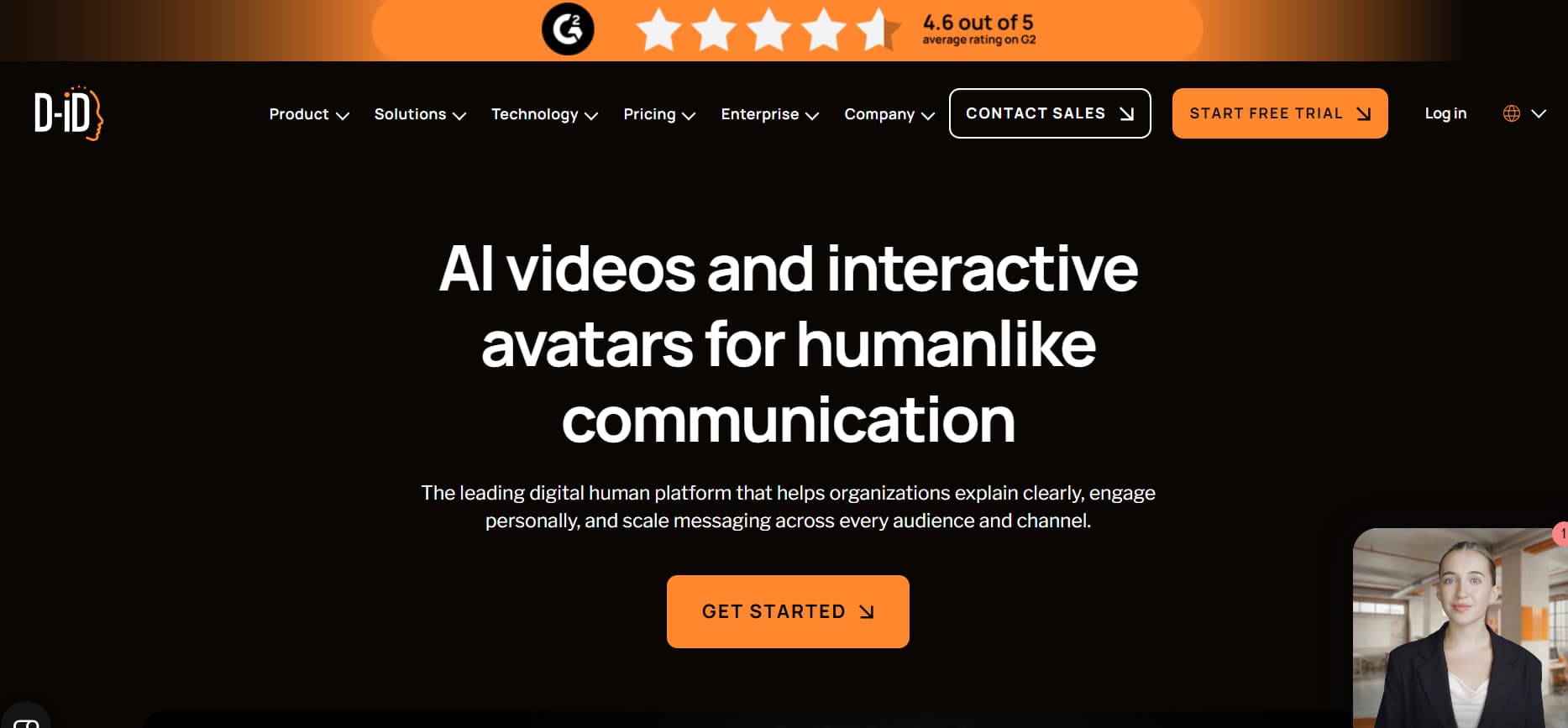
D-ID takes a completely different approach to digital avatars. Instead of relying on 3D motion capture or expensive studio scans, it uses proprietary portrait animation to bring any static 2D headshot to life in seconds.
How It Works
You simply upload an image—a real photograph, a Midjourney portrait, a company mascot, or even an illustrated character—type your script or upload an audio file, and D-ID animates facial expressions and mouth movements to match.
It also provides a real-time Streaming API and Conversational Agents engine. This lets developers hook talking avatars directly into large language models to build interactive web assistants that chat with visitors on your site.
D-ID vs. HeyGen
| Feature | HeyGen | D-ID |
| Starting Price | $29/mo ($24/mo annual) | $5.90/mo ($4.70/mo annual) |
| Render Speed | 3 to 6 minutes | Under 60 seconds |
| Input Type | Video clips or pre-built 3D models | Any static JPG or PNG image |
| API Support | Batch rendering | Real-time conversational streaming |
| Free Access | 3 watermarked videos | 14-day trial with API test credits |
What We Like:
- Very affordable entry point ($5.90/month) for tight budgets.
- Fast rendering times, often finishing in under a minute.
- Can animate virtually any image, from hand-drawn art to vintage photos.
- Streaming API built for dynamic AI chatbots and customer service widgets.
- Useful extensions for Canva and PowerPoint workflows.
What Could Be Better:
- 2D image warping can look strange around wide head turns or necklines.
- Very basic canvas layout tools for adding text and graphic overlays.
- Lacks full-body avatars and complex 3D environments.
3. VEED — Best All-in-One Editor for Content Creators
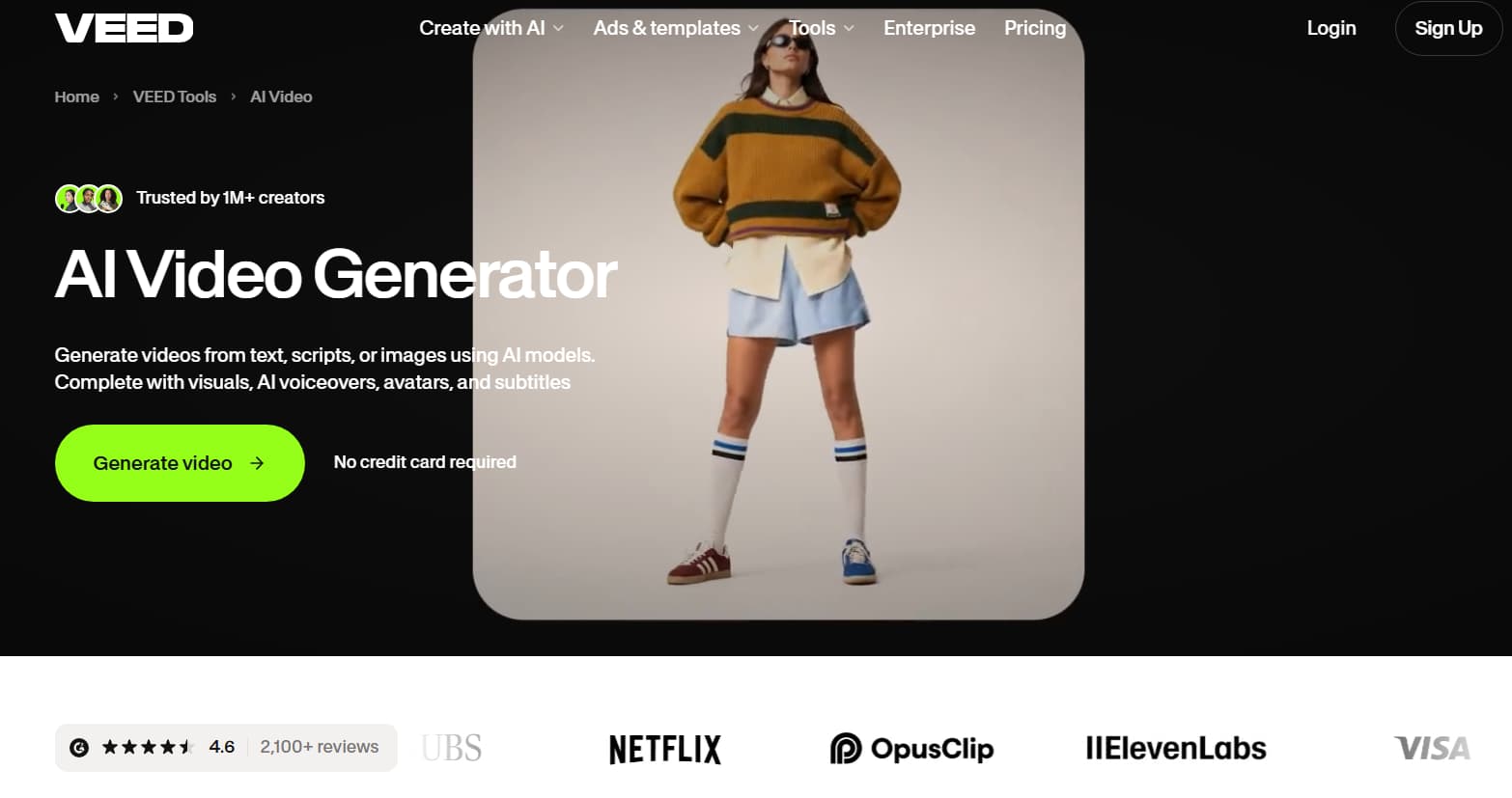
If you run a YouTube channel, produce social clips, or just hate jumping between three different tools to finish a single video, VEED is the practical choice. It combines AI avatars with a complete, browser-based timeline editor.
How It Works
With standard avatar platforms, you generate a talking head and then export it to Premiere Pro or CapCut to add titles, b-roll, and music. VEED keeps everything in one place.
You can drop an AI avatar onto a multi-track timeline, layer screen recordings underneath, pull stock footage from its library, and generate viral-style dynamic captions in a few clicks. It also comes with creator-focused AI cleanup features, like automated eye contact correction and background noise removal.
VEED vs. HeyGen
| Feature | HeyGen | VEED |
| Starting Price | $29/mo ($24/mo annual) | $18/mo (Lite) / $30/mo (Pro) |
| Editing Suite | Basic scene-based slides | Full multi-track video timeline |
| Auto-Captions | Basic text outputs | Animated kinetic captions with full styling |
| Stock Assets | Limited stock options | Large library of royalty-free clips, music, and SFX |
| Audio Tools | Basic text-to-speech | One-click background noise removal and leveling |
What We Like:
- Complete editing studio right in your browser.
- Accurate, animated subtitles tailored for TikTok and Instagram Reels.
- Drag-and-drop timeline for easily timing b-roll, audio, and cuts.
- Built-in tools for fixing eye lines and cleaning up noisy audio.
- Fast export presets for all standard social media aspect ratios.
What Could Be Better:
- Stock avatar realism isn't quite as advanced as HeyGen's Avatar IV.
- Complex timelines with lots of 4K media can slow down your browser.
- Free export tier leaves a visible watermark on the video.
4. Colossyan — Best for Multi-Person Training Scenarios
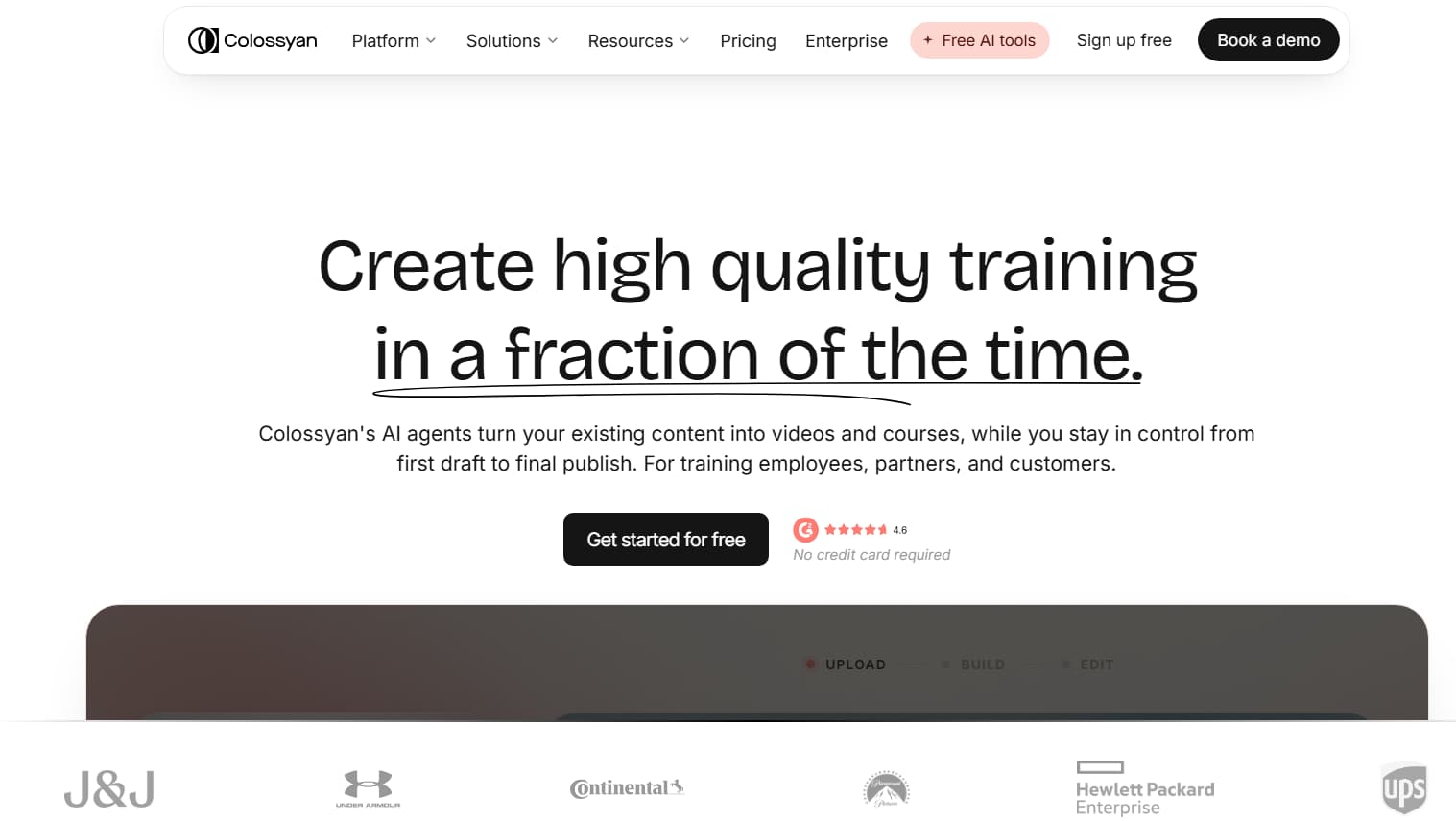
Colossyan is designed specifically for workplace educators, instructional designers, and HR teams who want to build scenario-driven training without hiring camera crews and actors.
How It Works
Colossyan stands out with its multi-avatar scene setup. You can place up to four avatars in a single frame and assign them different lines to simulate workplace conversations, customer support roleplays, or manager-employee check-ins.
It also features a Document-to-Video tool that reads through PDFs, employee handbooks, or PowerPoint files and automatically breaks them down into video slides. You can add interactive knowledge checks throughout the video and export the entire package directly as a SCORM file for your company's LMS.
Colossyan vs. HeyGen
| Feature | HeyGen | Colossyan |
| Starting Price | $29/mo ($24/mo annual) | $27/mo ($19/mo annual) |
| Multi-Avatar Setup | Tricky workarounds needed | Built-in support for conversations |
| Document Ingestion | Basic web scraper | Parses full PDF manuals and slide decks |
| LMS Compatibility | Standard MP4 video files | Native SCORM and xAPI compliance |
| Viewer Interaction | Basic link embeds | Interactive in-video quizzes |
What We Like:
- Easy setup for multi-avatar roleplay scenes and dialogues.
- Automated tool to convert existing training PDFs and slides into video drafts.
- Native SCORM export for simple LMS integration.
- Built-in quizzes to test viewer comprehension.
- Clean team workspace features for instructional design departments.
What Could Be Better:
- Layout templates lean heavily toward corporate offices, with few lifestyle designs.
- Avatar body language is built for calm presentations rather than punchy marketing clips.
- Video render times can slow down during heavy peak usage hours.
5. Creatify — Best for High-Volume Marketing and E-Commerce Ads
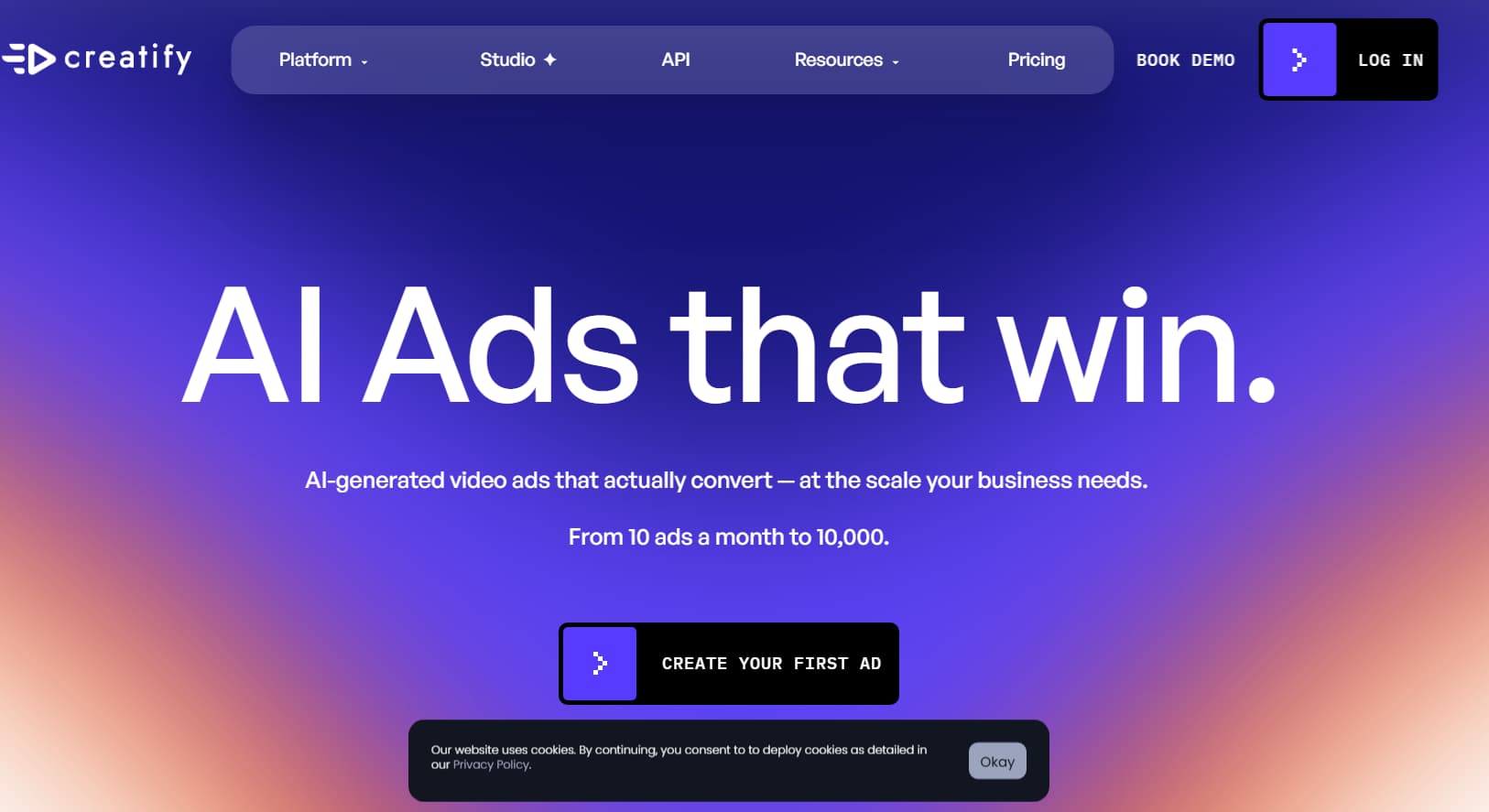
Creatify is built for e-commerce operators, performance marketers, and growth agencies who need to churn out fresh video ad variations every week to fight ad fatigue on Meta, TikTok, and YouTube.
How It Works
Instead of requiring you to write scripts from scratch, Creatify uses a URL-to-Video system. Paste a product link from Amazon, Shopify, or a custom landing page, and it automatically scrapes the product photos, user reviews, feature lists, and pricing.
From there, it writes direct-response scripts and pairs them with high-energy avatars powered by its Aurora motion model. You can batch-generate dozens of hook and CTA variations in minutes, then push them directly into your ad accounts for multivariate split testing.
Creatify vs. HeyGen
| Feature | HeyGen | Creatify |
| Starting Price | $29/mo ($24/mo annual) | $19/mo (Starter) |
| Core Workflow | General-purpose avatar videos | Automated direct-response social ads |
| Script Setup | Manual script writing | One-click product URL scraping |
| Ad Variations | Duplicate slides manually | Automatic batch variation generator |
| Ad Delivery | Download and manual upload | Direct sync with Meta and TikTok Ads |
What We Like:
- Turns product links into complete video ad drafts in minutes.
- Aurora avatar model provides lively, expressive body language suited for social feeds.
- Built-in batch rendering for testing multiple hooks and calls to action.
- Connects directly to social ad networks to speed up publishing.
- Templates follow proven direct-response ad structures.
What Could Be Better:
- Not designed for long-form presentations, training, or webinars.
- Supports fewer total languages than enterprise platforms like Synthesia.
- Offers limited manual control over micro-editing adjustments.
6. Elai.io — Best for Fast Slide and Article Conversion
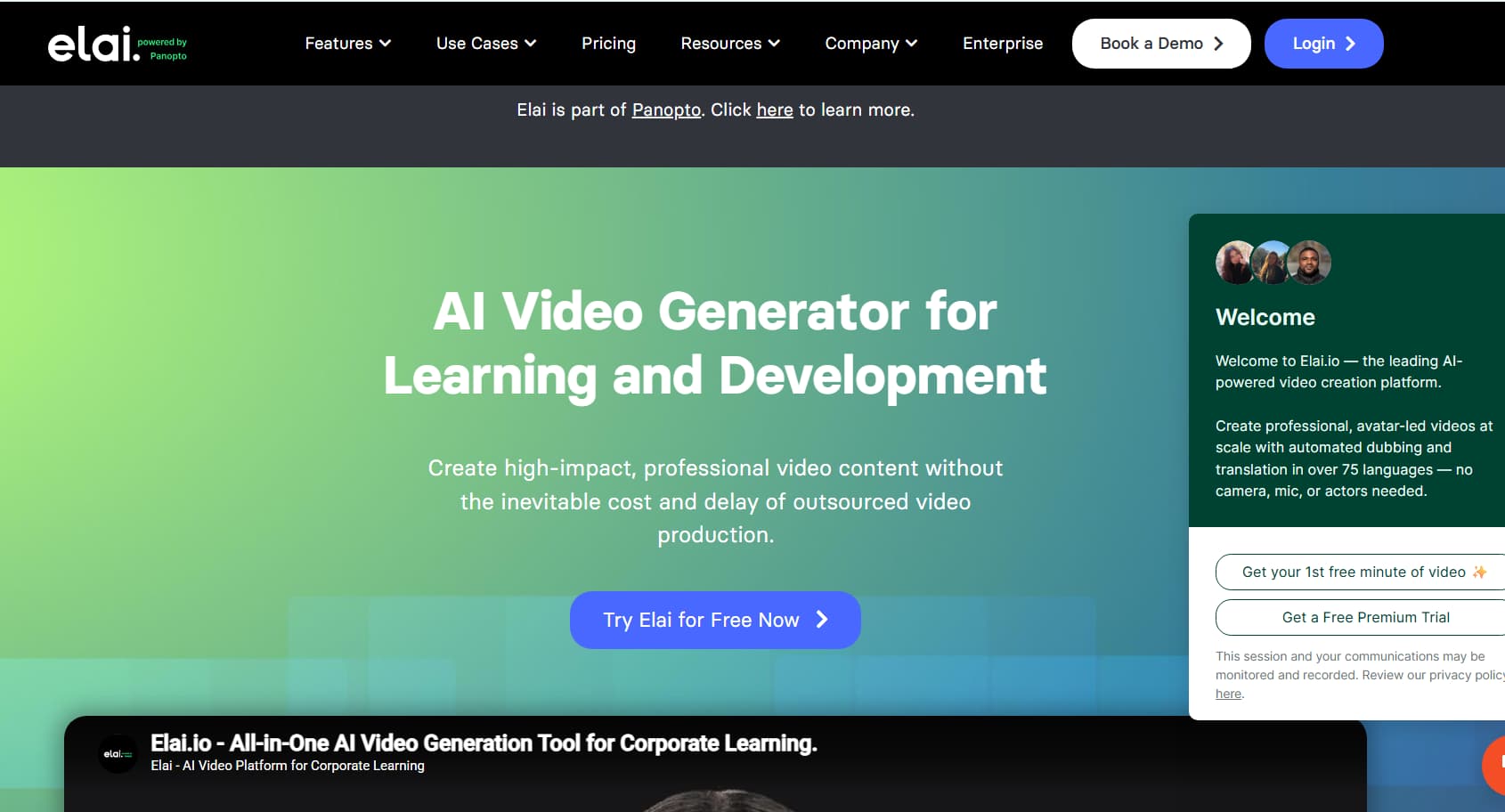
Elai.io is all about speed and simplicity. If you have an archive of blog posts, technical articles, or training slide decks that you want to turn into watchable video overviews without spending hours editing, this is the tool to look at.
How It Works
Paste in a blog post URL, and Elai.io's summarization engine condenses the copy into clear scene cards, automatically adding relevant stock imagery, background visuals, and an avatar presenter.
You can also upload standard PowerPoint or PDF presentations, and the platform will assign a presenter and voice to each slide automatically. With over 100 stock avatars and support for 80+ languages, it delivers a straightforward workflow for non-technical users.
Elai.io vs. HeyGen
| Feature | HeyGen | Elai.io |
| Starting Price | $29/mo ($24/mo annual) | $23/mo (Basic) |
| Slide Ingestion | Manual export of individual images | Direct PowerPoint and PDF imports |
| URL-to-Video | Simple text pulling | Formats full articles into scene storyboards |
| Avatar Roster | 500+ stock avatars | 100+ stock avatars |
| API Workflows | Webhooks & synthesis API | Automated bulk render endpoints |
What We Like:
- Quickly turns written articles and blogs into storyboarded video scenes.
- Direct ingestion of PowerPoint presentations for slide-by-slide narration.
- Simple, clean interface that anyone can pick up without a tutorial.
- Accessible pricing plans for moderate monthly production needs.
- Good options for custom avatar creation and voice cloning.
What Could Be Better:
- Avatar movement feels more rigid than HeyGen's Avatar IV engine.
- Smaller third-party tool ecosystem and fewer pre-made templates.
- AI voice cadences occasionally need manual phonetic adjustments.
7. AI Studios (DeepBrain) — Best for Broadcast and Media Enterprises
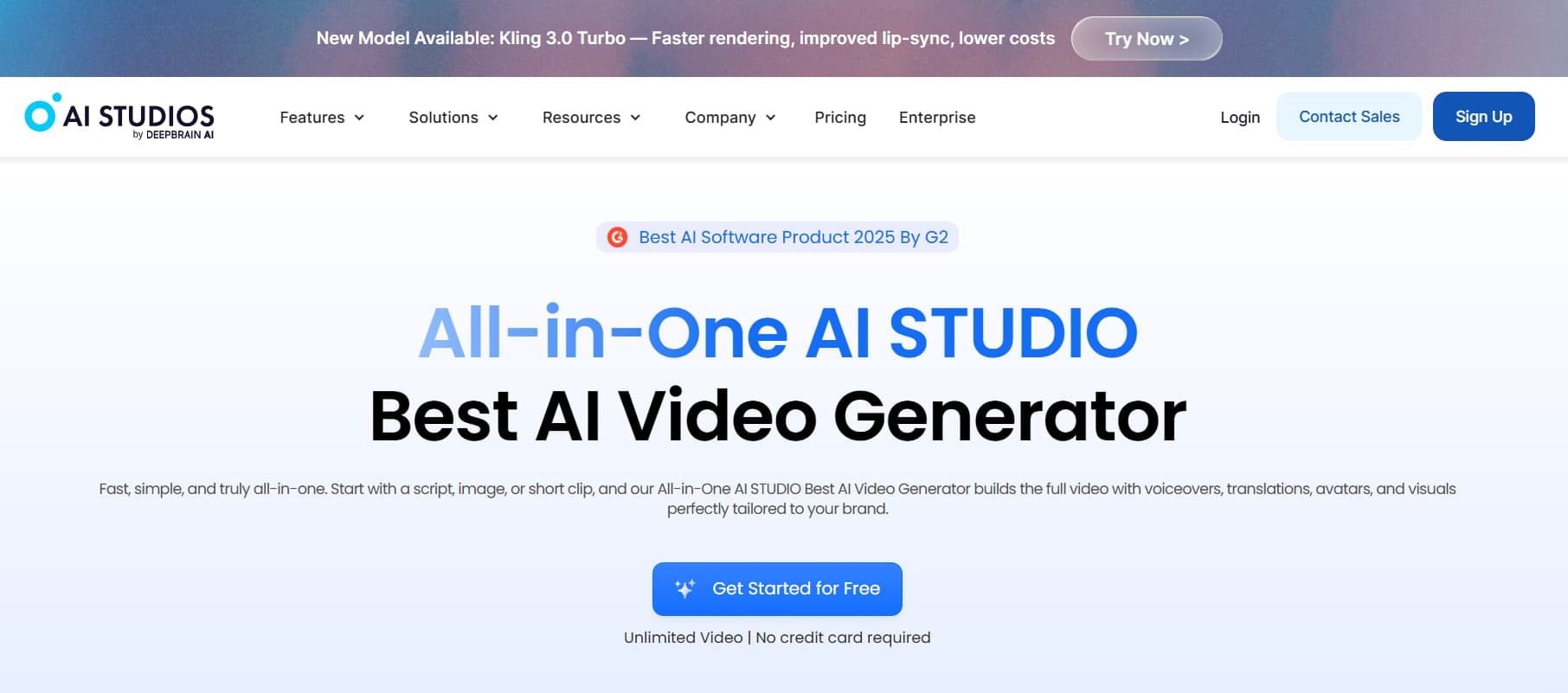
AI Studios by DeepBrain AI is engineered for high-end corporate communications, media newsrooms, and financial institutions that need broadcast-quality virtual presenters with enterprise-grade reliability.
How It Works
DeepBrain utilizes neural rendering pipelines to create realistic virtual news anchors and corporate spokespeople with natural body language, breathing movements, and accurate speech articulation. Their avatars are already used by major television news networks to deliver breaking updates and daily briefings.
The platform provides studio-grade custom avatar creation, scanning spokespeople in physical recording studios to create precise digital twins. It offers enterprise-grade API pipelines for automated high-volume rendering, native 4K video exports, and dedicated account support.
AI Studios vs. HeyGen
| Feature | HeyGen | AI Studios |
| Target User | Creators, SMBs, growth agencies | Broadcast media, enterprise, financial firms |
| Realism Focus | High-end generative avatars | Broadcast-grade neural synthesis |
| Max Resolution | 1080p / 4K on higher tiers | Native 4K broadcast pipeline |
| Digital Twins | Webcam or phone video uploads | Professional studio-scanned digital twins |
| Support & SLAs | Standard SaaS support | Dedicated enterprise SLAs and onboarding |
What We Like:
- Lifelike avatar realism designed for professional broadcast standards.
- Heavy-duty infrastructure built to handle massive enterprise batch rendering.
- High-end studio capture services for authentic executive digital twins.
- Crisp 4K video exports with accurate facial and lip synchronization.
- Strict enterprise security standards and guaranteed service uptimes.
What Could Be Better:
- Starting price points are steeper, putting it out of reach for casual creators.
- Custom studio avatar scanning requires dedicated setup and higher upfront investment.
- Interface is geared toward formal presentations rather than casual social media formats.
8. Captions — Best Mobile App for Social Media Creators
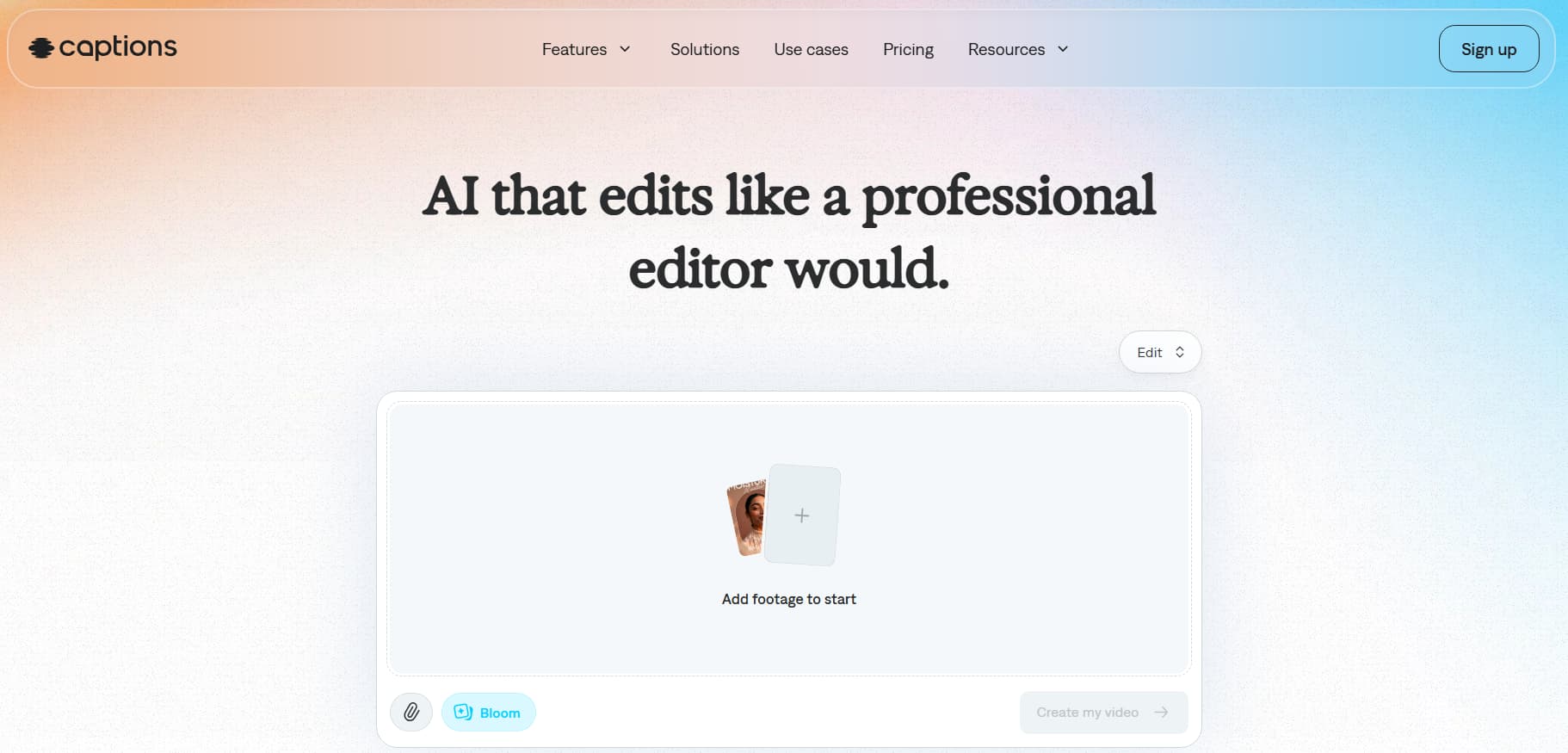
Captions is built specifically for creators, founders, and educators who produce content directly on their phones. Rather than forcing you onto a desktop dashboard, Captions packs a full AI production studio into an intuitive mobile app.
How It Works
Captions lets you build a personalized AI "Digital Twin" using a 60-second video recorded on your smartphone. Once trained, you simply type or speak your script into the app, and it generates a video of your avatar talking in your cloned voice with natural facial expressions.
The app also acts as a full mobile editor. It can automatically fix your eye line so you always appear to be looking directly into the camera lens, cut out awkward pauses and filler words, add animated captions, and drop in sound effects before exporting straight to TikTok, Instagram Reels, or YouTube Shorts.
Captions vs. HeyGen
| Feature | HeyGen | Captions |
| Starting Price | $29/mo ($24/mo annual) | $16/mo (Pro Mobile) |
| Primary Device | Web browser dashboard | iOS and Android mobile app |
| Digital Twin Setup | Webcam or studio video upload | Quick 60-second smartphone video |
| Mobile Editing | Very limited mobile interface | Full mobile timeline with zoom cuts and SFX |
| Caption Styles | Standard subtitle output | Kinetic, animated social caption presets |
What We Like:
- Mobile-first design makes it easy to create and publish on the go.
- Quick digital twin setup that takes just a single phone recording.
- Smart AI features like eye-contact correction and automatic dead-air removal.
- Eye-catching animated subtitles built for short-form retention.
- Very accessible pricing for solo entrepreneurs and social creators.
What Could Be Better:
- Not built for managing complex desktop brand asset libraries.
- Lacks deep enterprise governance, user permissions, and LMS exports.
- Custom avatars are formatted primarily for vertical (9:16) mobile layouts.
9. Luma Dream Machine — Best for Dynamic Cinematic Motion
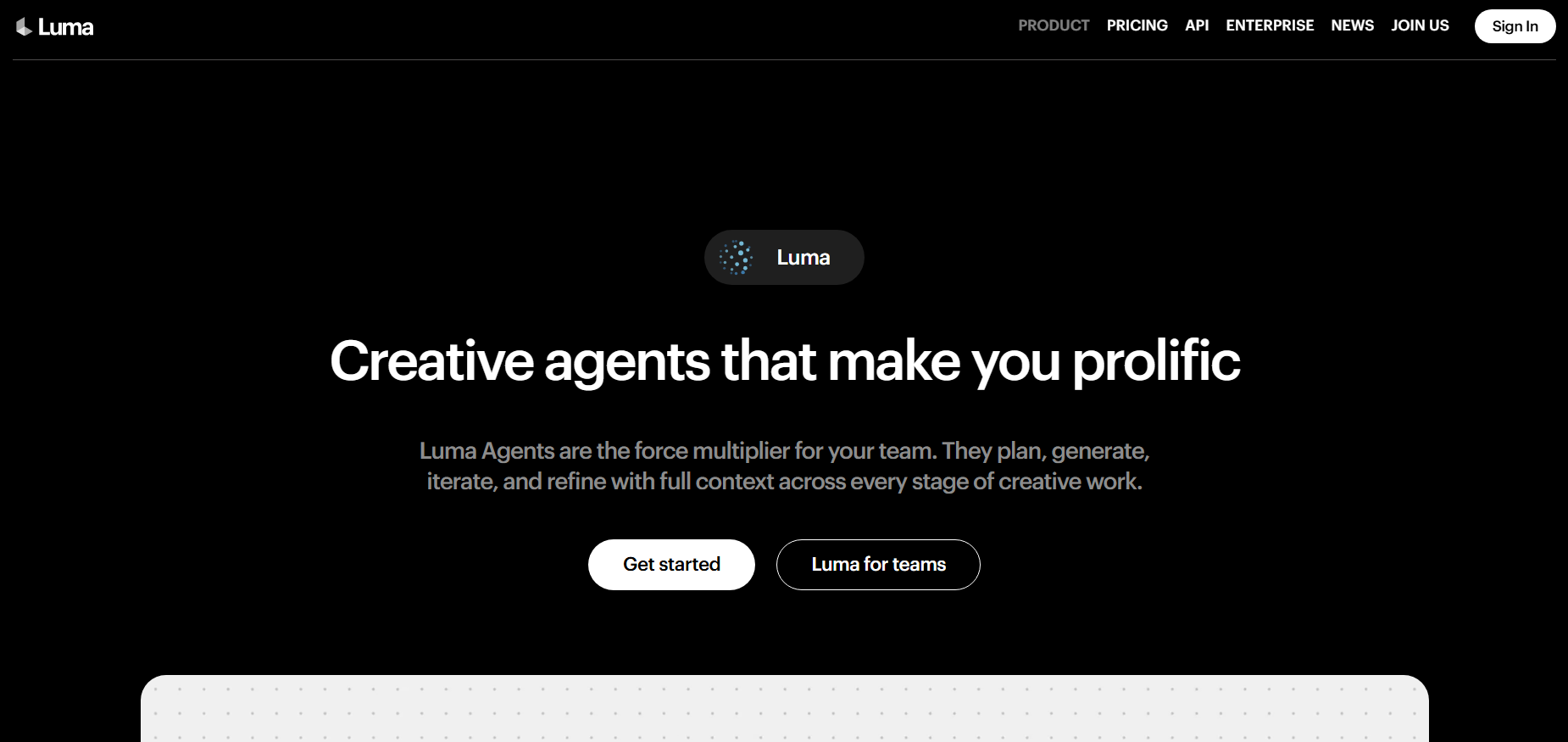
Luma Dream Machine is not a traditional talking-head app—it is a generative video foundation model. But if you find standard AI avatars too stiff or robotic, Luma offers dynamic full-body movement and cinematic camera work that avatar tools cannot replicate.
How It Works
Most avatar platforms keep the presenter locked in a static framing, moving only the mouth, eyes, and shoulders. Luma Dream Machine generates full video environments from text prompts or reference images, letting characters move through real-world spaces, interact with objects, and adapt to sweeping camera angles.
If you are producing cinematic promos, narrative shorts, or creative world-building projects, Luma gives you creative control over lighting, spatial physics, and continuous action.
Luma Dream Machine vs. HeyGen
| Feature | HeyGen | Luma Dream Machine |
| Starting Price | $29/mo ($24/mo annual) | $9.99/mo (Standard) |
| Motion Style | Static frame with facial movement | Dynamic full-body motion and camera sweeps |
| Input Method | Script typed into text-to-speech | Creative visual and text prompts |
| Lip-Sync Precision | Frame-accurate audio matching | Approximated / experimental lip movement |
| Learning Curve | Simple presentation builder | Requires iterative prompt experimentation |
What We Like:
- Generates natural full-body movement, walking, and physical actions.
- Flexible camera controls including dolly shots, pans, and tracking angles.
- Generates video from both text descriptions and static reference images.
- Affordable entry tier ($9.99/month) for creative experimentation.
- Renders realistic environmental lighting, reflections, and physical depth.
What Could Be Better:
- Does not offer precise, audio-driven lip synchronization for spoken scripts.
- Getting the exact shot you want usually takes multiple prompt revisions.
- Lacks slide layouts, text graphics, and presentation tools.
Full Feature Comparison Matrix
Here is how all nine platforms stack up across practical day-to-day requirements:
| Platform | Free Access | Base Price | Realism | Languages | Script-to-Video | Timeline Editor | Auto-Captions | LMS / SCORM | Mobile App |
| HeyGen | 3 videos | $29/mo | Top-tier | 40+ | Yes | Basic | Basic | No | Web-only |
| Synthesia | 10 mins | $29/mo | Top-tier | 140+ | Yes | Basic | Yes | Yes | Web-only |
| D-ID | 14 days | $5.90/mo | Moderate | 30+ | Yes | Basic | No | No | Web-only |
| VEED | Unlimited (w/ watermark) | $18/mo | Moderate | 100+ | Yes | Advanced | Advanced | No | Web-only |
| Colossyan | 14 days | $27/mo | High | 80+ | Yes | Basic | Yes | Yes | Web-only |
| Creatify | 3 exports | $19/mo | High | 30+ | Yes | Basic | Yes | No | Web-only |
| Elai.io | 1 min | $23/mo | Moderate | 80+ | Yes | Basic | Yes | No | Web-only |
| AI Studios | On demo | $24/mo | Top-tier | 100+ | Yes | Intermediate | Yes | Custom | Web-only |
| Captions | 3 exports | $16/mo | High | 20+ | Yes | Mobile-first | Advanced | No | iOS/Android |
| Luma | 8 renders | $9.99/mo | Cinematic | N/A | Prompt-based | None | No | No | Web/iOS |
Quick Summary: Pros and Cons
| Platform | Core Strengths | Main Weaknesses |
| HeyGen | High-fidelity facial realism; quality voice cloning; deep avatar catalog. | Restrictive credit system; Avatar IV costs extra; no credit rollovers. |
| Synthesia | Broadest language support (140+); SCORM exports; interactive quizzes. | Starter tier capped at 10 minutes/month; lacks timeline editing. |
| D-ID | Low entry price ($5.90/mo); fast renders; animates any static picture. | 2D warping issues on head turns; limited canvas layout tools. |
| VEED | Full browser editing timeline; kinetic captions; deep stock asset library. | Avatar realism is lower than dedicated 3D neural models; memory heavy. |
| Colossyan | Natural multi-avatar dialogues; PDF/PPT parser; enterprise LMS support. | Templates focus heavily on offices; slower rendering at peak hours. |
| Creatify | One-click URL-to-video ad workflow; batch testing; ad network sync. | Tailored strictly for marketing; fewer supported languages. |
| Elai.io | Fast article and slide conversions; simple UI; budget-friendly plans. | Avatar motion can feel stiff; smaller third-party ecosystem. |
| AI Studios | Broadcast-quality virtual anchors; dedicated SLAs; 4K export pipeline. | Higher starting investment; onboarding required for full feature access. |
| Captions | Smooth mobile workflow; quick digital twin setup; auto eye correction. | Lacks desktop asset management tools for larger teams. |
| Luma | Natural full-body movement and dynamic cinematic camera controls. | Lacks audio-driven lip-syncing; requires trial-and-error prompting. |
How We Evaluated These HeyGen Alternatives
We tested nine AI avatar platforms against six practical criteria that matter when you are actually creating videos, not just reading feature lists.
What criteria did we use?
1.Avatar realism
How lifelike do the avatars look? We compared facial expressions, lip-sync accuracy, and natural movement. HeyGen's Avatar IV leads here, but Synthesia and AI Studios are close behind.
2.Pricing model
What do you actually pay? HeyGen charges $29/mo with credit limits. D-ID starts at $5.90/mo. We compared base prices, free access, and what happens when you need more.
3.Language support
How many languages and accents does the platform support? Synthesia leads with 140+. HeyGen offers 40+. D-ID covers 30+.
4.Use case fit
Does the tool match what you are actually making? Corporate training, social ads, YouTube content, and cinematic shots are different jobs. We matched tools to use cases.
5.Ease of setup
How long until you can create your first video? D-ID renders in under 60 minutes. HeyGen takes 3-6 minutes. VEED keeps everything in one editor.
6.Free access
Can you test the tool before paying? HeyGen offers 3 watermarked videos. D-ID offers a 14-day trial. VEED offers unlimited watermarked exports.
Which HeyGen Alternative Fits Your Workflow?
To pick the right tool without wasting time and budget, look at what you actually produce week to week:
- For corporate training and global L&D: Go with Synthesia if you need 140+ language localizations and interactive quizzes. Pick Colossyan if you need two avatars talking back and forth to simulate workplace roleplays.
- For e-commerce and social video ads: Pick Creatify. It automatically pulls product details from your URLs, drafts high-energy direct-response scripts, and exports test variations right to TikTok and Meta.
- For YouTubers and creators who need an editor: Choose VEED. You can generate an avatar clip, slice it up on a multi-track timeline, add kinetic captions, and layer in b-roll and music without opening another app.
- For quick mobile short-form content: Download Captions. It creates a working digital twin from a 60-second smartphone video, fixes your eye line automatically, and formats everything for vertical social feeds.
- For small budgets and static photo animation: Use D-ID. At under $6/month, it is the most affordable way to animate headshots or build dynamic conversational web agents.
- For media broadcasts and enterprise presentations: Choose AI Studios (DeepBrain) for broadcast-ready presenters, dedicated SLAs, and 4K outputs.
- For cinematic motion and creative scenes: Try Luma Dream Machine if you want characters moving naturally through dynamic environments instead of standing locked in a fixed pose.
Getting Started
You do not need to lock yourself into a long-term contract to test these tools. Almost every platform on this list offers a free tier or trial period.
The easiest way to decide is to pick two tools that match your primary use case, drop in one of your actual scripts, and compare the final export for realism, pacing, and ease of use. If your priority is budget and speed, start with D-ID or VEED; if your focus is professional corporate training, test Synthesia or Colossyan.