The Quick verdict
- If photorealism is a priority for you, then HeyGen is the obvious winner. Its Avatar IV engine is human-looking ($24/mo).
- In the corporate world, Synthesia is the best option for onboarding, internal decks and training ($22/mo).
- D-ID is the cheapest and fastest way to create talking head from any photo for social media ($5.99/mo).
- VEED has a full-featured, browser-based editor. You are able to create an avatar and add subtitles all on one timeline ($18/month).
- Creatify is built for creating high-converting e-commerce ads and product videos ($19/mo).
So, here’s the real deal, practical lowdown on the top 10 avatar platforms on the market today – the real costs, features, flaws, and who each tool is actually built for.
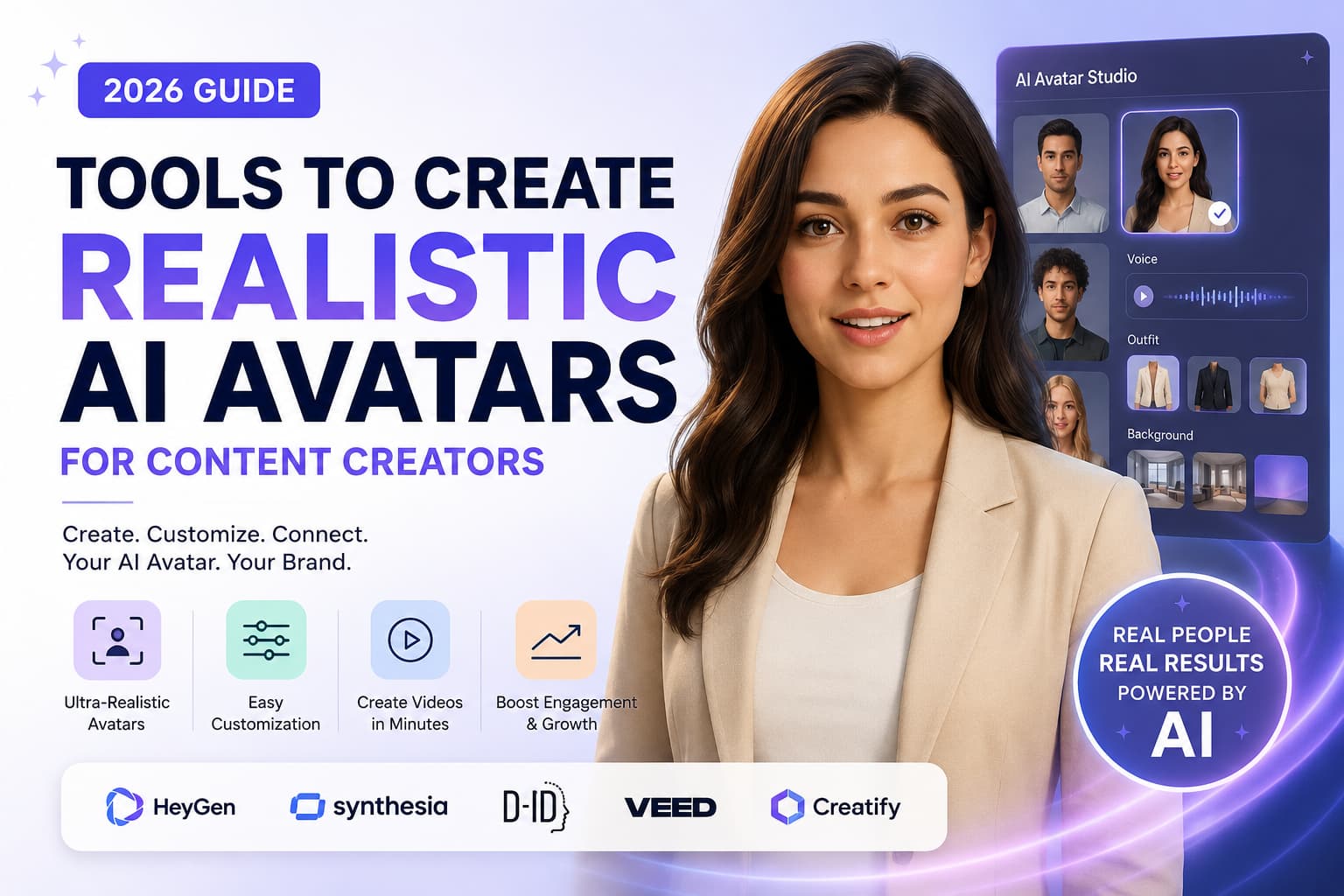
What are the Tools to Create Realistic AI Avatars for Content Creators?
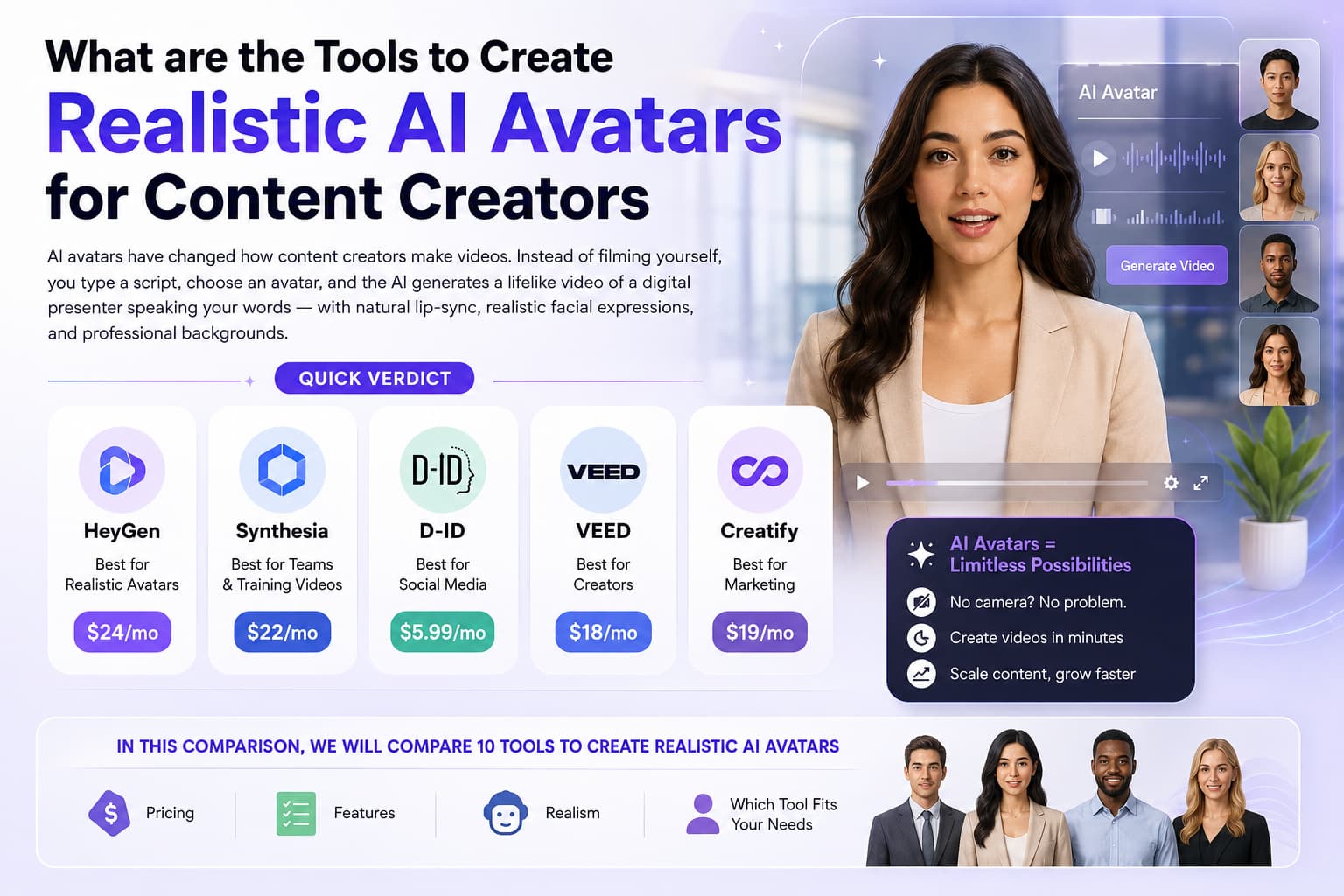
AI avatars have changed how content creators make videos. Instead of filming yourself, you type a script, choose an avatar, and the AI generates a lifelike video of a digital presenter speaking your words — with natural lip-sync, realistic facial expressions, and professional backgrounds.
- HeyGen is the best tool for realistic AI avatars — Avatar IV model produces the most lifelike results, $24/mo.
- Synthesia is best for teams and training videos — 200+ templates, $22/mo.
- D-ID is best for social media — quick avatar videos, $5.99/mo.
- VEED is best for creators — easy editing, $18/mo.
- Creatify is best for marketing — product videos, $19/mo.
In this comparison, we will compare 10 tools to create realistic AI avatars — pricing, features, realism, and which tool fits your needs as a content creator.
How much will AI avatar tools cost in 2026?
Most avatars charge per video minute per month. Some offer generous free trials, while others hide their best features, like cloning your own face or removing watermarks, behind paid tiers.
| Tool | Free Plan | Paid Plan | Realism | Languages | Best For |
| HeyGen | 1 free video | $24/mo | Best for realistic creator content | 40+ | Creator content |
| Synthesia | ❌ | $22/mo | Best (for corporations) | 120+ | Teams, training videos |
| D-ID | 5 min free | $5.99/mo | Good | 30+ | Social media content |
| VEED | 3 videos/mo | $18/mo | Good | 100+ | Creator content |
| Creatify | 3 videos/mo | $19/mo | Awesome | 30+ | Marketing videos |
| Colossyan | 5 min free | $22/mo | Good | 80+ | Corporate videos |
| Hour One | ❌ | Custom | Best (enterprise) | 100+ | Enterprise training |
| Vidnoz | 3 videos/mo | $19.99/mo | Good | 140+ | Budget creators |
| Magic AI | 1 video/mo | $24/mo | Good | 50+ | Fast avatars |
| Luma Dream Machine | 8 videos/mo | $9.99/mo | Best (motion) | ❌ | Realistic human motion |
Rates confirmed July 2026. HeyGen is still the king of raw visual realism, Synthesia has the language catalogue with 120+ voices and D-ID is easiest on your wallet at under six bucks a month.
1. HeyGen – Top Pick for Realistic AI Avatars
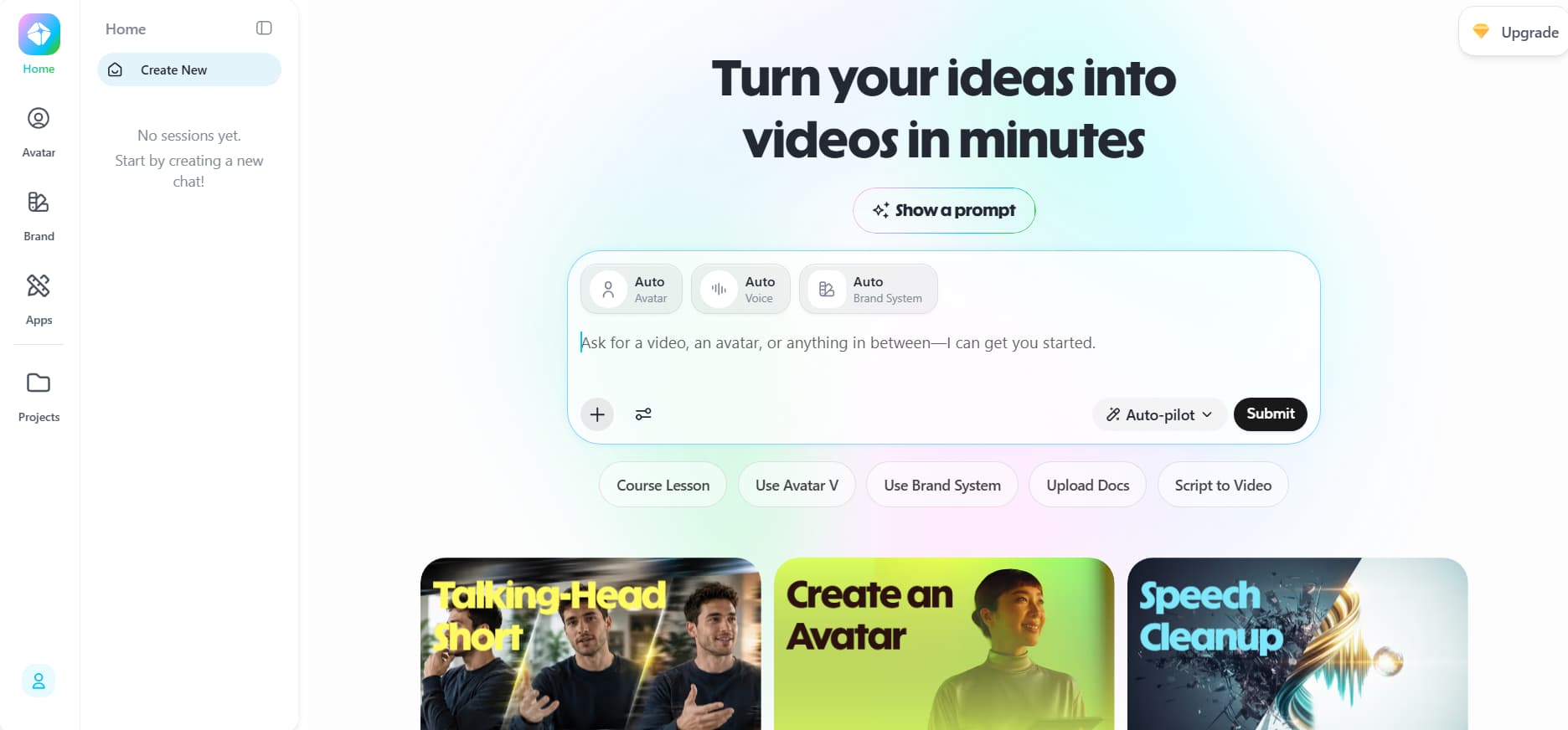
- Price: $24/mo (heygen.com/pricing, verified July 2026)
- Free plan: 1 free video credit
If your worst nightmare is to create a video that looks like an awkward tech demo from the ‘90s, then HeyGen is your tool. Their Avatar IV engine is the closest anyone has ever come to real life. The avatars breathe as people do, make little eye contact, relax their shoulders, match mouth-shapes to tough words, without looking floaty.
The difference maker with HeyGen is the custom avatars. You record yourself talking on your phone for two minutes and upload it and HeyGen makes a digital twin of you. You can now generate videos of “you” reading any script in 40+ languages in your own voice and cadence. It’s a complete game changer for solo creators trying to scale their content output.
Things HeyGen does well:
- Uncanny Realism: The Avatar IV model deals with micro expressions, head tilts and lip movements better than anything else on the market.
- Instant Digital Twins: Clone your own face and voice with a few minutes of casual smartphone footage.
- Voice Cloning & Translation: Let your avatar speak in French, German or Japanese with your natural voice tone.
- Script-to-Video Generator: Paste an idea and HeyGen produces scenes with background graphics, text overlays, and avatar placement.
- Clean Green Screen Exports: Drop your avatar with a transparent background right into your own editing timeline.
HeyGen's Avatar IV model produces the most lifelike digital presenters with natural facial expressions, smooth lip-sync, and professional backgrounds. It costs $24/mo.
HeyGen Cost:
| Plan | Price | Video Limit/Month | What Included |
| Free | $0 | 1 credit total | 720p output, HeyGen watermark, basic stock avatars |
| Creator | $24 per month | 15 credits per month | 1080p Full HD, no watermarks, voice cloning, fast queue |
| Business | $72/mo | 60 credits/mo | 4K video exports, 3 custom avatars, brand kits, API access |
| Enterprise | Custom | Unlimited custom avatars | Studio-grade custom avatars, SSO login, dedicated support |
- Pros: Best-in-class facial realism, painless voice cloning, clean UI, fast exports.
- Cons: The entry plan only gives you 15 minutes of video a month, and the built-in video editor is pretty basic.
2. Best for Teams & Training Synthesia
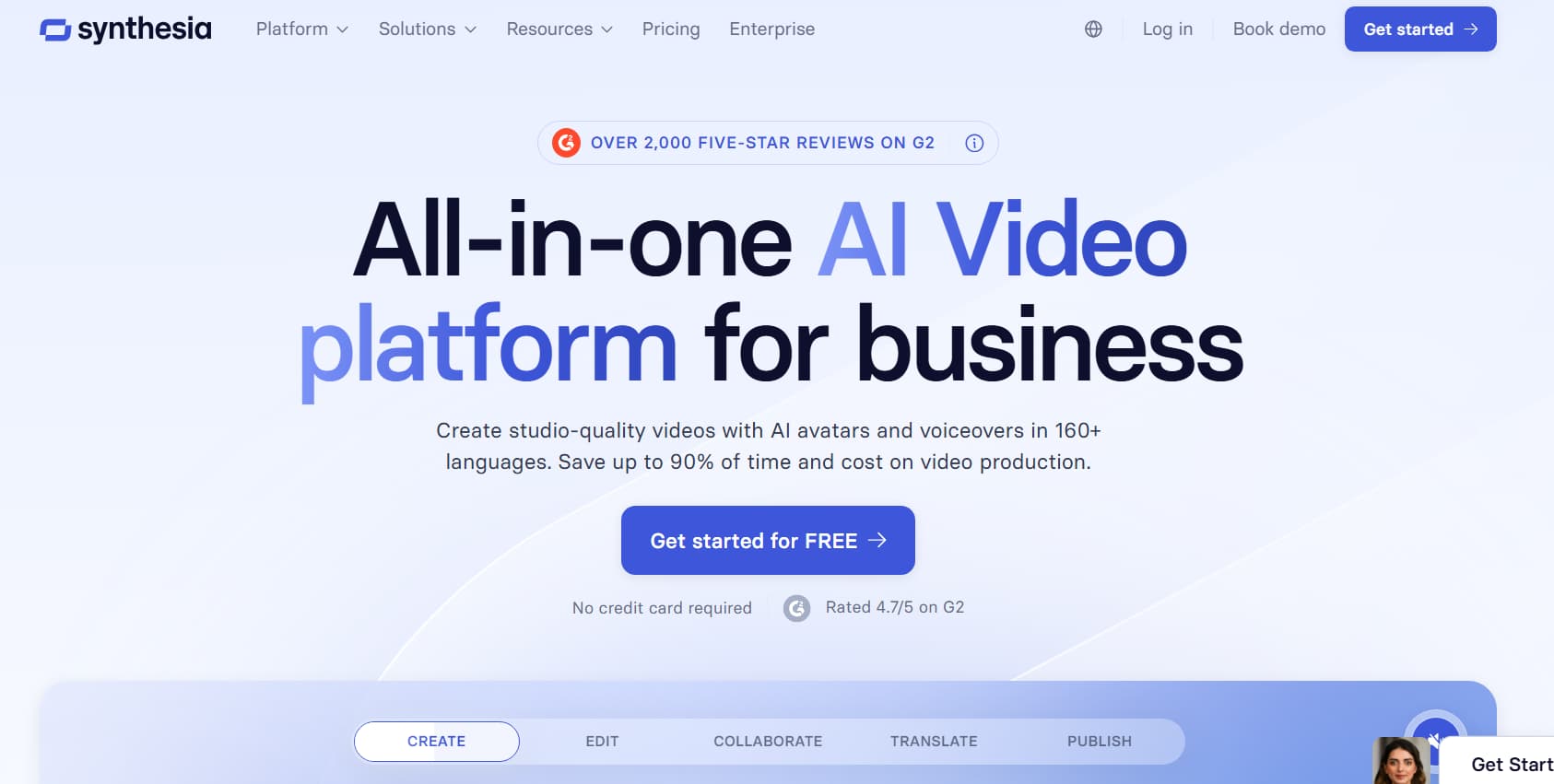
- Price: $22/mo (synthesia.io/pricing, checked July 2026)
- Free plan: ❌ (Demo on site)
Synthesia is the go-to for corporate teams looking to overhaul employee training, customer onboarding and internal memos. “It’s purpose-built for workplace collaboration, so HR and product teams can change a couple lines of text and create a new video in minutes instead of booking studio time every time a company policy changes.”
200+ clean presentation templates, shared team workspaces, and support for 120+ languages and accents. Synthesia also gives you the ability to control your avatar’s body language with simple script tags. You can literally tell your presenter to nod, smile or use hand gestures to emphasise a key point.
Strengths of Synthesia:
- Massive Language Choice: Over 120 languages and distinctive regional accents with precise pronunciation.
- Business Templates Ready-Made: Hundreds of clean layouts for onboarding, compliance, software demos and product updates.
- Team Workspaces: Collaborate in real-time with multiple team members, leave comments, edit video scripts.
- Interactive Gesture Tags: Add tags to your script to make the avatar nod, raise an eyebrow or gesture at the right time.
- Enterprise Grade Security: Full SOC 2 compliance, SSO integration, secure asset management.
Price of Synthesia:
| Plan | Price | Video Limit per Month | What You Get |
| Starter | $22/mo | 10 min/mo | 1080p HD 1 user seat 70+ workplace avatars |
| Creator | $67/month | 30 minutes/month | Custom fonts, audio downloads, 90+ avatars, screen recorder |
| Enterprise | Custom | Unlimited | Custom-trained studio avatars, 4K rendering, full SSO, custom SLA |
- Pros: Fantastic language library, excellent corporate slide templates, collaborative team tools, fine-tuned gesture control.
- Cons: No longer free, big jumps in pricing between plans, presenters feel a little too formal for casual social media.
3. D-ID – Ideal for Social Media Content
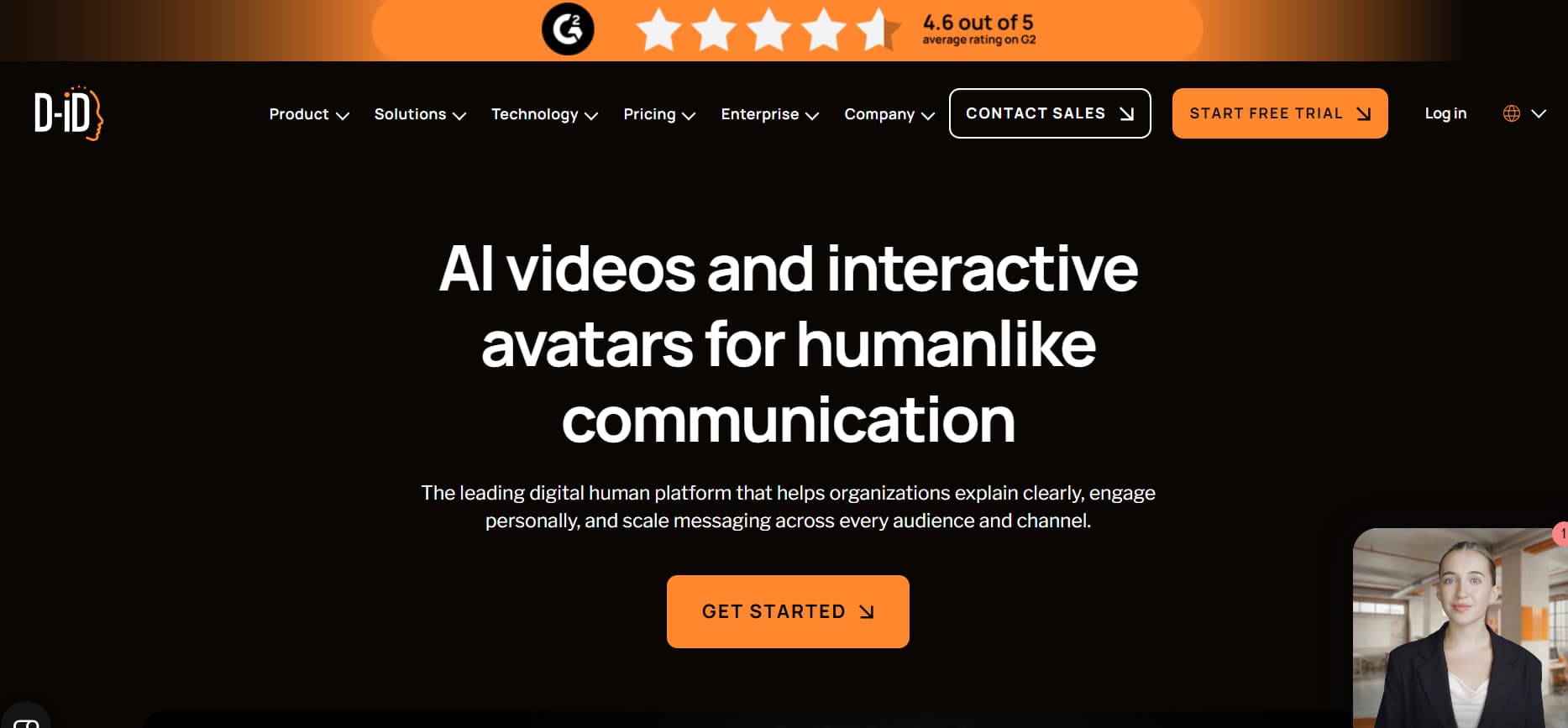
- Price: $5.99/mo (d-id.com/pricing, checked July 2026)
- Free Trial Credit: 5 Minutes
If you don't have a face on your social media channels, or want to do quick meme edits or just want to churn out vertical reels on a budget, D-ID is your best bet. It’s really good at one thing: taking a still image — photo, AI-generated portrait, illustration, cartoon — and animating the face with voice and natural head movement.
D-ID does not try to re-create a full 3D body and rendering times are lightning fast. Just drop in a script, add a lively voice and export a vertical video ready to post in under 2 minutes. It’s the lowest financial barrier to entry in the avatar space at just $5.99 a month to begin.
What D-ID does well:
- Dirt Cheap Pricing: $5.99/mo Lite plan lets you test without spending a tonne of money.
- Blazing Fast Renders: Exports basic talking-head clips in a fraction of the time full-body tools require.
- Animate any 2D image: Make talking videos from Midjourney art, paintings, sketches or real portraits.
- Mobile-first formats: Native 9:16 vertical exports that drop right into TikTok, Reels, and Shorts.
- Conversational Streaming API: Create interactive digital agents and voice bots in real-time for customer service.
D-ID is the cheapest way to create talking head videos — $5.99/mo with a free plan. It animates any still image in under 2 minutes.
D-ID cost:
| Plan | Price | Monthly Video Limit | Includes |
| Free | $0 | 5 minutes (one-time) | Normal quality, prominent D-ID watermark |
| Lite | $5.99/mo | 10 min/mo | 720p HD, small watermark at bottom, default voices |
| Pro | $24/mo | 45 min/mo | 1080p Full HD, commercial use, photo uploads, API access |
| Enterprise | Custom | Custom volume | Streaming API access Dedicated account support |
- Pros: Cheap, makes almost any static image come alive, great for fast short-form production, fast render times.
- Cons: Only head and shoulders (no hand or body gestures), facial movement can appear a little flat, limited background options.
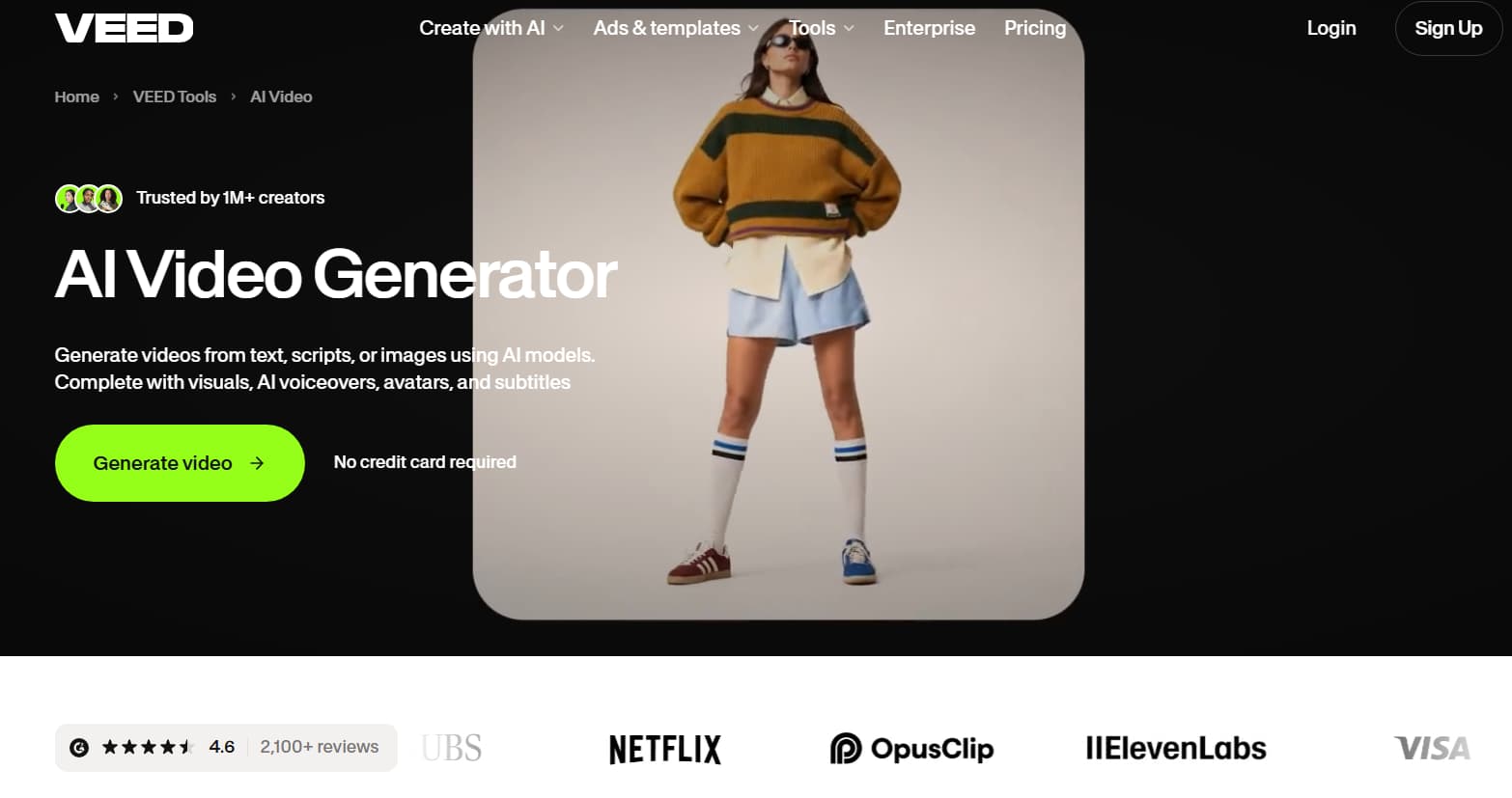
4. VEED - Best for Creators
- Price: $18/mo (veed.io/pricing, checked July 2026)
- Free plan: 3 videos exported/mo (watermark)
Most AI avatar tools require you to export your talking presenter, download the file and drag it into Premiere Pro or CapCut just to add b-roll and subtitles. VEED removes that pain point by placing an avatar generator directly into a full-featured, web-based video editor.
This is a dream come true for solo creators who want a smooth, unified workflow.” You can choose an avatar, drag it into your video timeline, auto-generate styled animated subtitles (think viral TikTok caption styles), add some stock b-roll, slap on background music with auto-ducking, and export the whole project without ever leaving your browser tab.
What VEED does well:
- All-in-One Browser Editor: Complete multi-track timeline with layers for video, text, music and sound effects.
- Auto-Captions (Dynamic): auto-transcribes speech and styles it with viral, animated caption presets, in seconds.
- Millions of stock video clips, sound effects, stickers and music tracks included stock library.
- Audio fixes that help: One-click tools to clean up background noise, remove awkward pauses, and fix eye contact.
- Fast Video Resizing: Change aspect ratios from horizontal, square and vertical with one click.
VEED Pricing & Plans:
| Plan | Price | Monthly Video Limit | What You Get |
| Free | $0 | 3 exports/mo | 720p resolution, VEED watermark, 10 min subtitle limit |
| Basic | $18/mo | 10 min avatar/mo | 1080p Full HD No watermark 25-minute export cap Stock access |
| Pro | $30/month | 30 min of avatar per month | 4K exports, brand kits, auto-subtitles in 50+ languages |
| Business | $70/mo | 100 min avatar/mo | Custom avatar creation, 4K render, team workspace |
- Pros: No need for a separate editing software, best auto-captions in the business, great stock media library.
- Pros: Better realistic avatars than HeyGen, clone custom face, heavy projects can lag in browser.
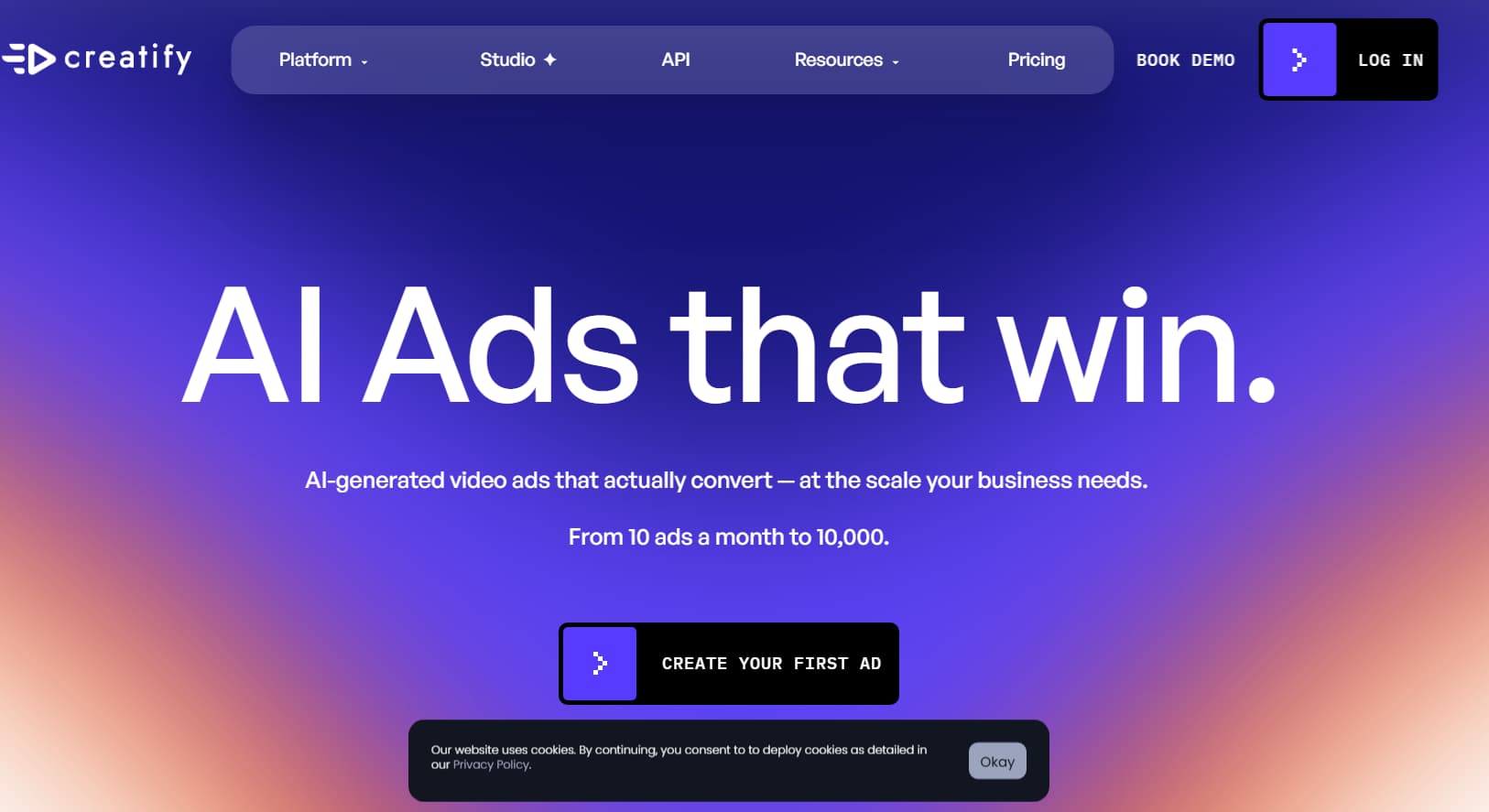
5. Creatify – Ideal for Marketing Videos
- Price: $19/mo (creatify.ai/pricing, checked Jul 2026)
- Free plan: 3 preview credits/month
Creatify is built for your workflow if you sell physical products on Shopify, Amazon, or TikTok Shop. This is not your run-of-the-mill corporate boilerplate. It's about high-energy, user-generated material (UGC) style video ads that are designed to stop people from scrolling past your product.
URL-to-video is the killer feature here. Simply paste the link to your product page and Creatify will automatically scrape your product images, customer reviews and selling points. It then creates an ad, matches it with an avatar acting like a real customer unboxing or reviewing the product, adds discount badges and text overlays, and produces multiple ad variations ready to test on Meta and TikTok.
What is Creatify good at?
- Instant URL-to-Ad Scraping: Scrapes photos, text, and reviews directly from your product link to create video ads automatically.
- UGC-Style Aurora Model: Showcases avatars holding products in a casual, selfie-style format that resembles real social media reviews.
- Rapid A/B Variant Testing: Generate dozens of hook and script variations with one click to test what converts best.
- Built-in Marketing Assets: Simple overlays for discount codes, call-to-action buttons, star ratings, and review cards.
- Optimised for ad formats: Native vertical and square exports optimised for TikTok Spark Ads and Instagram feed placements.
Creatify pricing plans are:
| Plan | Price | Monthly Credit Limit | What You Get |
| Free | $0 | 3 total exports | Standard definition, Creatify watermark, basic product scrape |
| Starter | $19/mo | 40 credits/mo | 1080p HD no watermarks, all Aurora UGC avatar library |
| Pro | $49/mo | 120 credits/mo | Fast rendering queue, 4K video exports, custom brand kit assets |
- Pros: Saves e-commerce marketers huge time Realistic UGC selfie-style presenters Automated product page scraping
- Cons: Not designed for general storytelling or long tutorials, limited language options, limited timeline customisation.
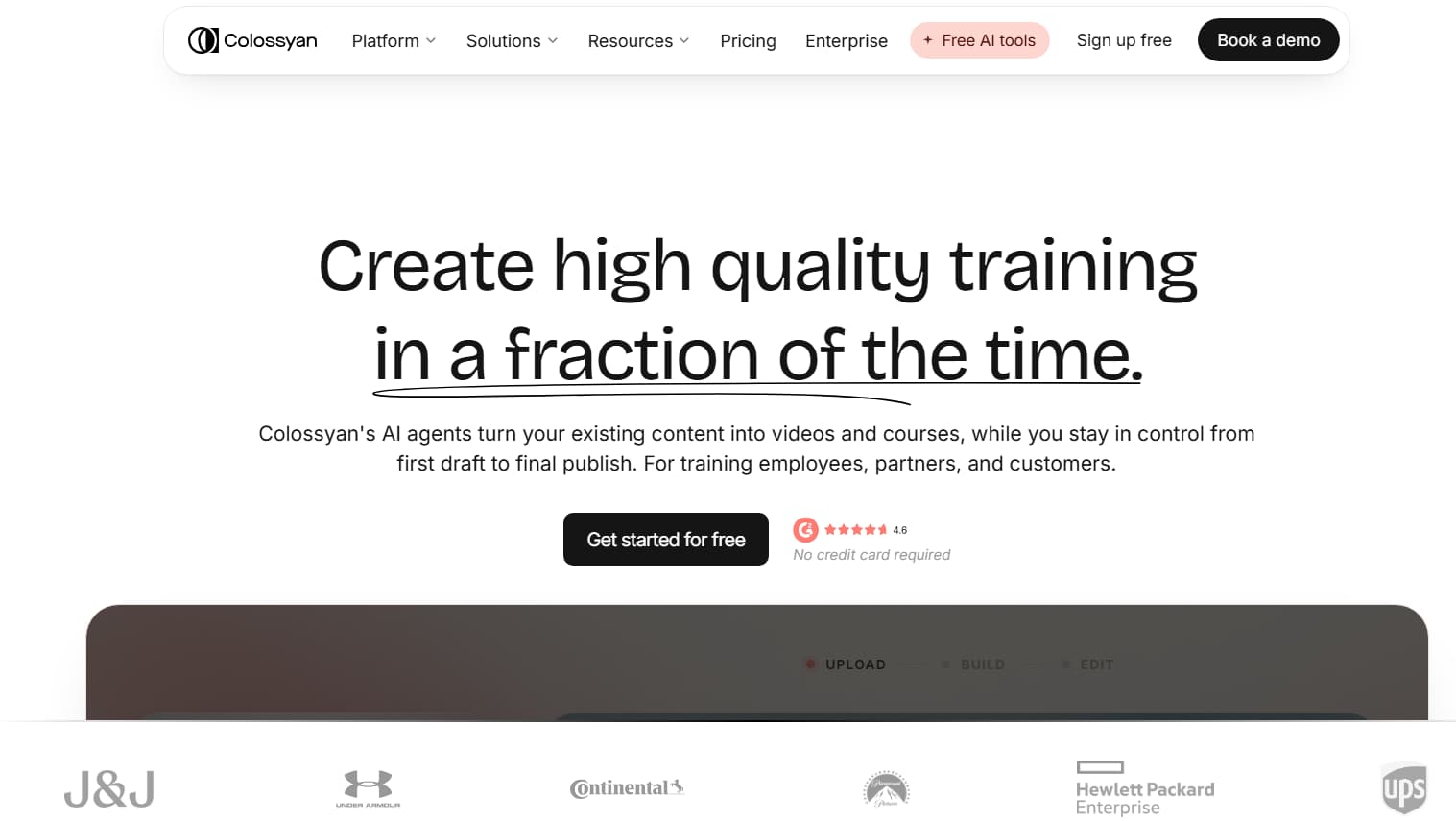
6. Colossyan — Great for Corporate Videos
- Price: $22/mo (colossyan.com/pricing, checked July 2026)
- Free plan: 5 min trial
Colossyan is a major player in the learning and development (L&D) space. And the best part? That’s why HR departments love it so much. It’s good for multiple avatars in the same scene. Create 2 digital presenters and have a realistic dialogue. Great for role playing customer service conversations, manager-employee reviews, or workplace safety scenarios.
It also integrates easily with Learning Management Systems (LMS) through SCORM compliant file exports. The tool itself allows you to build interactive branching scenarios, where employees can answer multiple-choice questions on screen and see the avatars respond according to their choices.
What Colossyan gets right:
- Multi-Avatar Conversations: Add two or more presenters in one frame to show conversation and roleplay situations.
- LMS & SCORM Exports: Package videos directly for corporate learning portals, with built-in viewer tracking and quizzes.
- Document-to-Video Conversion: Upload internal PDFs, slide decks or Word docs and let the AI draft a video lesson.
- One-Click Translation: Translate whole video modules into 80+ languages with automated lip-sync adjustments.
- Enterprise Custom Avatars: Train digital clones to wear corporate attire, scrubs, or business casual.
Colossyan pricing:
| Plan | Price | Monthly Video Limit | What You Get |
| Free Trial | $0 | Total 5 Minutes | Watermarked exports, standard workplace avatars |
| Pro | $22/mo | 30 min/mo | 1080p Full HD, watermark-free, multi-avatar staging, auto-translations |
| Custom | Custom volume | Custom | SCORM compliant custom voice clones SAML/SSO security Enterprise |
- Pros: Talk multiple avatars at once, interactive SCORM exports, awesome document to video workflow.
- Cons: The slide-based editor can feel restrictive if you want creative video cuts, and there’s no permanent free plan.
7. Hour One — Top for Enterprise
- Pricing: Custom enterprise pricing (hourone.ai, verified July 2026)
- Free plan: ❌ (Guided demo on demand)
Hour One is not for individual YouTubers. It’s for giant corporations, newsrooms and financial institutions that need to churn out hundreds of broadcast-quality videos automatically. It’s a virtual TV studio, powered entirely by code and data feeds.
Hour One sets itself apart through an API-first approach and high-end 3D virtual sets. Hook it up to a live database or CMS. Whenever your data changes, whether it’s morning stock data, real estate listings, or breaking news feeds, Hour One can automatically create professional videos with dynamic camera angles and studio lighting with no human effort.
What Hour One gets right:
- Broadcast Quality 3D Sets: Virtual newsrooms and executive briefing stages with realistic depth, lighting and camera pans
- Automated Data Integration: Connect real-time databases to convert real-time numbers, articles and updates into daily video broadcasts.
- Studio-Calibrated Clones: Custom avatars filmed in professional 3D camera environments for unparalleled detail.
- Built-in Enterprise Security: Full data isolation, SOC 2 compliant, and complete audit logs.
- Hands-on Support: Guarantyd uptime SLAs, custom workflow design and dedicated onboarding engineers.
Hour One price:
| Plan | Price | What You'll Receive |
| Enterprise | Custom Quote | Unlimited automated rendering Custom 3D studio environments Proprietary avatar training 24/7 technical support |
- Pros: Looks like real broadcast TV, powerful API automation, corporate compliance best in class.
- Cons: No public pricing for self-serve, not accessible to individual creators or small businesses, requires setup time.
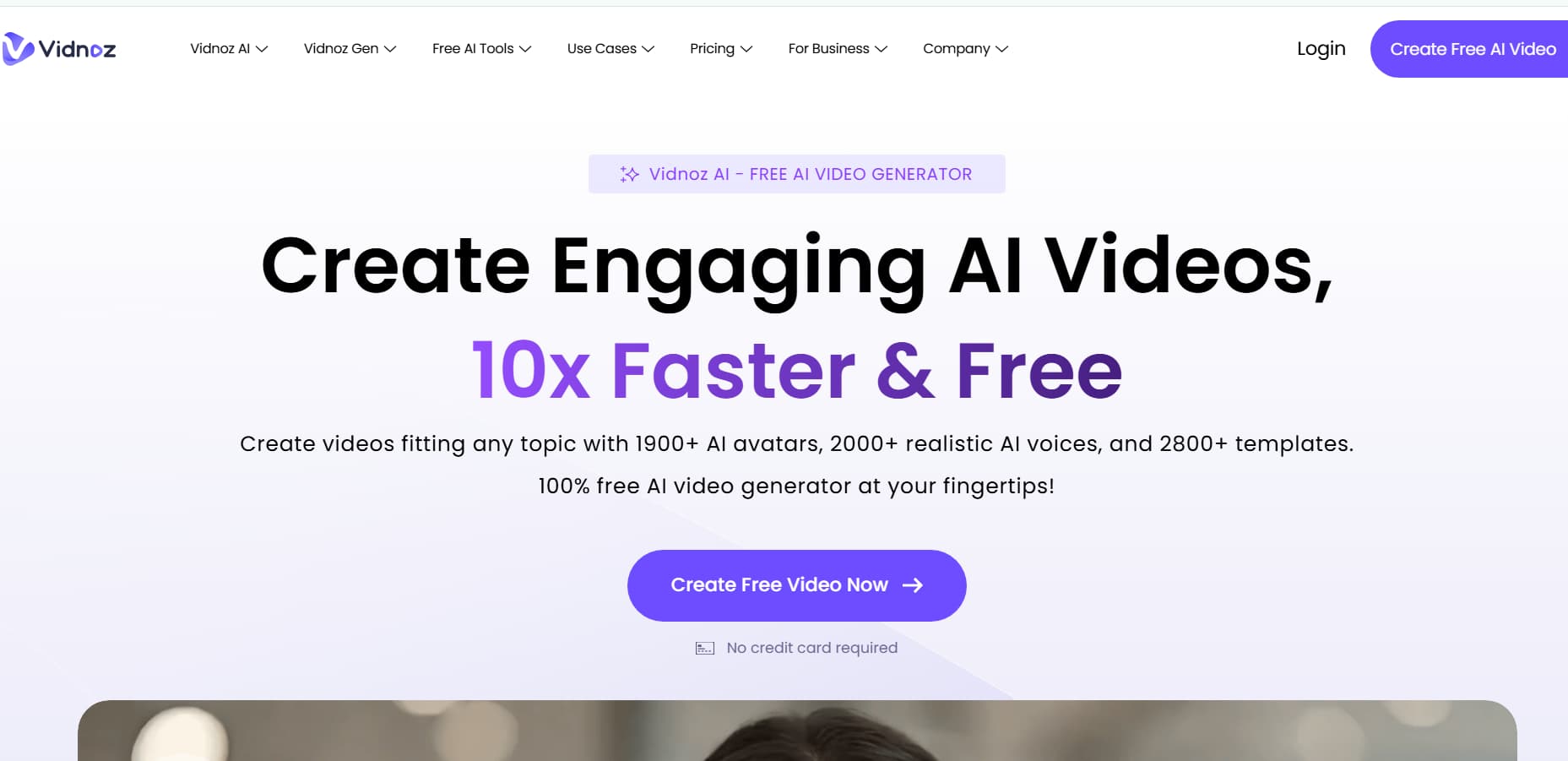
8. Vidnoz — Best Budget Option
- Price: $19.99/mo (vidnoz.com/pricing, checked July 2026)
- Free plan: 3 minutes free per day
If you're on a shoestring budget and want to experiment without immediately hitting a paywall, Vidnoz is by far your best bet. Most platforms will cut you off after a one-time trial. Vidnoz gives you 3 free minutes of generation every single day. Plenty of room to test out scripts and build a daily posting habit.
The platform has over 400 preset avatars available, including various age groups, ethnicities and outfits (doctors, fitness coaches, office workers, etc.). It also features a huge library of 140+ languages and offers useful extra tools such as face-swapping, photo animation and background removal right out of the box.
What Vidnoz does right:
- Daily Free Credits: You receive 3 free minutes every day to test concepts and create short clips.
- Massive Avatar Roster: Over 400 ready-to-go digital presenters, spanning almost every industry uniform and aesthetic.
- Rich language support: Over 140 international languages and local accents, with strong natural inflection.
- Generous Paid Tiers: More video minutes per dollar than almost any other dedicated avatar platform.
- All-in-One AI Toolbox: Face swapping, talking photos, voice cloning and AI script writing built-in
Price of Vidnoz:
| Plan | Price | Monthly Video Limit | What You Receive |
| Free | $0 | 3 min/day | 720p HD, Vidnoz watermark, 100+ standard avatars access |
| Business | $19.99/mo | 15 min/mo | 1080p Full HD no watermark commercial use full avatar library |
| Enterprise | $79.99/mo | 60 min/mo | 4K video exports, custom avatar creation, priority rendering queue |
- Pros: Generous daily limits on free tier, huge library of avatars and languages, very affordable paid plans.
- Cons: Lip-sync accuracy and subtle expressions are not as refined as HeyGen, built-in editor is a bit rudimentary.
9. Magic AI – Best for fast avatars
- Cost: $24/month (magicai.com, verified July 2026)
- Free plan: 1 video per month
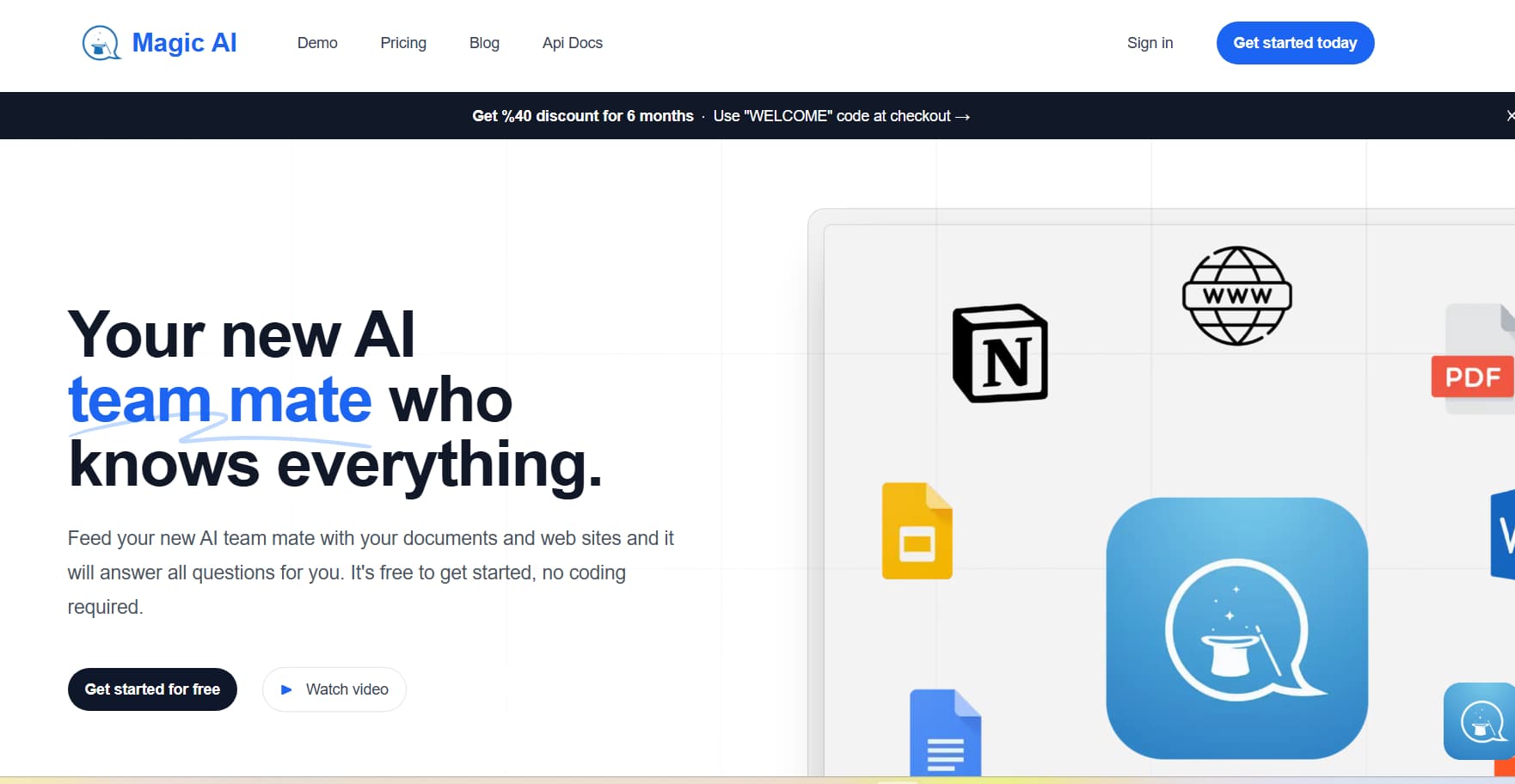
Magic AI is for anyone who hates complicated interfaces and just wants to get a video out the door. Upload an image, type in what you want it to say and click generate. It’s only three simple steps but the true magic of Magic AI is the variety of different art visual styles.
Besides realistic human avatars, you can create cartoon talking characters, 3D animated characters and anime style presenters. If you’re running niche gaming channels, kids’ content, or stylised social accounts, Magic AI is a fun, playful alternative to the standard talking-head tools.
What Magic AI gets right:
- Dead-simple three step workflow that takes less than a minute to figure out . No Learning Curve .
- Fast Photo-to-Speech: Speedily converts static profile pictures and character art into talking presenters.
- Fun Character Styles: effortlessly switch between realistic humans, 3D animated characters and anime avatars.
- Built-in Writing Assistant: Integrated script generator that composes or polishes your talking points in real time.
- Good Voice Selection: 50+ languages and good natural sounding voice profiles.
Magic AI prices:
| Plan | Price | Monthly Video Limit | What You Get |
| Free | $0 | 1 video/mo | 720p resolution, watermark, basic avatar styles |
| Pro | $24/mo | 20 videos/mo | Full HD 1080p, no watermarks, full creative character styles |
| Enterprise | Custom | Custom volume | Full API access, custom stylised avatar creation, priority processing |
- Pros: Fast, good selection of animated and anime styles, fast generation times, beginner friendly
- Cons: Lacks advanced video editing features, struggles with complex vocabulary for lip-sync, limited background options.
10. Luma Dream Machine – Best for Realistic Motion
- Price: $9.99/mo (lumalabs.ai/pricing, verified 07/2026)
- Free plan: 8 video generations/month
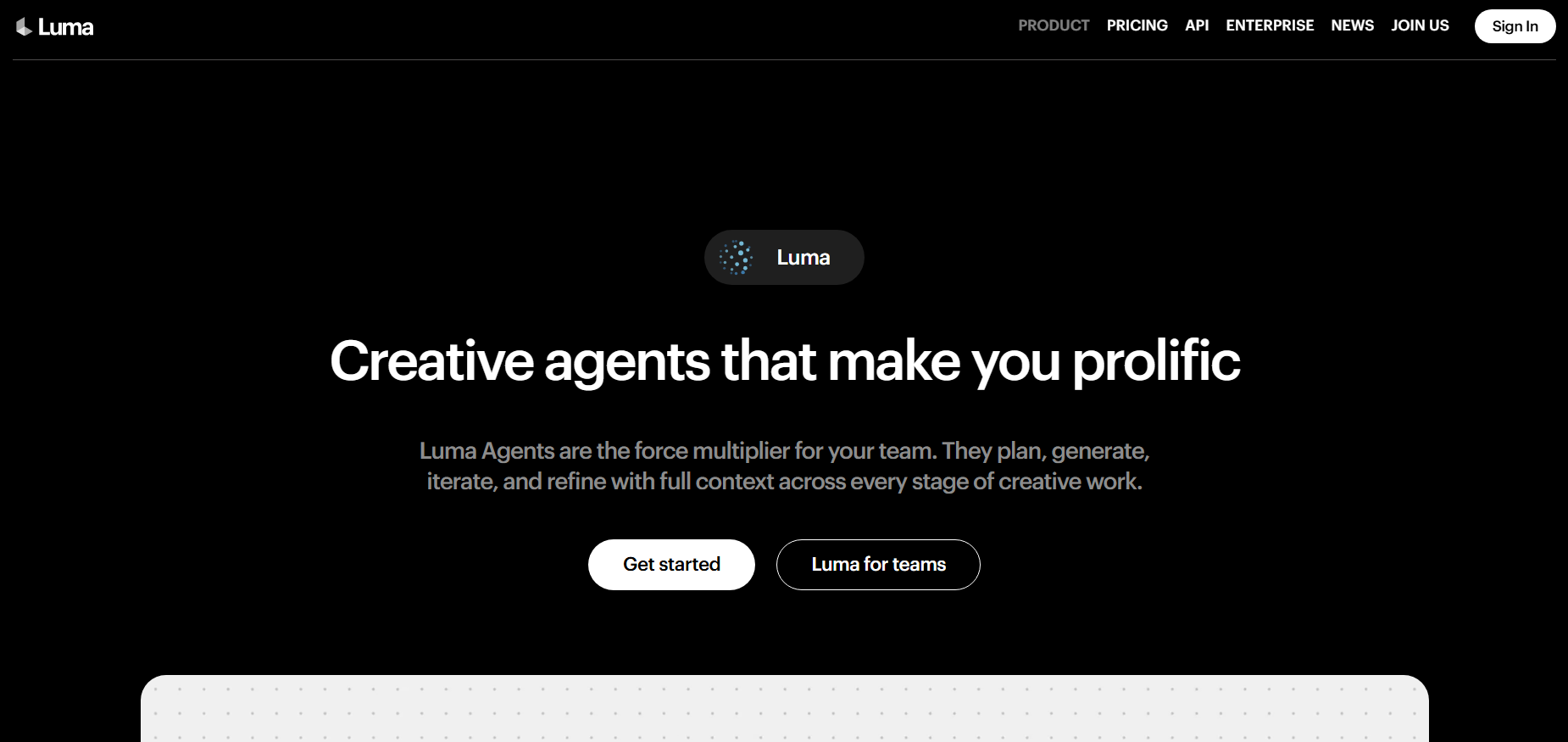
Luma Dream Machine is not your run-of-the-mill talking head avatar tool with text to speech sync. It’s a premium generative video engine that solves the #1 problem with AI presenters: realistic, dynamic full-body movement and physical interactions.
Dream Machine is the tool creators use to generate those shots if you want a character walking down a crowded city street, picking up an object, or gesturing with smooth cinematic physics. It works perfectly in hybrid production pipelines—you can generate dynamic b-roll and action shots in Luma, and then cut back to a lip-synced talking head from HeyGen or D-ID to deliver the dialogue.
What Luma does well:
- Fluid Body Physics: Deals with natural human movement, walking, turning, and fabric physics with remarkable realism.
- Text & Image Ingestion: Generate new scenes from text descriptions or bring existing photos and concept art to life.
- Cinematic Camera Work: Dynamic tracking shots, drone sweeps and fluid focus pulls in depth of field.
- Fast Iteration: Creates short high-quality video clips within a few minutes.
- Affordable Entry Tier: Create cinematic b-roll for your projects at an accessible price with the $9.99/mo plan.
Luma Pricing
| Plan | Price | Monthly Generation Limit | What You’ll Get |
| Free | $0 | 8 clips per month | Standard queue, standard resolution, personal use only |
| Standard | $9.99/mo | 30 clips/mo | HD resolution, commercial rights, priority queue |
| Pro | $29.99/mo | 120 clips/mo | 4K upscaling support, fastest server rendering |
- Pros: Best full body human motion, beautiful cinematic lighting, versatile text and image generation.
- The Bad: Not a speech-specific tool (no lip-syncing built-in), needs an external editing program to combine with voice-overs.
What features can AI avatar tools offer?
You can see a side-by-side comparison of these platforms for realism, languages supported, custom clone availability and starting price, below.
| Tool | Free Option | Realism | Languages | Custom Digital Twin | Starting Price |
| HeyGen | 1 credit | Photorealistic (10/10) | 40+ | ✅ | $24/month |
| Synthesia | ❌ | Corporate Clean (9/10) | 120+ | ✅ | $22/mo |
| D-ID | 5 min trial | Expressive 2D (7.5/10) | 30+ | ✅ | $5.99/mo |
| VEED | 3 vids/mo | Standard (7/10) | 100+ | ❌ | $18/month |
| Creatify | 3 credits | UGC Social (8.5/10) | 30+ | ❌ | $19/mo |
| Colossyan | 5 min trial | Corporate Pro (8.5/10) | 80+ | ✅ | $22/mo |
| Hour One | ❌ | Broadcast (9.5/10) | 100+ | ✅ | Custom Quote |
| Vidnoz | 3 min/day | Standard (7/10) | 140+ | ✅ | $19.99 / month |
| Magic AI | 1 vid/mo | Stylized/Artistic (7/10) | 50+ | ❌ | $24/mo |
| Luma Dream Machine | 8 videos/month | Cinematic Motion (9.5/10) | ❌ | ❌ | $9.99/month |
Data checked July 2026. HeyGen wins on the facial realism front, Synthesia is the go-to for enterprise localisation and D-ID is the cheapest way in for short-form creators.
Pros & Cons of AI Avatar Tools – Summary
| Tool | What’s Good | What’s Frustrating |
| HeyGen | Amazing realism, natural eye contact, great digital clone creation. | $24/mo gets you 15 min of video only. Basic built in editor. |
| Synthesia | Great slide layouts, team workflows, massive language library (120+). | No free plan Presenters look and feel a little too corporate for social feeds. |
| D-ID | Low cost ($5.99/mo), very fast renders, animates any still image. | Head and shoulders only. Facial movement can appear flat over long takes. |
| VEED | Full browser editor, excellent auto subtitles, millions of stock assets. | HeyGen doesn’t do avatars well, either. Custom twins are tied to higher tiers. |
| Creatify | Turn product URLs into ads in seconds with real UGC-style actors. | Built specifically for e-commerce ads; not designed for long-form educational content. |
| Colossyan | Multi-avatar conversations in one take, LMS/SCORM exports for corporate trainings | The slide-based format makes creative video editing clunky, and there’s no free plan. |
| Hour One | Broadcast-quality 3D virtual studios, automated programmatic video production. | Enterprise pricing only. Totally out of reach for solo creators. |
| Vidnoz | Huge avatar library (400+), 3 free mins daily, cheap paid plans | Basic timeline editor. Lip movements can be a little bit off with complex words. |
| Magic AI | Quick creation with fun cartoon & anime avatars, easy 3-step setup. | Simple background templates, few post production controls. |
| Luma Dream Machine | Full-body fluid physics, dynamic camera movement, cinematic lighting. | No native text to speech. No lip sync. Needs extra editing work. |
How to Choose the Best AI Avatar Tool?
You don’t need the most expensive tool on the list, you need the one that fits what you’re actually trying to make:
- Short-form Reels, Shorts, and TikToks: If you want to make talking heads from static images for cheap, D-ID ($5.99/mo) is the way to go, or if you’re selling products and want real UGC-style video ads, Creatify ($19/mo) is what you need.
- YouTube Long-Form & Personal Branding: HeyGen ($24/mo) Avatar IV engine & personal voice cloning realism will keep viewers from clicking away.
- Company Onboarding, Compliance & HR: Opt for Synthesia ($22/mo) if you want the largest language library and slide decks, or Colossyan ($22/mo) if you want multiple presenters roleplaying workplace conversations.
- All-in-One Creation & Quick Subtitles: Choose VEED ($18/mo) to handle avatar creation, dynamic auto-captions and stock b-roll all in one browser tab.
- Automated Broadcast Production: Try Hour One (Custom) If your business has live data feeds that need automated video reports.
- Zero Budget / Learning the Ropes: Vidnoz (Free / $19.99/mo) Make the most of its daily free credits and extensive avatar roster.
- Cinematic B-Roll & Movement: Create action shots, walking scenes and dynamic camera angles to cut between your talking-head clips with Luma Dream Machine ($9.99/mo).
How to make your first AI Avatar video?
Step 1: Select Your Instrument
Match your instrument to your goal. Open D-ID for a quick short form video on budget. If you want high end realism or want to clone your own face, go for HeyGen If you’re building out a company training module in multiple languages, sign up for Synthesia.
Step 2: Create Your Avatar
- Stock Avatar: Search the available library and select a presenter that fits your brand tone, age demographics and outfit preference.
- Bring a Photo to Life: If you are using D-ID or Magic AI, upload a clear well-lit front-facing portrait.
- Create a Digital Twin: For HeyGen, record a short (2 min) video of yourself talking naturally into your camera in good lighting and then
Step 3: Write and Polish Your Script
- Avoid too much formal corporate jargon – shorter sentences sound much more natural when read by synthetic voices.
- Keep it under 60 seconds (about 120-150 words) for TikTok, Reels, and Shorts.
- In the first 3 seconds, grab the viewer’s attention with a bold assertion or a direct question.
- If the AI mispronounces a word or brand name, write it out phonetically in the text box (e.g., write “lay-tek” instead of “LaTeX”).
Step 4: Build Your Video
- Paste your script in the platform editor.
- Pick a voice profile and adjust the speaking speed, pitch and tone to fit the mood.
- Pick a clean studio background by uploading a custom background image or choosing a transparent layer.
- Click Generate and let the cloud servers render the final video for a few minutes.
Step 5: Refine and Export
- Watch the export all the way through to make sure the lip-sync and pauses feel natural.
- Add bold animated subtitles (auto-generated from VEED, or imported from other tools).
- Add some quiet background music and subtle sound effects to tie the edit together.
- Export at 9:16 for vertical mobile feeds or 16:9 for YouTube and desktop, and hit publish.
How We Evaluated These AI Avatar Tools
We tested 10 AI avatar platforms using five practical criteria that actually matter when you’re trying to make a video:
- Realism We looked closely at facial expressions, lip-sync accuracy, and how natural the movement felt. HeyGen came out on top for pure photorealism. Synthesia scored highest for clean, corporate polish.
- Pricing We checked every tool’s pricing page directly. Free plan limits, monthly costs, and enterprise tiers were all confirmed as of July 2026 — no guesswork.
- Language support We counted the available languages and accents. HeyGen offers 40+, Synthesia has 120+, and Vidnoz leads with 140+.
- Ease of setup We timed how long it took to go from signing up to exporting the first video. D-ID got us there in under two minutes. HeyGen took about five.
- Use case fit We matched each tool to the type of creator it actually serves best — social media, corporate training, marketing, enterprise, or casual use.
We didn’t rank these tools by feature lists or marketing claims. We ranked them by what works when you sit down and try to make a real video.
What are the best AI avatar tools according to redditors?
From the creator's own real-world experience using these tools on subreddits like r/contentcreation, r/artificial, and r/YouTubers, there's a common theme day in and day out:
- HeyGen is the gold standard of realism on Reddit. As r/YouTubers creators often point out, the Avatar IV model finally fixed the creepy blank stares of older tools. The main problem is that the monthly credit limits for the Creator plan are used up too quickly.
- D-ID is the community favourite on r/socialmedia for budget automation and faceless niche channel. Users love the $5.99/mo plan because of the fast turnaround time, but they are upfront that it is headshots only, no dynamic body motion.
- Synthesia is the #1 most recommended on r/instructionaldesign for corporate training. Instructional designers love it, there are 120+ language options and reliable slide templates. But there is no free tier, which means solo creators often struggle to try it out.
- VEED is a popular choice for solo creators who just don’t want to be juggling multiple software subscriptions. Reddit users say they love being able to upload an avatar to a canvas and get viral-style captions on the fly, no need for Premiere Pro.
Reddit consensus: HeyGen for best visuals, D-ID for budget-conscious, Synthesia for workplace training
Start Making AI Avatar Videos Today
AI avatar tools are no longer a novelty. These are practical, reliable production tools that save creators dozens of hours a week, get rid of filming fatigue and make it easy to translate your message for an international audience.
- For inexpensive quick social content: Fire up D-ID ($5.99/mo) to animate photos and character art for quick Reels and TikTok.
- For awesome realism and personal clones: HeyGen ($24/mo) Make videos of talking heads that look like real people.
- Team Projects and Multi-language Training: Go with Synthesia ($22/mo) for 120+ languages and hundreds of corporate slide templates.
About the Author
Aravindh Kumar is an ecommerce and Instagram growth expert with 8+ years of experience in online selling. He has worked with 500+ brands — including Forbes-listed companies - He has helped 200+ Instagram businesses grow their online presence.