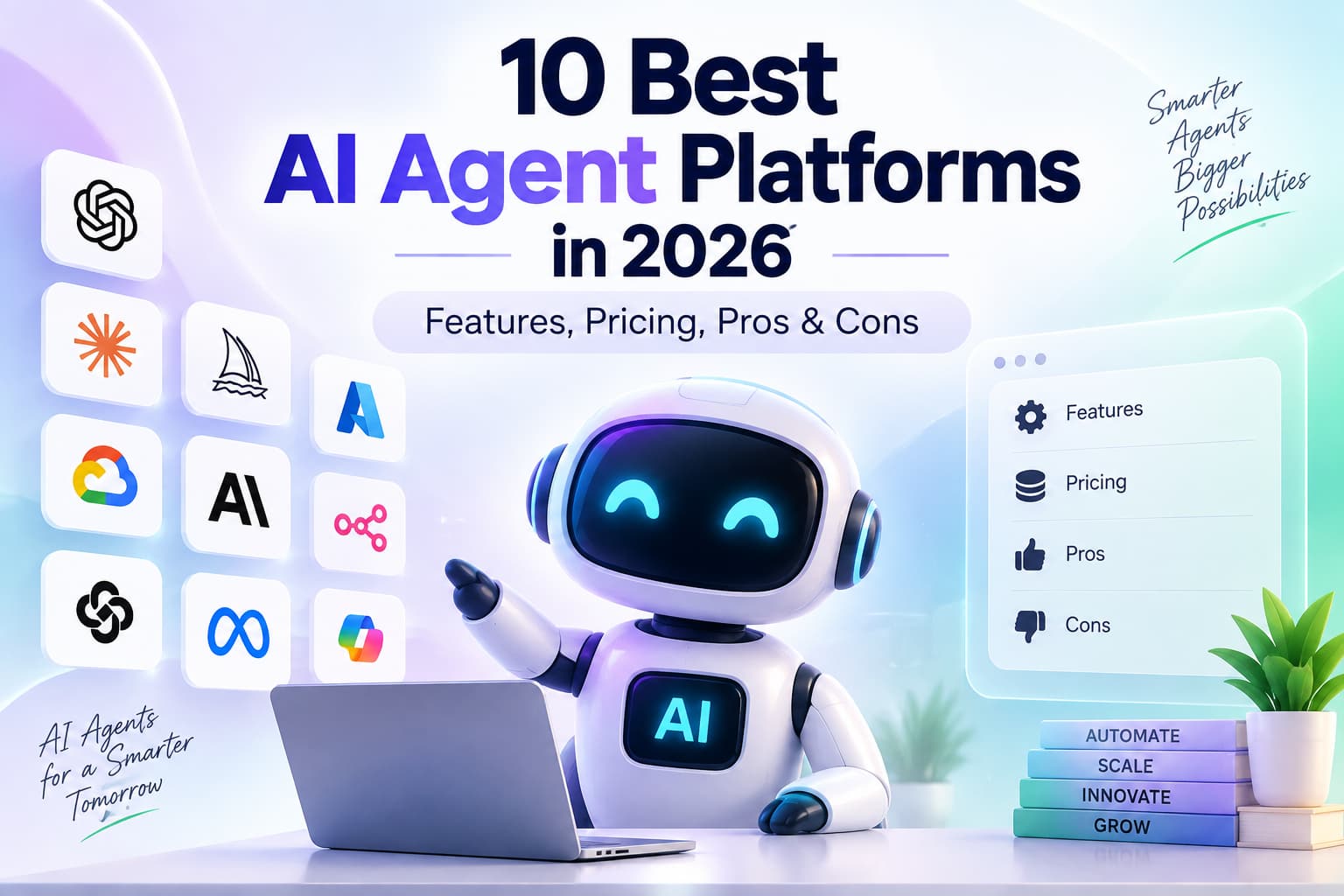
AI agent platforms have moved from experimental demos to production systems that plan, use tools, maintain memory, and complete multi-step work with limited supervision. In 2026 the category is no longer just “chatbots with tools.” The platforms that matter combine orchestration, tool use, governance, observability, and practical deployment options.
This guide ranks the 10 best AI agent platforms available in 2026. It covers code-first frameworks, no-code visual builders, and enterprise-native solutions. Every entry includes current features, pricing signals, honest pros and cons, governance notes where they matter, and clear guidance on who each platform serves best.
The goal is simple: help teams choose the right platform without wading through vendor-biased listicles.
How We Evaluated the Platforms
We scored platforms on six weighted criteria that reflect real production use rather than marketing claims:
- Autonomy and multi-step reliability
- Integration depth and tool use
- Governance, security, audit trails, and human-in-the-loop controls
- Ease of use for the intended audience (developers vs non-technical teams)
- Observability and production readiness
- Pricing transparency and total cost of ownership
We also examined open-source options versus fully managed SaaS, self-hosting capability, multi-agent orchestration patterns, and support for standards such as the Model Context Protocol (MCP) where available. Pricing reflects publicly available information as of mid-to-late 2026 and should always be verified on vendor sites, as credit models and seat pricing change frequently.
Many comparison articles rank their own product first, publish incomplete pricing, or skip governance and total-cost analysis. This guide separates code-first frameworks, visual builders, and enterprise-native platforms, and it treats stack fit and control as first-class criteria.
Two questions to answer before you shortlist
Start here if you already know your stack or your compliance bar.
Which platform should I use if I already run Salesforce, Microsoft 365, or need self-hosted control?
Match the system of record, not the demo. Use Salesforce Agentforce if Salesforce is the system of record. Use Microsoft Copilot Studio if the work lives in Microsoft 365, Teams, or Dynamics. Use self-hosted n8n + LangGraph if legal needs data residency and human approval on writes. Use CrewAI to stand up a role-based crew quickly, then move irreversible actions onto LangGraph or a CRM-native agent.
| If this is true | Use | Do not use first |
| Cases, Orders, and Service Cloud already hold the customer | Agentforce (Einstein Trust Layer + user field-level security) | A generic no-code agent that re-integrates CRM |
| Users live in Teams / SharePoint / Outlook / Entra ID | Copilot Studio (Entra Agent IDs + Purview audit) | A tool that cannot inherit Conditional Access |
| Data cannot leave our VPC or a named EU region | n8n self-host + LangGraph checkpoints | Lindy, Gumloop, Relevance AI |
| We need a Researcher + Writer + Editor crew this week | CrewAI (or Relevance AI if there are no engineers) | LangGraph as the first prototype |
| A refund, reserve, or medical route must pause for a human | LangGraph interrupt (approve / edit / reject) | Any platform that only logs after the write |
Last verified against public vendor documentation, September 2026.
What governance should an enterprise require before production?
Do not accept “enterprise-grade security” as an answer. Require four named controls:
- Agent identity / RBAC tied to SSO, not a shared API key
- An audit log of who invoked which tool on which record, including masked prompts
- A human-in-the-loop gate on irreversible actions
- A written data-residency answer: Hyperforce region, Power Platform geography, or self-hosted VPC
Then map certifications (SOC 2, HIPAA, ISO 27001) to the runtime you will actually use. If a vendor cannot name the control — Einstein Trust Layer, Entra Agent ID, LangGraph interrupt, n8n log streaming — treat governance as incomplete.
Those four controls still apply when the agent writes into a social inbox. Unofficial scrapers fail the identity and audit test. For Instagram and Messenger, require OAuth through the official Graph API, send-window limits, and an attributable integration — not a shared password. How official Meta Graph API automation works.
Quick Comparison Table
| Platform | Type | Starting Price (approx.) | Best For | Open Source / Self-Host |
| LangGraph | Code-first framework | Free + LangSmith from $39/seat | Production stateful agents | Yes |
| CrewAI | Multi-agent framework | Free + Enterprise custom | Role-based multi-agent crews | Yes |
| n8n | Visual + code | Free self-host / ~€20–24/mo cloud | Technical teams wanting control | Yes |
| Lindy | No-code agent | ~$30–50/user/mo | Personal and team assistants | No |
| Relevance AI | No-code multi-agent | Free / Pro from ~$19/mo | Sales and ops agent workforces | No |
| Gumloop | Visual agent builder | Free / Pro from $37/mo | Marketing, data, and decision flows | No |
| Salesforce Agentforce | Enterprise CRM | ~$2/conversation or credit packs | Salesforce-centric sales and service | No |
| Microsoft Copilot Studio | Enterprise M365 | From $200/tenant or pay-as-you-go | Microsoft 365 / Azure estates | Limited |
| StackAI | Enterprise no-code | Free tier / Enterprise custom | Regulated industries | Hybrid options |
| Make | Visual automation | Free / Core from ~$9–12/mo | Budget-conscious visual workflows | No |
Governance Snapshot (2026)
Score platforms on four controls, not on demo quality: agent identity, auditability, human-in-the-loop gates, and where data lives.
| Platform | Agent identity / RBAC | Audit trail | Human-in-the-loop | Data residency / self-host | Named compliance posture |
| LangGraph + LangSmith | LangSmith workspace RBAC (Enterprise); custom roles | Full run traces, tool calls, annotation queues | Native graph interrupts: approve / edit / reject / respond; durable checkpoints | Self-host the graph; LangSmith SaaS or self-hosted Enterprise | You own the stack; SOC/HIPAA depends on your hosting and model vendor |
| CrewAI | Hosted org roles; OSS is code-level | Stronger on Enterprise Agent Control Plane; OSS handoffs can drop provenance | Guardrails + step callbacks; less deterministic than LangGraph interrupts | OSS self-host; hosted is vendor cloud | Enterprise: hallucination guardrail, PII-redaction policies, cost limits |
| n8n | Project RBAC; SAML/OIDC SSO on Business/Enterprise | Execution history on all plans; log streaming to Splunk/Datadog on Enterprise | Wait nodes + manual approval steps on the canvas | Self-host anywhere; Cloud typically EU (Frankfurt) | Aligns to SOC 2 / GDPR / HIPAA controls if you operate them; n8n Cloud publishes SOC reports |
| Salesforce Agentforce | Runs as the executing Salesforce user; field-level security and sharing rules apply to grounding | Einstein Trust Layer Audit Trail in Data 360 | Confirmation steps inside Flows; escalate to a human agent | Salesforce Hyperforce regions; not a general on-prem agent runtime | Einstein Trust Layer: zero retention with LLM vendors, PII masking, injection and toxicity filters |
| Microsoft Copilot Studio | Microsoft Entra Agent IDs; Conditional Access, RBAC/ABAC via Agent 365 | Microsoft Purview audit + DSPM for AI; optional Sentinel | Maker-configured approval topics; admin lock-down via DLP | Power Platform environment geography + M365 residency commitments | Inherits Microsoft identity, Purview, Customer Lockbox (with documented exclusions) |
| StackAI | RBAC + groups; SSO (Okta / Entra ID); publish restricted to admins | Run history + admin approval on publish | Approval workflow before an agent goes live | Cloud, VPC, and on-prem options | SOC 2 Type II, ISO 27001, HIPAA, GDPR; PII masking; no training on customer data |
Agentforce and Copilot Studio win when the system of record already is Salesforce or Microsoft. n8n and LangGraph win when legal requires your region and your VPC. StackAI is the no-code option procurement can usually paper. CrewAI is faster to prototype than it is to reconstruct after an incident.
1. LangGraph
LangGraph is the production-oriented graph framework from the LangChain ecosystem. It treats agent workflows as explicit state machines with cycles, branches, persistence, and human-in-the-loop checkpoints.
Key Features
Stateful multi-agent graphs, durable execution, streaming, long-term memory via checkpoints, deep LangSmith observability, support for multiple LLMs and tools, and strong human-in-the-loop patterns.
Governance
A graph can interrupt before a write — a file change, SQL statement, refund, or CRM update. A human then approves, edits, rejects, or responds. Postgres or Mongo checkpointers resume the same state instead of re-running the agent. LangSmith records every node, tool call, and token span. Enterprise LangSmith adds workspace RBAC and annotation queues so reviewers can grade traces. Self-host the runtime if data cannot leave your VPC. You still owe compliance on the model API you call.
Pricing
The core library is free and open source (MIT). LangSmith observability starts free (Developer tier with limited traces) and moves to Plus at approximately $39 per seat per month. Managed LangGraph Platform deployment and enterprise features are custom or usage-based. Real cost is dominated by LLM tokens plus any hosted tracing or deployment fees.
Pros
Excellent control for complex, long-running agents. Strong observability. Widely adopted in production (Klarna and others cite major support-time reductions). Flexible model and tool support.
Cons
Steeper learning curve than visual builders. Requires engineering resources. Pricing for full production observability and hosting can add up.
Best For
Engineering teams building durable, stateful, multi-agent systems that need deterministic control and production monitoring.
Verdict
The strongest code-first choice when reliability and observability matter more than speed of first demo.
2. CrewAI
CrewAI focuses on role-based multi-agent collaboration. You define agents with specific roles, goals, and tools, then let them work together as a crew.
Key Features
Role, goal, and task primitives; sequential or hierarchical processes; visual Studio editor in the hosted offering; GitHub integration; guardrails; and growing enterprise governance features.
Governance
Open-source CrewAI is fast and light on forensic guarantees. Role and task separation is clear, but multi-agent handoffs can lose provenance in audit metadata unless you add your own logging. CrewAI Enterprise adds an Agent Control Plane with versioned PII-redaction and cost-limit policies, plus a hallucination guardrail that scores output against reference context. Treat those policies as necessary, not sufficient, for regulated write-actions.
Pricing
The open-source framework is free. Hosted Basic is free with limited executions (around 50 per month). Beyond that, pricing moves to custom Enterprise. Earlier mid-tier public pricing has largely been removed or simplified.
Pros
Fast path to working multi-agent prototypes. Intuitive mental model for non-experts. Large community and rapid iteration. Clean separation of roles.
Cons
Public mid-tier pricing has become opaque. Complex crews can generate high token usage. Less low-level control than LangGraph for highly custom state machines.
Best For
Teams that want collaborative multi-agent systems quickly — content, research, sales ops, or internal process crews — without building everything from low-level graphs.
Verdict
Best balance of speed and multi-agent power for many mid-market and internal-tool use cases.
3. n8n
n8n is an open-source workflow automation platform that has added strong AI agent nodes. It sits between pure visual tools and full code frameworks.
Key Features
Visual canvas plus code nodes, hundreds of integrations, self-hosting, AI agent nodes that can call tools and reason, execution history, and flexible data handling.
Governance
Self-hosting is the product. You pick region, disk encryption, and retention. Business and Enterprise add SAML or OIDC SSO, project-level RBAC, enforced 2FA, external secrets (Vault, AWS Secrets Manager, Azure Key Vault), execution data redaction, and log streaming to a SIEM. Cloud keeps data on Azure in Frankfurt on standard plans. n8n does not make you HIPAA-compliant by itself. It gives the workflow controls — least-privilege credentials, environment isolation, audit export — that those programs require.
Pricing
Community edition is free for self-hosting. Cloud starts around €20–24 per month (Starter) and scales with executions. Enterprise options exist for larger deployments.
Pros
True data residency and cost control via self-hosting. No per-seat tax on many plans. Combines classic automation with agentic capabilities. Transparent execution-based pricing.
Cons
Steeper learning curve than pure no-code tools. Self-hosting requires infrastructure and maintenance. AI agent features are powerful but less specialized than dedicated agent platforms.
Best For
Technical teams and companies that want full control, self-hosting, and the ability to mix deterministic workflows with AI agents.
Verdict
The pragmatic choice when cost control, data residency, and hybrid visual plus code matter.
4. Lindy
Lindy positions itself as an AI teammate or executive assistant that lives in email, calendar, Slack, and other tools. It emphasizes natural-language delegation and persistent context.
Key Features
Inbox and calendar management, meeting prep and follow-up, computer-use capabilities on higher tiers, thousands of integrations, scheduled routines, and team credit pooling on newer plans.
Governance
SaaS only. Credit-pooled team plans. No self-host option and no published HIPAA pathway. Appropriate for email and calendar assistants, not for PHI or resident-restricted data.
Pricing
Plans typically start around $29.99–$49.99 per user per month (Plus), with Pro near $100 and Max near $200. Credits measure work; heavier tasks consume more. Enterprise adds compliance features. No permanent free tier in recent pricing; trials are common.
Pros
Very fast time-to-value for personal and small-team automation. Strong real-world integrations for everyday knowledge work. Feels more like hiring an assistant than wiring a graph.
Cons
Credit consumption can be unpredictable for complex or high-volume work. Less suitable for highly custom multi-agent architectures or regulated on-prem needs.
Best For
Individuals, founders, and small teams that want an AI that handles email, scheduling, research, and routine ops with minimal setup.
Verdict
One of the strongest no-code options for personal productivity and lightweight team automation in 2026.
5. Relevance AI
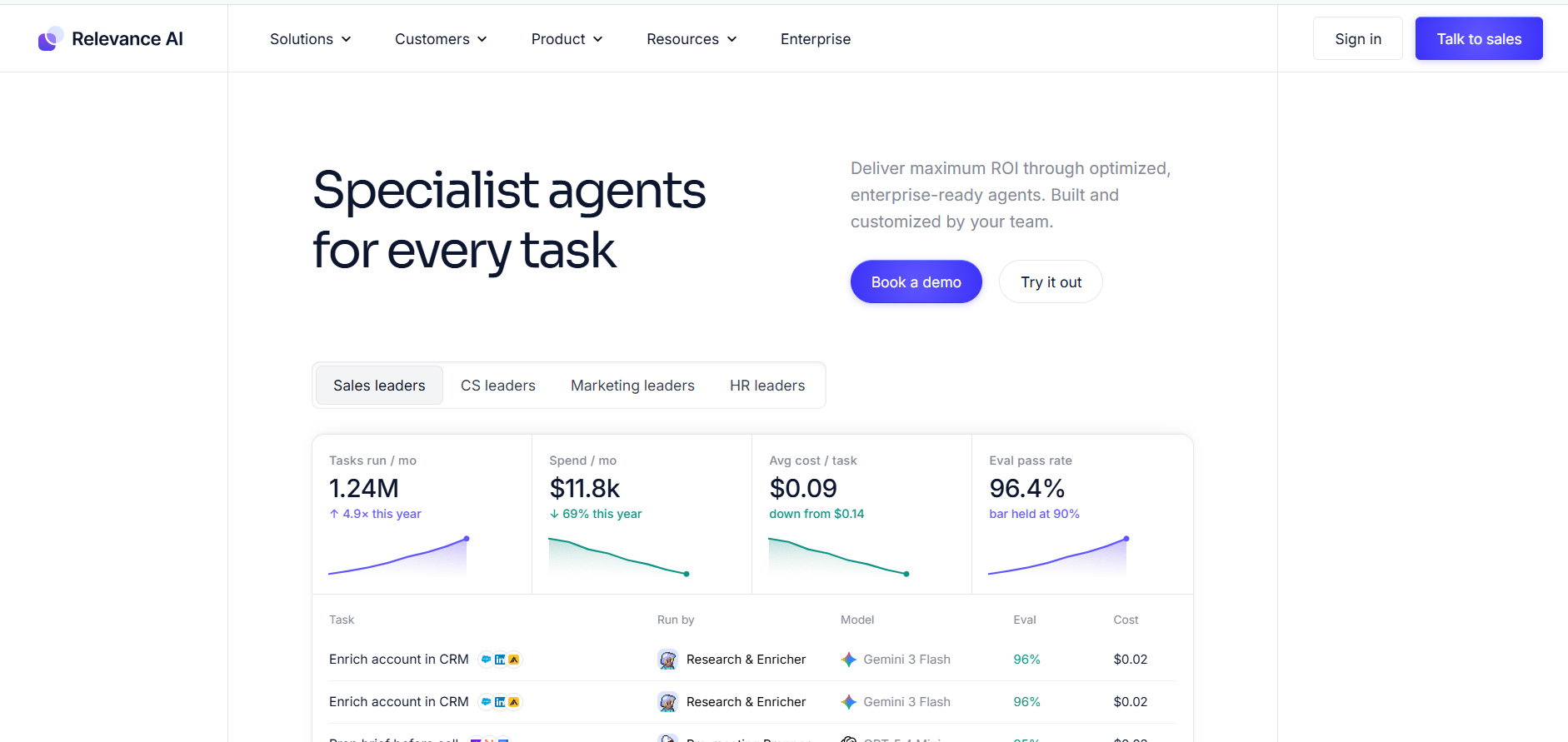
Relevance AI is a no-code platform focused on building multi-agent workforces for sales, research, and operations.
Key Features
Visual agent builder, multi-agent orchestration, large integration library, knowledge bases, evaluation tools, and workforce concepts that let agents collaborate.
Governance
Vendor cloud. Action and vendor-credit metering. Enterprise connectors and Salesforce triggers often sit on higher tiers. Governance is improving. It is not the reason to pick it for a regulated write-path.
Pricing
Free tier with limited actions. Pro starts around $19 per month (often billed annually) with action and vendor-credit allowances. Team and Enterprise tiers scale higher. Dual metering (Actions + Vendor Credits) is common.
Pros
Accessible multi-agent design without code. Good for go-to-market and research workflows. Growing evaluation and analytics features.
Cons
Action and credit models can make costs harder to predict. Some advanced enterprise connectors sit behind higher tiers. Less control than code frameworks for complex state.
Best For
Sales, marketing, and ops teams that want coordinated agent teams without hiring developers.
Verdict
A leading no-code multi-agent platform for business teams focused on go-to-market and internal research workflows.
6. Gumloop
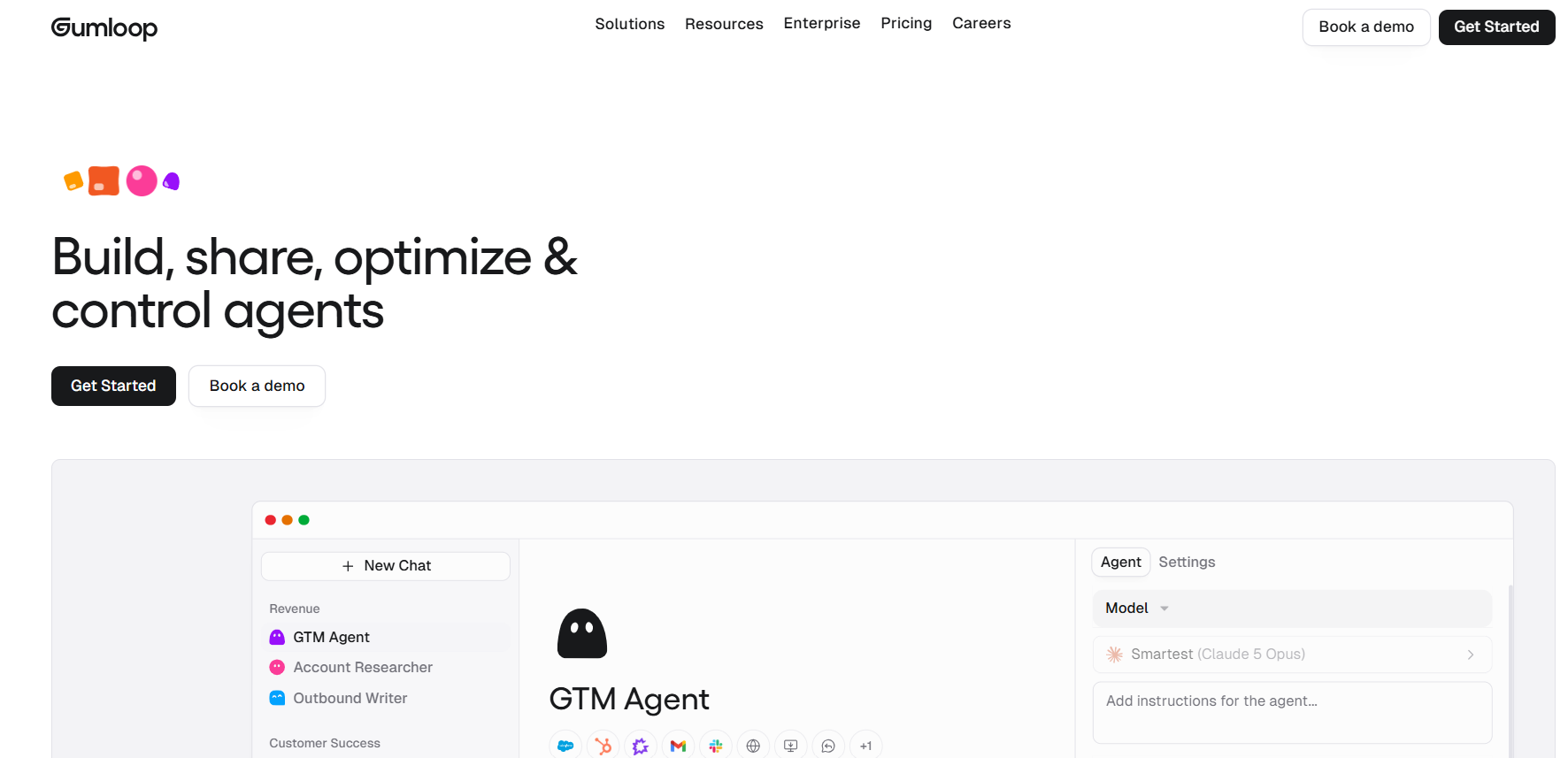
Gumloop is a visual AI agent and workflow builder that emphasizes decision-making agents and team-shared skills.
Key Features
Drag-and-drop builder, AI assistant that helps construct agents, MCP support, credit-based execution, team sharing of agents and skills, and solid marketing and data pipeline use cases.
Governance
SaaS plus MCP. Unlimited seats on many paid plans. Deeper admin controls sit in Enterprise. Credits are the operational risk, not identity.
Pricing
Free tier with limited credits. Pro starts around $37 per month with higher credit allowances and team features. Enterprise is custom.
Pros
Modern interface and helpful AI co-builder. Good for data-heavy and decision-oriented workflows. Unlimited seats on paid plans in many configurations. Strong customer stories in marketing and ops.
Cons
Credit limits require monitoring. Smaller community and ecosystem than older automation tools. Higher-end governance features may sit in Enterprise.
Best For
Marketing, growth, and ops teams that need agents capable of real decision logic on data, not only rigid if-this-then-that flows.
Verdict
Excellent visual option when agents need to reason about data rather than only move it.
7. Salesforce Agentforce
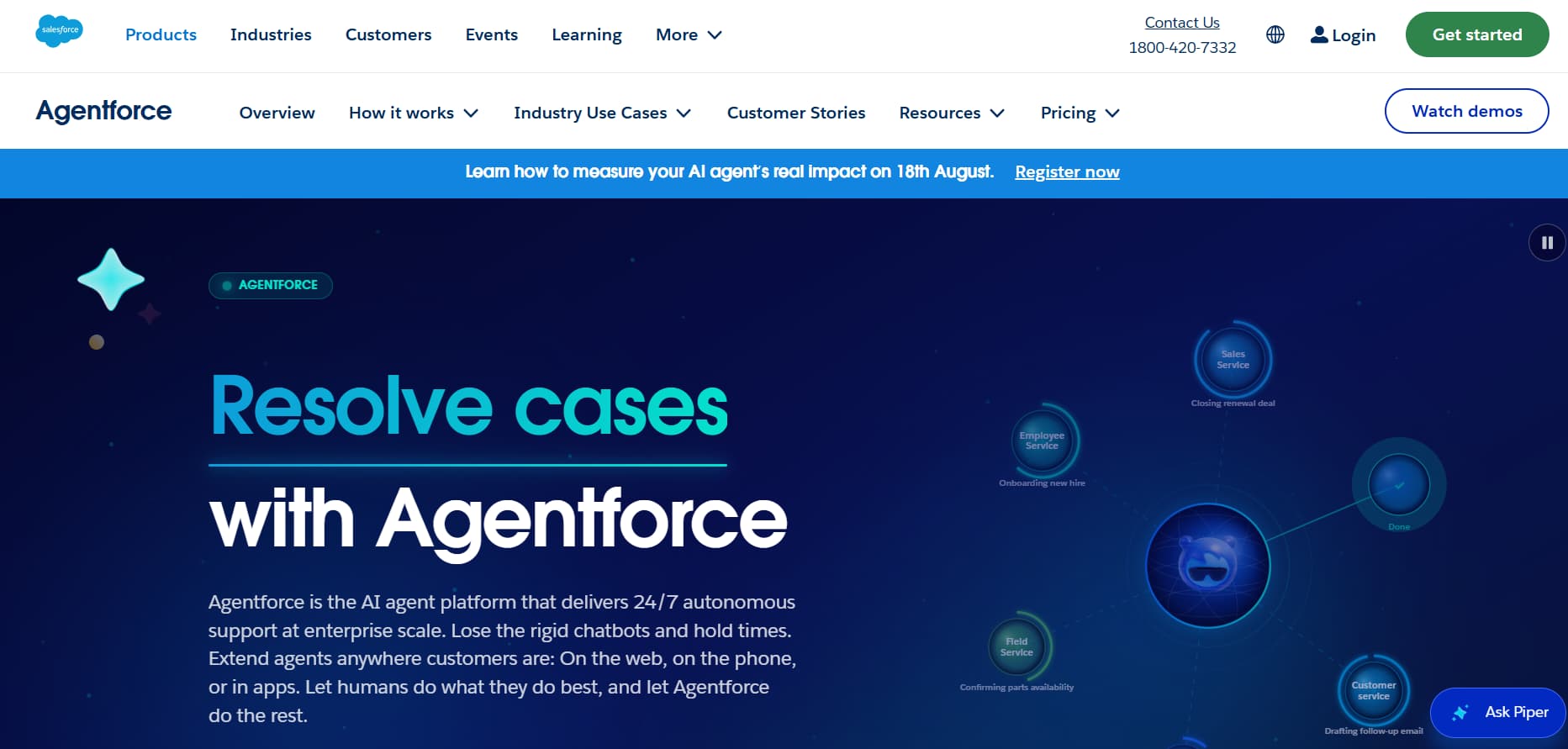
Agentforce is Salesforce’s native AI agent platform, deeply embedded in the CRM and Service Cloud.
Key Features
Atlas reasoning engine, agents that act directly on Salesforce records, sales and service agents, analytics, and tight Data Cloud integration. Governance inherits Salesforce’s existing security model.
Governance
Agentforce inherits Salesforce identity. Grounding respects the executing user’s object permissions and field-level security — the agent should not see a record the user cannot see. Every LLM call passes through the Einstein Trust Layer: zero-retention contracts with model providers, PII masking before the prompt leaves the org, prompt-injection and toxicity filters, then unmasking on the way back. The Audit Trail lands in Data 360: user, topic matched, actions fired, masked prompt, raw response, toxicity score. Trust Layer does not judge whether a business action was wise. That gate belongs in Agent Builder topics, action permissions, and Flow confirmation steps.
Pricing
Often consumption-based (around $2 per conversation or Flex Credit packs starting near $500 per 100k credits) plus underlying Salesforce licenses. Exact total cost depends on volume and edition.
Pros
Unmatched depth for Salesforce customers. Agents operate on live CRM data with proper permissions. Strong enterprise governance and auditability.
Cons
Requires an existing Salesforce footprint. Pricing can become complex and high at scale. Less flexible outside the Salesforce ecosystem.
Best For
Enterprises already running Salesforce that want sales and service agents with native data access and compliance.
Verdict
The default enterprise choice when Salesforce is the system of record.
8. Microsoft Copilot Studio
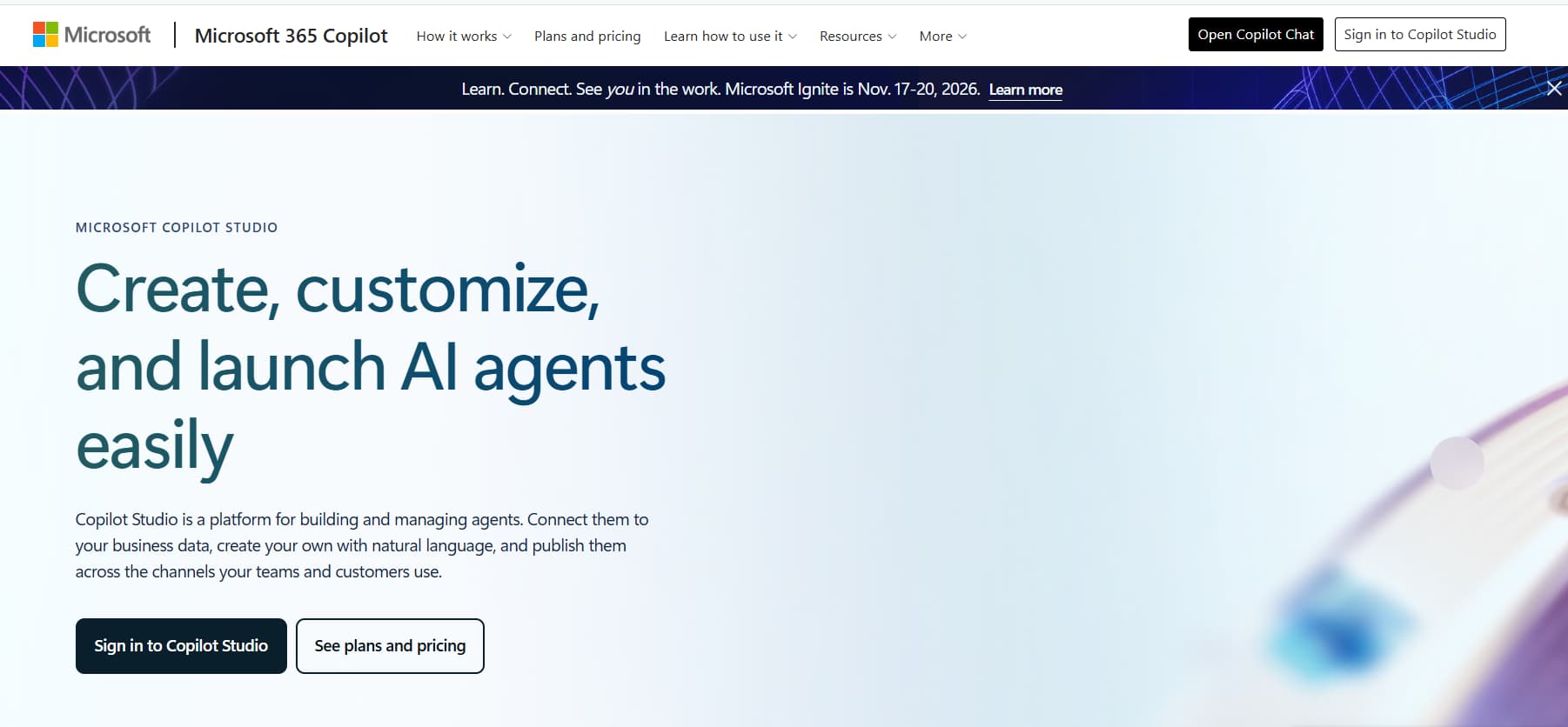
Copilot Studio lets organizations build custom agents that live inside the Microsoft 365 and Azure ecosystem.
Key Features
Low-code and pro-code agent building, deep Teams/SharePoint/Outlook/Dynamics integration, connectors, governance via Microsoft identity and compliance controls, and Copilot Credits metering.
Governance
Agents can be first-class Microsoft Entra Agent IDs, so Conditional Access, RBAC/ABAC, and access reviews apply to the agent the same way they apply to a service principal. Admin and runtime activity streams into Microsoft Purview Audit. Prompt and response inspection sits in Purview DSPM for AI. Sentinel can alert on the same events. Power Platform DLP policies restrict which connectors an agent may call. Data residency follows the Power Platform environment geography plus M365 commitments. Transcripts, mailbox-backed history, and Purview logs are separate stores, not one. Agent 365 is the inventory and control plane for who may publish and run agents in the tenant.
Pricing
Standalone packs start around $200 per tenant per month for a credit allocation. Pay-as-you-go and Microsoft 365 Copilot licensing also apply. Total cost is tightly linked to existing Microsoft spend.
Pros
Native fit for Microsoft-centric organizations. Strong identity, compliance, and data grounding. Rapid deployment for internal productivity agents.
Cons
Best value only inside the Microsoft stack. Credit forecasting can be difficult. Less ideal for multi-cloud or non-Microsoft tool ecosystems.
Best For
Enterprises standardized on Microsoft 365, Teams, and Azure that want governed internal agents.
Verdict
The strongest option when the organization already lives in Microsoft tools.
9. StackAI
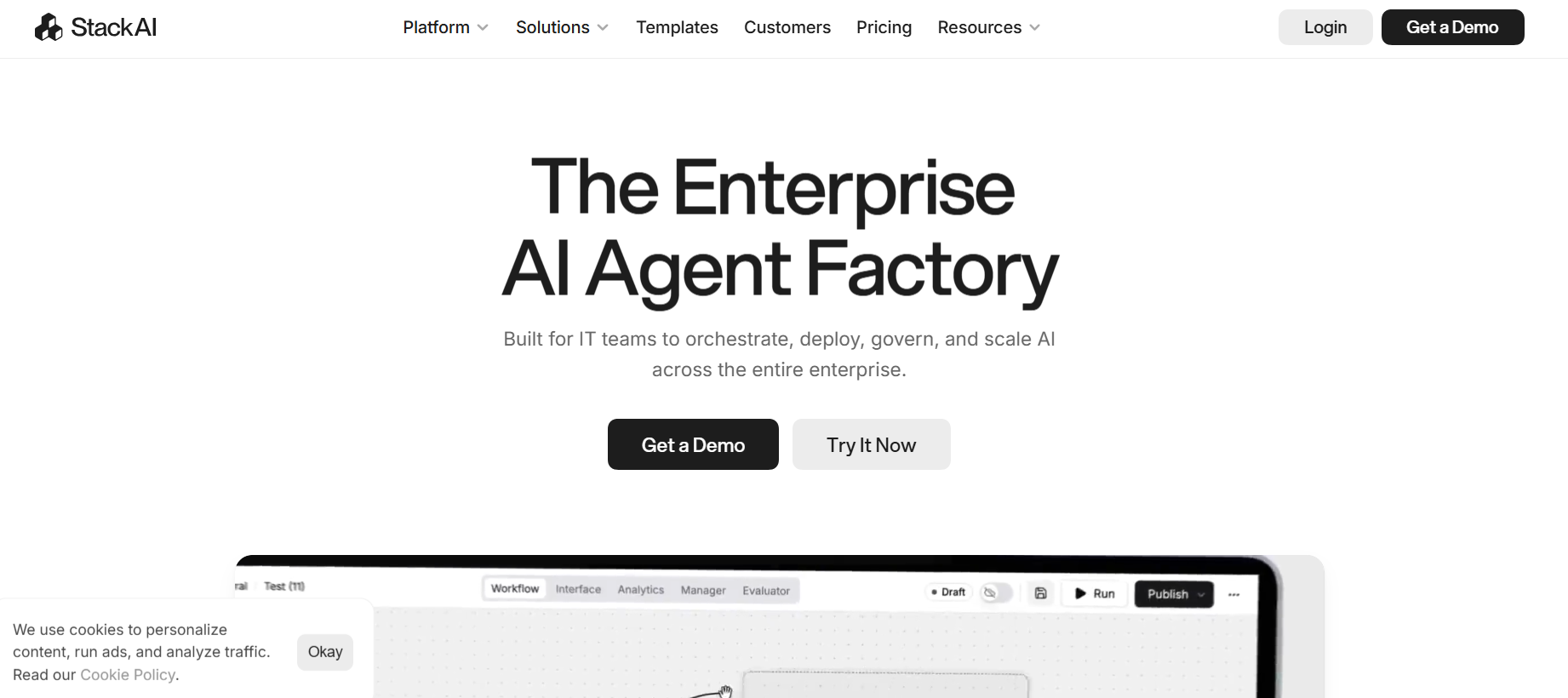
StackAI targets enterprise and regulated industries with a modern no-code agent builder focused on security and knowledge work.
Key Features
Visual builder, strong security posture, knowledge bases, templates for document-heavy workflows, and deployment options suitable for sensitive environments.
Governance
Published posture: SOC 2 Type II, ISO 27001, HIPAA, GDPR. SSO via Okta or Entra ID, group-scoped RBAC on workspaces and knowledge bases, MFA enforcement, admin-only publish, and an approval workflow before an agent goes live. Connections keep credentials owner-scoped. PII can be masked at the LLM node. Deployment is the differentiator versus Lindy or Gumloop: cloud, VPC, or on-prem. Enterprise contracts specify no training on customer data. Mid-tier self-serve pricing is thin. Expect a security review and a custom paper.
Pricing
Free tier with limited runs. Higher usage and enterprise features move to custom pricing. Transparent self-serve mid-tiers are limited.
Pros
Enterprise-ready security and compliance focus. Clean interface. Good for document and knowledge-centric agents in regulated sectors.
Cons
Less self-serve pricing transparency than pure SaaS tools. May be overkill or under-flexible for simple SMB needs. Integration breadth can lag pure automation platforms.
Best For
Regulated industries (finance, healthcare, logistics, construction) that need governed, secure agent deployments.
Verdict
A solid enterprise no-code contender when security and compliance are non-negotiable.
10. Make
Make (formerly Integromat) is a mature visual automation platform that has added AI agent capabilities. It remains one of the most cost-effective ways to build agentic workflows for many teams.
Key Features
Highly visual scenario builder, thousands of app connectors, AI modules and agents, error handling, and scheduling. Agents can sit inside broader automation scenarios.
Governance
Operation-based audit of scenarios, not a full agent-identity model. Combine it with your identity provider and app-level permissions. Do not treat Make as the system of record for regulated actions.
Pricing
Generous free tier. Core plans start in the low double-digit range, often cited around $9–12 per month. Scaling is operation-based and generally more predictable than pure credit agent platforms.
Pros
Excellent price-to-capability ratio. Mature, reliable visual interface. Huge connector library. Easy to combine deterministic automation with AI decision steps.
Cons
Not a pure multi-agent orchestration platform. Complex agent logic can become harder to maintain than dedicated agent frameworks. Less specialized governance than enterprise CRM or cloud platforms.
Best For
Budget-conscious teams, marketers, and ops professionals who want visual agentic workflows without heavy engineering or high per-seat costs.
Verdict
Still one of the best entry points for practical business automation that includes AI agents.
Three workflows that show the difference
Feature lists do not tell a team whether a platform will survive a real process. These are patterns teams actually run.
Code-first: claims exception desk on LangGraph + n8n
An insurer lands a First Notice of Loss in a queue. n8n does the deterministic work: pull the policy from the core system, attach photos, write a case ID to Postgres. LangGraph owns the agentic part: read the file, score coverage, draft a reserve recommendation. Before any reserve is posted, the graph interrupts. A claims supervisor gets an approve, edit, or reject gate. LangSmith keeps the full trace — retrievals, tool calls, and the human decision. If legal requires EU residency, both run in the insurer’s VPC.
No-code multi-agent: CrewAI crew for research, draft, and SEO meta
A mid-market SaaS team runs a weekly crew. Researcher pulls competitor pages and G2 reviews. Writer drafts the post. SEO Editor writes title, meta, and slug and flags thin sections. Publisher opens a pull request against the CMS. A CrewAI crew that researches, drafts, and writes SEO meta can produce a first usable draft in a day with almost no orchestration code. Relevance AI is the same idea for a sales or ops team that does not want Python. Keep a human publish gate. Neither platform should push live unreviewed.
That crew still does not send the post’s comment replies or DMs. For the last mile — keyword triggers, story replies, and comment-to-DM — use a channel tool. See Instagram DM automation tools compared.
Enterprise CRM: Agentforce service agent triaging cases in Service Cloud
A customer emails that an order is late. Agentforce, running as the service agent’s Salesforce user, reads Case, Order, and Shipment under existing sharing rules. The Einstein Trust Layer masks the email and phone before the model sees them. The agent may add a Case Comment, update Status to Waiting on Carrier, and send the approved tracking template. It may not issue a refund above $50 or change an entitlement without a Flow confirmation step that assigns the Case to a human queue. Every turn lands in the Trust Layer audit log in Data 360.
Microsoft estate: Copilot Studio meeting-to-CRM agent
A seller ends a Teams call. A Copilot Studio agent with an Entra Agent ID reads the transcript through Graph, drafts a recap, and proposes Opportunity next steps in Dynamics. Purview logs the run. A Dataverse DLP policy blocks connectors outside Dynamics and SharePoint. A manager approval topic fires if the proposed discount exceeds 15 percent.
How to Choose the Right AI Agent Platform in 2026
- Code-first engineering teams that need durable, observable, complex agents → LangGraph or CrewAI.
- Technical teams that want self-hosting and hybrid visual plus code → n8n.
- Individuals and small teams wanting an AI assistant for email, calendar, and daily work → Lindy.
- Sales, marketing, and ops teams building multi-agent workforces without code → Relevance AI or Gumloop.
- Salesforce shops → Agentforce.
- Microsoft 365 / Azure organizations → Copilot Studio.
- Regulated or highly secure environments → StackAI or self-hosted LangGraph / n8n.
- Budget-conscious visual automation → Make.
Also weigh:
- True multi-agent collaboration versus a single capable agent
- Data residency and self-hosting requirements
- Existing stack (Salesforce, Microsoft, Google, open tools)
- Credit-based versus seat-based or execution-based pricing
- Formal audit trails, RBAC, and human approval gates
If the action is irreversible — a refund, medical route, contract send, or production deploy — pick the platform that can pause before the write. If the action is a draft — research, first-pass content, meeting recap — speed-to-prototype platforms are enough.
Final Recommendation
The best AI agent platform in 2026 is the one that matches your team’s skills, existing stack, governance needs, and tolerance for operational complexity. Prototype on the free or low-cost tiers of two or three candidates. Measure task success rate, cost per completed workflow, and maintenance effort.
Production success comes from reliable tool use, clear guardrails, and observability — not from the flashiest demo. Re-evaluate periodically. Capabilities and pricing in this category still change quickly.