

Ready to Automate Your Growth?
Join 30,000+ creators and brands using InstantDM today.
Get Started NowAny support required, we're just one click away.
Meta Business Partner
100% Official API
Paste your long text, pick your character limit, and get perfectly structured carousel slides. No cutoff sentences, clean splits every time.
Paste your text and choose how many characters per slide Instagram allows.
Instagram carousels are one of the highest-performing content formats on the platform. But formatting text across multiple slides is tedious. This tool splits your content automatically, keeping sentences intact and giving you clean, ready-to-use text for each slide.
Paste your text, set your character limit per slide, and click split. The tool breaks your content at sentence boundaries (not mid-word or mid-sentence) so each slide reads naturally on its own.
Instagram captions allow 2,200 characters. For carousel slide text (images), keep it under 300-500 characters per slide for readability. This tool lets you pick any limit that matches your design.
Carousels generate 3x more engagement than single-image posts because users swipe, linger, and often save them. The longer dwell time signals to the algorithm that your content is valuable.
Add a hook like "Comment 'CAROUSEL' for the expanded version" and use InstantDM AI to automatically send detailed notes or links via DM. This turns passive viewers into active conversations.
Preview how your carousel and single-image posts will look on Instagram.
Generate optimized hashtags for your carousel posts.
Measure how your carousels perform vs other content.
Convert carousel viewers into DM conversations automatically.
Image-based carousel slides don't have a character limit — but for readability, keep text under 300-500 characters per slide. Instagram captions have a 2,200-character limit. Use this tool to split text for either purpose.
5-10 slides performs best. Instagram allows up to 20 slides as of 2025, but engagement drops sharply after slide 10. Keep it focused — one clear idea per slide, and end with a strong CTA.
Yes. Carousels get 3x more engagement than single-image posts on average. They drive more saves, shares, and time-on-post, which are key ranking signals for the Instagram algorithm.
Put the key points, hooks, and takeaways on the images themselves — that's what people scroll through quickly. Put expanded explanations, links, hashtags, and context in the caption below.
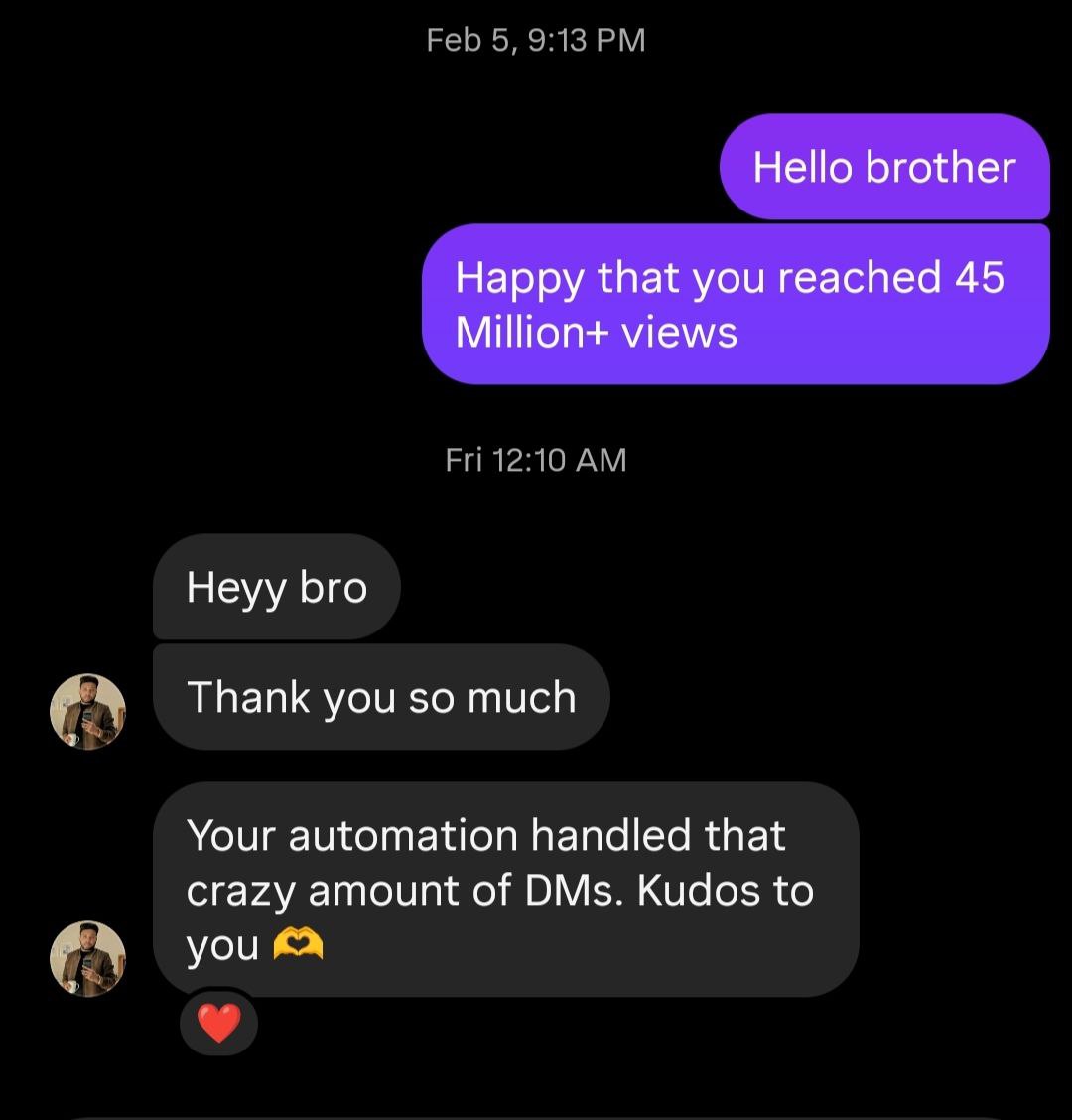
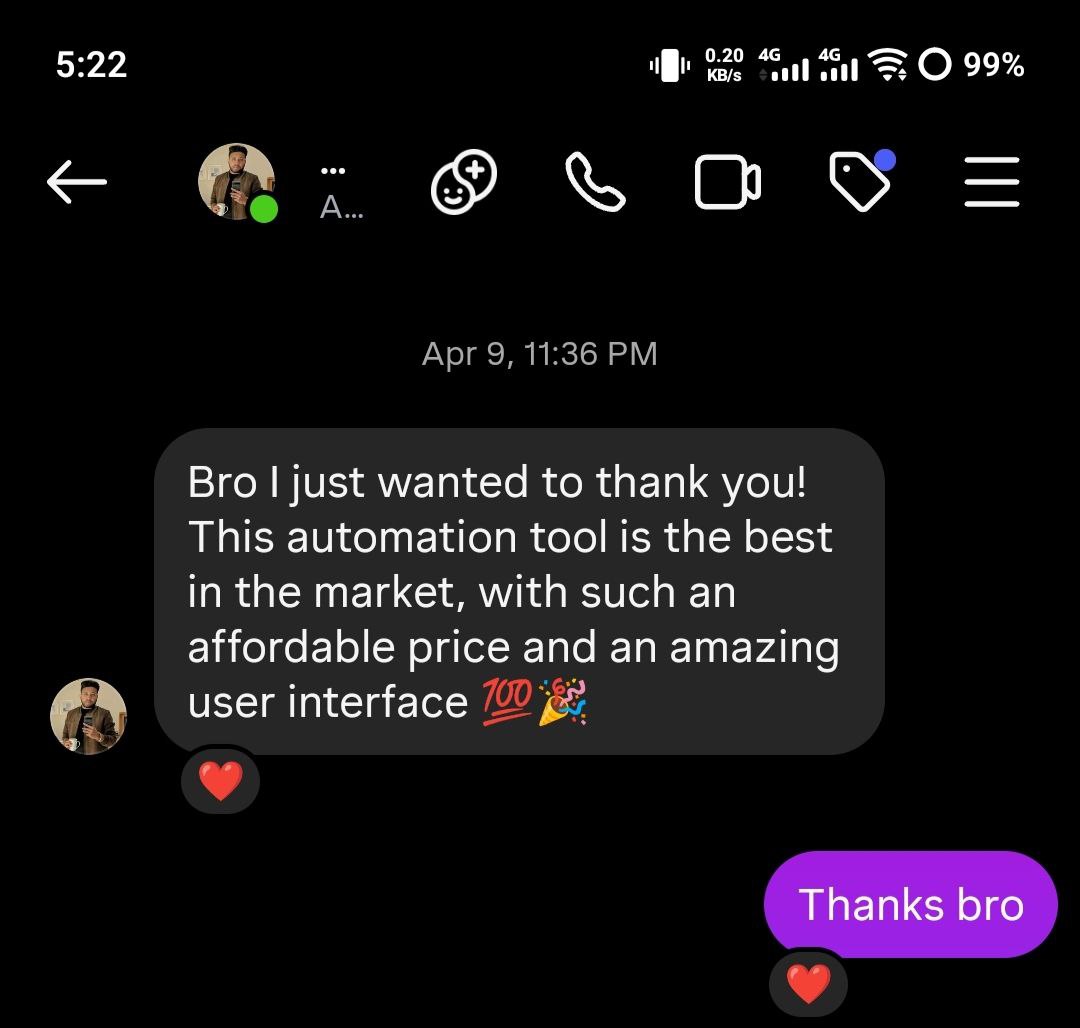
See what creators and brands are saying about InstantDM
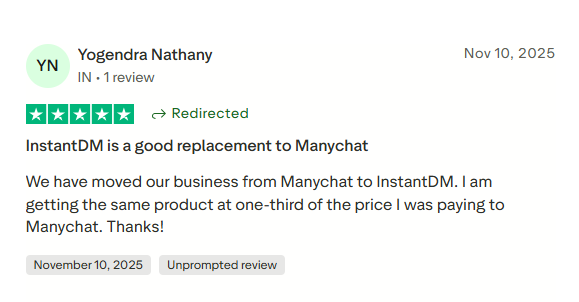
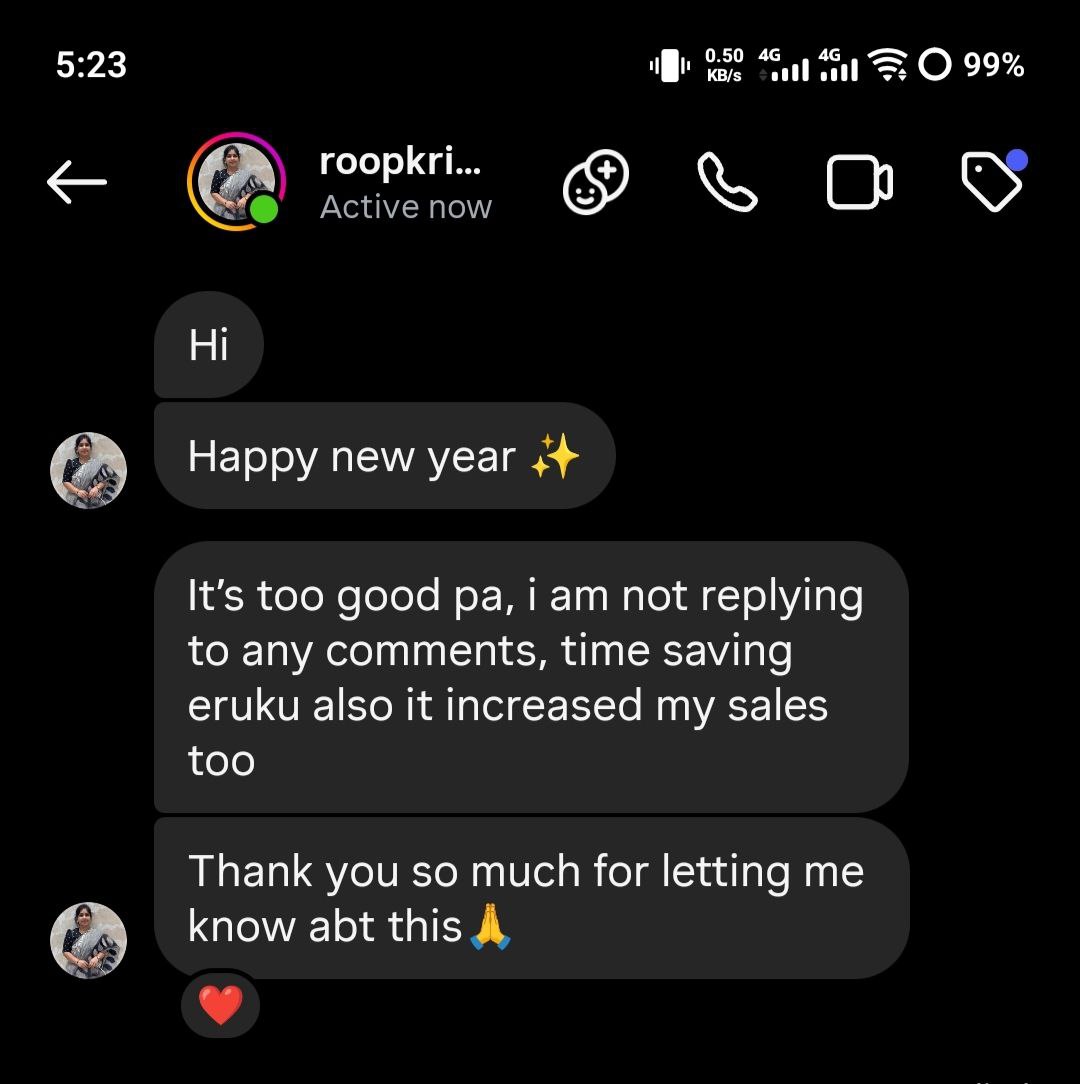
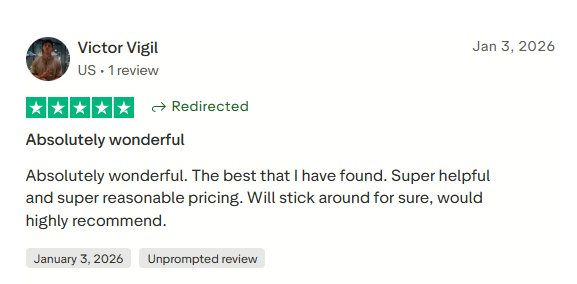
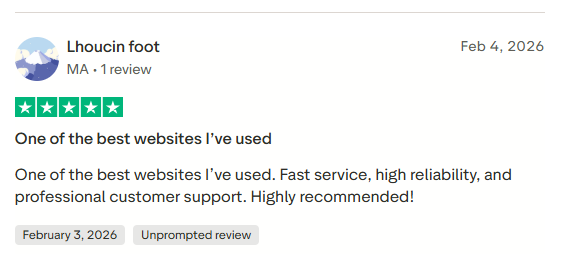
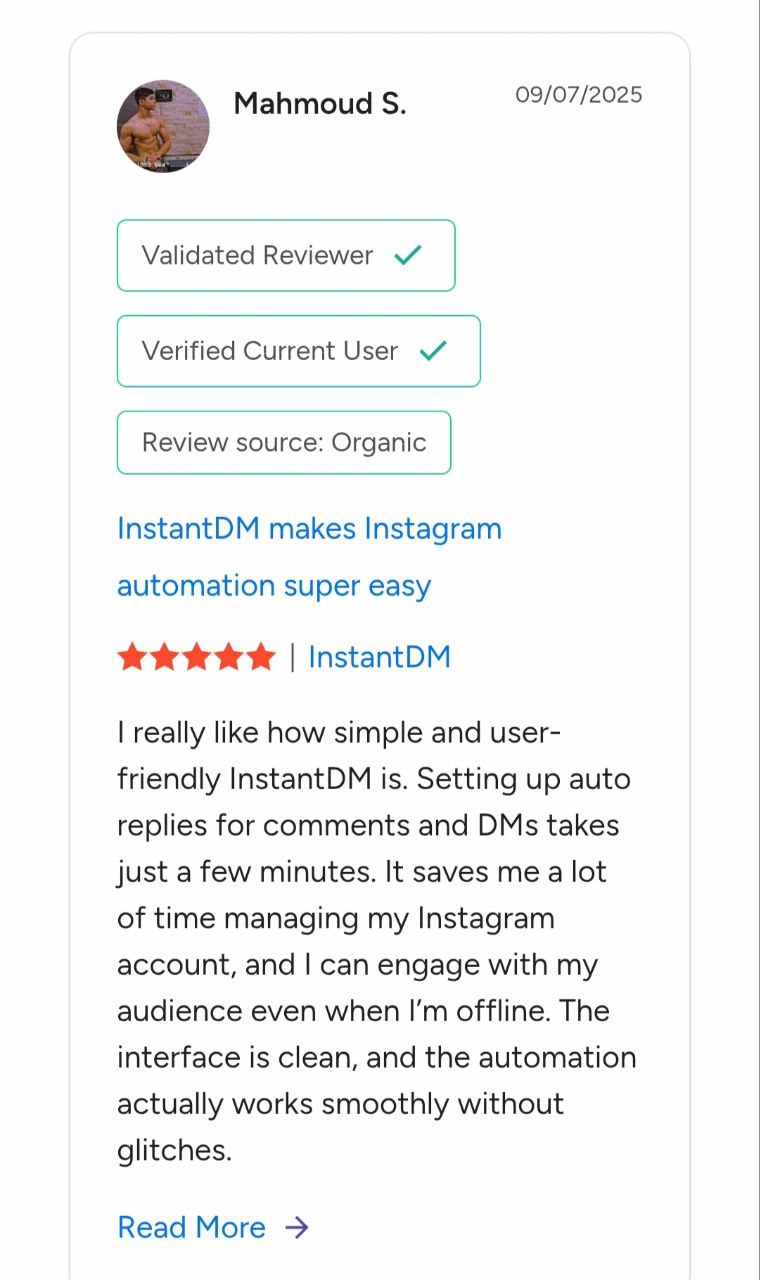
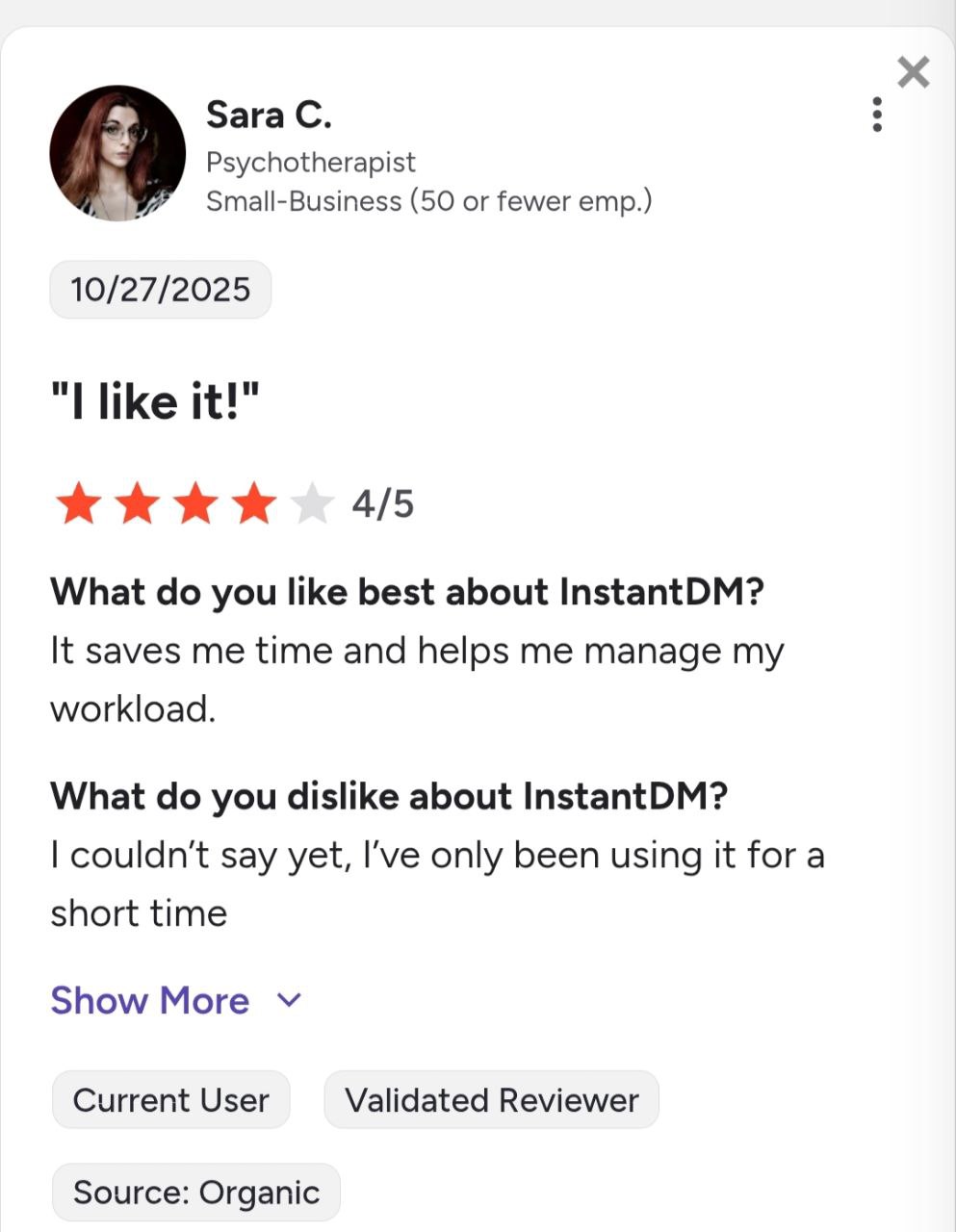
Join 30,000+ creators and brands using InstantDM today.
Get Started NowAny support required, we're just one click away.
