
Yes, you can sell an online course without a website. Host the lessons on a course platform, take payment with a checkout link, and share that link in DMs, email, or your bio. Thinkific is the best overall host in 2026. Teachable is easiest for checkout. Podia pairs courses with email. Stan Store fits Instagram and TikTok. Systeme.io is the best free stack. LearnWorlds is best for quizzes and interactive video. Link-in-bio pages often convert at 5-10%. A requested DM with the checkout link often converts at 15-30%.
Pricing changes. Confirm fees on each vendor page before you pay. A “0% transaction fee” does not include Stripe or PayPal processing, which is usually about 2.9% plus $0.30.
Who this guide is for
This guide is for creators who want the first sale in about one to two weeks without WordPress, themes, SSL, or LMS plugins. You still need video hosting, a checkout, and automatic login after payment. Course platforms provide those three. Social posts and DMs bring the buyer to the link.
How to sell a course with no website in five steps
You design the course, pick a host, create a payment link, post useful content, and send the checkout link when people ask. Most people reach a first sale in one to two weeks. Startup cost is usually $0 to $100.
| Step | What you do | Time | Cost |
| 1. Design the course | Outline lessons, film videos, add worksheets | 3–7 days | $0 |
| 2. Pick a host | Thinkific, Teachable, Podia, Stan Store, Systeme.io, LearnWorlds, Payhip, or Gumroad | 30 minutes | $0–$49/month to start |
| 3. Create a payment link | Stripe, PayPal, or the platform checkout | 5 minutes | $0 (processor fees apply on sales) |
| 4. Post value-first content | Reels, TikToks, threads, or emails that end with a keyword call to action | Ongoing | $0 |
| 5. Send the link in DMs | Comment-to-DM automation delivers checkout when someone comments your keyword | About 10 minutes to set up | From about $9.99/month |
What is the best platform to sell courses without a website?
The best platform depends on the job. Thinkific is best for a structured school. Teachable is best for a simple checkout. Podia is best if you also need email. Stan Store is best for Instagram and TikTok. Systeme.io is best if you cannot spend money yet. LearnWorlds is best for tests and interactive video.
The host must store videos, take payment, and email login details automatically.
| Platform | Typical starting price (2026) | Platform transaction fee | Permanent free plan? | Best for |
| Thinkific | About $40/month annual / $54 monthly (Basic) | 0% on paid plans* | No. Trial only | Structured courses and scaling |
| Teachable | Starter about $39/month ($29 annual) | 7.5% on Starter; 0% from Builder | No for new accounts | Easy setup, checkout, student apps |
| Podia | Mover about $42–$49/month | 5% on Mover; 0% from Shaker | Trial, not a forever-free course plan | Course and email in one dashboard |
| Stan Store | $29/month Creator | 0% (Stripe/PayPal still apply) | No | Instagram and TikTok one-tap checkout |
| Systeme.io | $0 | 0% | Yes. 1 course, 2,000 contacts, 3 funnels | $0 funnels and email |
| LearnWorlds | Starter about $24/month | $5 per sale on Starter; 0% on Pro Trainer | Trial / sandbox | Interactive video, quizzes, certificates |
| Payhip | $0 | 5% free / 2% Plus / 0% Pro | Yes | Fast digital storefront |
| Gumroad | $0 | About 10% typical | Yes | Simplest product link |
| Kajabi | About $179+/month | 0% | No | All-in-one when you can replace email and funnels |
- Thinkific charges 0% platform fee on paid plans. Connecting your own Stripe instead of Thinkific Payments can add a surcharge on lower tiers. Check the live pricing page.
Quick pick
- Strongest course player and 0% platform fee after you subscribe: Thinkific
- Least setup and a polished checkout: Teachable
- Courses plus email without extra tools: Podia
- Selling from Instagram or TikTok on mobile: Stan Store
- $0 this month and you need a funnel: Systeme.io
- Tests, interactive video, certificates: LearnWorlds
- A payment link this week: Payhip or Gumroad
- Already making enough to replace several tools: Kajabi
Verdict table
| If you want… | Winner | Runner-up | Avoid at first |
| Best overall course host with no site | Thinkific | Teachable (0% fee plan) | Custom WordPress |
| Easiest checkout | Teachable | Stan Store | LearnWorlds Starter |
| Best free start | Systeme.io | Payhip | Kajabi |
| Best for Instagram and TikTok | Stan Store | Payhip or Gumroad link | A slow multi-page site |
| Course plus email in one login | Podia | Systeme.io | Thinkific alone |
| Interactive video, quizzes, certificates | LearnWorlds (Pro Trainer) | Thinkific | Gumroad |
| Fastest product link this week | Gumroad or Payhip | Stan Store | Kajabi |
| Lowest cost at $5,000/month sales | Thinkific paid or Teachable Builder | Podia Shaker | Teachable Starter, Gumroad, LearnWorlds Starter |
| All-in-one business OS | Kajabi | Systeme.io Unlimited | Buying Kajabi before the first sale |
| First sale in 1–2 weeks | Systeme.io, Payhip, or Stan Store | Teachable or Thinkific trial | Building a website |
Thinkific
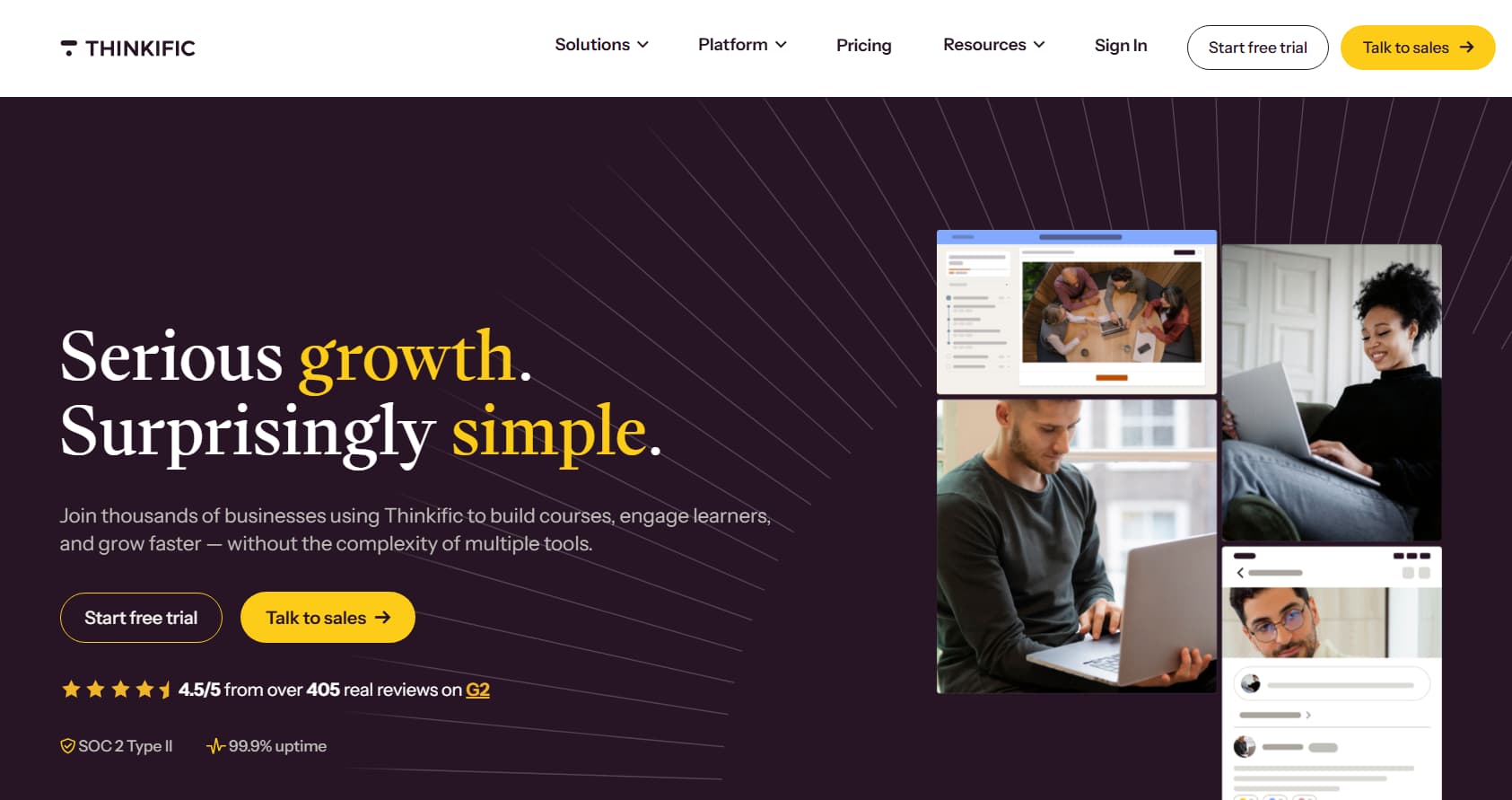
Thinkific is the best overall course host in 2026 if you want a real multi-module school without building a website. There is no permanent free plan. New accounts get a trial, then Basic at about $54/month or about $40/month billed annually. Paid plans charge 0% Thinkific platform fee.
You get a hosted school URL, lesson player, quizzes, drip, and a student area. Higher plans add certificates and live class tools. Start is about $82–$109/month. Grow is about $164–$219/month, depending on billing.
Thinkific does not include a full email broadcast tool. After the trial you need a paid plan to keep selling. Using your own Stripe can add a surcharge on lower tiers.
Choose Thinkific if you care about the learning experience and expect more than one course.
Thinkific versus a custom website
| Custom website | Thinkific | |
| Cost to start | $100–$500+ hosting, theme, LMS plugin | Trial, then a subscription |
| Setup | 2–4 weeks | About 30 minutes after videos are ready |
| Skills | Plugins, SSL, updates | No code |
| Uptime and security | You own the breakage | Managed |
| Payments | You wire checkout and webhooks | Connect Stripe or PayPal |
Teachable
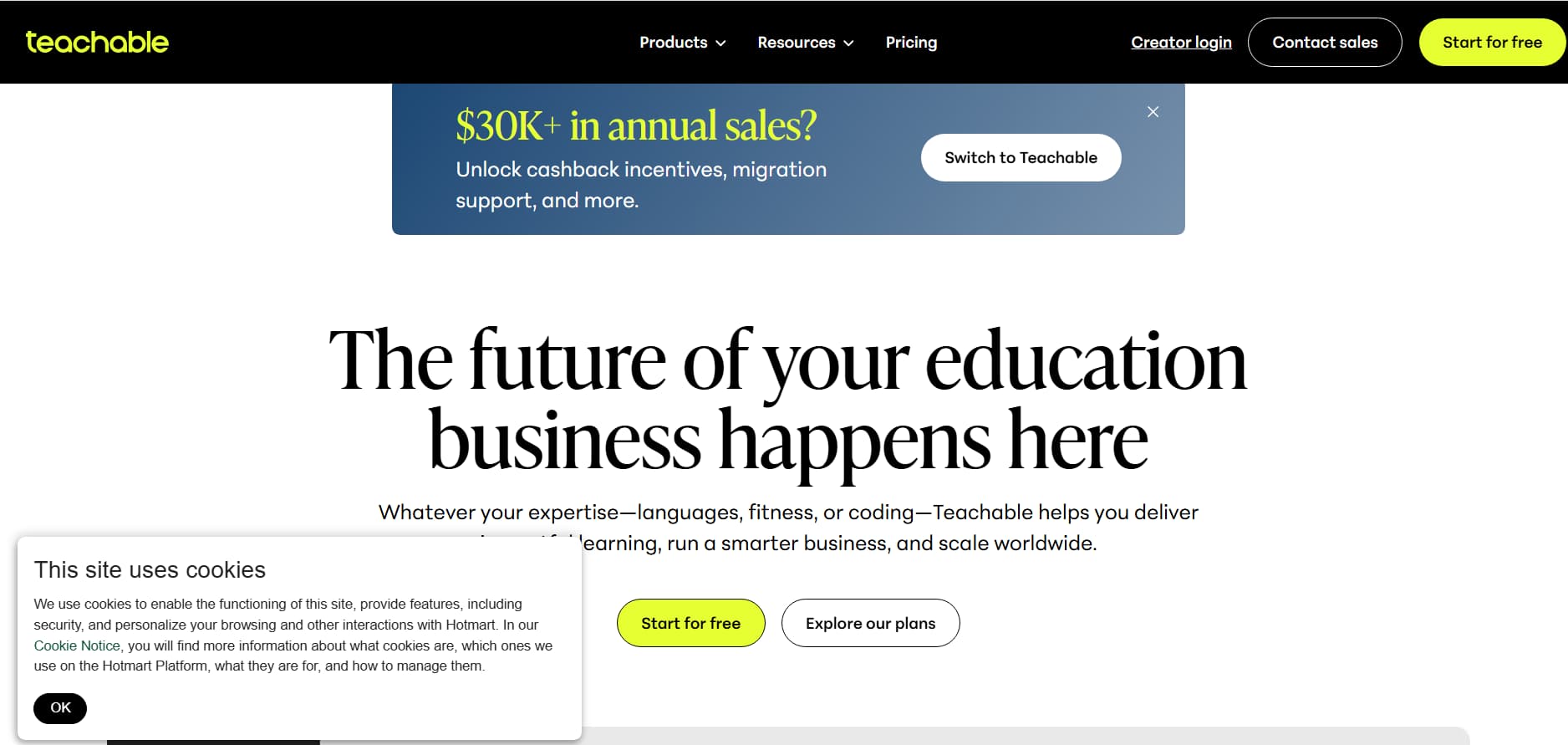
Teachable is the easiest platform if you want videos live with a checkout as fast as possible. New accounts usually start on Starter at about $39/month ($29 annual) with a 7.5% platform fee. Builder at about $89/month ($69 annual) drops that platform fee to 0%. Growth is about $189/month ($139 annual).
Teachable includes landing pages and mobile student apps. Teachable Payments can calculate tax and handle VAT-style rules for many sellers. Affiliate tools and coaching packages sit next to the course.
The 7.5% Starter fee adds up. At $2,000/month in sales, that fee is $150. Builder often costs less once sales are steady. Design is limited without custom CSS.
Choose Teachable if you want the shortest path to a first checkout and may use the student apps.
Podia
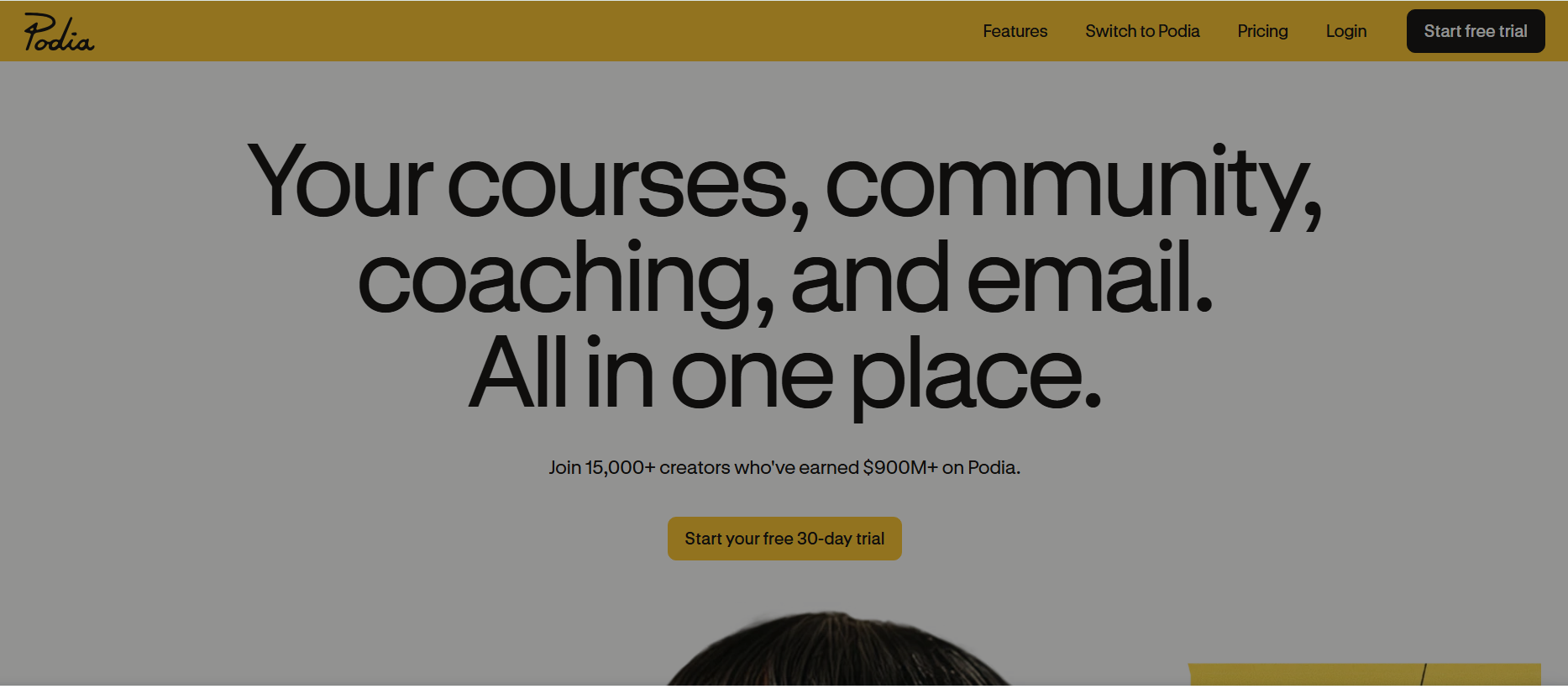
Podia is the simplest all-in-one if you want courses and email in one login. Plans start with a 30-day trial. Mover is about $49/month or about $42 annual plus a 5% Podia fee. Shaker is about $99/month or about $84 annual with 0% Podia fee. Earthquaker is about $150–$179/month with 0% fee.
Podia covers courses, downloads, community, and email. Email subscriber caps are tight on lower plans. Extra list size is an add-on. Page design is basic.
Choose Podia if you want one dashboard for the course and the newsletter, and you will leave Mover once the 5% fee hurts.
Stan Store
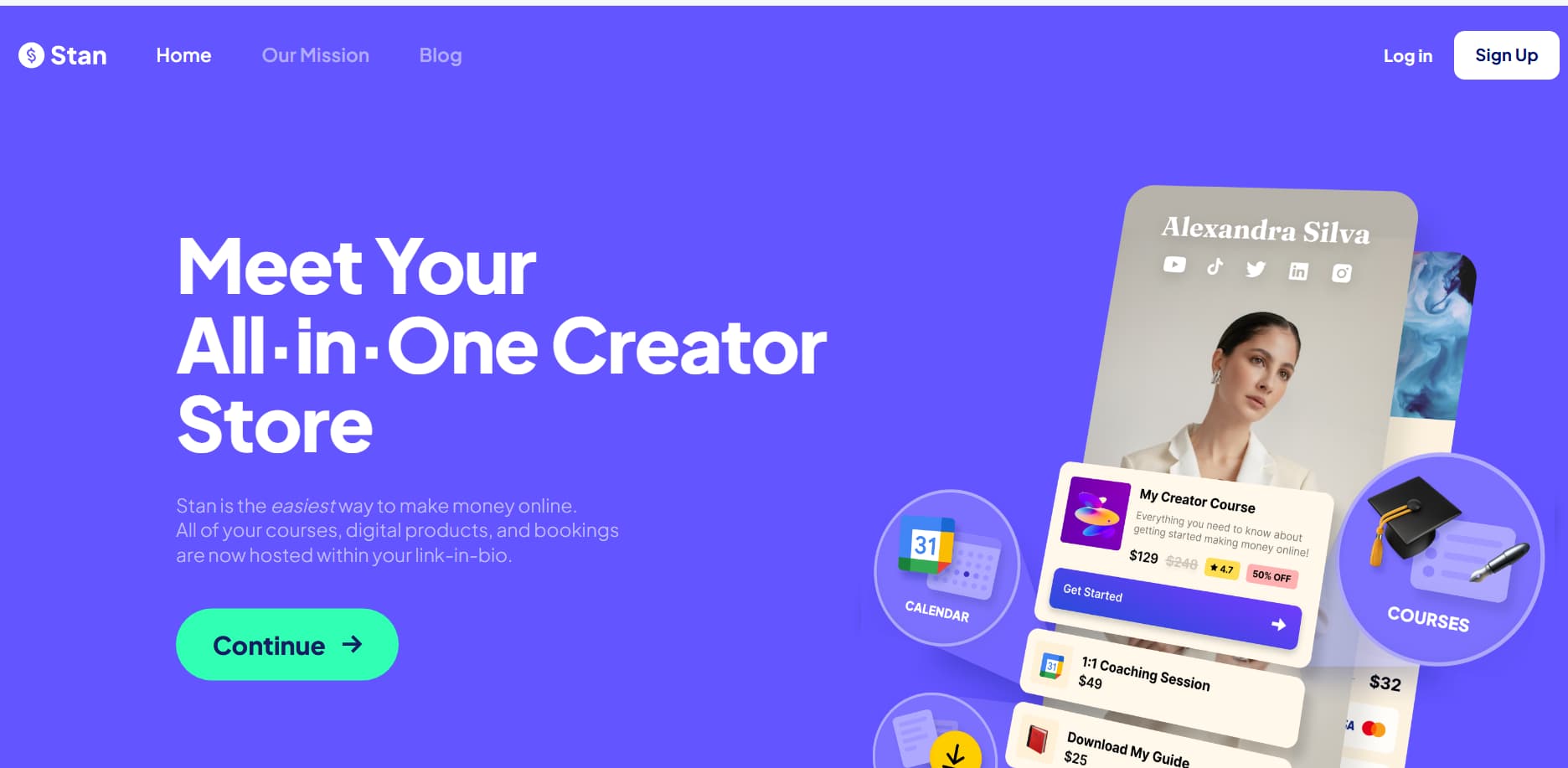
Stan Store is the best storefront if most buyers come from Instagram or TikTok. Creator is $29/month. Creator Pro is $99/month. There is no free plan. Stan takes 0% platform fee. Stripe and PayPal still apply.
The storefront opens in the in-app browser. Buyers can pay with Apple Pay or Google Pay in seconds. It is weaker than Thinkific or LearnWorlds for a long multi-hour academy.
Choose Stan Store if checkout speed on a phone matters more than a deep course player.
Systeme.io
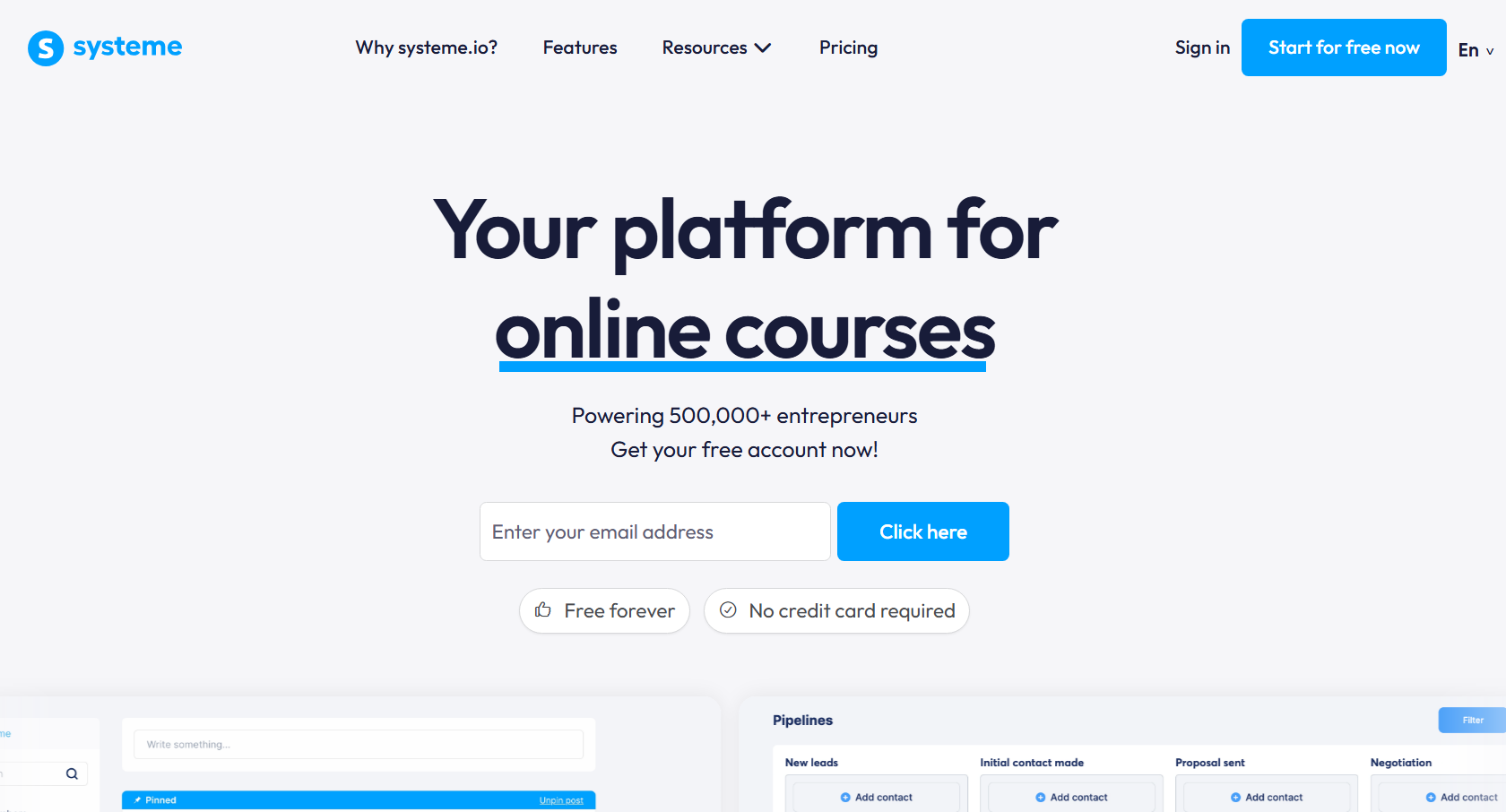
Systeme.io is the best $0 stack for selling a course without a website. The free plan includes 1 course, 2,000 contacts, 3 funnels, unlimited emails, and 0% platform fee. Startup is about $17/month billed annually (around $27 monthly in some regions). Webinar is about $47. Unlimited is about $97.
You can run an opt-in page, email sequence, checkout, and course access without extra tools. The course player is basic. The free plan is one course only.
Choose Systeme.io if budget is $0 and you need a funnel more than a polished school.
LearnWorlds
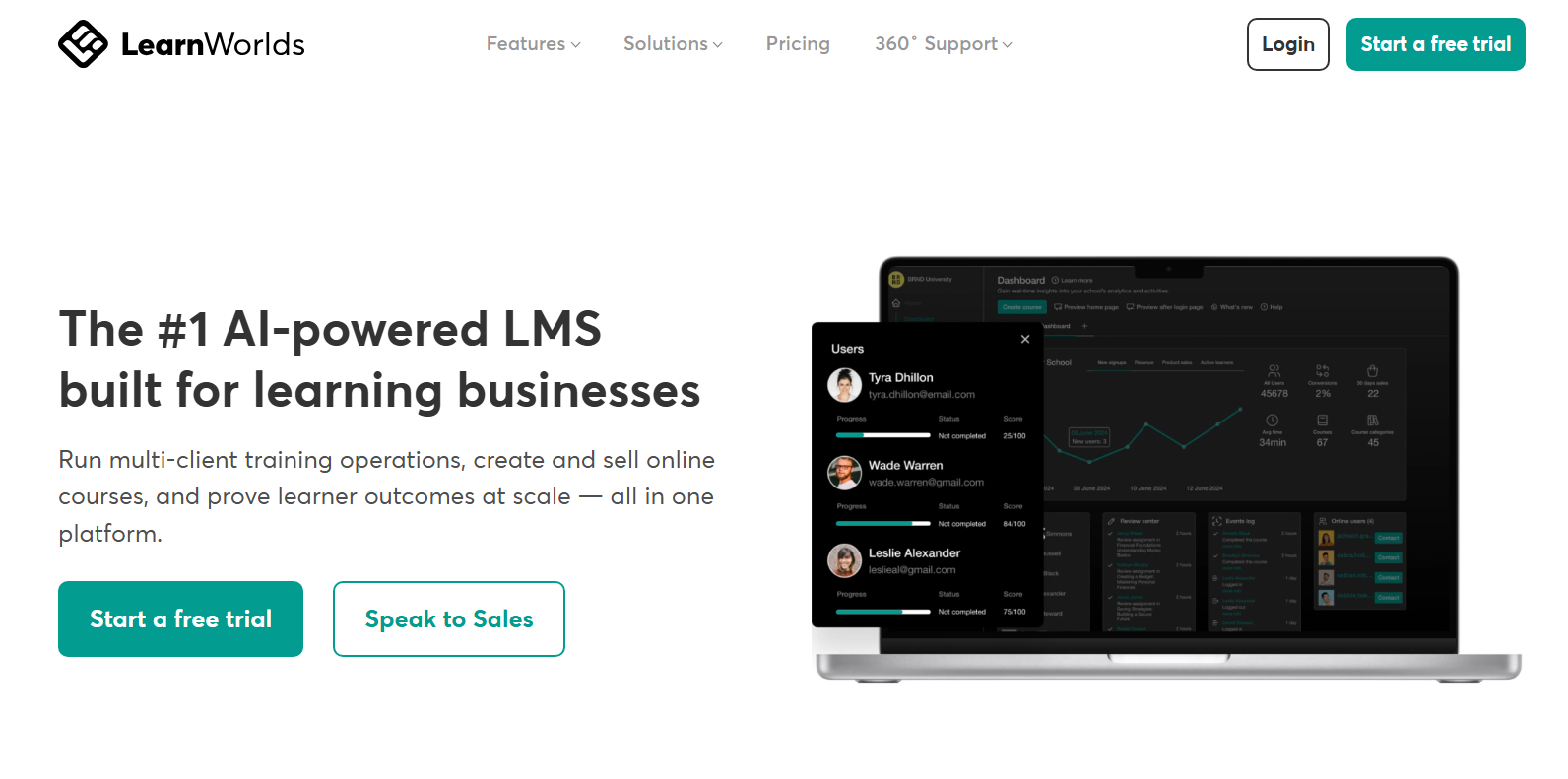
LearnWorlds is the best host if you need interactive video, quizzes, or certificates. Starter is commonly about $24/month plus $5 per enrollment. Pro Trainer is about $79/month with 0% platform fee. Learning Center is a higher white-label tier at about $249/month.
You can add questions inside the video timeline and track where students drop off. Starter’s $5-per-sale fee makes Pro Trainer the plan most serious teachers use.
Choose LearnWorlds if completion and assessments matter.
Kajabi, Payhip, Gumroad, and marketplaces
Kajabi starts around $179/month after the 2026 increase, with 0% platform fee. Use it only when that bill replaces your email tool, funnel builder, and course host.
Payhip is $0 plus 5%, Plus $29 plus 2%, or Pro $99 plus 0%. It is a fast storefront with a simpler course player than Thinkific.
Gumroad is $0/month and typically about 10% per sale. It is fine for a first test product and expensive at volume.
Udemy and Skillshare are marketplaces. They can bring traffic. They take a large cut and control price. Use them to test demand, then move buyers to a platform you control.
How to sell courses on Instagram without a website
To sell a course on Instagram without a website, host the lessons on a course platform, create a direct checkout link, and send that link in DMs when people comment a keyword. A bio link alone often converts at 5-10%. A requested DM with checkout often converts at 15-30%.
- Upload modules to Thinkific, Teachable, Podia, Stan Store, or Systeme.io.
- Create one payment URL from the platform or Stripe.
- Post a clear ask: “Comment COURSE and I’ll send the breakdown.”
- Deliver the link in a DM when the keyword appears.
- Post 3–5 useful clips a week with the same keyword. Share student proof in Stories.
| Link in bio | DM checkout | |
| Typical conversion | 5–10% | 15–30% when intent is high |
| Time to link | Hours later, if they remember | Seconds |
| Follow-up | Almost none | Same thread |
| Email capture | Separate page | Can happen in chat |
| Hours | You babysit comments | Runs while you sleep |
InstantDM, from $9.99/month, sends that checkout DM when someone comments your keyword. The course platform still hosts the lessons and takes the payment.
How to sell courses on TikTok without a website
To sell a course on TikTok without a website, put a checkout link in your bio and also DM it when viewers comment a keyword. You do not need a large following. You need a clear problem in the first three seconds.
- Host on Thinkific, Teachable, Podia, or Stan Store.
- Use a business account and add the checkout link to your bio.
- Post 15–60 second clips that answer one painful question.
- Ask viewers to comment GUIDE, or a similar word, for the full system.
- Send the payment link in DM. The platform emails login details after payment.
Keep the hook on screen. Post one to three times a day while you test openings.
How to sell a course by email without a website
You can sell a course by email without a website by collecting addresses with a free checklist or short lesson, then sending a four-email launch that includes the payment link. You own the list. Algorithms do not.
- Give away a one-page checklist or a five-minute lesson.
- Collect email in DMs, a TikTok bio form, or Systeme.io or Podia.
- Email 1 states the result and an early-bird price.
- Email 2 shows the curriculum and proof.
- Email 3 answers objections.
- Email 4 is the last-chance note. Every email includes the checkout link.
How to sell on each social network
| Best for | Channel | How you sell |
| Visual niches, fitness, lifestyle | Comment-to-DM, Stories, Stan or platform link | |
| Quick breakdowns, productivity | TikTok | Bio link and keyword DM |
| Deep tutorials | YouTube | Cards, pinned comment, link at the top of the description |
| Founders, writing, tech | X | Threads, pinned post, DM the checkout |
| B2B, careers | Carousels and direct message |
Which platform should you choose?
| Your situation | Choose |
| First serious multi-module course | Thinkific |
| Checkout live today and student apps | Teachable (watch Starter’s 7.5%) |
| Hate switching tools and need email | Podia Shaker if sales will cover the fee |
| Almost all traffic is Instagram or TikTok | Stan Store plus DM automation |
| $0 this month and you need a funnel | Systeme.io free |
| Quizzes, interactive video, certificates | LearnWorlds Pro Trainer |
| One simple product this week | Payhip or Gumroad |
| Replacing email, funnel, and course tools | Kajabi |
Pros and cons
Thinkific has a strong builder and 0% platform fee on paid plans. It has no forever-free plan and no native email.
Teachable has easy checkout and apps. Starter charges 7.5%. A free plan is no longer the default on-ramp.
Podia includes email. Mover charges 5%. List caps are tight.
Stan Store is the fastest social checkout. It costs $29 minimum and is not a deep LMS.
Systeme.io is the best true free stack. The free plan allows one course. The school experience is basic.
LearnWorlds has the best teaching tools. Starter charges $5 per sale.
Payhip and Gumroad give the fastest link. School features are weaker. Cheap tiers take a percentage.
Kajabi puts everything in one place. The price only makes sense at scale.
How we evaluated these tools
We scored each platform on whether you can sell a course without building a website, not on which tool has the longest feature list. A tool wins here if a creator can host videos, take payment, and deliver login details without WordPress, custom code, or a week of plugins.
The eight checks
- No website required. Does the platform give you a hosted checkout and student area on day one?
- True cost at $0, $1,000, and $5,000 in monthly sales. Subscription plus platform fee plus normal Stripe or PayPal processing.
- Course builder. Modules, drip, quizzes, files, and a player students will actually finish.
- Checkout speed. Especially on a phone inside Instagram or TikTok.
- Email and follow-up. Built in, or do you need another tool?
- Time to live. Minutes versus weeks after the videos exist.
- Ownership. You keep student emails and can move later.
- Fit for a first sale. Free plan or trial that can take real payments, not a sandbox only.
For a separate, regularly updated platform roundup, see Zapier’s independent course-platform comparison.
We did not score marketplaces such as Udemy as “no website” winners. They can find students. They also take a large cut and control price.
How to read the scores
Strong means the platform is a default pick for that job. Mixed means it works with a catch, usually a fee or a missing tool. Weak means you will feel the gap in the first 30 days.
Fees below are platform fees only. Card processing still applies on every tool.
| Platform | Sell with no site | Cost at low volume | Course player | Mobile checkout | Email included | First-sale speed |
| Thinkific | Strong | Mixed after trial | Strong | Mixed | Weak | Strong |
| Teachable | Strong | Weak on Starter (7.5%) | Strong | Strong | Weak | Strong |
| Podia | Strong | Mixed on Mover (5%) | Mixed | Mixed | Strong | Strong |
| Stan Store | Strong | Mixed ($29 minimum) | Mixed | Strong | Mixed (higher plan) | Strong |
| Systeme.io | Strong | Strong ($0 start) | Mixed | Mixed | Strong | Strong |
| LearnWorlds | Strong | Weak on Starter ($5/sale) | Strong | Mixed | Weak | Mixed |
| Payhip | Strong | Mixed (5% on free) | Mixed | Strong | Mixed | Strong |
| Gumroad | Strong | Weak at volume (~10%) | Weak | Strong | Mixed | Strong |
| Kajabi | Strong | Weak until revenue is high | Strong | Mixed | Strong | Mixe |
What Reddit creators say
On Reddit, the usual advice in r/onlinecourses, r/elearning, r/entrepreneur, and r/digitalproducts is: do not build a custom website to sell your first course. Host the lessons on a platform, share a checkout link, and spend your time on the offer and distribution.
The points that come up again and again
Thinkific is the common “serious course” recommendation when people want 0% platform fees and a real school. The complaints are the missing native email tool and the fact that the old forever-free plan is gone.
Teachable is praised for checkout and the student-facing experience. The same threads warn that fees on the cheap plan hurt once sales are real. Several creators say Teachable only makes sense after you are on a 0% platform-fee plan.
Podia shows up as the simple pick for a small catalog when you also want email. People call it “fine under a few hundred students,” then look at Thinkific or a dedicated email tool as they grow.
Stan Store comes up when the audience lives on Instagram or TikTok. Creators like the mobile checkout and the $29 flat fee with no platform cut. The knock is that it is a storefront, not a deep learning platform.
Systeme.io is the budget answer. Threads about selling with no monthly software bill point at the free plan: one course, contacts, funnels, and email. The course player is not the part people praise.
LearnWorlds appears when someone cares about quizzes, interactive video, or a tighter teaching experience. It loses first-sale threads because Starter adds a per-sale fee.
Gumroad and Payhip are the “ship this week” answers. Gumroad is called easy and expensive at scale. Payhip is the usual next name when people want a lower percentage than Gumroad.
Kajabi is rarely the first-course pick. The Reddit line is that it is powerful and too expensive until it replaces several other tools.
What Reddit does not treat as a shortcut
Building WordPress plus an LMS plugin for course one. A minority prefers self-hosting for control. Most first-sale threads call that extra work you do after the offer is proven.
Selling only through Udemy or Skillshare if you want to own price and the student list. Those sites are treated as discovery tests, not a long-term school.
The short Reddit verdict
Use a hosted platform. Avoid a custom site until you have sales. Watch percentage fees more than the pretty homepage. Close in email or in DMs, not only through a bio link.
How the pieces fit
A website only ever did four jobs: attract attention, answer the ask, take payment, and deliver the course. Your content and DMs handle attention and the ask. The platform handles payment and delivery.
Content on Reels, TikTok, or email creates the ask. A keyword comment or reply triggers a DM with the checkout link. Stripe or the platform collects payment. The student gets a login email automatically.
Last updated: 12 September 2026. Plans and fees change. Verify Thinkific, Teachable, Podia, Stan Store, Systeme.io, LearnWorlds, Payhip, Gumroad, and Kajabi on their official pricing pages before you subscribe.