Last Updated : 9 November 2026
Quick Answer: How to Sell on WhatsApp
To sell on WhatsApp, use WhatsApp Business (not your personal chat), complete the business profile and product catalog, put a wa.me or Click-to-WhatsApp entry point on every channel, reply within five minutes, qualify with three questions, send proof and price in the same thread, collect payment in chat, then follow up with approved templates after the 24-hour window. WhatsApp sales work because the conversation is the checkout — not a detour to email or a website form.
That is the whole system. The rest of this guide is how to run it without losing leads, breaking Meta’s rules, or drowning in an unshared phone inbox.
What Is WhatsApp Sales?
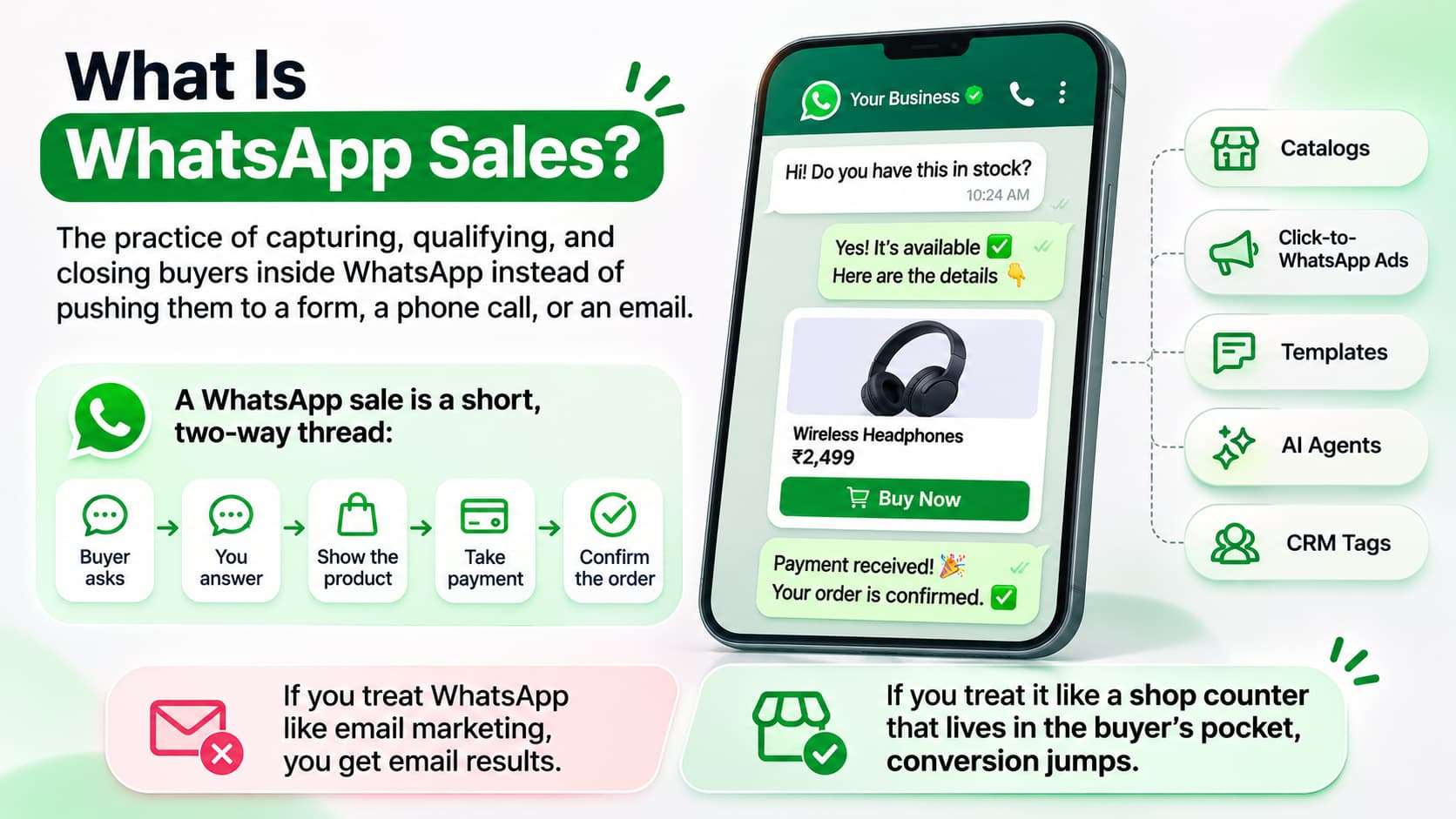
WhatsApp sales is the practice of capturing, qualifying, and closing buyers inside WhatsApp instead of pushing them to a form, a phone call, or an email sequence.
A WhatsApp sale is not a broadcast blast. It is a short, two-way thread: the buyer asks, you answer, you show the product, you take payment, you confirm the order. Catalogs, Click-to-WhatsApp ads, templates, AI agents, and CRM tags only exist to make that thread faster and repeatable.
If you treat WhatsApp like email marketing, you get email results. If you treat it like a shop counter that lives in the buyer’s pocket, conversion jumps.
Is WhatsApp Good for Sales?
Yes. WhatsApp is one of the strongest sales channels available in 2026 when your buyers already live in the app.
Why It Outperforms Traditional Sales Channels
| Channel | Typical Open / Answer Rate | Speed | Best Role |
| ~20% open | Hours to days | Documents, contracts, newsletters | |
| Phone | Many cold calls unanswered | Working hours only | High-ticket clarification |
| SMS | High open, weak conversation | Fast | OTPs and alerts |
| Commonly cited ~95–98% open on business messages | Seconds if you automate the first reply | Qualify, pitch, pay, and follow up in one thread |
WhatsApp also has more than two billion users. Messaging is where a large share of product discovery now happens, and brands using business messaging plus Click-to-WhatsApp ads often see a clear lift in qualified conversations versus a form-only funnel. Treat those figures as directional. They are not a promise that every store converts at 98%. For measured 2026 campaign data see the Chatarmin WhatsApp Benchmark Report.
WhatsApp is a poor sales channel when you:
- Blast cold number lists
- Reply hours later
- Hide price and force a website hop
- Run every chat on one unlocked personal phone
The channel is strong. The operation is what fails.
WhatsApp Business App vs WhatsApp Business API: Which Should I Use?
Use the WhatsApp Business App if you are a solo seller or a tiny team handling a few dozen chats a day and you need a free catalog, labels, quick replies, greeting messages, and a broadcast list of up to 256 contacts.
Use the WhatsApp Business API (through a Business Solution Provider) when you need a shared inbox, multiple agents, CRM sync, approved message templates after the 24-hour window, Click-to-WhatsApp ads at volume, AI qualification, and conversation logs that do not live on one employee’s phone. Official details live in the Meta WhatsApp Business Platform documentation.
| WhatsApp Business App | WhatsApp Business API | |
| Cost | Free (your time) | Platform fee + Meta per-message rates |
| Best for | 1 person, low volume | Teams and paid acquisition |
| Devices / agents | One primary phone | Shared inbox, many agents |
| Automation | Greeting, away, quick replies | Bots, AI agents, routing, workflows |
| Outbound after 24 hours | Limited / manual | Approved templates |
| Click-to-WhatsApp ads | Basic | Built for scale + measurement |
| Risk if a salesperson leaves | Chats leave with the phone | Records stay in the company inbox |
When to Migrate to the API
Migrate to API when any of these is true:
- More than ~20–30 sales chats per day
- Two or more people need the same number
- You are spending money on Click-to-WhatsApp ads
- You need templates to follow up after 24 hours
- A lost phone would mean lost deals
Key takeaway: Prove the conversation on the free App. Buy API infrastructure when volume, team, or ads make one phone unsafe.
The WhatsApp Sales Loop
Setup is not a sales motion. Completing your profile and adding a catalog only gets you ready. This loop is what you run on every inbound chat.
The 7-Step WhatsApp Sales Loop
| Step | What Happens | Tool | Goal |
| 1. Capture | Buyer taps a link, ad, QR, comment, or story | wa.me, Click-to-WhatsApp ads, QR, Instagram/TikTok handoff | Start the chat with context |
| 2. Instant reply | First message lands in seconds | Greeting + keyword bot or AI agent | Stop the lead from messaging a competitor |
| 3. Qualify | Three short questions | Quick replies + tags | Separate buyers from browsers |
| 4. Proof | Catalog item, photo, video, voice note, PDF | Catalog + media | Reduce doubt without a call |
| 5. Offer | Clear price, what’s included, next step | Saved offer script | Make “yes” easy |
| 6. Close | Payment link / UPI / checkout in the thread | Payment + “Customer” tag | Remove extra tabs |
| 7. Post-sale | Confirmation, tracking, review, repurchase | Utility templates + scheduled follow-up | Turn one order into the next |
Key takeaway: Every abandoned WhatsApp deal dies in one of these seven steps. Find the broken step before you buy more ads.
How to Sell on WhatsApp Step by Step
Step 1 — Set Up a Business Presence That Looks Like a Shop
Download WhatsApp Business, not personal WhatsApp, if you are starting. Fill the profile completely:
- Logo (not a selfie)
- Business name people would search
- Category
- Short description of what you sell and who it is for
- Hours
- Address if you have a store
- Website or storefront link
- Catalog turned on
An incomplete profile is why buyers ask “is this a real business?” before they ask for the price.
Add at least:
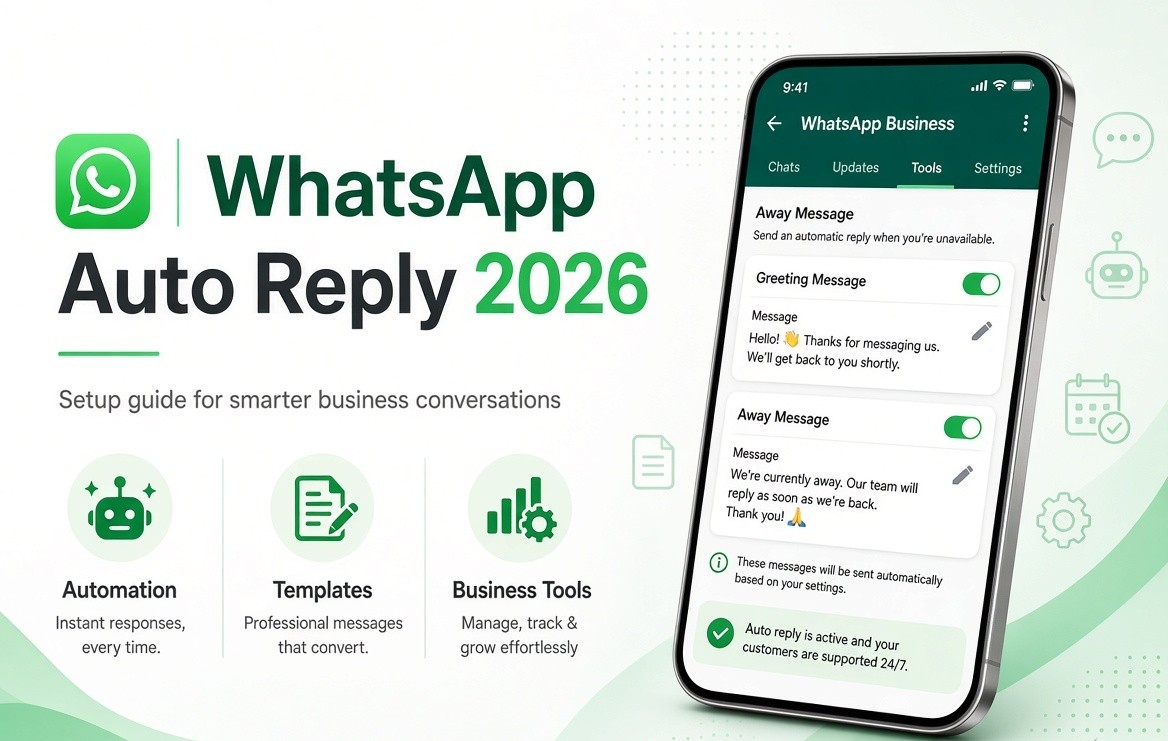
- A greeting message
- An away message with a real next-check time
- Five quick replies: price, shipping, sizes, payment, booking
Step 2 — Build a Catalog That Answers “How Much?” Without a Novel
A WhatsApp catalog turns “price?” into a structured browse. Load 8–20 best sellers first, not 200 messy SKUs.
Each item needs:
- One clean photo
- A name the buyer would type
- Price
- Short description (size, material, delivery window)
- Variant info so the chat does not restart
The catalog is not the close. The conversation around the product is what converts. The catalog only removes the “wait, I’ll send photos from my gallery” delay.
Step 3 — Put Entry Points Everywhere Buyers Already Are
You cannot sell on WhatsApp if nobody starts a chat.
Highest-intent capture methods:
- wa.me link with pre-filled text: https://wa.me/COUNTRYCODENUMBER?text=Hi I want info about ... Put it in Instagram bio, TikTok bio, website button, email signature, packaging.
- QR code on packaging, store counter, events, visiting cards.
- Click-to-WhatsApp ads on Facebook and Instagram. The ad opens a chat instead of a landing page. Travel, auto, and beauty brands use this to scale inbound volume when the first reply is ready. See the Click to WhatsApp Ads: Setup, Cost, and the Post-Click Funnel (2026) guide.
- Website or Shopify chat button next to Add to Cart and on the cart page. For Shopify setup see How to Add WhatsApp to Shopify in 2026.
- Instagram / TikTok handoff — covered in the next section. Discovery often starts on social. The close often finishes on WhatsApp.
Track source with unique pre-filled messages (Hi, I came from the reel about X) so you know which entry point pays.
Step 4 — Reply in Minutes, Not “When I See the Phone”
First responders win the qualified lead. If a paid Click-to-WhatsApp enquiry sits for an hour, that ad budget is often gone.
Practical targets:
- Automated first reply: under 30 seconds
- Human reply on a hot lead: under 5 minutes
- Anything over an hour on paid inbound is usually wasted spend
If you cannot hit that on a personal phone, you do not have a willpower problem. You have an inbox problem. A shared inbox or the API comes next.
Step 5 — Qualify with Three Questions, Then Pitch
Do not dump the catalog on “hi.”
Ask only what changes the offer:
- What do you need this for? (use / gift / business / resale)
- Any must-have? (size, date, budget range, city)
- When do you need it?
Tag the chat: new / qualified / negotiating / paid / cold. Labels are how App users fake a CRM. API users should push the same tags into the real CRM.
Step 6 — Close in the Same Thread
Send:
- The exact item or plan
- The price with what is included
- Delivery or start date
- One payment method
- One sentence that tells them what to reply (Reply PAID after you send the UPI screenshot)
Then stop adding paragraphs. Extra text after a clear offer creates new objections.
Step 7 — Follow Up After Silence, Then After the Sale
Most “WhatsApp doesn’t work” stories are “we never followed up.”
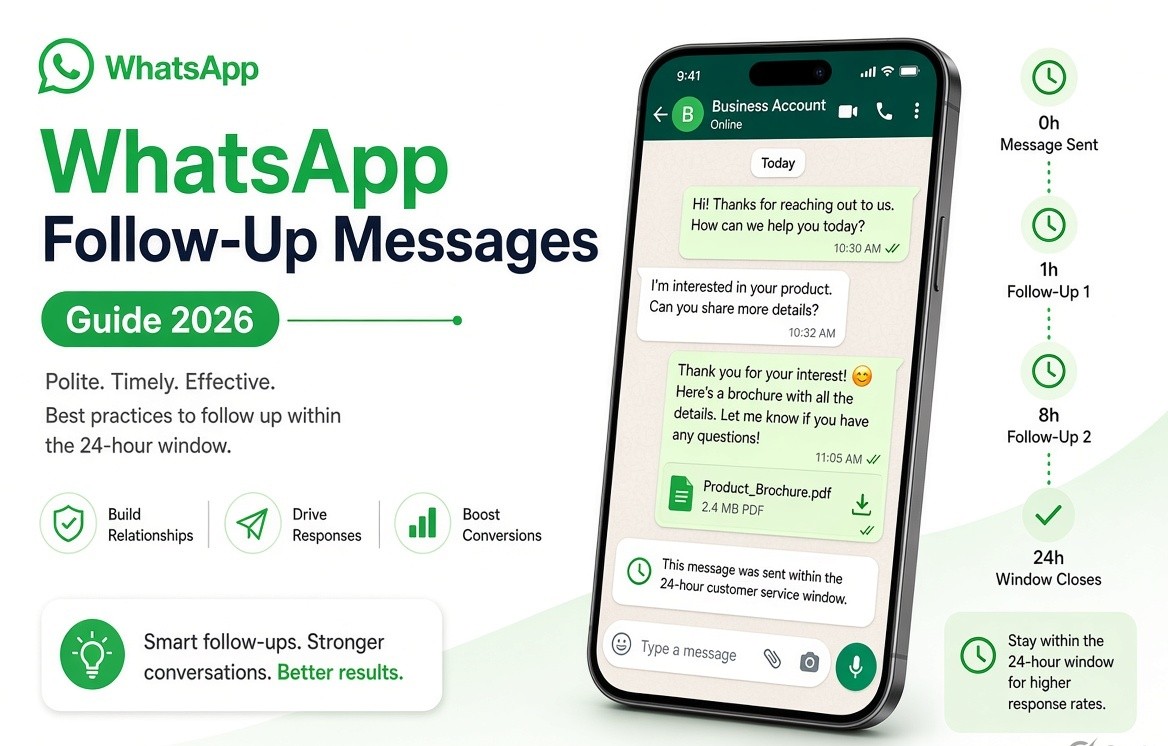
- If they go quiet inside the 24-hour window, send one value follow-up (size confirmation, a photo they asked for, a deadline that is real).
- If the window closes, use an approved template. Do not wing a marketing blast and hope the account stays healthy.
- After payment: confirmation, tracking or onboarding, then a review / refill / referral ask.
That is how to sell on WhatsApp as a process instead of a personality contest.
How Do I Get Customers to Message Me on WhatsApp?
Customers message you when the next tap is easier than thinking.
Put a Click-to-WhatsApp or wa.me button on the exact surface where intent peaks:
- Product page and cart
- Instagram and TikTok bio
- The last frame of a reel (“WhatsApp us PRICE for the list”)
- Packaging and invoices
- Google Business profile
- Paid ads with a WhatsApp destination
Offer a reason to tap that is not “chat with us”: price list, size check, today’s availability, booking slot, quote in 5 minutes.
Do not collect a phone number on a form and then surprise-text the person on WhatsApp. That burns trust and quality rating.
How to Move Instagram and TikTok Conversations to WhatsApp
Discovery happens on Instagram and TikTok. The close often happens on WhatsApp. Running those as two disconnected inboxes is why creators and ecommerce brands leak paid attention.
A Clean Handoff Looks Like This
- Bio: one wa.me link with pre-filled text. Not a link page with twelve options if WhatsApp is where you actually close.
- Caption / comment: a single keyword (PRICE, LINK, BOOK) that your automation or team recognizes.
- Story: a sticker or “reply STORY for the details” that continues in WhatsApp when the thread gets serious (payment, address, invoice).
- Context transfer: the first WhatsApp message should know what they saw. Pre-filled text solves this: Hi, I want the blue kurta from today’s reel.
- Do not double-qualify. If they already answered on Instagram, do not ask the same three questions again on WhatsApp.
Tools that only do a WhatsApp inbox, or only do Instagram comments, force the buyer to repeat themselves. InstantDM is built around comment-to-DM and story reply on Instagram and TikTok. WhatsApp is the close layer those conversations should fall into when the buyer is ready to pay, share an address, or book. For the Instagram side see Instagram DM Marketing (2026) and the broader How to Create a Chat Funnel in 2026.
Use Instagram to create demand. Use WhatsApp to finish the order. Measure both as one funnel, not two vanity dashboards.
Scripts You Can Paste Today
Use these as skeletons. Change the product words. Keep them short.
Script 1 — First Reply
Hi [Name], this is [Your name] at [Business]. I saw you asked about [product]. I can sort this in two messages — are you buying for yourself or as a gift?
Script 2 — Qualification
Quick check so I send the right option:
- Size / date / city?
- Budget range, or should I start with our bestseller?
- Need it by when?
Script 3 — Price Reveal
For what you described, [Product] at [Price] is the fit. It includes [2 inclusions]. I can hold it until [time] if you want it. Reply YES and I’ll send payment details.
Script 4 — Price Objection
Understood. Two options:
A) [Good-enough version] at [lower price]
B) Keep [original] — it solves [the thing they said they needed]
Which should I send?
Script 5 — “I’ll Think About It”
No rush. I’ll send the photo + price here so you have it. If you want it this week, tell me by [day] so I don’t sell the last [size/slot].
Script 6 — 24-Hour Follow-Up (Still Inside the Window)
Checking in on [product]. Still have [size/slot] if you want it today. Want me to send the payment link?
Script 7 — Close + Pay
Total [amount], including [shipping/tax if any]. Pay here: [UPI / link]. Reply PAID when done and I’ll confirm + share [tracking / slot / invoice].
Script 8 — Post-Sale
Order confirmed. You’ll get [next event] by [time]. If anything is off, text here — don’t hunt a new number. When it arrives, a photo review helps the next buyer.
Voice notes (20–40 seconds) beat long text for trust on higher-ticket items. Use them after qualification, not as the first automated reply.
How Do I Collect Payment on WhatsApp?
Collect payment in the same chat. Every extra app you send people to is a drop-off.
There is no single global “WhatsApp Pay everywhere” button in 2026. Use the rail your buyer already trusts.
| Market | What to Use in Chat |
| India | UPI link or QR (GPay, PhonePe, Paytm), WhatsApp Pay where available |
| Brazil | Pix or WhatsApp Pay where live |
| Nigeria / Kenya-style markets | Paystack, Flutterwave, M-Pesa till / paybill |
| US / UK / EU | Stripe Payment Link, PayPal.me, invoice |
| Global ecommerce | Checkout link back to Shopify / store, then confirm in WhatsApp |
Rules That Raise Close Rate
- Send one payment method first
- State the exact amount
- Tell them what to reply after paying
- Confirm in chat within minutes
- Send the invoice or receipt in the same thread
Key takeaway: Do not negotiate, then say “I’ll email a payment link later.” Later is where the sale dies.
How to Sell on WhatsApp in India
India is the largest WhatsApp market. A global playbook still has to respect local rails: UPI, invoices, and consent. A detailed India-focused version is available in the How to Sell on WhatsApp in India — 2026 Playbook.
To sell on WhatsApp in India you need six pieces working together:
- Presence — Business App first; API when ads or a team arrive
- Catalog — photos and rupee prices, not “DM for price” on every SKU
- Opt-in list — under DPDPA-style consent rules, store that the buyer chose to chat
- Repeatable order conversation — greeting → item → size/city → total → UPI → confirm
- UPI collection — QR or UPI ID in chat; confirm the screenshot
- GST invoice — WhatsApp will not generate this for you. Send the PDF in the thread after payment. Above notified turnover, e-invoicing rules still apply
Status is a free storefront. Post arrivals, proof-of-delivery photos, and “two left in M” in the hours people actually check the phone (early morning and late evening). Broadcast lists only to people who saved your number and expect updates.
Hinglish is fine when your buyer uses it. Formal English is fine for B2B and high-ticket. Match the chat you were invited into.
Cold-adding thousands of numbers from a spreadsheet is how businesses get blocked and then blame “WhatsApp sales.” The channel is not the problem.
What Is the WhatsApp 24-Hour Messaging Window?
When a customer messages your business, you can reply freely for 24 hours. That window is the open sales conversation. After it closes, you cannot just send another free-form “just checking in” from the API the way you would from a personal phone.
How to Work Inside the Rule
- Close or advance the deal inside 24 hours if the buyer is hot
- Use the window for qualification, proof, and payment — not for a long nurture drip
- After 24 hours, send an approved message template (utility for order updates; marketing templates only with proper opt-in and category)
- Click-to-WhatsApp ads can carry a longer free entry window in some setups. Do not treat that as permission to spam
If you are on the Business App only, you feel this rule less day to day and more when you try to scale outbound. If you are on API, templates are part of the sales stack, not a nice extra.
Utility vs Marketing, in Plain Language
- Utility: “Your order shipped. Tracking: …”
- Marketing: “20% off this weekend”
- Authentication: OTP-style codes
Key takeaway: Mixing a sales pitch into a shipping template is how templates get rejected and quality rating drops.
Do I Need Opt-In? Is It Legal to Sell on WhatsApp?
Yes, you can legally sell on WhatsApp if you follow WhatsApp’s Commerce Policy, collect consent before proactive outreach, and stay off banned categories.
You need opt-in before you send sales broadcasts or marketing templates. A buyer messaging you first is consent for that service conversation. It is not a blank cheque to add them to a daily promo list.
What Counts as a Sane Opt-In
- They tapped your wa.me or Click-to-WhatsApp ad
- They checked a WhatsApp box on your form or checkout
- They texted a keyword you published
- They scanned a QR that opens a chat they started
What Does Not
- A purchased number list
- Scraping numbers from groups
- Emailing “we’ll WhatsApp you” after a form with no mention of WhatsApp
Can I Send Bulk Messages for Sales?
Only to people who opted in, and on API only through approved templates. The App broadcast list (256, and they must have your number saved) is for warm customers, not cold acquisition. API does not give you group-chat blasting as a growth hack.
Can I Use WhatsApp Groups to Sell?
Buyer-to-buyer groups exist. Official Business API is not a group-spam channel. If you run a community group, keep rules tight and move the actual order to a private chat. Treat groups as distribution, not checkout.
Restricted commerce categories still apply. If you would not put it on a Meta ad, do not assume WhatsApp is a loophole.
Quality rating matters. High block and report rates shrink how many messages you can send. Speed-to-reply and useful first messages protect rating better than any volume trick.
How Do I Use AI or Automation Without Sounding Like a Robot?
Automate the first 30 seconds and the boring middle. Keep a human on price, exceptions, and anything with emotion.
Safe to Automate
- Greeting and away
- “What are you looking for?” menu
- Catalog send
- FAQ (shipping time, hours, return rule)
- Tagging and routing
- Abandoned-chat nudge inside the window
- Order confirmation / tracking templates
Keep Human
- Custom quotes
- Objections
- Complaints
- High-ticket close
- Anything the buyer already answered once
An AI agent earns its place when it asks the three qualification questions, writes a clean summary for the rep, and shuts up. It fails when it recites a homepage.
Paid Click-to-WhatsApp traffic dies if the first reply waits until morning. Use automation as step 2 of the loop, not as the whole sales pitch.
CRM, Shared Inbox, and What Happens When a Salesperson Leaves
If the only copy of a deal is on one phone, you do not have a sales channel. You have a key-person risk.
Minimum Stack as You Grow
- Shared inbox so two agents can work one number
- One owner per open chat
- Tags that match funnel stages
- CRM record created when the lead is qualified (name, number, source, offer)
- Notes on the last objection
WhatsApp does not give you a full sales CRM inside the chat. Connect the inbox to the CRM you already use. Do not run a second unofficial pipeline in someone’s head.
Voice notes should be summarized into the CRM or they vanish.
What Metrics Should I Track for WhatsApp Sales?
If you cannot name the broken step, you will “optimize WhatsApp” by sending more broadcasts. Track these:
| Metric | How to Read It | Target to Aim At |
| Time to first reply | Sum of first-response times / chats | Under 5 minutes; bots under 30 seconds |
| Qualification rate | Qualified chats / all inbound | 30–50% |
| Chat-to-paid | Paid orders / qualified chats | 15–35% for SMB / local retail; lower for high-ticket |
| Payment confirm time | Pay requested → marked paid | Under 10 minutes when someone is ready |
| Template read rate | Reads / delivered templates | High 90s is normal if the list is opted-in |
| Block / report rate | Blocks and reports / outbound | Keep this tiny or quality rating falls |
| Source-to-close | Orders by wa.me vs ads vs Instagram vs QR | Kill the pretty source that never pays |
Watch conversations stuck on “payment pending” for more than 24 hours. That is a script problem or a payment-friction problem, not a traffic problem.
These ranges are starting points, not laws. Your niche will move them. Pick the numbers and review them weekly.
How This Changes by Niche
Ecommerce / Fashion / DIY Products
Catalog + UPI or checkout link. Status and stories create the day’s demand. Instagram comments should not try to finish address and payment; hand that to WhatsApp.
Coaches, Courses, Agencies
You are selling a conversation, not a SKU. Qualification questions matter more than catalog. Send a short video or voice note after the third question. Take payment by link. High-ticket can close in chat if the proof is specific. Do not force a video call if the buyer is already saying yes in text.
Real Estate
WhatsApp is the tour-packet channel: listing PDF, location pin, video walkthrough, then site-visit slot. Capture from ads and Instagram, qualify budget and timeline fast, stop sending 20 projects in one go.
Local Services (Salon, Clinic, Tutoring)
Booking is the product. Confirmation + reminder templates after the window are the money. Collect a small advance on UPI to cut no-shows.
Start with the Loop, Not with More Tools
Run ten conversations on the WhatsApp Sales Loop this week. Measure time-to-reply and chat-to-paid. Only then add API, ads, or AI.
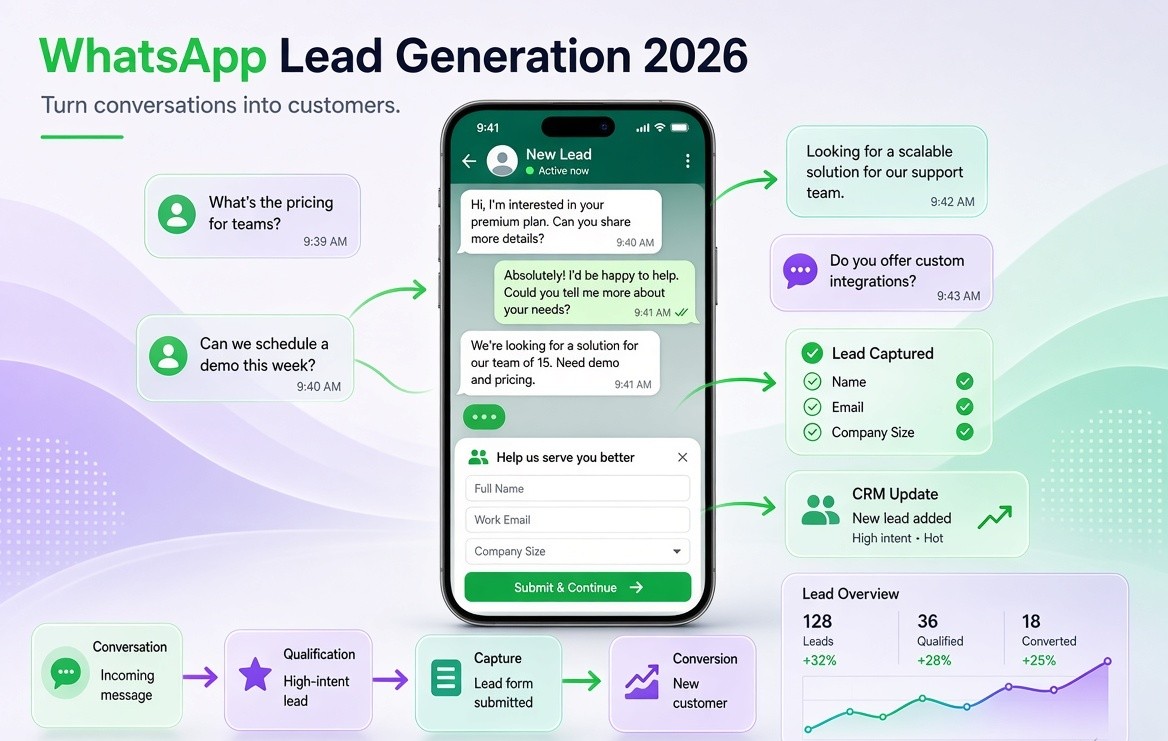
If Instagram and TikTok already send you demand, connect that comment and story flow to the same close instead of making the buyer repeat themselves in a new app. That is the system InstantDM is built to support — capture on social, finish the sale in the chat the buyer already has open. For lead capture patterns see WhatsApp Lead Generation: How to Capture and Convert High-Intent Leads in 2026.