

Ready to Automate Your Growth?
Join 30,000+ creators and brands using InstantDM today.
Get Started NowAny support required, we're just one click away.
Meta Business Partner
100% Official API
Type once, get 12 copy-ready Unicode styles: bold, italic, bold italic, monospace, small caps, and more. Preview each one in a realistic Instagram bio before you paste.
How do you bold text on Instagram? You can't, natively. Instagram has no formatting button, so you paste Unicode characters that look bold instead. Type your text below, pick the bold style, and copy it into your bio, caption, or comments.
Screen readers struggle with these characters. Many announce them one by one as "mathematical bold capital T" or skip them entirely, so a whole bio written in fancy Unicode can be unreadable for visually impaired followers. Some search and translation features also fail to match styled text. Use these styles sparingly: bold a few key words like your offer or call to action, and keep the rest of your text in regular characters.
Instagram strips any rich formatting you paste in; there is no bold button in the app. The workaround the whole creator world uses is Unicode: the same standard that defines emoji also contains full bold, italic, and monospace alphabets meant for mathematical notation. Swap your letters for those characters and the styling travels with the text itself. Want cursive, gothic, or upside-down lettering too? Use our full Instagram font generator instead.
Write your bio line, caption hook, or name in the box at the top. Letters A–Z, a–z, and numbers 0–9 get converted; emojis, punctuation, and accented characters pass through untouched.
Every style updates live: sans-serif bold and italic for a modern look, serif variants for an editorial feel, plus monospace, double-struck, fullwidth, small caps, circled, and squared as bonus options.
Click any style to see it inside a simulated Instagram profile. This is the fastest way to judge whether a style reads well at bio size before you commit.
Hit copy on the style you like and paste it straight into the Instagram app: bio, caption, comment, DM, or display name. No sign-up, and nothing leaves your browser.
All 12 styles are standard Unicode, but coverage varies by device age. Bold renders almost everywhere. Italic text for Instagram has one real gap: Unicode never defined italic digits. Here is the full picture, style by style.
| Style | Letters | Numbers | Notes |
|---|---|---|---|
| Bold (sans & serif) | A–Z, a–z | 0–9 | Safest choice; renders on virtually every device |
| Italic (sans & serif) | A–Z, a–z | Not in Unicode | Numbers stay regular; the serif italic h comes from the Letterlike Symbols block |
| Bold Italic | A–Z, a–z | Not in Unicode | Numbers stay regular |
| Monospace | A–Z, a–z | 0–9 | Great for a "typewriter" or techy look |
| Double-Struck | A–Z, a–z | 0–9 | C, H, N, P, Q, R, Z use the original Letterlike Symbols characters |
| Fullwidth | A–Z, a–z | 0–9 | The "vaporwave" look, wide spacing built in |
| Small Caps | a–z | Regular | No small-cap x exists, so x stays regular |
| Circled / Squared | A–Z | Circled: 0–9 | Squared has capitals only; lowercase converts to capitals |
Automate your Instagram DMs and comments with InstantDM, a Meta Official Business Partner. Turn every comment and story reply into a conversation from $9.99/month. The free plan includes 500 DMs a month.
Want cursive, gothic, upside down, or zalgo? The full generator has dozens more styles plus underline and strikethrough.
Line breaks that survive posting, emoji bullets, a hook checker, and character counters.
Add clean line breaks and spacing to captions and bios.
Measure your engagement rate against industry benchmarks.
Instagram does not have a built-in bold or italic button. This tool swaps your regular letters for Unicode characters from the Mathematical Alphanumeric Symbols block that look bold or italic. Because they are standard Unicode characters, you can paste them anywhere Instagram accepts text: your bio, captions, comments, and DMs.
Yes. Bold, italic, and the other styles on this page work in Instagram bios, captions, comments, DMs, and even your display name. They also work on most other platforms like Twitter/X, Facebook, LinkedIn, and WhatsApp.
Unicode does not cover every character in every style. For example, italic numbers do not exist, so digits stay regular in the italic styles. A few letters live in a different Unicode block (the italic h and the double-struck C, H, N, P, Q, R, and Z come from Letterlike Symbols), and this tool maps those correctly so you never see a broken glyph.
Yes. These are standard Unicode characters used in mathematical and scientific notation. Instagram will not flag or penalize your account for using them. Very old devices may show a few of the rarer styles as empty boxes, but the bold and italic styles render on virtually every modern phone.
They can. Screen readers often announce these characters letter by letter as "mathematical bold capital A" or skip them entirely, which makes long stretches of styled text hard to follow. Use bold or italic for a few emphasized words, like your offer or your call to action, and keep the rest of your text in regular characters.
This page covers the clean emphasis styles: bold, italic, and bold italic, in sans and serif, with a live bio preview. Our full Instagram Font Generator has dozens more decorative styles like cursive, gothic, upside down, and zalgo, plus underline and strikethrough decorators.
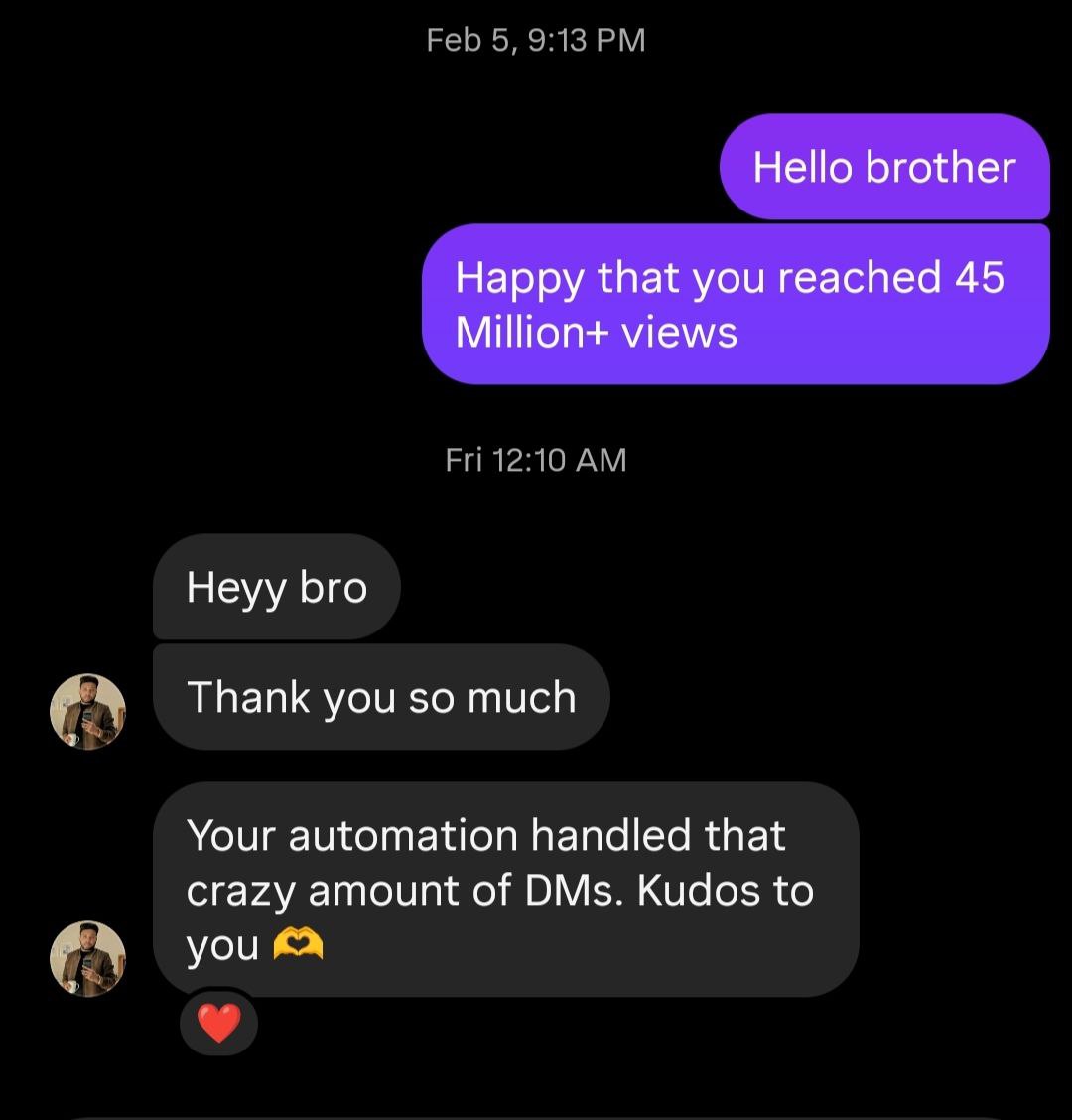
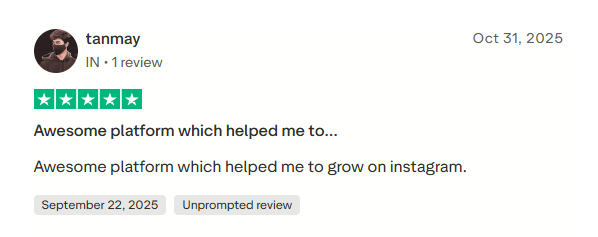
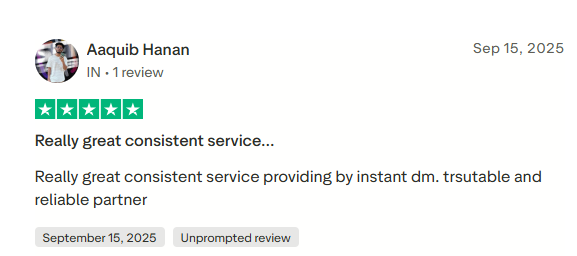
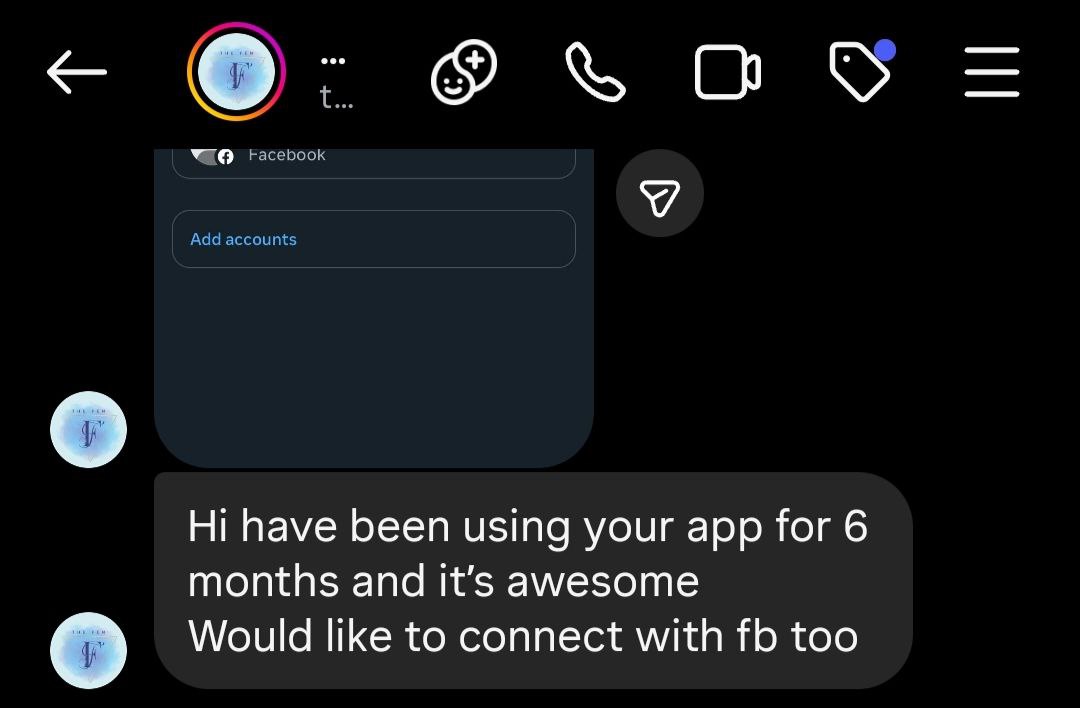
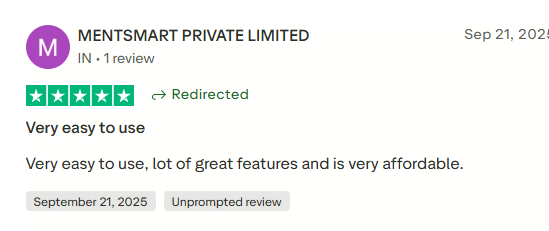
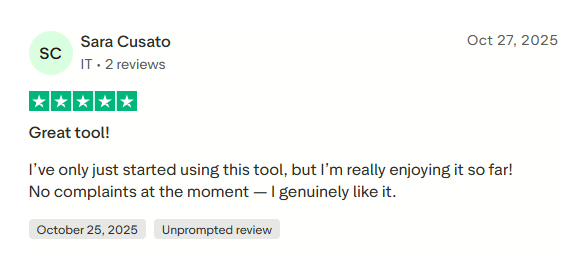
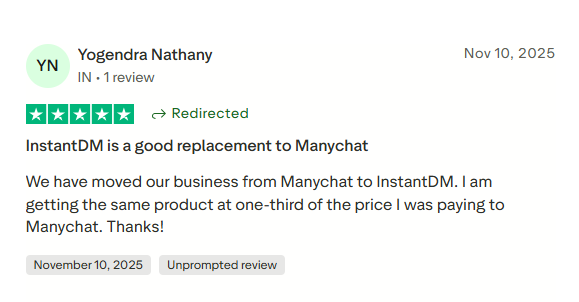
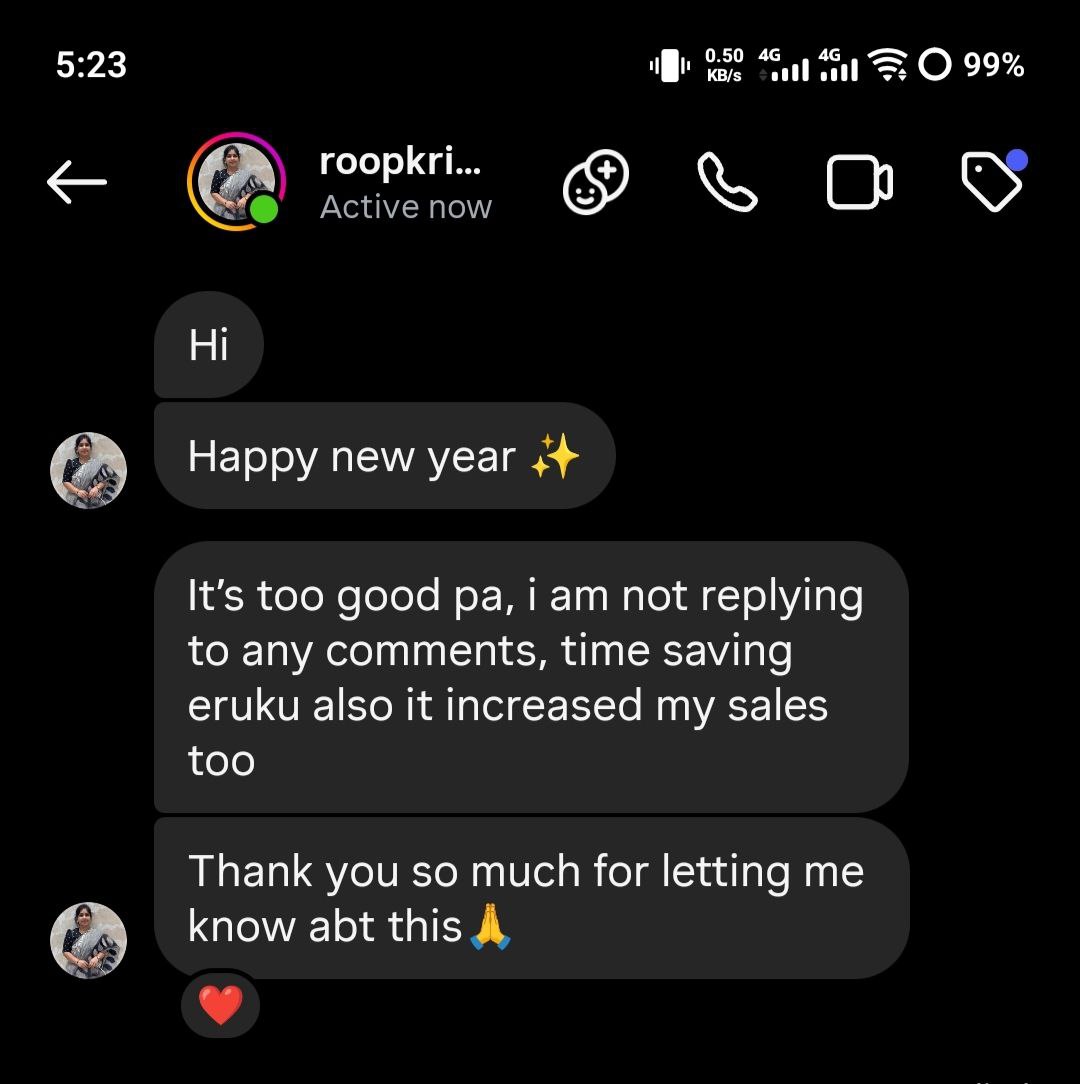
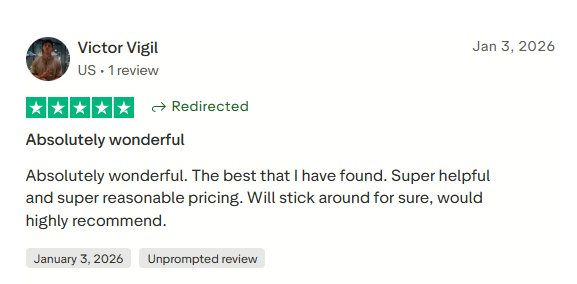
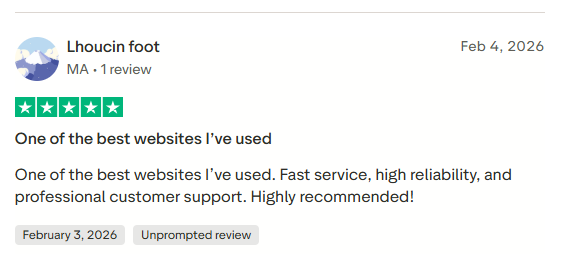
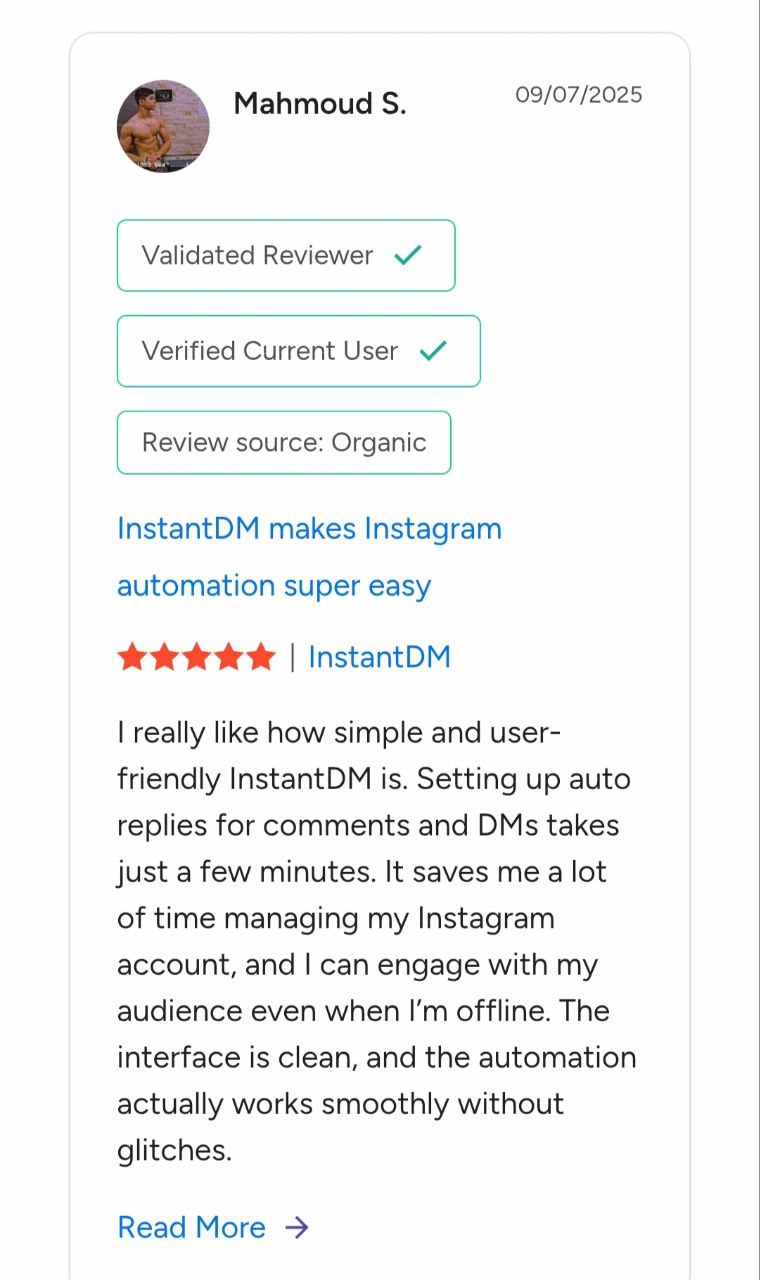
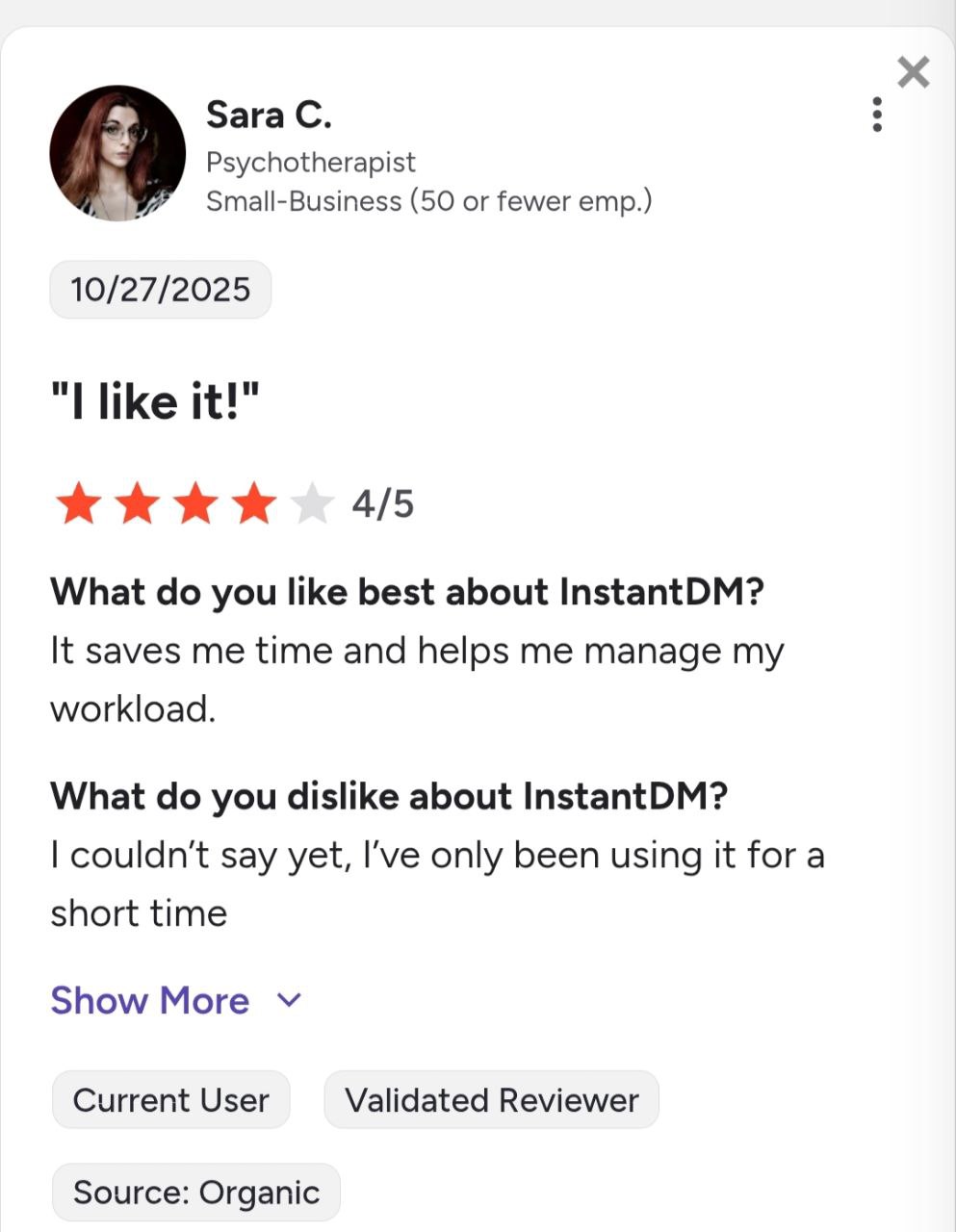
See what creators and brands are saying about InstantDM


Join 30,000+ creators and brands using InstantDM today.
Get Started NowAny support required, we're just one click away.
