

Ready to Automate Your Growth?
Join 30,000+ creators and brands using InstantDM today.
Get Started NowAny support required, we're just one click away.
Meta Business Partner
100% Official API
Upload your Reels cover or paste text placements to check if they'll be hidden by Instagram's UI overlays. Keep your content fully visible.
Upload an image or use the interactive guide to check text placement.
Enter where your text appears on the reel to verify it's in the safe zone.
Place your hook text 20-25% from the top. The top 15% is covered by the "Reels" header and the account name overlay.
The bottom section is covered by your username, caption, audio source, and the navigation bar. Keep CTA text above this zone.
Like, comment, share, and save buttons appear on the right side. Keep text at least 15% away from the right edge.
Want to convert Reels viewers into customers? Set up automatic DM replies when viewers comment on your Reels.
Automate Reels Engagement with InstantDM Comment "REELS" → Get the guide in DMs automatically.The Instagram Reels safe zone is the area of the screen where your text, graphics, and key visual elements won't be hidden by Instagram's interface overlays. These includes the username header, like/comment buttons, caption text, audio source, and the bottom navigation bar.
The top 15% of the screen is covered by the Reels title, account handle, and follow button. Anything you place here will be partially or fully hidden from viewers.
The bottom 30% shows your caption (first 2 lines), audio source, and the profile scroll bar. Important CTA text placed here will be covered.
Like, comment, share, bookmark, and audio buttons stack vertically on the right side. Leave at least 80px or 15% of the width on the right edge clear of text.
Use your Reels to build an audience, then use InstantDM AI to automatically send resources, links, or offers to anyone who comments. This turns passive viewers into DM conversations.
The safe zone is roughly the center 70-75% of the screen vertically. Top 15% and bottom 30% are covered by UI elements. Leave 15% margin on the right for action buttons and 10% on the left for spacing.
Reels should be 1080x1920 pixels (9:16 portrait). This fills the full phone screen and provides the best viewing experience.
Place text in the center or upper-middle area. Your hook/title should be 20-25% from the top. Keep text centered horizontally with right margins for action buttons. Use this tool to verify placement.
Your text is likely falling within areas covered by Instagram's UI overlays — the header at top, the caption and audio at the bottom, or the action buttons on the right. Use this checker to find the safe zone before publishing.
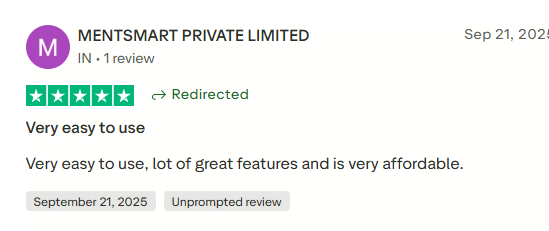
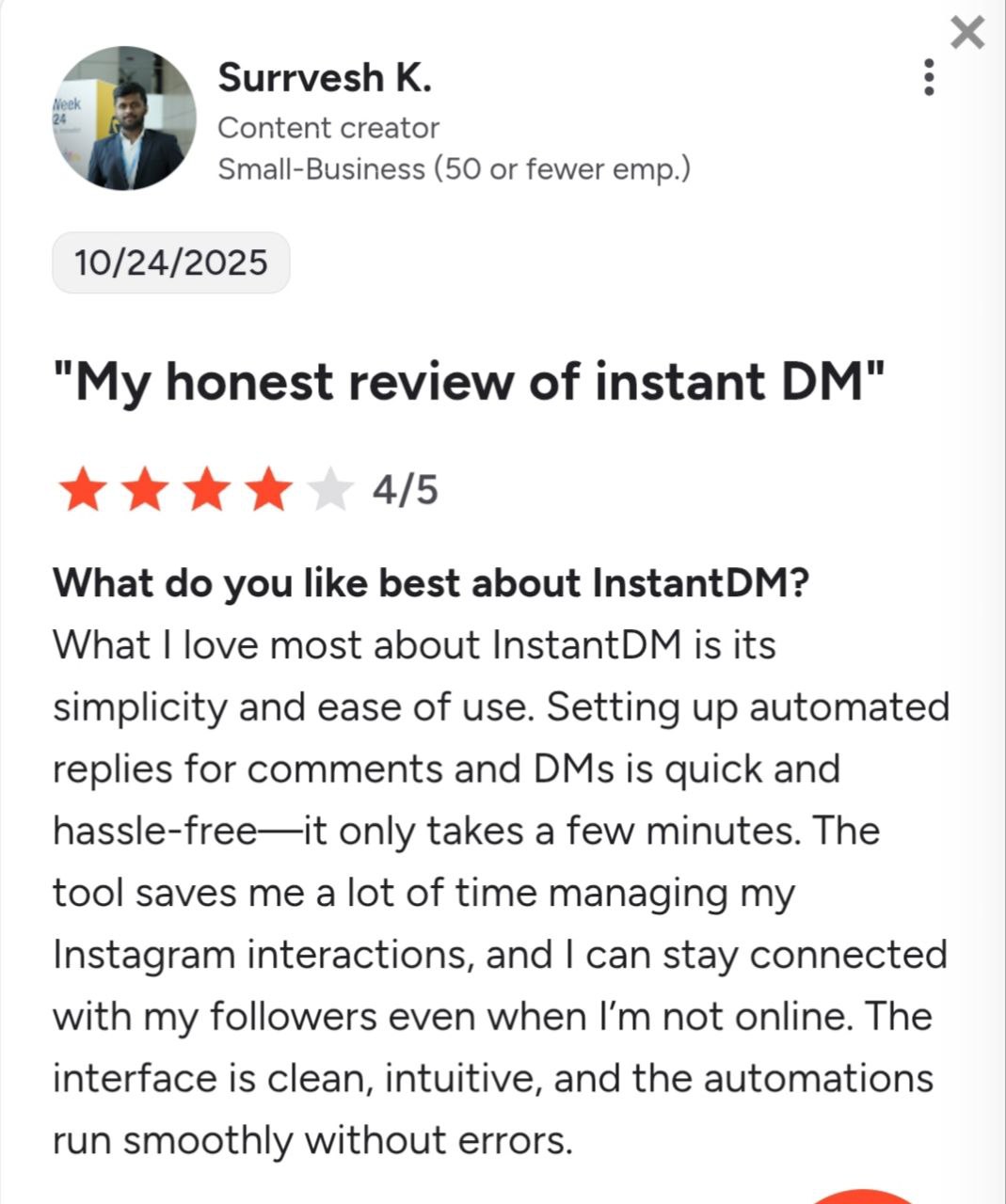
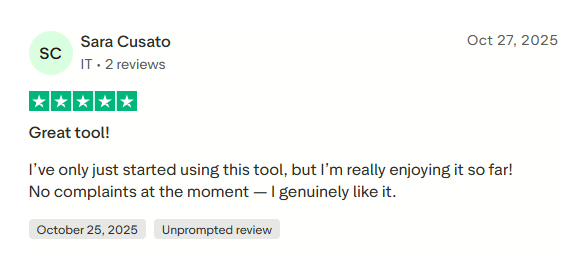
See what creators and brands are saying about InstantDM
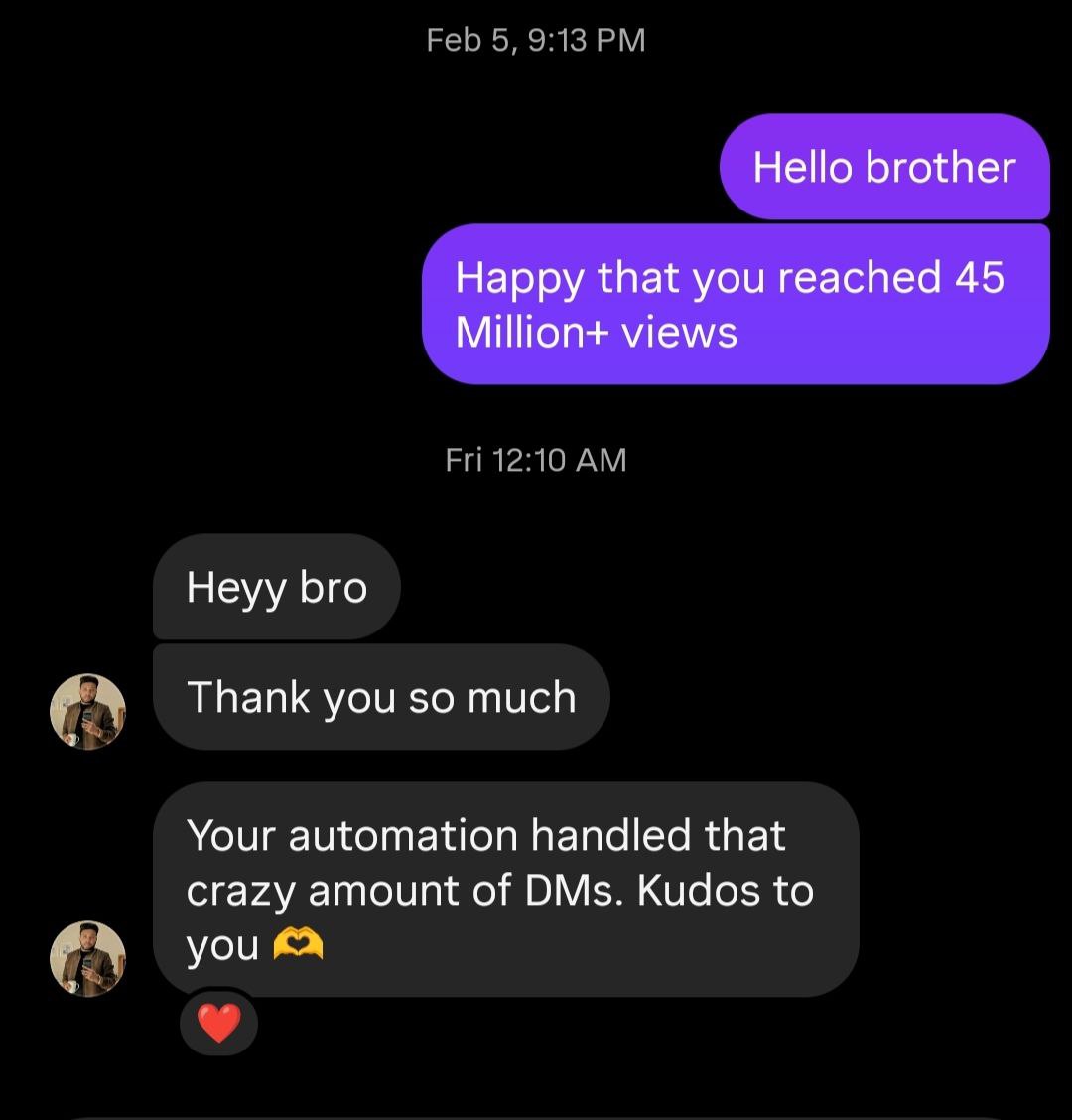
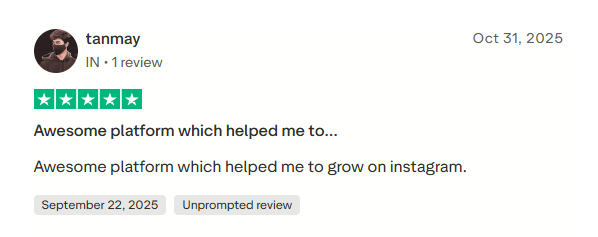
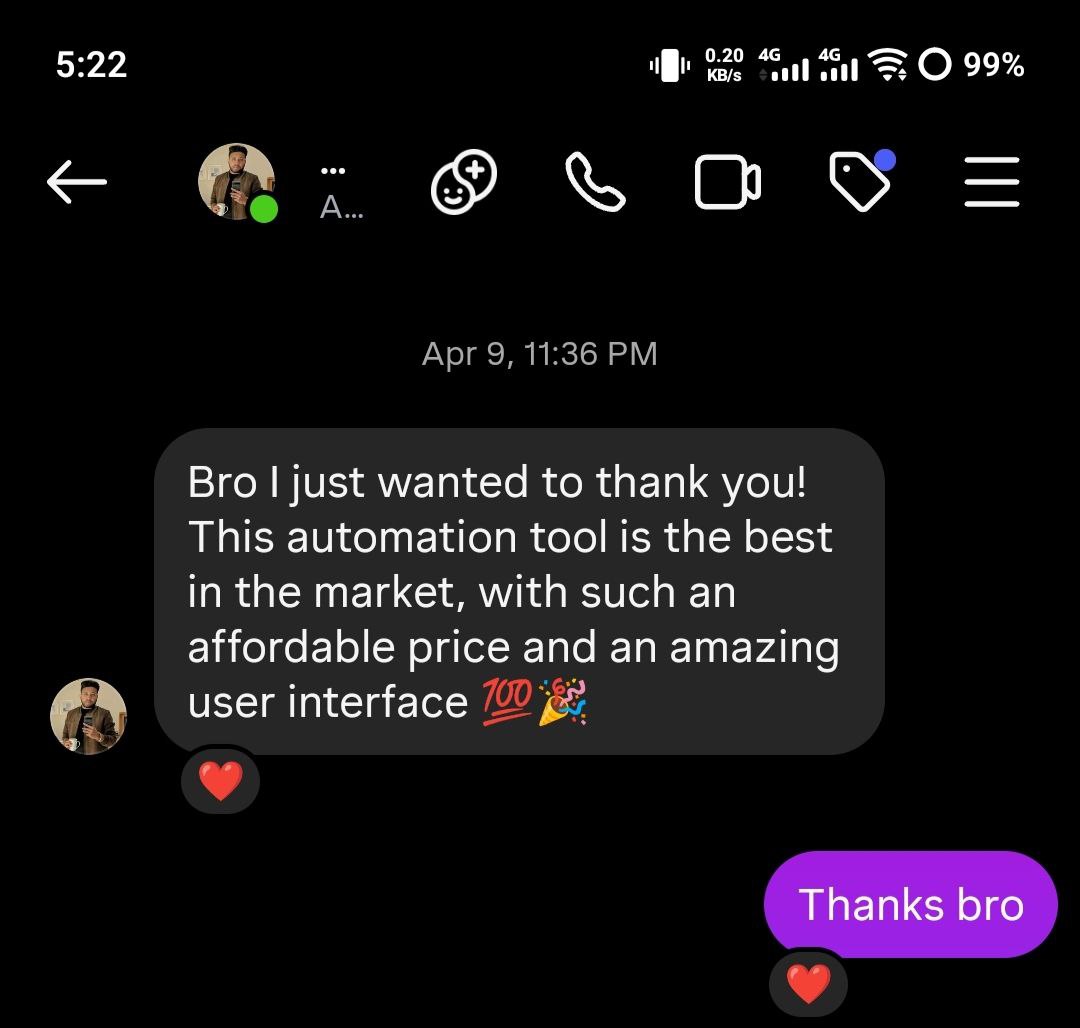
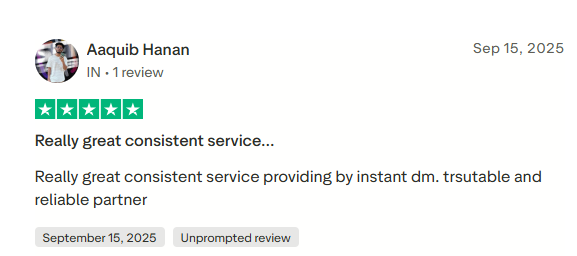
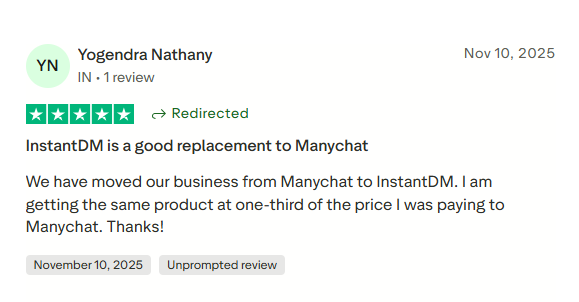
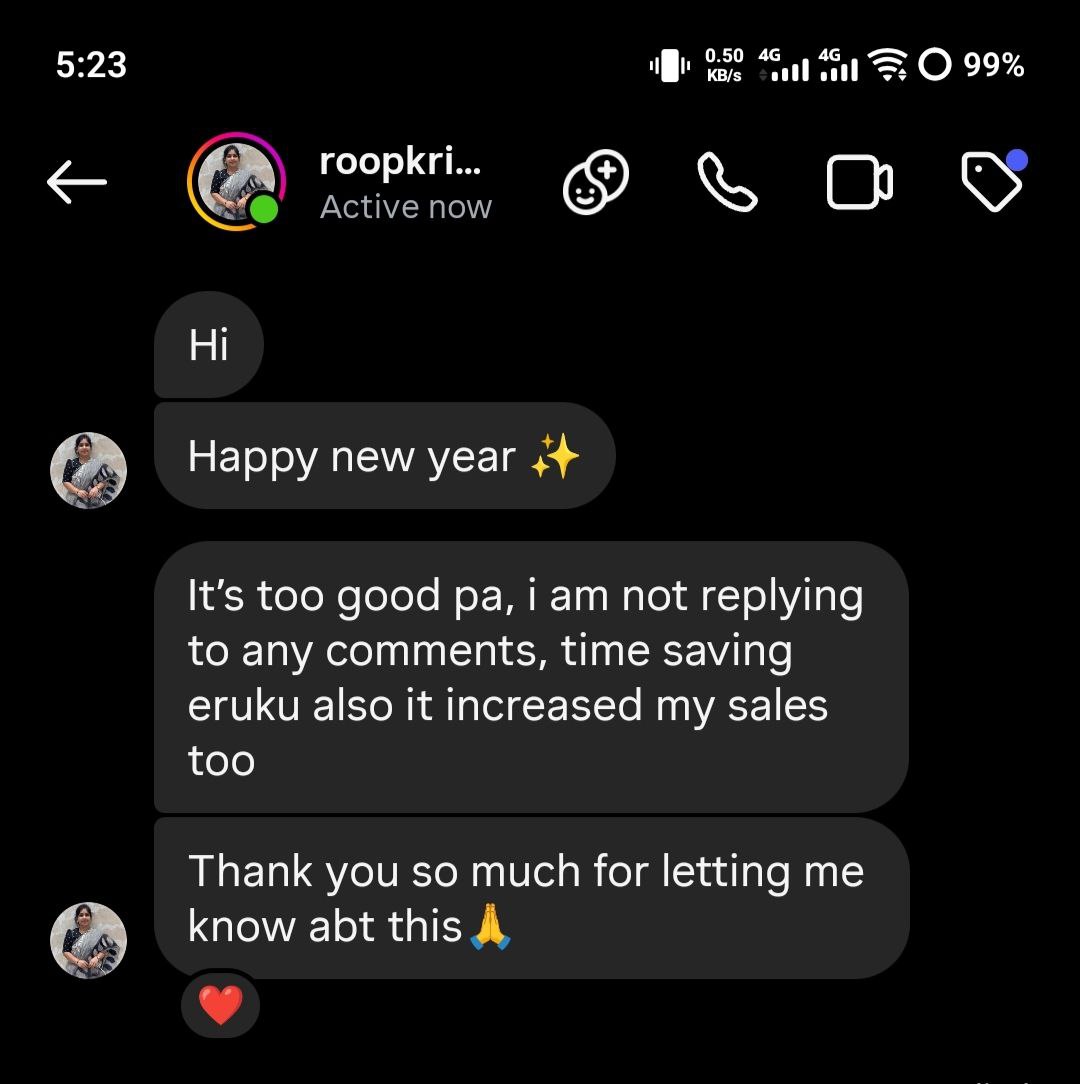
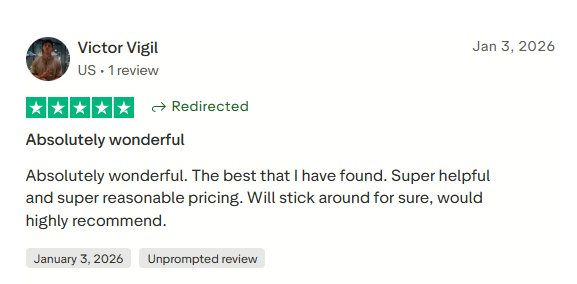
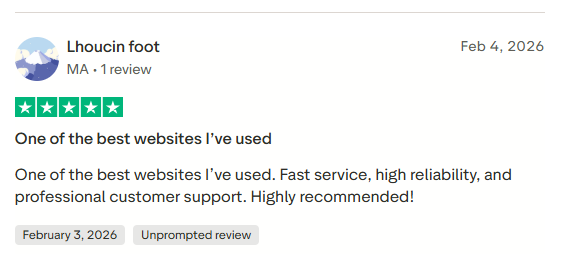
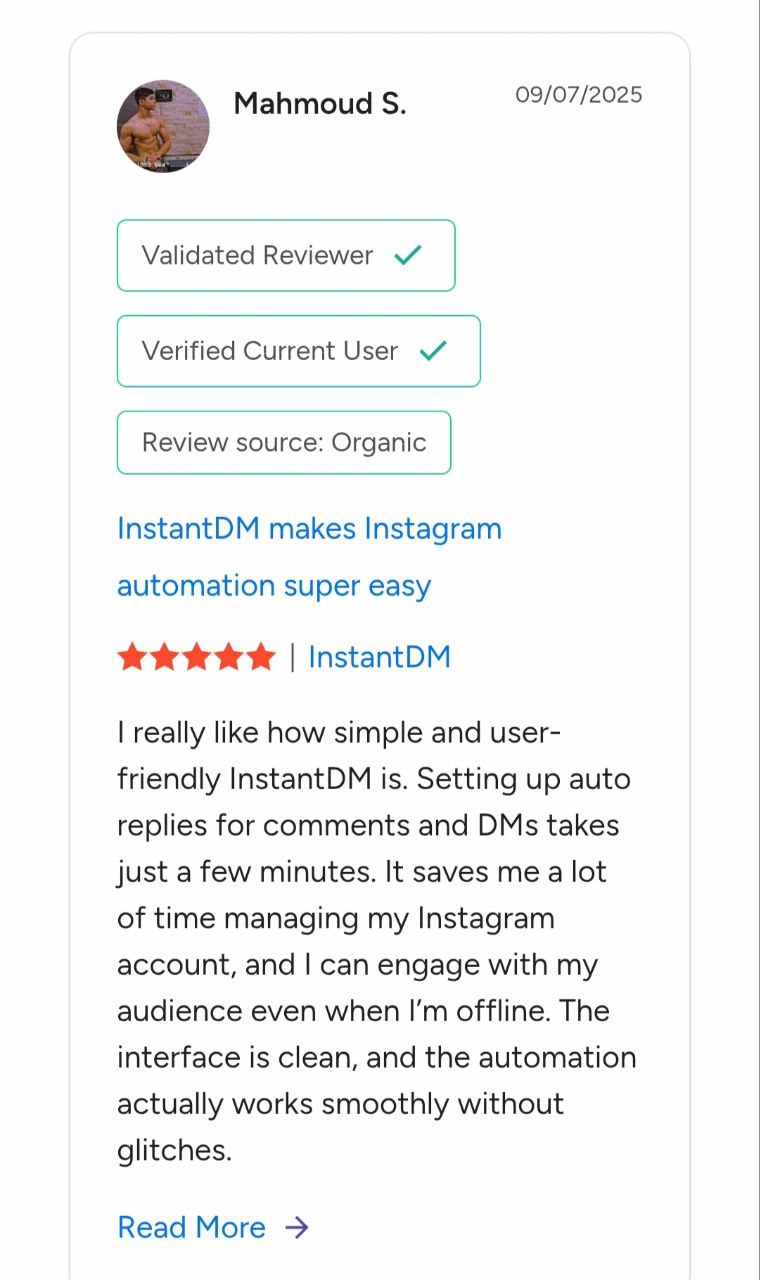
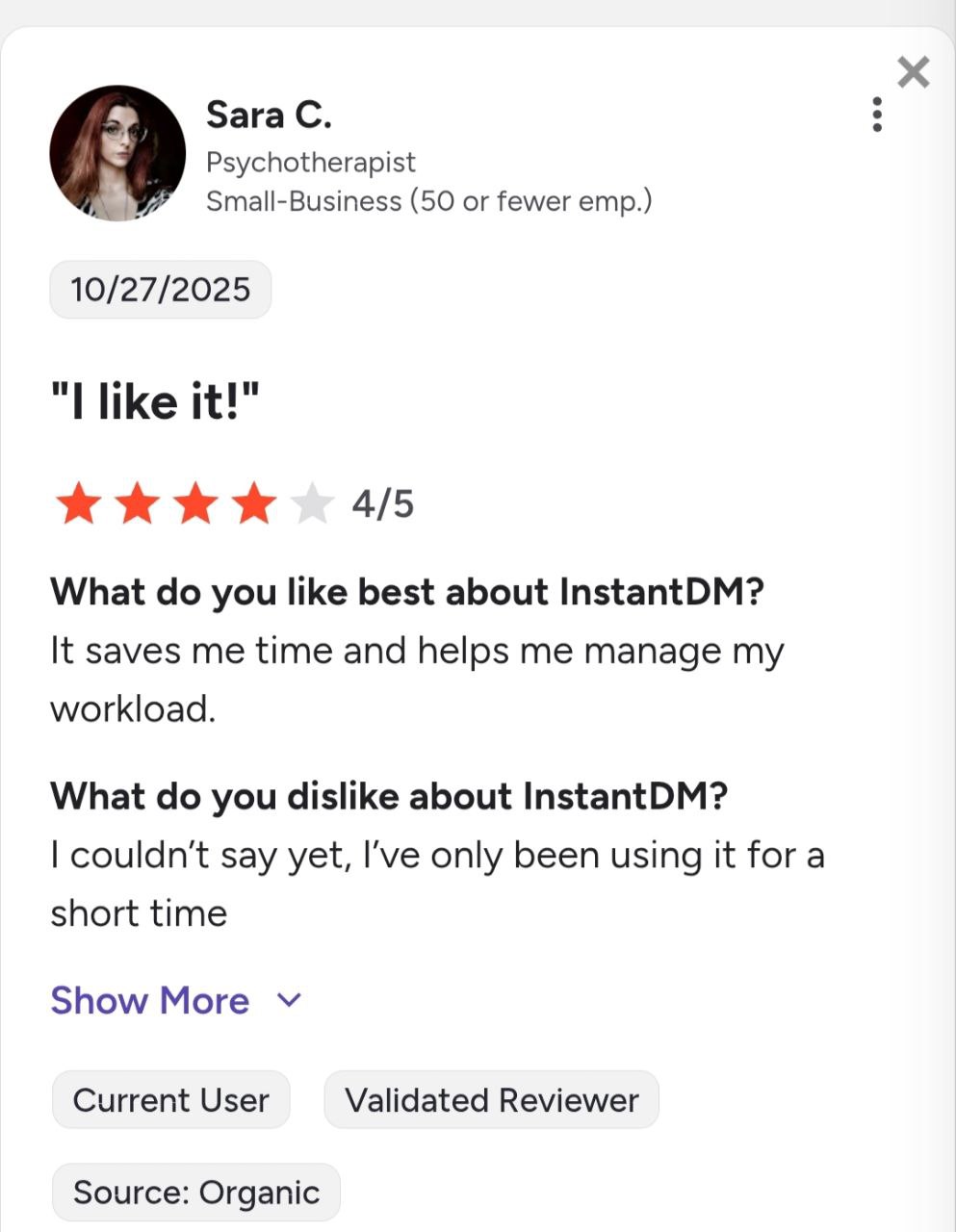
Join 30,000+ creators and brands using InstantDM today.
Get Started NowAny support required, we're just one click away.
