How to Check If an Instagram Username Is Available (2026 Guide)
You can check if an Instagram username is available in three ways: use the Instagram app to search for the handle, try changing your username in settings to see if it is taken, or use a free third-party username checker tool for instant results across multiple platforms.
This guide covers every method step by step, explains what to do when Instagram says a username is "not available" but no account exists, and shows you how to claim a taken or inactive username.
Why Check Instagram Username Availability Before You Commit
Your Instagram username is your identity on the platform. It appears in your profile URL (instagram.com/yourusername), shows up in DMs, comments, and tags, and is the first thing people see when they find you.
Checking availability before you commit saves you from:
- Wasting time during account creation only to find your name is taken
- Choosing a username that conflicts with an existing brand
- Missing the chance to secure your name across platforms
- Losing brand consistency if someone else grabs your handle first
Whether you are creating a new account, rebranding, or launching a business, verifying username availability should be your first step.
Method 1: Check Username Availability Using the Instagram App
The fastest way to check if an Instagram username is available is through the Instagram app itself. This method uses Instagram's own database, so the results are always accurate.
Steps to Check via Instagram Search
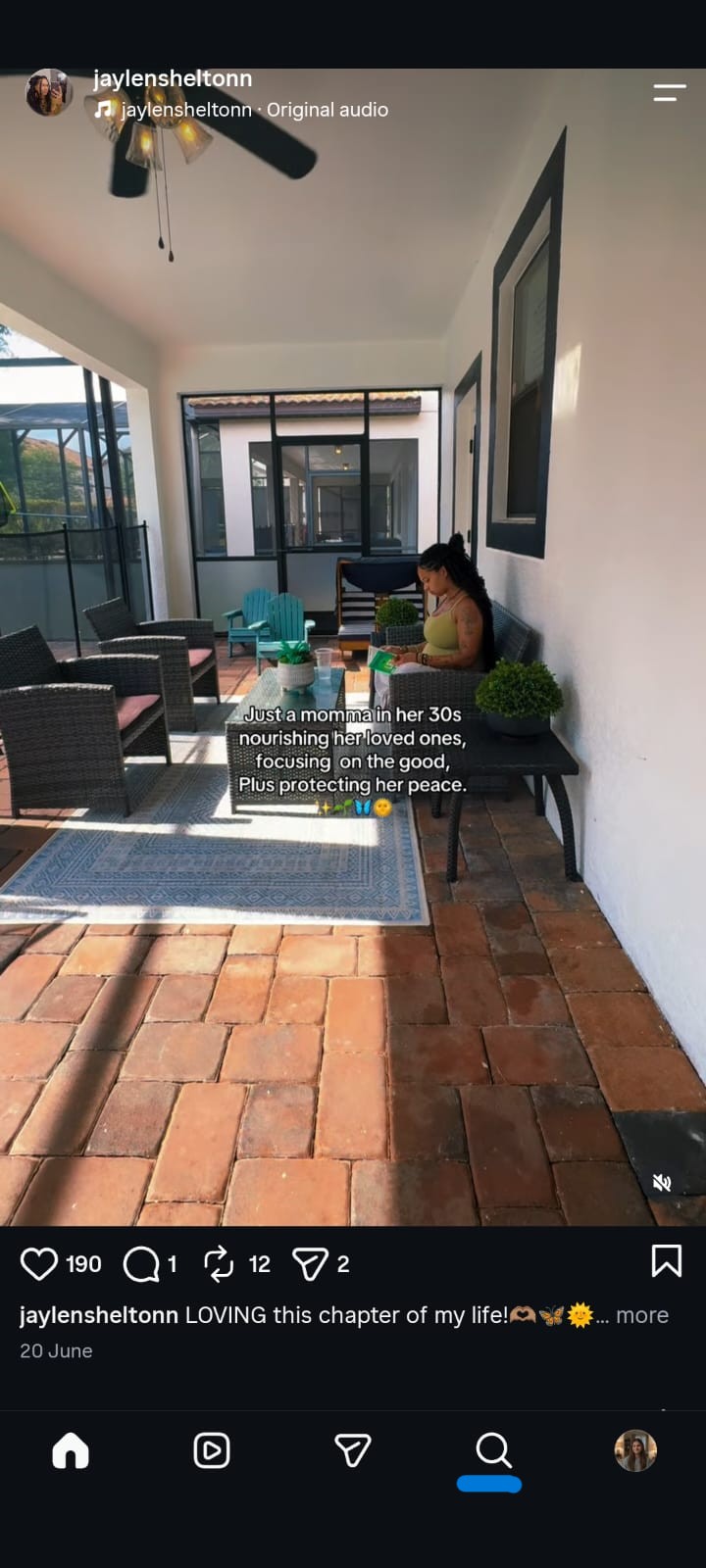
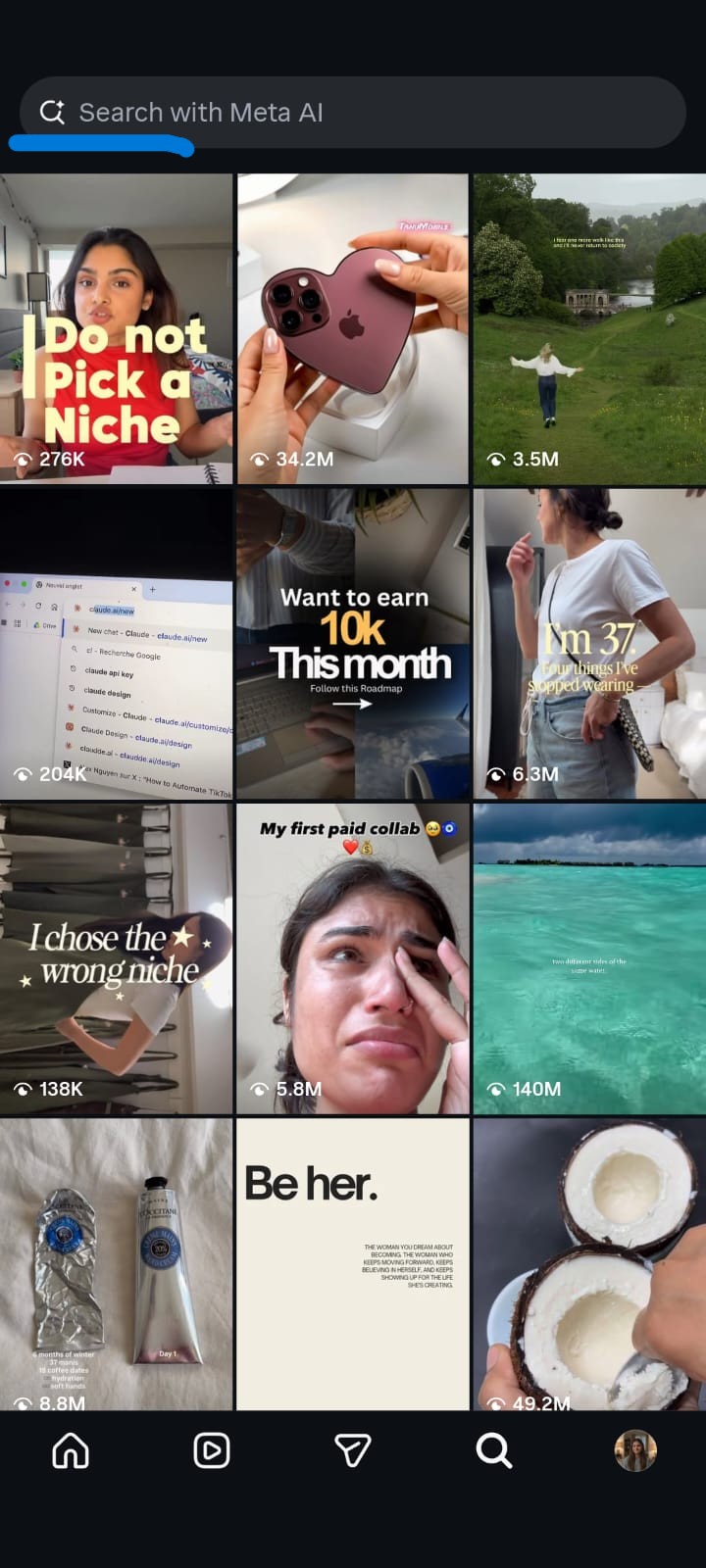
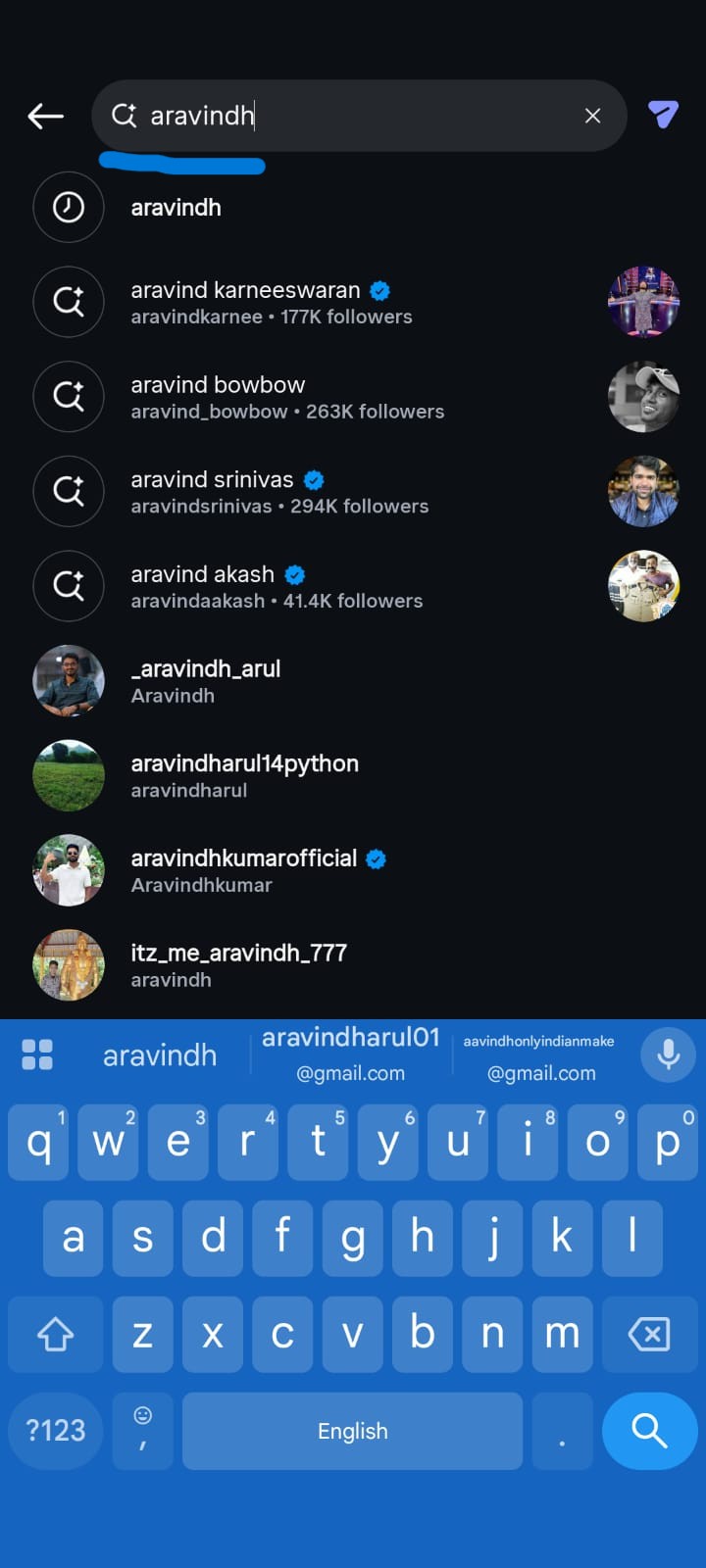
Open the Instagram app on your phone
- Tap the Search icon (magnifying glass) at the bottom of the screen
- Type the exact username you want in the search bar
- Switch to the Accounts tab in the search results
- Look at the results:
If no exact match appears: The username might be available. However, this does not guarantee availability because deleted, deactivated, or restricted accounts may still hold the name.
If an account appears with that exact username: The username is taken. You will see the profile with the handle displayed below the display name.
How to Double Check Using Username Change
For a definitive answer, try changing your username directly:
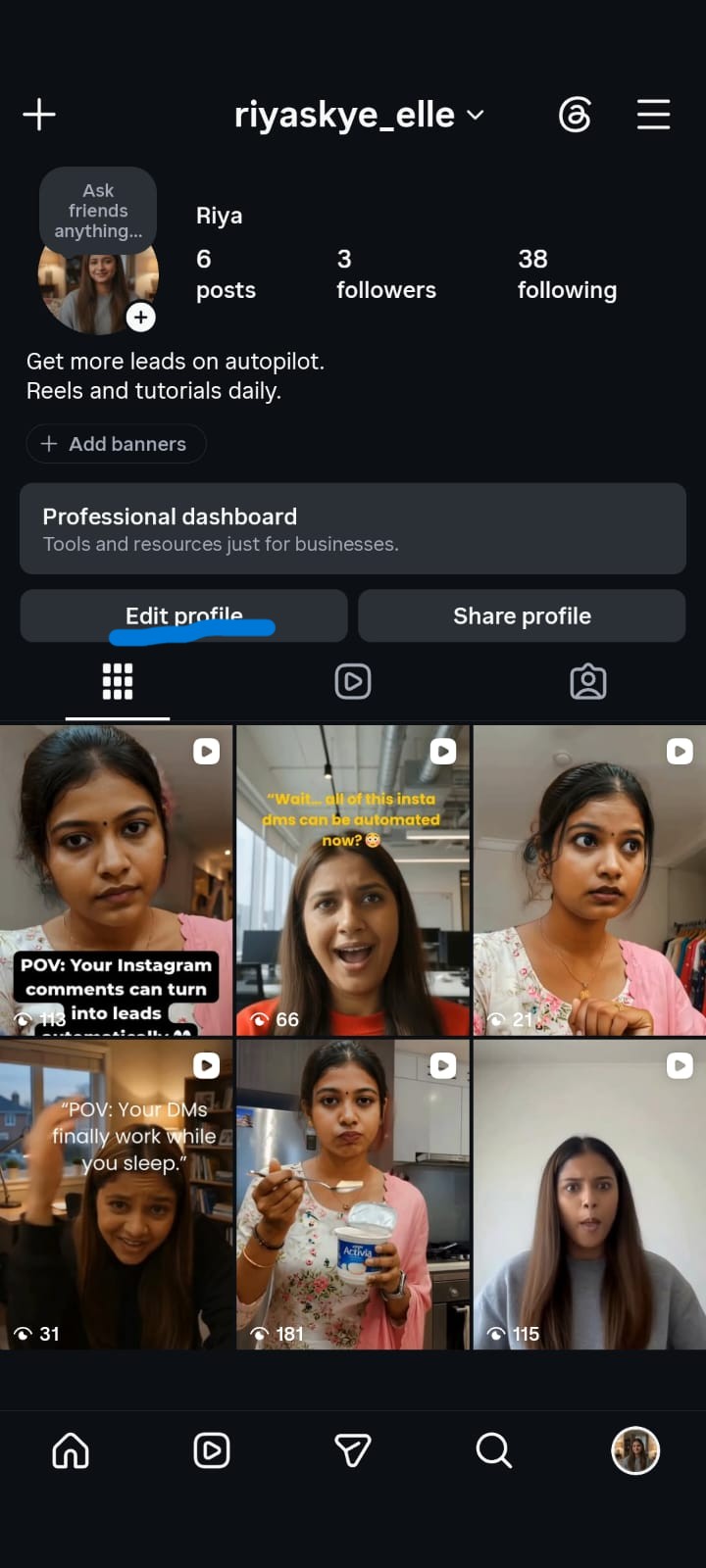
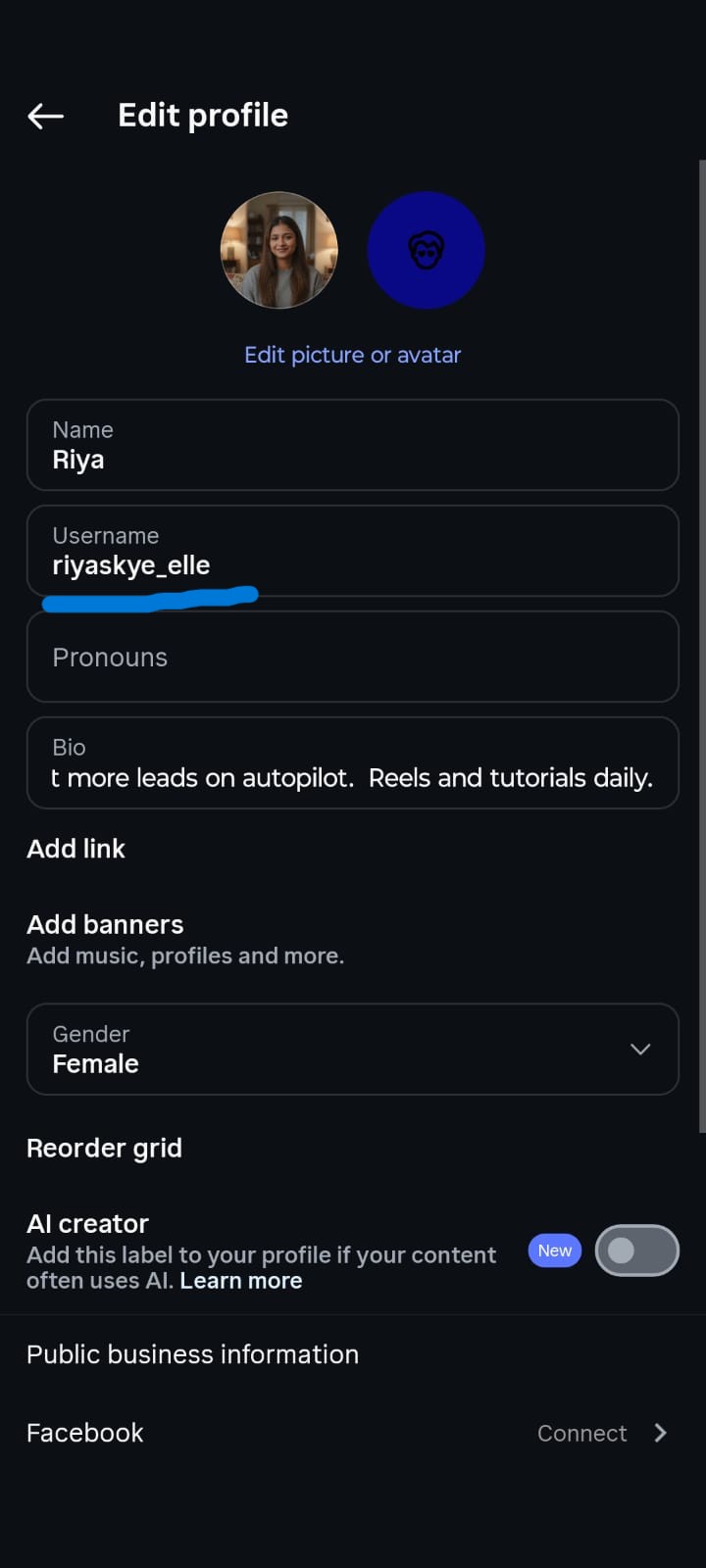
- Go to your Profile and tap Edit Profile
- Tap Username
- Type the username you want
- Instagram will immediately show a green checkmark if available or a red "Username not available" message if taken
- If available, tap Done to save (or cancel if you were just checking)
This method is the most reliable because Instagram checks its full database, including accounts that do not appear in search results.
Method 2: Check Username Availability on Instagram Website
If you prefer using a desktop or laptop, you can check username availability through Instagram's website.
Steps to Check via Instagram.com
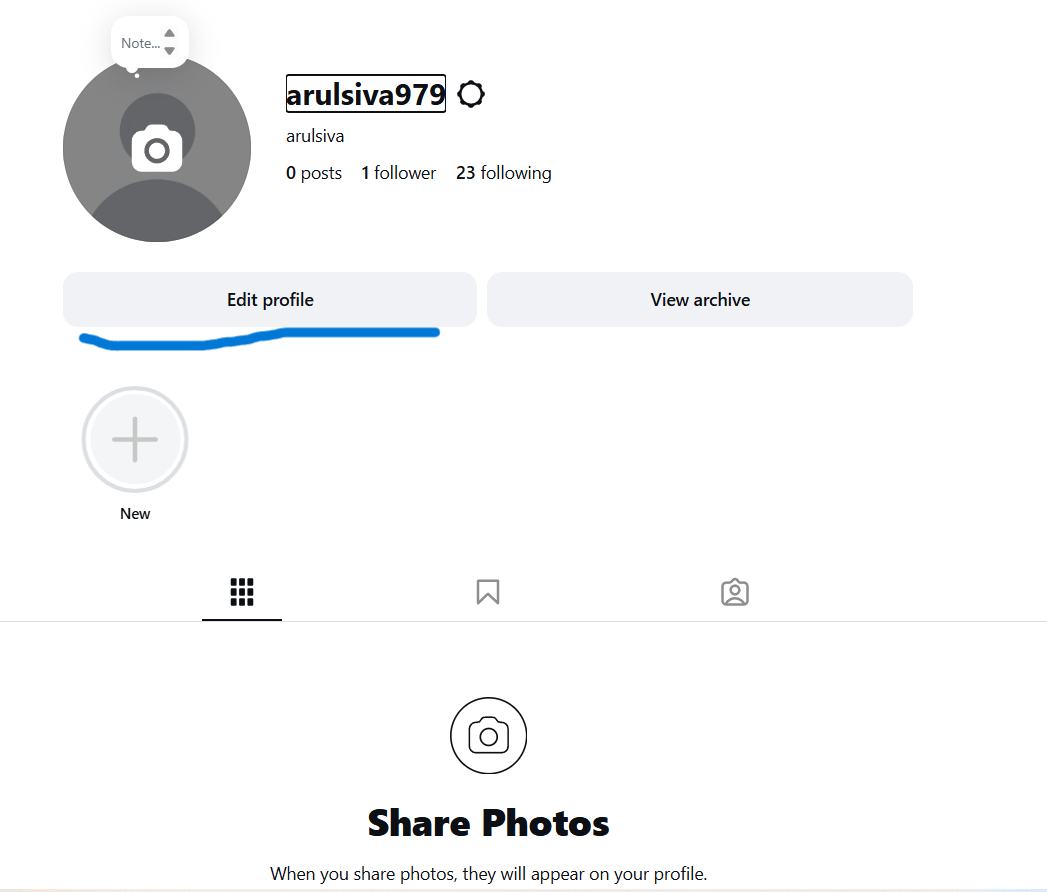
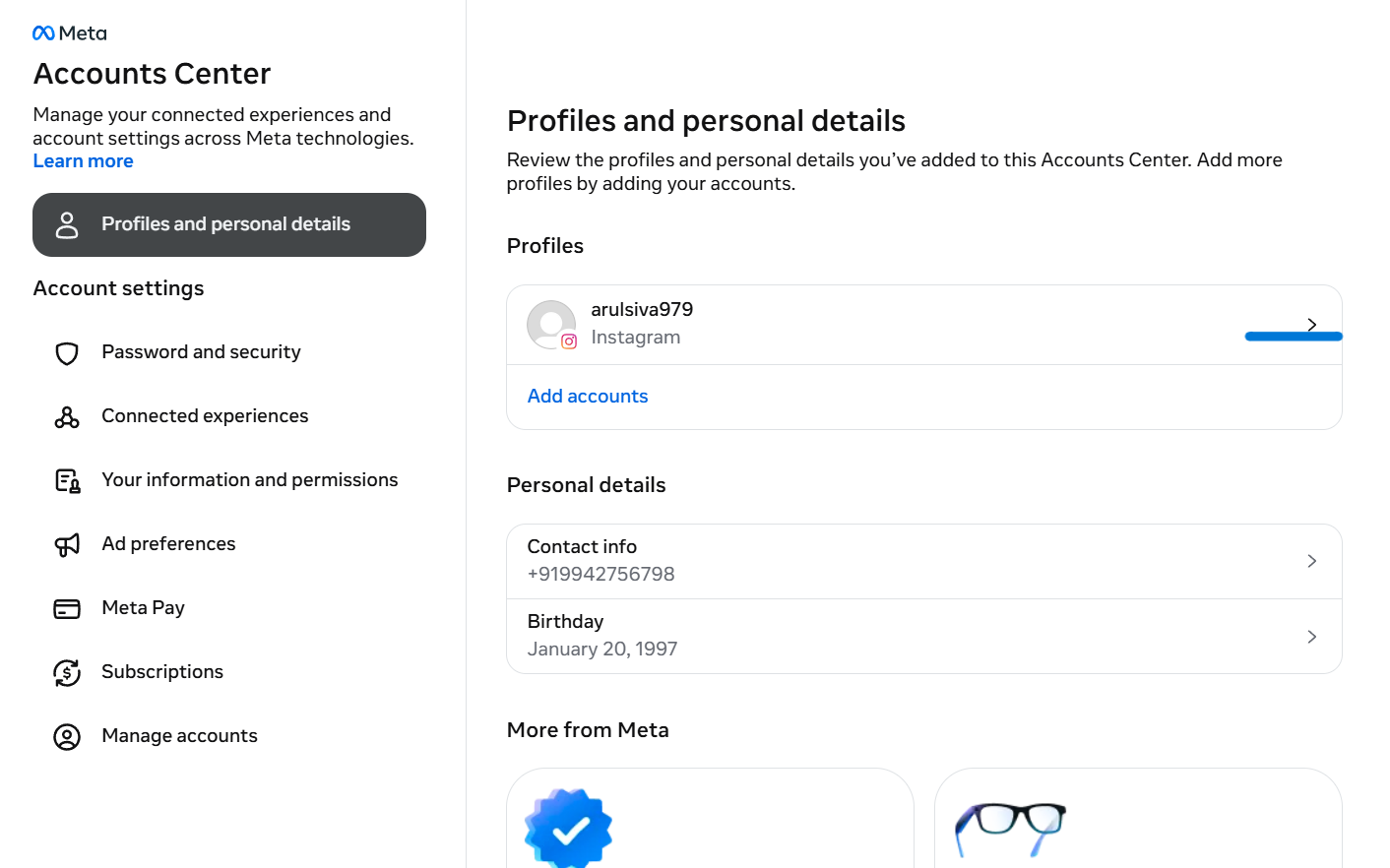
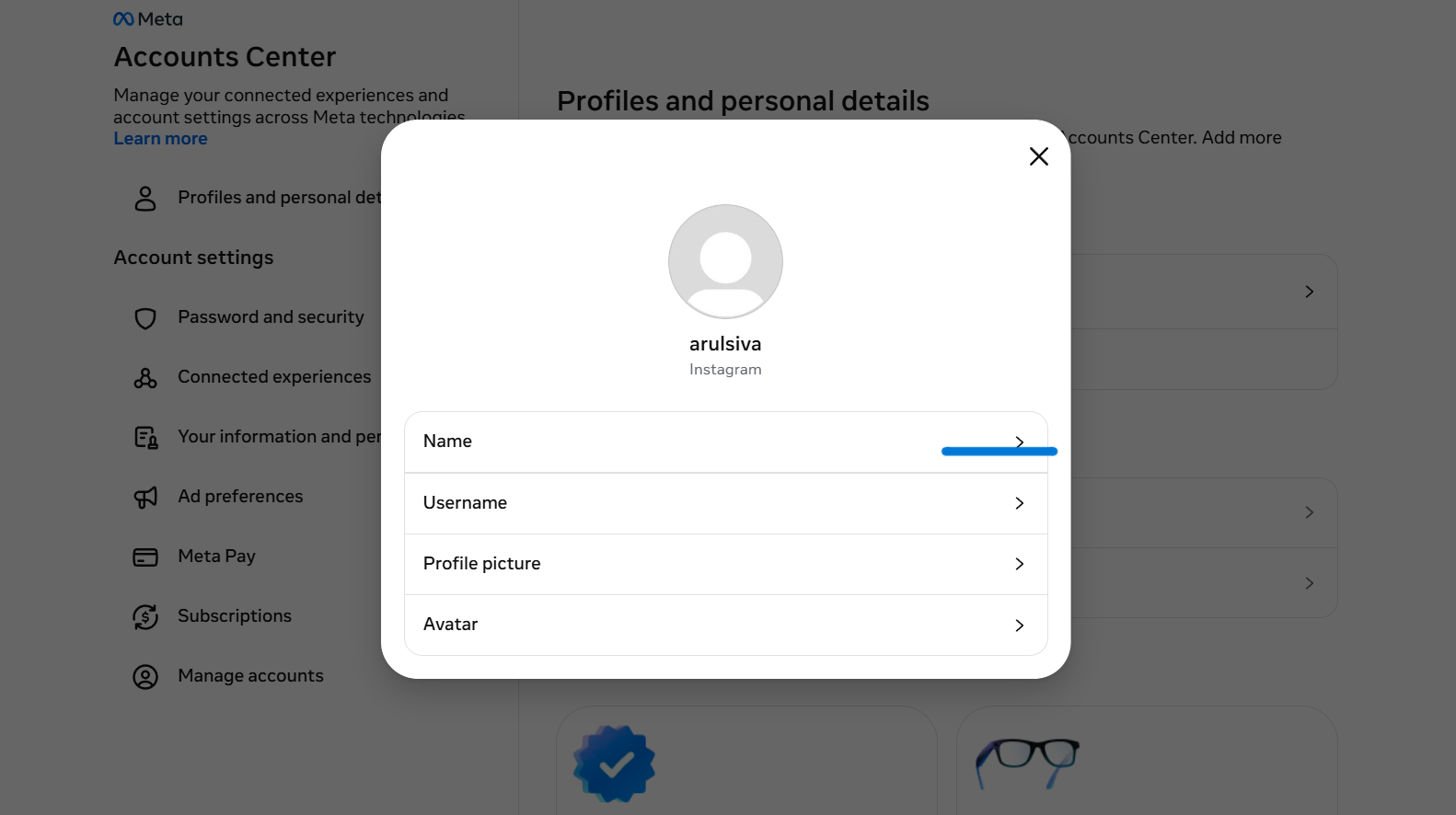
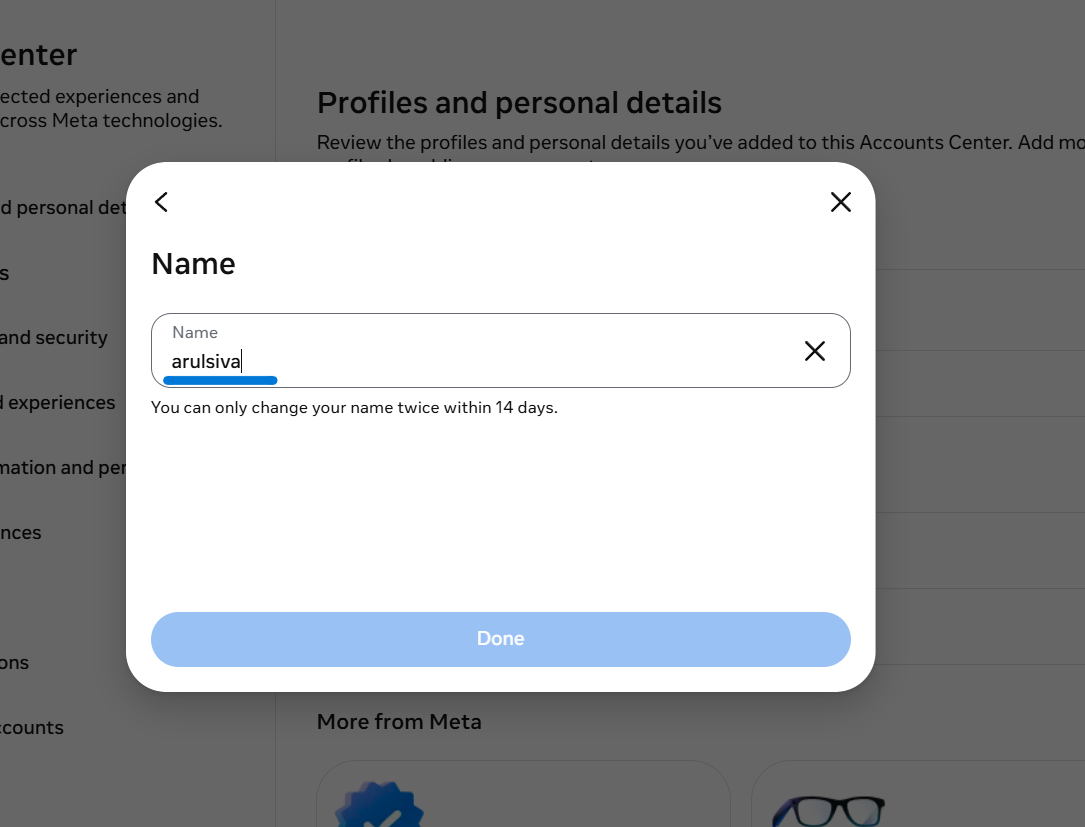
Open instagram.com in your browser
- Log in to your account
- Click your profile picture in the top right corner
- Click Profile and then Edit Profile
- In the Username field, type the handle you want
- Instagram will show availability in real time as you type
Quick URL Check (No Login Required)
You can also check if an account exists by visiting the direct URL:
- Open your browser and go to
instagram.com/[username] - Replace
[username]with the handle you want to check - If you see a profile page, the username is taken
- If you see "Sorry, this page is not available," the username might be available
Important: This method only works for public accounts. Private accounts will still show a profile page, even if they are inactive.
Method 3: Use Free Instagram Username Checker Tools
Third-party username checker tools let you check availability instantly and often show results across multiple platforms at once. These are useful when you want to secure the same handle on Instagram, TikTok, Twitter, and other platforms.
Best Free Instagram Username Checker Tools
1. Namechk
Namechk checks username availability across 100+ platforms including Instagram, TikTok, Twitter, YouTube, and domain names. Enter your desired username once and see where it is available.
Best for: Checking multiple platforms at once
2. Instant Username Search
A simple, fast tool that checks Instagram and other social platforms in real time. No signup required.
Best for: Quick single-platform checks
3. KnowEm
KnowEm checks 500+ social networks and domain registrars. It also shows if a username is trademarked.
Best for: Brand protection and trademark checks
4. CheckUsernames
Checks username availability across major social platforms and domain registrars.
Best for: Domain and social media consistency
5. Namecheckr
Checks social media username availability and domain availability side by side.
Best for: Finding matching domain names
How to Use a Username Checker Tool
- Visit any of the tools listed above
- Enter your desired username (without the @ symbol)
- Click the search or check button
- Review the results across platforms
- Green indicators show availability; red indicators show the name is taken
Note: Third-party tools use public APIs and may not detect private or deactivated accounts. Always verify with Instagram's app for the final answer.
Method 4: Check Username Availability via Instagram Username Change Settings
This is the most definitive method because it queries Instagram's full database, including accounts that do not appear in search.
Steps
- Open the Instagram app
- Go to Profile > Edit Profile
- Tap Username
- Type the username you want to check
- Wait for Instagram to validate:
- Green checkmark = Available. You can claim it right now.
- "Username not available" = Taken by another account.
- "Username not available" with no visible account = See the troubleshooting section below.
- If you were just checking, tap Cancel to keep your current username
Why This Method Is More Reliable Than Search
Instagram's search only shows active, public accounts. The username change method checks against Instagram's full database, including:
- Private accounts
- Deactivated accounts
- Accounts suspended by Instagram
- Accounts in the 14-day username change cooldown period
- Recently deleted accounts (username held for 14 days)
Method 5: Check Username Availability During New Account Creation
If you do not have an Instagram account yet, you can check availability during the signup process.
Steps
- Download the Instagram app or go to instagram.com
- Tap Sign Up
- Enter your email or phone number
- When prompted, enter your desired username
- Instagram will show if the username is available or suggest alternatives
- You can complete the signup to claim the name, or cancel if you were just checking
What Does "Username Not Available" Mean on Instagram
When Instagram shows "username not available," it means the handle is currently in use or reserved. But many users see this message even when no account seems to exist. Here is what is actually happening:
Reasons a Username Shows as Unavailable
1. The Account Is Private
Private accounts do not appear in search results, but they still hold the username. When you try to claim it, Instagram sees the account exists and blocks you.
2. The Account Is Deactivated
Users can temporarily deactivate their Instagram accounts. During deactivation, the username is reserved and cannot be claimed by anyone else.
3. The Account Was Recently Deleted
When someone deletes their Instagram account, the username is held for 14 days before being released. During this period, the username shows as "not available."
4. The Account Is Suspended
Instagram may suspend accounts for violating community guidelines. Suspended accounts retain their usernames until Instagram decides to release them.
5. The Username Is in a 14-Day Change Cooldown
If someone changed their username, the old username is reserved for 14 days. During this period, it shows as "formerly known as" and cannot be claimed.
6. Instagram's Glitch or Cache Issue
Sometimes Instagram's system incorrectly marks a username as unavailable due to caching or database delays. This is more common with recently deleted accounts.
How to Fix the "Not Available But No Account" Problem
If you are sure no account exists with your desired username but Instagram still says it is unavailable:
- Wait 14 days after the previous account was deleted or changed
- Try again in a few hours to rule out caching issues
- Use a different device to check availability
- Contact Instagram Support through the app: Settings > Help > Report a Problem
- File a trademark claim if you have a registered trademark (see below)
Instagram Username Rules and Requirements (2026)
Before choosing a username, make sure it follows Instagram's rules:
Allowed Characters
- Letters (a-z, A-Z) — not case sensitive
- Numbers (0-9)
- Periods (.)
- Underscores (_)
Not Allowed
- Spaces
- Special characters (@, #, !, $, etc.)
- Consecutive periods (..)
- Periods at the beginning or end
Length Requirements
- Minimum: 1 character
- Maximum: 30 characters
Other Rules
- Usernames are not case sensitive (stored as lowercase)
- You can change your username every 14 days
- Former usernames are displayed on your profile for 14 days
- Usernames cannot be reserved — first come, first served
- Instagram may reclaim inactive usernames at their discretion
How to Claim a Taken Instagram Username
If your desired username is taken, you have several options depending on the situation.
Option 1: Modify the Username
Add a prefix, suffix, or variation:
- Add a period:
john.smithinstead ofjohnsmith - Add an underscore:
john_smithinstead ofjohnsmith - Add a location:
johnsmith.nycorjohnsmithnyc - Add your niche:
johnsmith.createsorjohnsmithco - Use abbreviations:
j.smithorjsmithofficial
Option 2: Wait for the Username to Become Available
If the account is inactive, the username may eventually be released. Instagram periodically reclaims usernames from accounts that have been inactive for extended periods, but there is no guaranteed timeline.
Check back every few months using the methods above.
Option 3: Contact the Current Owner
If the account is active but not a business, you can try sending a DM to ask if they would be willing to change their username. This works best if:
- The account has very few followers
- The account has not posted in a long time
- You offer something in return (though buying usernames violates Instagram's terms)
Option 4: File a Trademark Claim
If you have a registered trademark that matches the username, you can request Instagram release it.
- Go to Instagram's Intellectual Property reporting page
- Select Trademark Infringement
- Provide your trademark registration number
- Explain why the username conflicts with your trademark
- Wait for Instagram's review (can take weeks or months)
This is the most effective method for businesses with registered trademarks, but it is not guaranteed.
Option 5: Report an Inactive Account
If the account holding your username has been inactive for a long time:
- Go to the profile
- Tap the three dots (menu)
- Select Report > This account is pretending to be someone else or This account violates Instagram's community guidelines
- Follow the prompts
Instagram may remove the account if it violates their policies, but this is not a reliable method for simply claiming a username.
Instagram Username Availability Checker vs Manual Check: Which Is Better
Manual Check (App/Website):
- Accuracy: 100% (uses Instagram's database)
- Speed: Slower (one at a time)
- Multi-platform: No
- Detects private accounts: Yes
- Detects deactivated accounts: Yes
- Cost: Free
- Best for: Final verification
Username Checker Tool:
- Accuracy: 90-95% (uses public APIs)
- Speed: Fast (bulk checking)
- Multi-platform: Yes (100+ platforms)
- Detects private accounts: No
- Detects deactivated accounts: No
- Cost: Free
- Best for: Initial research
Recommendation: Use a username checker tool for initial research to find available options across platforms, then verify your top choice using Instagram's app for 100% accuracy.
How to Choose the Perfect Instagram Username
Once you find an available username, make sure it follows these best practices:
Keep It Short and Memorable
- Aim for under 15 characters
- Avoid random numbers or underscores if possible
- Make it easy to spell and pronounce
Make It Brand Consistent
- Use the same username across all social platforms
- Match your domain name if you have a website
- Keep it consistent with your business name
Avoid Common Mistakes
- Do not use too many numbers or underscores (hard to remember)
- Do not use abbreviations people will not understand
- Do not copy a competitor's username with minor changes
- Do not use a username that could become irrelevant if you rebrand
Use a Username Generator for Ideas
If your first choice is taken, try these free username generators:
- SpinXO — Generates usernames based on your interests and name
- Jimpix — Creates usernames from random word combinations
- NameBounce — Suggests available usernames based on keywords
- LingoJam — Mixes and matches words for unique handles
Final Thoughts
Checking Instagram username availability is simple once you know the methods. For quick checks, use Instagram's app or website. For multi-platform verification, use a free username checker tool. And if your desired name is taken, try modifying it, waiting for it to become available, or filing a trademark claim.
The most important step is to check availability before you commit to a brand name or start building your presence. Once you find an available username that fits your brand, claim it immediately because someone else might grab it first.
If you are building your Instagram presence and want to automate your DM responses, capture leads from comments, and grow your audience faster, try InstantDM for free. InstantDM helps you turn Instagram engagement into real business results with automated DM workflows, comment-to-DM funnels, and lead capture tools.