

Ready to Automate Your Growth?
Join 30,000+ creators and brands using InstantDM today.
Get Started NowAny support required, we're just one click away.
Meta Business Partner
100% Official API
See your grid before the world does. Upload photos, drag them into the right order, and preview your feed exactly the way profile visitors will see it. Everything stays in your browser; nothing is uploaded.
What is feed planning? Feed planning means deciding the order of your next posts before you publish. Instagram shows your profile as a 3-column grid, newest post top-left, so creators preview upcoming photos side by side to catch clashing colors, awkward crops, and repeated formats before followers see them.
Up to 12 images. Photos are downscaled to 400px and saved only in your browser (localStorage). Your plan survives a refresh, and nothing is uploaded.
Your grid is empty. Add images to start planning your feed.
Your grid is your storefront. When someone lands on your profile, they see nine to twelve posts at once, and that first impression decides whether they follow. Planning the order of your posts before publishing keeps your feed looking intentional.
One distinction worth knowing: this is a grid planner for your own upcoming posts. If you want to split a single photo into 3, 6, or 9 tiles, use the Instagram grid maker instead, and to check how one post will crop, try the Instagram post preview.
Add up to 12 upcoming posts. Images are resized in your browser and stored locally, so the planner works offline and your photos stay private.
Drag and drop tiles into the order you plan to post. On mobile, tap one tile and then another to swap them. Add placeholders to hold spots for content you have not shot yet.
Toggle between the classic 1:1 square grid and the taller 4:5 preview to check that faces, text, and products are not awkwardly cropped in either layout.
Download the planned grid as one PNG to share with a client or team, then post in order: the newest post always lands top-left.
Alternate two content types, for example photo / quote / photo / quote. The repeating rhythm makes even a casual feed look art-directed.
Instagram fills the grid in rows of three, newest first. Plan in complete rows of three so each new batch of posts reads as one visual unit.
Group posts with a shared dominant color, then transition gradually to the next palette. Scrolling the profile feels like moving through a gradient.
If you use borders or white space in your posts, keep the margin identical on every image — mixed border widths are the fastest way to make a grid feel messy.
Planning the grid is half the job. Answering every comment and DM is the other half, and that is what InstantDM automates: keyword-triggered DMs and automatic comment replies, built by a Meta Business Partner. Free plan with 500 DMs/month; paid plans from $9.99/month.
Turn headlines and talking points into 10 ready-to-post slides.
Split one photo into grid tiles that post as separate images.
Give plain screenshots a gradient background and drop shadow.
Preview posts, reels, and stories before publishing.
Benchmark your engagement rate against industry averages.
No. Photos are processed entirely in your browser and saved only to your browser's local storage so your plan survives a page refresh. Nothing is sent to InstantDM or any server.
Up to 12 images at a time, which fills four full rows of the Instagram grid. Images are downscaled to 400px in the browser before saving so the planner stays fast and within local storage limits.
Instagram has been rolling out a taller rectangular profile grid alongside the classic square layout, which is why this planner lets you toggle between 1:1 and 4:5 previews. Checking both crops helps you avoid awkward cut-offs either way.
On desktop, drag any tile and drop it where you want it. On mobile, tap a tile to select it, then tap another tile to swap the two. You can also shuffle the whole grid or add placeholder slots for future posts.
Yes. The Export PNG button draws your full grid, placeholders included, onto a single image you can save, share with a client, or drop into a content calendar.
Profile visitors decide whether to follow within seconds, and the grid is the first thing they see. A consistent visual rhythm, like alternating photos and quote graphics, makes an account look intentional and helps convert visitors into followers.
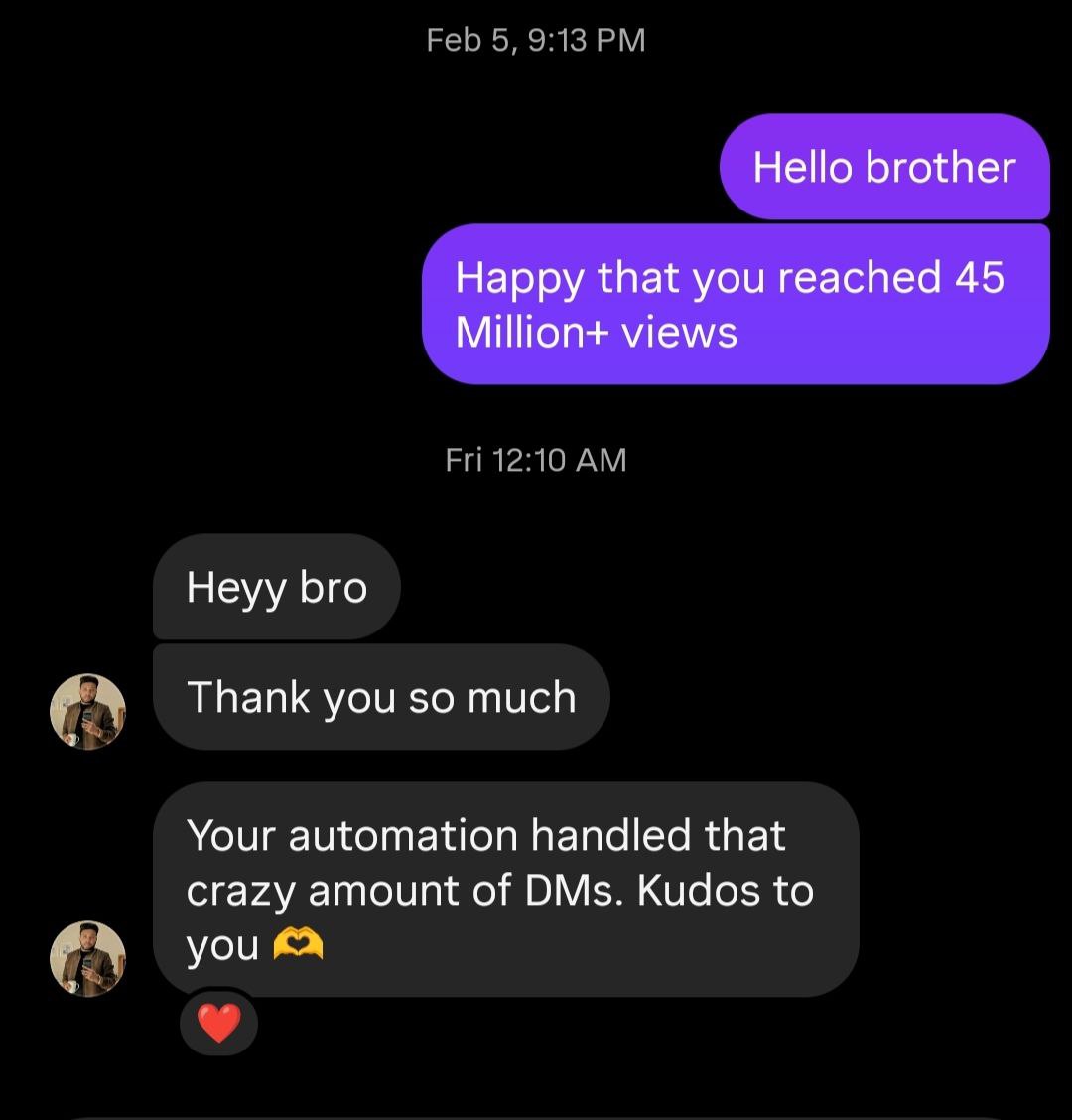
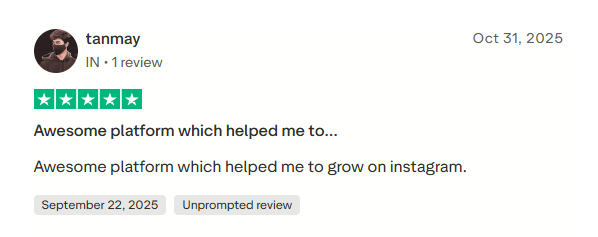
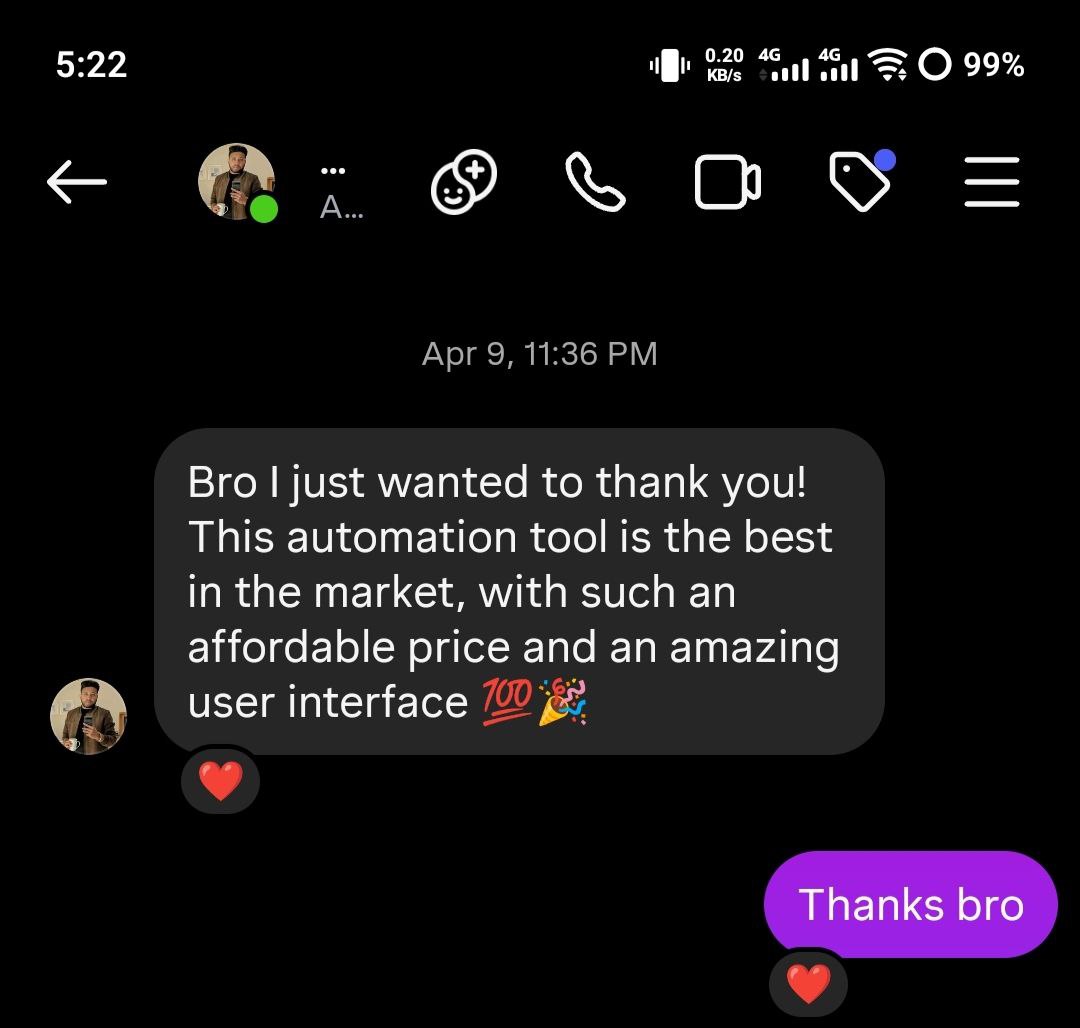
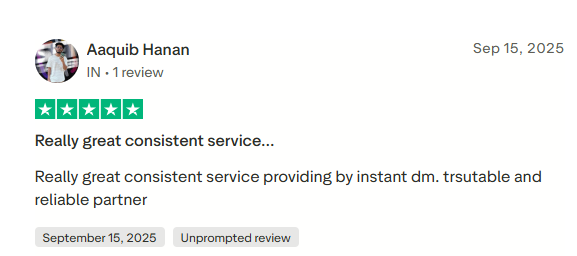
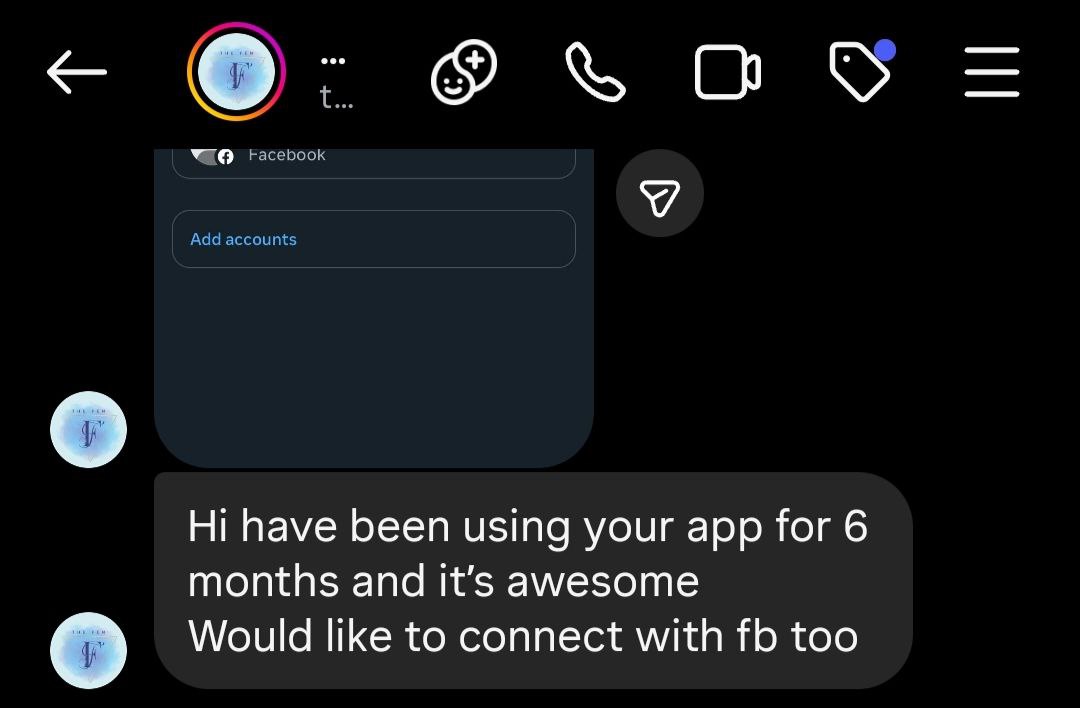
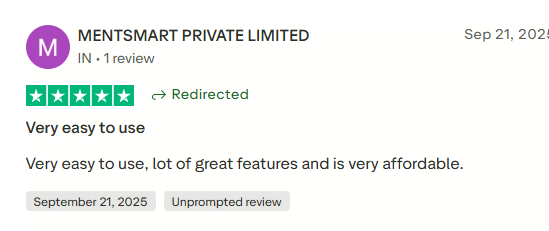
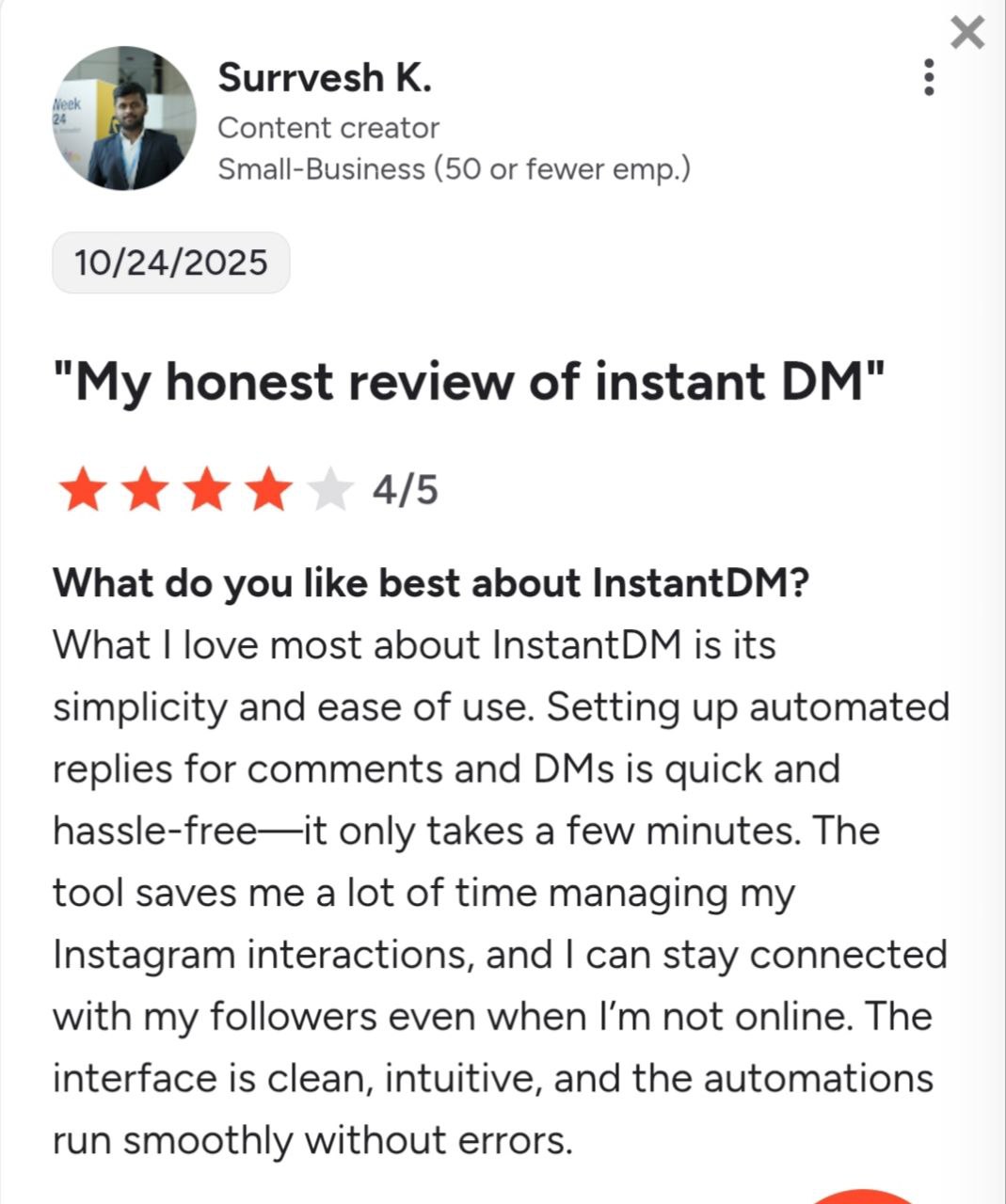
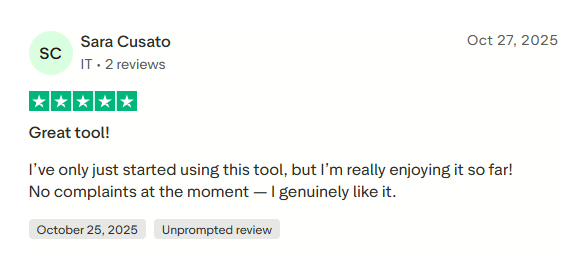
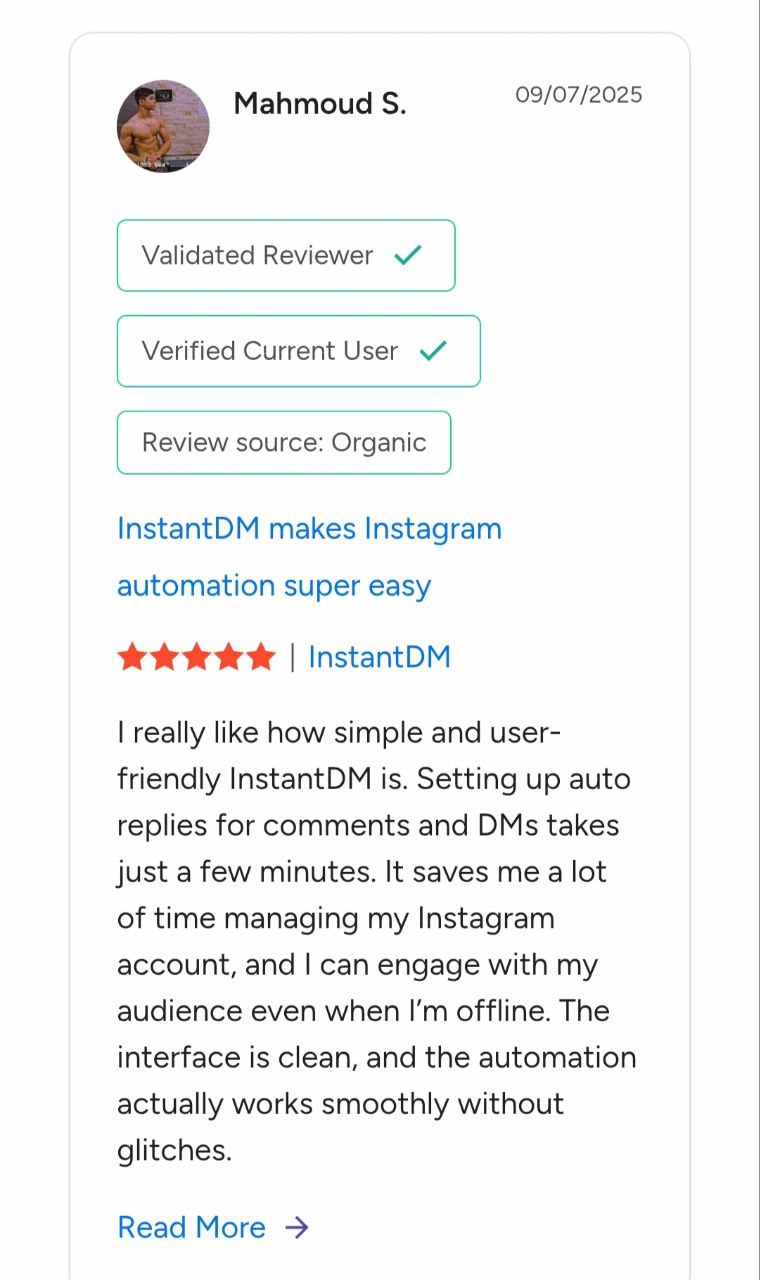
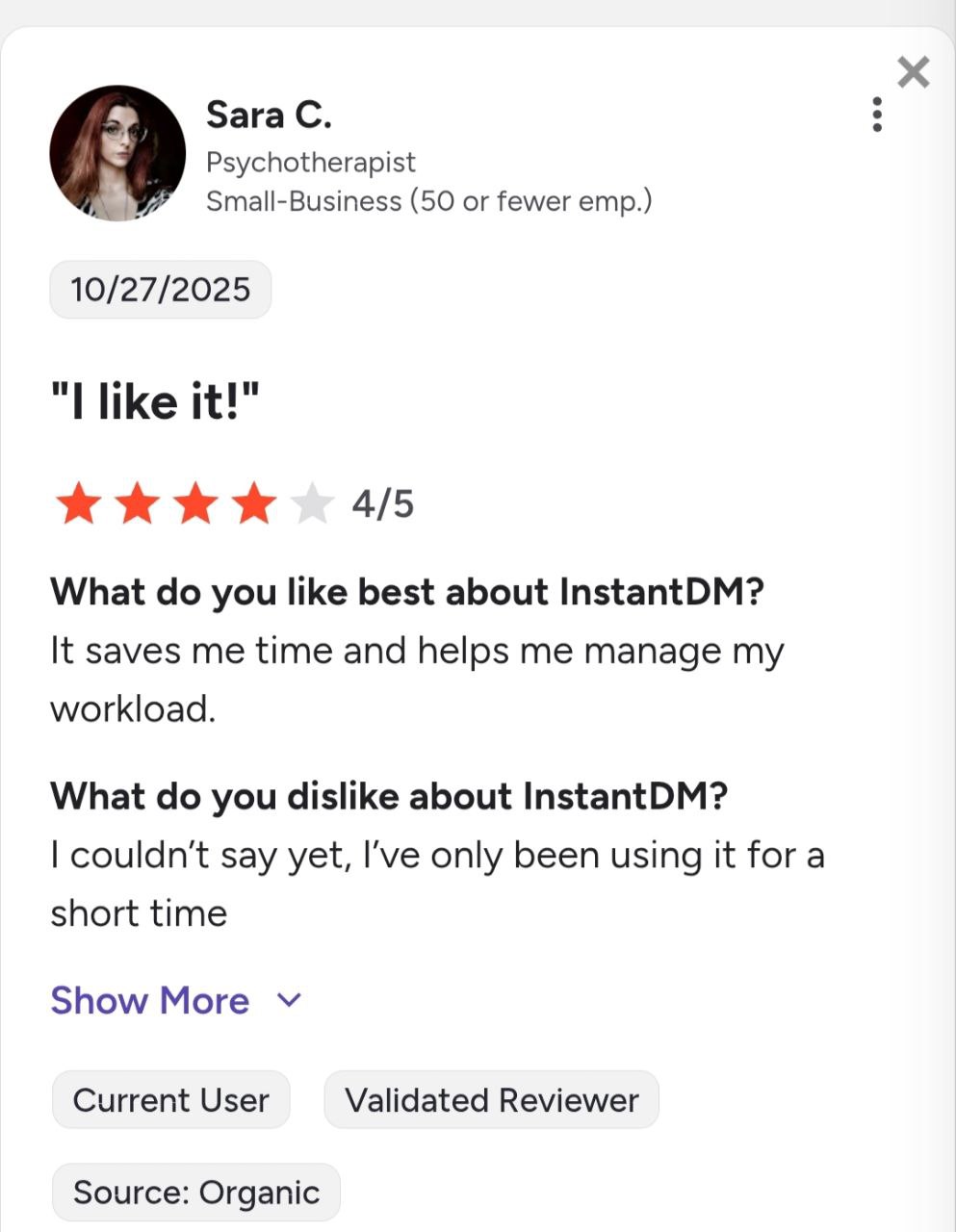
See what creators and brands are saying about InstantDM
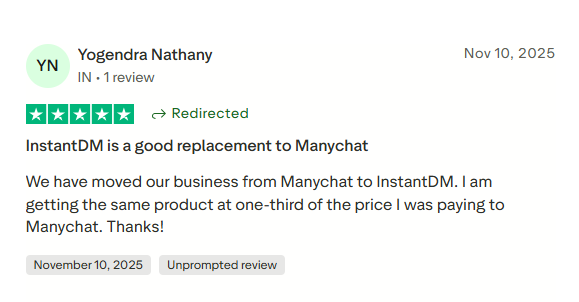
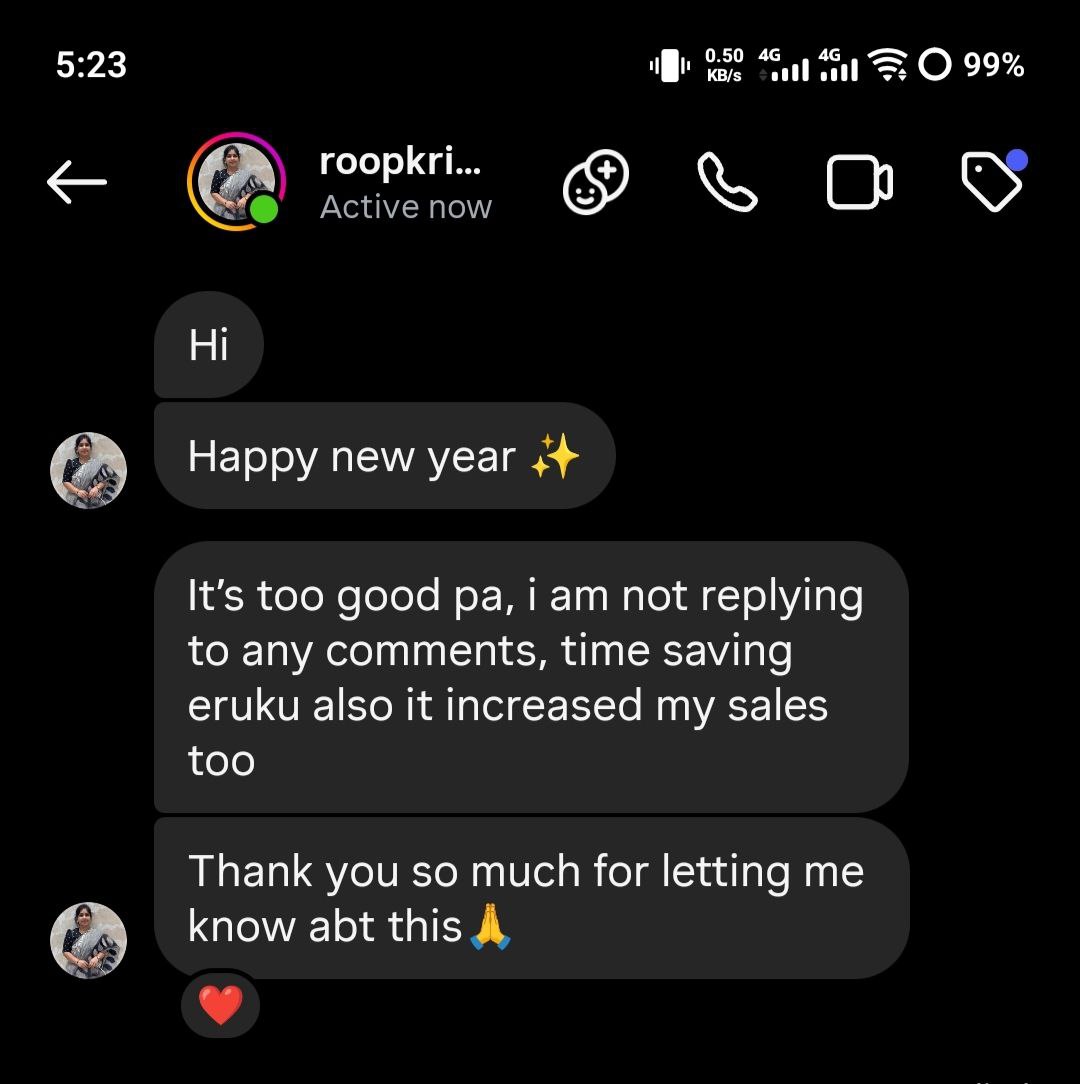
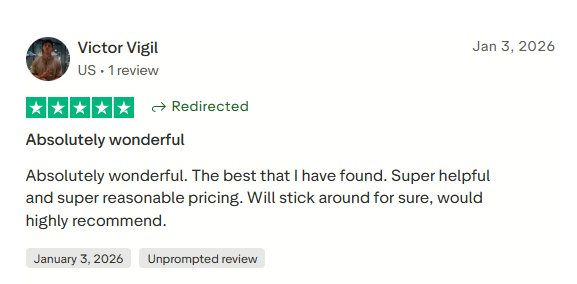
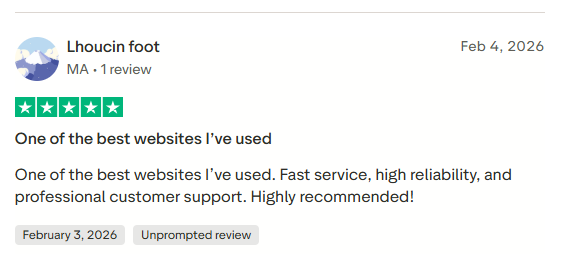
Join 30,000+ creators and brands using InstantDM today.
Get Started NowAny support required, we're just one click away.
