

Ready to Automate Your Growth?
Join 30,000+ creators and brands using InstantDM today.
Get Started NowAny support required, we're just one click away.
Meta Business Partner
100% Official API
Build the swipe-post format in minutes: write your slides, pick a template, and export every slide as a ready-to-post PNG. Runs entirely in your browser and auto-saves as you type.
What is an Instagram carousel? A carousel is a single post holding up to 20 images or videos that viewers swipe through. Text-based carousels, plain slides with one headline and one short point each, earn saves and shares because followers treat them like mini guides worth coming back to.
Downloading all slides triggers one PNG per slide, so allow multiple downloads if your browser asks.
Text-based carousels, the "swipe posts" every big educational account publishes, are one of the most reliable formats for reach and saves. This free carousel post generator handles the design side: write, style, export, post. Already have the full text drafted? The carousel text splitter slices a long draft into slide-sized chunks you can paste straight in here.
Each slide has a headline and body text. Start with a scroll-stopping hook on slide one, put one idea per slide, and end with a call to action. Add, duplicate, and reorder up to 10 slides.
Seven built-in designs: bold black-on-white, purple gradient, minimal serif, dark mode, yellow brutalist, clean pastel, and ocean. Override the background, text color, sizes, and alignment on any of them.
The canvas preview shows exactly what exports: wrapped text, the slide counter badge, and the swipe arrow that nudges viewers to keep going.
Download the current slide or the whole set as numbered PNGs at full 1080px resolution, then upload them to Instagram in order.
The first slide competes in the feed like a normal post. Make it a bold claim, a question, or a numbered promise like "5 hooks that stop the scroll", and keep it under ten words.
Swipe posts get skimmed. If a slide needs more than a headline and two short sentences, split it into two slides instead of shrinking the font.
A 1080x1350 slide fills more of the phone screen than a square, which usually means more time on the post. Time spent is one of the signals Instagram's own ranking explainers call out.
Close with "Save this for later" or "Follow for more" on the final slide. Saves and shares are among the strongest engagement signals a carousel can earn.
End your carousel with "comment GUIDE and I will DM it to you", then let InstantDM send that DM automatically. It is a Meta Business Partner trusted by 30,000+ creators. The free plan covers 500 DMs a month; paid plans start at $9.99/month.
Split long-form text into slide-sized chunks automatically.
Check how your carousel covers sit in your profile grid.
Add a gradient background, padding, and shadow to any screenshot.
AI-powered captions with emojis, hashtags, and CTAs.
Optimized hashtag sets for any niche, organized by reach tier.
The two standard sizes are 1080x1080 (square) and 1080x1350 (4:5 portrait). Portrait takes up more of the screen in the feed, so most text carousels use 1080x1350. This tool exports both sizes at full resolution.
Instagram supports up to 20 slides per carousel post. This tool focuses on the classic 10-slide text format, the sweet spot for educational swipe posts: enough room for a hook, value slides, and a call to action.
Carousels earn more time on screen because people swipe through multiple slides, and Instagram can re-serve the post to the same viewer showing the next slide. Time spent and saves are strong ranking signals, which is why educational swipe posts remain a staple format for creators.
Yes. Slides and design settings are saved automatically to your browser's local storage, so your carousel is right where you left it when you come back. Nothing is uploaded to a server.
Yes. The Download All button exports every slide as a numbered PNG in sequence. Your browser may ask permission to download multiple files; allow it once and all slides arrive numbered and ready to upload.
Templates use system font stacks (a modern sans-serif and a classic serif), which render identically in the preview and the exported PNG on your device. No font downloads, no layout surprises.
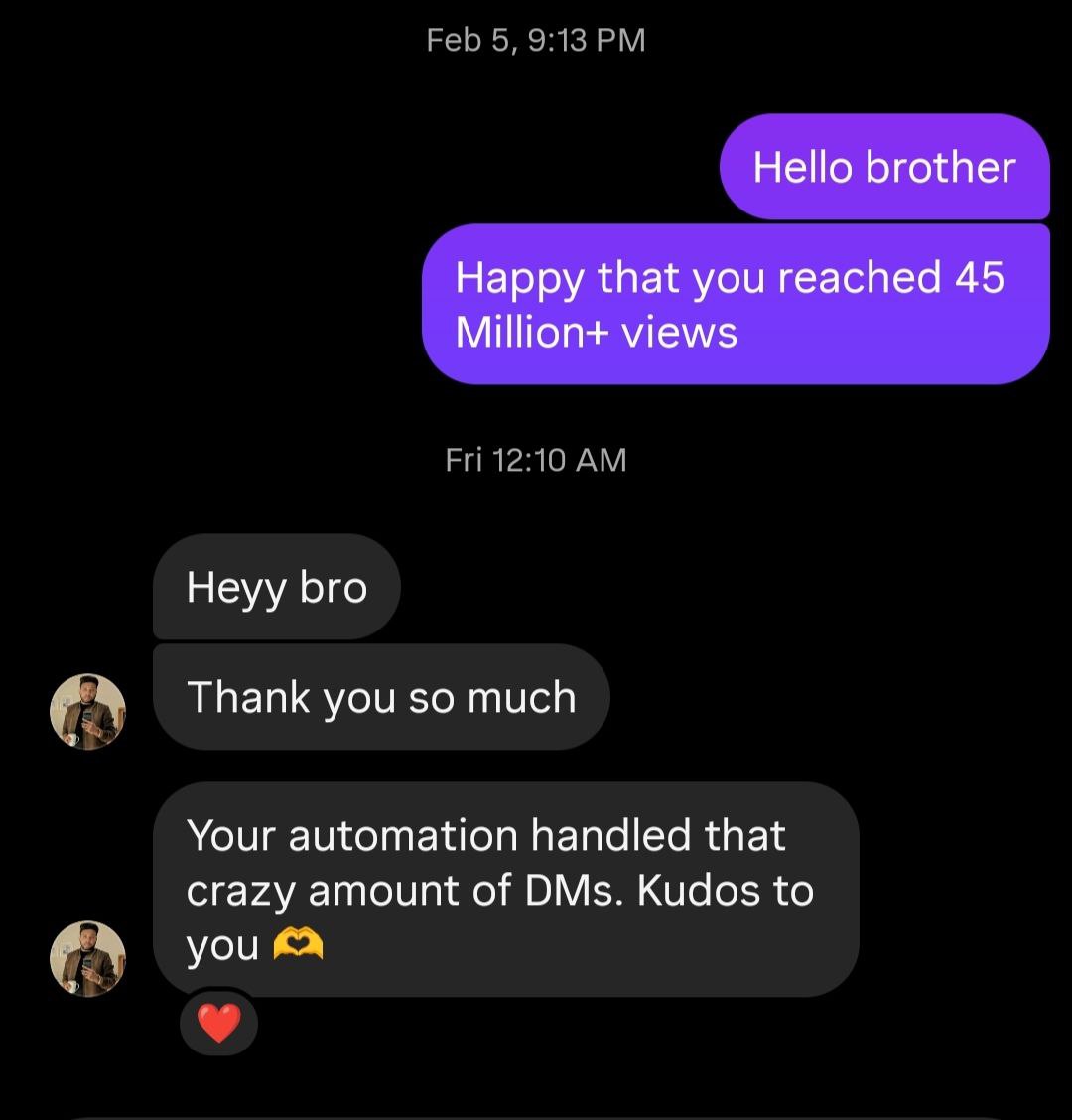
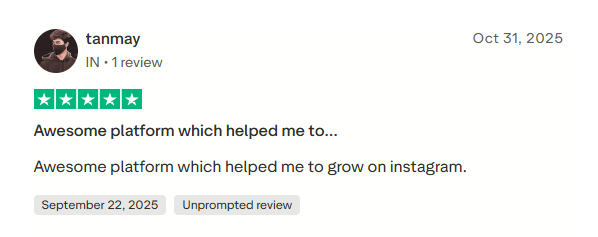
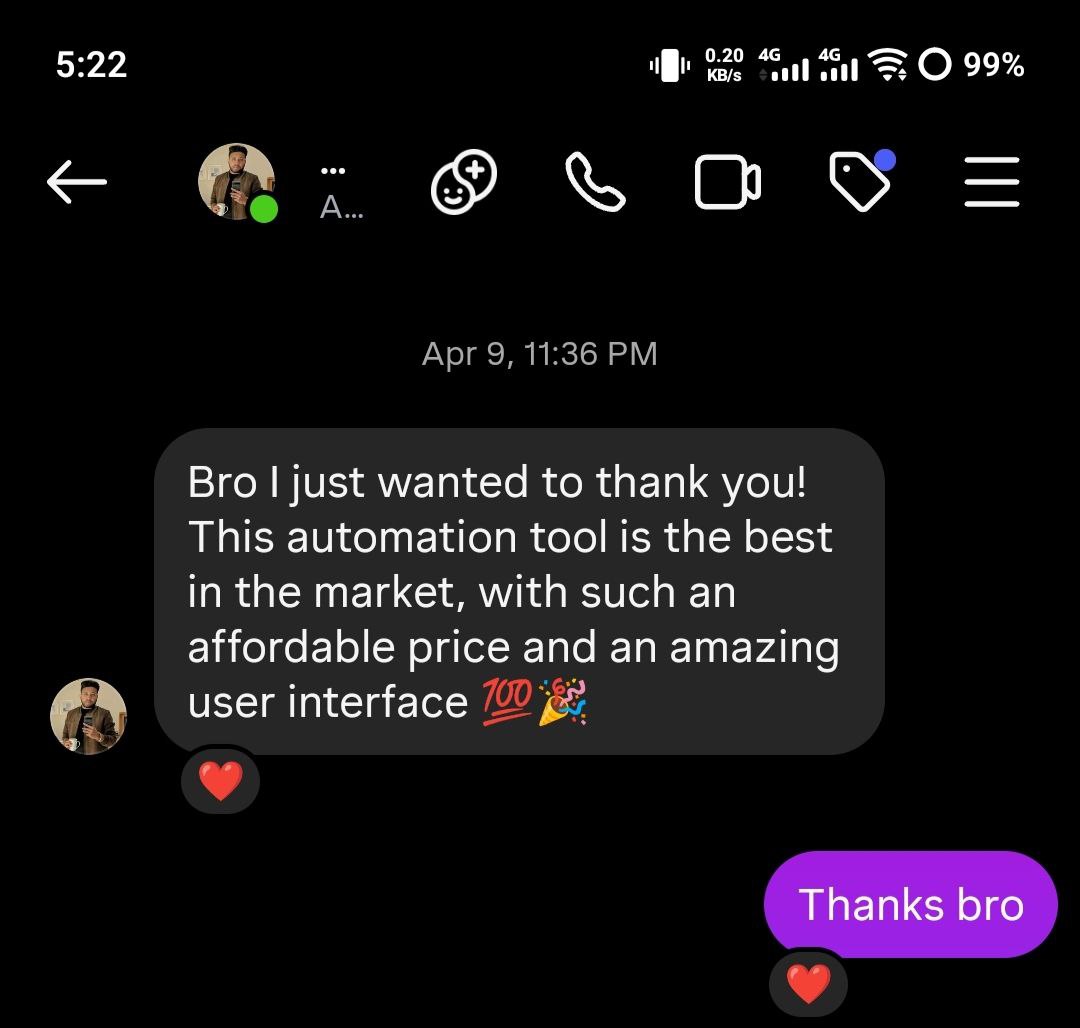
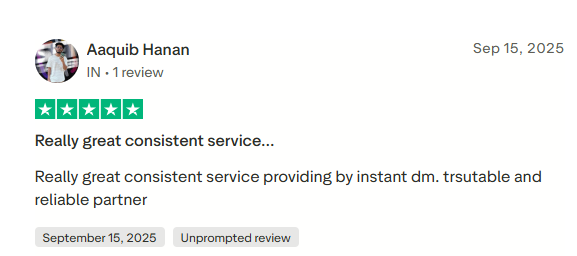
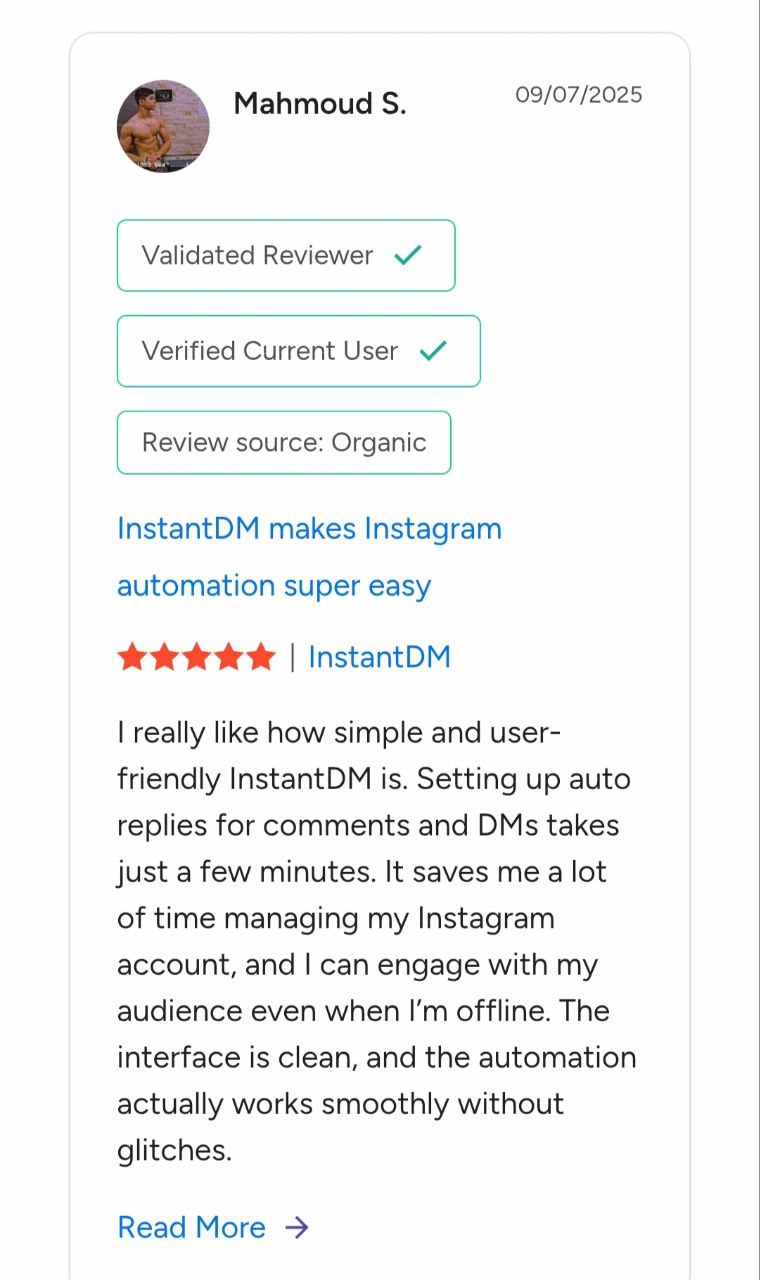
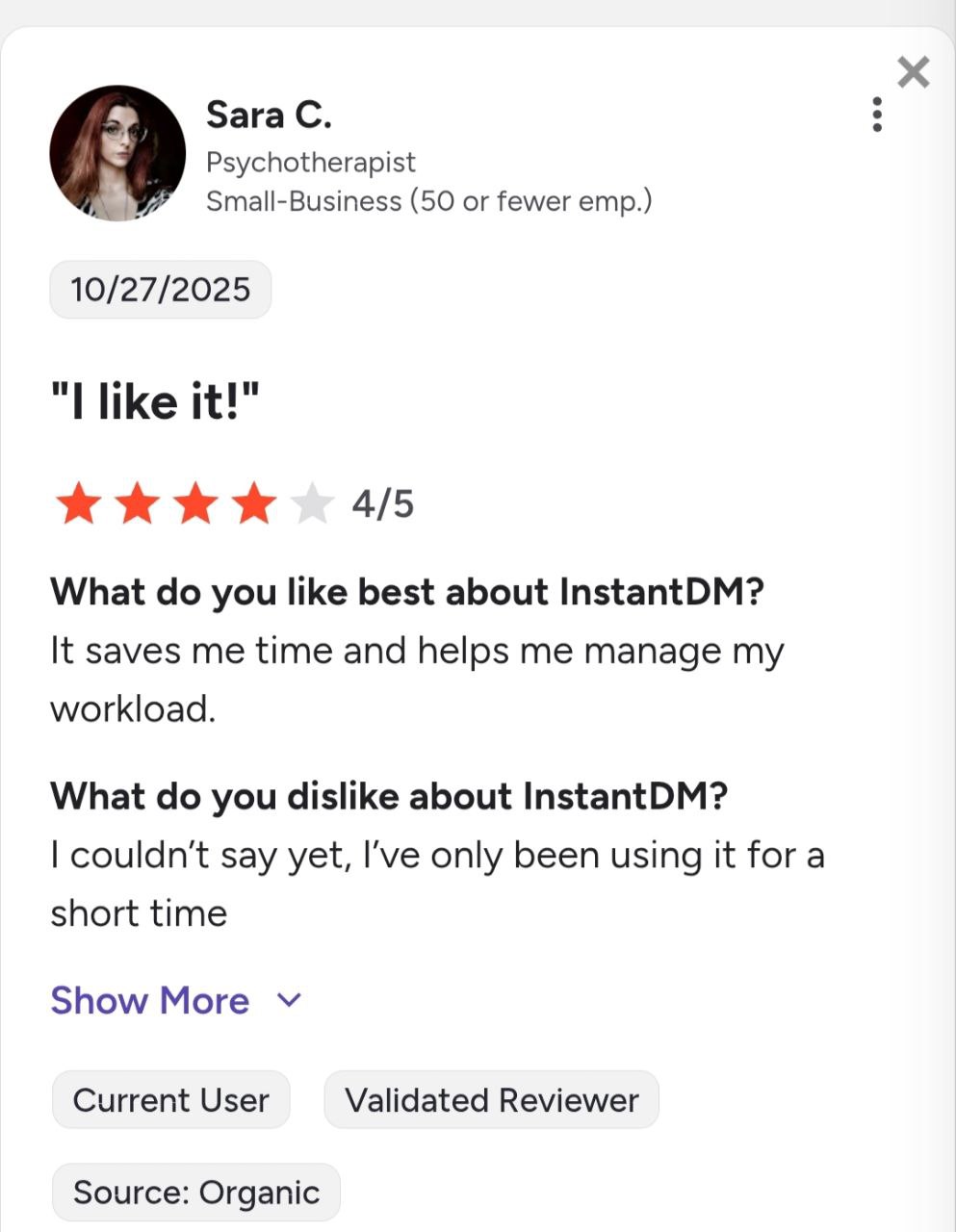
See what creators and brands are saying about InstantDM
Join 30,000+ creators and brands using InstantDM today.
Get Started NowAny support required, we're just one click away.
