

Ready to Automate Your Growth?
Join 30,000+ creators and brands using InstantDM today.
Get Started NowAny support required, we're just one click away.
Meta Business Partner
100% Official API
A fake Instagram post generator makes a realistic image of a feed post that was never published: you pick the username, photo, likes, caption, and timestamp. People use these mockups for marketing previews, client decks, teaching examples, and memes. Everything renders in your browser and downloads as a PNG.
Downloads at 2x resolution. Works best in Chrome or Edge.
Type a username, caption, likes, comment count, location, and timestamp. Every field updates the preview instantly.
Add a post image and a profile photo. Images are read locally with no upload, so they never leave your device.
Toggle the verified badge, switch between 1:1 and 4:5 ratios, and flip dark mode for the night-time feed look.
One click renders the mockup at 2x resolution and saves it as a PNG, ready for a deck, an ad draft, or a meme.
Use this table as the template for any Instagram post mockup you build. These are Instagram's published limits and dimensions for feed posts, so an image that matches them reads as real. And if what you actually need is to check a genuine draft before publishing, the Instagram post preview tool does that with your own photo and caption.
| Element | Instagram spec |
|---|---|
| Square feed image | 1080 × 1080 px (1:1) |
| Portrait feed image | 1080 × 1350 px (4:5) |
| Landscape feed image | 1080 × 566 px (1.91:1) |
| Caption length | Up to 2,200 characters |
| Caption shown before "more" | Roughly the first 125 characters |
| Hashtags | Up to 30 per post |
| Username length | Up to 30 characters |
The demo caption above ("comment WANT and I'll DM you the link") is a real automation pattern. InstantDM watches your posts and sends that DM for you the moment someone comments the keyword. Meta Business Partner, free plan with 500 DMs/month, paid plans from $9.99/month.
Mock up a full profile page with follower stats, highlights, and a 3x3 post grid.
Recreate the instagram.com lightbox with a comment thread you write yourself.
Export the comment bubble creators pin on Reels as a transparent PNG.
Check how a real post, reel, or story will look before you publish it.
Yes, it is 100% free with no sign-up, no watermark, and no limits. Everything runs in your browser, so your images and text are never uploaded to a server.
No. This is a mockup generator only. It creates an image that looks like an Instagram feed post, but it never connects to Instagram and cannot publish anything to any account.
Mockups for content planning, client previews, ads, tutorials, or memes are generally fine. Using a fake screenshot to impersonate or defame a real person can be illegal, and it breaks most platform rules. A simple test: would a reasonable viewer mistake your image for a real post? If yes, don't publish it.
Click the Download PNG button under the preview. The mockup is rendered at 2x resolution for a crisp result. The download works best in Chrome or Edge.
Yes. Flip the Verified toggle and a blue verified badge appears next to the username, exactly where Instagram places it.
Instagram feed posts are 1080 x 1080 pixels for square (1:1) and 1080 x 1350 pixels for portrait (4:5). Any image works, though: the mockup crops it to fill the selected ratio, just like Instagram does.
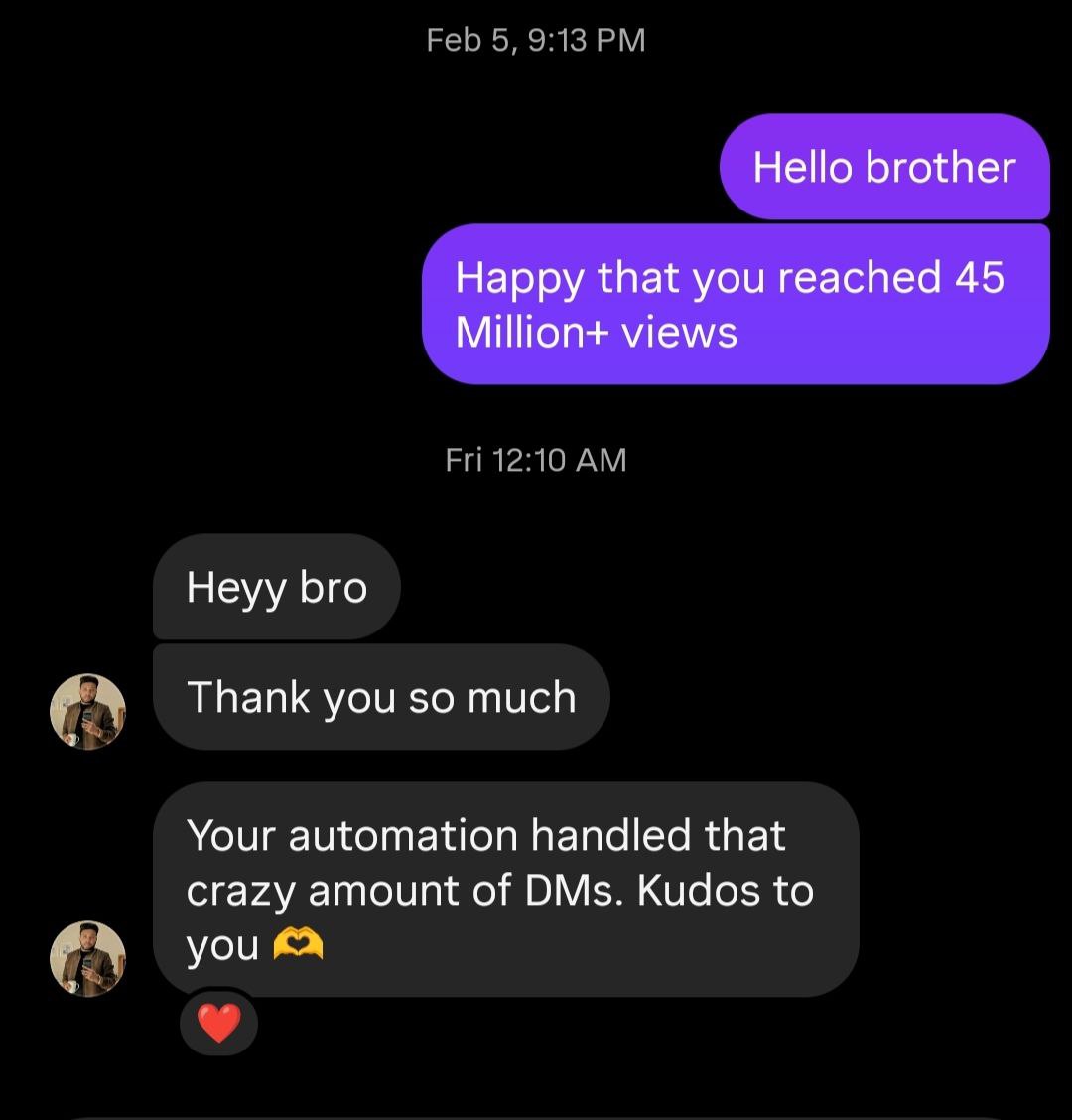
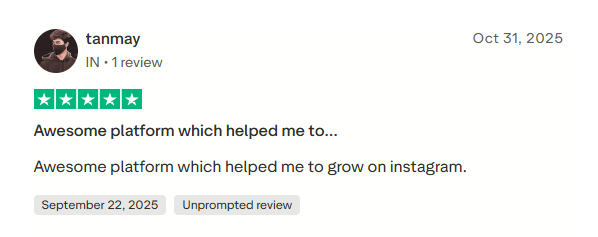
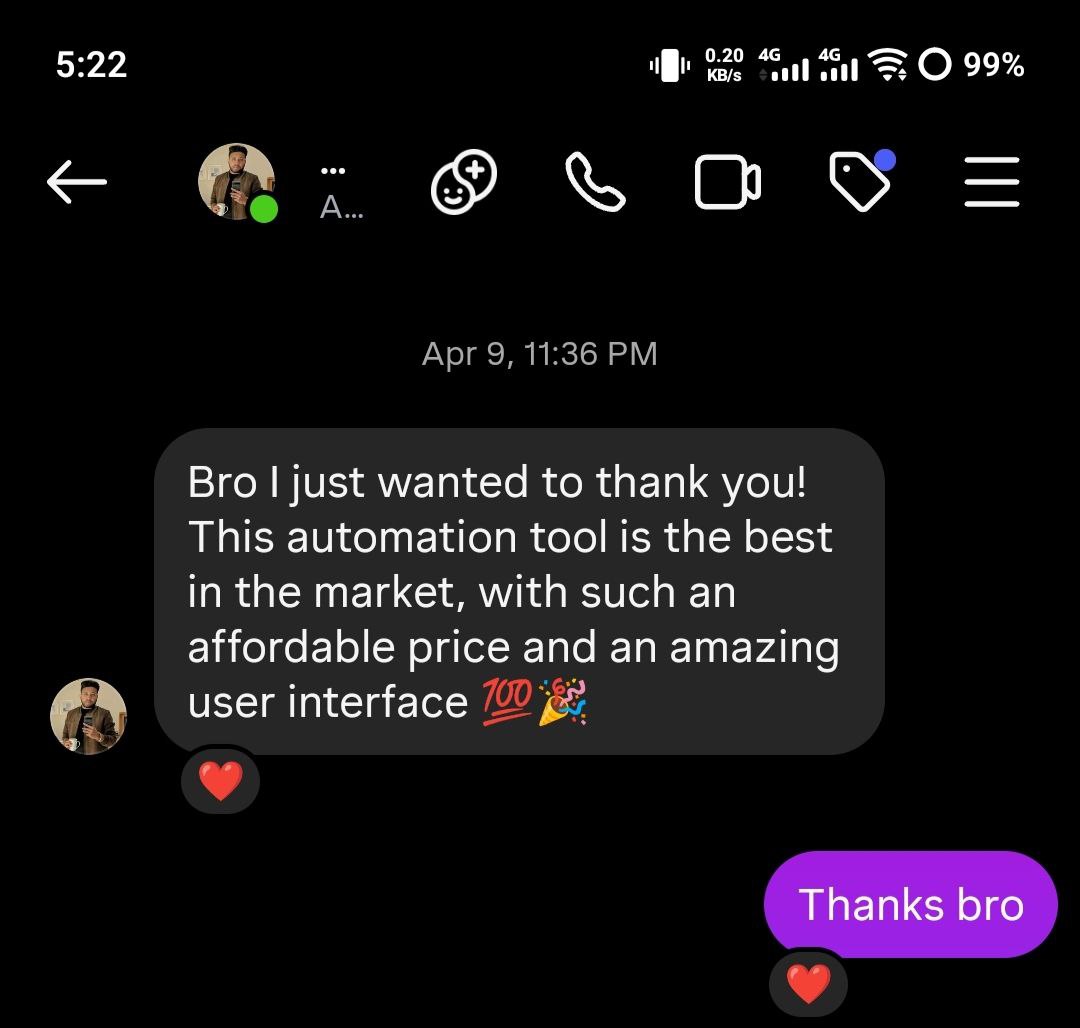
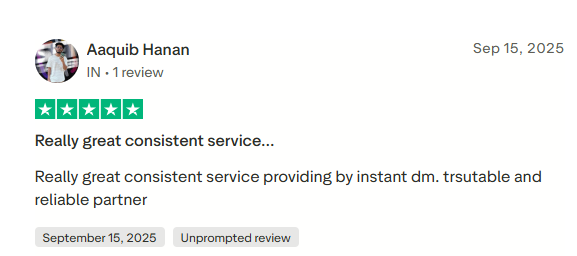
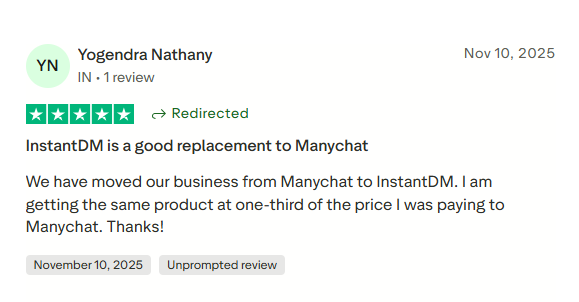
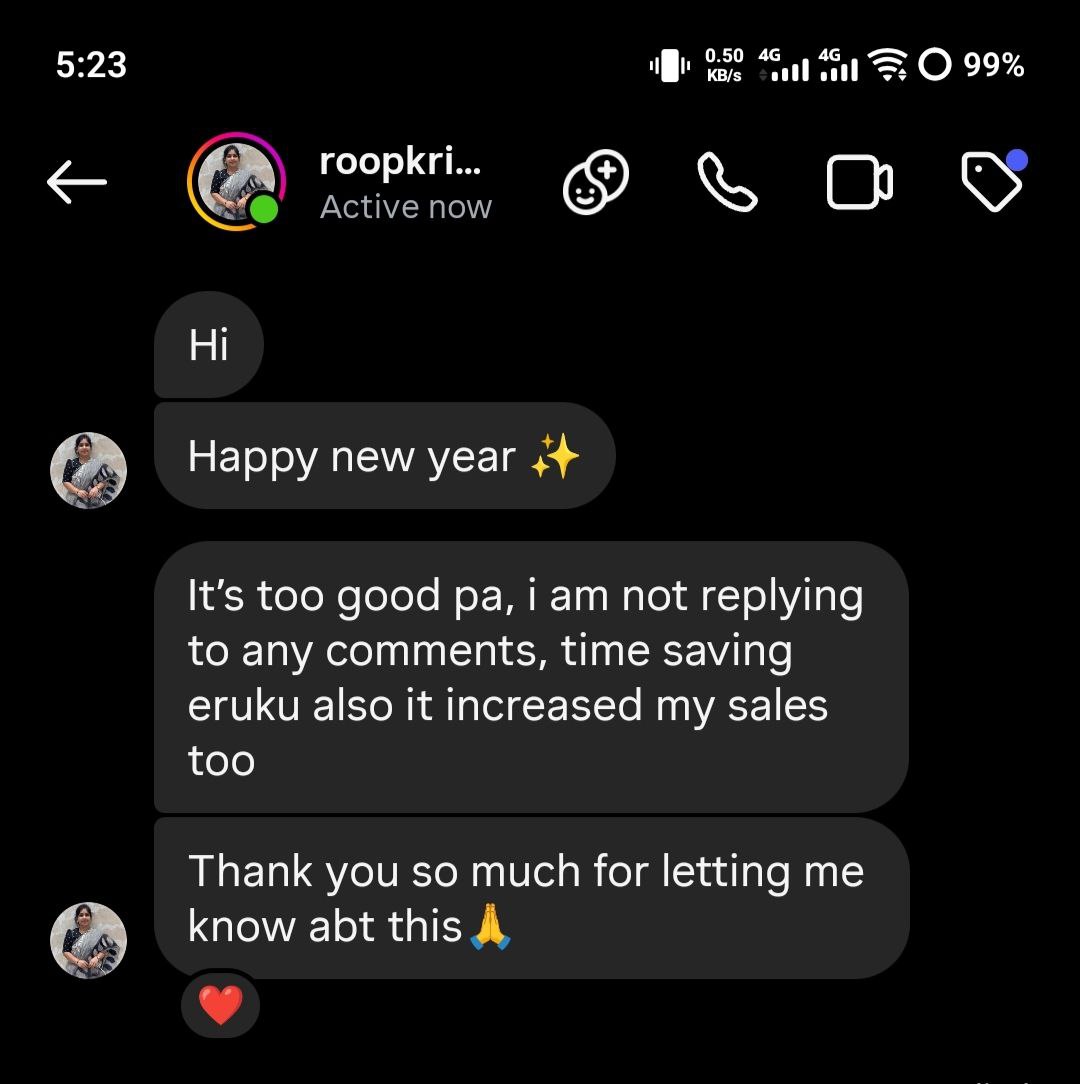
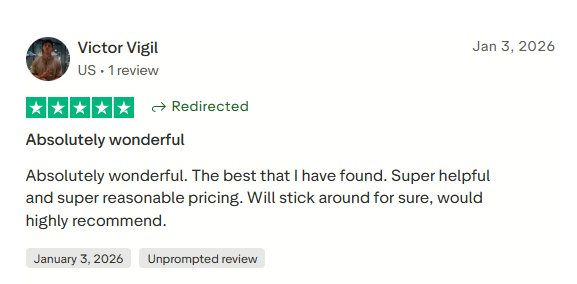
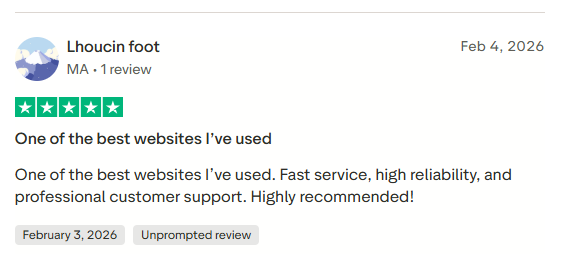
See what creators and brands are saying about InstantDM
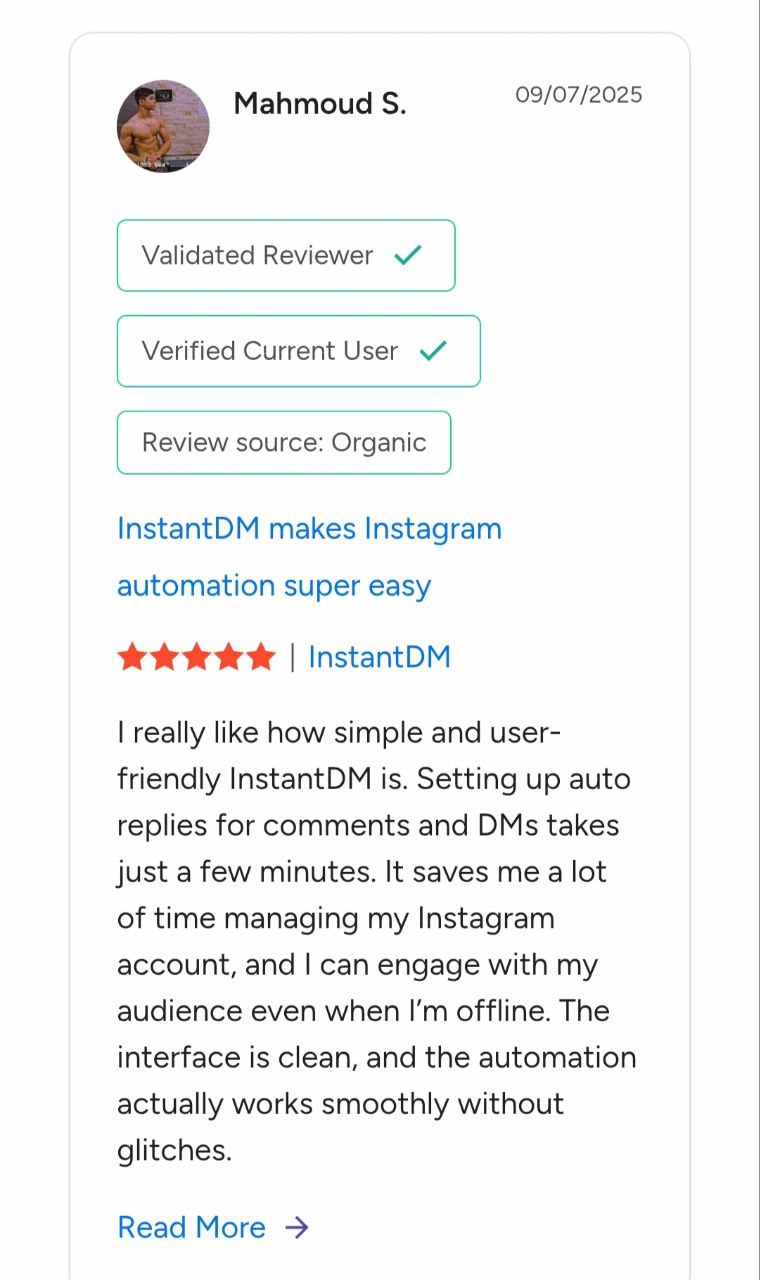
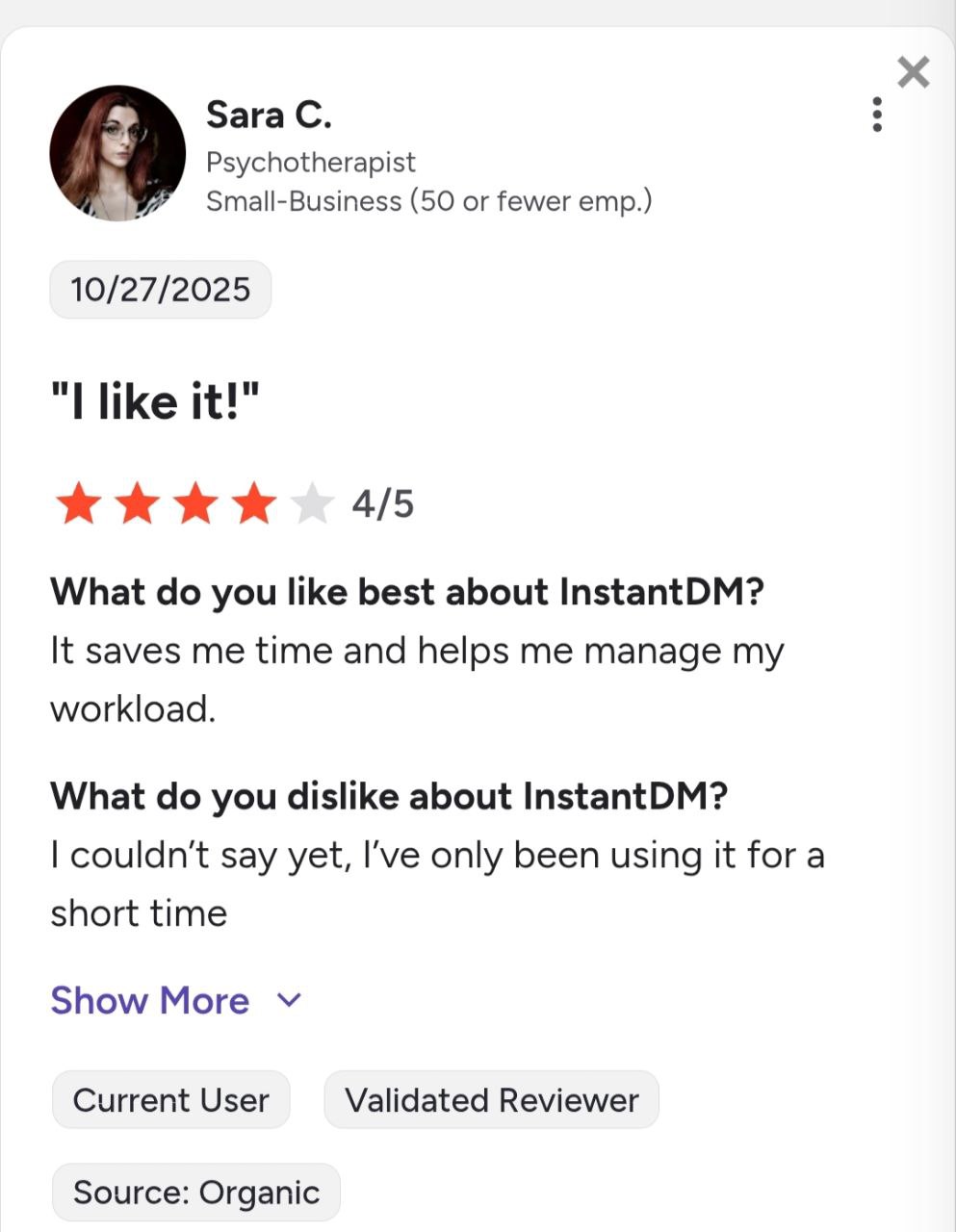
Join 30,000+ creators and brands using InstantDM today.
Get Started NowAny support required, we're just one click away.
