

Ready to Automate Your Growth?
Join 30,000+ creators and brands using InstantDM today.
Get Started NowAny support required, we're just one click away.
Meta Business Partner
100% Official API
The comment sticker trend is simple: pin a comment-style card, avatar, username, and one short line, onto a Reel or TikTok, then answer it on camera. This generator makes that bubble for you and exports it as a transparent PNG for any video editor.
The gradient background is preview-only and never part of the download.
Exports at 2x resolution with a transparent background (toggle off to export on white). Works best in Chrome or Edge.
Type the username and comment text. Add an avatar photo, or keep the auto-generated colored initial circle.
Toggle the verified badge, switch to a dark bubble, and fine-tune the corner radius and font size with sliders.
Optionally attach an indented reply bubble under the comment for creator-answers-a-fan style videos.
Download the sticker with a transparent background and drop it straight into CapCut, Premiere, or the Reels editor.
The comment-reply format is one of the most reliable hooks in short-form video. A few things that make the sticker work harder:
One question or one hot take. Viewers should be able to read the whole sticker in under two seconds — long comments get skipped, not read.
The white bubble works on most footage; switch to the dark bubble over bright scenes. The soft drop shadow in the export helps the sticker separate from busy backgrounds.
Keep the sticker in the upper-middle area of a 9:16 frame, clear of the caption, username, and action buttons that Instagram overlays. Our Reels Safe Zone Checker shows the exact boundaries.
Reply-to-comment videos train your audience to comment more, because comments can become content. Pair that with InstantDM auto-replies so no comment ever goes cold.
People also use this as a fake Instagram comment maker for memes and skits. Invent characters all you like, just don't put made-up words under a real person's username and pass the result off as a genuine screenshot.
The comments you pin on Reels can do more than decorate the video. InstantDM auto-replies to comments and sends the follow-up DM from your real account. Meta Business Partner, free plan with 500 DMs a month, paid plans from $9.99/month.
A full feed post mockup with username, likes, caption, and timestamp.
Profile page mockups with follower stats, highlights, and a 3x3 grid.
The instagram.com lightbox with a full comment thread you control.
See exactly where stickers and text get covered by the Reels UI.
It's the rounded comment bubble (avatar, username, and comment text) that creators pin on Reels and TikToks, usually when replying to a comment with a video. This tool recreates that exact card style so you can use it anywhere.
Keep the Transparent PNG toggle on (it's on by default) and click Download PNG. The exported file has a fully transparent background, so only the bubble and its soft shadow appear when you drop it into a video editor.
Yes. Turn on the reply thread option and a second, indented reply bubble appears under the main comment, with its own username and text, just like a real Instagram comment thread.
The PNG exports at 2x the on-screen preview size, which keeps text crisp when you scale the sticker inside a 1080 x 1920 Reel or TikTok. You can also raise the font size slider before exporting for an even larger sticker.
Yes. It's 100% free with no watermark and no sign-up. Everything runs in your browser, so your avatar image and text never leave your device.
The most common format is the comment-reply video: pin a question or hot take as a sticker at the top of the Reel, then answer it on camera. It gives the video instant context, encourages more comments, and is a proven hook format on both Instagram and TikTok.
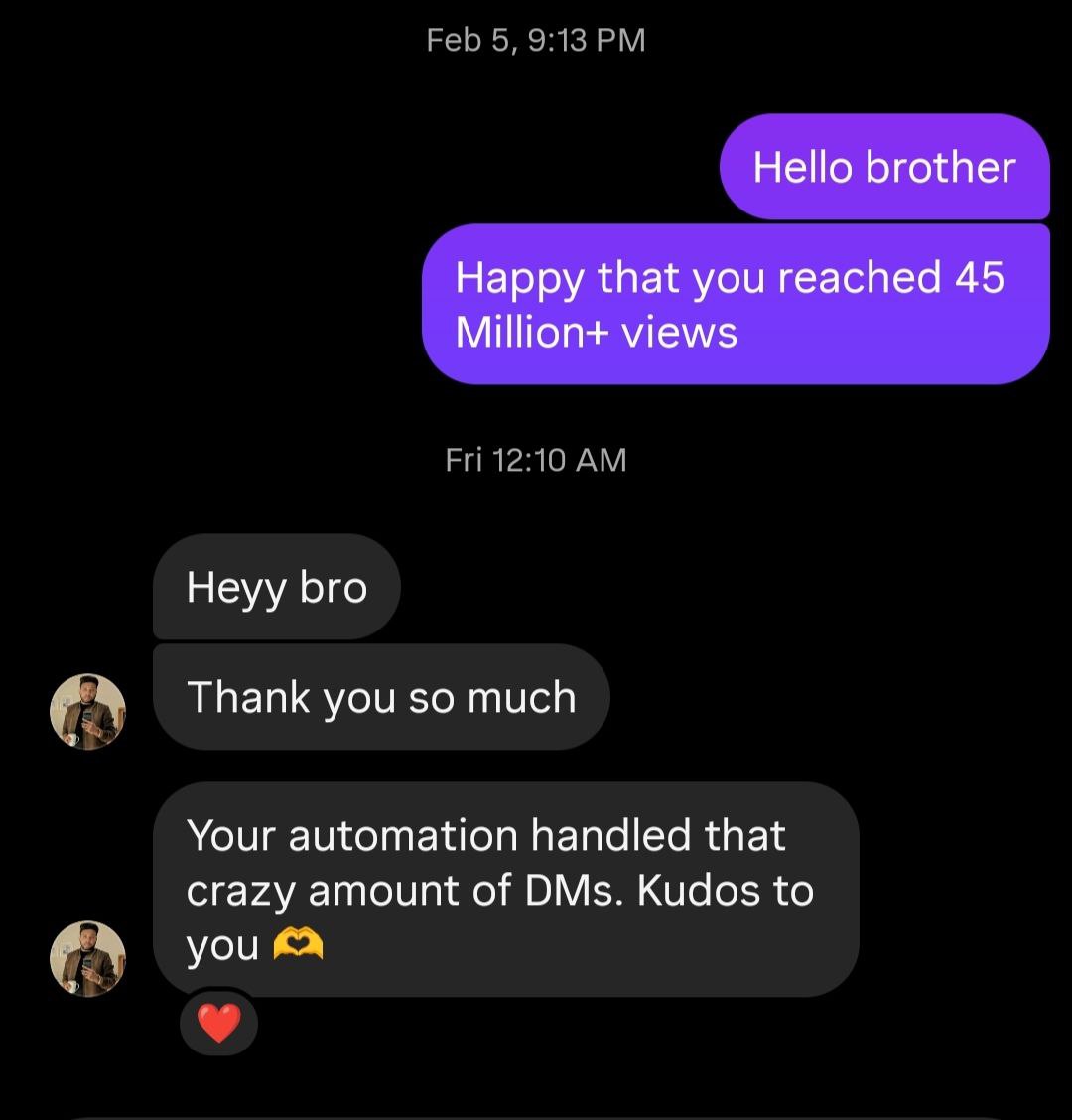
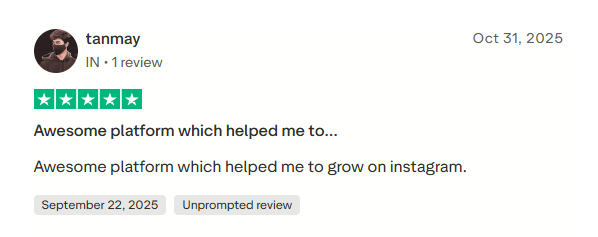
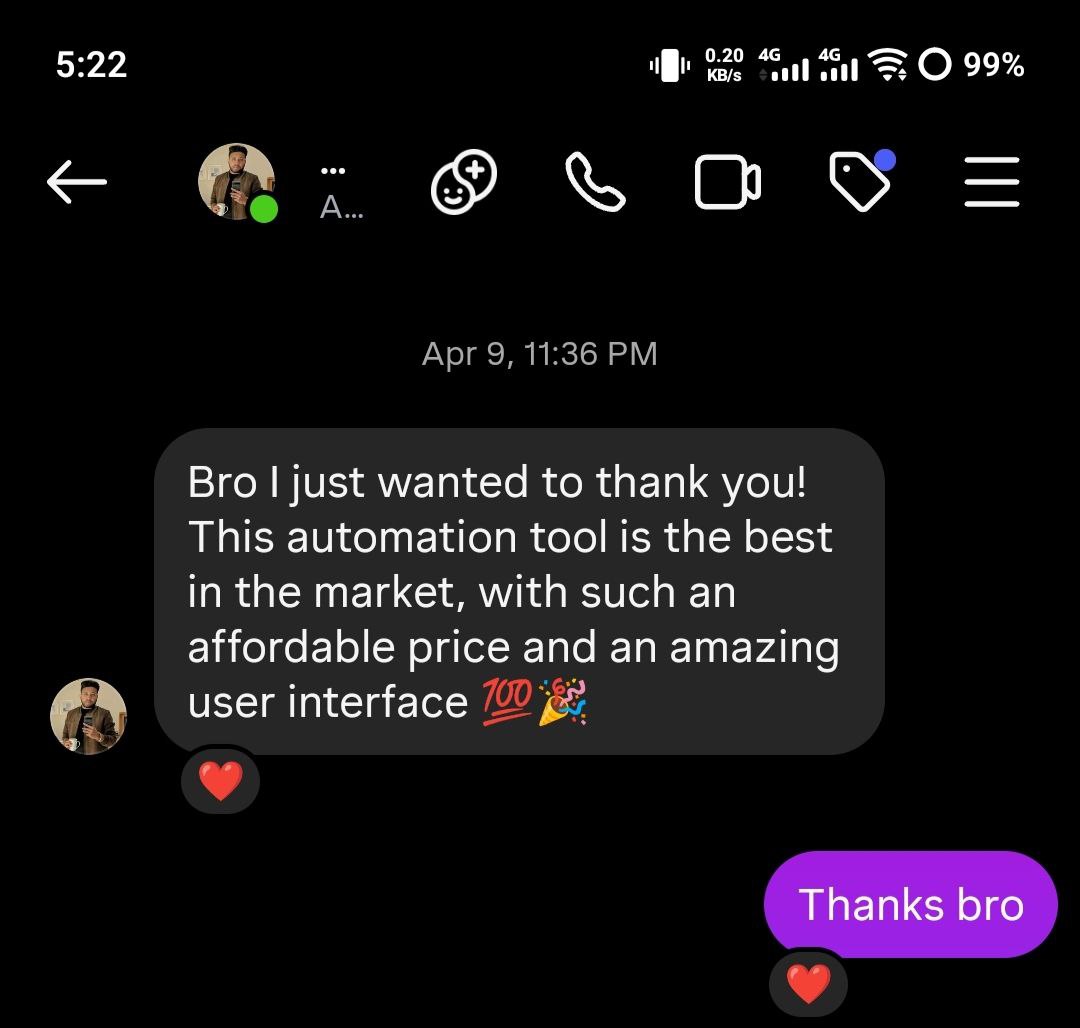
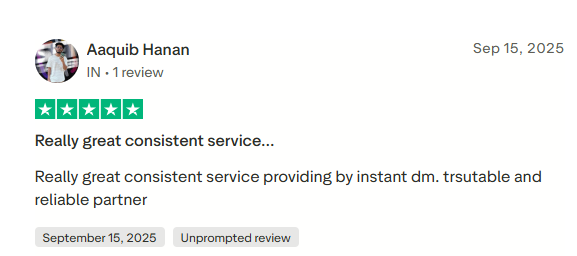
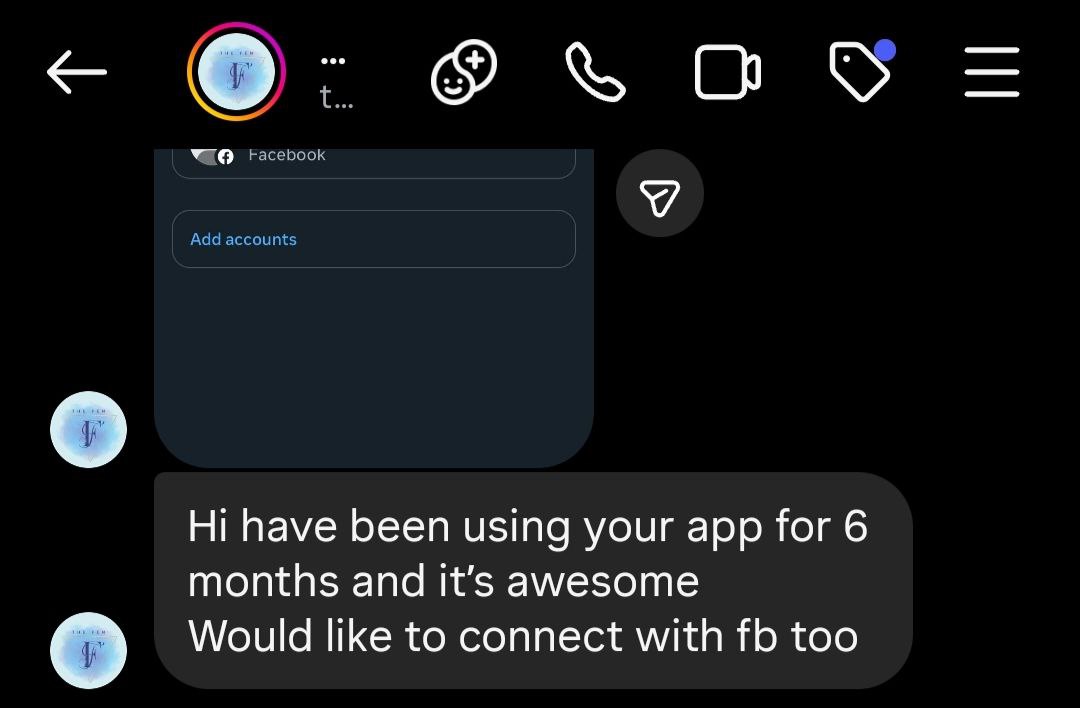
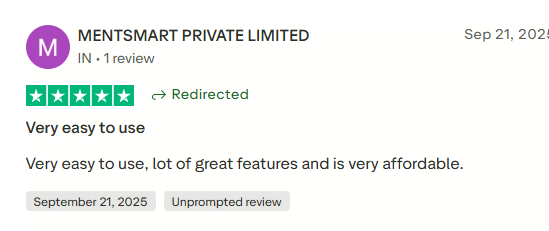
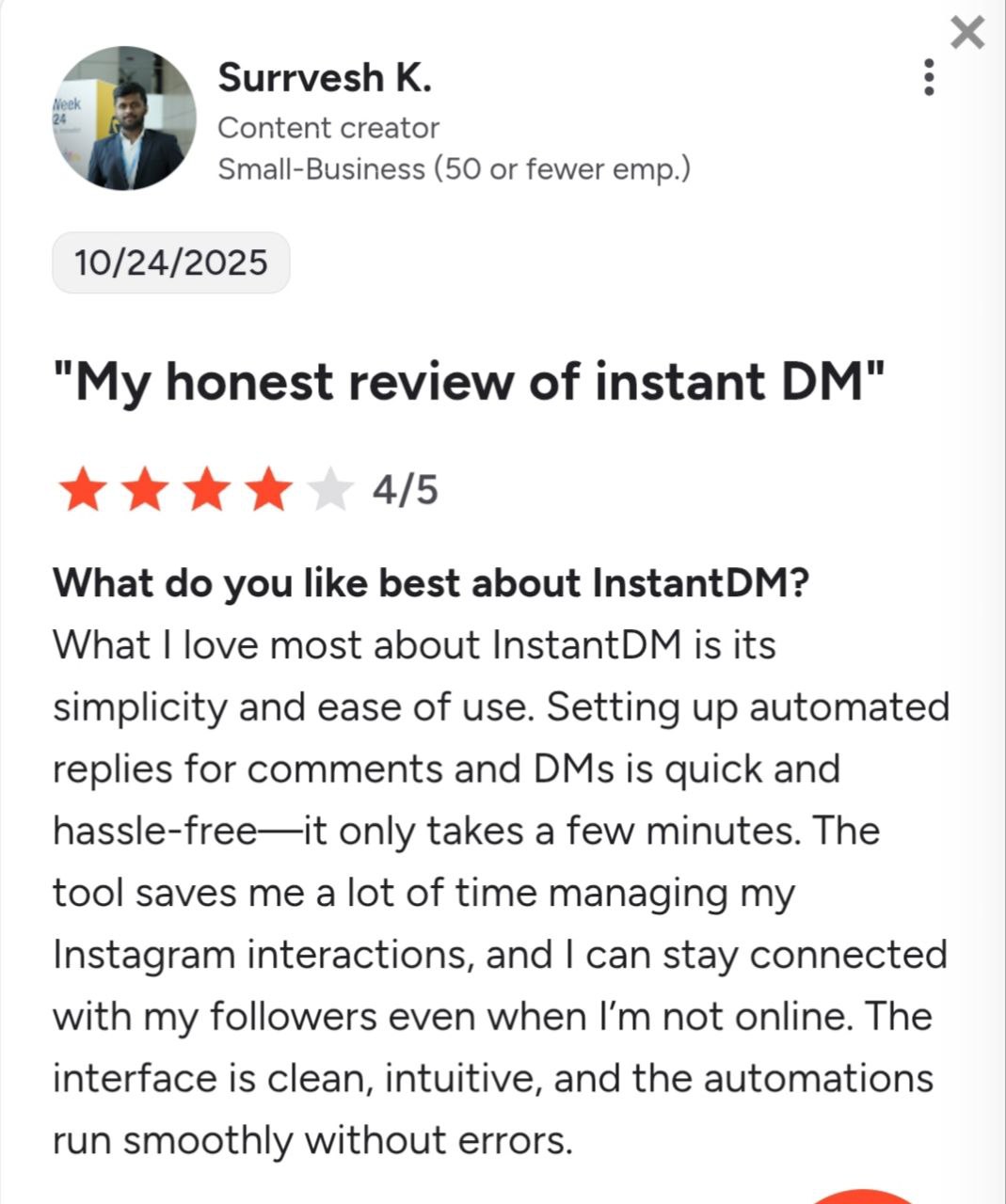
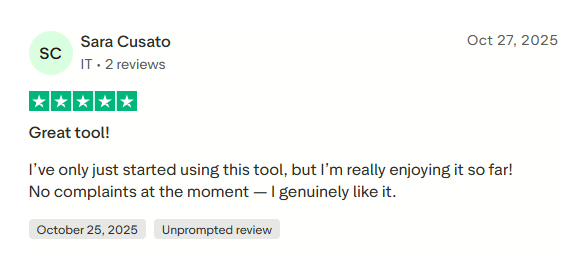
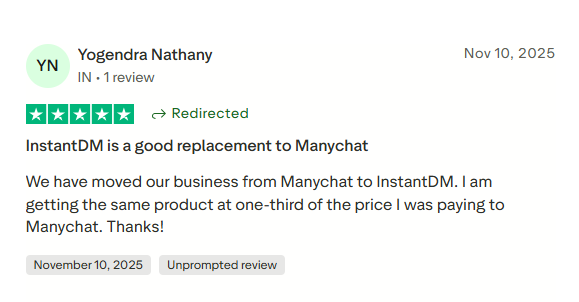
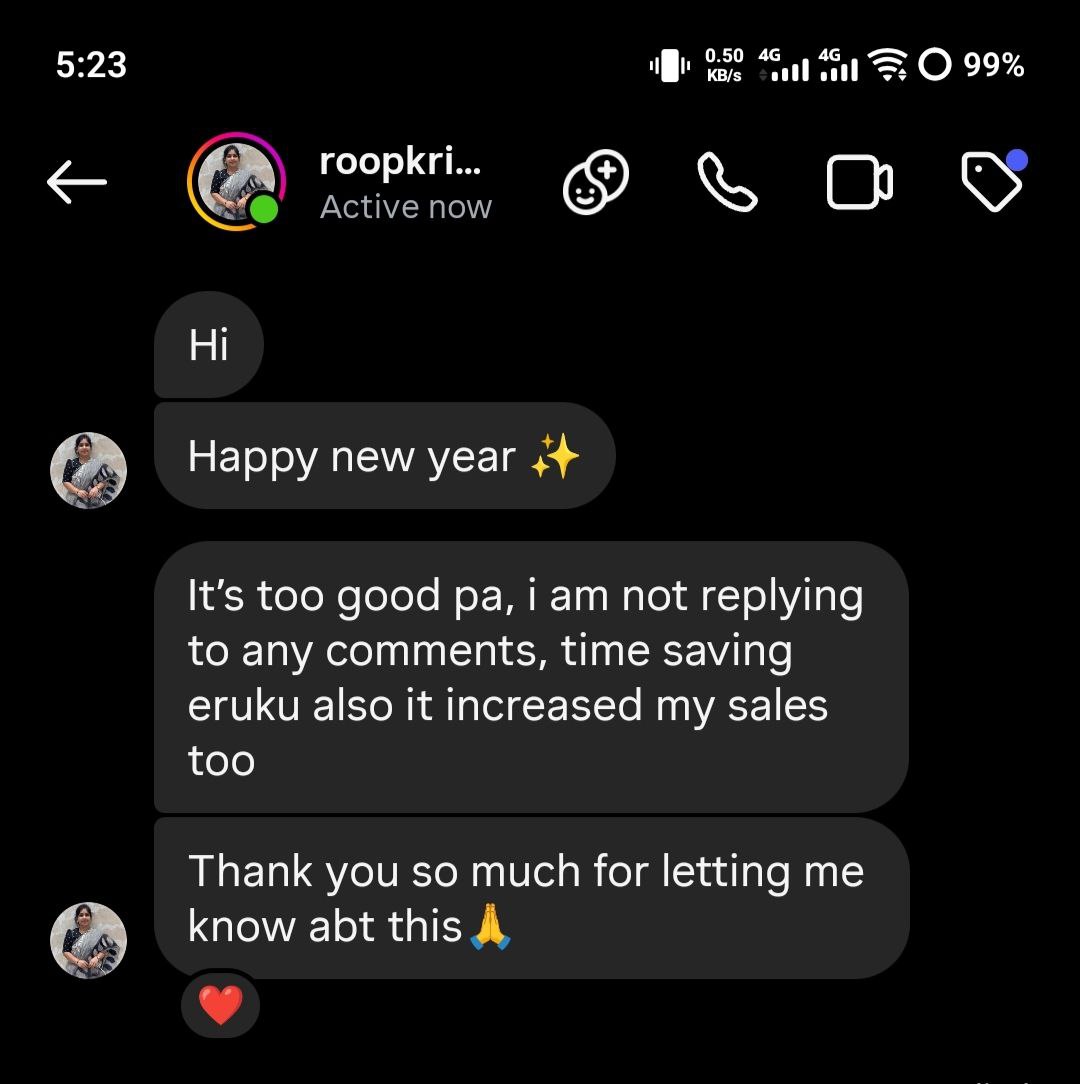
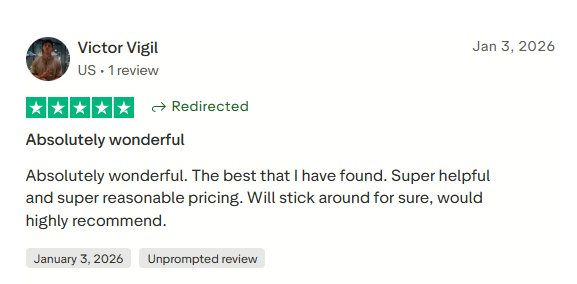
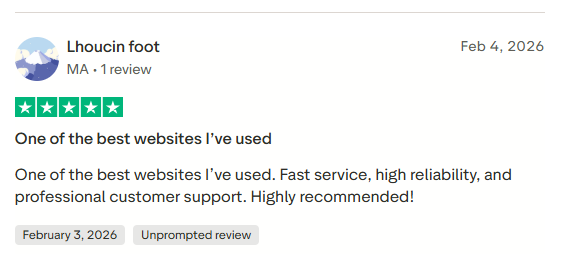
See what creators and brands are saying about InstantDM
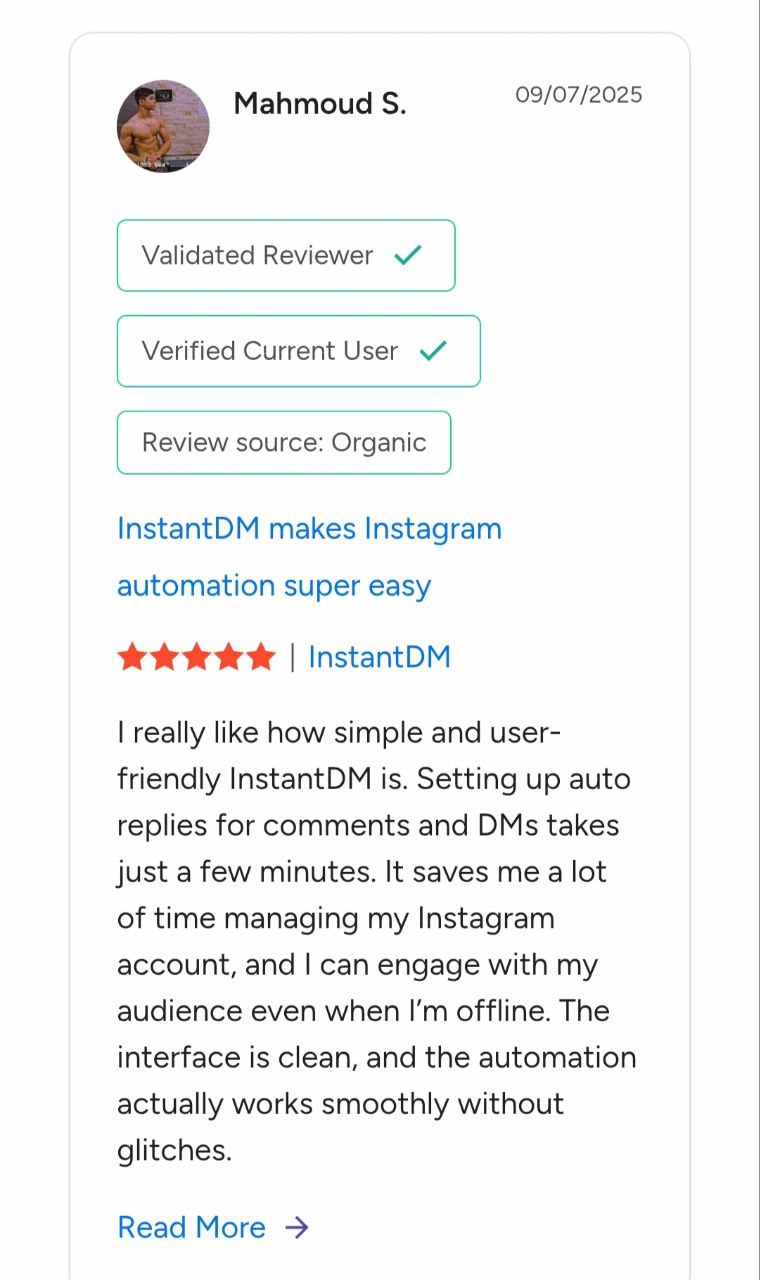
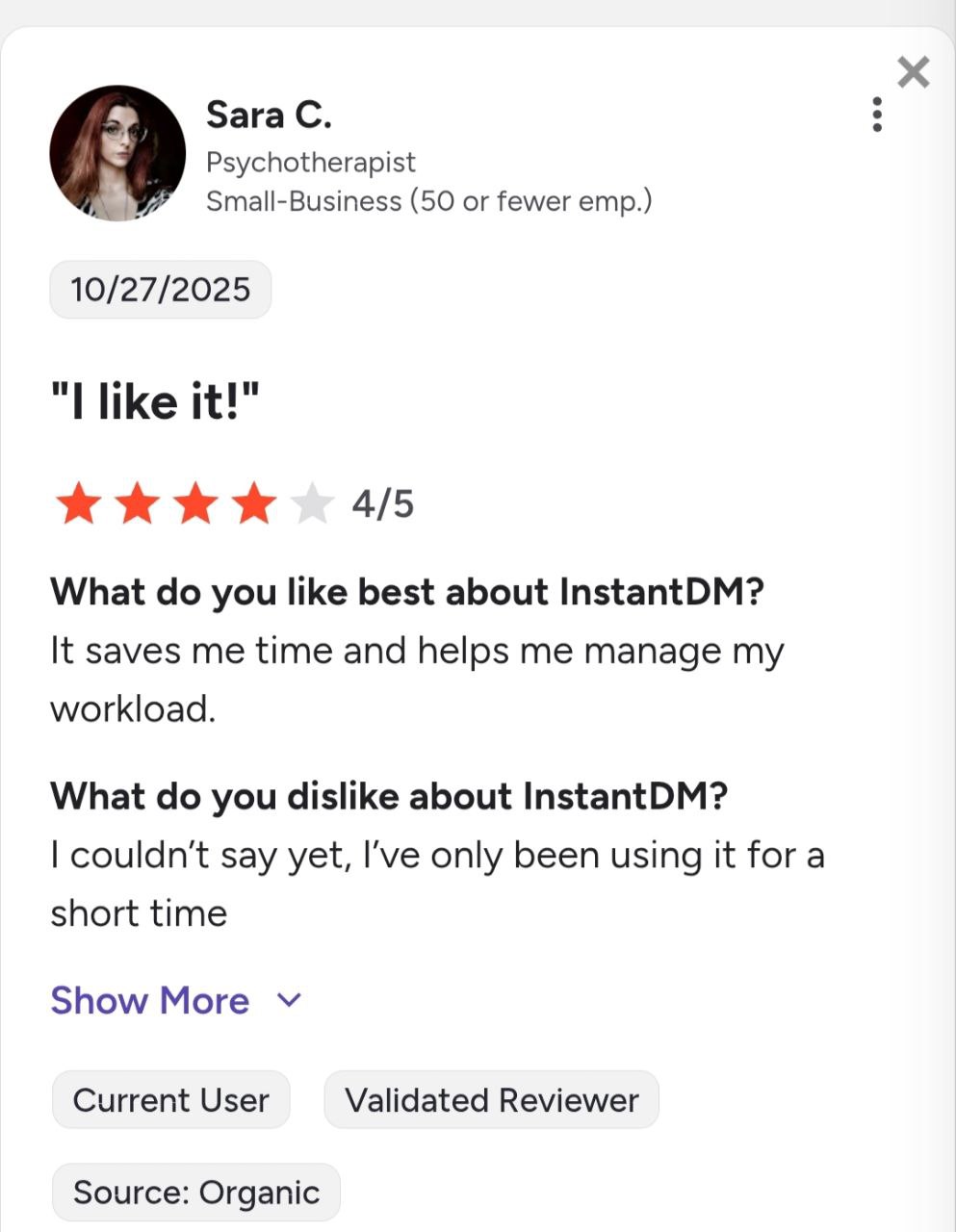
Join 30,000+ creators and brands using InstantDM today.
Get Started NowAny support required, we're just one click away.
