

Ready to Automate Your Growth?
Join 30,000+ creators and brands using InstantDM today.
Get Started NowAny support required, we're just one click away.
Meta Business Partner
100% Official API
This tool builds an Instagram post mockup for desktop: the lightbox that opens on instagram.com, with the photo on the left, caption and comment thread on the right, dark backdrop behind. Write your own comments, flip the theme, and download the whole modal as one PNG. Nothing leaves your browser.
Downloads the full lightbox at 2x resolution. Works best in Chrome or Edge.
Username, verified badge, profile photo, post image, caption, likes, timestamp. The whole desktop layout updates live as you type.
Add unlimited comments with custom usernames, text, like counts, and times. Each commenter gets a colored avatar automatically.
Switch between Instagram's light and dark desktop themes. The dark lightbox backdrop stays, just like the real site.
Export the entire modal, backdrop included, at 2x resolution. It drops straight into a slide or tutorial screenshot.
Instagram renders the same post very differently on desktop and in the app. If you searched for an Instagram web post generator, this page makes the desktop version; here is how the two layouts differ and when each one fits.
On instagram.com, clicking a post opens a modal over a dark backdrop: media on the left, and a right-hand panel where the caption appears as the first "comment", followed by the comment thread, action row, like count, and comment box.
In the app, the post is a vertical card: header, full-width media, action row, likes, then caption. Comments live on a separate screen. Use our fake Instagram post generator for that layout.
The desktop modal is ideal for client decks, comment-strategy examples, tutorials, and courses. The wide comment panel makes conversations easy to read on a slide.
Comment sections are where buying intent shows up. Brands that reply fast (or automatically, with a tool like InstantDM) turn commenters into DM conversations and customers.
Worth saying once: this is a mockup for decks, tutorials, and design work, not a way to fabricate a conversation and present it as a real screenshot of an actual person's post.
Comment threads like the one you just mocked up are where buyers raise their hands. InstantDM replies to comments and follows up in DMs from your real account. Meta Business Partner, free plan with 500 DMs/month, paid plans from $9.99/month.
The mobile feed version of this mockup, with its own likes and caption.
A full profile page mockup: stats, bio, highlights, and post grid.
Turn one comment into a transparent PNG sticker for Reels.
See a real post, reel, or story exactly as it will appear before publishing.
The post modal is the desktop lightbox that opens when you click a post on instagram.com: the image sits on the left and a panel with the caption, comments, likes, and comment box sits on the right, over a dark backdrop.
Yes. Completely free, no sign-up, no watermark. Everything runs in your browser and nothing is uploaded to a server.
Yes. Add as many fake comments as you want, each with its own username, text, like count, and time. Each commenter gets an automatically colored avatar, and you can remove any comment with one click.
Click Download PNG under the preview. The whole lightbox, dark backdrop included, is rendered at 2x resolution. The download works best in Chrome or Edge.
This tool intentionally recreates the desktop web lightbox, which is what people see when they browse instagram.com on a computer. If you need the mobile feed look instead, use our Fake Instagram Post Generator.
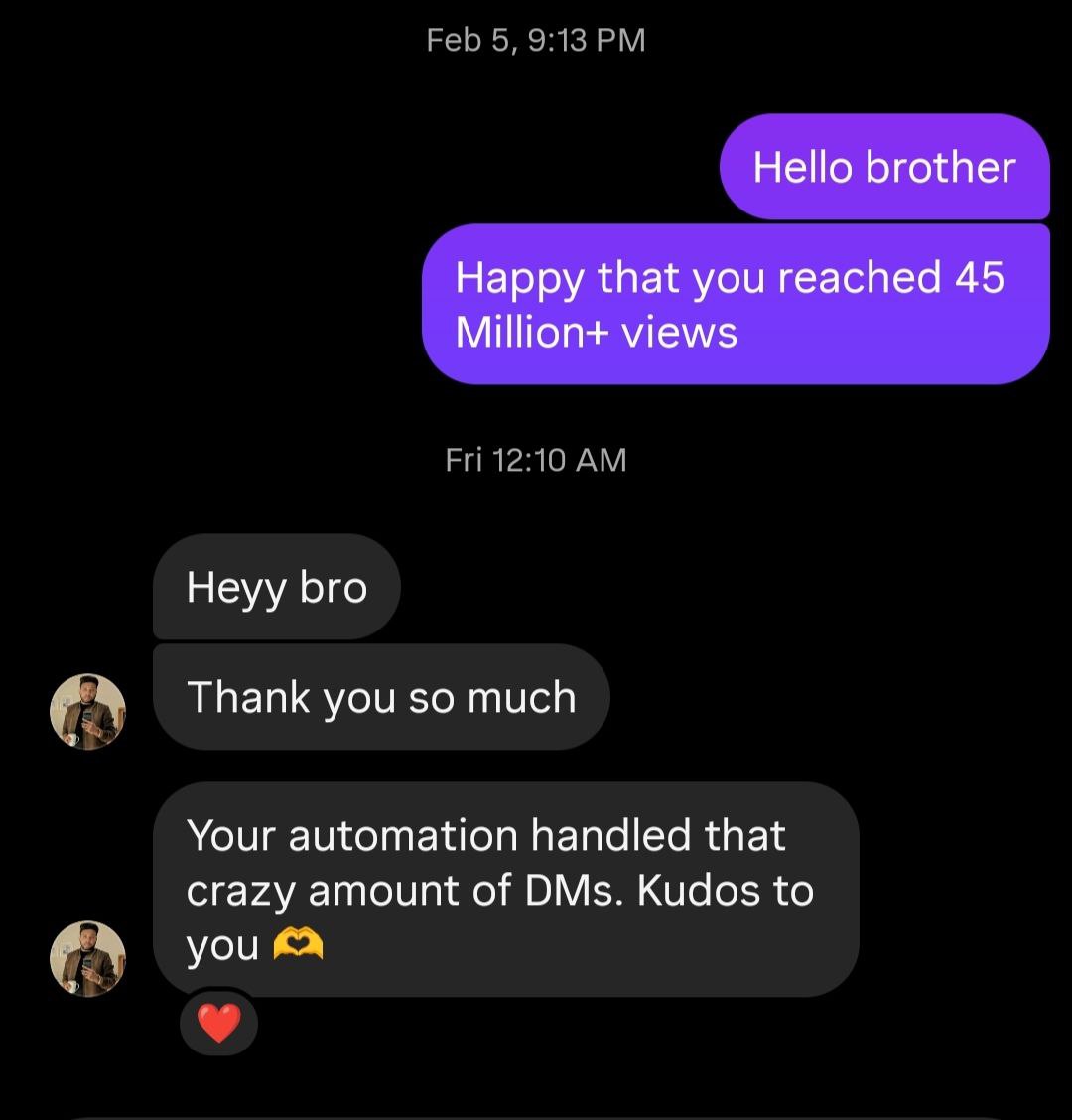
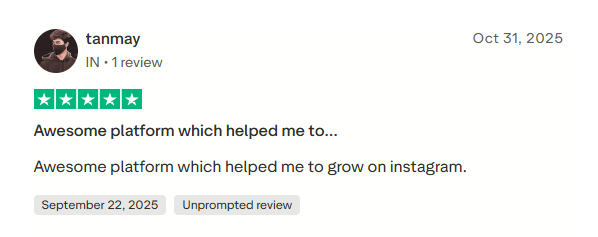
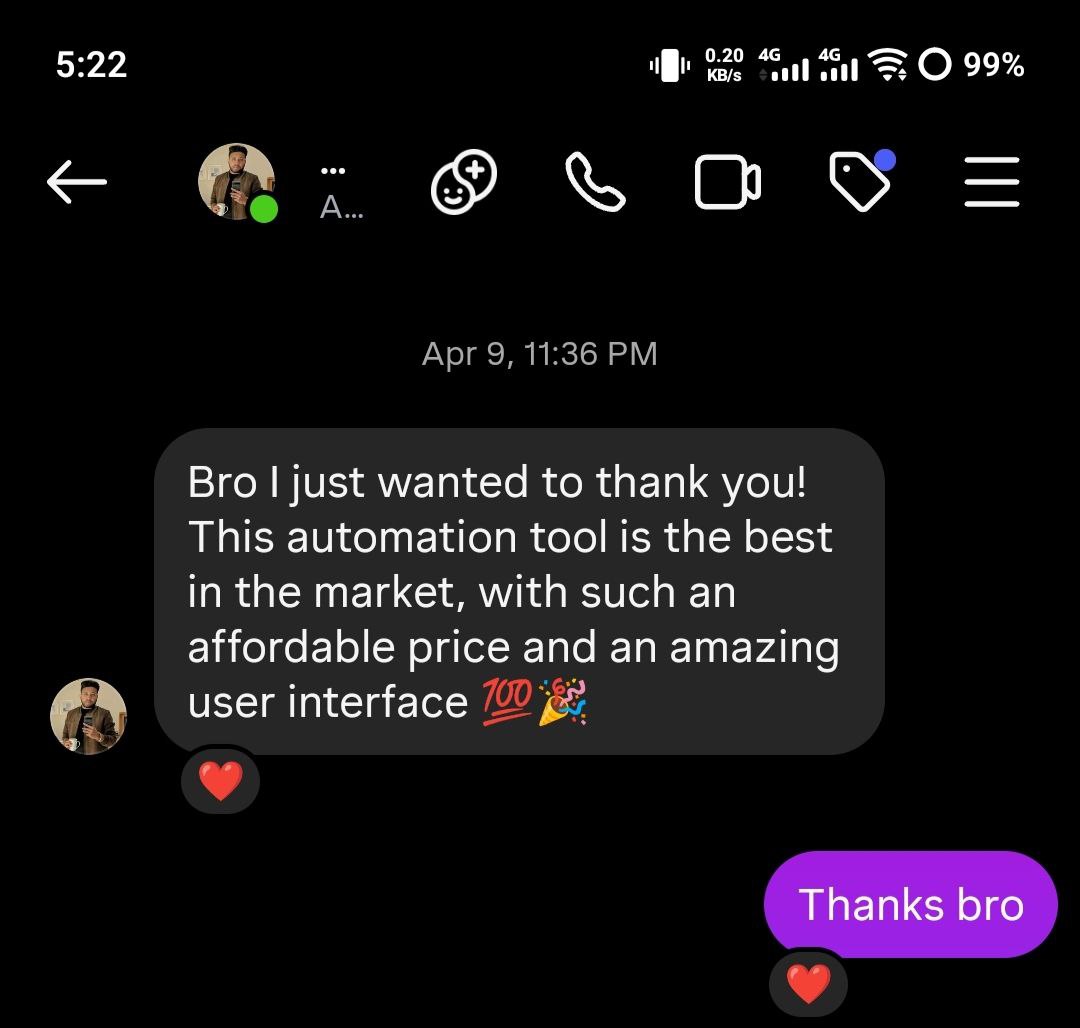
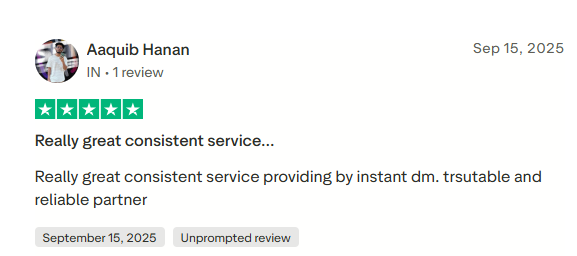
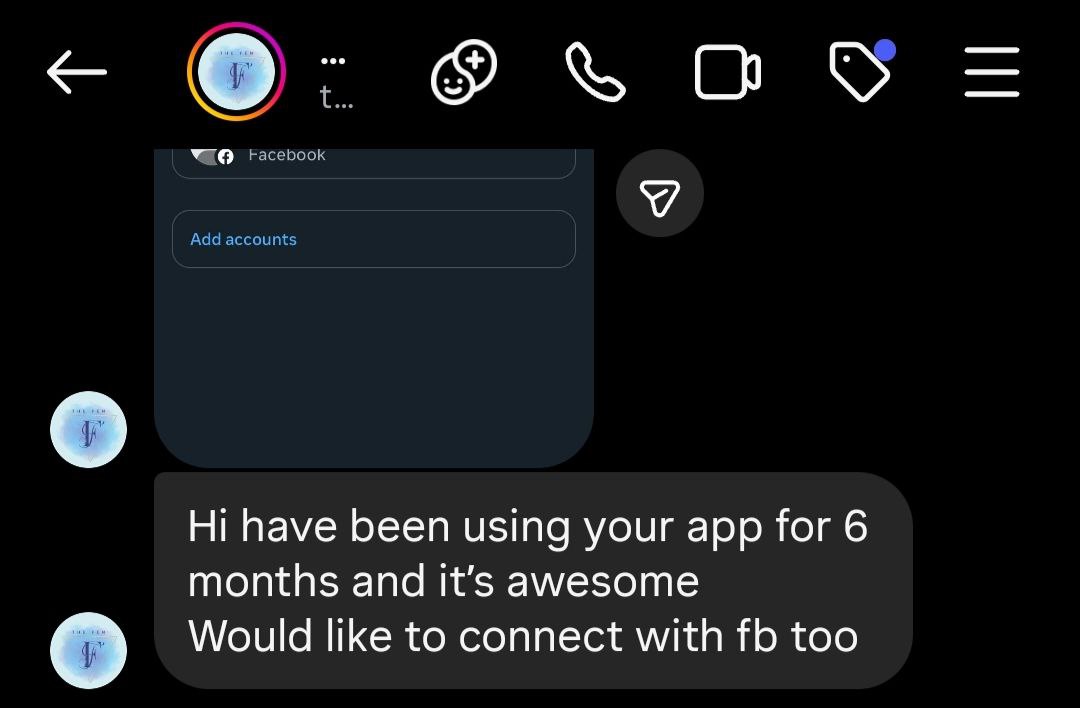
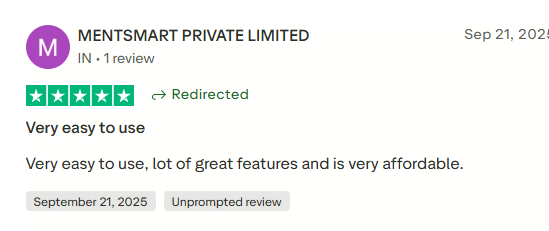
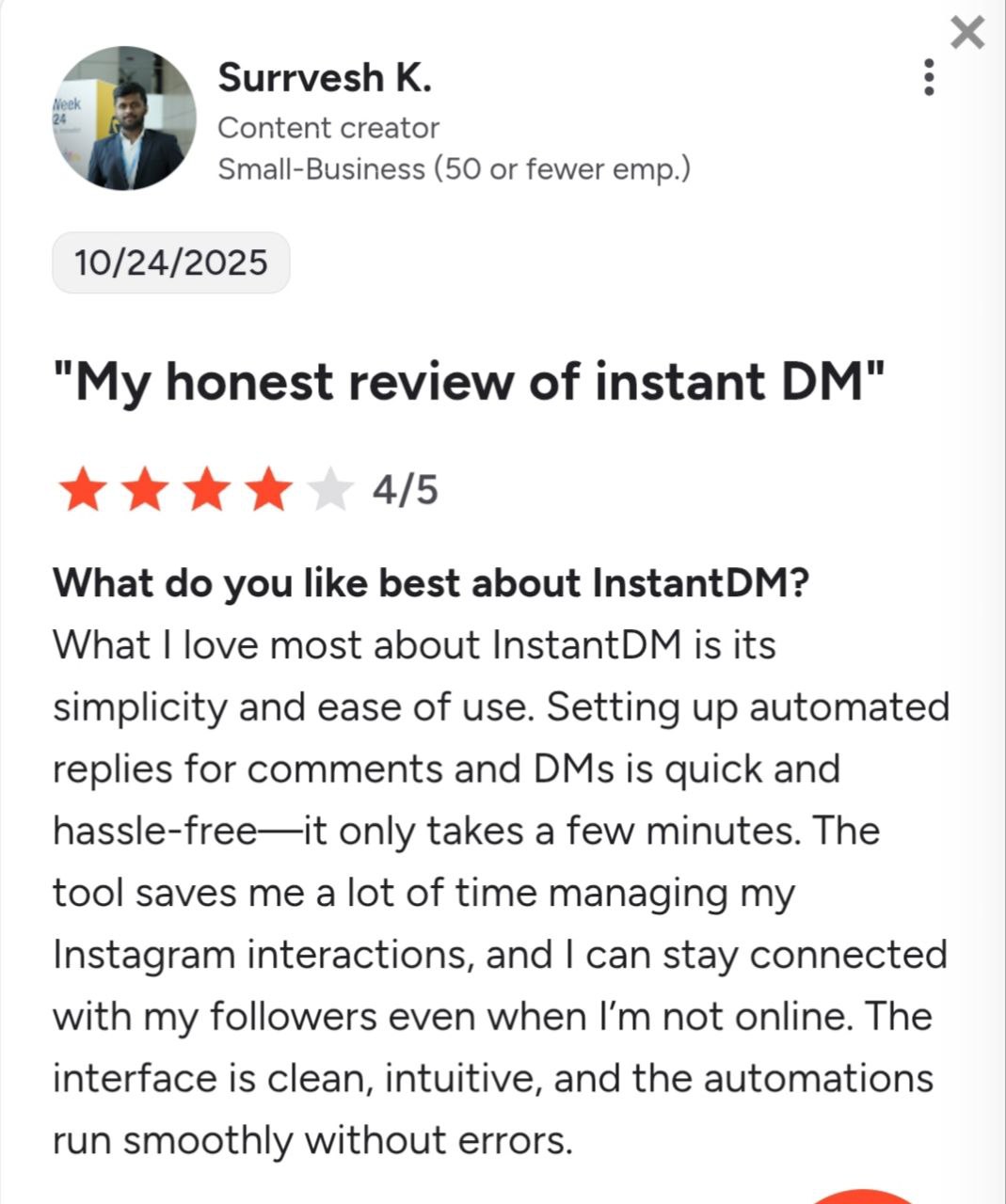
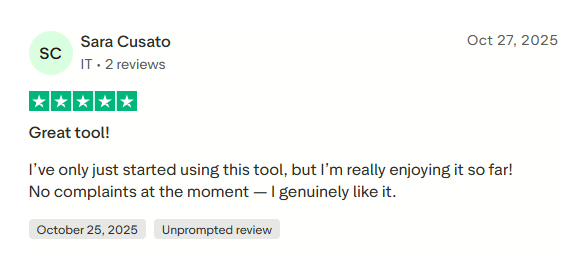
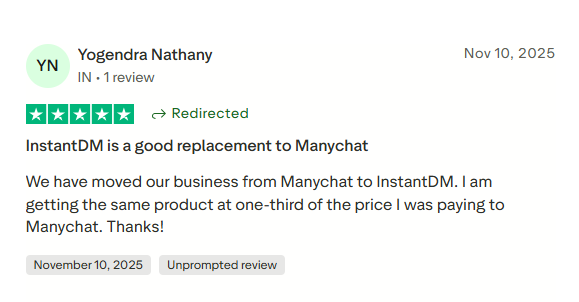
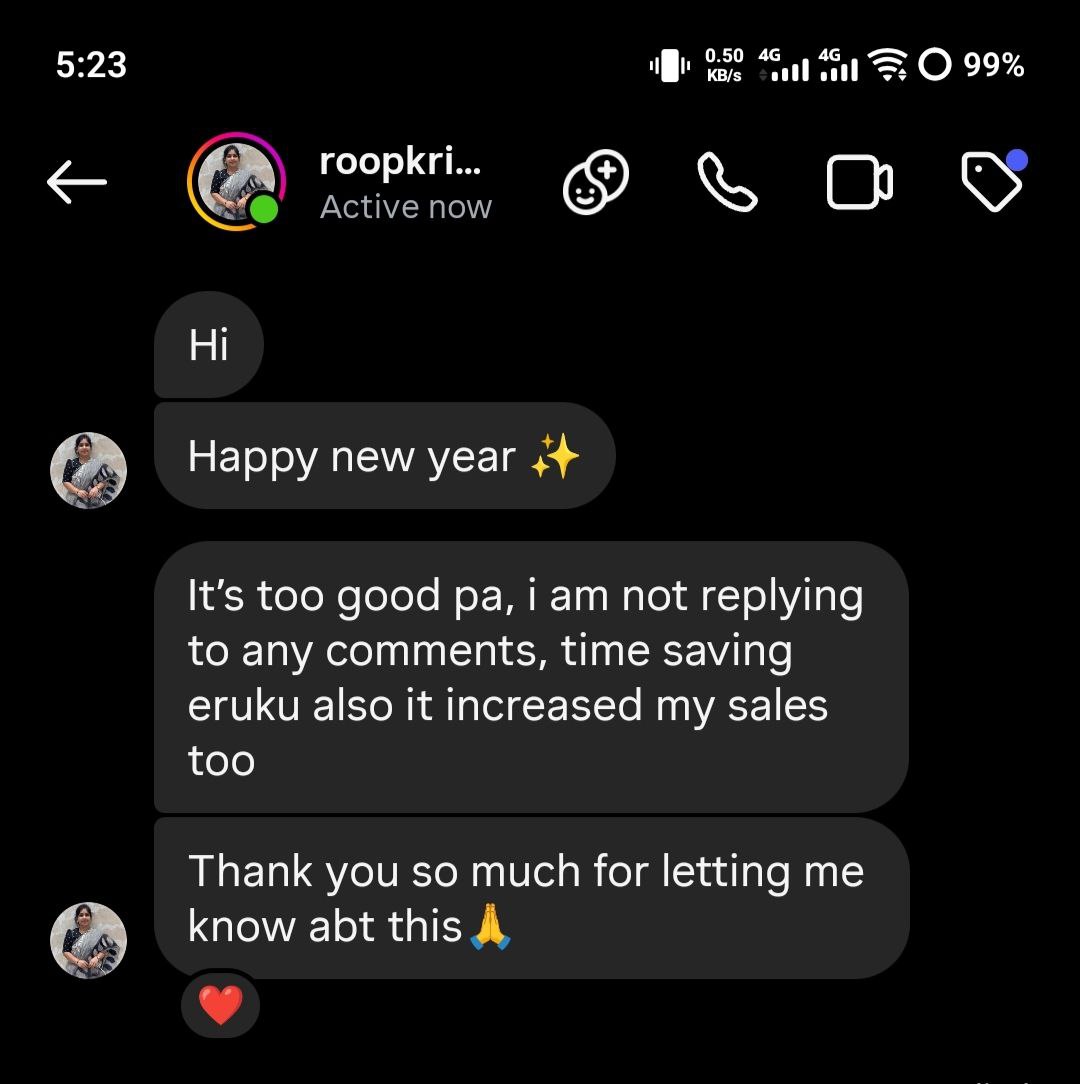
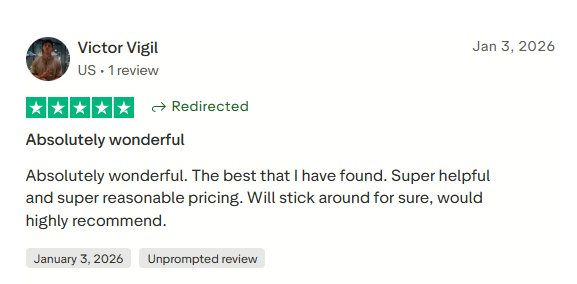
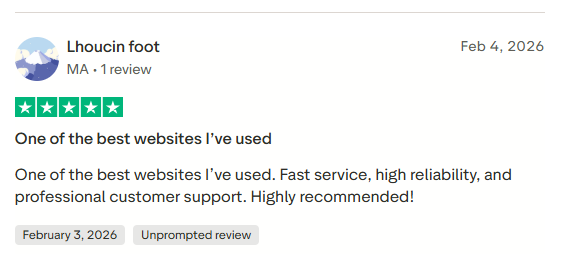
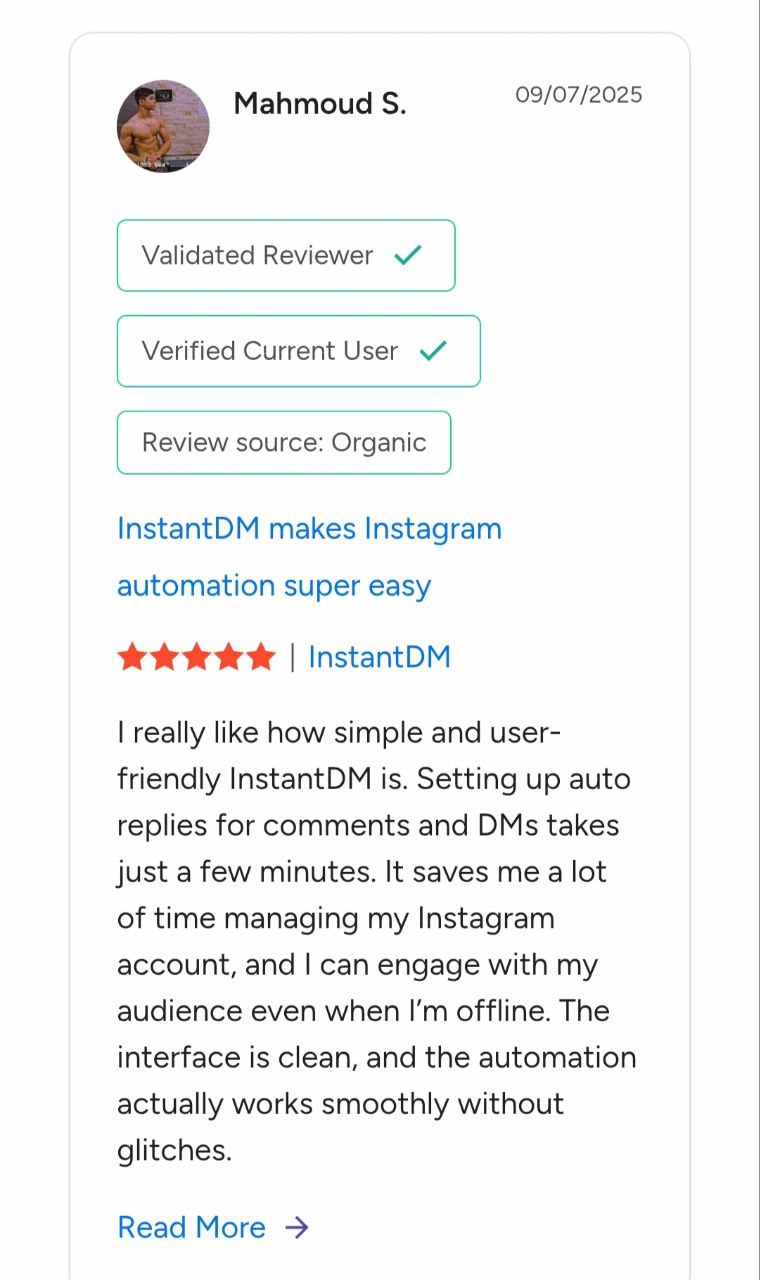
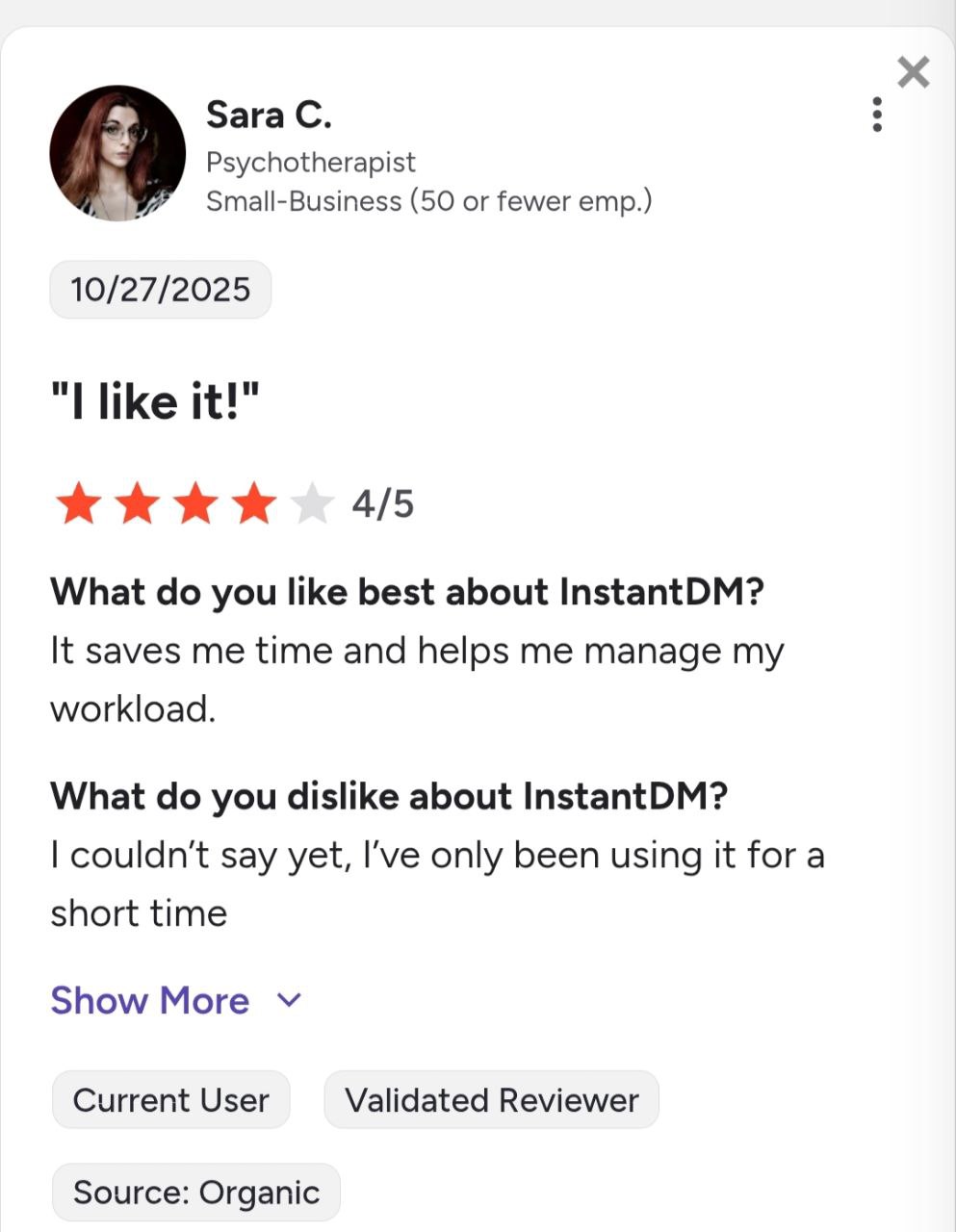
See what creators and brands are saying about InstantDM
Join 30,000+ creators and brands using InstantDM today.
Get Started NowAny support required, we're just one click away.
