
Ready to Automate Your Growth?
Join 30,000+ creators and brands using InstantDM today.
Get Started NowAny support required, we're just one click away.
Meta Business Partner
100% Official API
Cut your video to the perfect length — free, fast, no signup.
Trim Reels, Shorts, and video clips directly in your browser.
 Meta Official Business Partner
 No software to install, no uploads, no waiting
Drag and drop your video file or click to browse. Your video stays on your computer.
Drag the trim handles on the video timeline or enter exact timecodes. Preview your selection.
Click Cut Video and get your trimmed MP4 instantly. No signup, no watermarks.
Your video never leaves your device. All processing happens in your browser with FFmpeg.wasm.
Trim and cut videos instantly. No server upload means no waiting for processing.
Set exact IN and OUT points with millisecond precision using timecode inputs.
See exactly what your trimmed video will look like before you cut it.
Works with MP4, MOV, AVI, WebM, and more. Outputs to universal MP4 format.
No hidden fees, no watermarks, no signup required. Completely free forever.
No! All video processing happens entirely in your browser using FFmpeg.wasm. Your video never leaves your device, making this completely private and secure.
You can upload MP4, MOV, AVI, WebM, MKV, and most other common video formats. The output is always MP4, which works everywhere.
The tool supports videos up to 500MB. For larger files, you may need to wait a bit longer for the browser to process them.
Yes! Use the Preview Trim button to see exactly what your cut video will look like. The timeline shows your IN and OUT points clearly.
No watermarks, ever. Your cut video is exactly as you created it, with no branding or InstantDM marks.
AI-powered captions for your posts.
Check if your Reels text is visible.
Find the best hashtags for reach.
Split text for carousel posts.
Extract MP3 from any video.
Create seamless loop videos.
Speed up or slow down videos.
Resize to 9:16, 1:1, 4:5, and more.
See what creators and brands are saying about InstantDM
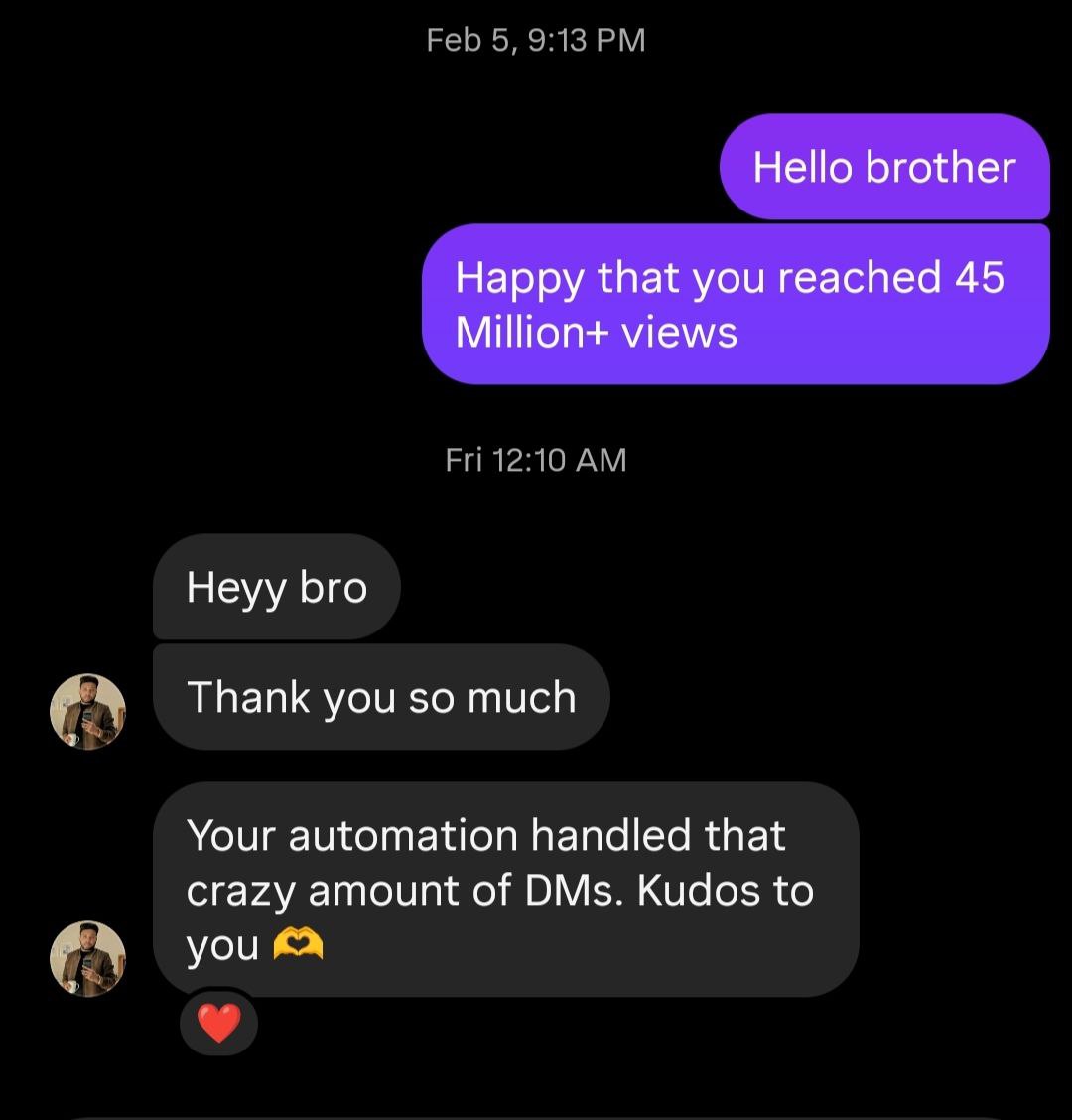
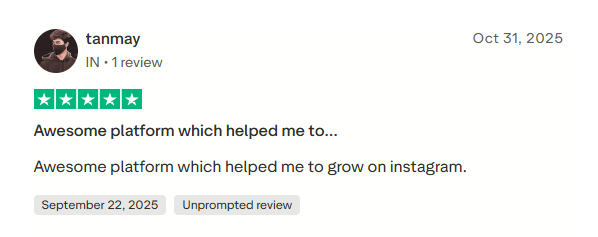
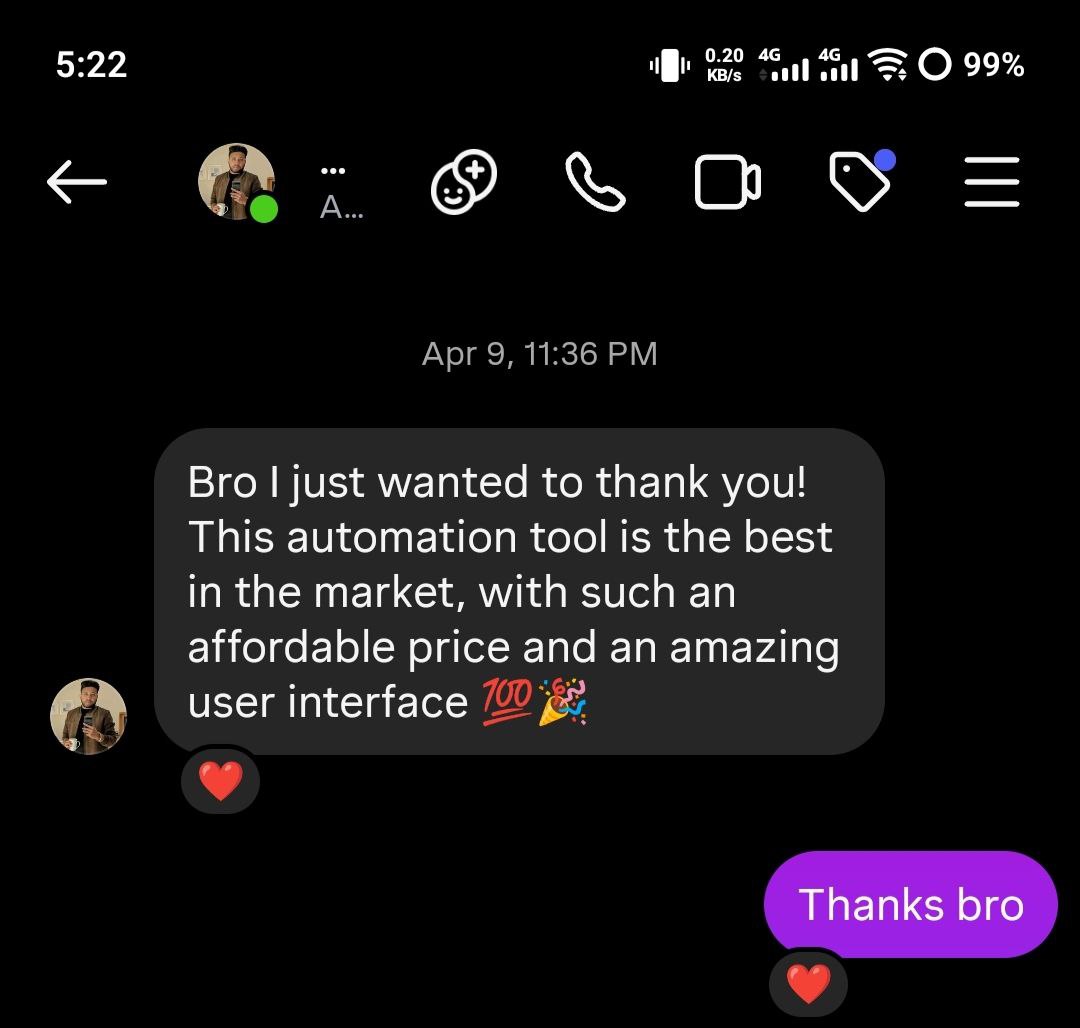
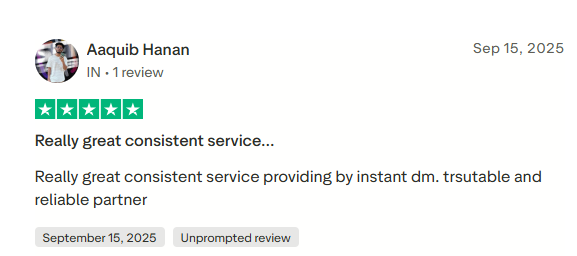
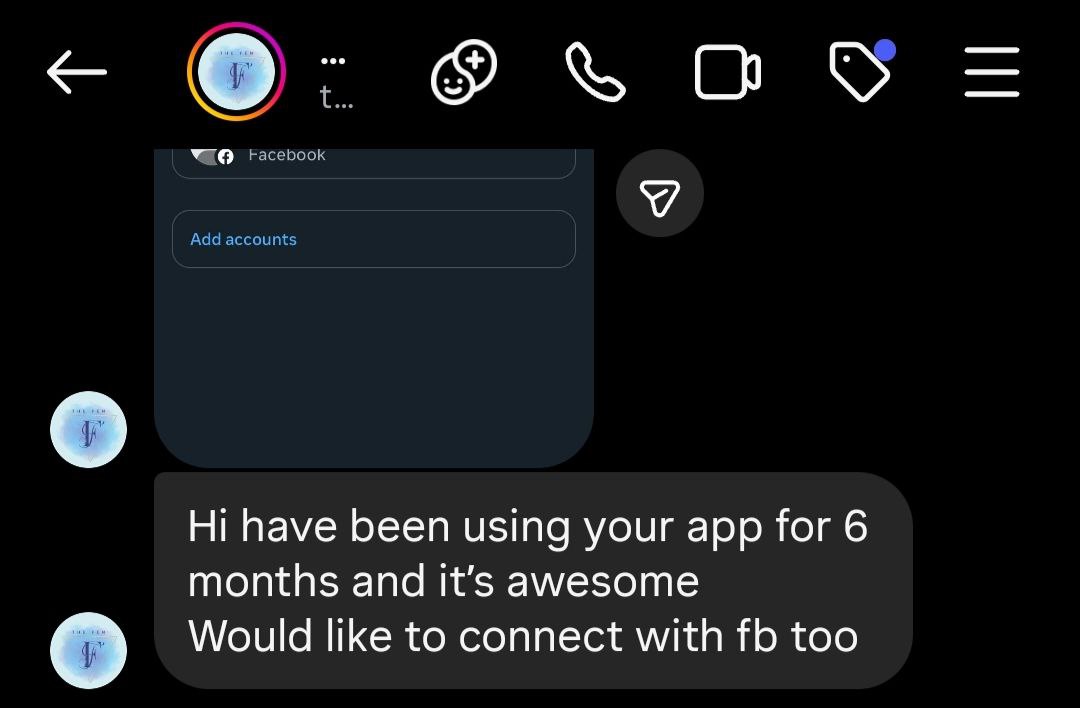
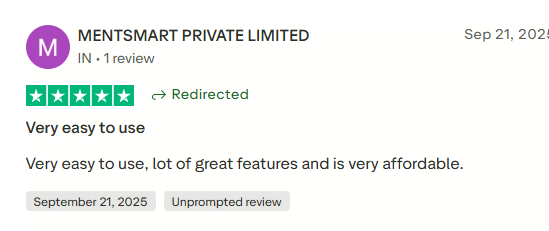
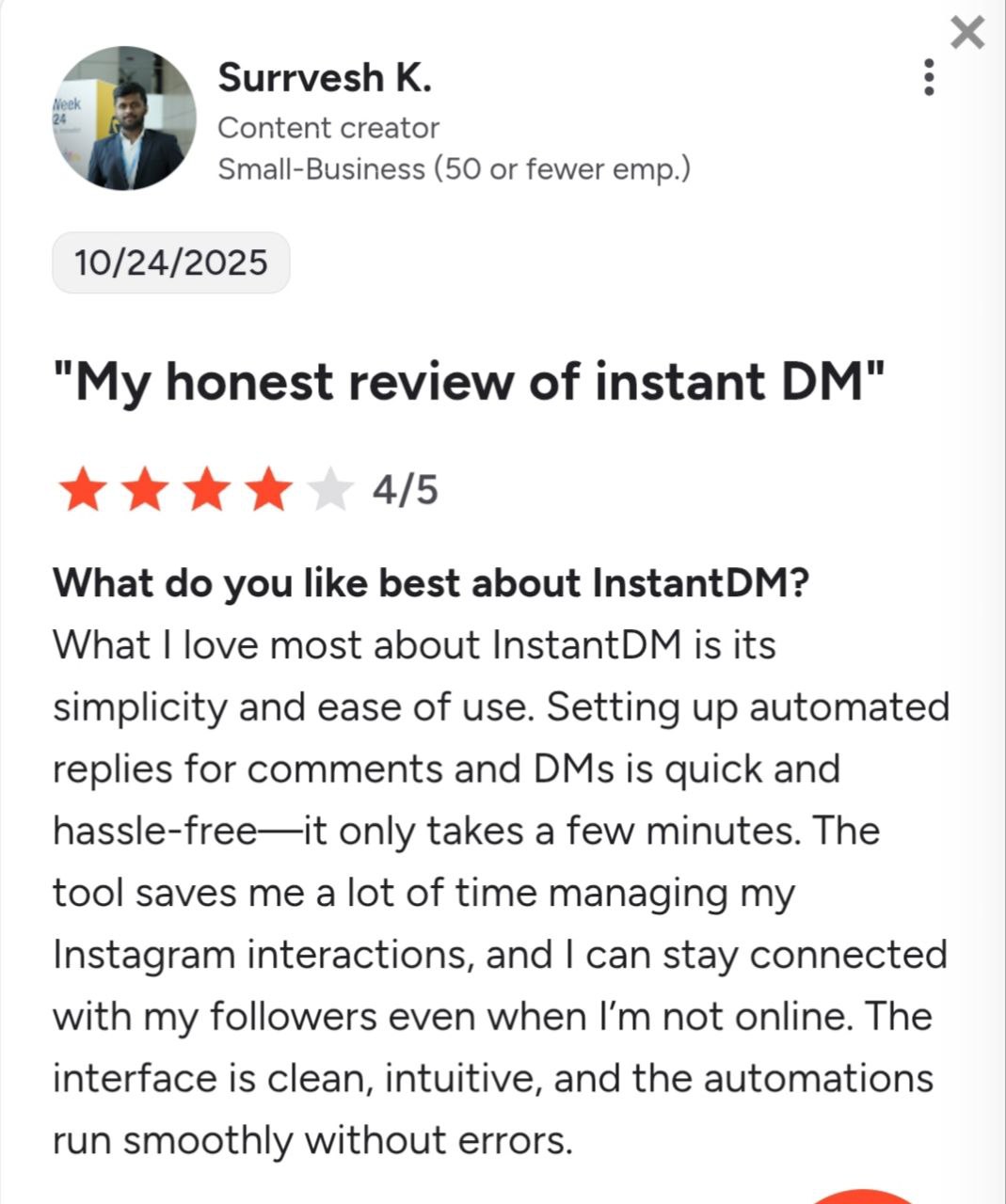
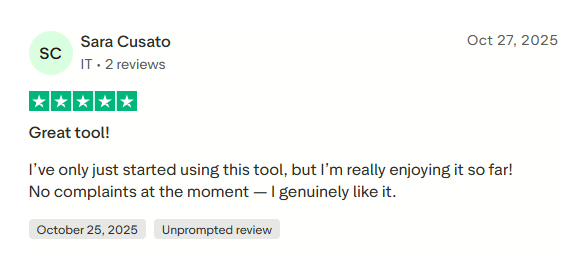
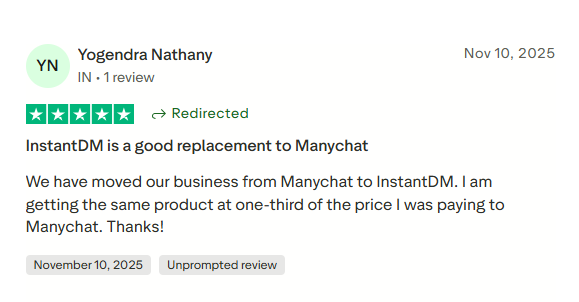
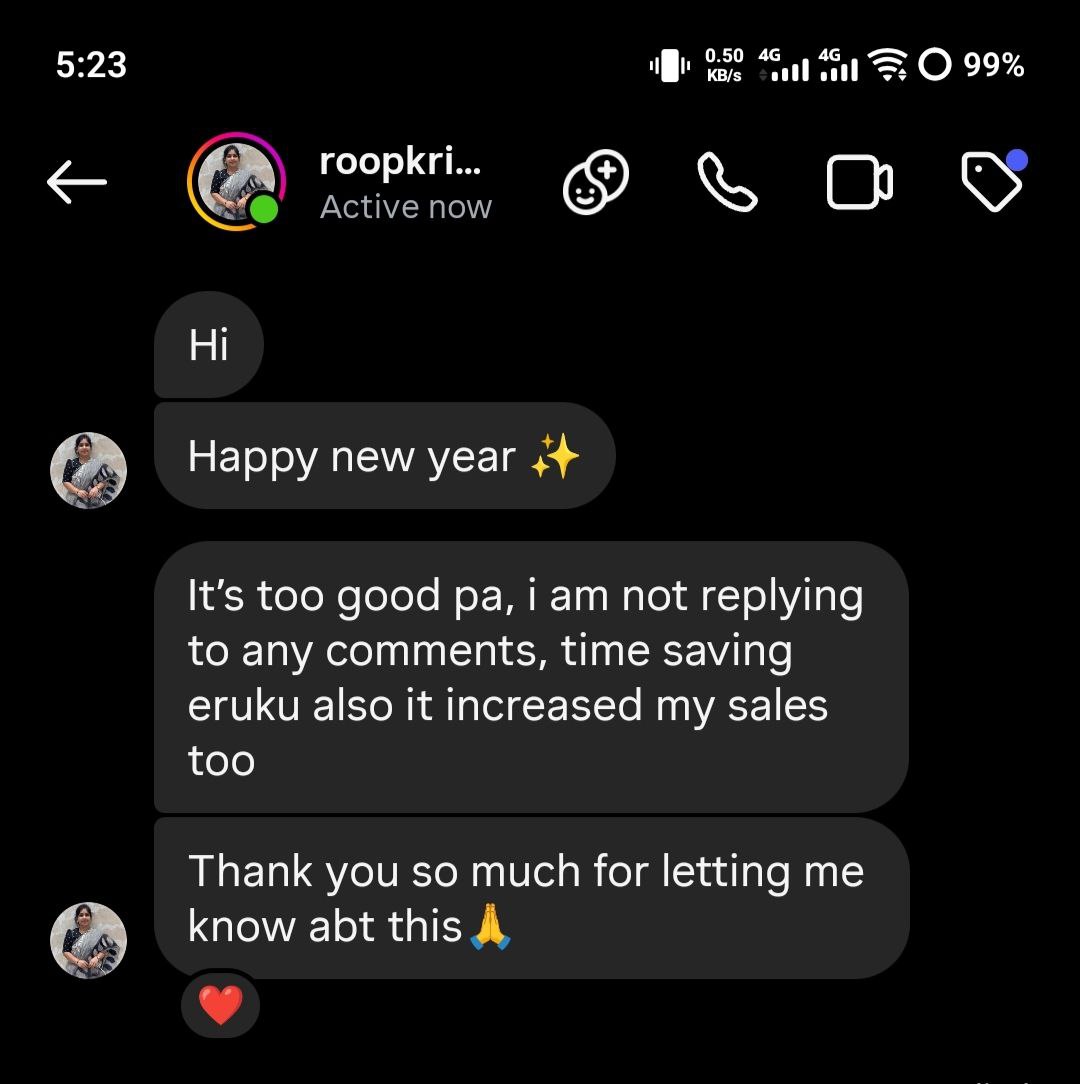
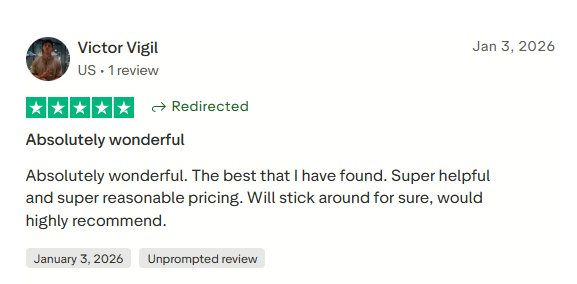
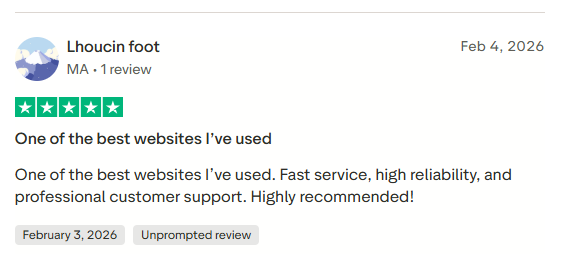
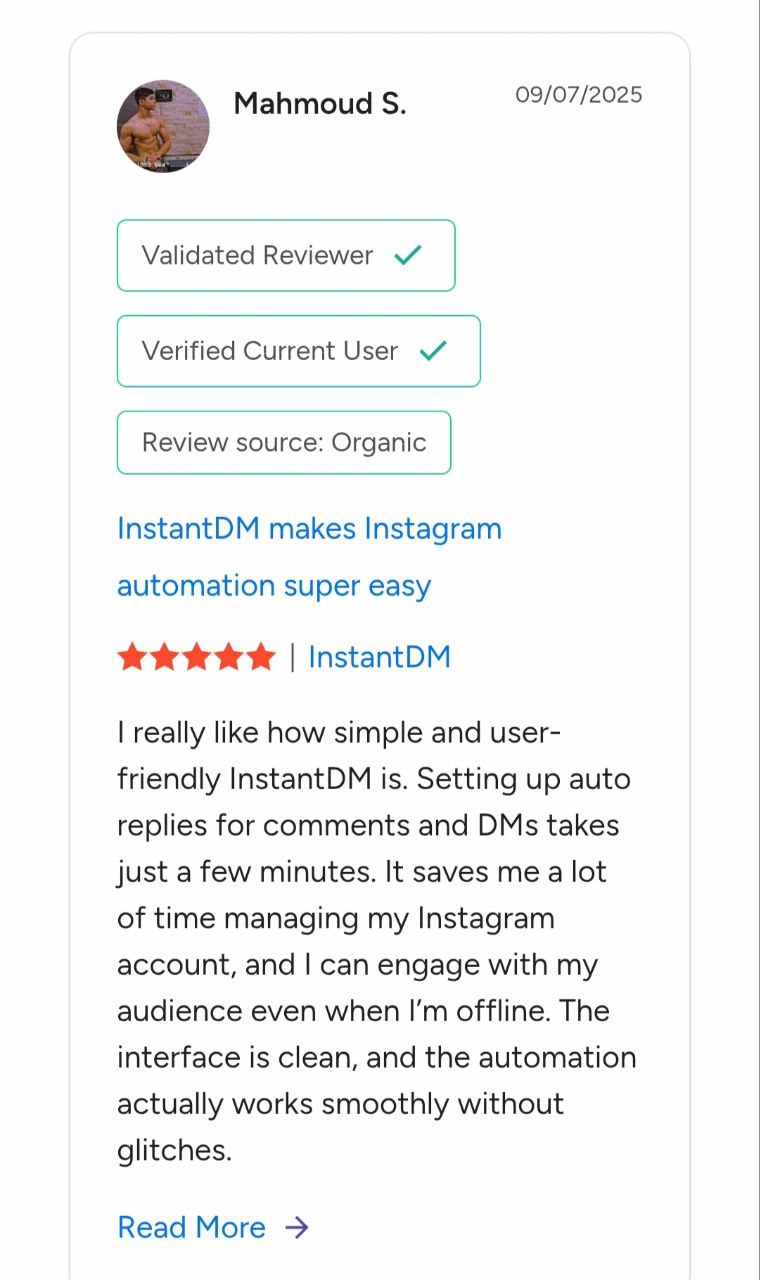
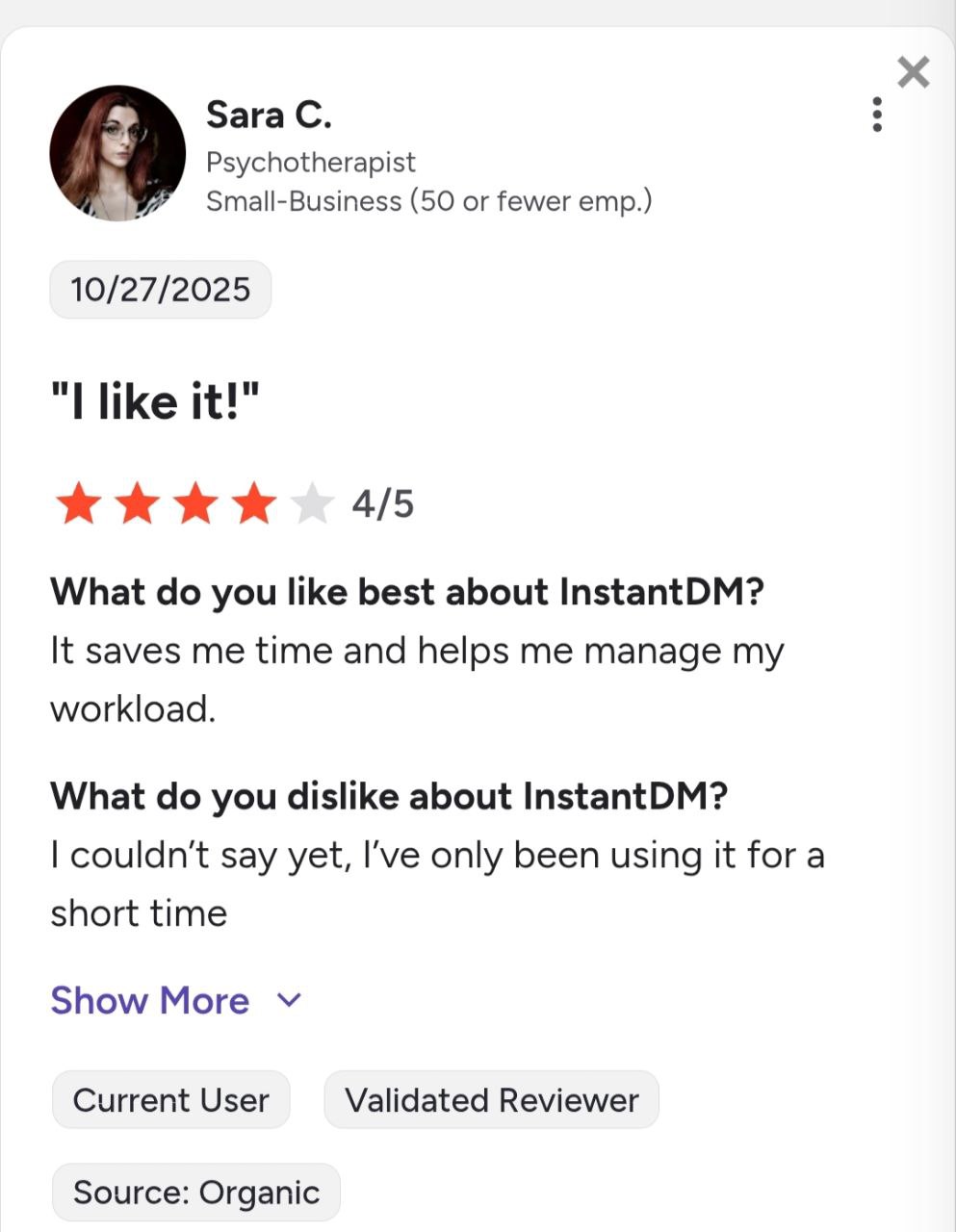
Join 30,000+ creators and brands using InstantDM today.
Get Started NowAny support required, we're just one click away.
