

Ready to Automate Your Growth?
Join 30,000+ creators and brands using InstantDM today.
Get Started NowAny support required, we're just one click away.
Meta Business Partner
100% Official API
Every dimension you need for Instagram, Facebook, X, LinkedIn, TikTok, YouTube, and Pinterest, with aspect ratios, safe zones, and one-click copy. No more guessing, no more cropped logos.
The three Instagram sizes people search most: feed posts are 1080×1350 pixels (4:5 portrait, now the default), Stories and Reels are 1080×1920 (9:16), and profile pictures upload at 320×320. Every other platform's specs are below, as cards and one searchable table.
Verified dimensions, updated for 2026. Click any card to copy the exact size.
Search across every platform and format.
| Platform | Format | Dimensions | Ratio | Copy |
|---|
Feed photos: 1080×1350 (4:5 portrait, the default choice), 1080×1080 square, or 1080×566 landscape at minimum. Stories and Reels: 1080×1920 (9:16). Profile picture: 320×320, shown as a circle. Carousels adopt the aspect ratio of the first slide, so pick 4:5 before you upload slide one.
Cover photo: 820×312 on desktop, cropped to roughly 640×360 on phones, so keep faces and text centered. Feed posts and link previews: 1200×630. Stories: 1080×1920. Profile picture: at least 320×320. Event covers: 1920×1005.
Header: 1500×500, with your avatar overlapping the lower left. Single post images: 1600×900 (16:9), or 1080×1080 square if you want more feed height. Link cards: 800×418. Profile photo: 400×400.
Personal cover: 1584×396. Company banner: 1128×191, a short strip that crops hard on small screens. Post and link images: 1200×627. Profile photo: 400×400. Document (carousel) posts upload as PDFs; square 1:1 pages read best.
Videos and photo posts: 1080×1920, full-screen 9:16. Keep captions out of the bottom ~150px and the right ~120px, where TikTok's own UI sits. Profile photo: 200×200.
Thumbnails: 1280×720, max 2MB, designed to stay legible at 168px wide. Channel banner: 2560×1440 with everything important inside the 1546×423 safe area. Shorts: 1080×1920. Channel icon: 800×800.
Standard pins: 1000×1500 (2:3); taller pins risk truncation in feeds. Square pins work at 1000×1000, idea and video pins at 1080×1920, and profile photos at 165×165.
You don't need 39 separate design files. Almost every social placement in 2026 falls into one of five aspect ratios. Design master assets in these, and you can adapt to any platform with a simple crop.
Instagram feed, Facebook feed ads, LinkedIn documents, Pinterest square pins, and every profile picture on the internet. The universal fallback: nothing crops a square badly.
The feed workhorse. 1080×1350 takes up the most screen space Instagram allows for photos, and LinkedIn and Facebook render it generously too. When in doubt, go 4:5.
Stories, Reels, TikTok, YouTube Shorts, Pinterest idea pins: all 1080×1920. One vertical master asset covers five placements. Just respect each platform's UI safe zones.
YouTube thumbnails and banners, X post images, link previews. Design at 1600×900 or larger and you can downscale for any 16:9 placement without quality loss.
Pinterest's native ratio (1000×1500). Taller pins used to win more space, but anything beyond 2:3 now risks truncation, so stick to the standard.
Export at exactly the recommended pixel width, in sRGB. Use JPG (~80-90% quality) for photos and PNG for text-heavy graphics. Every platform recompresses uploads; a clean, right-sized file minimizes the damage. If your file is over the limit, run it through the free image compressor first.
On Instagram Stories, your username and the reply bar cover roughly the top and bottom 250px. On Reels and TikTok, the caption block sits over the bottom of the frame and action buttons over the right edge. Keep text central, and test any cover with the free Reels safe zone checker before posting.
One 2560×1440 upload is shown three ways: full-size on TVs, a wide strip on desktop, and a narrow strip on mobile. Only the central 1546×423 appears everywhere — treat everything outside it as decoration.
X and LinkedIn both overlay your circular profile photo on the lower-left of your cover image. Keep logos and text up and to the right, and preview on mobile before you commit.
Your profile grid crops posts and Reels covers to a centered thumbnail. Keep titles and faces in the middle of the frame so they survive both the grid crop and the full-size view.
A sharp visual earns the comment; InstantDM answers it. Automate your Instagram DM and comment replies with a Meta Official Business Partner. Plans start at $9.99/month, and the free plan covers 500 DMs a month.
241 marketing dates for 2026, each with a post idea and .ics download.
112 fill-in-the-blank prompts for captions, Reels scripts, and growth.
Hashtag sets for 17 niches with a click-to-build 30-tag tray.
Work out your engagement rate and compare it to niche benchmarks.
1080×1350 pixels (4:5 portrait) is the best all-round Instagram feed size because it takes up the most vertical space in the feed. 1080×1080 (1:1 square) remains the classic alternative, and 1080×566 (1.91:1) is the minimum landscape ratio. Stories and Reels use 1080×1920 (9:16).
Both Instagram Stories and Reels use 1080×1920 pixels, a 9:16 vertical aspect ratio. Keep text and stickers roughly 250px away from the top and bottom edges in Stories, and out of the bottom and right edges in Reels, where captions, usernames, and action buttons overlay the video.
Upload YouTube banners at 2560×1440 pixels, but keep all text and logos inside the central 1546×423 safe area, the only region guaranteed visible on every device. TVs display the full 2560×1440 image while desktops show roughly 2560×423. The maximum file size is 6MB.
Every platform recompresses uploads. To minimize quality loss: export at the exact recommended width (usually 1080px), use sRGB color, keep JPG quality around 80-90%, stay under the platform's file size limit, and avoid uploading images much larger than the display size, since oversized files get compressed more aggressively.
Most platforms cluster around five ratios: 1:1 (square), 4:5 (portrait feed), 9:16 (Stories, Reels, TikTok, Shorts), 16:9 (YouTube, landscape), and 2:3 (Pinterest). If you design master assets in those five ratios, you can cover nearly every placement with minor crops.
See what creators and brands are saying about InstantDM
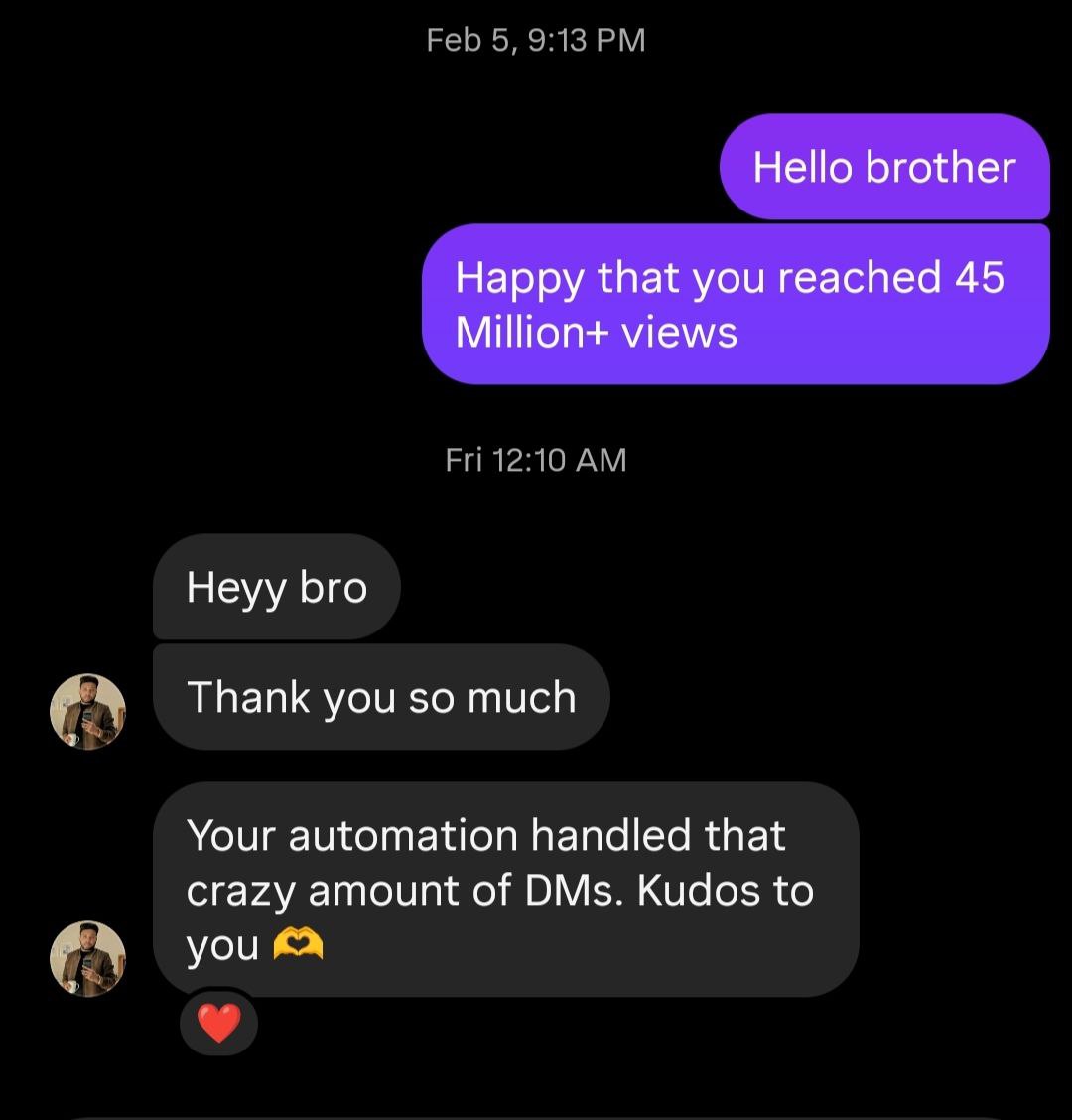
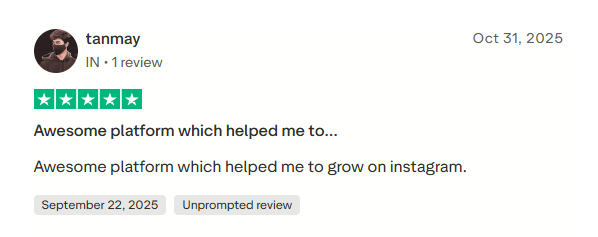
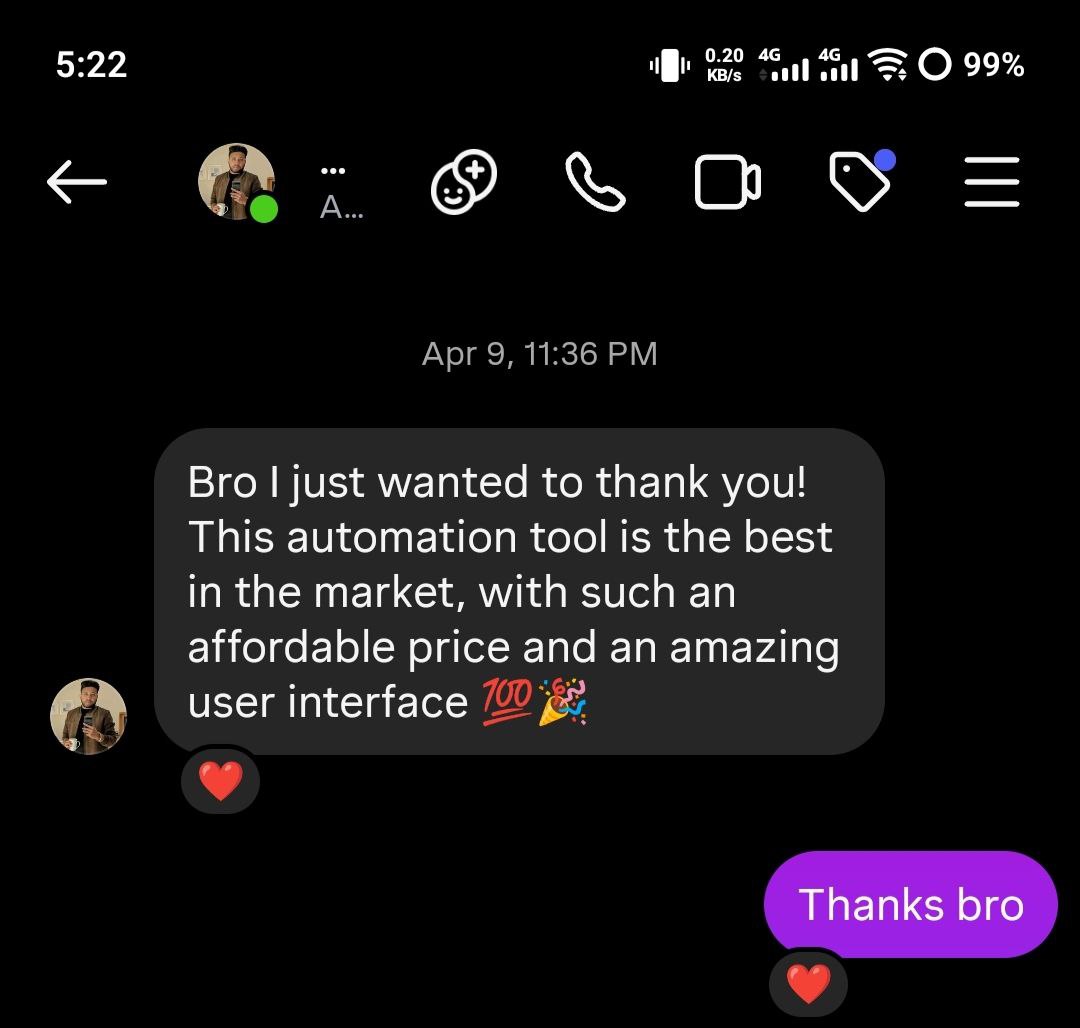
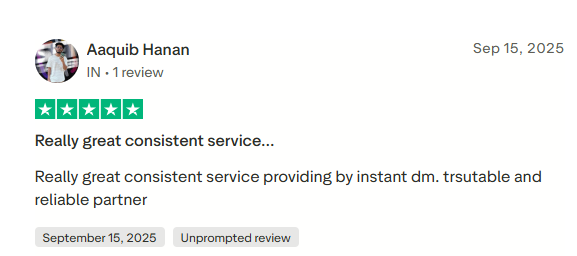
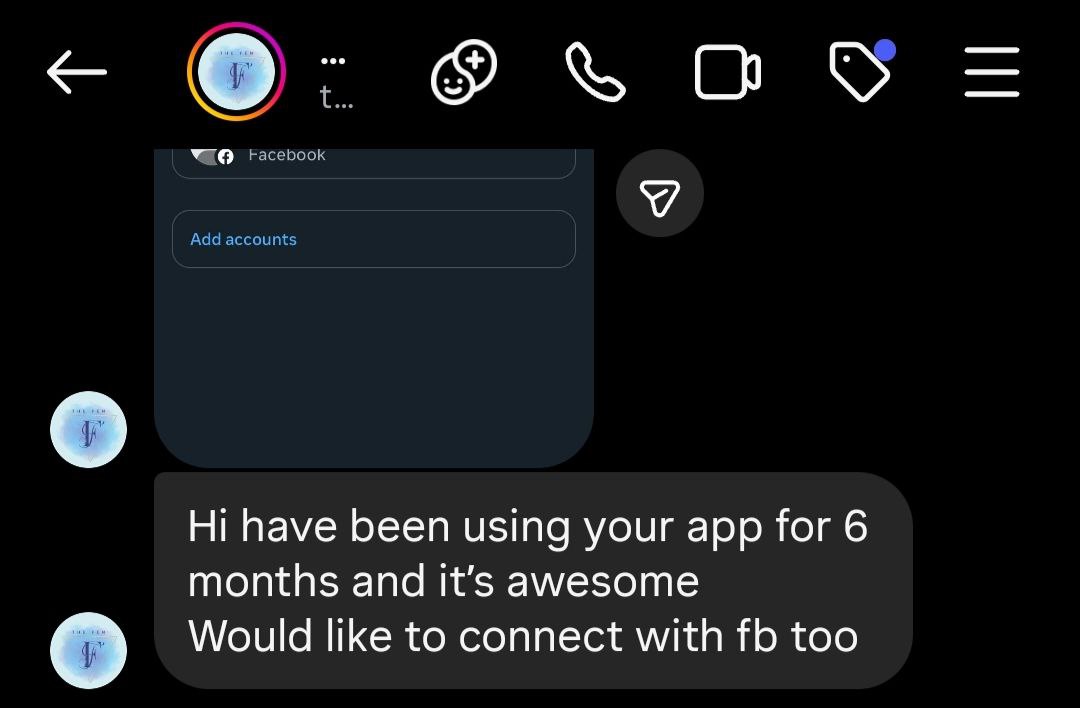
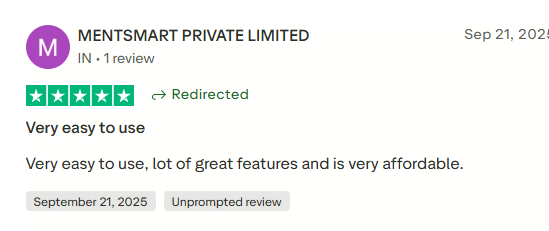
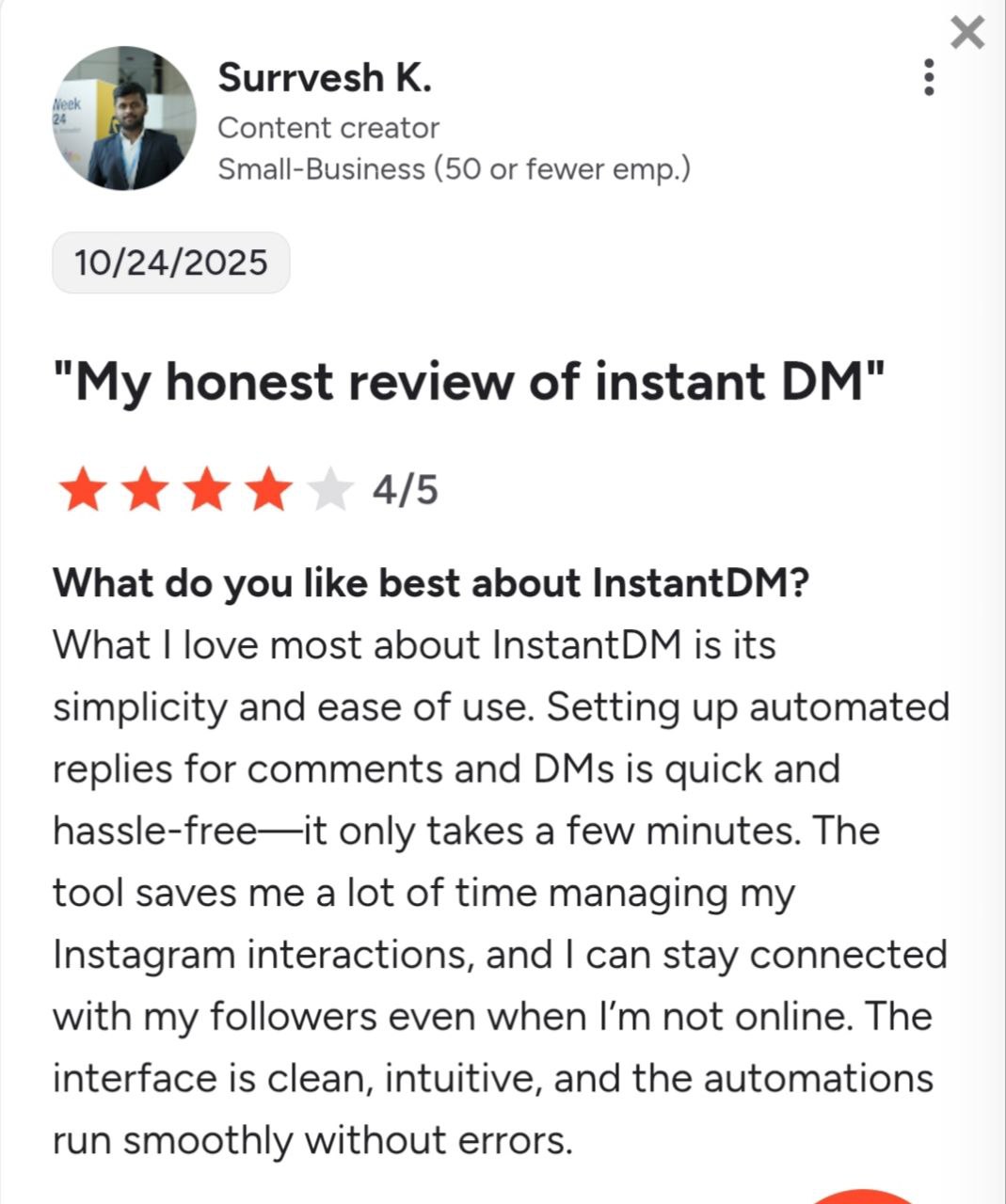
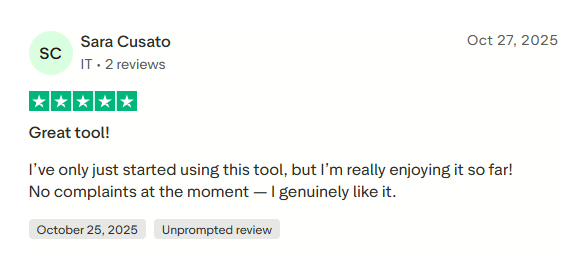
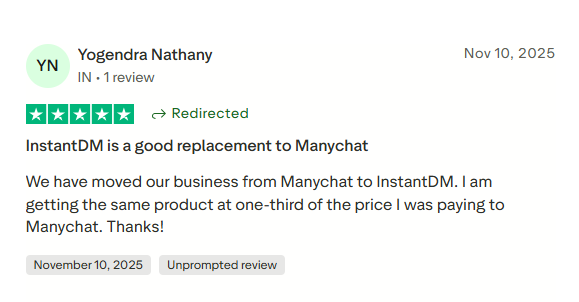
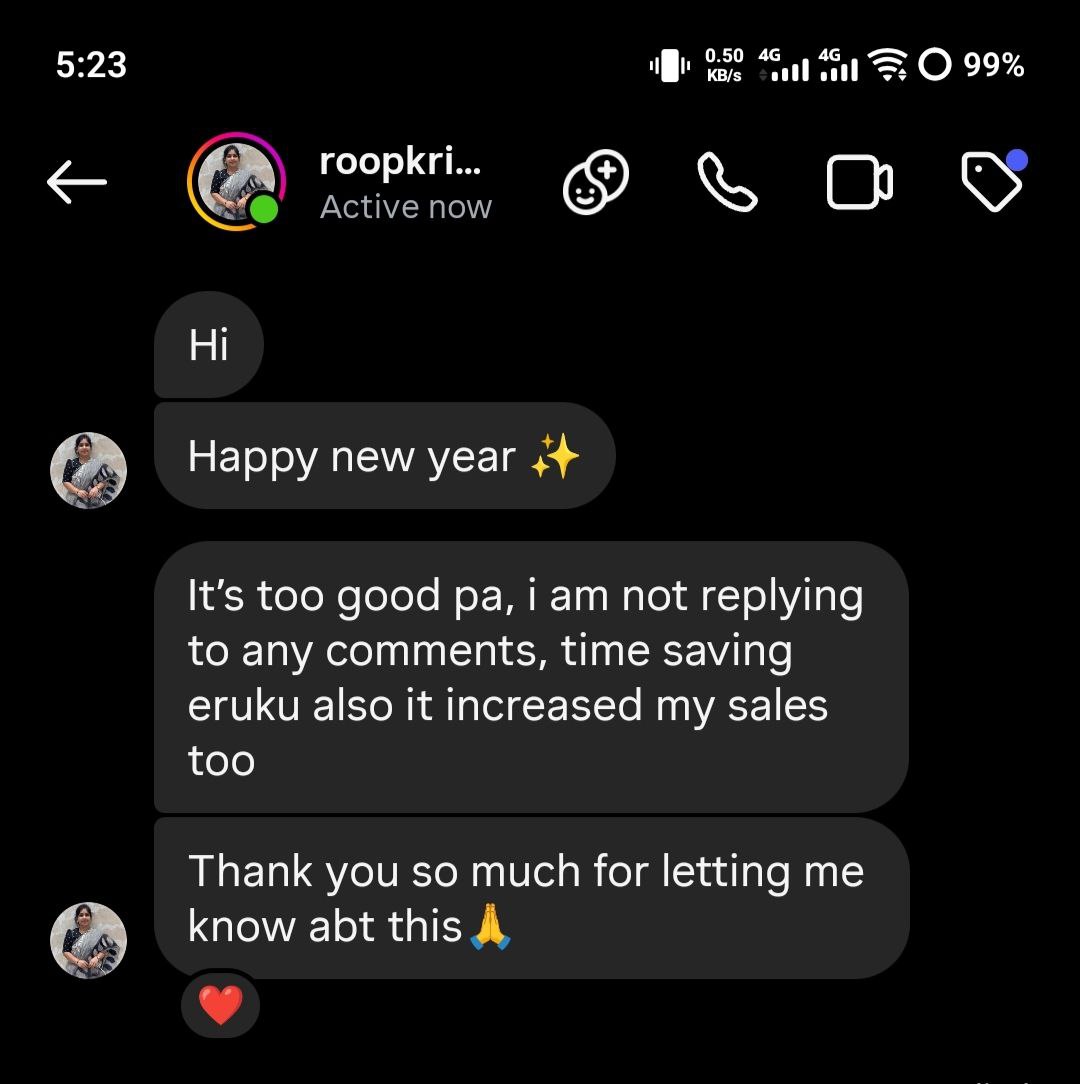
Join 30,000+ creators and brands using InstantDM today.
Get Started NowAny support required, we're just one click away.
