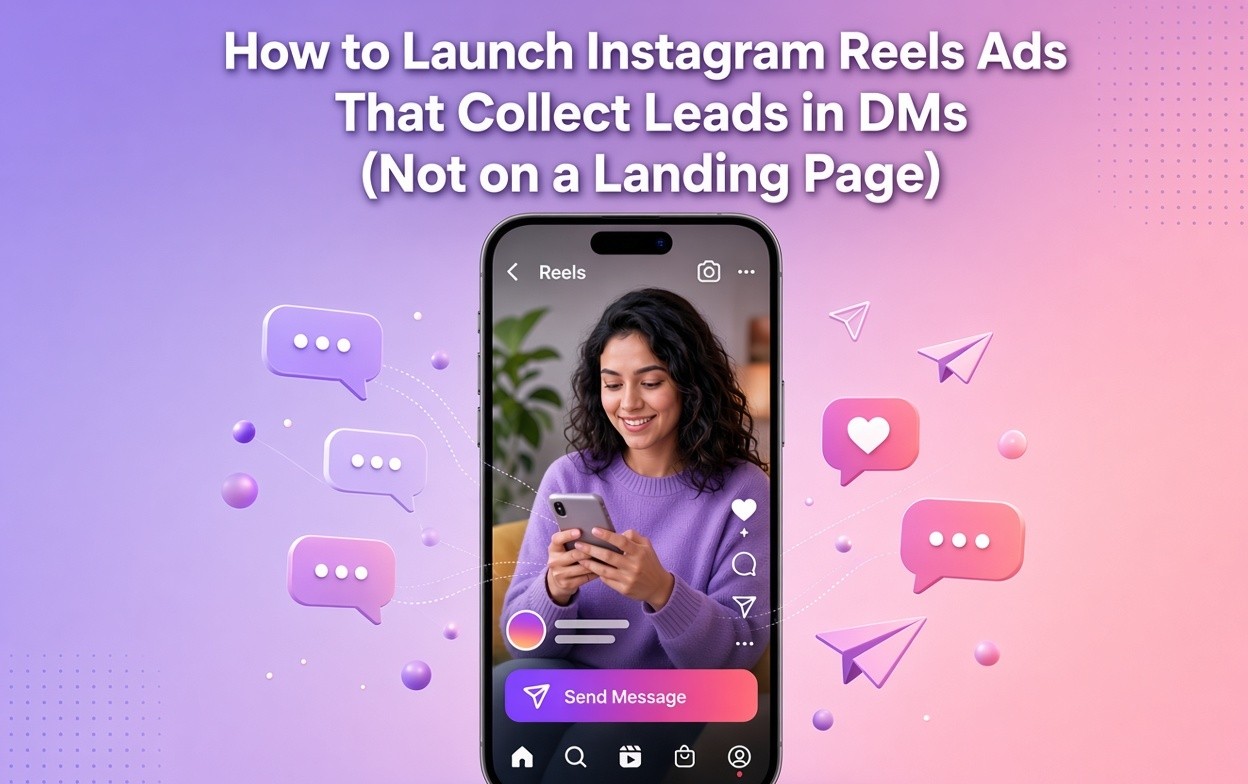
Instagram Reels ads to DMs are paid Reels that send the viewer into Instagram Direct — by tapping Send Message or by commenting a keyword — instead of opening a landing page. The Reel earns the attention. The DM records the lead.
Quick verdict
| If you need… | Send the Reels ad to… |
| A conversation, quote, or booked call | DMs (Send Message or comment keyword) |
| A name + email at maximum volume | Instant Form |
| A long explanation or VSL | Landing page |
Do not send a Reels ad to a landing page when the next step fits in a chat.
Most Reels ads still do the old move: a 15-second clip, a “Learn more” button, and a mobile page that loads while the person is already scrolling to the next video. You paid for the thumb-stop. The page refunds it. The fix is to make Instagram Direct the destination.
Key takeaways
- Instagram Reels ads to DMs keep the click or the comment inside Instagram. The lead is a person in a thread, not a row on a form export.
- There are two doors. Path A is Click-to-Message (Send Message). Path B is a boosted or Advantage+ Reel with a comment keyword and comment-to-DM live before you spend.
- Send Reels ads to DMs when the next step is a conversation. Use an Instant Form when you only need a name and email at volume. Use a landing page when the offer needs a long explanation.
- In Ads Manager, choose Engagement or Leads, set the conversion location to Instagram, keep Reels placement on, and set the CTA to Send Message.
- A boosted Reel collects leads in DMs when the creative says “comment GUIDE” and the automation is active before the first rupee or dollar of spend.
- Collect the lead in the first two DMs: deliver what you promised, then ask for the email or one qualifying question in the same thread.
- Click-to-message Reels ads usually produce fewer but warmer leads than Instant Forms, because the person started a chat instead of submitting a pre-filled form.
What Instagram Reels ads to DMs actually are
Instagram Reels ads to DMs are paid short-form placements that use Instagram Direct as the destination.
Meta already supports ads that click to Instagram Direct across Feed, Stories, Explore, and Reels. You can also create ads that link to Instagram videos or Reels and keep the next action in-app. The format is not new. What most advertisers miss is the Reels-specific job: the creative has about two seconds to create a reply, and the reply has to land in a thread you can follow up in. See the full Instagram Click-to-DM ads ecommerce playbook if you need the product-side version of Path A.
Two mechanics produce that thread.
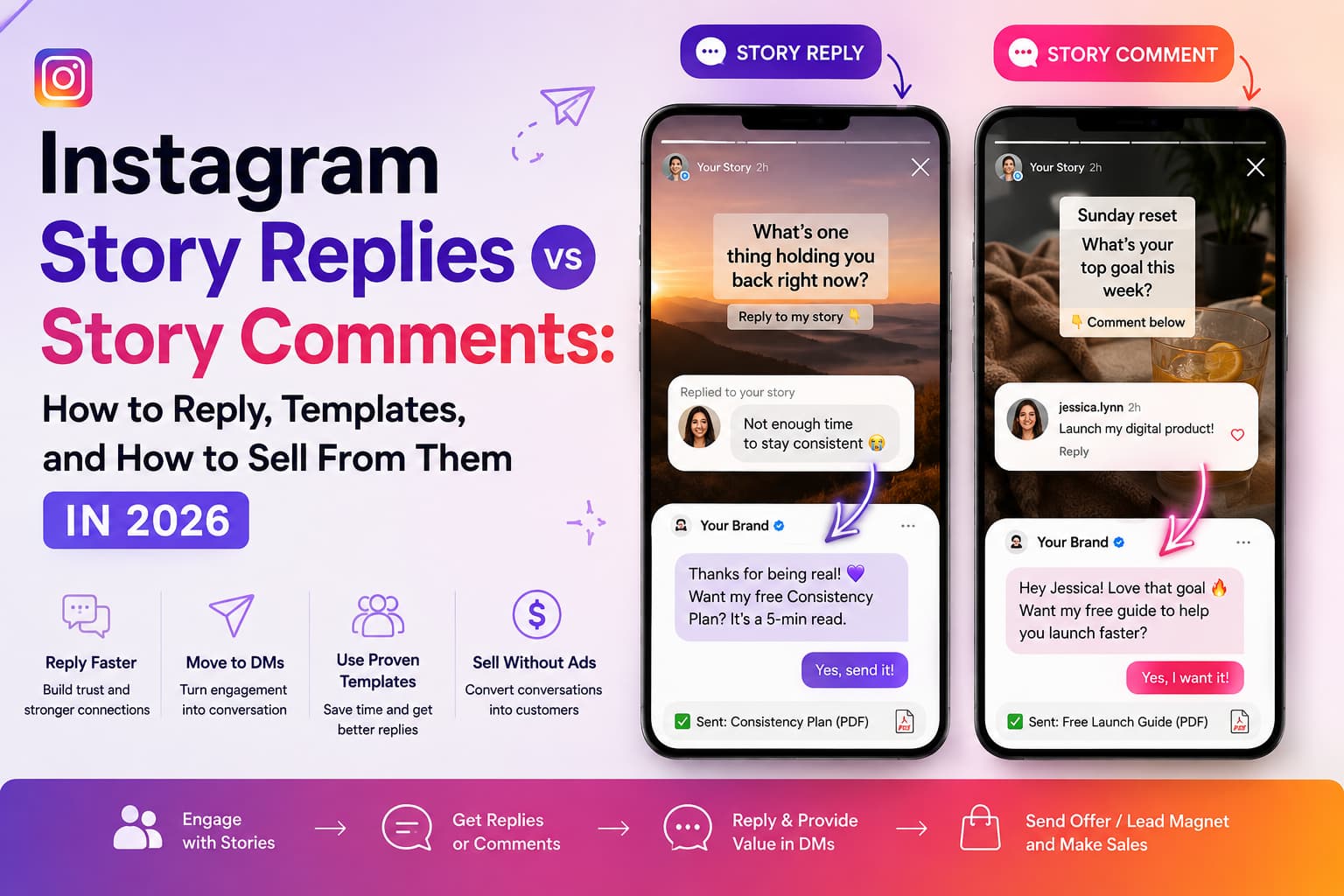
Path A — Click-to-Message. The button says Send Message. The tap opens Instagram Direct. A greeting or ice breaker is waiting — Meta documents these as welcome message flows for Instagram. Your automation answers the first line.
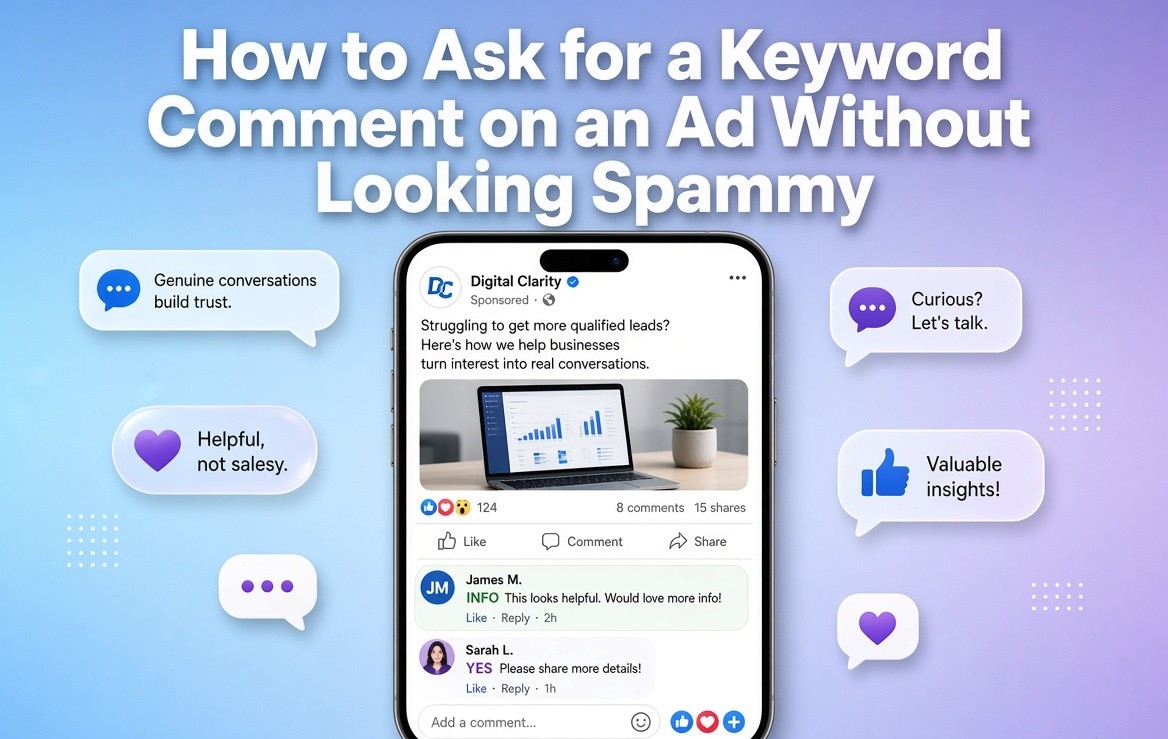
Path B — Comment-to-DM on a paid Reel. The Reel itself asks for a keyword. Paid distribution multiplies comments. Each keyword comment opens a DM the same way an organic Reel would — the same mechanic as auto-sending a DM when someone comments. Boosted Reels and sponsored Reels still produce comments. Comments still open the 24-hour messaging window.
A landing page is a third destination. An Instant Form is a fourth. Both can be right for other jobs. This guide is for the two DM doors.
If you sell products in chat and need checkout flows, start with the Instagram Click-to-DM ads ecommerce playbook above. If you need the exact clicks to attach automation after the ad is live, use the Meta ads Instagram DM automation how-to. If you only want organic comment-to-DM, use the Instagram lead generation 2026 guide.
Why a landing page loses on Reels
A Reels viewer is one thumb away from the next clip. A landing page asks them to leave the clip, wait for a browser, parse a headline, and type into a form. That is four extra decisions on a phone that is already in motion. McKinsey’s work on messaging apps is blunt about the shift: companies now talk to customers in the same threads those customers already live in. A generic page is the opposite of that.
The drop-off looks like this:
- The ad creates intent in-app.
- The button sends them off-app.
- The page fights a slow connection, a cookie banner, and a keyboard.
- The form asks for data they already gave Instagram.
- You get a row in a CRM and a person who never wanted to talk to you.
Bio links have the same leak on organic Reels. Paid traffic just makes the leak expensive. The person who tapped your Reels ad already proved interest. Sending them to a page treats that interest like a cold visit.
Instant Forms fix the load-time problem. They do not fix the conversation problem. You get volume. You often get silence when you email the export. Click-to-message Reels ads flip that: fewer starts, higher reply quality, a thread that still exists tomorrow. That is why Gartner found 76% of marketing leaders treat personalization as key to success, and why Deloitte’s work on personalization stresses relevance, timing, and context — a DM after a specific Reel is all three. A cold landing page is none of them. For the wider paid-chat picture, read Instagram DM marketing.
Verdict: Do not send a Reels ad to a landing page when the offer can be delivered or qualified in a chat. Send it to Instagram Direct. Bring a page in later only if the lead asks for the long version.
Landing page vs Instant Form vs DM
Send Reels ads to DMs when the next step is a conversation. Use an Instant Form when you only need a name and email at volume. Use a landing page when the offer needs a long explanation. McKinsey’s explainer on personalization and Accenture on conversational commerce describe the same split: talk when the buyer has a question; use a form or page when you only need structured fields.
| Destination | What the tap does | Friction | Typical volume | Typical quality | Use it when |
| Landing page | Leaves Instagram | High | Lowest | Highest self-selection | High-ticket offer that needs a VSL, pricing grid, or legal copy |
| Instant Form | Opens an in-app form | Very low | Highest | Often lowest unless you add qualifiers | Newsletter, webinar list, low-ticket magnet, speed test |
| Click-to-Message Reels ad (Path A) | Opens Instagram Direct | Low | Medium | Higher — they chose to talk | Coaches, local services, custom quotes, fashion questions, real estate inquiries |
| Boosted Reel + comment keyword (Path B) | Public comment, then auto-DM | Low | Medium–high on a strong Reel | High — they typed a word | Proven organic Reel you want to scale without rebuilding a form |
Click-to-message Reels ads usually produce fewer but warmer leads than Instant Forms, because the person started a chat instead of submitting a pre-filled form.
The two doors: which Reels ad you should launch
You do not need both doors on day one. You need the door that matches the action the creative already asks for.
Pick Path A (Send Message) if:
- The person is ready to ask a question (“Do you take clients in Coimbatore?”).
- The offer changes per person (package, slot, size, locality).
- You want Meta to optimize for conversations, not comments.
- You can write a greeting that is the offer, not “Thanks for your interest.”
Pick Path B (comment keyword on a paid Reel) if:
- You already have an organic Reel that earns comments.
- The CTA in the video is already “Comment GUIDE.”
- You want comment velocity to keep helping distribution while you pay for reach.
- You want the same automation on organic and paid, one keyword, one sequence.
Pick Instant Form instead if you are buying a list this week and have no one to answer chats.
Pick a landing page instead if the ad promises a 12-minute breakdown that cannot live in three DM bubbles.
Path B is the door most paid-ads guides skip. A comment is a public micro-commitment. Other viewers see it. That is extra social proof the Send Message button does not create. It is also why you must turn the keyword automation on before the boost. Comments that arrive while the campaign is off do not retroactively become leads.
Path A — How to set up a Reels ad that opens Instagram DMs in Ads Manager
In Ads Manager, choose Engagement or Leads, set the conversion location to Instagram, use a Reels placement, and set the CTA to Send Message.
1. Create the campaign
Open Meta Ads Manager. Click Create.
- For conversations: Engagement, then messaging.
- For qualified leads you will mark later: Leads, destination Instagram.
- For purchases you can fire as events from the chat: Sales, message destination Instagram.
Do not pick Traffic if the destination is a chat. Traffic trains the system to find tappers, not talkers.
Name the campaign so you can read it in a month: Reels-DM | Coach-audit | IN | 2026-09.
2. Set the conversion location to Instagram
Under conversion location or message destination, choose Instagram (Instagram Direct), not website, not Instant Form-only, not Messenger unless Messenger is the product.
Instagram Direct stays in the same app the Reel played in. Messenger is a different app. WhatsApp is a different habit. For a Reels ad whose creative lives on Instagram, Direct is the default.
Meta lists Reels as a placement for ads that click to Instagram and for ads that link to Instagram videos or Reels. You are not inventing a format. You are choosing the destination most advertisers leave on Instant Form. The step-by-step conversion-location logic is also in the Click-to-DM ecommerce playbook.
3. Keep Reels on
In placements, either:
- Advantage+ with Instagram Reels included, or
- Manual placements with Instagram Reels (and Stories if the creative is 9:16).
If you only care about Reels behavior, start with manual Reels + Stories. Mixed Feed placements change the first three seconds. You can open Advantage+ after you have a cost-per-conversation baseline.
Instagram Direct destinations run on Instagram placements. Do not expect this ad set to also carry Facebook Feed.
4. Write the message template before the creative
The greeting is half the ad. Write it first. Use Meta’s welcome message flows for the ice breakers, then load the first bubble from Instagram DM automation templates so Line 1 acknowledges the Reel and Line 2 delivers the promise.
- Line 1: acknowledge the Reel they just watched.
- Line 2: deliver the thing the ad promised, or ask the one question that makes the lead real.
- Ice breakers: three buttons max. Example: Get the audit / See pricing / Talk to a human.
A good first bubble is under 50 words. Long welcome essays get skipped. The person just watched a Reel. Match that pace.
If you use a partner automation tool on Meta’s official API, the template starts the thread and the flow continues the qualification. Do not build two competing first messages.
5. Build Reels-native creative
This is not a Feed video with the sides cropped.
- 9:16, under 30 seconds for cold traffic. 12–20 seconds is enough for a lead magnet.
- Hook in the first 1.5 seconds on screen, not only in the caption.
- Say the next step out loud in the last three seconds: “Tap Send Message and I’ll send the audit.”
- Keep the lower third clear. The Send Message button and the caption sit there.
- Use a Reel that already worked organically when you have one. Paid distribution on a dead creative is just a faster way to learn the same no.
Caption copy has to match the button. “Learn more on our site” plus a Send Message CTA is a broken promise. “Message me for the checklist” is a matched promise.
6. Audience, budget, publish
Cold: interests and lookalikes of people who already messaged you, not only people who visited a site.
Warm: video viewers, Instagram engagers, previous DM contacts.
Start a budget you can read in 72 hours. For most service and creator accounts that is a daily amount you can lose without panic, not a brand-awareness blast. Optimize for conversations or leads, not thru-plays.
Publish. Then watch cost per conversation, not cost per 3-second view.
To attach automation after the thread opens, follow the Meta ads Instagram DM automation how-to.
Path B — Boosted Reels that collect leads from a comment, not a button
You can also collect leads from a boosted Reel by asking people to comment a keyword.
When Path B beats Path A
- Your organic Reel already gets “LINK” and “GUIDE” comments.
- You want the algorithm to keep seeing comments while you buy reach.
- You want one automation covering organic and paid on the same asset.
- Your audience will type a word more readily than they will tap a sponsored button.
Setup order (this order matters)
- Pick a Reel that already earned comments. Do not boost a brand-new untested file unless you are testing hooks, not leads.
- Put one keyword in the spoken CTA, the on-screen text, and the caption. One word. Caps. Unique to this offer. GUIDE, not “please send me the guide.”
- Activate comment-to-DM on that exact Reel. Test from a second account. Confirm the DM arrives.
- Then boost or run the Reel as an ad with an Engagement or Leads objective. Do not turn spend on first.
- Pin a comment that repeats the keyword: “Comment GUIDE and I’ll DM it.”
- Leave the automation on for the life of the spend. Turning it off mid-flight strands paid commenters.
Comments that arrive before the automation is live are gone. That rule is cheap on an organic Reel and expensive on a paid one.
What the paid Reel should say
Spoken, last three seconds: “Comment GUIDE and I’ll send the 7-day plan to your DMs.”
On-screen: COMMENT GUIDE.
Caption: one sentence of value, then the same CTA in caps.
Do not also say “link in bio.” You are training two destinations. Paid traffic will pick the worse one.
Keyword examples for paid Reels
| Niche | Spoken CTA | Keyword | First DM delivers |
| Business coach | Comment AUDIT | AUDIT | 15-minute audit checklist + one qualifying question |
| Fitness coach | Comment PLAN | PLAN | 4-week outline, then “gym or home?” |
| Real estate | Comment AREAS | AREAS | Locality list + budget band question |
| Fashion / boutique | Comment STYLE | STYLE | Lookbook link + size question |
| Course creator | Comment LESSON | LESSON | Lesson one + “which module are you stuck on?” |
Reusing LINK across every ad makes reporting useless. Paid Reels need a keyword you can tag to that campaign.
Path A and Path B are different events. A comment keyword does not fire because someone tapped Send Message. Set the trigger that matches the door you chose.
Reels creative that makes people tap or comment
Build the clip the way Instagram’s creator education treats Reels: hook first, one idea, a clear next step. The Instagram Creators hub is the source for format norms; the job here is to attach a DM door to those norms.
Seconds 0–2: interrupt. A face, a result, a specific number. “Most Reels ads waste the click on a page” is a hook. “Grow your business with Reels” is not.
Seconds 2–12: one promise. One outcome. No feature tour. If you need a feature tour, you wanted a landing page.
Last 3 seconds: the door. Say the door. Show the word. Path A: “Tap Send Message.” Path B: “Comment GUIDE.” If you whisper the CTA only in the caption, paid cold traffic will not see it.
Safe zones. Keep text out of the bottom fifth and the right-side UI. Paid Reels have more chrome than organic Reels.
Audio. Voiceover beats trending audio you do not have rights to use in ads. If the Reel used a viral sound organically, recut the ad version with original voice before you spend.
Proof inside the frame. A screenshot of a booked call, a packed comment thread, a before/after. Paid strangers do not owe you trust.
Skip the TV spot. Reels ads that look like a real person talking still start more conversations than studio spots. The viewer is about to talk to you. The ad should already sound like you.
The DM that actually captures the lead
After the tap or comment, collect the lead in the first two DMs: deliver what you promised, then ask for the email or one qualifying question in the same thread. Steal the first-bubble structure from the Instagram DM automation templates — Line 1 names the Reel, Line 2 delivers or qualifies.
A message start is not a lead. A lead is a contact you can reach again, plus enough context to know they belong on your calendar.
Message 1 — deliver, immediately
Keep it under three short lines.
Path A example:
You tapped through from the Reels ad — here’s the client-audit checklist I mentioned.
Want me to mark the two leaks that usually cost coaches the most? Reply YES or tell me your niche.
Path B example:
Here’s the GUIDE you asked for: [link or file].
If you want the email version + the bonus prompts, drop your best email here.
Deliver first. Asking for an email before the promised thing feels like a bait-and-switch. Paid traffic is less forgiving than followers.
If you want a full in-thread email capture flow, see collect emails in Instagram DMs.
Message 2 — one qualifier or the email
One question. Not a form.
- Coach: “Are you booking 1:1 or building a group program?”
- Real estate: “Buying this year or researching?”
- Boutique: “Ready-to-wear or custom?”
If the goal is a list, ask for the email in this bubble, after delivery. If the goal is a call, ask the qualifier and send the calendar only after the reply.
Message 3 — recover the mute
If they open and go quiet, one nudge inside the 24-hour window. Not three. Paid leads who went silent after a Reels ad are not waiting for a drip novel.
Rules that keep the chat human
- Under 50 words on message 1.
- Link or file in message 1 when that was the promise.
- Official Meta API only.
- Respect the 24-hour window. The comment or the tap opened it. Use it.
- Tag the contact by Reel and by campaign name. Otherwise Path A and Path B melt into one pile.
How to track Reels ads when there is no page
You cannot run this format with “landing page views” as your only number. There is no page. Treat the campaign as conversational advertising — the frame BCG uses for how AI is reshaping modern ads and the BCG × Meta business messaging study.
Track this chain:
- Cost per conversation / cost per message start — Ads Manager. This is the paid efficiency number.
- Reply rate — how many starts become a second message from them.
- Capture rate — emails or answers collected in-thread.
- Qualified lead rate — people who meet your one rule (budget, city, timeline).
- Booked or purchased — calendar or checkout, tagged back to the ad set.
Name ad sets so the tag in the DM matches the ad set. Reels-DM-AUDIT-IN in Ads Manager and source:reels-dm-audit-in on the contact.
If you must send a link, put a UTM on that link. That is a supplement, not the whole measurement plan.
What “good” looks like varies by niche and country. Do not copy a US ecommerce CPA onto an Indian coaching offer. Watch conversation cost for 72 hours, then judge quality by reply rate, not by how cheap the first tap was.
Policy, windows, and mistakes that burn spend
Reels ads that collect leads in DMs only work if the account stays allowed to message.
- Use Meta’s official messaging API and an approved partner. Grey-hat comment scrapers will not survive a decent paid comment spike. InstantDM runs that Click-to-Message and comment-to-DM path on the official API; If you need a shortlist, start with these Instagram DM automation tools for creators.
- The 24-hour window starts when they comment or they message you. Watching the Reel is not consent.
- You cannot DM people who only watched the Reel. No comment, no tap, no window.
- Instagram Direct click-to-message destinations generally cannot target under-18. Plan the audience accordingly.
- Do not promise a result the DM cannot deliver. Ads review reads the creative and the destination. Your destination is the chat.
Mistakes that show up after the first 48 hours
- Sending the Reels ad to a website because “we already have a page.”
- Choosing Instant Form by default because it is the familiar Leads toggle.
- Boosting the Reel before the keyword automation is on.
- A 180-word first DM that sounds like a homepage.
- No ice breakers on Path A, so the person opens a blank chat and leaves.
- Using LINK on every paid Reel, then being unable to say which ad produced the lead.
- Measuring success as views on the Reel you paid for.
Who this is for (and who should still use a page)
This is the same bet Accenture makes on personalization at scale and the direction in Gartner’s top marketing and advertising trends: the valuable click is the one that starts a relevant conversation. Deloitte’s longer art of personalization note is the research version of that sentence.
Run Reels ads to DMs if you are:
- A coach or consultant selling a call, audit, or cohort.
- A local service that closes in chat (clinic, salon, academy, agency).
- A creator collecting a list or a waitlist from paid distribution on a proven Reel.
- A real estate or high-consideration offer where the first question is “is this for my city / budget?”
- An offer where people prefer talking to tapping a form.
Keep a landing page if you are:
- Selling a complex product that needs size charts, shipping tables, and reviews in one scroll.
- Running lead gen that needs stored consent copy a chat bubble cannot hold.
- Driving search or email traffic that never saw the Reel.
Do not mix those jobs in one ad set.
Launch checklist
- Destination is Instagram Direct, not a website.
- Path A or Path B chosen on purpose, not both half-built.
- Message template or keyword automation tested from a second account.
- Path B automation is on before spend.
- Creative is 9:16, hook in 1.5 seconds, door spoken in the last 3 seconds.
- First DM delivers the promise. Second DM captures the lead.
- Contacts tagged by Reel and campaign.
- You are watching cost per conversation and capture rate, not views.
When the first conversations start, answer like a person. The format already did the hard part. It kept the lead on Instagram.