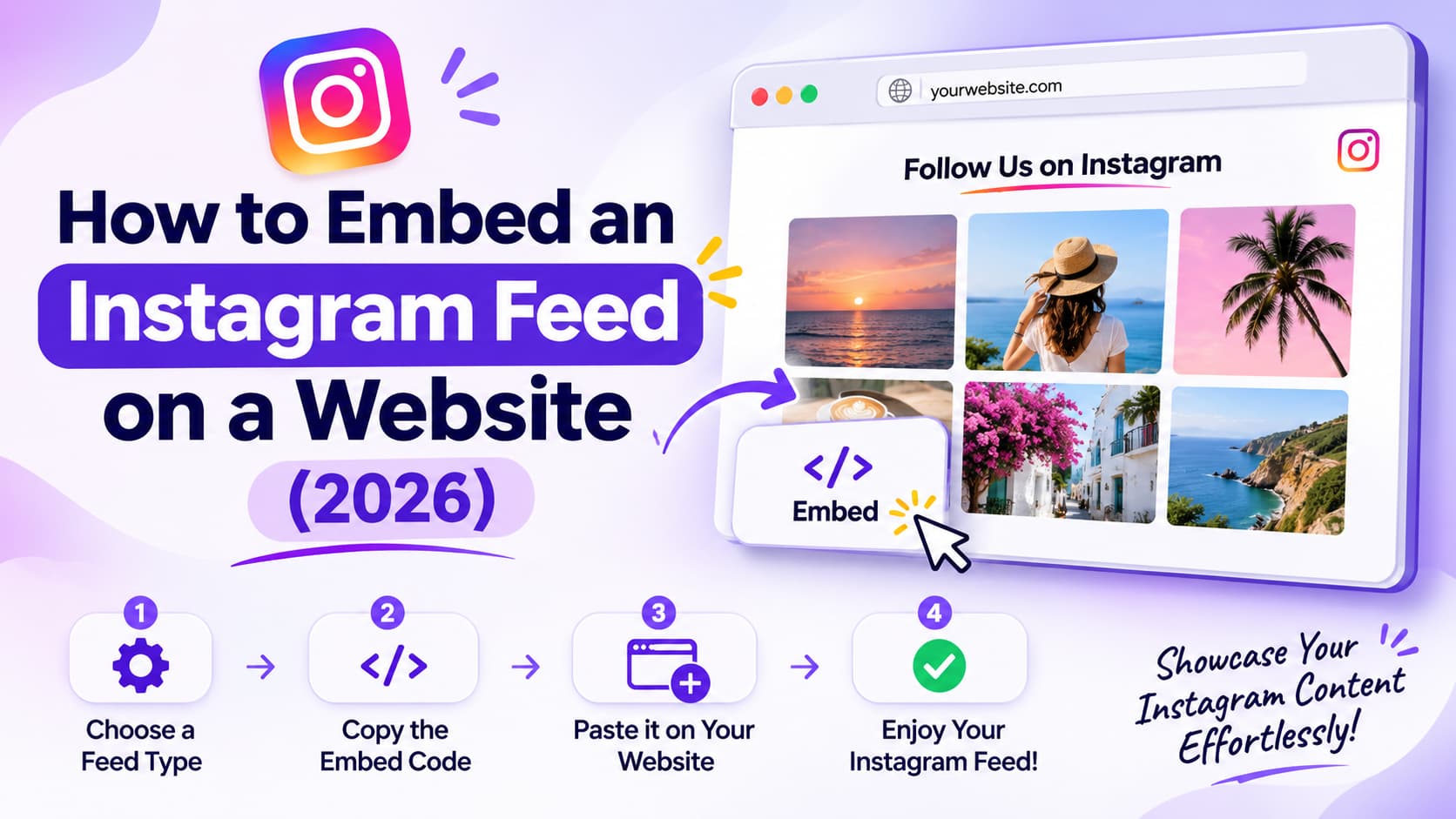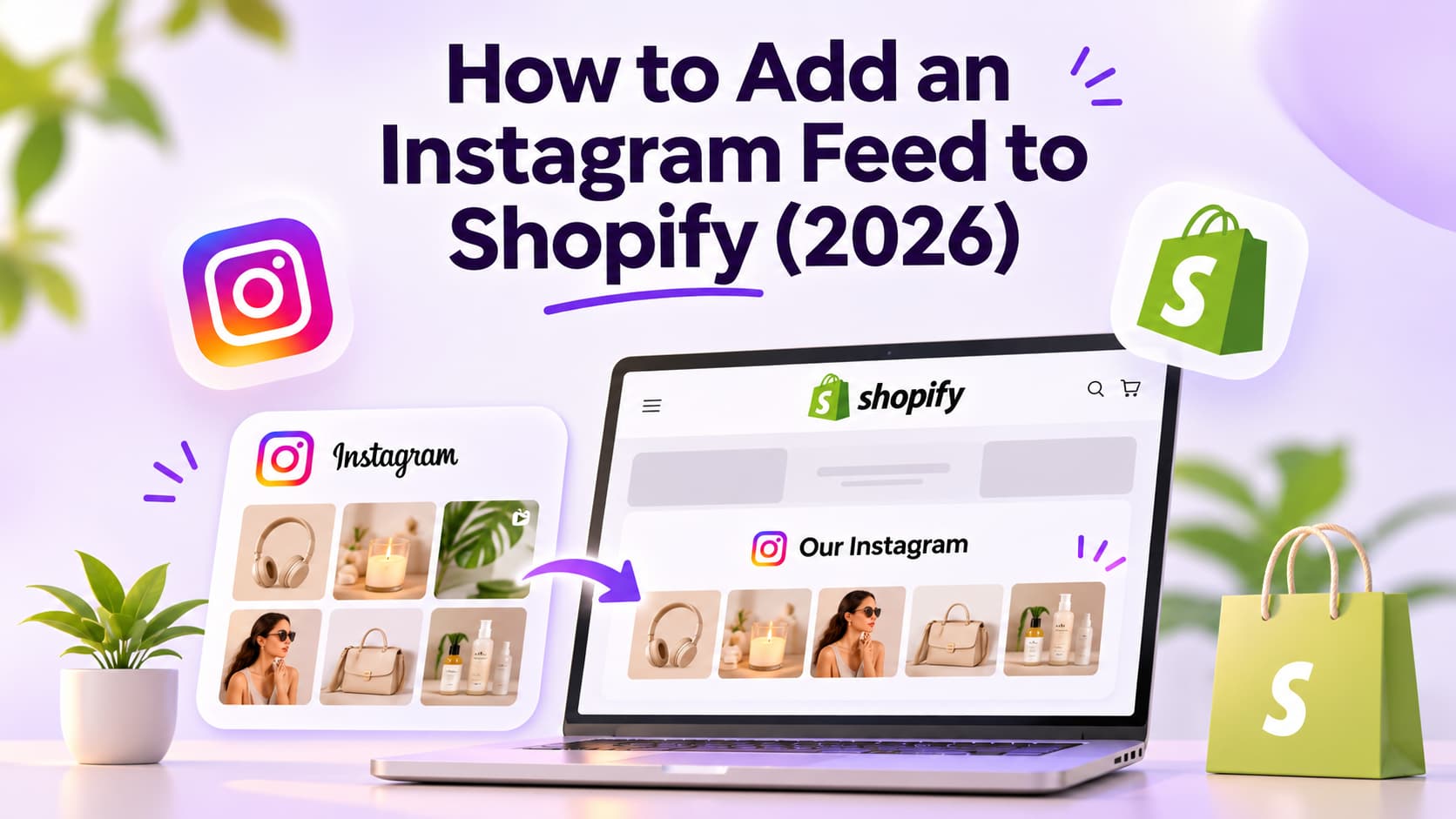
How to display multiple Instagram feeds on Shopify in 2026: create a second gallery in a feed app and put it on another template, or connect a second Instagram login to that gallery. That is not a second Instagram Shop. Facebook and Instagram by Meta still connects one catalog. One homepage strip of the last twelve posts is decoration. A product-page gallery of that SKU, plus a brand grid on home, is two feeds doing two jobs.
TL;DR
- Two placements: same Instagram account, two feed IDs, homepage and product (or collection).
- Two accounts: brand handle on home, second handle on a lookbook page. Check the plan cap.
- Shop is a sales channel. It does not drop a second grid.
How I checked this
I didn't install five gallery apps on a live checkout this week. I read Mintt's public docs and pricing, Shopify Help, Shopify Community threads, and independent how-tos on October 22, 2026.
What I scored:
- Is it a gallery or Shop? Theme widget vs Facebook and Instagram by Meta.
- Same account or second login? Two placements vs two Instagram users.
- What does the plan actually allow? Free is often one feed.
- Does a second player wreck mobile? Two galleries still need a tile cap.
- Did the merchant mean hashtags? That is UGC moderation, not a second brand feed.
Verified October 2026. Plan names move. Recheck the listing before you pay.
What does multiple Instagram feeds mean on Shopify?
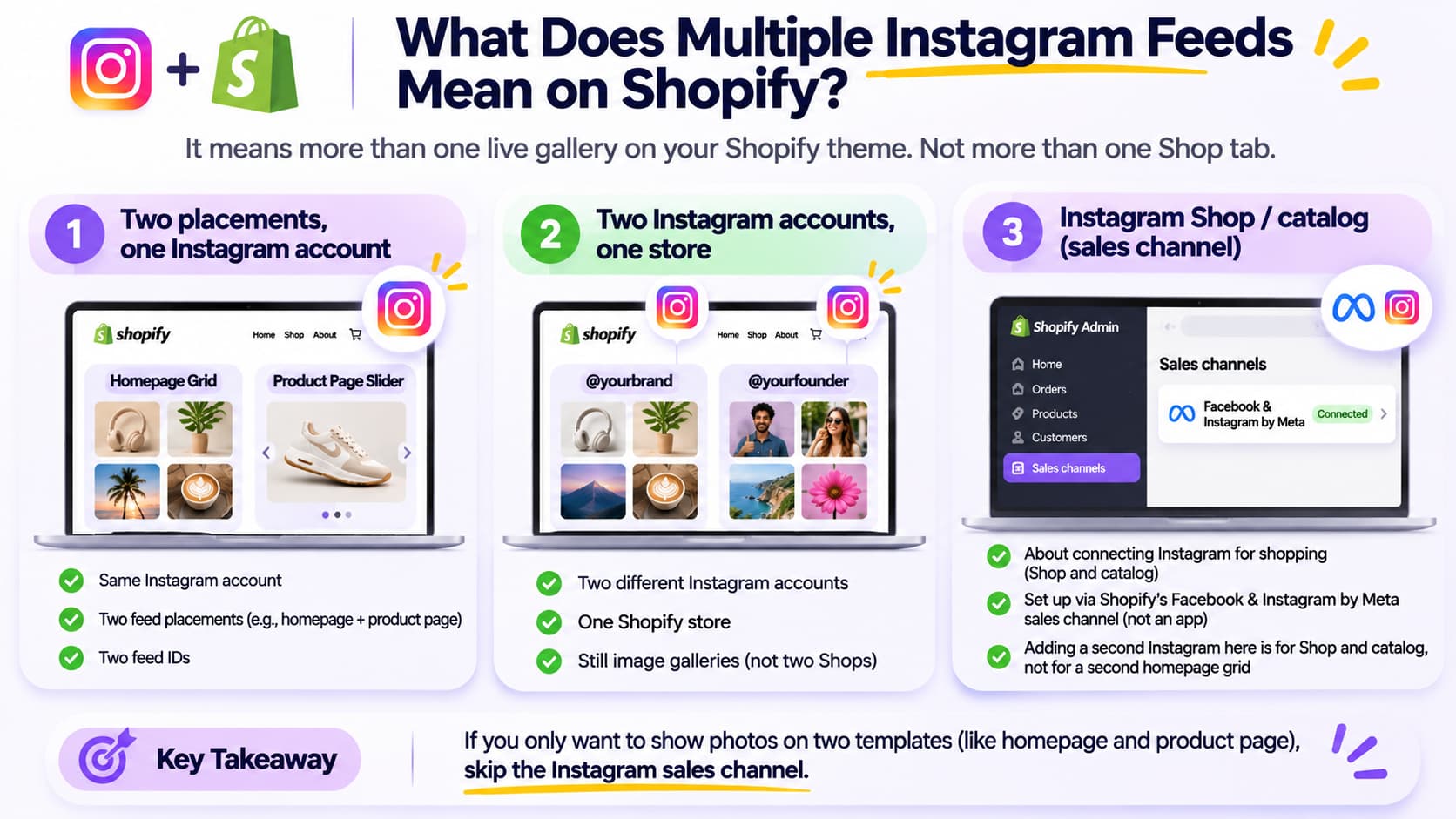
It means more than one live gallery on the theme. Not more than one Shop tab.
Three setups get searched as the same phrase:
Two placements, one Instagram account. Homepage grid of the brand. Product page slider of posts that tag that product. Same login. Two feed IDs.
Two Instagram accounts, one store. Brand handle on home. Founder, boutique, or regional handle on another page. Two logins. Still galleries, not two Shops.
Instagram Shop / catalog. People on Shopify Community ask "how many Instagram accounts can I link to one shop?" They mean the sales channel. Shopify's Facebook and Instagram by Meta setup says that channel is not an app. After you install it, it sits under Sales channels. Connecting a second Instagram profile there is Shop and catalog work. It does not place a second homepage grid.
If you only wanted photos on two templates, skip the sales channel.
Two placements vs two accounts vs Instagram Shop
Use two placements when the same handle should prove different things on different templates. Use two accounts when you actually post from two profiles. Use Shop when you want tags inside Instagram under Meta Commerce policies, not a second widget.
A homepage feed is first impression. A product page needs that product in the shot. You don't need five templates to start. Home plus one PDP is enough.
On Shopify the unit is an Online Store 2.0 section with a feed ID, not a WordPress shortcode.
Some older token tools still publish getting-started pages. At least one H1 now says the product is no longer supported after Instagram API changes. Don't paste a 2020 access token into a theme. Use a current App Store gallery app.
How do I add a second feed on another Shopify page?
Create a second feed in the app, copy its ID, open the second template, add the app block, paste the ID. Do not duplicate the first section and hope it filters itself.
Same Instagram account. Different job per template.
Homepage: brand grid, 6 to 9 tiles on first paint.
Product page: posts that tag that SKU, usually a short slider. A second full grid under Add to cart is just more scroll.
Collection: optional. Only if you can filter by product or hashtag without turning it into an unmoderated UGC wall.
Campaign / sale: a short dated set. Turn it off when the sale ends or the module looks abandoned.
Mintt Instafeed's docs (October 2026): Apps > Instafeed > Create new feed, copy the ID, Add to theme, paste Feed ID, save. Repeat for each secondary feed. If you still have zero galleries, install the first app block before you create a second ID.
Legacy themes without app blocks need the app's legacy instructions. Online Store 2.0 is the default path.
How do I show two Instagram accounts on one Shopify store?
Create a new feed, switch the connected Instagram user on that feed, then place that block where the second handle belongs. You need a professional account on each login. Live galleries pull media through Instagram API with Instagram Login. Old Basic Display tokens expire and die.
Mintt's different-accounts doc (October 2026): Create new feed, click switch next to the username, connect the other account. Pro lists up to 3 different feeds. Plus lists unlimited feeds. Starter Free lists 1 feed on Mintt's pricing page (October 2026). Pro is $8/month. Plus is $20/month or $180/year.
Those numbers are Mintt. Other listings print different caps. Read the plan card that week. Free, free trial, and free to install are three doors.
Each connected account should be Business or Creator. A personal tester handle is how you get the wrong grid on the live theme. Switch with How to Create a Professional Instagram Account: The Complete Guide 2026 and How to Change Instagram to Business Account (2026 Full Guide).
Shopify markets: Mintt says create one feed per account, then add that section in that market's theme and paste the feed ID. The app does not assign a feed to a market for you. Open the theme editor for that market.
Two accounts in one mixed wall is a different product (aggregator). Most Shopify gallery apps are one account per feed ID. If you need one collage of brand plus founder, confirm the app merges sources. Don't assume.
How many Instagram accounts can you connect to Shopify?
For Instagram Shop: treat it as one Shopping connection on the sales channel. Community threads that say "only one account" are talking about Shop and the catalog, not homepage widgets.
For storefront galleries: as many as the feed app's plan allows. Mintt Free is 1 feed. Pro is 3. Plus is unlimited (pricing page, October 2026). Omega InstaFeed publicly shipped multi-account support as a product update. Caps differ by developer.
So the honest answer is two answers. Shop ≠ gallery. Two Shops on one catalog is Sales channels. A second grid on a collection page is a feed app.
I don't have a Shopify conversion rate for "adding a second feed." If tagged tiles don't show add-to-cart in the app, you have decoration on two templates instead of one.
Where should the second feed go?
Put it where the shopper is already deciding.
Homepage: brand proof. Keep crop and color consistent with the profile. I keep the profile side on The Ultimate Instagram Feed Planner Guide: From Aesthetic to Conversion and Why Your Instagram Feed Design Is the Silent Salesperson You're Ignoring. The second widget should not invent a second aesthetic.
Product page: that product in use. Slider, not a 4x3 of unrelated Reels.
Collection: only with a filter. A random brand dump on every collection is the homepage again.
About: behind the scenes. Fine. Don't autoplay sound.
Don't stack a Reels wall plus a photo grid plus TikTok on the same view. If you wanted a shoppable video player, that is What Are Shoppable Videos? A Simple Guide for Shopify Stores, not a second Instafeed ID.
Tile size still has to match what you shoot. Instagram Post Size Guide 2026 (Feed, Grid, Reels).
A gallery is not checkout. Funnel apps sit on Best Shopify Apps for Conversion in 2026 (Ranked by Funnel Stage, Not Hype).
Will two Instagram feeds slow the store down?
Yes if both preload video. No if each gallery is lazy-loaded, muted, and capped.
Rules I use:
One extra module per template, not three social strips on home.
6 to 9 tiles on first paint per gallery. Lazy load the rest.
Mute autoplay. Two Reels players on one product page is how people bounce.
Cached thumbs beat hotlinking Instagram twice.
If the homepage already has a video banner, don't add a Reels wall as the "second feed." Use stills.
What mistakes mix Shop, hashtags, and a second gallery?
Installing the sales channel to get a second grid. You wanted collection-page photos. You got Instagram Shop. Still one homepage with no extra widget.
Duplicating the first app block. Same feed ID, same twelve posts, two places. Create a second feed and filter it.
Free plan, two accounts. The second login fails or the second block is empty. Upgrade or pick one handle.
Hashtag feed as the "second account." That is public UGC. Rights, hide queue, brand safety. Not the same as connecting your own second profile.
Dead token apps. Multifeeder-class tools that ask you to mint a personal access token in 2020. API died. Reconnect in a current app.
Autoplay sound on the PDP. Worse with two players.
Markets: one feed ID on every market theme. Paste the regional handle's ID in that market's editor.
Mixing four products in one tagged tile and pointing tap to a single PDP. Pick popup or a tagged product. Be consistent.
What does Reddit and Shopify Community say?
They mix Shop and widgets, then argue you can only connect one Instagram account.
On r/shopify, "Can I add another Instagram account to my Shopify store?" is mostly Shop. The useful reply for a gallery is: install a feed app and create two feeds.
Community "how many Instagram accounts can you link to 1 shop" is catalog and Shop tab. Separate question from "I need a different grid on each collection."
Community "how to code multiple Instagram feeds on different pages" is the placement job: one feed ID per template, not one Liquid snippet scraping Instagram.
I don't treat those threads as a benchmark. I treat them as the mix-up this page exists to stop.
Which setup should you ship this week?
Home grid plus one product slider from the same account. That is how to display multiple Instagram feeds on Shopify without a second login. Add a second Instagram user only if you actually post as that user.
Connect professional accounts, create the second feed, paste the ID, cap the tiles, mute video. If someone comments on the Instagram post itself and you want that person in a chat with the product link, a DM automation tool such as InstantDM can send the link. It doesn't host the galleries.
Don't wait for Shopify to let you paste two native Instagram sections. The native theme section is gone. Two feed IDs is the path.
About the Author
Aravindh Kumar is an ecommerce and Instagram growth expert with 8+ years of experience in online selling. He has worked with 500+ brands, including Forbes-listed companies, helping them build profitable Instagram sales channels. He has helped 200+ Instagram businesses grow their online presence.