TL;DR — The Quick Verdict
- What it is: A trigger system that automatically sends a DM to anyone who comments a specific keyword on your Instagram post or Reel.
- Why it works: It eliminates "link in bio" friction entirely, delivering value to your audience at the exact moment they show interest.
- Top pick for 2026: InstantDM — flat $9.99/month, Meta-verified, unlimited triggers, no contact-based pricing.
- Safety rule: Only use tools that connect through the official Instagram Graph API. Never share your password with any third-party app.
- Who this guide is for: Solo creators, coaches, e-commerce brands, marketing agencies, and anyone who wants to stop losing leads in their comments section.
Introduction: The Problem That's Costing You Thousands Every Month
Picture this. You spend three days scripting, filming, and editing a Reel. You post it on a Tuesday morning. By Wednesday night, it's at 80,000 views and climbing. The comments are rolling in — "Where do I get this?", "Send me the link!", "How much does it cost?", "DM me the details!" — hundreds of them, maybe thousands.
You sit down to reply manually. You type "Sending you a DM now!" and open their profile. By the time you have responded to 40 people, two hours have passed. Your coffee is cold. Your eyes hurt. And you still have 960 comments left unanswered.
This is the invisible tax that nobody talks about when they tell you to "post consistently and engage with your audience". They forget to mention that at a certain point, engagement scales faster than any human being can keep up with. The maths simply does not work. And every comment you miss is a warm lead that just walked out the door.
There is a second problem layered on top of this. Instagram can flag your account for "repetitive behaviour" if you manually send the same message over and over again in a short period. So not only is manual outreach exhausting, it can actually hurt your account if you do it at scale.
Instagram comment-to-DM automation exists specifically to solve both of these problems. It handles the repetitive work instantly, safely, and at any scale, whether you are getting 10 comments or 10,000. In this guide, we are going to cover everything, what the technology is, how it actually works under the hood, a complete step-by-step setup tutorial, a deep comparison of the six best tools available right now, and every FAQ you could possibly have before getting started.
By the end, you will know exactly which tool to use, how to set it up, and why this single system can fundamentally change the economics of your Instagram presence.

What Is Instagram Comment-to-DM Automation?
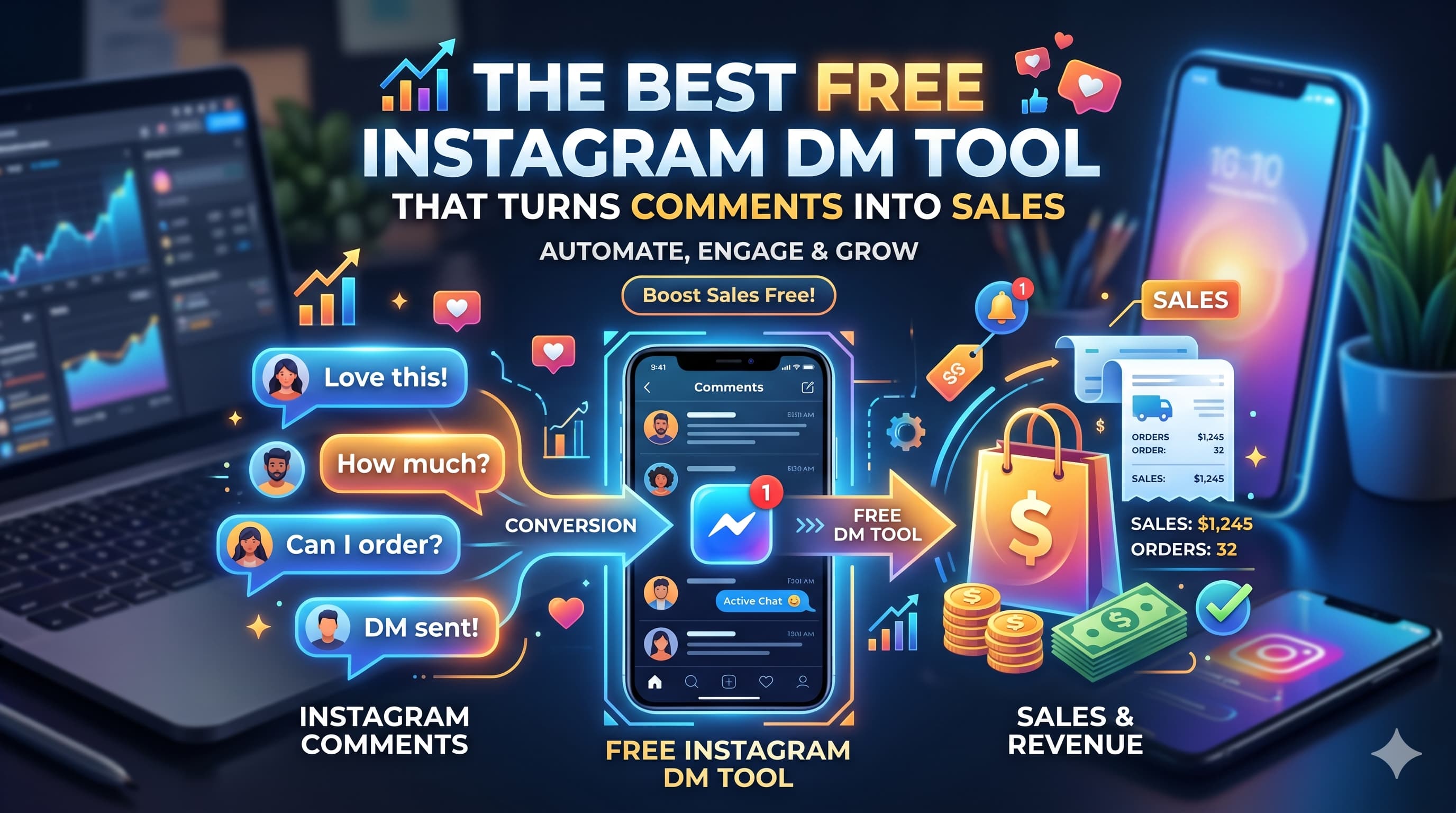
At its core, comment-to-DM automation sends an instant direct message whenever a user comments a specific keyword on your post. Think of it like an email autoresponder built natively for social media.
How It Works Safely
Modern tools use Meta’s official Instagram Graph API instead of relying on risky, outdated bots that fake human clicks and trigger account bans. This authorised connection "listens" for your chosen keywords and securely fires off a DM within seconds. Because Meta built this channel specifically for developers, it is completely safe and seamless.
Best Content Formats to Use
Giving your audience a specific, low-effort action to take works exceptionally well across several formats:
- Reels: Tell viewers to comment a specific word to get a free guide or link sent straight to them.
- Carousels: Share a few tips on the slides and ask for a comment to receive the full list via DM.
- Story Mentions: Automatically send a thank-you note or a discount code the moment someone tags your account.
- Live Sessions: Pin a post after a broadcast asking viewers to comment their questions for a direct follow-up.
Why DM Automation is Mandatory in 2026
Just posting consistently on Instagram doesn't cut it anymore. Today, the creators actually making money are the ones using automated systems to turn viewers into buyers. Here is why you need to set it up:
- Speed is everything: Your conversion chances plummet by over 80% if you don't reply within five minutes. When someone comments on your Reel, they are interested right now. Take an hour to reply, and they've already scrolled away and forgotten about you. Automation hits their inbox in three seconds flat.
- It feeds the algorithm: Instagram loves fast engagement. When your automation auto-replies to a comment (e.g., "Just sent it! 📥"), it instantly doubles your comment count. The algorithm sees that rapid back-and-forth, assumes the content is hot, and pushes your post out to the Explore page.
- You physically can't scale manually: A fast typer can maybe handle 40 messages an hour. If your Reel randomly gets 5,000 comments overnight, you are looking at over 120 hours of typing. It is mathematically impossible to keep up without a team.
- Virality becomes profitable, not stressful: A viral post usually causes a massive, unmanageable backlog of missed leads. But with an automated setup, that sudden spike turns into your biggest payday of the month. The system doesn't sweat sending 3,000 messages at once.
Visual drag-and-drop workflow builder in InstantDM used for creating personalized, multi-step automated direct message sequences.
How to Set Up Instagram Comment-to-DM Automation: The Complete Step-by-Step Tutorial
This tutorial uses InstantDM (Meta-verified, $9.99/month flat rate). The core steps are functionally identical across most tools in this category.
Before you begin, confirm three things: your Instagram account is set to Business or Creator mode (not Personal), it is linked to a Facebook Page, and you have admin access to that Facebook Page. All three are required by Meta's API.
Step 1: Create Your InstantDM Account and Connect Your Instagram
Go to InstantDm.com and sign up for a free account. No credit card is required at this stage.
Once inside the dashboard, click "Connect Instagram Account" in the top navigation. You will be redirected to a standard Meta login screen — the same OAuth flow you see when any app requests Facebook or Instagram permissions. Log in with the Facebook account that is the admin of your linked Facebook Page.
Meta will show you a list of permissions the tool needs. They usually allow you to read comments on your posts, send messages on your behalf, and read basic profile information. Give 'em all. The automation requires these permissions to operate. This isn’t some rogue tool hacking your account in the background — it’s you explicitly giving permission through Meta’s standard, secure permission system.
Once you give permission, you will be redirected back to the InstantDM dashboard. You should see your Instagram profile photo and handle now, which means the connection was successful.
Common issue at this step: If you see an error that says “Account not eligible” it usually means your Instagram is still on Personal. Open the Instagram app, tap the three lines, then Settings, then Account, then “Switch to Professional Account.” Select Business. Then come back and do the connect step again.
Step 2: Navigate to the Comment Automation Section
In the left-hand sidebar of the dashboard, you will see a navigation menu. Look for "Automations" or "Comment to DM" — the exact label varies slightly by tool version. Click it.
This brings you to your automation management panel. If this is your first time, it will be empty. Click "Create New Automation" or the plus icon to begin building your first trigger.
Step 3: Choose Your Target Post or Set a Universal Trigger
You will be asked to choose where you want this automation to work. You can do one of two things.
Specific Post Trigger: Choose a particular post or Reel from your feed. The automation only happens when someone comments on that specific piece of content. It’s the best option for campaigns that are tied to a single Reel or product launch because it keeps your data clean and your reporting accurate.
Universal Trigger: The automation applies to every post on your account, past and future. This works well for evergreen content where the same keyword always leads to the same resource — for example, any time anyone ever comments "FREEBIE" on any of your posts, they get your lead magnet.
To begin your first automation, choose a specific post. Choose the Reel you are currently promoting or want to promote. When you understand how the system behaves you can always expand to a universal trigger later.
Step 4: Define Your Keyword Trigger
This is the word or phrase that activates the automation. Type it into the "Keyword" field.
Choosing the right keyword is more important than most people realize. Here are the principles that work:
Keep it short and unambiguous. Single words outperform phrases. "GUIDE" is better than "Send me the guide please." People type quickly in comments; they will not always spell out a long phrase exactly.
Make it specific to your CTA. If your Reel says "Comment the word BLUEPRINT," use BLUEPRINT. The keyword should match what you say in the video exactly, or you will confuse your audience.
Avoid common conversational words. Using "great" or "love" or "wow" as your trigger will fire the automation on general compliment comments, which feels spammy to recipients who did not ask for anything.
Capitalization settings: Most tools let you choose whether the trigger is case-sensitive. Setting it to case-insensitive means "guide," "Guide," and "GUIDE" all trigger the same automation. Recommended.
Multiple keywords for one DM: You can usually add several keyword variations that all lead to the same message. "LINK," "SEND," and "INFO" can all trigger the same DM about your product. This catches people who do not follow the exact CTA but clearly have the same intent.
Step 5: Write Your Automated DM
The message your audience receives is the most important creative element in this entire system. It is your first private touchpoint with a warm lead. Write it accordingly.
Structure that converts:
Open with acknowledgment: "Hey! Thanks for commenting on my post." This makes it feel personal even though it is automated.
Deliver the value immediately: "Here is the free guide I mentioned: [link]." Do not make them click through two more steps to get what they asked for.
Add a soft CTA: "Let me know if you have any questions — I read every reply." This opens the door to a real conversation without being pushy.
Length guidance: Keep your first DM under 200 characters if possible. In 2026, DMs that arrive looking like a newsletter are ignored. DMs that arrive looking like a text from a friend get opened. The link is the value — the text around it should be minimal.
Example DM that converts well: "Hey! Here's the client acquisition blueprint you asked for: Link if you have Qs.
That is 80 characters. It is friendly, immediate, and actionable. Compare that to a 400-word DM that reads like a sales email. The shorter version wins on open rates and click-throughs every time.
Step 6: Enable the Public Comment Auto-Reply (Do Not Skip This)
Most creators skip this step, and it’s a huge mistake.
In addition to the DM, most tools allow you to automatically post a public reply to the user's comment. Enable this. Set it to something short and friendly: "Sent it to your DMs! 📥 Check them now." or "On its way to your inbox ✅"
This matters for three reasons.
First, it tells the commenter the system worked, and reassures them where to look. This reduces the “Did it send?” confusion that leads to follow-up comments.
Secondly, it increases your public comment count. The more comments, the better your post ranks in the algorithm.
Third, it signals to other users reading the comments that the automation is on. They see 30 "Sent to your DMs!" replies and know exactly what to do to get the same. It becomes social proof that reinforces itself.”
Step 7: Configure Timing and Availability Settings
Choose whether your automation runs 24/7 or during specific hours.
For comment-to-DM automation specifically, 24/7 is almost always the right choice. The entire point of this system is to respond instantly regardless of when the comment arrives. If you restrict it to business hours, you are leaving leads unanswered during evenings and weekends — which is often when consumer engagement is highest.
Limited hours only make sense if the DM requires a personal follow up that your team does manually. In which case, you may want to automate only during hours when someone is there to continue the conversation.
Step 8: Test It Before Going Live
This step is not optional. Test the automation yourself before you publish your CTA to your audience.
Create a secondary Instagram account (or have a friend or team member do it) and comment your keyword on the target post. Check for two things: The public auto-reply under your comment and the DM in the inbox of the test account.
Clock it. It should be there in 5 to 10 seconds.” Check out the DM content. Is the link working? Does the message sound natural? Something missing?
Only after a successful test should you go live with your CTA to your audience.
Total setup time: under 10 minutes. Once live, it runs 24/7 with zero manual effort.
Instagram Direct Messages have become a key channel for conversations between brands and users. When someone replies to a Story, comments on a post, or sends a DM to a professional account, a private conversation can begin instantly. But it doesn’t need to be time-consuming.
https://www.easypromosapp.com/blog/en/instagram-dm-automation-tools/
A Real-World Example: How One Fitness Coach Generated 340 Leads From a Single Reel
To make this concrete, here is how a fitness coach with 18,000 followers used comment-to-DM automation in practice.
She recorded a 45-second Reel titled "3 things I wish I knew before starting my fitness journey." At the end of the video, she said: "Comment the word STRONGER and I will send you the free 7-day workout plan I used to lose 22 pounds."
Within 48 hours, the Reel had 340 people comment "STRONGER." Each one received an automated DM with the link to her free workout PDF (hosted on a landing page that captured their email address). Of those 340 people, 280 clicked the link and 218 joined her email list.
She then had a warm email list of 218 people who had self-identified as interested in fitness, had actively engaged with her content, and had voluntarily opted in. Her next email promoting a $97 online coaching program converted at 11% — meaning she generated roughly $2,300 from that single Reel, with zero manual outreach.
This is not an exceptional case. It is a repeatable system that works at any follower count when the content is targeted and the CTA is clear.
The 6 Best Instagram Comment-to-DM Automation Tools in 2026
We tested six tools over 14 days on a real Instagram Business account with 12,400 followers. We ran identical campaigns on each — same post, same keyword, same DM content — and evaluated performance across setup speed, delivery reliability, pricing transparency, and ease of use.
1. InstantDM — Best Overall for Flat-Rate Unlimited Automation
InstantDM launched relatively recently compared to giants like ManyChat, but it has grown rapidly because it solves a specific frustration that most creators develop after a few months with other tools: the pricing growth trap.
Most automation tools charge you more as you get more successful. Your follower count grows, your contact list expands, and suddenly your $15/month tool becomes a $79/month tool. InstantDM charges $9.99 flat, regardless of how many contacts you have or how many DMs you send. That is a fundamentally different pricing philosophy.
In our testing, delivery speed was consistently under 4 seconds. The dashboard is clean and does not require any technical knowledge to navigate. The mobile app (available on both iOS and Android) lets you monitor active automations and create new ones from your phone, which is genuinely useful for creators who manage everything without a desktop.
Notable features beyond comment automation include integrated post and carousel scheduling, story reply triggers, and a Shopify integration that lets e-commerce brands send product links directly from comment triggers.
Pricing: $9.99/month flat (free plan available with limited features)
Best for: Solo creators, coaches, e-commerce brands, anyone who wants unlimited automation without scaling costs
Pros: Meta-verified, unlimited triggers, flat-rate pricing, mobile app, post scheduling included, Shopify integration
Cons: Newer brand means smaller third-party tutorial community; some advanced flow-builder features still in development.
Verdict: Best value for pure Instagram automation in 2026. The flat pricing alone makes it the default choice for most creators.
2. ManyChat — Best for Complex Multi-Step Funnels
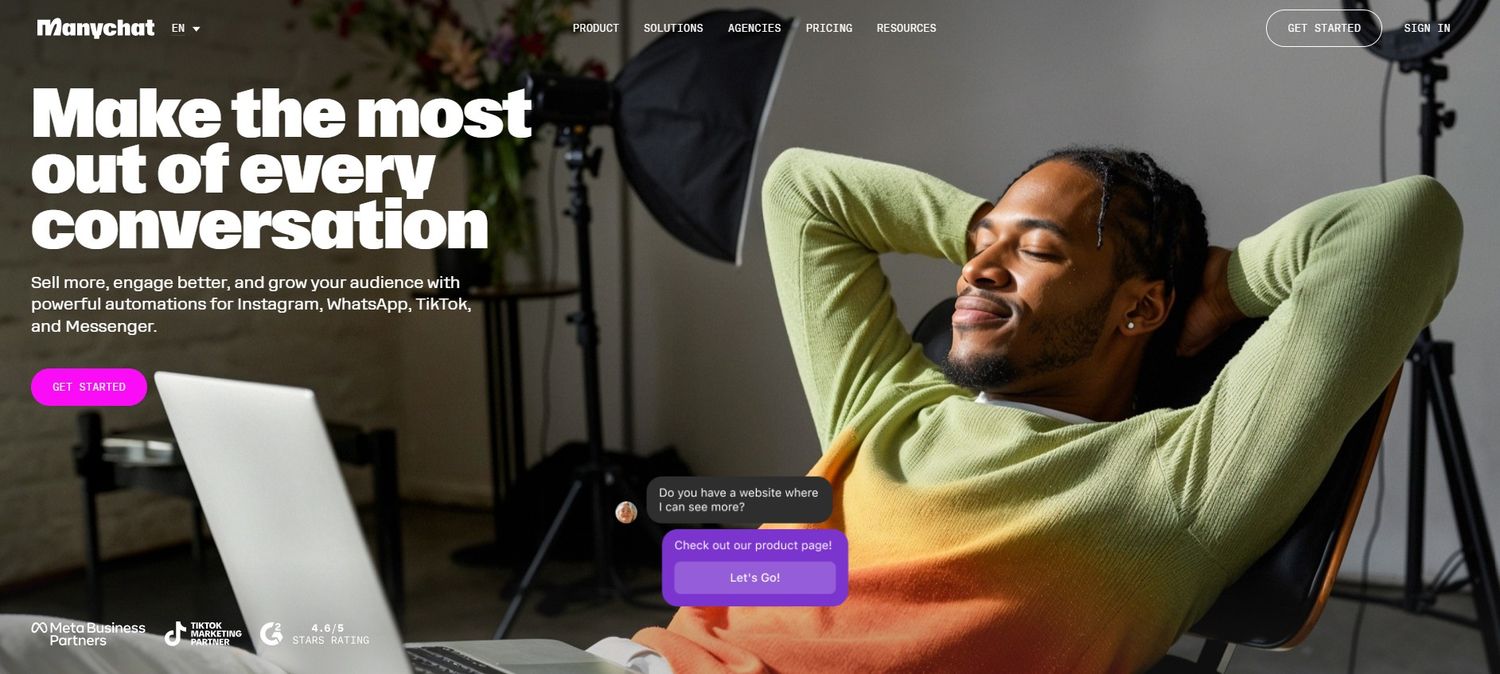
ManyChat is the tool that effectively invented this category. It has been operating since 2016 and has built an enormous ecosystem of templates, tutorials, agencies, and integrations. If you have ever heard anyone talk about Instagram chatbots, they were probably talking about ManyChat.
The core strength of ManyChat is its visual flow builder — a drag-and-drop interface that lets you build branching conversation trees. A user comments a keyword, you send them a DM, they click a button, that click triggers a different message, that message asks them a question, their answer routes them to a different offer. This kind of multi-step conversational funnel is genuinely powerful for high-ticket sales where the path to conversion involves qualification.
The limitation is pricing. ManyChat charges based on your contact list size. At under 1,000 contacts, the paid plan is $15/month. At 10,000 contacts, it is approximately $65/month. At 50,000 contacts, you are looking at $130/month or more. For a creator who is actively growing their list, this can become a significant and somewhat unpredictable expense.
Pricing: Free plan available; paid plans from $15/month, scaling with contact list size
Best for: Agencies managing multiple clients, brands running complex multi-step sales funnels, multi-channel operations (Instagram + WhatsApp + SMS + Email)
Pros: Industry standard, massive template library, powerful flow builder, extensive third-party integrations, large support community
Cons: Pricing scales quickly and can become expensive; it's overkill if you only need basic comment-to-DM; interface can feel complex for beginners
Verdict: The most powerful tool in the category, but the pricing model punishes growth in a way that feels counterintuitive.
3. Inro — Best Intent Detection with AI
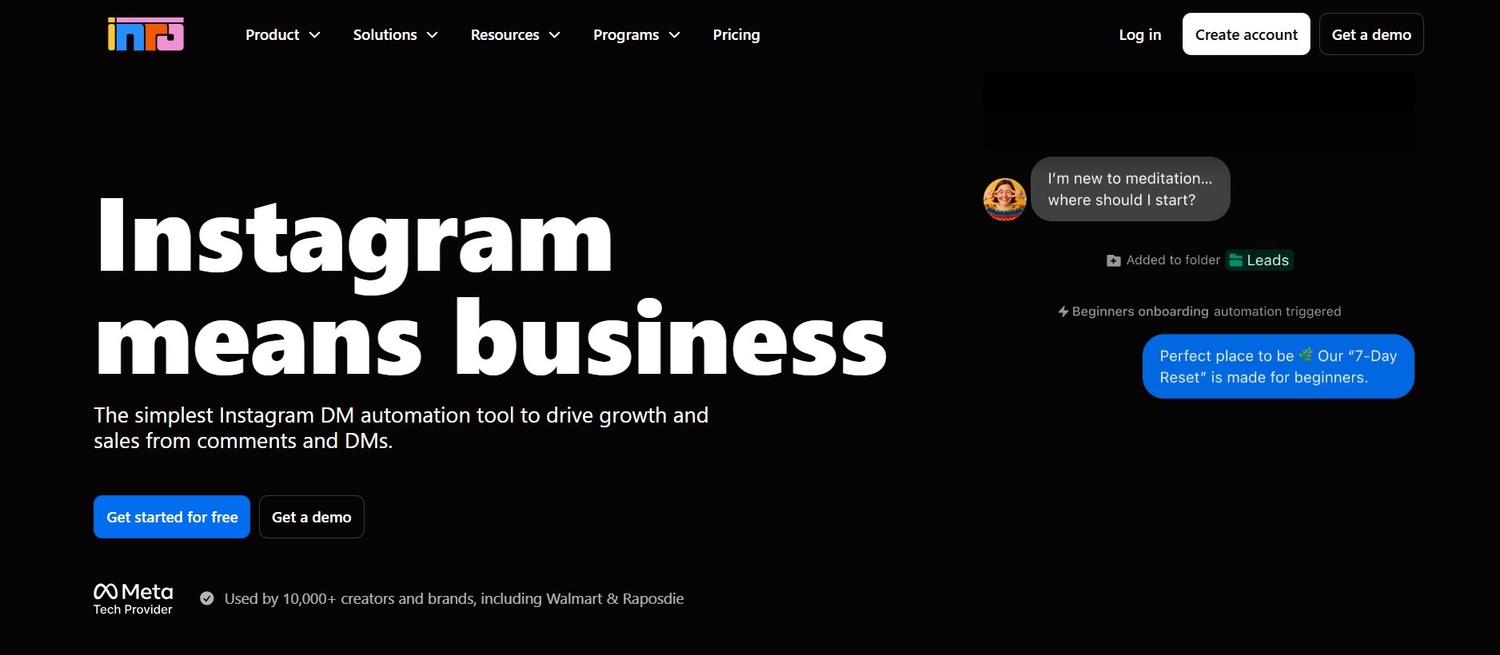
Inro has a different philosophical approach to comment automation. Instead of matching on specific keywords, it uses AI to understand the intent behind a comment. So , a user commenting I want this so bad '' can trigger the same automation as someone commenting your exact keyword LINK '' because the AI sees both as expressions of the same desire .
This is some seriously cool tech and it solves a real problem. Not everyone is going to hit your CTA perfectly. Some people naturally comment describing their interest instead of your trigger word. These leads are completely invisible to the typical keyword tools. They get caught by Inro.
The tradeoff is that it takes longer to configure AI-intent automation than keyword matching. You have to train the system to know what types of intent should trigger what responses . False positives ( the AI thinking something is intent ) can sometimes result in unsolicited DMs .
Inro also holds Meta Tech Provider status and counts enterprise clients like Walmart, LVMH, and Publicis Groupe among their customer base, which speaks to the reliability of the platform at scale.
Pricing: Starting around $14/month; enterprise plans available
Best for: Tech-forward brands that want AI handling intent rather than just keywords; enterprise teams with dedicated time to configure the system
Pros: AI intent detection, built-in CRM, Meta Tech Provider status, strong enterprise credibility, story and Reel support
Cons: Steeper learning curve; AI training takes time; higher price point than InstantDM; no integrated post scheduling
Verdict: The premium choice for teams that need nuanced, AI-driven automation. More powerful than keyword tools for natural-language comments.
4. LinkDM — Best for Simple Comment-to-Link Delivery
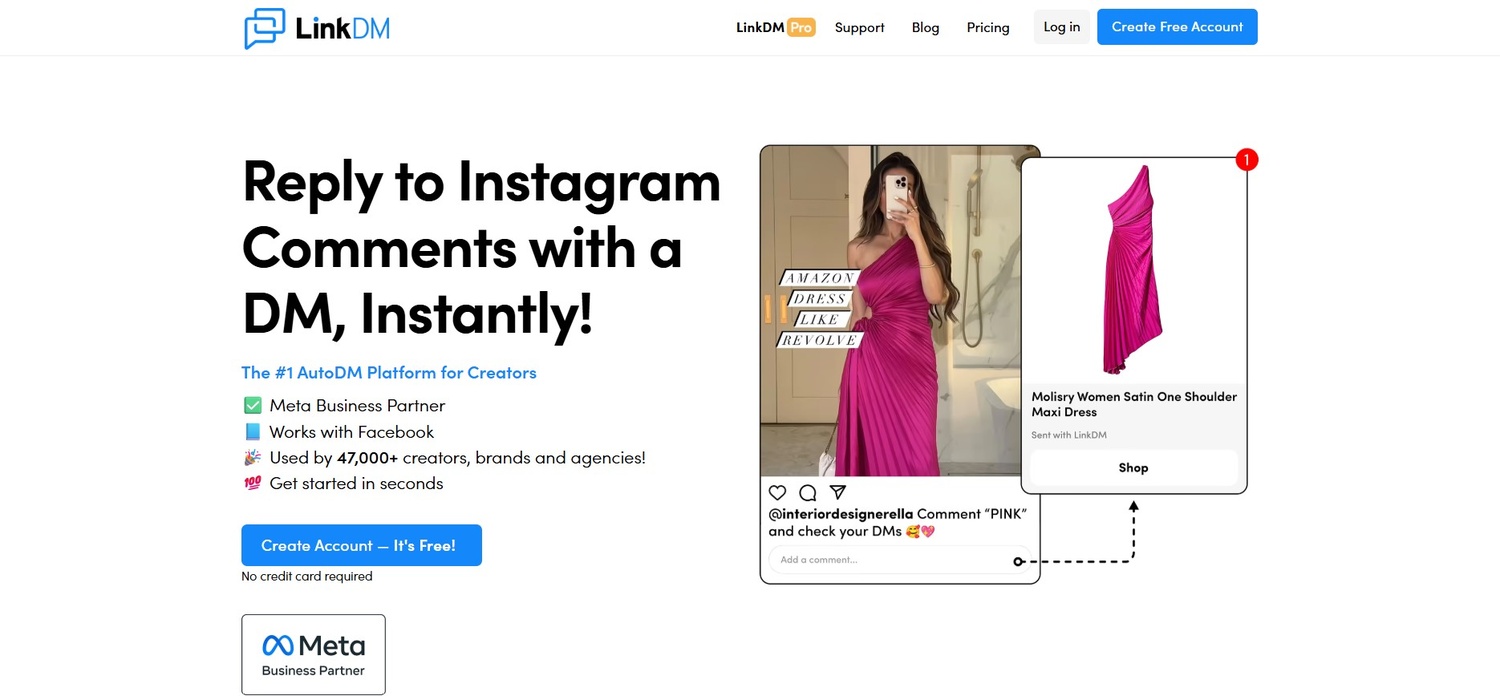
LinkDM does exactly one thing: when someone comments a keyword, it sends them a link. That is the entire product. No AI, no multi-step funnels, no scheduling — just a clean, simple mechanism for delivering a URL via DM.
For creators who have been frustrated by the complexity of other tools and just want to set something up in three minutes without reading a manual, LinkDM is genuinely appealing. The interface is stripped down to the essentials and the setup process is almost entirely self-explanatory.
The limitation is that you will outgrow it. Once you want to do anything beyond sending a single link — asking a follow-up question, segmenting your audience, sending different messages for different keywords on the same post — you will need to migrate to a more capable tool. That migration takes time and effort. Starting with a slightly more capable tool like InstantDM from the beginning avoids that transition.
Pricing: Approximately $19/month
Best for: Creators who exclusively need the comment-to-link functionality and nothing else Pros: Extremely simple setup, clean interface, focused feature set, no learning curve
Cons: No advanced funnels, no post scheduling, limited customization, more expensive per feature than alternatives
Verdict: A good starter tool for the absolute basics, but most businesses will want more capability within a few months.
5. ReplyRush — Best for Budget Beginners
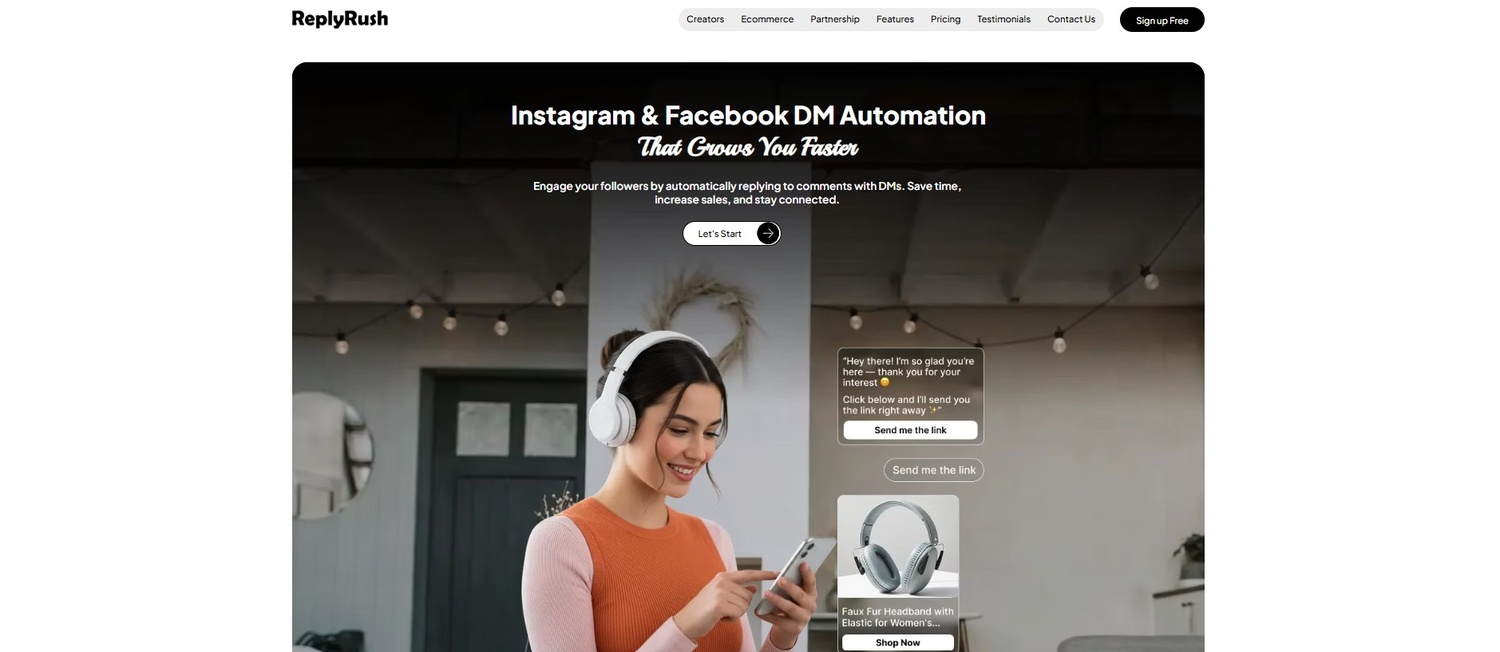
ReplyRush lives at the entry-level end of the market and does a solid job of serving those creators who are just beginning to experiment with automation. A clean UI, fast onboarding, and basic comment-to-DM functionality all work reliably.
The big issue is that the pricing levels attach DM volume limits. The entry plan limits the number of DMs you can send per month. Low-volume creators don't have a problem with this. The problem with GramInstagram, though, is you can’t always predict when a post is going viral and hitting a volume cap mid-campaign when you’re at peak engagement is the worst possible time to have to upgrade or pause your automation.
This scenario is what we call the "viral penalty" — a pricing structure that punishes you precisely when things are going well. It is a structural mismatch with the reality of Instagram growth.
Pricing: $10–$25/month depending on DM volume tier
Best for: Small creators with predictable, low comment volume who are testing automation for the first time
Pros: Low entry price, clean UI, fast setup, basic features work well
Cons: DM volume caps create problems during growth; upgrading mid-campaign is disruptive; limited features beyond core automation
Verdict: Fine to start, but plan to migrate within three to six months as your account grows.
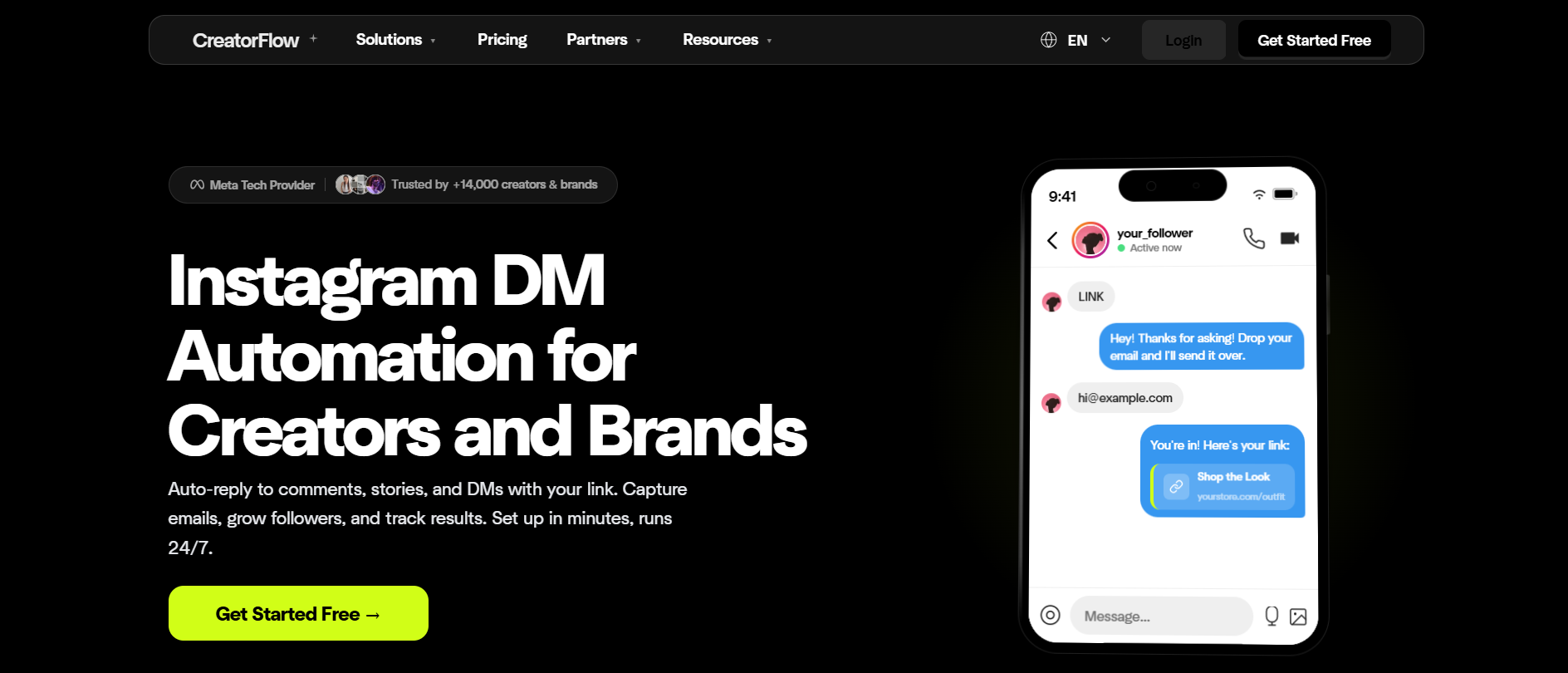
6. CreatorFlow — Best for Lightweight, No-Frills Setups
CreatorFlow is a relatively new player that strips away all the complex flow builders and AI agents to focus purely on the basics. It is designed for creators who just want to quickly gate a link behind an email address or a follow.
Instead of building a massive conversational tree, you select a template, pick a keyword, write your DM, and hit publish. It handles comment-to-DM, story replies, and standard keyword triggers efficiently. Notably, it includes an "Email Gate" and a "Follow Gate", which forces users to follow you or submit an email before the system delivers the promised link.
The catch here is the pricing structure. CreatorFlow charges based on DM volume ceilings. You get 500 DMs on the free plan, but once you hit the 5,000 or 10,000 DM thresholds on paid tiers, you are forced to upgrade. If a Reel suddenly takes off, that volume cap can become an unexpected bottleneck.
Pricing: Free up to 500 DMs/month; paid tiers scale with DM volume
Best for: Creators who want the absolute simplest setup for email and follow gating
Pros: Extremely fast setup, built-in follow/email gates, officially Meta-approved
Cons: Volume-based pricing limits viral scalability, there are no advanced multi-step funnels, and it lacks AI conversational agents
Verdict: A solid, low-friction tool if you have predictable, moderate comment volume and just want to capture emails fast.
Side-by-Side Comparison Table
| Tool | Starting Price | Free Plan | Comment Triggers | DM Limits | Post Scheduling | Best For |
|---|---|---|---|---|---|---|
| InstantDM | $9.99/mo | Yes | Unlimited | Unlimited | Yes | Solo creators & coaches |
| ManyChat | $15/mo | Yes | Unlimited | Tiered by contacts | Yes | Agencies & complex funnels |
| Inro | $14/mo | No | Unlimited (AI) | Tiered | No | AI intent detection |
| LinkDM | $19/mo | No | Limited | Unlimited | No | Simple link delivery |
| ReplyRush | $10/mo | Yes | Limited | Volume caps | No | Small creators / beginners |
| CreatorFlow | Volume-based | Yes | Template/Basic | Tiered by volume | No | Lightweight setups & gating |
Which Tool Should You Actually Choose?
If you are a solo creator, coach, or personal brand who wants automation that runs in the background without requiring ongoing management or surprise billing — choose InstantDM. The flat-rate pricing means you never have to think about it again, regardless of how fast you grow.
If you are a marketing agency managing Instagram automation for multiple clients with complex, multi-step sales funnels that involve conditional logic, multiple message sequences, and multi-channel coverage, choose ManyChat. The power justifies the cost at the agency level.
If you want AI handling your comment intent rather than exact keyword matching, and your team has the time to configure and train the system, choose Inro. It is the most technically sophisticated tool in the category.
If you have never tried comment automation before and just want to send a link when someone comments a word, choose InstantDM or LinkDM. InstantDM gives you more room to grow. LinkDM gets you live in three minutes.
If you run an e-commerce brand with a dedicated support team handling customer service across multiple platforms, choose DelightChat.
Still undecided? Start with InstantDM's free plan. No credit card required. You can go live with your first automation within ten minutes, and the free tier provides enough functionality to help you determine whether the system works for your audience before you commit to the paid plan.
Just drop the text below and let me know the specific goal, whether we are reverse-engineering a competitor's strategy to outrank them, or optimizing this piece for a new digital marketing campaign
The Truth About Instagram DM Automation Safety
The short answer? Yes, it's perfectly safe—but only if you're using the right software. It all comes down to how the tool actually connects to your account.
The Good: Official API Tools These are 100% approved by Meta. They connect via a standard permission screen and will never ask for your actual password. Because Meta literally built the system these tools run on, you won't get penalized for using them.
The Bad: Sketchy Bots Stay away from anything that demands your username and password. These "grey-hat" bots secretly run in the background to mimic human clicking and scrolling. Instagram's algorithm easily catches this, and it’s a fast track to getting shadowbanned or permanently suspended.
Your Quick Safety Checklist Before connecting any automation app, make sure it passes these checks:
- Keep your password secret: If they ask for your login details, close the tab immediately.
- Look for the official API: They should explicitly mention using the "Instagram Graph API."
- Check for Meta badges: Look for an official "Meta Tech Provider" or verified badge on their website.
- Check the fine print: Ensure they actually have a clear privacy policy explaining how they handle data.
Next-Level DM Automation Tactics
Got your basic setup running? Great. Here is how to cut the fluff and actually maximise it.
- Give before you ask: Stop pitching in the very first message. Hand over a valuable freebie (like a quick template or checklist) that directs them to a landing page to capture their email. If Instagram ever restricts your account, you still own that email list.
- Split your keywords: Don't limit a Reel to just one call-to-action. Ask beginners to comment "START" and veterans to drop "NEXT." Routing folks to tailored, highly specific DMs drastically bumps up your conversion rates.
- Build a follow-up sequence: One message rarely cuts it. Send the promised link instantly, drop a quick "did you get it?" check-in a day later, and then softly pitch your offer 48 hours after that.
- Track your clicks: Never fly blind. Slap a Bitly or UTM-tagged link in your messages so you know exactly who is actually clicking. Stop guessing and let the hard data show you which scripts win.
Conclusion: The System That Changes Everything
In 2026, the creators and businesses that are building real, sustainable revenue from Instagram are not necessarily the ones with the largest followings or the most expensive production setups. They are the ones who have built systems that work for them continuously — systems that capture attention when it is offered, deliver value instantly, and move people through a journey toward becoming customers.
Instagram comment-to-DM automation is one of those systems. It is not complicated to set up. It does not require technical skills. It costs less per month than most people spend on lunch. And once it is running, it works every hour of every day, regardless of whether you are at your desk, asleep, or on holiday.
The gap between posting good content and building a profitable business is usually not about content quality. It is about infrastructure. Set up the infrastructure once. Let it run. Focus your human energy on creating the content and having the conversations that only you can have.
To take your comment-to-DM campaigns further, learn how to build full IG DM sales funnels that automate your entire customer journey from first reply to closed sale.
Ready to build the system? Start your free InstantDM trial — no credit card required. Your first automated DM could be sent within the next ten minutes.
Next Steps and Related Content
Once your Instagram DM automated lead generation system is operational, you can use these connected resources to improve its effectiveness and enhance your results:
- The Complete Guide to Instagram Comment-to-DM Automation (2026)
- How to Set Up Auto DM on Instagram: A Step-by-Step Guide for 2026
- A Comparison of the Best Instagram DM Automation Tools (2026)
- How to Use Claude AI to Automate Your Instagram DMs
- Beyond Instagram: The Power of DM Automation in Marketing
Related: How to Check Instagram Messages: DMs, Requests, and Hidden I
Related: 30 Things You Need to Know Before Starting on Instagram in 2
Related: The Best Automation Tools for OnlyFans Creators to Scale Inc
Related: Affordable Instagram DM Automation in 2026: What It Actually
Related: Mastering IG DM Funnels: Guide to Auto DM Sales
Related: Messaging With Instagram Marketing Strategy Actually Works
Related: Why Social Media Should Not Be Your Entire Marketing Strateg
How to Automate Your Instagram DMs with Claude AI
Best Insta DM App & Instagram DM Automation Tools (2026): The Complete Guide
The Best Automation Tools for OnlyFans Creators to Scale Income
How to Reply to Instagram DMs Faster (Manual + Auto-Reply Setup)
Best Instagram Automation Tools 2026 | InstantDM
How Photographers Automate Booking Inquiries Through Instagram DMs
Automate, Engage, Convert: The AI Agent Playbook for Instagram DM Marketing in 2026
Connect Facebook to Instagram in 2 Minutes (Required for DM Automation)
How to Set Up Auto DM on Instagram - Step By Step 2026 Guide
Ultimate DM Templates for Comment-to-Lead Instagram Auto DM
The 2026 Guide: Using Instagram Auto DMs Without Getting Banned